Free tools6 min readFreeUpdated 2026-11-25
Christmas concert poster: a free template for carols and choirs
A poster for a carol evening, a school Christmas concert or a choir — the title, the right date, the place and the tickets, readable from across a corridor.
By the Paletoo team · steps tested in Paletoo on
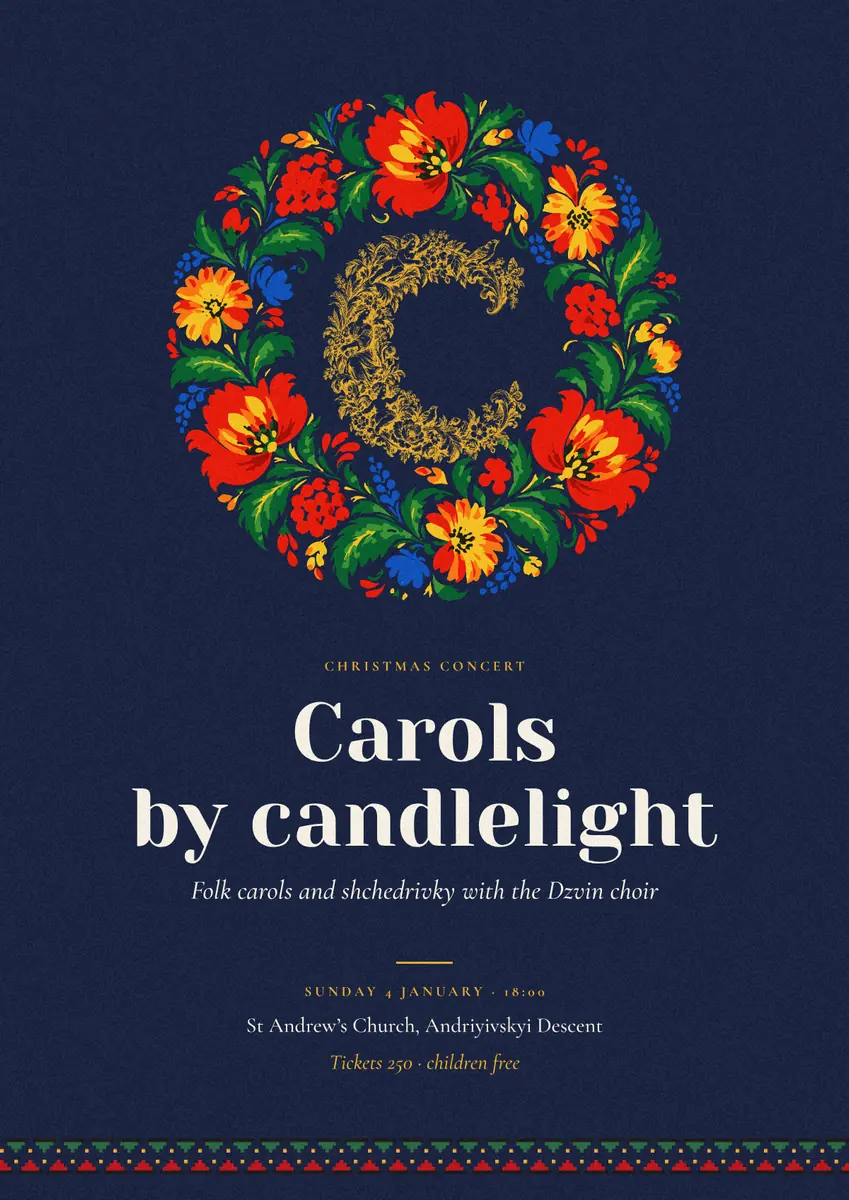
To make a Christmas concert poster, open a ready poster template, type the concert’s name, the date with its day of the week, the time, the place and the ticket price, then export a PDF to print or a PNG to post. In Paletoo it takes about ten minutes, it is free, with no sign-up and no watermark, and the template prints on A4 or A3.
Below: what a concert poster must say and in which order, the sizes for a door, a noticeboard, a post and a story, the dates of the 2026–27 carol season, how to print it, and one poster made start to finish — «Carols by candlelight», a portrait poster in Yeseva One and Cormorant Garamond with a folk border.
What a Christmas concert poster must say
People read a poster in three seconds while walking past. In that time they need four answers: what it is, when, where and whether they can come. Everything else — the programme, the soloists, the sponsors — is for those who stop. So give the title the most room, the date and time the second most, and put the place and the tickets in one calm line underneath.
Write the date with its day of the week: «Sunday 3 January · 18:00» is read faster and trusted more than «03.01». Check the weekday against a calendar of the right year; a template carries the date of the year it was drawn, and a wrong weekday makes people doubt the whole poster.
| Line | Example | Size |
|---|---|---|
| Title | Carols by candlelight | The largest, one or two lines |
| Date and time | Sunday 3 January · 18:00 | Second, easy to find |
| Who performs | Folk carols with the Dzvin choir | Medium |
| Place | St Andrew’s Church, the main hall | Small but clear |
| Tickets | Tickets 250 · children free | Small; «free entry» if it is |
| How to book | A QR code to the form or the ticket page | At least 2 cm wide |
Sizes: a door, a noticeboard, a post and a story
One design can go everywhere if it is made in the A-series proportion (1 : 1.414), as the template is. A3 hangs on a church or school door and is read from a few metres; A4 fits a noticeboard, a shop window or a lift; the same poster cropped to 4 : 5 or 9 : 16 goes to Instagram and to a story. For print, export at 300 dpi: an A4 page is 2480 × 3508 pixels, A3 is 3508 × 4961.
| Where | Size | Pixels at 300 dpi or on screen |
|---|---|---|
| Door, hall, church porch | A3, 297 × 420 mm | 3508 × 4961 |
| Noticeboard, window, lift | A4, 210 × 297 mm | 2480 × 3508 |
| Leaflet to hand out | A5, 148 × 210 mm | 1748 × 2480 |
| Instagram or Facebook post | 4 : 5 | 1080 × 1350 |
| Story or status | 9 : 16 | 1080 × 1920 |
The 2026–27 carol season: dates to check
Since 2023 Ukraine celebrates Christmas on 25 December (Law 3109-IX), so the season of carols now runs from Christmas Eve on 24 December through Shchedryi Vechir on 31 December to Vodokhreshche, the Theophany, on 6 January. In this season, 24 December 2026 is a Thursday, 25 December a Friday, 27 December and 3 January 2027 are Sundays, and 6 January 2027 is a Wednesday.
If you reuse a poster from last year, change the weekday as well as the number: 4 January was a Sunday in 2026, but in 2027 it is a Monday. A concert «on the Sunday after Christmas» is on 27 December 2026; the Sunday after New Year is 3 January 2027. Put the poster up two to three weeks before the concert; school and church noticeboards fill up quickly in December.
Printing it well
Export a PDF and print at 100 %, not «fit to page», so the sizes on the poster stay true. At home, an A4 laser or inkjet print on 120–160 g/m² paper looks better than office paper and does not curl on the door. At a print shop, ask for A3 on 150–200 g/m² and turn on bleed and crop marks in the export, so the dark background runs to the edge after trimming.
A dark poster uses a lot of ink. For a dozen copies on a home printer, try a light version first: change the background in the colours of the design and keep the dark one for the post. Hang one copy at eye level, not above it, and one where people queue.
Made in Paletoo
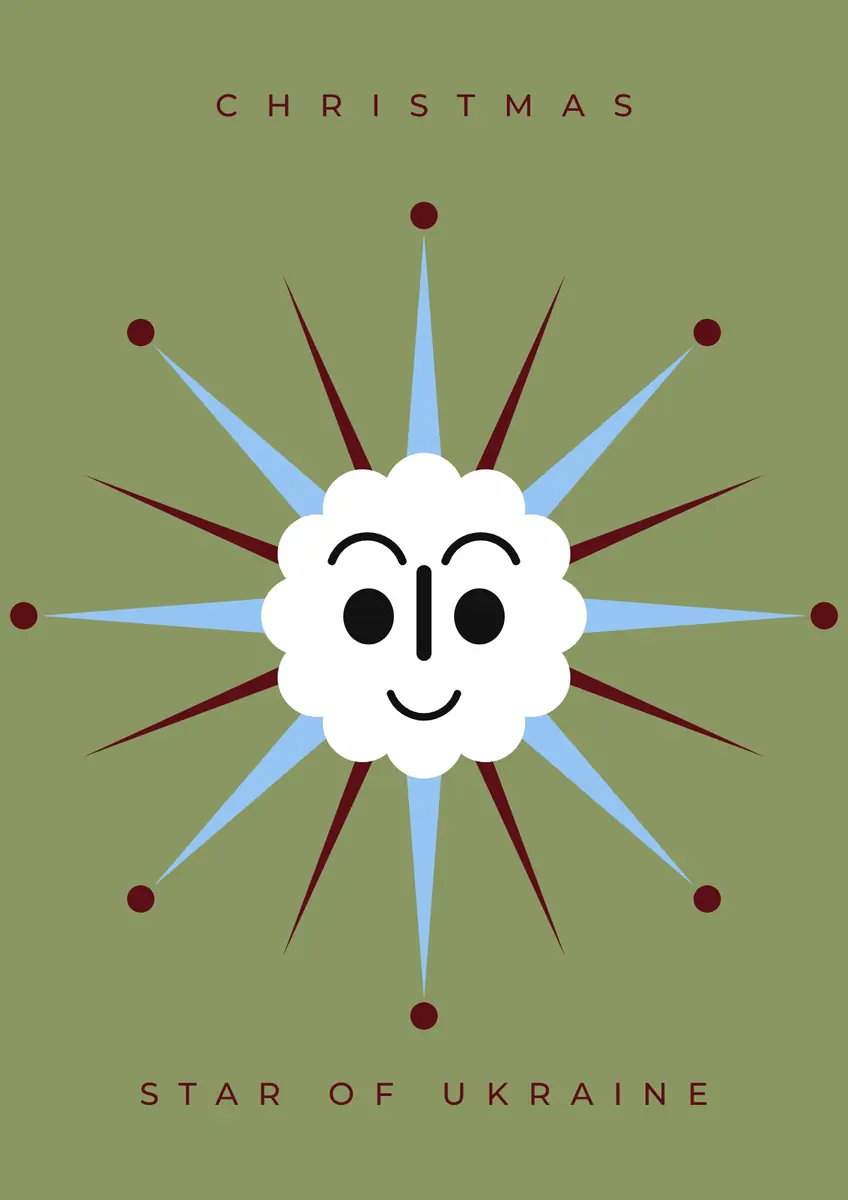
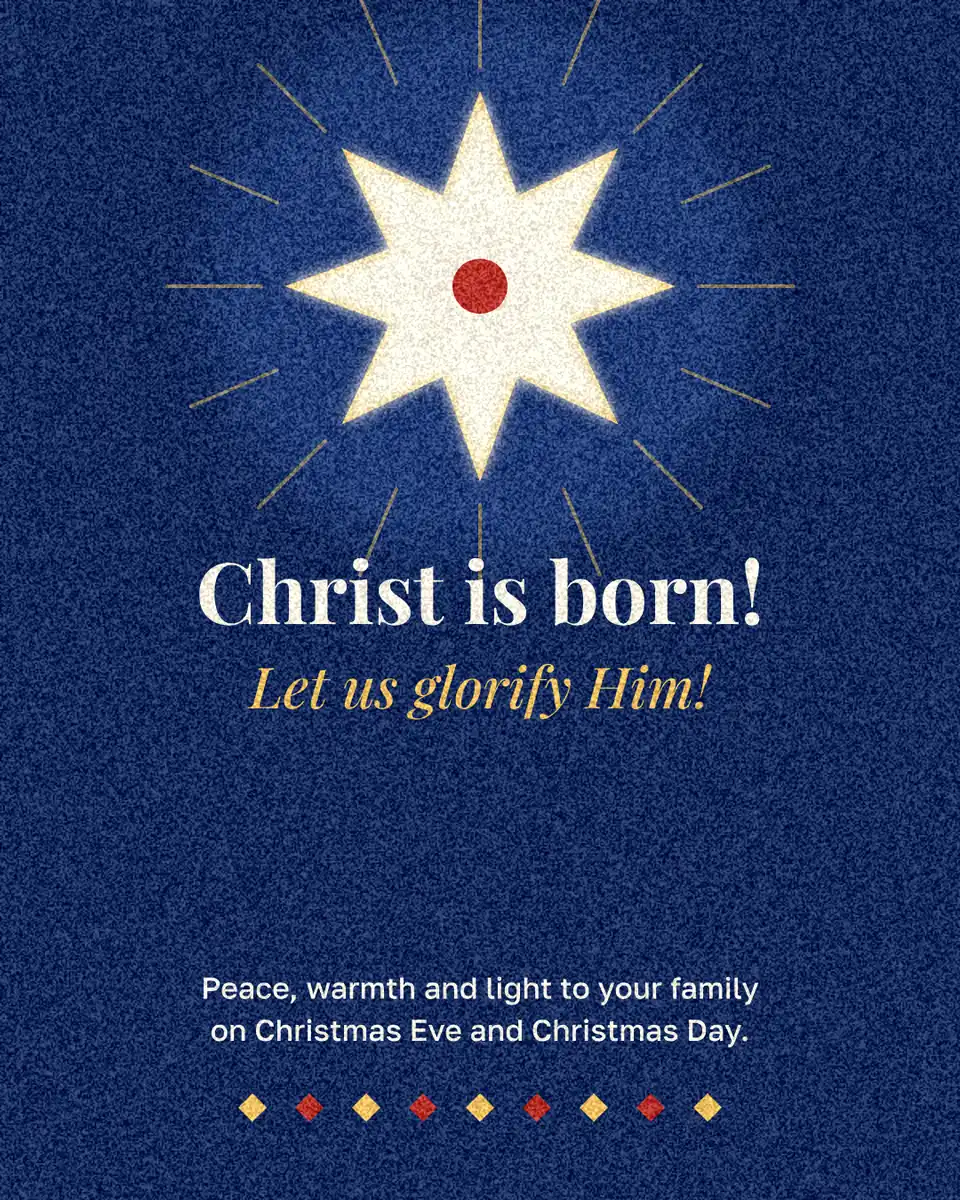
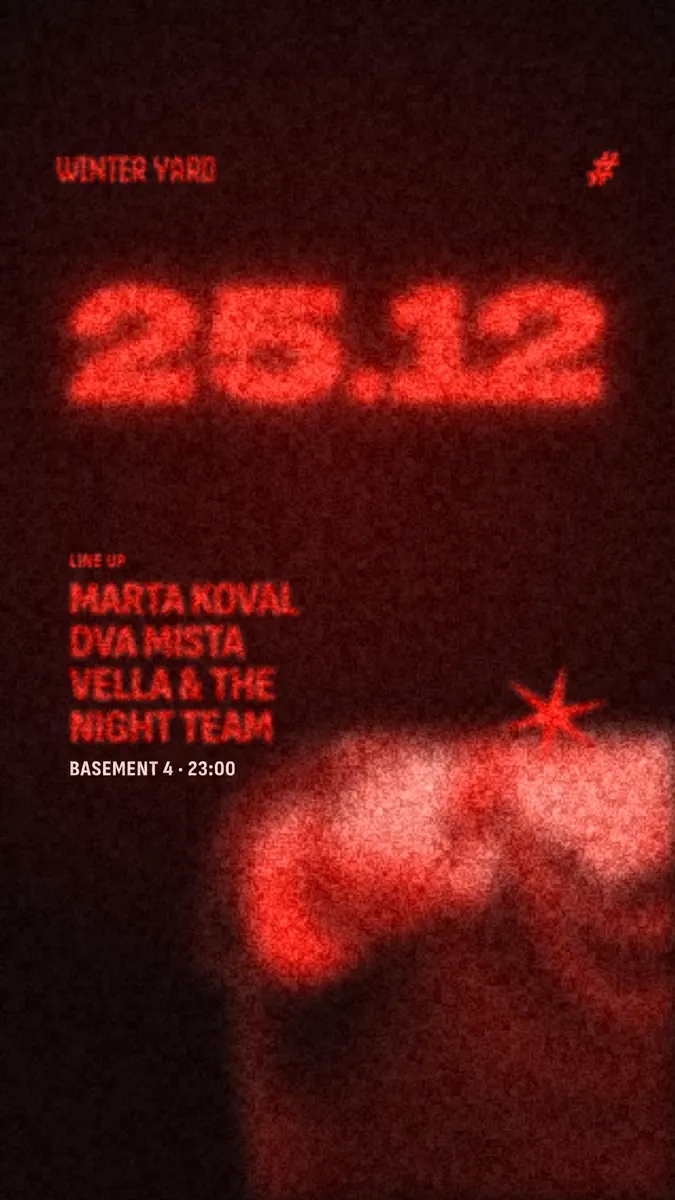
Every picture on this page was made in Paletoo — these three with the same steps on other templates:
Make it free in Paletoo
Press “Open in Paletoo” on this page, on a computer or a phone. «Carols by candlelight» opens as your own portrait poster, 1200 × 1697, with no account: a kicker, the title, a subtitle, the date, the place and the tickets, each its own text layer.
Double-click the title — the layer «Title» — and type your concert’s name, for example «Christmas concert» or «Evening of carols». Under Typography on the Design tab you can change the Font and the Size; if the name is long, lower the size a step rather than squeezing Letter spacing.
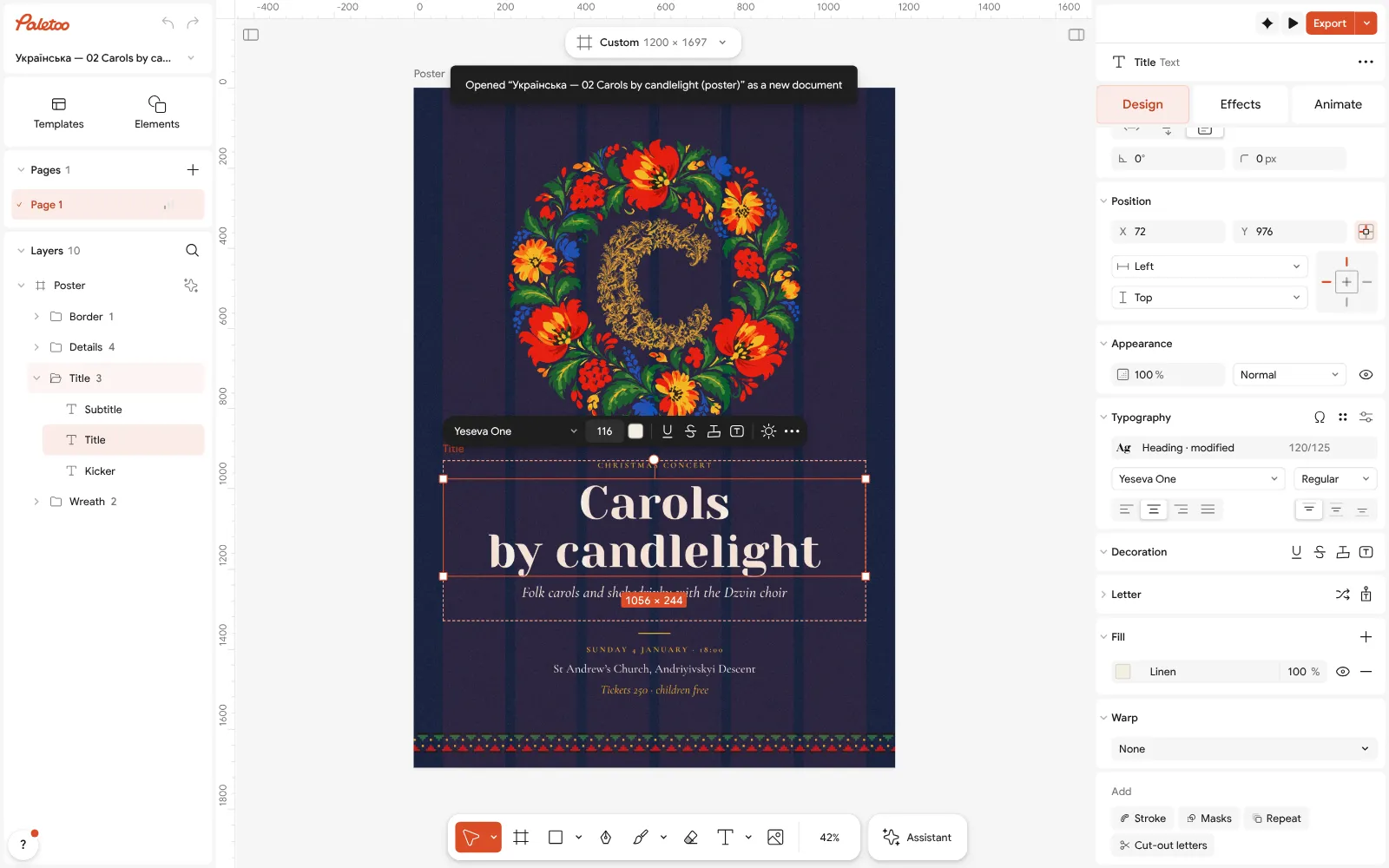
The «Carols by candlelight» poster open in Paletoo: the title selected, its font and size under Typography in the Design tab Double-click the date — the layer «When» — and write your own day, time and weekday. The template says «Sunday 3 January» — a Sunday in 2027; if your concert is on another day, check the weekday before you print.
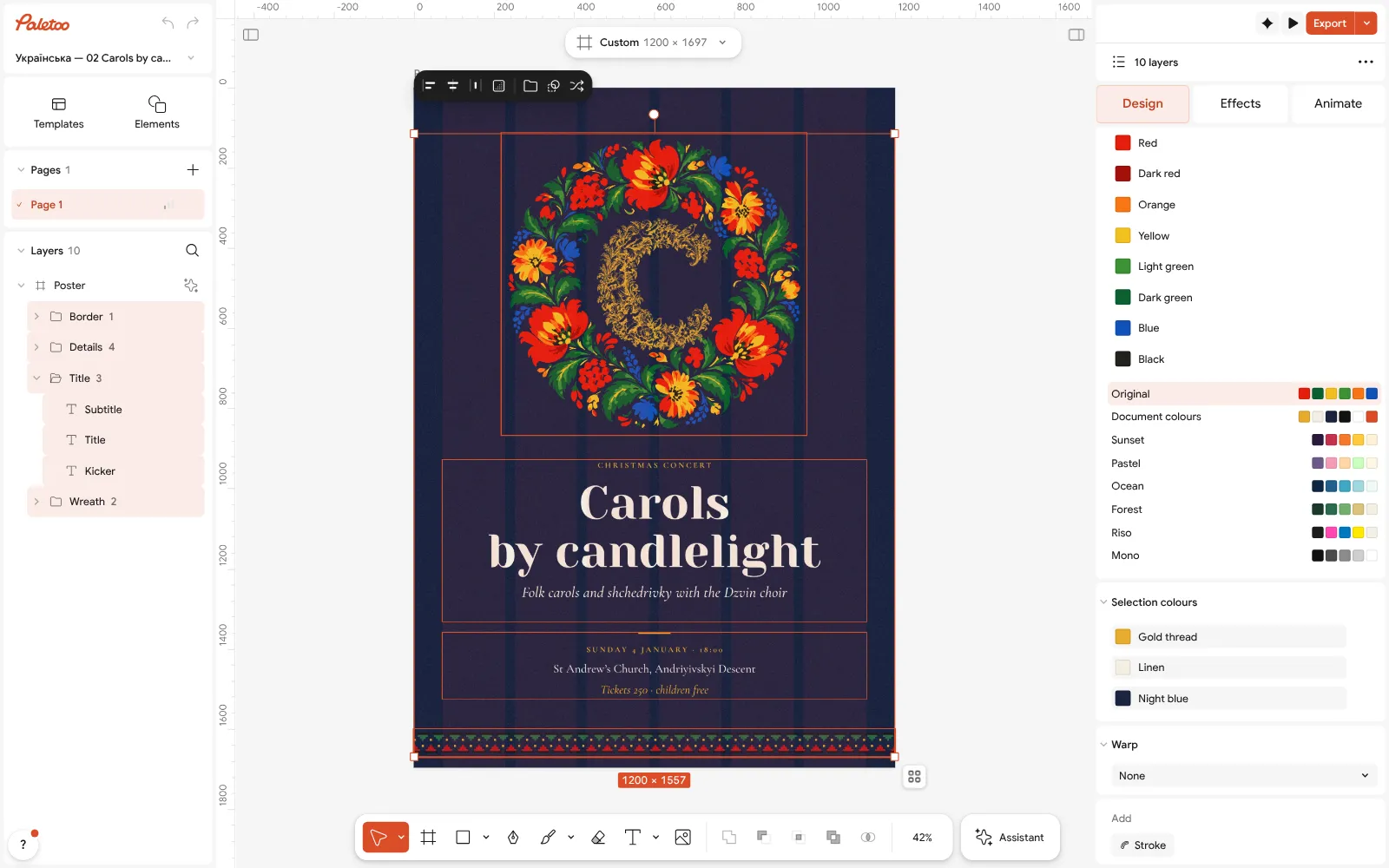
Everything selected: the poster’s colours under Selection colours Change the place in «Where» and the price in «Tickets» — or write «Free entry». To let people book or donate, add a QR code with the link and place it in a free corner, at least 2 cm wide in print.
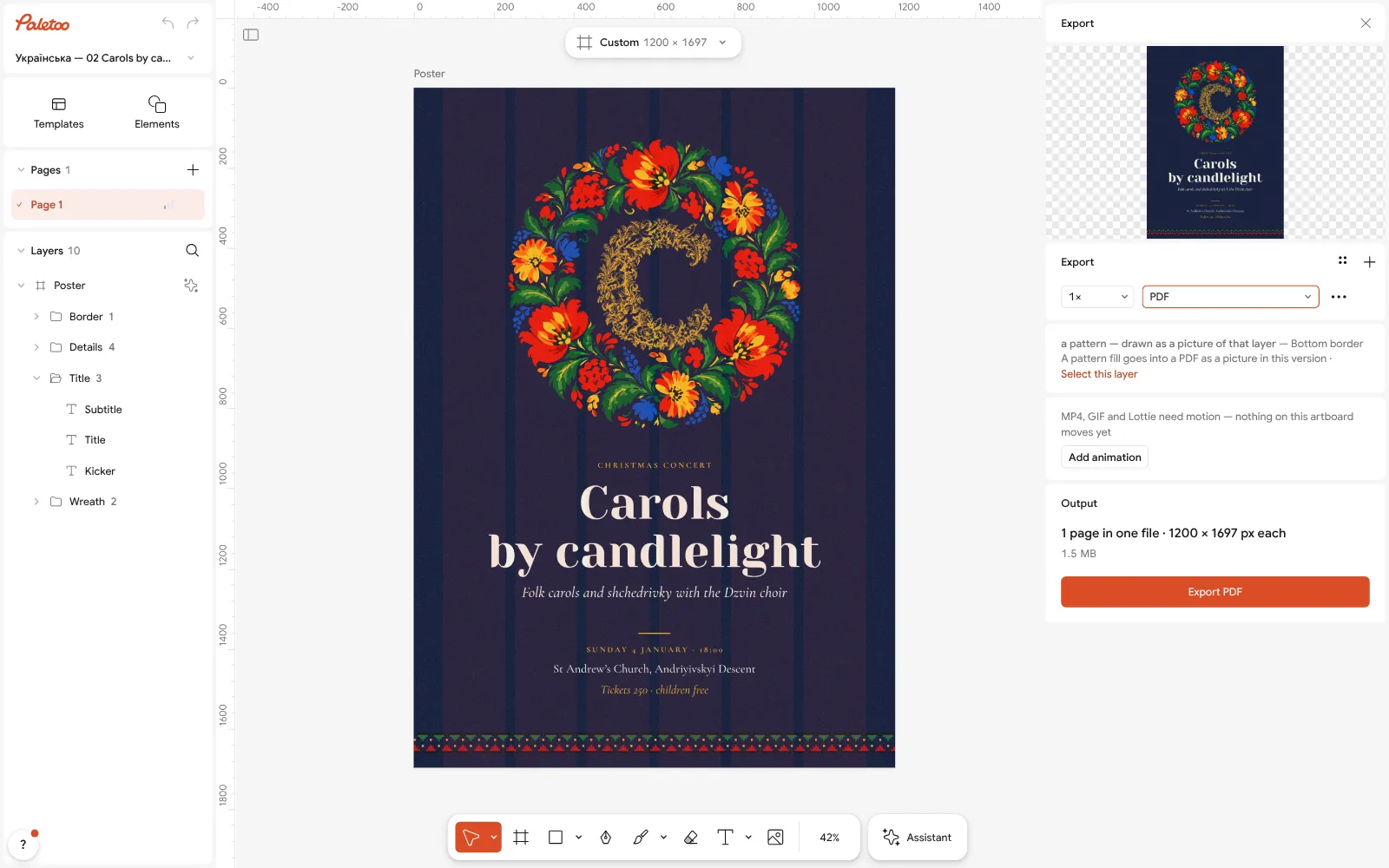
The Export window with PDF chosen for printing the concert poster Want the school’s or the choir’s colours? Select all (Ctrl A) and open Selection colours: change one colour, and every word and ornament that uses it follows.
Press Export (Ctrl Shift E), choose PDF for print — with Bleed and Crop marks for a print shop — or PNG for a post. Nothing you export carries a watermark.
Make it your own
Need the same poster for Instagram? Use Duplicate artboard, change the copy’s size to 1080 × 1350 and move the lines to fit; the words stay the same.
If the title runs to three lines, raise Line height a little and keep it to two lines with a shorter name; a short title is read from further away.
Printing a dozen copies at home? Lighten the background under Selection colours and keep the dark version for the screen.
Sources
Questions
How do I make a Christmas concert poster for free?
Open a ready poster template, type the title, the date with its weekday, the time, the place and the tickets, then export a PDF to print or a PNG to post. In Paletoo it is free, with no sign-up and no watermark.
What should a concert poster include?
What it is, when (date, weekday and time), where, who performs and whether it is free or ticketed, plus a QR code to book. The title is the largest; the date comes second.
What size should a concert poster be?
A3 (297 × 420 mm) for a door or a hall, A4 for a noticeboard, 1080 × 1350 for a post and 1080 × 1920 for a story. Make it in the A-series proportion and one design fits them all.
When is the carol season in Ukraine now?
From Christmas Eve on 24 December, through Shchedryi Vechir on 31 December, to the Theophany on 6 January — the dates since Ukraine moved Christmas to 25 December in 2023.
How far ahead should I put up a concert poster?
Two to three weeks before the concert, and post it online at the same time; in December noticeboards fill up fast.
How do I print a poster at A3?
Export a PDF and print at 100 % on A3, or send the PDF to a print shop with bleed and crop marks on; 150–200 g/m² paper stays flat on a door.
Make it online
- Poster makerMake a poster from a template that already has the layout right, then export a print-ready PDF or an image for screens.
- Flyer makerTurn a ready flyer template into yours in minutes and send the printer a PDF with bleed and crop marks.
Free design templates for posts, stories and posters: Poster templates · Event and launch templates
Try it on your own design
Paletoo opens in your browser, with no sign-up. Every effect here is live: change the picture or the words and the effect follows.
Open in PaletooOpens this design as your own copy — every layer and effect editable, free.
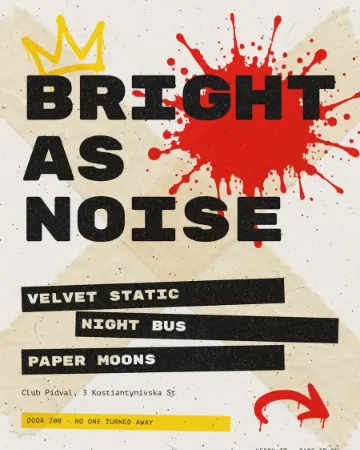 How to make a concert poster from a template
 Print-ready PDF: bleed, crop marks and CMYK, free