Techniques6 min readFreeUpdated 2026-11-06
Print-ready PDF: bleed, crop marks and CMYK, free
Everything a printer means by “print-ready”, and a checklist before you send the file.
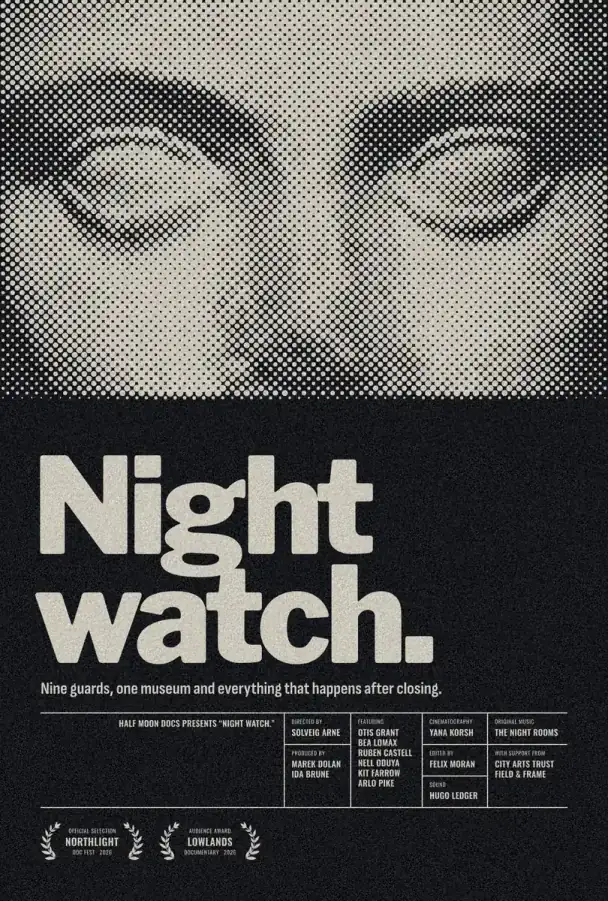
A print-ready PDF is the size of the finished piece plus 3 mm of bleed on every side, with crop marks at the corners, pictures at 300 ppi at the size they print, fonts embedded and colours a press can reproduce. In Paletoo one preset, PDF print with bleed, sets the bleed, the crop marks and the best photo quality at once, and exporting it is free, with no watermark and no sign-up.
This guide explains each of those words, on a film poster from the Onesheet series, “Night watch.”: a halftone portrait over a near-black ground, a heavy title and a block of small credits. It is a good test, because a dark background, fine type and a treated photo are exactly where print goes wrong.
Bleed, trim and the safe zone
Printers print on a larger sheet and cut it down. The cut is never perfectly exact, so anything that touches the edge — a background colour, a photo — must run past it, into the bleed, or a thin white line may appear. The usual bleed is 3 mm on each side (in the US, 1/8 inch); large-format printers sometimes ask for more, so check.
The opposite applies to text and logos: keep them inside a safe zone 3–5 mm in from the trim, so the blade never clips them. Crop marks are the short lines outside the bleed that show the printer where to cut. In Paletoo, select the artboard and use Layout grid: Add bleed sets 3 mm, Add safe area draws the inner margin, and both can be measured in mm.
Resolution: 300 ppi at the printed size
A photo needs about 300 pixels per inch at the size it prints to look sharp in your hand. An A3 page is 3 508 × 4 961 px at 300 ppi; an 18 × 24 inch poster is 5 400 × 7 200 px. Paletoo’s print presets (A4, A3, A2, 50 × 70 cm, 18 × 24 in and more) are set up at 300 dpi, so start a print job on one of them rather than on a screen size.
Type, shapes and vectors have no resolution: they print as sharp outlines at any size. Pictures are the risk, and the Print check in the Export window lists every picture below 300 ppi, with an Upscale button that runs on your device. Effects that a PDF cannot describe, such as halftone dots on a photo, go into the file as pictures.
RGB or CMYK
Screens mix light (RGB); presses mix ink (CMYK). Many printers accept an RGB PDF and convert it themselves, and Paletoo’s default print PDF is RGB for that reason. Very bright greens, blues and oranges may print duller either way, because ink cannot reach them.
If your printer asks for CMYK, use the PDF print CMYK (PDF/X-4) preset. Its colour profile is approximate, not your printer’s own, so ask them which profile they use and whether they prefer RGB. Proof colours (CMYK) in the zoom menu shows the canvas roughly as that PDF prints. For large black areas like this poster’s background, Rich black prints them as C50 M40 Y40 K100 for a deeper black, while text stays pure black ink so it stays crisp.
The checklist before you send
Right size, with 3 mm bleed and crop marks. Backgrounds run into the bleed; text sits inside the safe zone. No picture below 300 ppi, or you accept it knowingly. Fonts embedded, and no warning that a font will be substituted. Colour mode agreed with the printer. Spelling, dates and phone numbers read aloud once more. Export, open the PDF, and look at it at 100 % before you press send.
Made in Paletoo
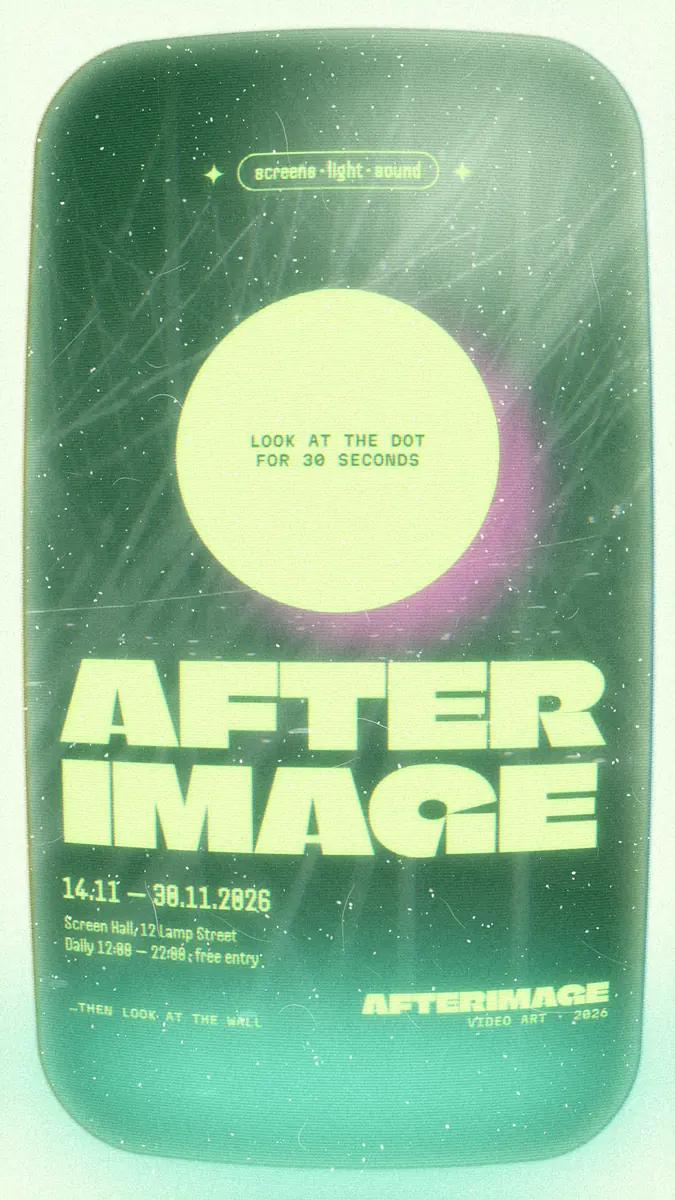
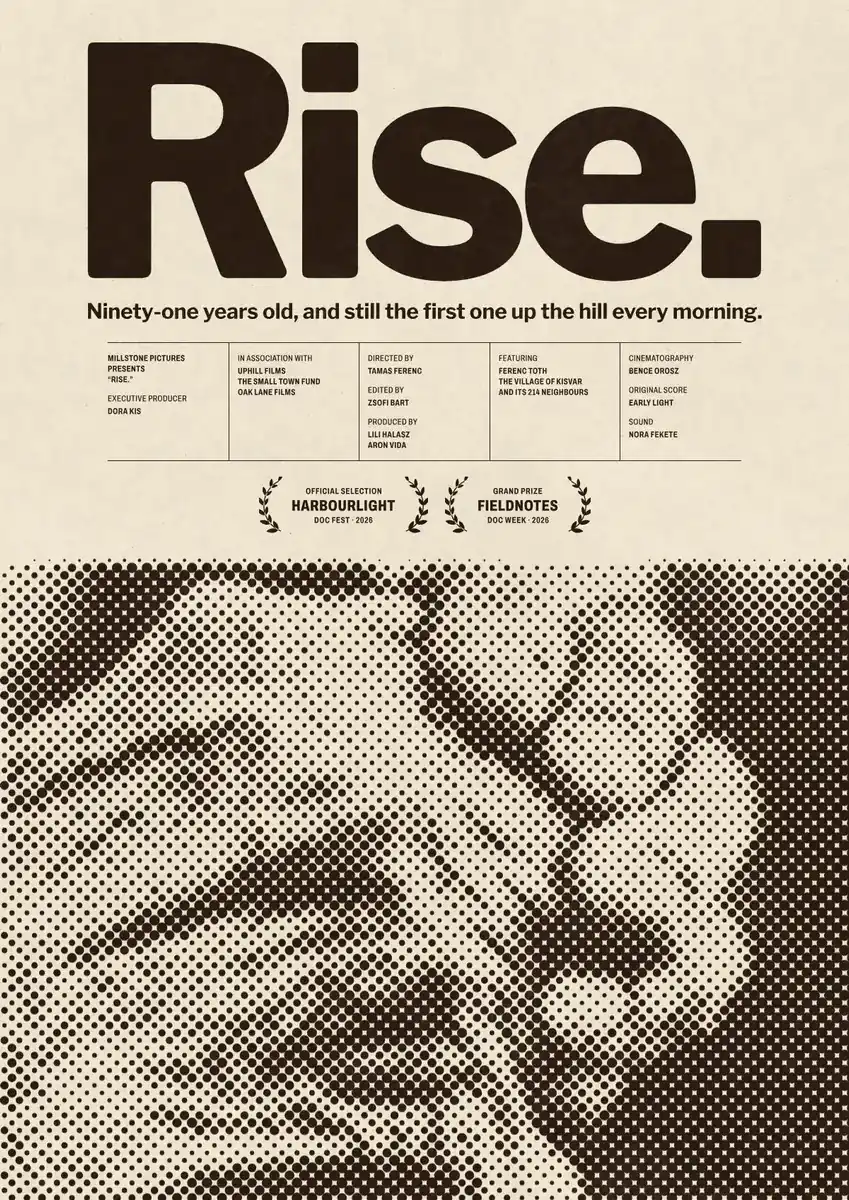
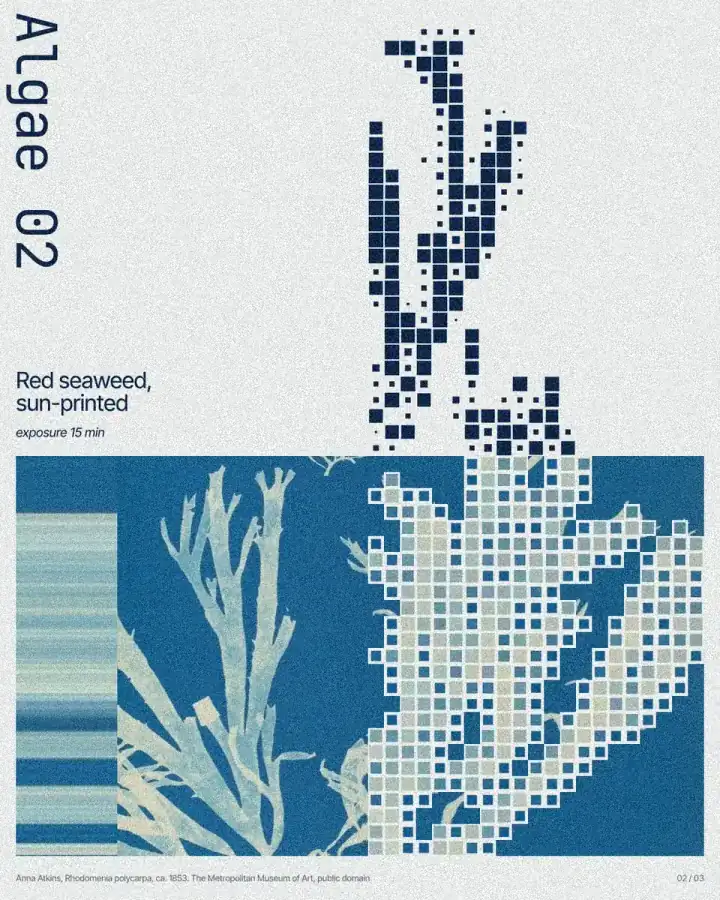
Every picture on this page was made in Paletoo — these three with the same steps on other templates:
Step by step in Paletoo
Press “Open in Paletoo” to open Night watch as your own document. Layers shows the photo, the title, the logline, two laurels and the credits block, each name and role a separate line.
Click the title to select it. The Design tab shows its place, 59 px in from the left edge, and Typography its font, Libre Franklin at its heaviest weight, 236 px, with tight letter spacing.
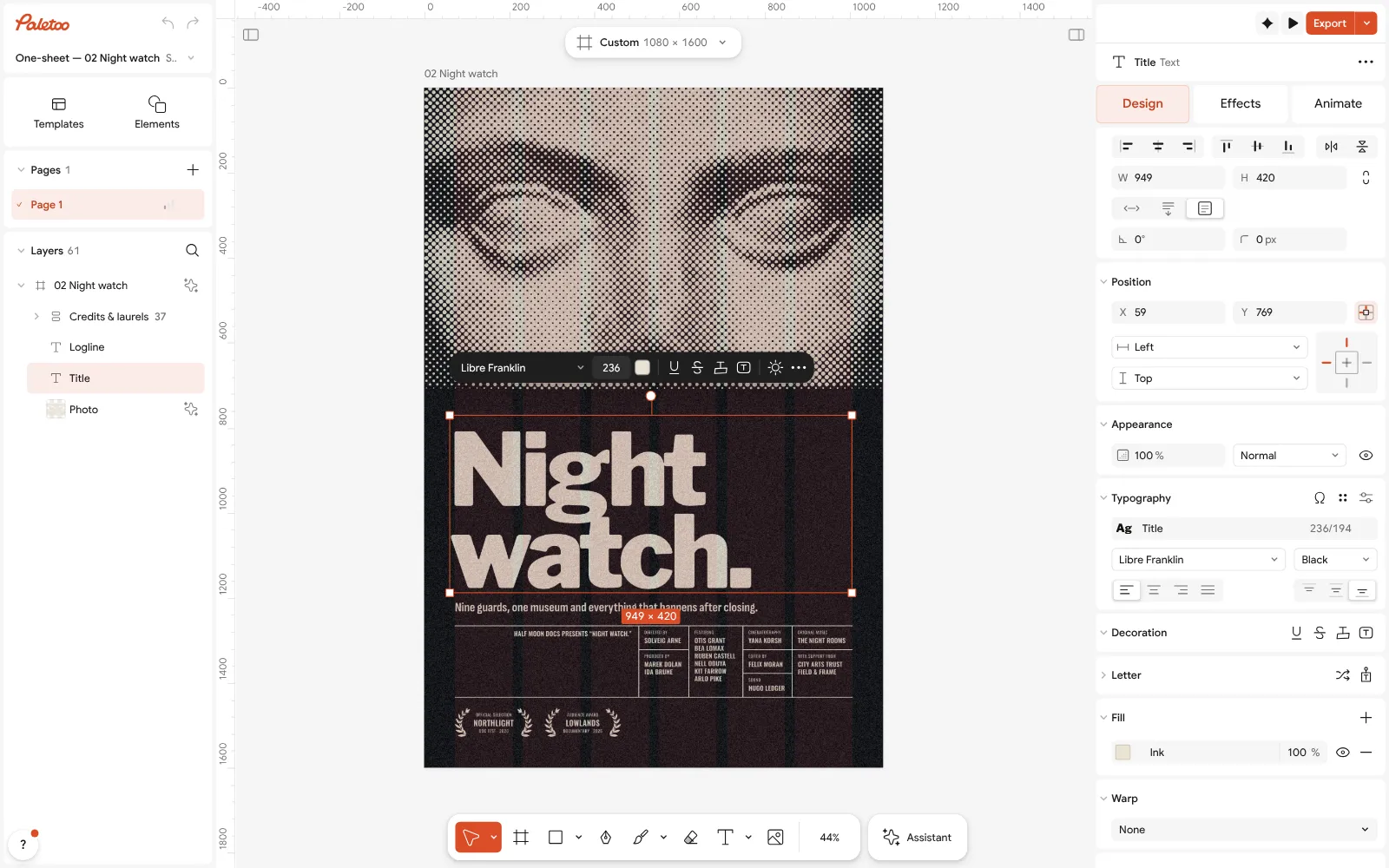
The Night watch poster open in Paletoo: the title selected, its font and size under Typography in the Design tab Click the portrait and open the Effects tab. Under Applied, Levels darkens the shadows of the Roman marble head and Halftone turns it into cream dots on the near-black ground.
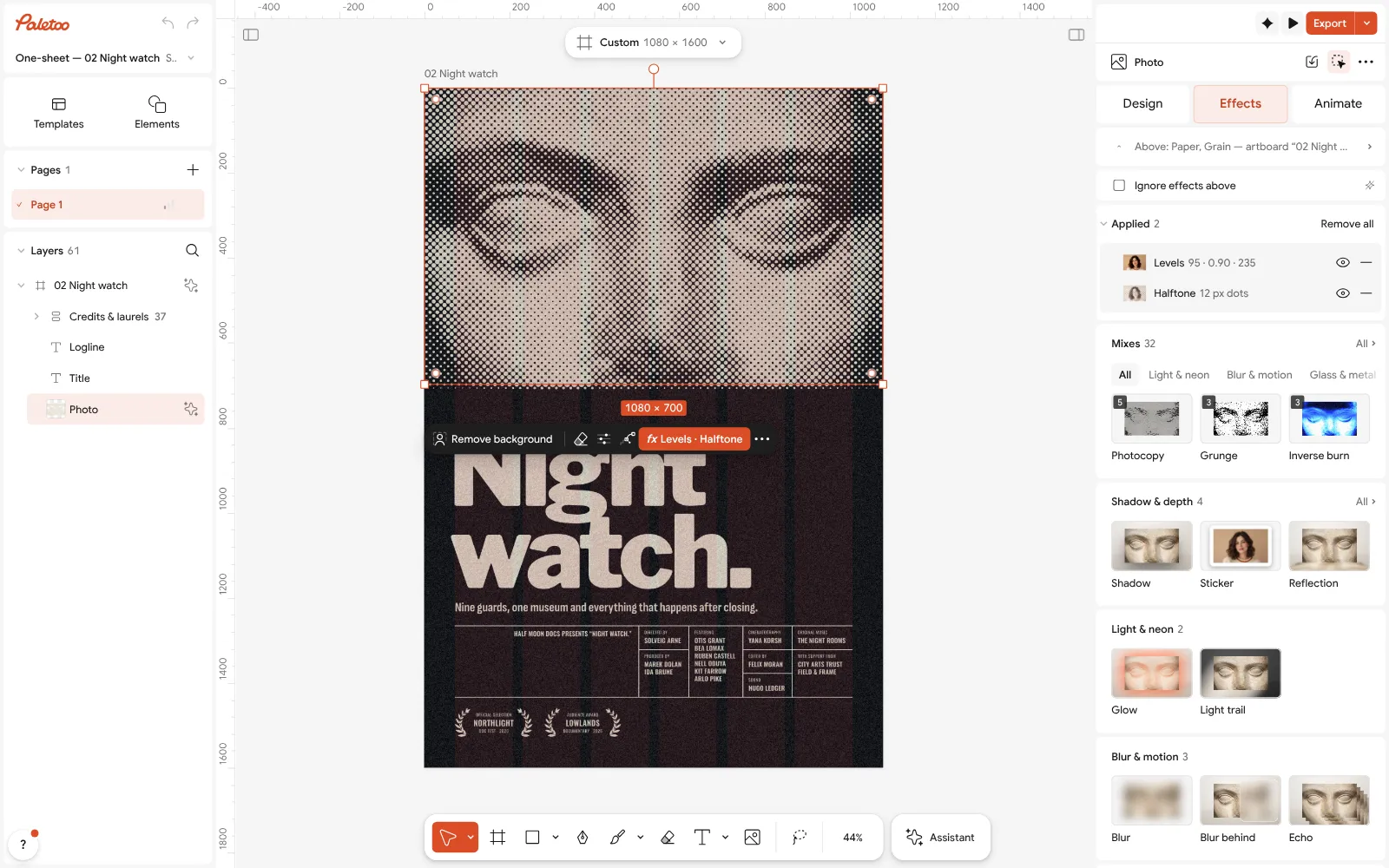
The portrait selected: Levels and Halftone under Applied in the Effects tab Press Export and choose PDF. Read the note under the row first: on this poster it says the page goes in as one picture, because of the artboard’s own grain — select the artboard and switch that off if you want the type to stay vector. Then open Export settings on its row: Include bleed and Crop marks, the Colour of the PDF, and the Print check that lists what a printer would ask about.
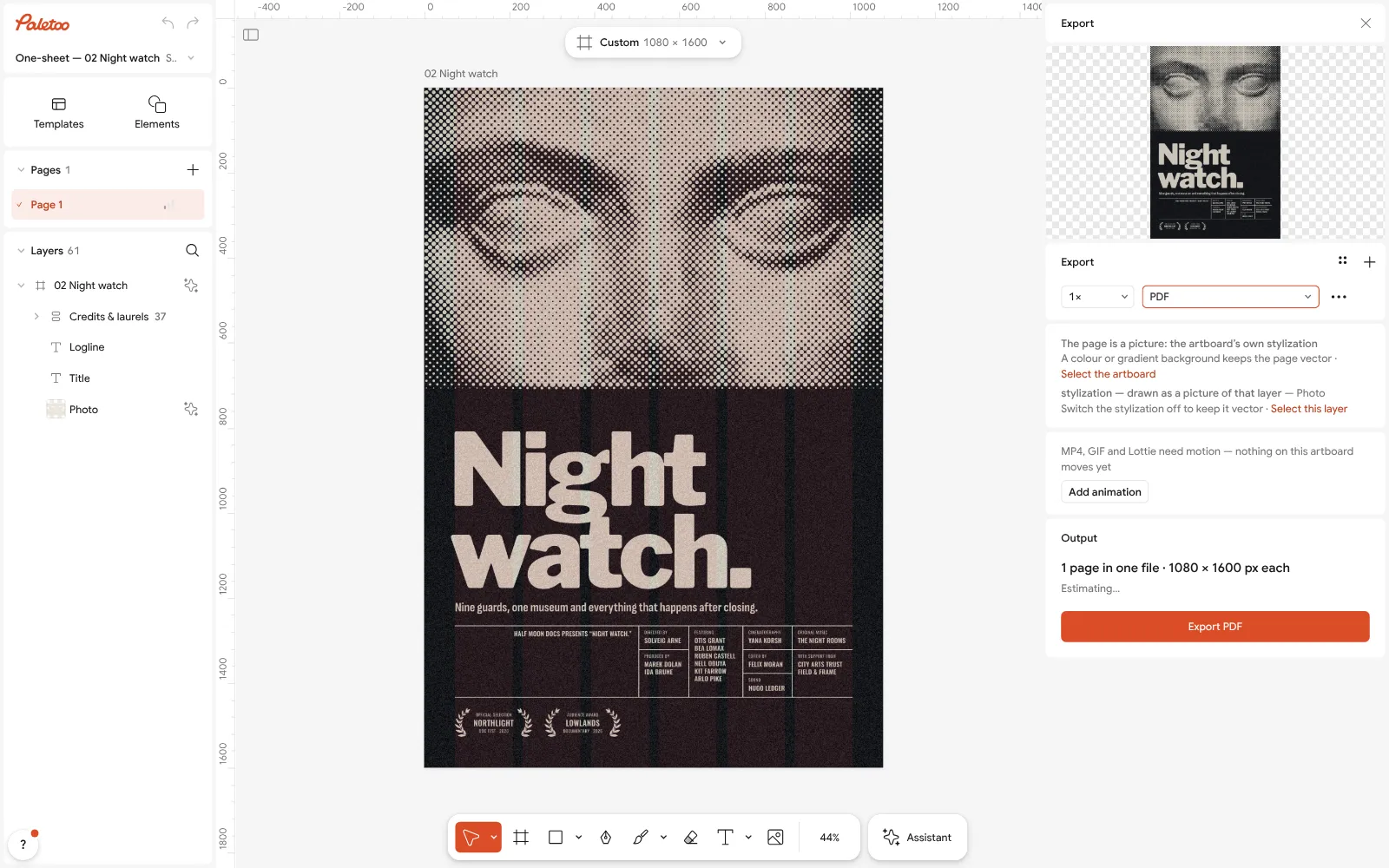
The Export window with PDF chosen and its note: the page goes in as a picture because of the artboard’s own grain, with how to keep it vector Select the portrait, press Replace picture and choose your own; double-click the title and the credits to write yours. If the Print check says a picture is below 300 ppi, use a larger one or press Upscale.
Choose the PDF print with bleed preset, or PDF print CMYK (PDF/X-4) if the printer asks for CMYK, turn on Rich black for the dark ground, and Export. Open the file once before you send it.
Make it your own
This poster is 1080 × 1600 px, a screen size. For a real print run, start on a print preset such as A3 portrait or Poster 18 × 24 in, which are 300 dpi, and rebuild the layout there.
If the printer wants a different bleed, change it on the artboard under Layout grid; switch the units to mm so the number means the same as on their spec sheet.
Keep thin cream type on the dark ground at a sensible size: the 10 px role lines here are fine on a phone, but on paper anything below about 6 pt in light ink on rich black can fill in. Make them bolder or larger for print.
Questions
What is bleed in printing?
Extra artwork, usually 3 mm on each side, that runs past the cut line. After trimming it is thrown away, but it makes sure no white edge shows if the cut is slightly off.
How much bleed does a poster need?
3 mm per side is standard in Europe, 1/8 inch (3.175 mm) in the US. Large-format and some offset printers ask for 5 mm or more, so check their spec sheet.
Do I need to convert to CMYK before printing?
Not always: many printers accept RGB and convert it. If they ask for CMYK, export a CMYK PDF/X-4 and ask for their profile; Paletoo’s CMYK profile is approximate.
What resolution should a print PDF have?
Pictures should be about 300 ppi at the printed size. Text and vector shapes have no resolution and print sharp at any size.
Can I make a print-ready PDF for free?
Yes. In Paletoo the PDF export with bleed, crop marks and the CMYK option is free, with no watermark, and you do not need an account.
Make it online
- Poster makerMake a poster from a template that already has the layout right, then export a print-ready PDF or an image for screens.
- Flyer makerTurn a ready flyer template into yours in minutes and send the printer a PDF with bleed and crop marks.
- Business card makerDesign a business card at the exact print size, add a QR code that really scans, and export a PDF the printer accepts.
Free design templates: Poster templates · Event and launch templates · Contact and call-to-action templates
Try it on your own design
Paletoo opens in your browser, with no sign-up. Every effect here is live: change the picture or the words and the effect follows.
Open in PaletooRead next
- 01
 Poster design tips: 9 tricks that make a poster look designedNine habits that separate a designed poster from an assembled one.
- 02
 Free poster maker: make a poster online with no watermarkA real poster, from the size to a print-ready PDF, without paying or signing up.
- 03
 How to make a business card with a QR codeThe right size, your details, a QR code that scans and a PDF for the printer.