How to make a gold foil text effect
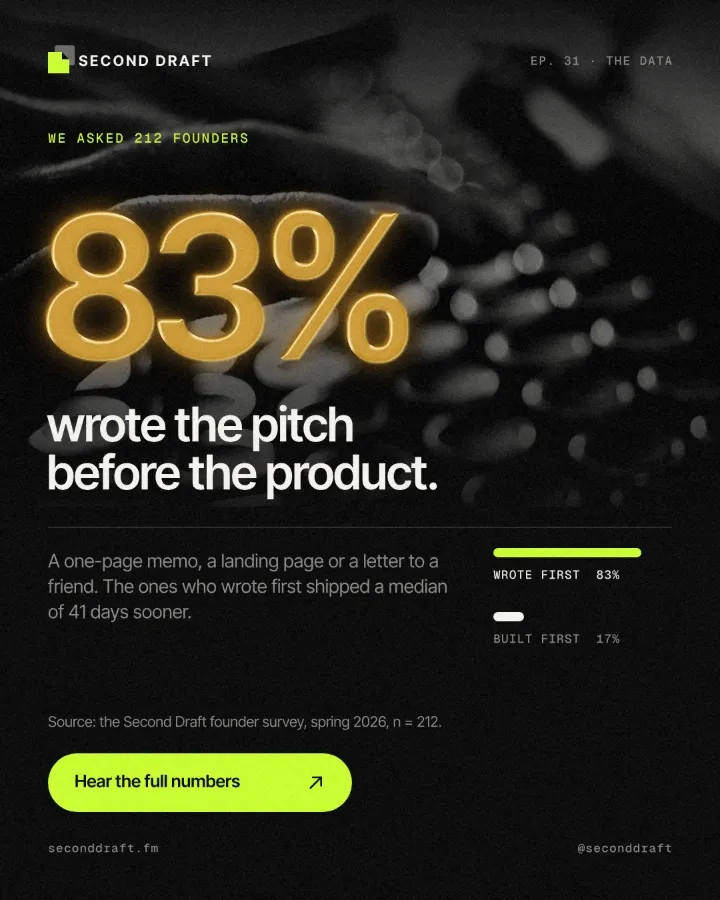
Stamped gold leaf: a pressed edge, warm metal bands and a soft shine.
What it is
Gold foil is the look of hot-foil stamping: a sheet of metallic leaf pressed into paper by a heated die, so the letters sit slightly below the surface and catch the light in bands of deep bronze, bright gold and pale cream. It is what wedding invitations, book covers, wine labels and luxury boxes use to say “special” without saying it.
A flat yellow is not gold. Metal reads as metal because its brightness changes across the shape — dark where it faces away, a bright streak where it catches the light. So Paletoo builds the foil in three steps: Relief presses the letters and gives them light and shadow, a Gradient map turns those tones into gold, and a warm Glow adds the shine. Because the relief works on one even tone, the gold comes out the same whether the word was black, white or red, and on cream, white or dark backgrounds alike.
Where it is used
Use it for invitations and save-the-dates, award and anniversary posts, premium product launches, restaurant and wine menus, book and album covers, and holiday campaigns. It looks most convincing on serif and heavy display type, set large on cream, ivory, black or a deep colour.
Made in Paletoo with this mix:


How to make it, step by step
Open your design and select the text you want in gold. Bold serifs and heavy display faces give the bevel and the metal bands room to show.
Open the Effects tab and go to Mixes; press All if Gold foil is not in the first row.
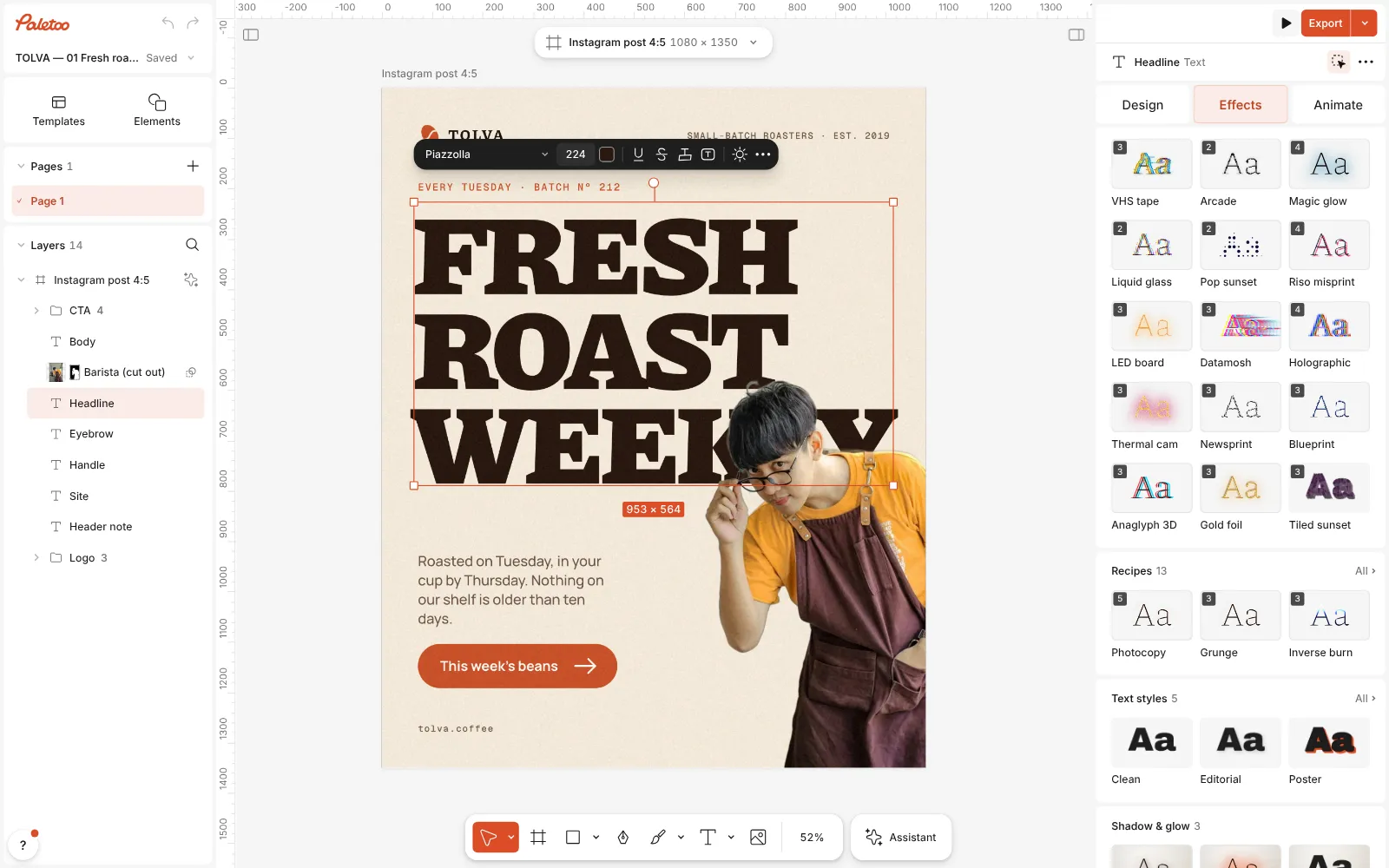
A coffee roaster’s post open in Paletoo, the stacked headline selected and the Mixes open Press Gold foil. Three steps go on under Applied: Relief with its Letterpress preset presses the letters in, a Gradient map turns their light and shade into bands of gold, and Glow with its Warm glow preset adds a soft golden shine.
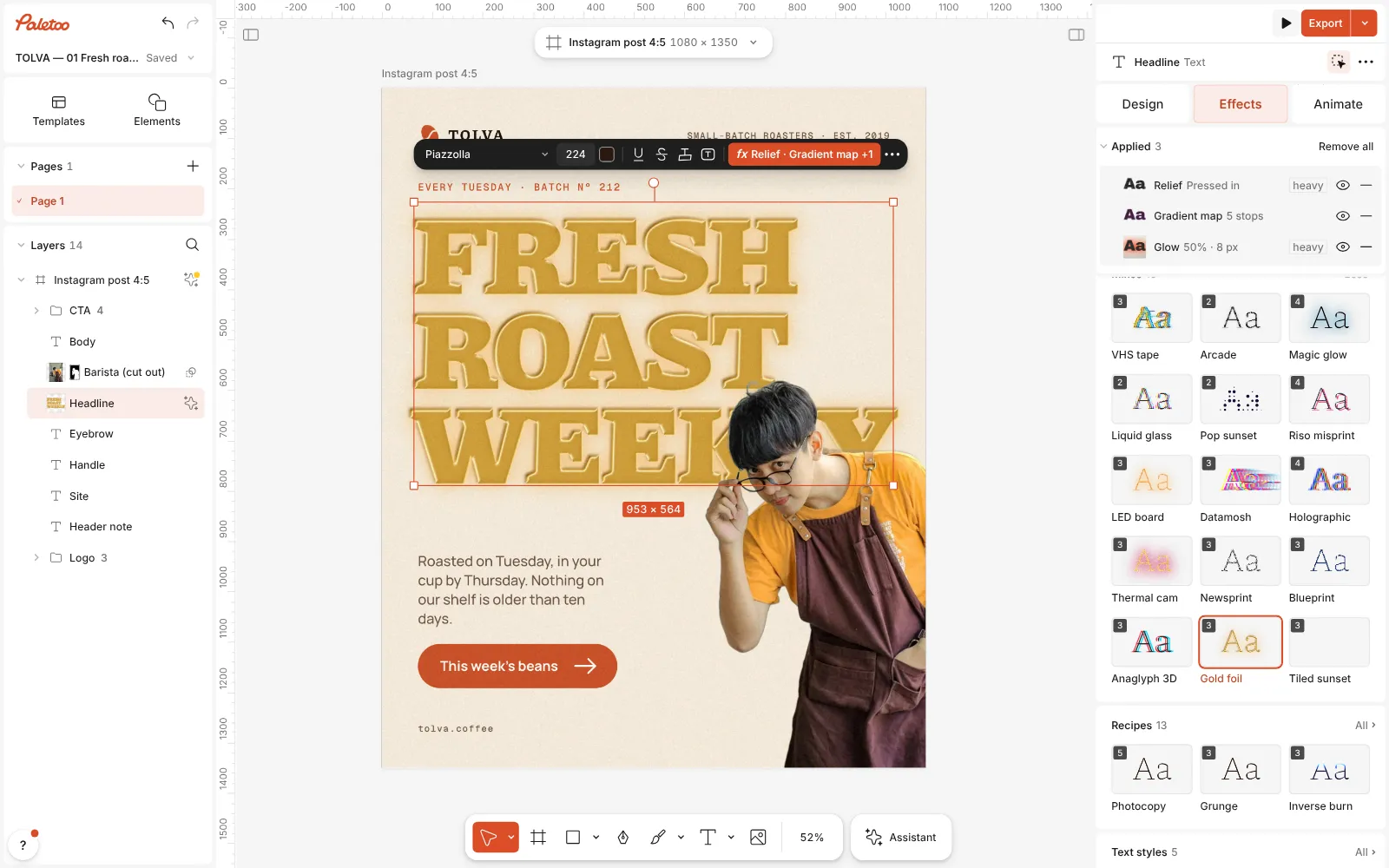
Gold foil pressed: Relief, Gradient map and Glow under Applied, the headline stamped in gold Click the Gradient map row to open it. Its Gradient holds five stops — dark bronze, gold, pale cream, amber and light gold — and Contrast sets how hard the bands are.
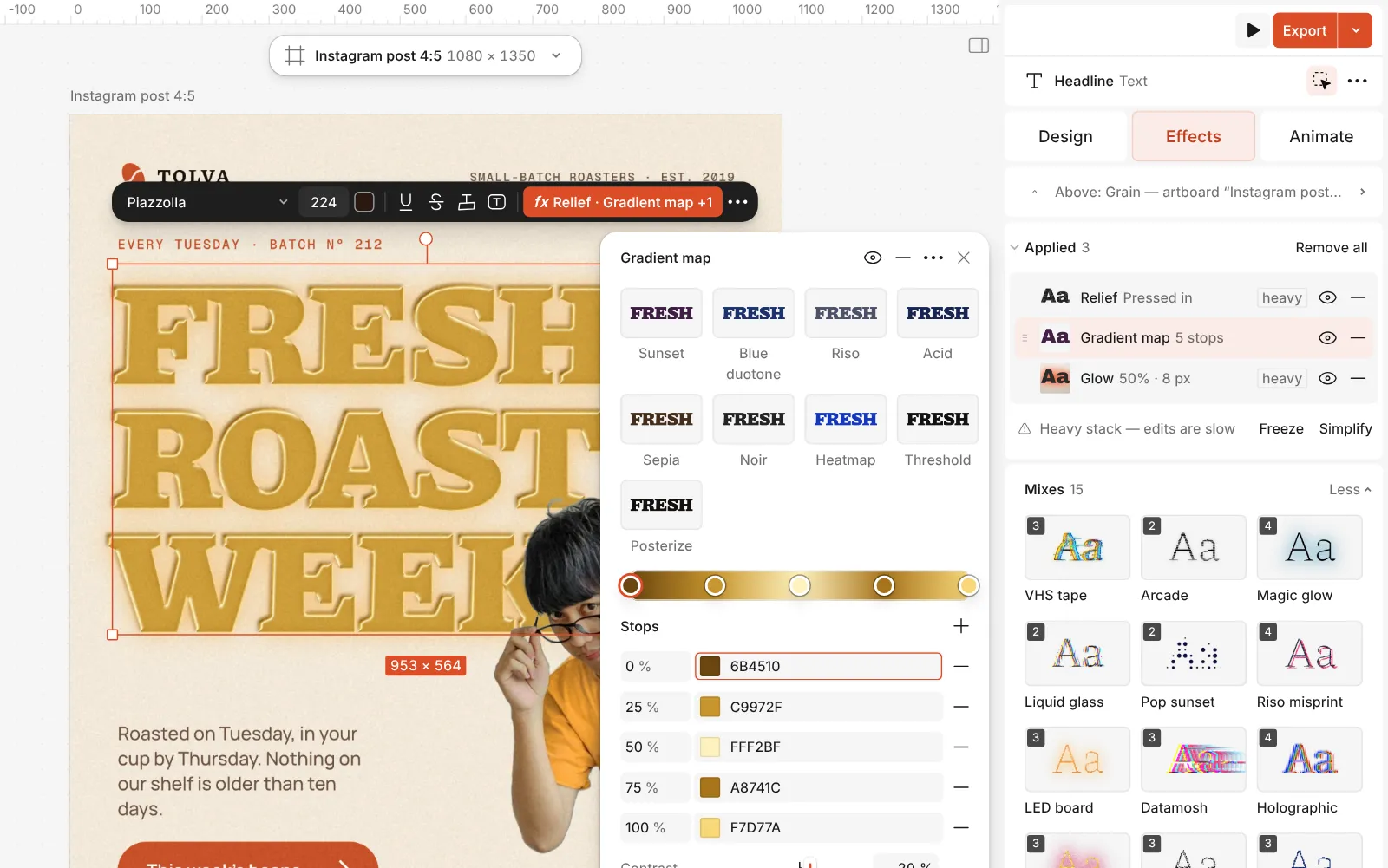
The Gradient map step open: the gold bands of its gradient and their stops Open Relief to change the pressing: Tone sets how deep the gold is, Depth how strongly the walls read, Softness how wide they are and Light angle where the light comes from.
Double-click the text to change the words — the foil follows. Then press Export.
Watch it
The one-click mix
In Paletoo the whole stack is one mix, Gold foil. One click puts every step on the selected object, one undo takes them all off, and each step stays an ordinary effect you can change, reorder or remove.
Its steps: Relief · Letterpress Gradient map · gold bands Glow · Warm glow
Open this mix in PaletooMake it your own
Tone in the Relief step is the depth of the gold, from pale champagne at 1 % to deep old gold at 100 %; Gold foil sets it to 95 %, a clear gold on light and dark grounds. Lower it for a softer, lighter leaf on a dark background; leave it high on cream paper, where a pale gold would vanish.
The bands in the Gradient map are what make it read as metal. The pale cream stop in the middle is the shine: drag it left or right to move where the bright streak falls along the letters. Recolour the stops with greys for silver foil, or with coppers and pinks for rose gold. Raise Contrast for a crisp, mirror-like leaf, lower it for a brushed, matt one.
On a photo, the Relief step is laid in Overlay, so the picture shows through the foil instead of turning one flat gold; a word or a shape keeps Normal and its sharp bevel. Keep the Glow subtle: on white, lower Brightness; on black, a little more Spread gives a warm halo.
Questions
Does the text colour matter?
No. The relief works on one even tone, so the gold is the same whether the word was black, white or coloured. To change the gold, use Tone and the gradient map.
Where is Gold foil on the Effects tab?
In Mixes, with every ready-made set: press the Metal chip at the top of the group to see it beside the other metals. Like every mix, it puts on ordinary steps you can edit one by one.
What happens to effects already on the text?
A mix puts on its own set of steps in place of the ones the object had. Press undo once to go back to how it was.
Can I make silver or rose-gold foil?
Yes. Recolour the stops in the gradient map: greys and white for silver, copper, pink and cream for rose gold. The relief and the shine stay.
More effects
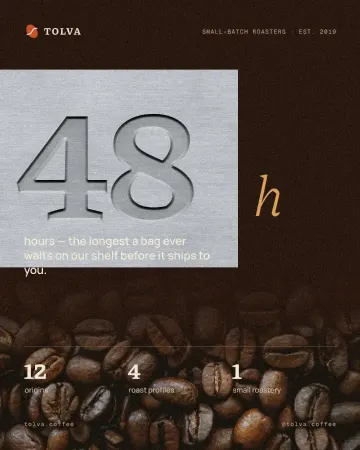
How to make an emboss effect: press text into metal or stone
The design pressed into a plate of metal or stone, its own colour gone.
How to make a Y2K chrome text effect
Fat liquid chrome in pearly pastels, with a soft glow.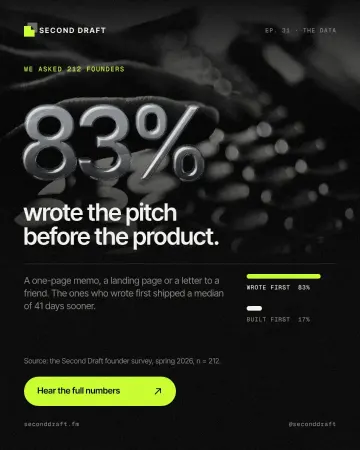
How to make an embossed metal effect
Live text pressed into the sheet and turned to chrome.
Read the overview: graphic design trends 2026
Make it online: Business card maker · Text effects online · Logo maker · Contact and call-to-action templates · Social media post templates · Brand guidelines templates
Try it on your own design
Paletoo opens in your browser, with no sign-up. Every effect here is live: change the picture or the words and the effect follows.
Open in Paletoo