Logo maker
Build a wordmark or a badge from real type and shapes, and take it away as a sharp SVG or PDF.
Start freeOpens in your browser · no sign-up · no watermark
Start from one of these
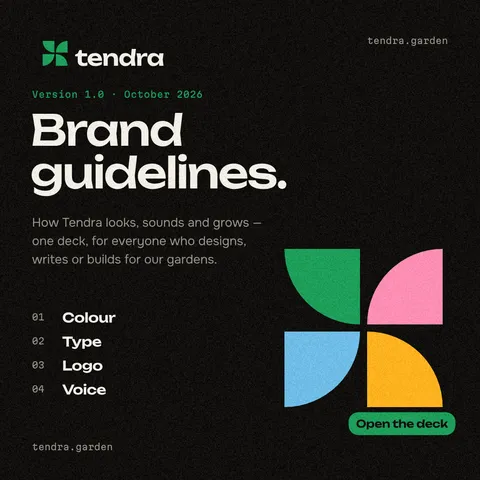
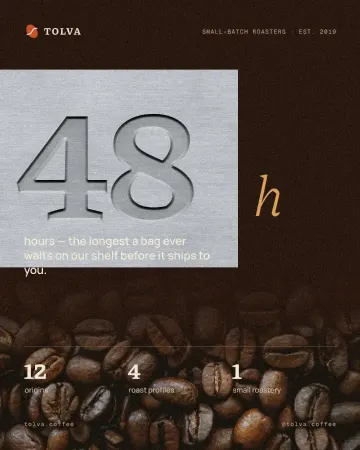
Real Paletoo documents and results — open one and change everything.

How it works
-
Set the name
Type your name and choose a font. In the Typography section of the Design tab, tighten the letter pairs, and open Type settings to set a variable font’s weight or swap in an alternate letter.
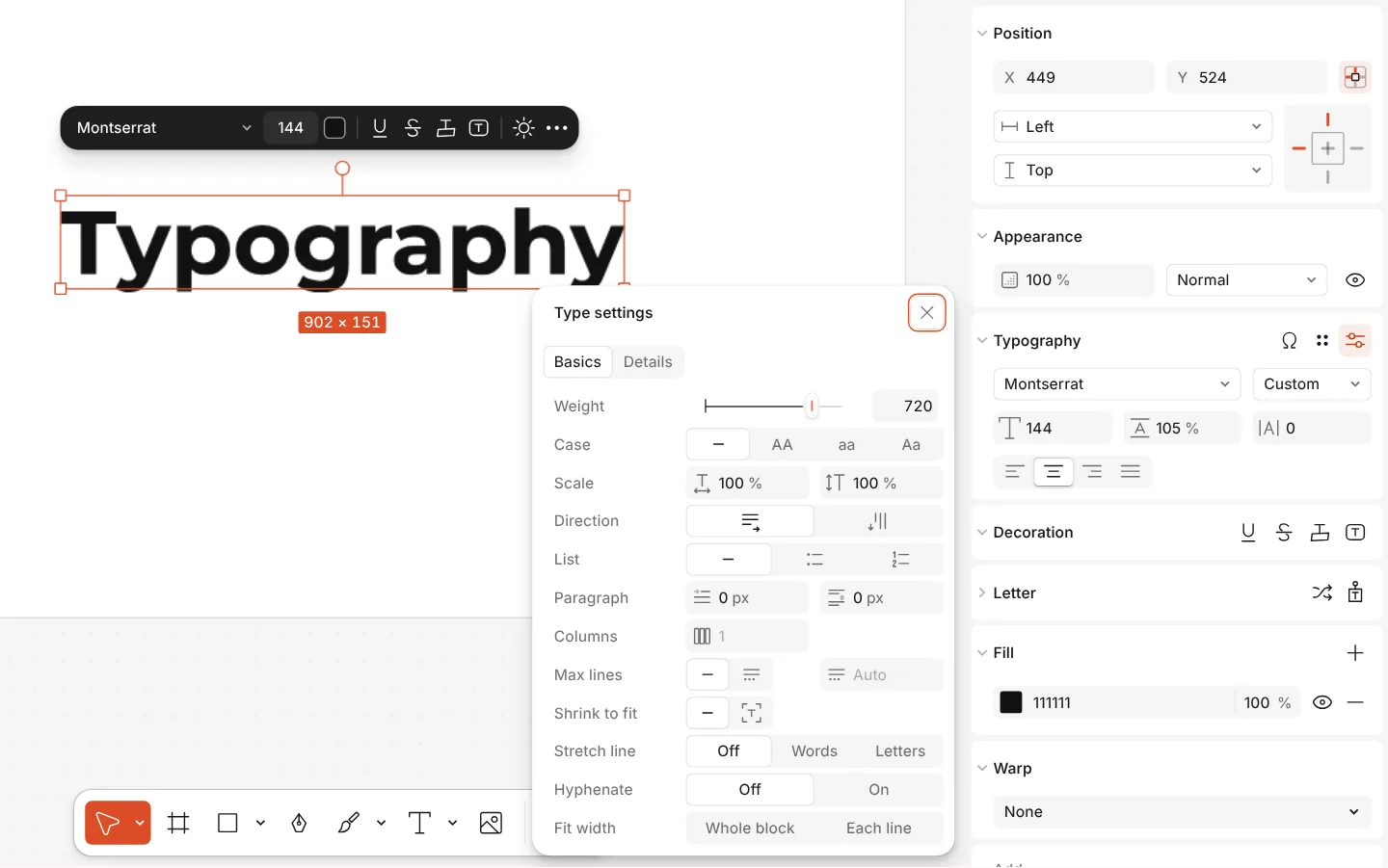
The Type settings window of a text, with variable axes -
Give it a shape
For a round badge or an arched name, open the Warp section and choose On path, then drag the curve’s points on the canvas. The letters stay live text you can still retype.
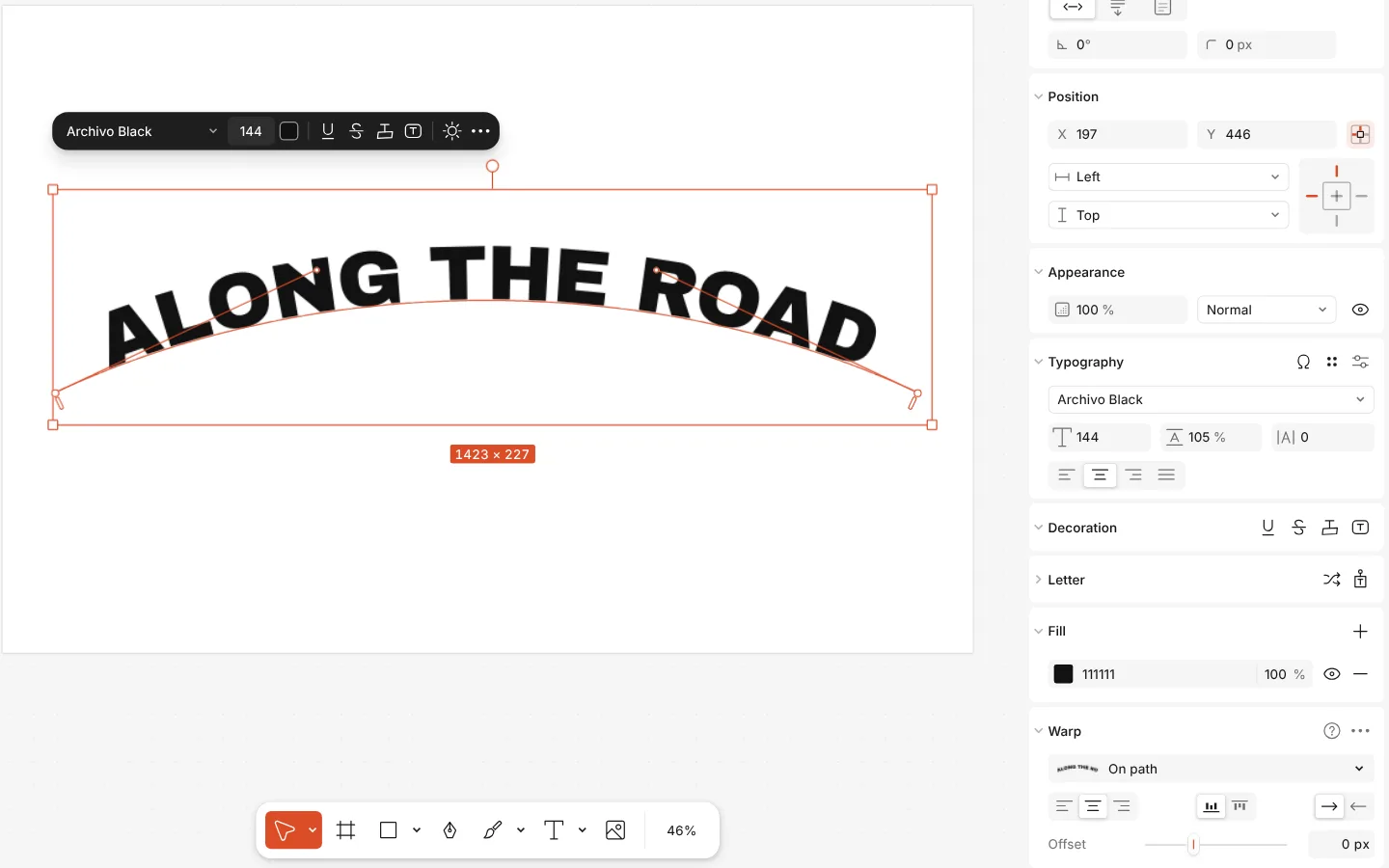
A line of text set along a curve, with the Warp section showing On path -
Trace and export
Drawn the mark on paper? Photograph it, select the picture and press Vectorize: it becomes clean shapes. Then press Export (Ctrl Shift E) and save SVG or PDF for print and PNG for the web.
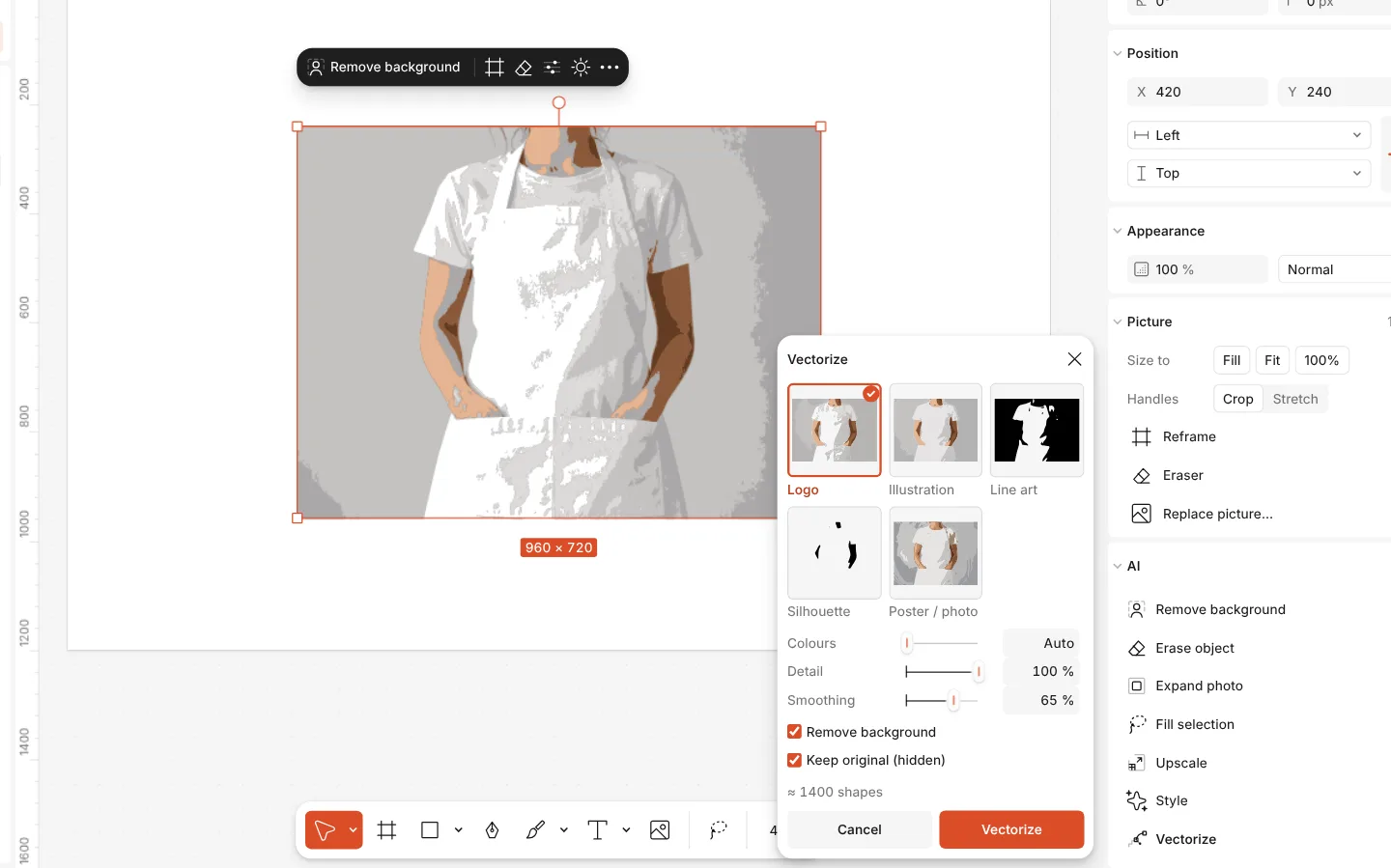
The Vectorize window over a picture, with looks and settings
What you get
Logo sizes ready
Square logo, horizontal logo and app icon are in the artboard’s format list, so the mark is drawn at the size it will be used.
Real type, not clip art
Your own uploaded fonts or the font library, variable axes, kerning per pair and every glyph of the face.
Vector all the way
Text on a path, warps and shapes stay editable, and SVG and PDF exports keep the edges sharp at any size.
Sketch to vector
Vectorize traces a drawing or an old raster logo into shapes, on your device, with no upload and no credits.
A construction grid
The Logo grid effect draws fitted circles, the golden ratio and angles over your mark, for the page that shows how it was built.
Questions
Is the logo maker free?
Yes. Designing, vectorizing and exporting SVG, PDF and PNG cost nothing and carry no watermark. Credits are only for AI image generation and materials, which a logo does not need.
Who owns the logo I make?
You do. Paletoo does not hand out ready-made logos to fill in: you set your own words in your own choice of font and shapes, so the result is your design.
Which file formats do I get?
SVG for the web and for handing to a developer, PDF for print shops, and PNG or WebP with a transparent background for documents and social profiles. Export several at once from one window.
Can I use any font in a logo?
Use a font whose licence allows logos. Every font in the library comes with its licence, and you can upload fonts you have bought. For a logo, a font licensed for commercial use is the safe choice.
Can I turn a hand-drawn sketch into a logo?
Yes. Photograph or scan the sketch, place it, and press Vectorize. Pick a look such as a logo or line art, set the colours and detail, and the drawing becomes shapes you can refine.
How do I make a circular badge logo?
Draw your circle, then set the name on a path: select the text, choose On path in the Warp section and shape the curve around the circle. The words stay editable.
Do I need AI to make a logo?
No. You set your name in a real font, shape it and add marks yourself, so the logo is yours and nobody else gets the same one from a prompt. AI image generation is there if you want ideas, but nothing on this page needs it — or credits. To see the logo on a T-shirt or packaging, drop it into a mockup in Elements.
How do I keep the logo’s colours consistent?
Save them as colour styles in the document. Every artboard — logo, business card, post — then uses the same named colours, and changing a style updates them all.
Learn more
Step-by-step guides
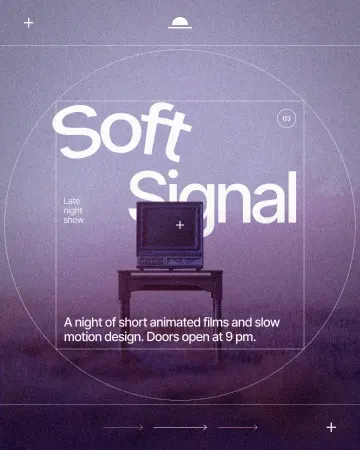
How to put text on a path that stays editable
Type along a curve you shape on the canvas; the words stay live.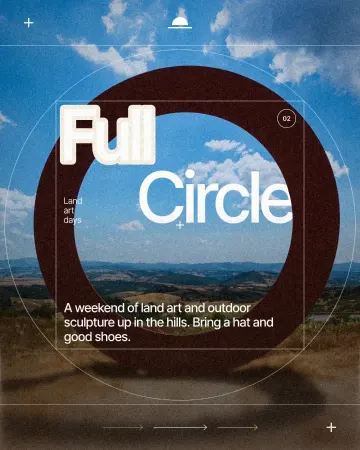
How to make a knockout outline that cuts through
A stroke that cuts through the layers under the text.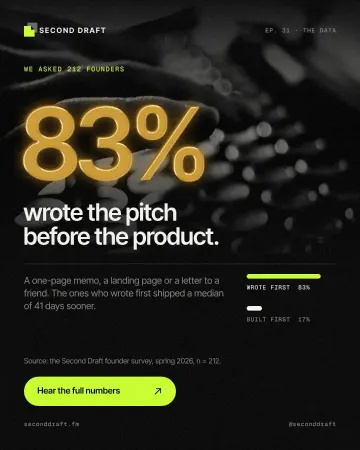
How to make a gold foil text effect
Stamped gold leaf: a pressed edge, warm metal bands and a soft shine.
In the help centre
More tools
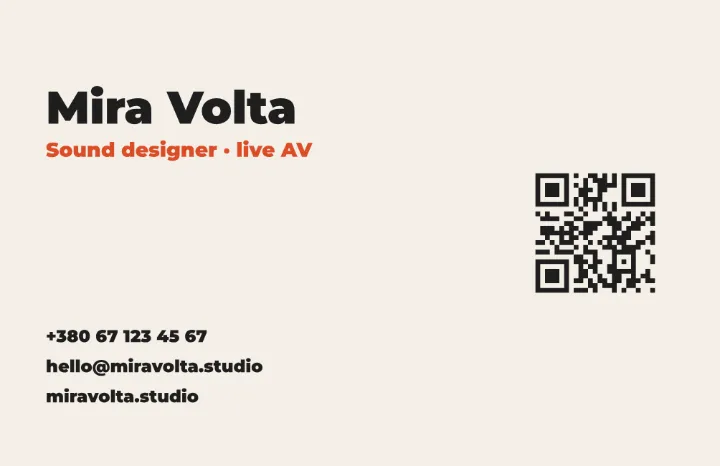
Business card maker
Design a business card at the exact print size, add a QR code that really scans, and export a PDF the printer accepts.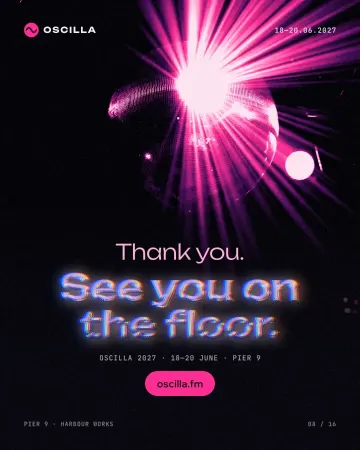
Text effects online
Chrome, gold foil, emboss, cut-out letters, outlines and warps — and the words stay editable text.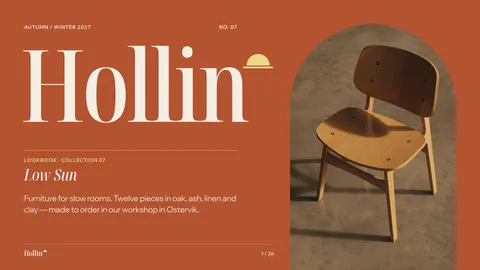
Mockup generator
Show your design on a phone, a poster, a T-shirt or a bag — free, with real light and folds, and no watermark.
Make it now
Paletoo opens in your browser. Start from the template above or a blank page, and export when you are happy.
Start free