Stickers3 min readFreeUpdated 2026-11-20
How to make meme and text stickers
Reaction stickers with words that read at thumb size: the Meme style, captions people actually reply with, and a set that covers a whole chat. Try your own caption here.
By Paletoo’s designers · every step done in Paletoo

The short answer
A meme sticker is a reaction photo plus a few words in heavy capitals: white letters with a black edge stay readable on any chat background. Pick photos with a strong expression, cut them out, write captions of up to four words people really reply with, and use one style for the set. On Paletoo’s sticker maker the Meme style does the letters; type the caption in the lab on this page to see it.
The words have to read at thumb size
A sticker shows at about 120 px in a chat. Four short words is the most that still reads; two is better. Long jokes belong in a message, not on a sticker.
Capitals with a dark edge read on light and dark themes alike — that is the Meme style. Comic adds a speech bubble, Tag a label, Neon a glow for the late-night chat.
Build a reaction set, not a joke collection
The stickers that get sent are the ones that answer something: yes, no, I can’t, on my way, trust me, sus, mood. Write down the ten replies your group uses most and make one sticker for each.
Use the same person or pet across the set, or the same style across different ones: a pack reads as yours when it looks like one.
Text-only stickers
The sticker maker makes stickers from photos. For a sticker of words alone, open any sticker in the editor (Open in editor): it opens on a transparent 512 px artboard where you can delete the photo, set your words in any font and export a PNG.
A text sticker is often a word in a bold colour with a white rim — the same rim keeps it in the family of your photo stickers.
Made with Paletoo
Each pair is a photo and the sticker our engine made of it, as it downloads: 512 × 512, a transparent background.
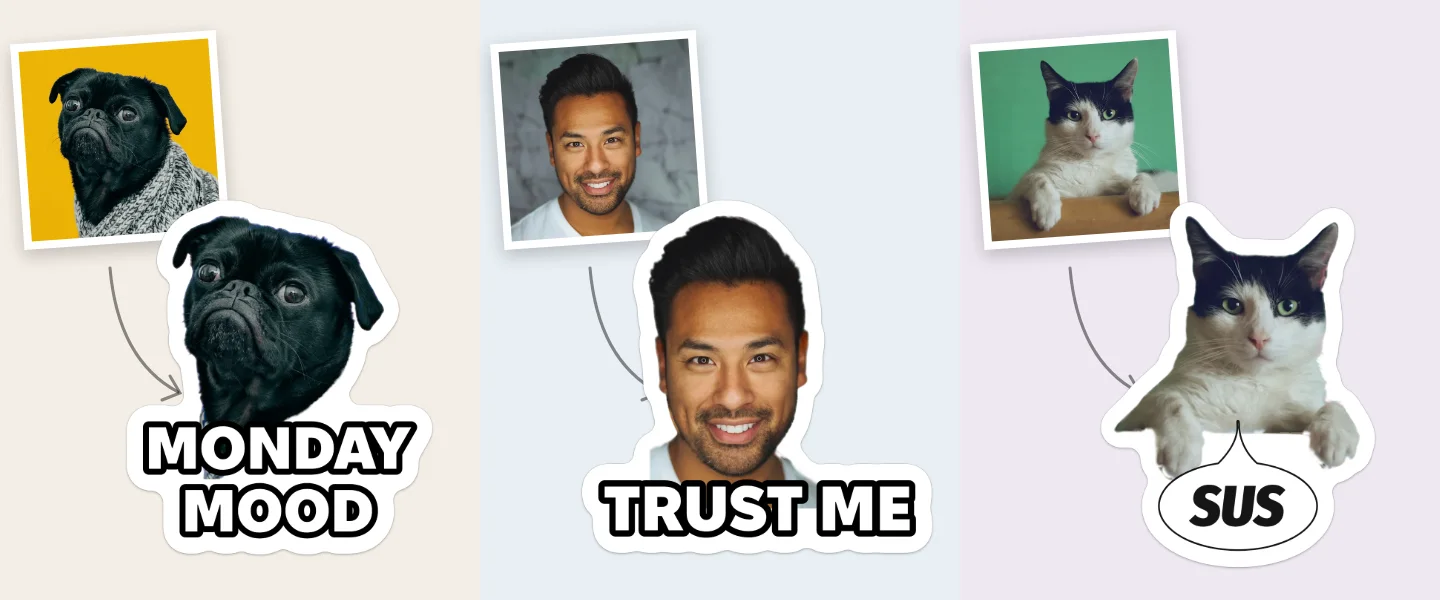
Make the whole pack on the site
Open the sticker maker and press Choose photos: pick the reaction photos.
Type each caption — two to four words — under its sticker.
Pick Style for all → Meme for capitals with a black edge, or another style for the set.
Take the pack: WhatsApp (a ZIP for a sticker app) or Download PNGs (for Telegram, Signal and anywhere else).
Add the pack to WhatsApp
WhatsApp cannot take a pack straight from a website, on any phone. Pick your way below; the menus are as of 11 November 2026 (WhatsApp Help Center). If you do not see Create or Add to sticker pack, update WhatsApp first.
A Android: the whole pack through a sticker app
- On the sticker maker press WhatsApp: a ZIP lands in Downloads with 512 × 512 WebP stickers, each under 100 KB, and a 96 × 96 tray icon.
- Install a free sticker app that opens WhatsApp packs, for example «Personal stickers for WhatsApp».
- Open the ZIP in that app (some apps want it unzipped into a folder first).
- Tap Add to WhatsApp, then Add. The pack appears in the sticker tab of every chat.
B iPhone: the whole pack through a sticker app
- On the sticker maker press WhatsApp and save the ZIP to Files.
- In Files, tap the ZIP once: it unzips into a folder of WebP stickers.
- Install a free sticker app such as «Sticker Maker», make a new pack in it and add the pictures from that folder (at least 3).
- Tap Add to WhatsApp. The pack opens in WhatsApp; tap Save.
C Any phone, no extra app: one sticker at a time
- On the sticker maker press Download PNGs and save the 512 px ones to your gallery.
- In a chat tap the emoji button, switch to stickers and tap Create; choose the PNG (Recents → See more → Photos).
- The PNG is already cut out: add nothing, or an emoji or text, and send it.
- Touch and hold the sticker in the tray → Add to sticker pack → New, give the pack a name and tap Save. Add the next ones to the same pack.
D WhatsApp Web or Desktop
- Open a chat, click the emoji button, then Stickers → Create.
- Choose a PNG from the sticker maker’s ZIP; the editor keeps its transparent edge.
- Send it. It stays in your stickers on the computer; on the phone, star it to keep it.
Want to share the whole pack? In a chat open stickers, tap ⋯ beside the pack and Send.
Add the pack to Telegram
Telegram keeps sticker packs in your account, so a pack you add on the phone is on every device. Two ways, both free; checked 11 November 2026.
A By hand in @Stickers: five minutes
- On the sticker maker press Download PNGs and unzip: the
512folder holds the files Telegram wants (PNG, one side exactly 512). - In Telegram open @Stickers (Telegram’s own bot) and send
/newpack, then the pack’s name. - Send the first PNG as a file (not as a photo, which loses the transparent edge), then one or more emoji for it.
- Repeat for each sticker, then send
/publish; send/skipfor the icon (or a 100 × 100 picture), then a short name for the pack’s link. - Open the link the bot sends and tap Add stickers. Later:
/addstickeradds more,/delstickerremoves one.
Share a pack by its link, t.me/addstickers/name: anyone who opens it can add it.
Questions
How long can a sticker caption be?
Up to four short words read at chat size; two read best. The maker fits the words to the space beside or under the face.
Can I make a sticker with text only?
Yes, in the editor: open a sticker with Open in editor, delete the photo on the transparent 512 px artboard, set your words and export a PNG.
Can I use a famous meme picture?
Memes are usually other people’s photos. For a pack you share, use your own photos — your face, your pet, your friends with their yes.
Do captions work in Cyrillic and Polish?
Yes. All eight styles carry Ukrainian (ґ, є, і, ї) and Polish letters.
Are my photos uploaded?
No. They are cut out and drawn in your browser, and the files are made there too.
Make it online
Read next
- 01
 How to make stickers of your face and friendsSelfie stickers that work as replies: the expressions to shoot, how to frame a face for a sticker, captions, and asking friends first. Try it with these portraits.
- 02
 How to make stickers of your dog or catYour pet’s best faces as a sticker pack: which photos cut out cleanly with fur and whiskers, captions that fit a pet, and a set for every mood. Try it with these dogs and cats.
- 03
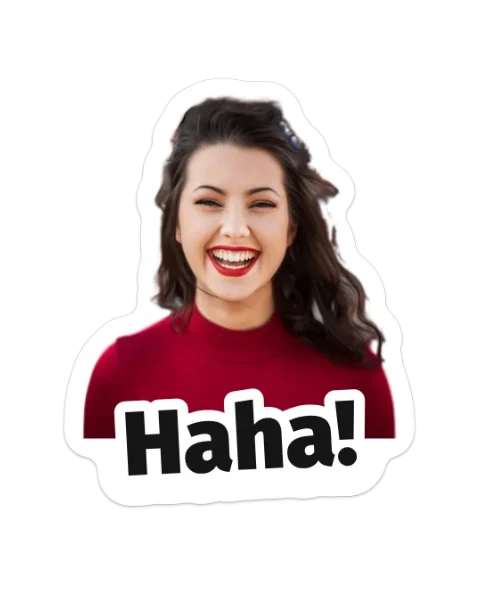 How to make stickers from your photosCut the subject out, give it a white rim and a short caption, keep one style for the set — then add the pack to WhatsApp or Telegram. Try it on this page.
- 04
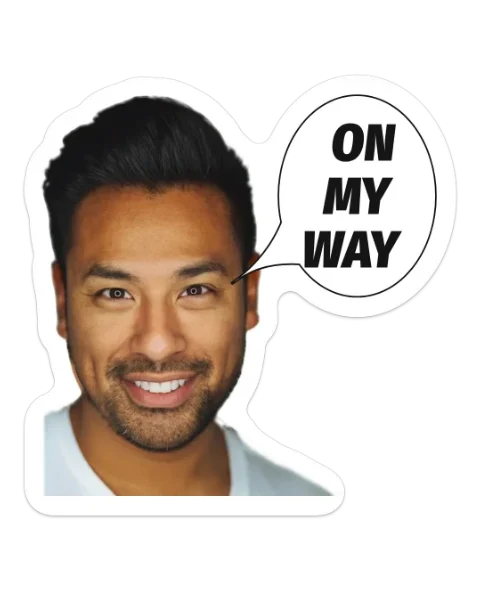 How to make a Telegram sticker pack from photosMake the stickers on the site, then add them by hand in Telegram’s own @Stickers bot in about five minutes. Every rule checked in November 2026.