Make stickers from photos
Updated
Pick a few photos and get a sticker pack: each one cut out with a white rim and a caption, for Telegram, WhatsApp or as PNG files — free, no sign-up.
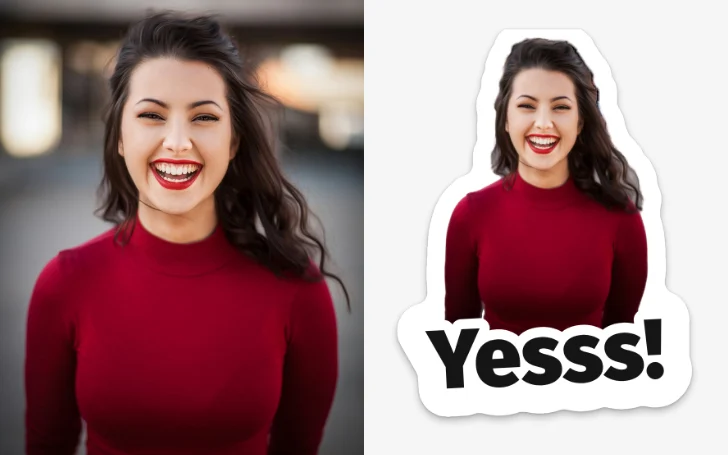
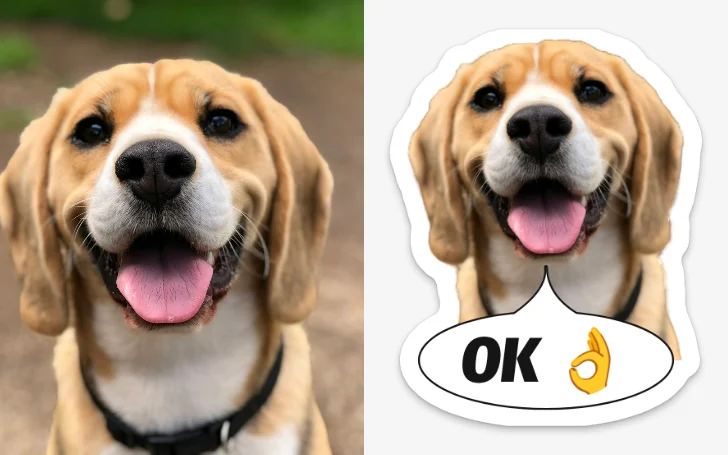
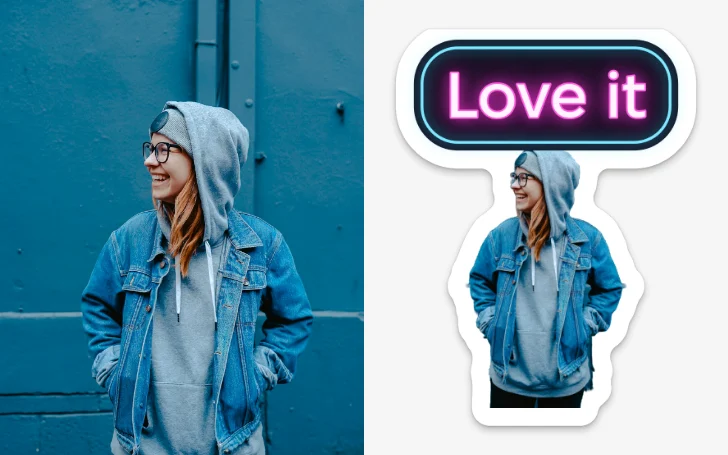
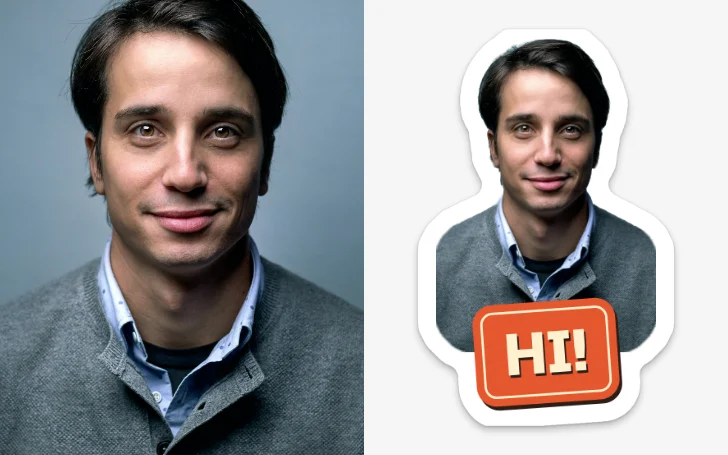
Two real photos, each cut out on the device, with a white rim and a caption: the stickers exactly as they download.
Start freeFree · no sign-up · photos cut out on your device
Photo in, sticker out — made by Paletoo
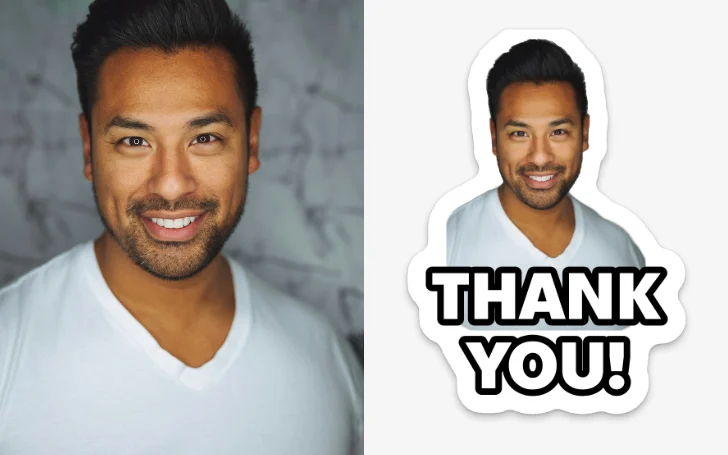
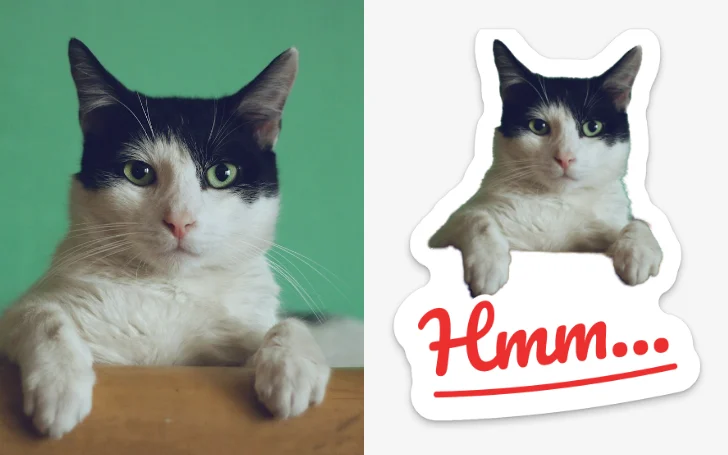
Each pair is a photo and the sticker the maker made of it, as it downloads it: one of eight caption styles, the white die-cut rim and a soft shadow.
How it works
-
Choose your photos
Press Choose photos and pick several at once from your phone’s gallery or your computer, or drop them on the page: up to 30. Each photo is cut out on your device with the editor’s Remove background, one after another, and nothing is uploaded.
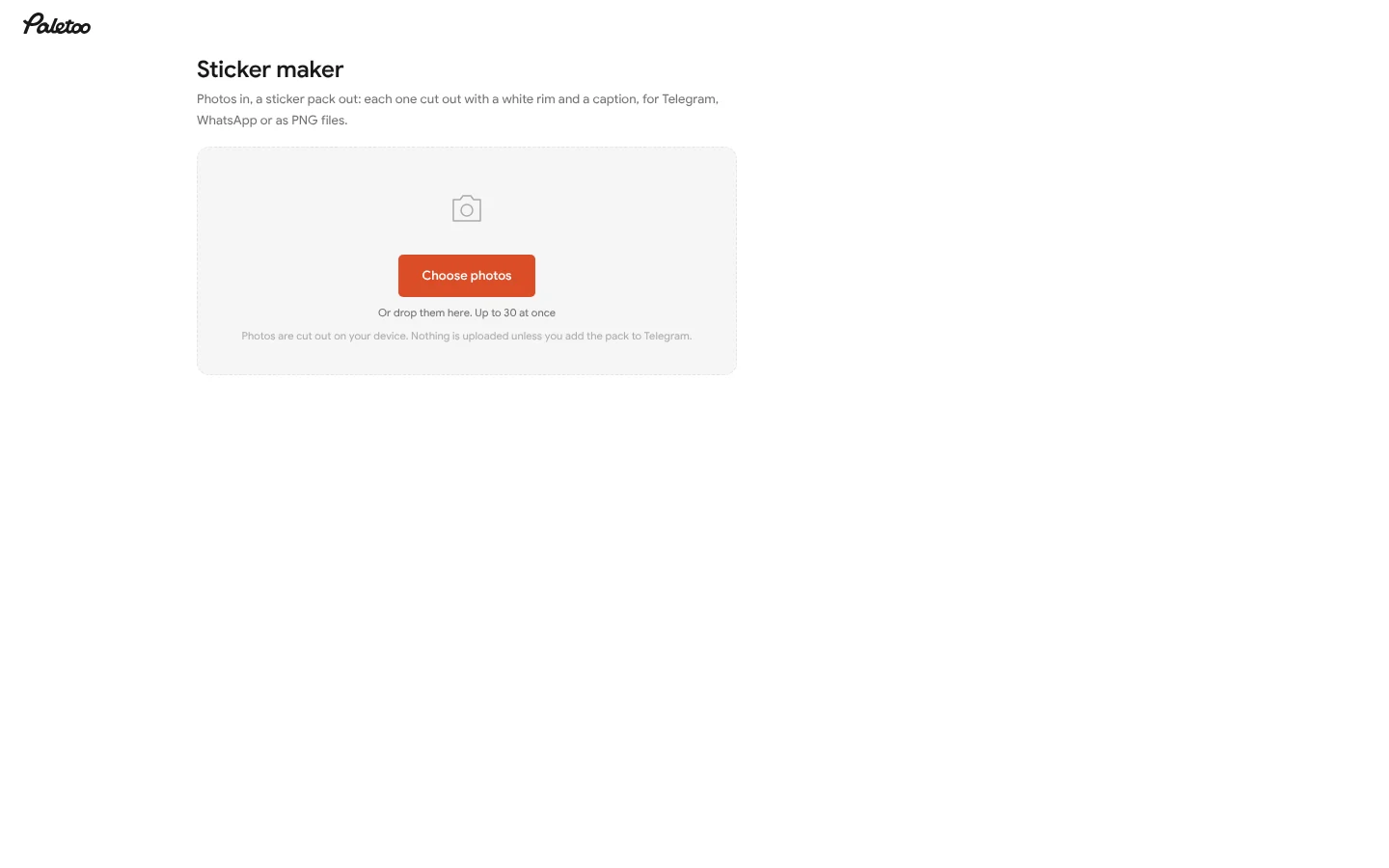
The sticker maker: choose photos, or drop them, up to 30 at once -
Make each one a sticker
Every photo becomes a sticker with a white rim and a suggested caption: type your own words under it. Pick one style for all of them in Style for all, or open a sticker for its own style, shape and rim. Move stickers earlier or later, or delete one.
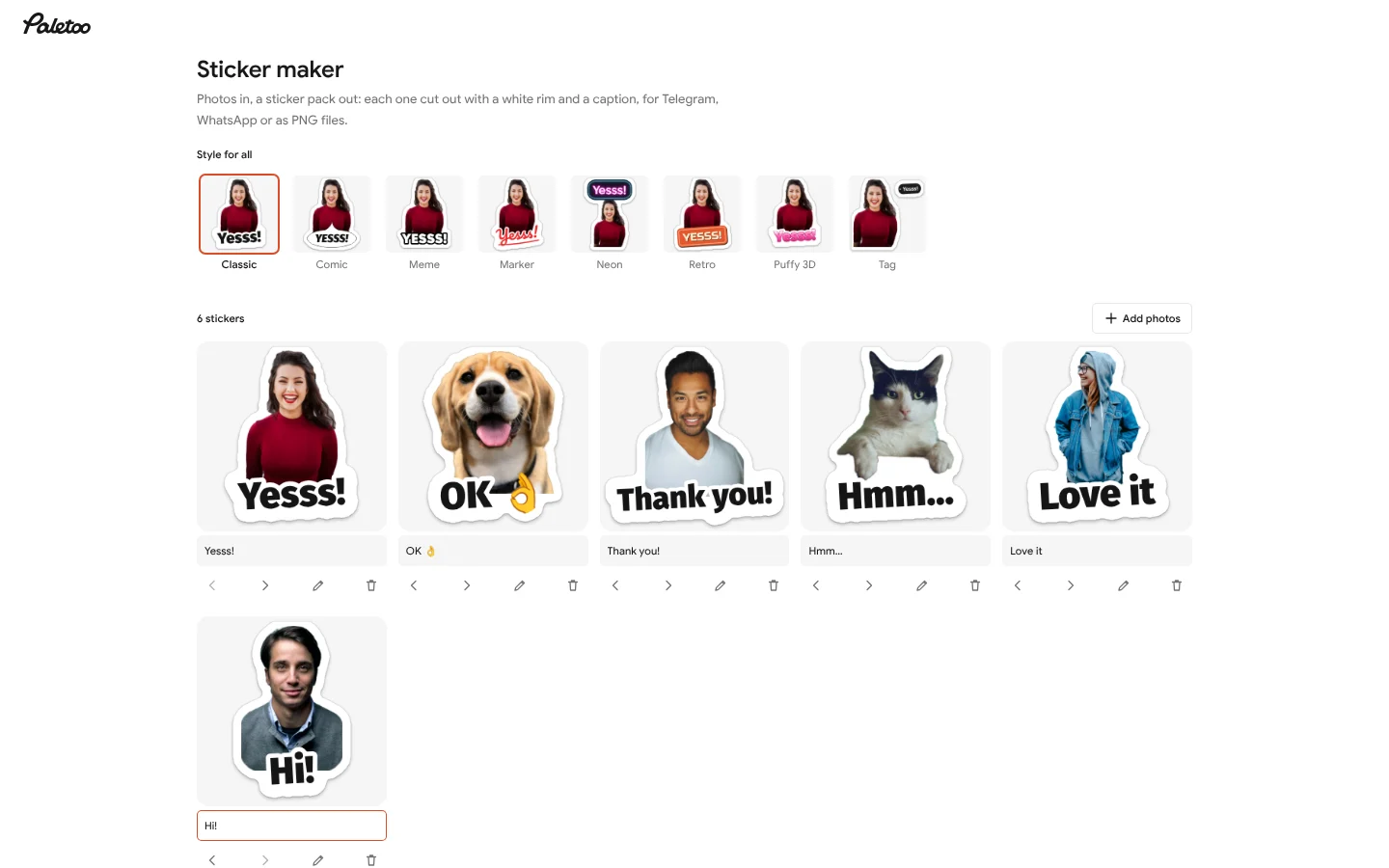
Six photos cut out on the device: a sticker each, a caption under each, one style for all -
Add the pack where you chat
Add to Telegram opens @PaletooBot: tap Start and the pack is yours. WhatsApp downloads a ZIP in WhatsApp’s sticker format for a free sticker app. Download PNGs gives every sticker with a transparent background, 512 and 1024 px.
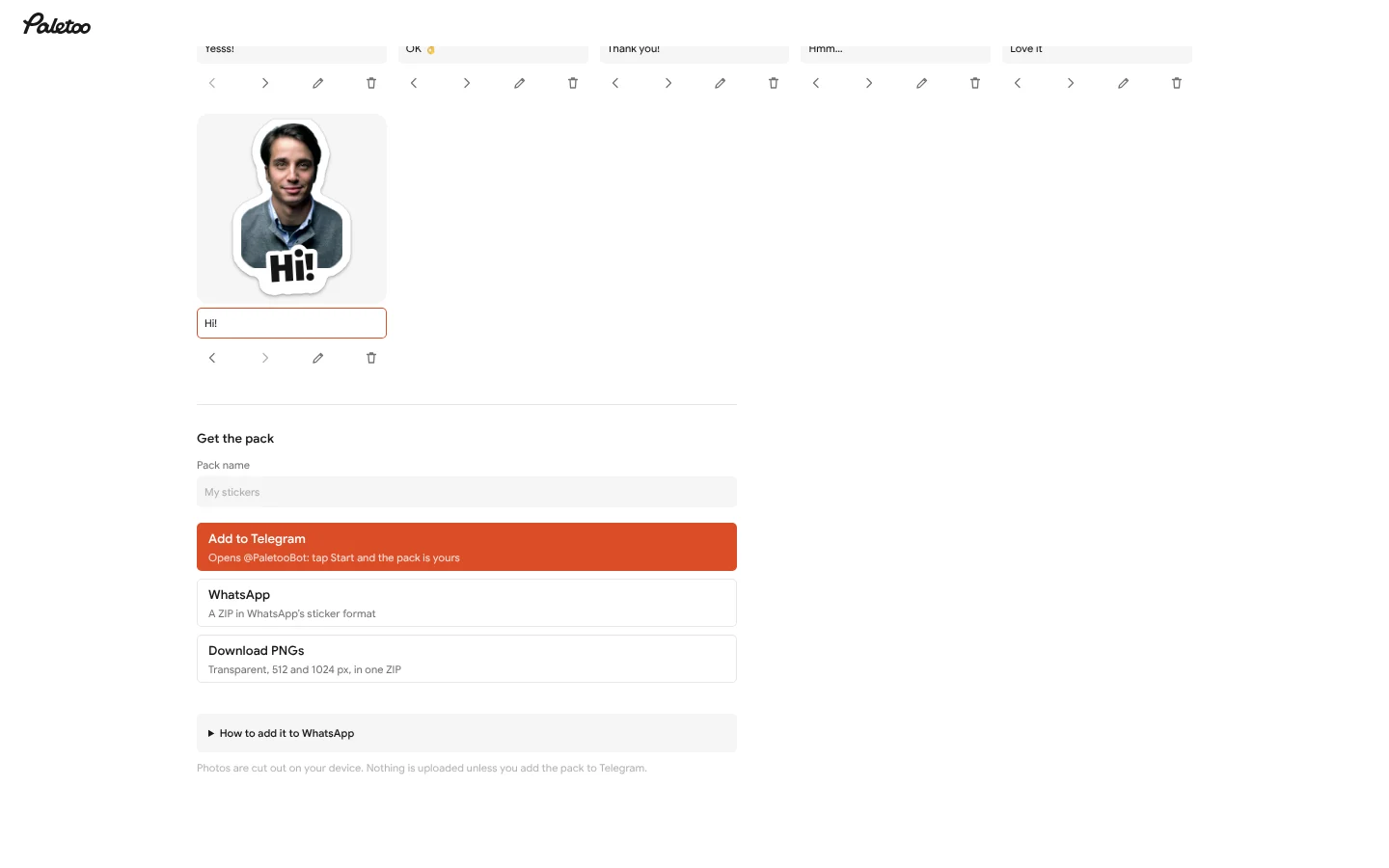
Get the pack: Add to Telegram, WhatsApp or Download PNGs
Photo to sticker, free: how people in the US use it
Yes, it is free, with no sign-up and no watermark: pick photos, and each one comes back cut out, with a white rim and a caption, as a PNG with a transparent background. The cut-out runs on your device, so your photos are not uploaded. Send them in a chat, add them to WhatsApp or Telegram as a pack, or print and cut them.
Stickers of your pet or your friends
The classic: your dog, your kid’s face or the group’s inside joke, cut out with a white rim, to send in a chat.
Print and cut with Cricut
Download the PNGs, place them in Design Space as Print Then Cut images, and cut them on sticker paper.
Small-business stickers
A thank-you sticker for Etsy orders or a product photo cut out for a label: a PNG with a clean edge, ready for the printer.
A pack for the group chat
Turn a trip or a party into a set of stickers for WhatsApp or Telegram in one go, each with its own caption.
| Tool | What you need | Background removal | What you get |
|---|---|---|---|
| Paletoo | A browser, no account | Automatic and free, on your device | Up to 30 at once: PNGs with a white rim and a caption, WhatsApp and Telegram packs |
| iPhone Photos (iOS 17 and later) | An iPhone, iPad or Mac | Touch and hold the subject | One sticker at a time, in Messages; no rim, caption or file to print |
| Canva | A free account | Background Remover is a Pro feature | PNG; a transparent PNG is Pro |
| Sticker apps (Sticker.ly and others) | An app to install | Yes, in the app | WhatsApp packs; ads in the free version |
Sources: Apple’s iPhone User Guide («Create stickers from your photos»); Canva’s Background Remover and download help; the apps’ store listings. Plans change, so check a row before you rely on it.
Fonts and guides for your stickers
What you get
Many photos at once
Pick a whole set from the gallery: the stickers appear one by one while you write their captions, up to 30 in a pack.
Cut out on your device
The background is removed in your browser by the same model as the editor’s Remove background. A hard photo is framed as a circle or a square instead of cut badly.
Eight caption styles
Classic, Comic, Meme, Marker, Neon, Retro, Puffy 3D and Tag, with Cyrillic and Polish letters. The words keep off the face.
One tap to Telegram
The pack goes to @PaletooBot and the bot makes it yours after Start, with each caption as the sticker’s search word. No Telegram login on the site.
Honest WhatsApp files
512 × 512 WebP stickers under 100 KB and a 96 px tray icon, 3 to 30 in a pack: exactly what WhatsApp’s sticker apps take.
Questions
Is the sticker maker free?
Yes. Making the stickers, adding the pack to Telegram, the WhatsApp ZIP and the PNGs cost nothing, need no account and carry no watermark.
Are my photos uploaded?
No, the photos never leave your device: they are cut out and drawn in your browser. Only when you press Add to Telegram are the finished stickers sent to our server, kept there for 30 minutes for the bot to pick up, and deleted once the pack is made.
How do I add the stickers to Telegram?
Press Add to Telegram. Telegram opens @PaletooBot; tap Start and the bot makes the pack for you and sends a button to add it. The link works once and for 30 minutes.
How do I add the stickers to WhatsApp?
WhatsApp cannot import a pack from a website; it takes a sticker app. Download the WhatsApp ZIP, open it in a free app such as «Sticker Maker» on iPhone or «Personal stickers for WhatsApp» on Android, and tap Add to WhatsApp.
How many stickers can a pack have?
Up to 30 photos at once here, which is also WhatsApp’s limit for a pack; WhatsApp needs at least three. A Telegram pack made here holds as many as you send.
Which photos make the best stickers?
A person, a pet or a thing seen clearly and fairly large, against a background that differs from it. Group photos, hands raised high and very dark photos are harder: the maker then frames the photo as a circle or a square.
Can I edit a sticker further?
Yes. Open a sticker and press Open in editor: it opens on a transparent 512 px artboard, where you can add text, effects or other pictures and export a PNG.
Does it work on a phone?
Yes, in Safari or Chrome with no app to install. The first time, the cut-out’s model downloads once (about 25 MB) and the browser keeps it; after that each photo takes a few seconds.
How do I turn a photo into a sticker for free?
Press Choose photos, pick your pictures and wait a moment: each one is cut out with a white rim. Type a caption if you like, then download the PNGs or add the pack to WhatsApp or Telegram. It is free, with no sign-up and no watermark.
Can I print the stickers with a Cricut?
Yes. Download the PNGs, upload them to Cricut Design Space as Print Then Cut images, print them on sticker paper and let the machine cut around the rim.
Learn more
Step-by-step guides
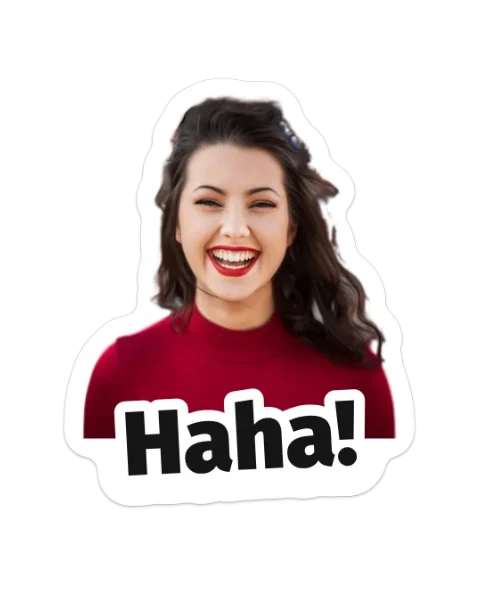
How to make stickers from your photos
Cut the subject out, give it a white rim and a short caption, keep one style for the set — then add the pack to WhatsApp or Telegram. Try it on this page.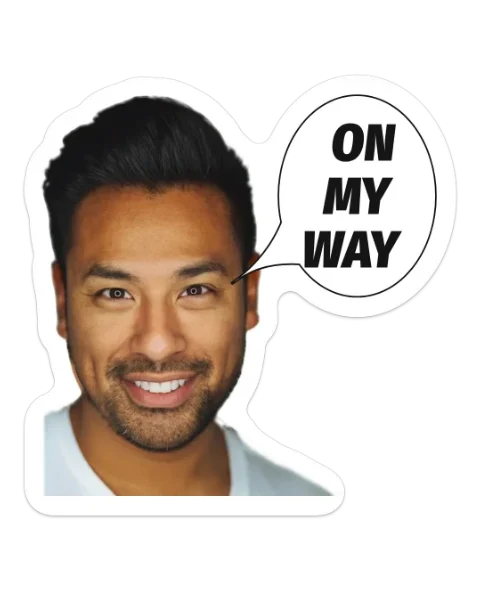
How to make a Telegram sticker pack from photos
Make the stickers on the site, then add them by hand in Telegram’s own @Stickers bot in about five minutes. Every rule checked in November 2026.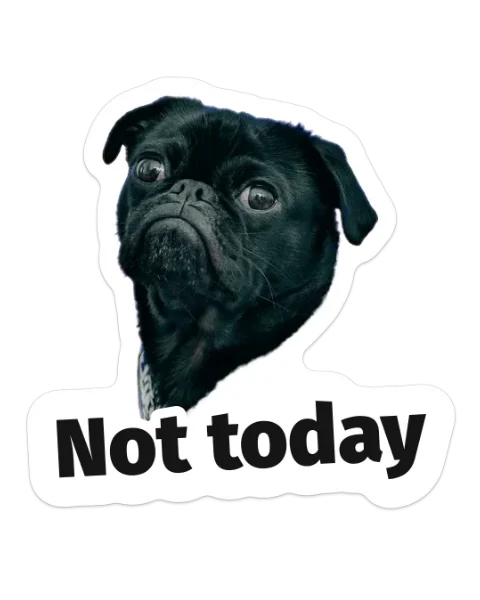
How to make WhatsApp stickers from your photos
Make the whole pack once — cut out, rimmed, captioned, in WhatsApp’s own format — then add it on Android, iPhone or WhatsApp Web. Exact steps, checked in November 2026.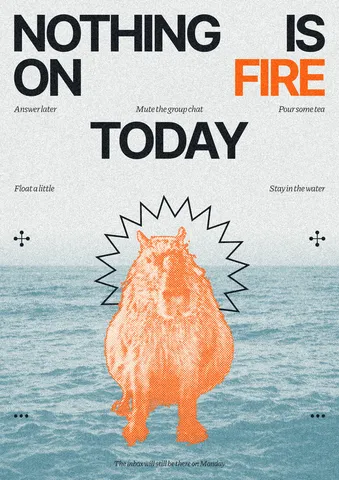
How to remove the background from a photo online — free, on your device
One click cuts the subject out; the background is hidden, not deleted, so you can bring it back.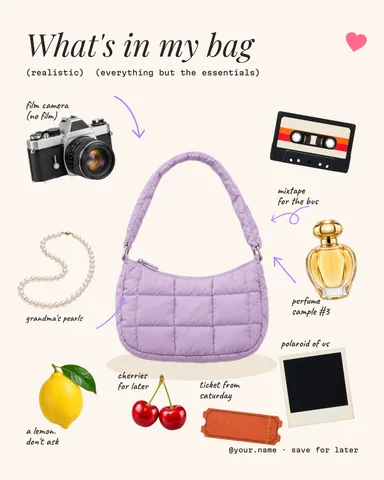
How to make WhatsApp stickers from photos, on iPhone or Android
The file rules, the two ways a sticker gets into WhatsApp, and a cut-out with a white border — or without one — made free in the browser.
In the help centre
More tools

Remove background online
Cut the subject out of any photo in one click — on your own device, with no upload and no credits.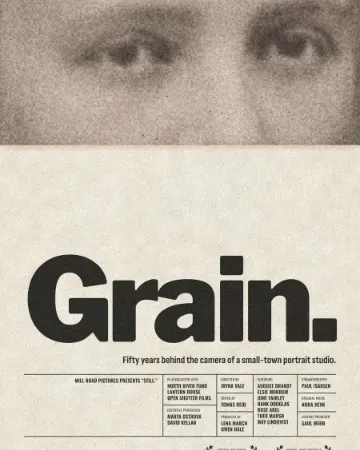
Photo effects online
Drop in a photo, press one mix — film, print or glitch — and download it in a minute; every step stays editable afterwards.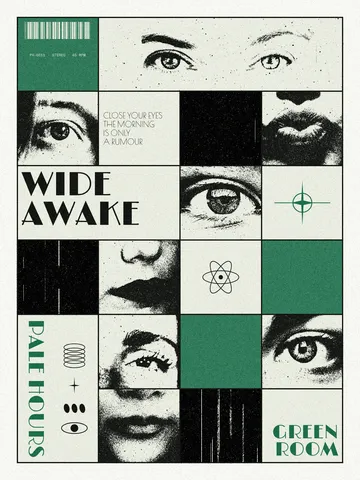
Photo collage maker
Drop your photos into a ready grid — two, three, four or five frames — and every picture fills its frame without stretching.
Make it now
Paletoo opens in your browser. Start from the template above or a blank page, and export when you are happy.
Start free