How to make newspaper cutout letters (ransom note text)
Every letter on its own scrap of paper, turned and nudged.
What it is
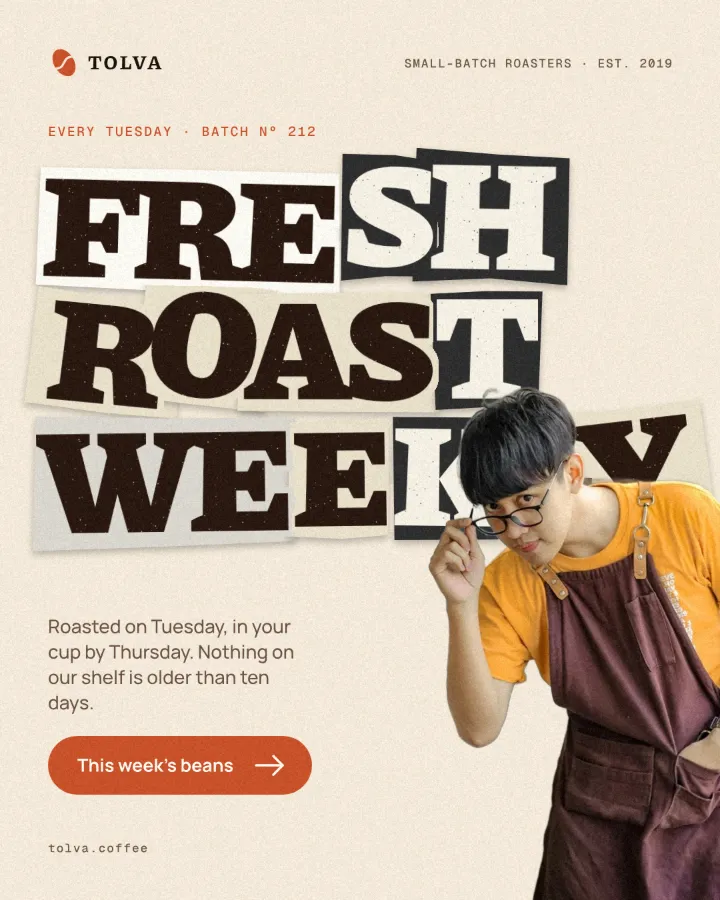
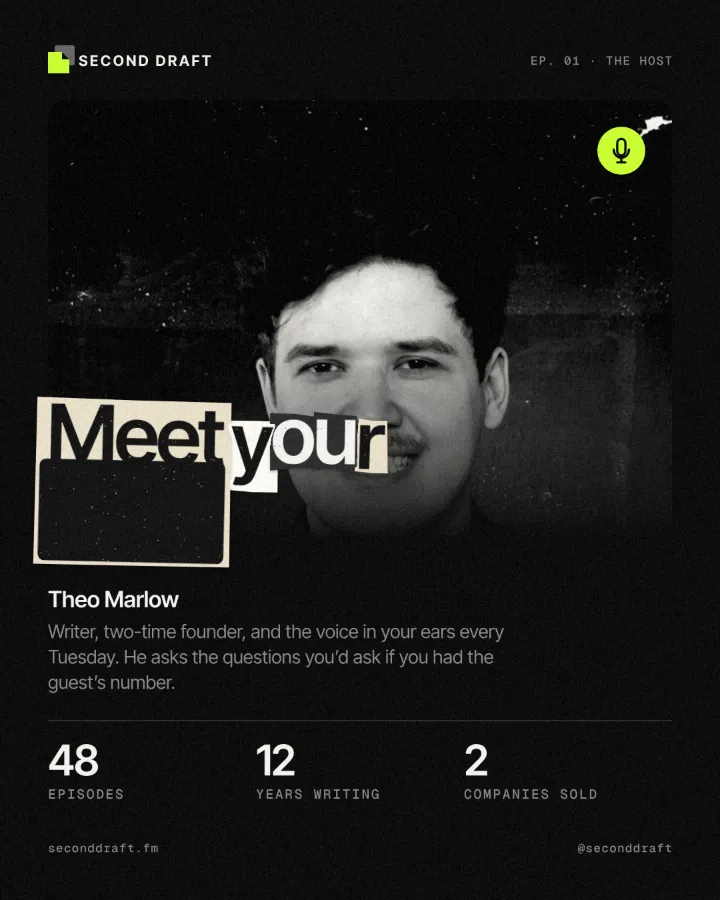
Newspaper cutout lettering, the ransom note look, builds a word out of letters that seem clipped from different papers: each on its own scrap, mostly off-white newsprint with the odd black or red one, every scrap turned a few degrees, nudged off the line and sized a little differently, with a small shadow where it lifts off the page. It comes from punk sleeves and zines, where headlines were literally cut out and glued down.
Doing it by hand means a separate box, rotation and colour for every letter, and starting again whenever the copy changes. In Paletoo it is one effect, Cutout, on live text. It finds each letter from the text’s own shape and deals the scraps from a seed in reading order, so the same words and seed always give the same collage, and retyping the headline makes a fresh collage for the new letters.
Where it is used
Use it for gig and protest posters, zine and editorial covers, fashion and streetwear campaigns, “breaking news” and announcement posts, podcast titles and any headline that should feel hand-made, urgent or a little mischievous. It works best on short, loud headlines set in a heavy face.
Made in Paletoo with this mix:

How to make it, step by step
Open your design and select the headline. Short words in a heavy face work best: each letter needs enough body to read on its own scrap.
Open the Effects tab, find Retro & print and press All; the Cutout card is in the first run, Print.
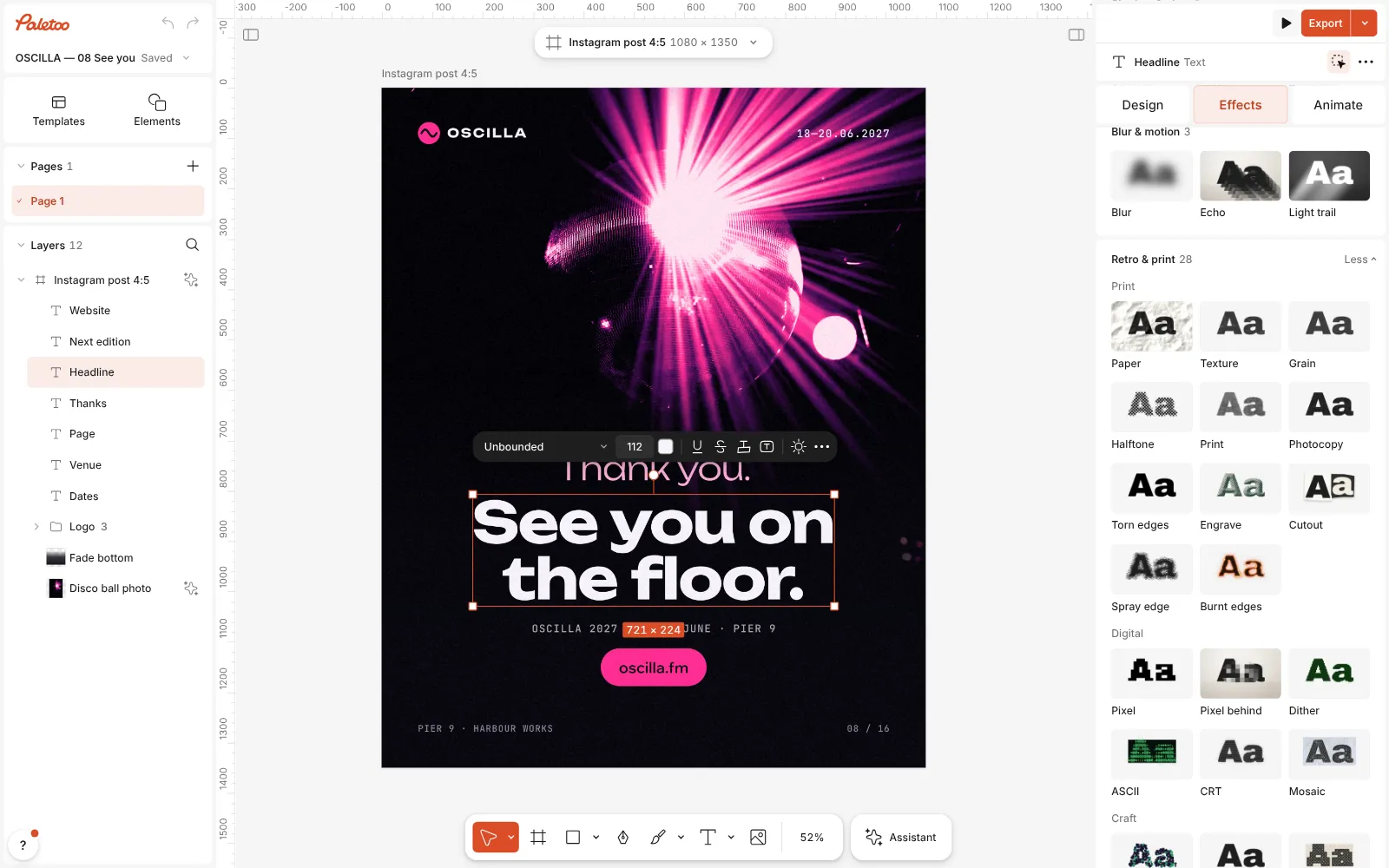
A festival farewell post open in Paletoo, its headline selected and Retro & print open with the Cutout card in view Press the Cutout card. One step goes on under Applied, and every letter now sits on its own scrap of paper, turned and nudged, with a soft shadow under it.
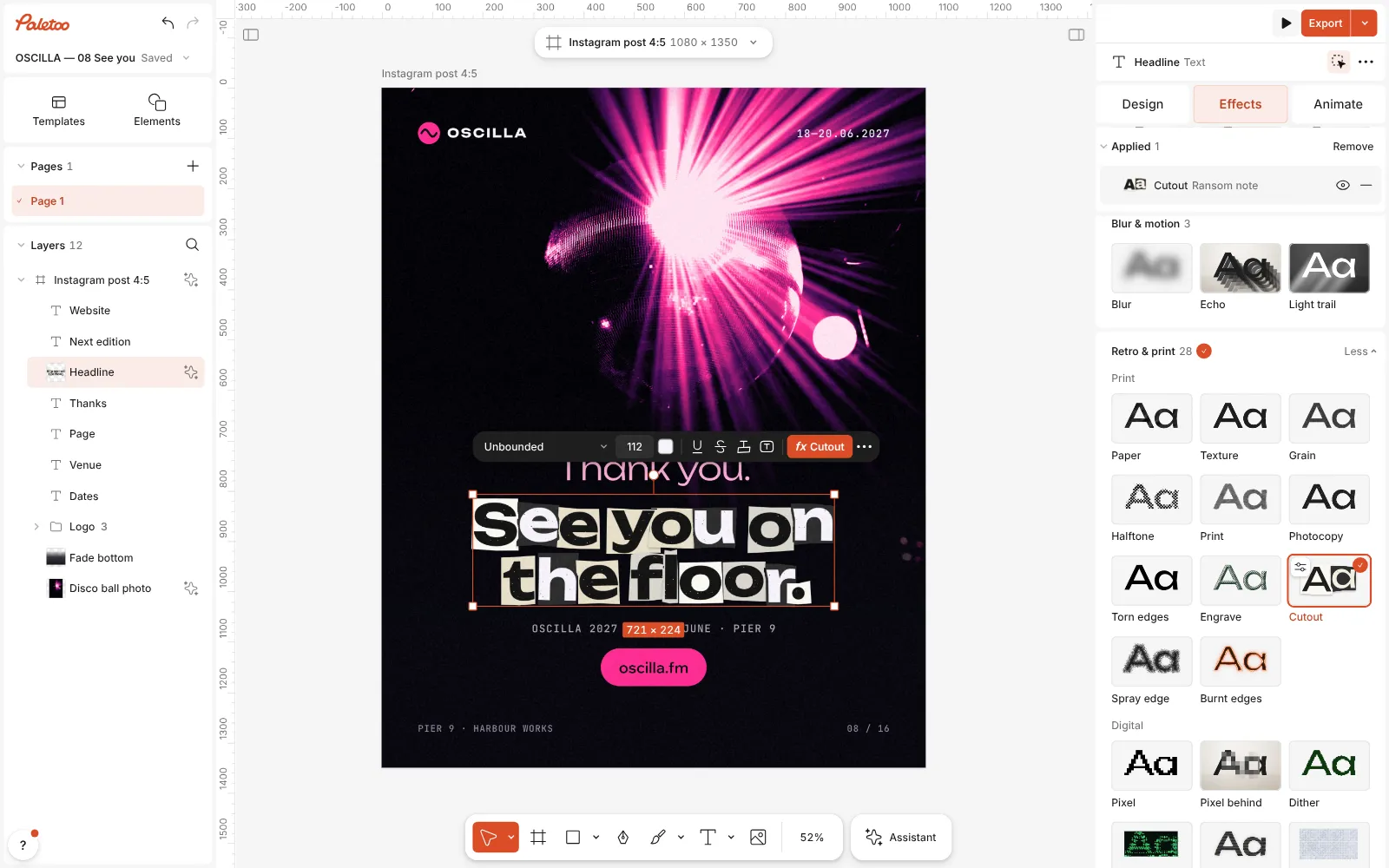
Cutout on: each letter on its own scrap of paper, the step listed under Applied Click the Cutout row to open it. The presets at the top are Ransom note (letter by letter, wilder) and Clippings (whole words, calmer). Coverage sets how many pieces get a scrap, Rotation how far they turn, Offset how far they jump off the line and Paper contrast how often a black or red scrap appears.
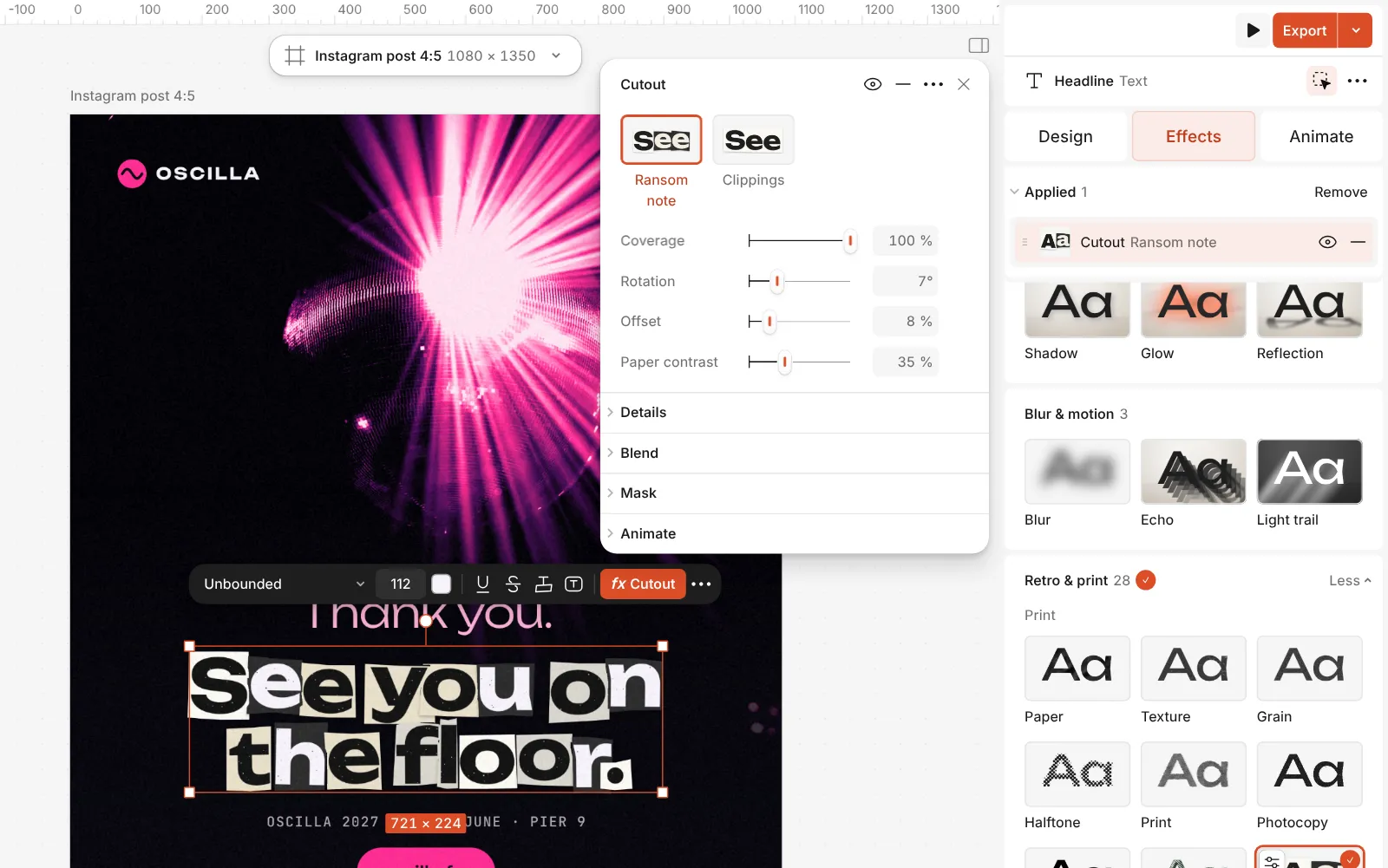
The Cutout step open: Ransom note and Clippings, with its controls Further down, Seed deals a new collage, Cut switches between Letters and Words, and Size variation, Paper margin, Grain and Shadow finish the paper.
Double-click the text and retype it — the scraps are cut again for the new letters. Then press Export.
Watch it
The one-click mix
In Paletoo the whole stack is one mix, Ransom note. One click puts every step on the selected object, one undo takes them all off, and each step stays an ordinary effect you can change, reorder or remove.
Its steps: Cutout · Ransom note
Open this mix in PaletooMake it your own
Readability comes first. A long headline with high Rotation and Offset quickly becomes a jumble, so turn them down as the copy gets longer, or switch to Clippings, which keeps whole words on one scrap. Keep the wild Ransom note for two or three short words.
Paper contrast sets the rhythm: at zero every scrap is light newsprint; raise it and black scraps with light letters appear, and now and then a red one. If a black scrap lands on an important letter, change Seed until the collage falls the way you like. A little Size variation makes it feel cut from different papers; too much breaks the line.
Lower Coverage to leave some letters bare, for a looser, half-finished collage. Paper margin sets how much paper shows round each letter, and Grain roughens the scraps. Turn Shadow off for a flat, scanned look, or keep it to lift the scraps off a photo.
Questions
Is the text still editable?
Yes. Retype the words, change the font or the size, and the scraps are cut again from the new letters. The same words and seed always give the same collage.
Is there a ready-made cutout title?
Yes. The Text tool’s presets include Newspaper cutout: a new text layer in a heavy face with the Cutout step already on, ready to retype.
Can I use it on a logo or a picture?
Yes. Cutout works on any layer with clear shapes: every separate shape gets its own scrap, so a logo of several parts turns into a small collage.
Why do some letters have no scrap?
Coverage is below 100 %. Raise it and every letter gets its paper.
Is there a one-click card for it in Mixes?
Yes: Ransom note. It puts on the same Cutout step with its Ransom note preset, one press away, next to the other mixes.
More effects
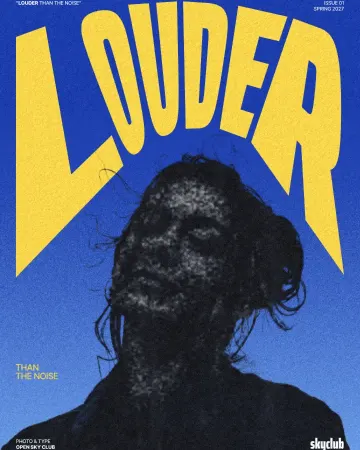
How to make a photocopy effect
Dense toner blacks, greys in scan lines and grey copier paper, from any photo.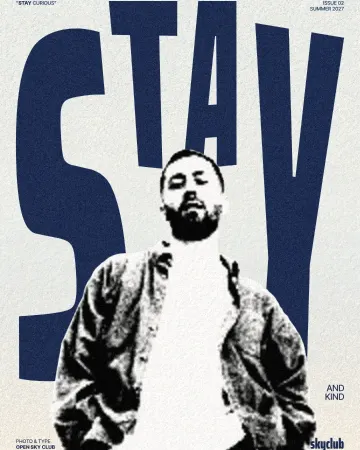
How to make a torn edges effect, like Photoshop’s Torn Edges
Ink and paper, split at a ragged, grainy edge.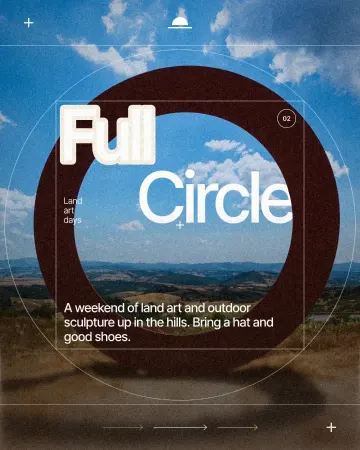
How to make a knockout outline that cuts through
A stroke that cuts through the layers under the text.
Read the overview: graphic design trends 2026
Make it online: Flyer maker · Text effects online · Photo collage maker · Event and launch templates · Social media post templates
Try it on your own design
Paletoo opens in your browser, with no sign-up. Every effect here is live: change the picture or the words and the effect follows.
Open in Paletoo