Photo collage maker
Drop your photos into a ready grid — two, three, four or five frames — and every picture fills its frame without stretching.
Start freeOpens in your browser · no sign-up · no watermark
Start from one of these
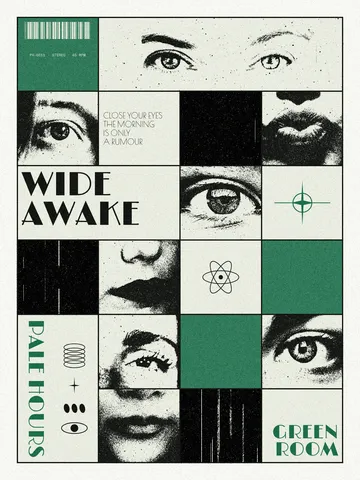
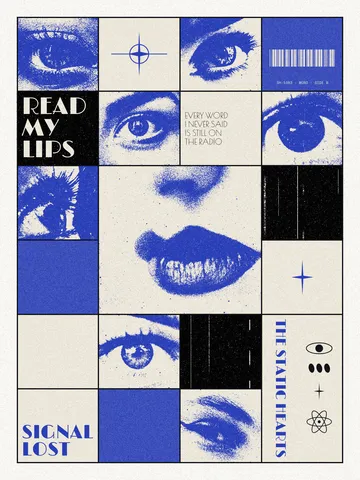
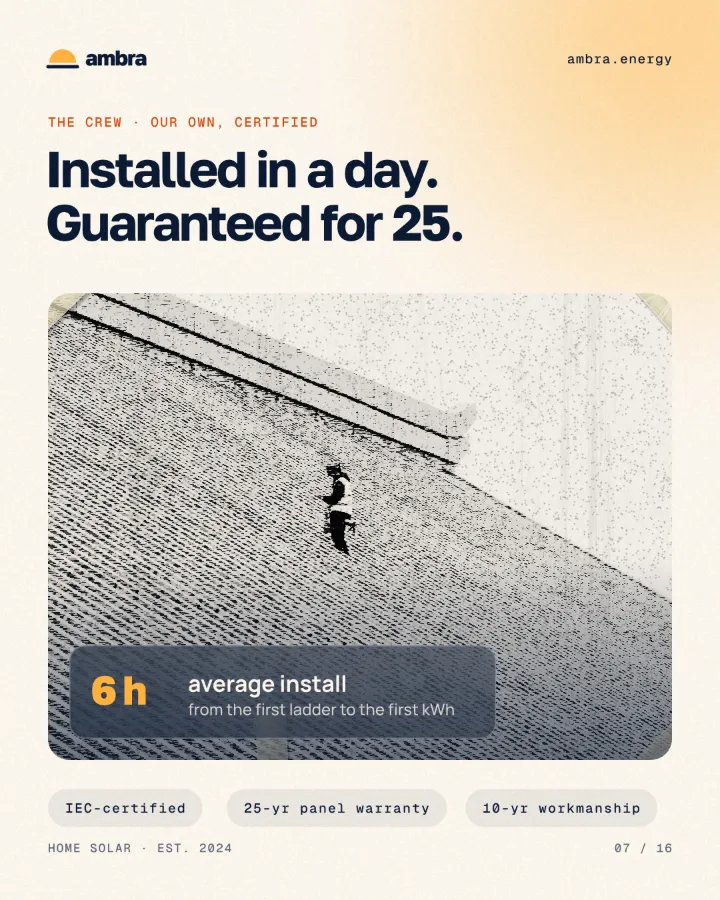
Real Paletoo documents and results — open one and change everything.


How it works
-
Open a collage
«Start free» opens a four-photo post as your own document. For another grid, press Templates and choose from Collage layouts: pick the gap first, then the layout, and its frames land on the artboard.
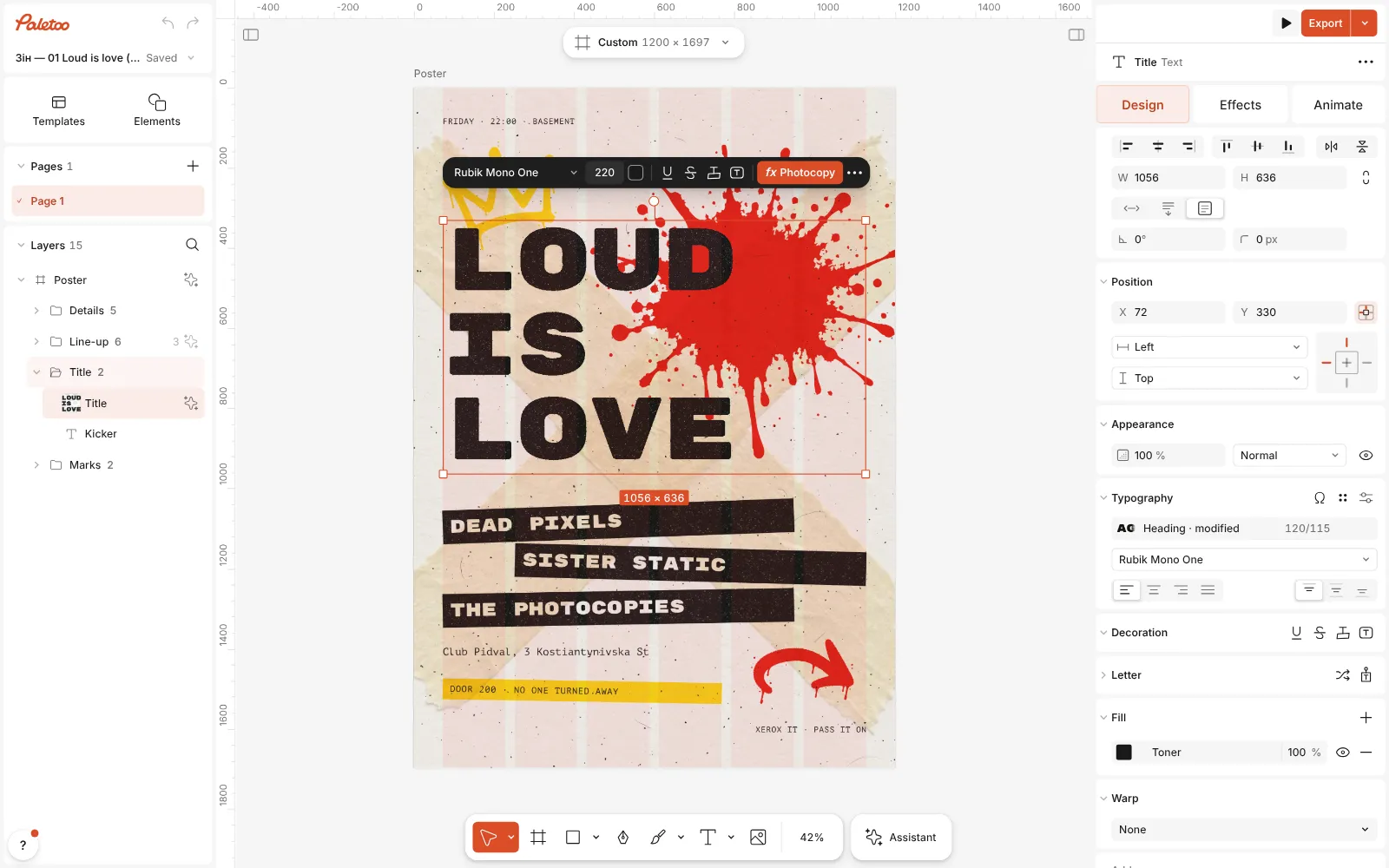
The gig flyer template open in Paletoo, its title selected, the Design tab on the right -
Drop in your photos
Drag several photos at once onto the collage: the first fills the frame under the pointer, the rest fill the empty frames in reading order. To swap one, select it and press Replace picture; double-click a frame to move the photo inside it.
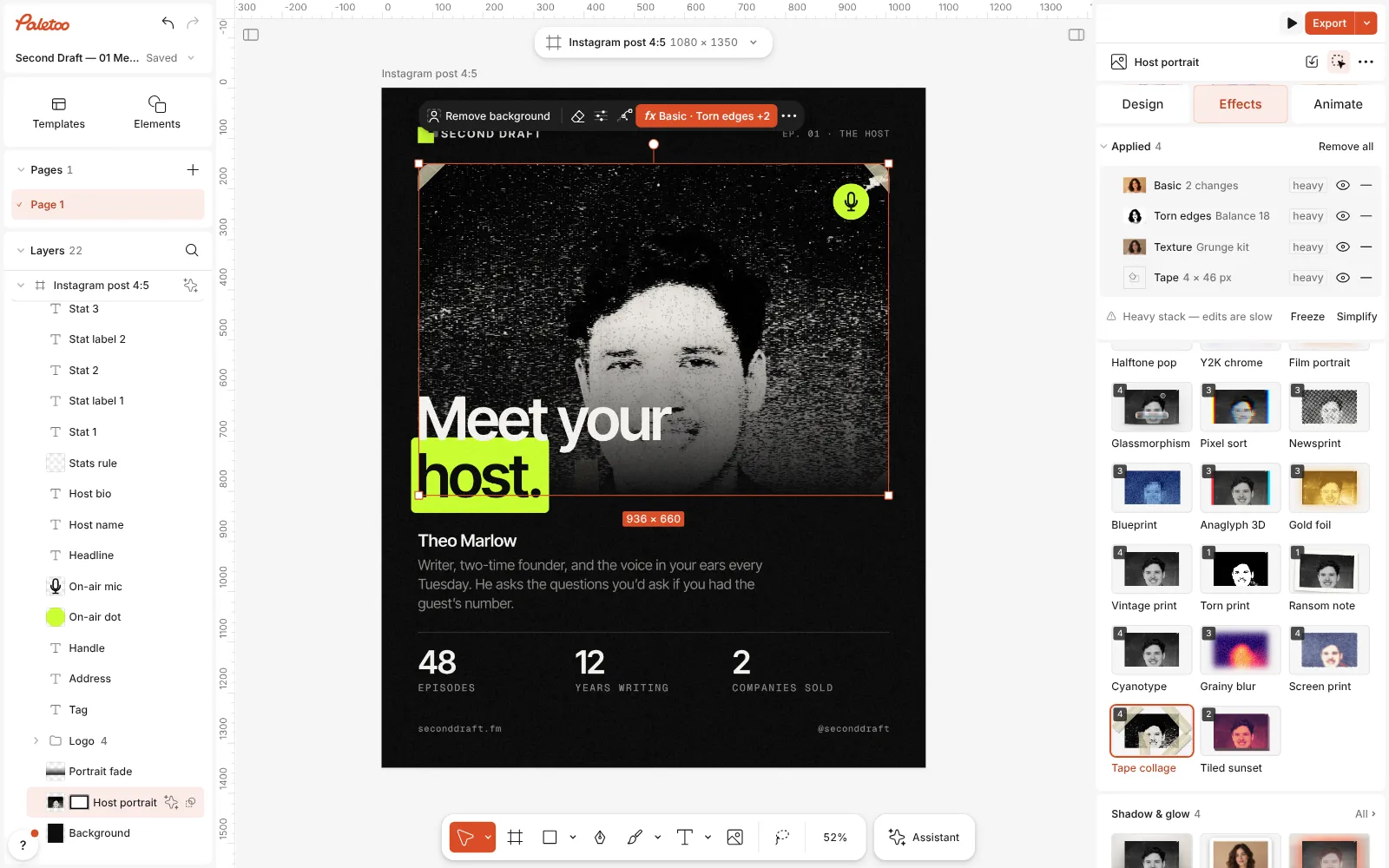
Tape collage pressed: Basic, Torn edges, Texture and Tape under Applied, the portrait a grey photocopy taped to the page at its corners -
Export
Press Export (Ctrl Shift E) and choose JPG or PNG for a post or a story, or PDF to print an A4 collage. The file is the artboard’s exact size, with no watermark.
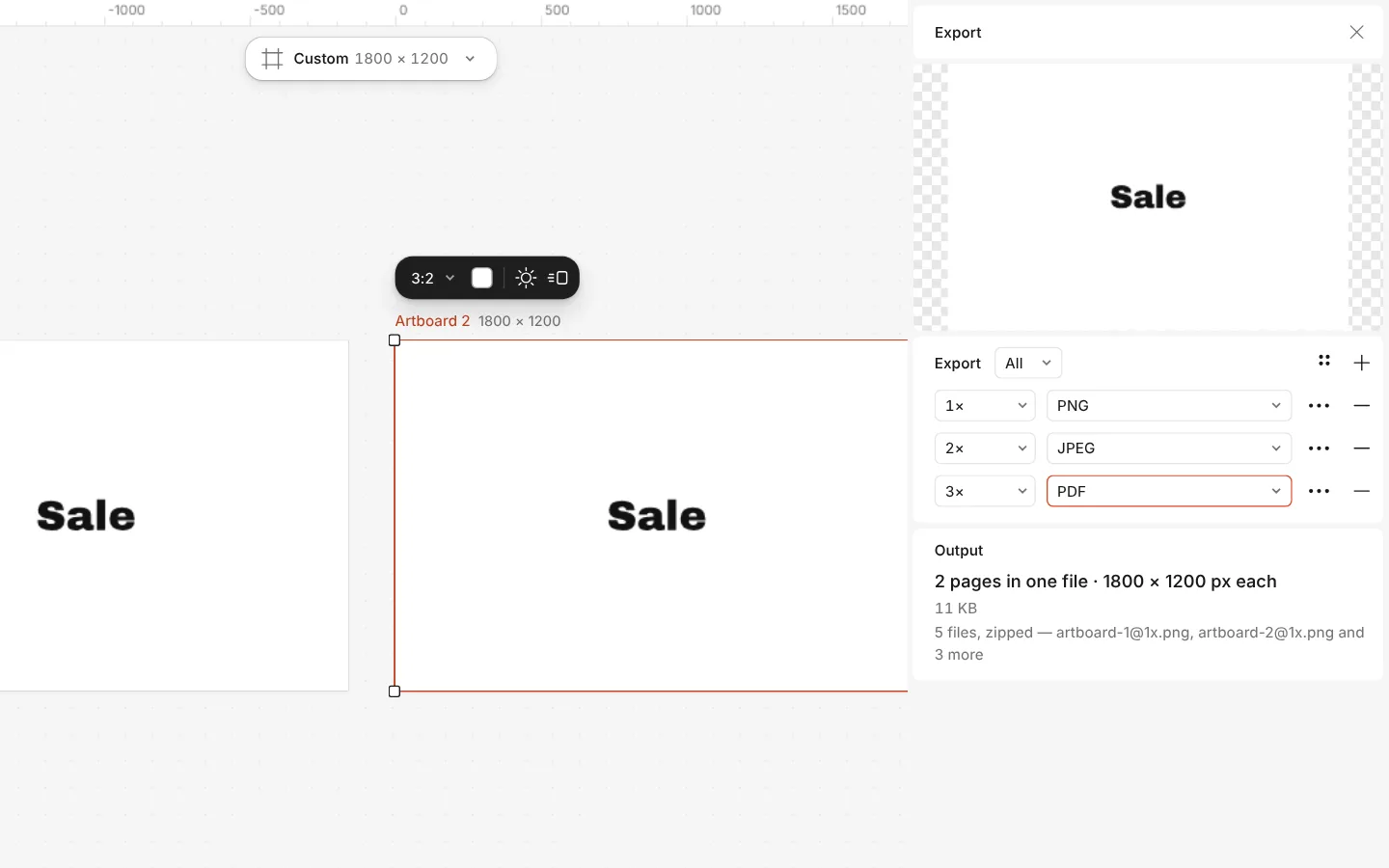
The Export window with all artboards and three files at once
What you get
Eight layouts that fit any size
Two halves, three columns, hero and two, editorial, two by two, magazine, mosaic and filmstrip — each made of fractions, so it fits a square, a post, a story or an A4 page.
Photos never stretch
A photo of any shape covers its frame through a crop. Double-click to slide it, scroll to zoom it; the frame itself never moves.
Many photos in one drop
Drop a handful of files and they fill the empty frames top to bottom, left to right — one undo step if you change your mind.
Looks for the whole collage
Tape collage, torn paper, newspaper cutout, duotone or film grain: one click on a photo or the whole page, every step still editable.
Words on top
A collage is a normal design: add a title, a date or a caption in real fonts, and shapes, stickers or a QR code beside the photos.
Questions
Is the collage maker free?
Yes. The layouts, the templates and every export — JPG, PNG and PDF for print — are free and carry no watermark. Only AI image generation and materials use credits, and a collage needs neither.
How many photos can a collage have?
The ready layouts hold two, three, four or five photos. For six or more, place a second layout beside the first, or select a frame and duplicate it with Ctrl D: every copy is another frame to drop a photo into.
Can I make a collage for an Instagram post or a story?
Yes. Choose the post (1080 × 1350) or story (1080 × 1920) format from the format menu above the canvas before you add the layout; the layout takes the shape of the artboard. The template opened here is already a 4:5 post.
Can I print a collage on A4?
Yes. Pick A4 from the Print formats, add a layout and your photos, and export a PDF. Photos keep their own resolution, so use originals rather than screenshots for a sharp print.
Do I need to sign up?
No. Paletoo opens in your browser and you can make and export a collage straight away. Your photos stay in your browser; a free account only adds cloud storage and share links.
Does it work on a phone?
Paletoo opens in a phone’s browser with no app to install, and the templates, photos and export work there too. Dragging many photos at once is quickest on a computer.
How do I move a photo inside its frame?
Double-click the frame: the rest of the photo shows faintly around it, and you drag to place it or scroll to zoom. Escape or a click outside ends it; only the crop changes, never the frame.
Can I add a gap or rounded corners between photos?
Yes. Choose the gap — none, small, medium or large — before you add a layout. Each frame is its own layer, so you can round its corners, add a stroke or a shadow, or tilt it for a scrapbook look.
Learn more
Step-by-step guides
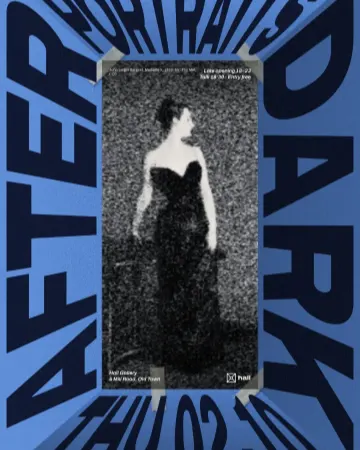
How to make a photocopy collage with tape
A grey photocopy, held to the page with strips of masking tape.
How to make newspaper cutout letters (ransom note text)
Every letter on its own scrap of paper, turned and nudged.
How to make a torn edges effect, like Photoshop’s Torn Edges
Ink and paper, split at a ragged, grainy edge.
In the help centre
More tools
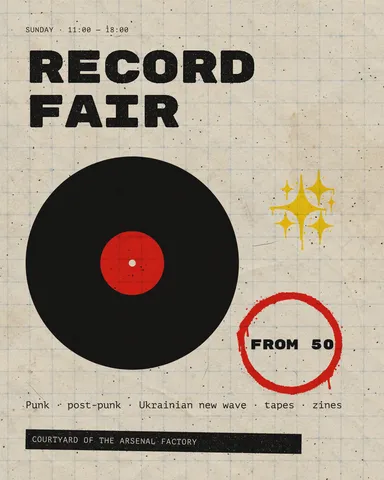
Instagram post maker
Design a post at the right size from a real template, then export a sharp PNG or JPG — free, in your browser.
Carousel maker
Design all the slides of an Instagram carousel on one wide artboard, let a photo run across the cuts, and export one file per slide.
Photo effects online
Give a photo a film, print or glitch look in one click — and keep every step editable afterwards.
Make it now
Paletoo opens in your browser. Start from the template above or a blank page, and export when you are happy.
Start free