Free tools6 min readFreeUpdated 2026-11-12
How to make a poster or flyer on your phone, free, with no app
A poster for the door, a flyer for the chat, a PDF for the print shop — made with your thumbs in the phone’s browser, nothing installed.
By the Paletoo team · steps tested in Paletoo on
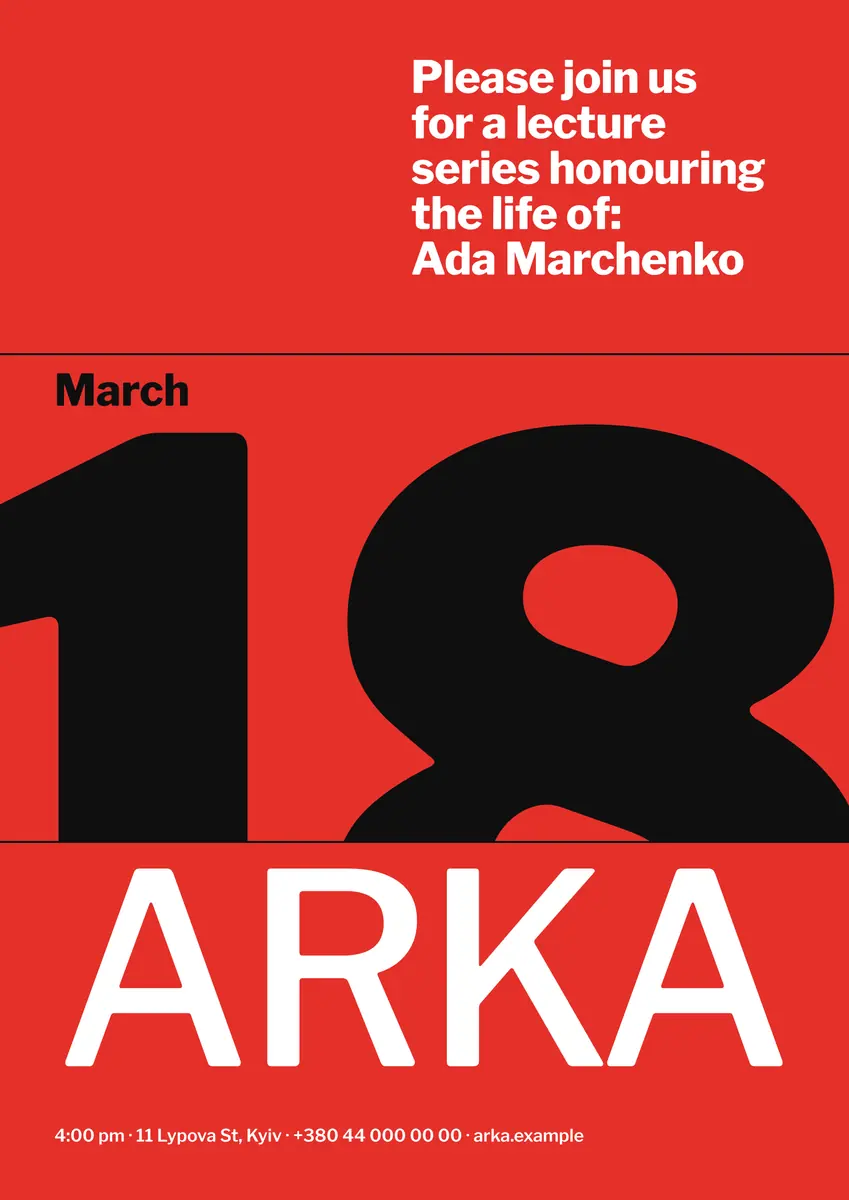
To make a poster or flyer on your phone for free, open Paletoo in Safari or Chrome — there is no app to install — start from a poster template, double-tap the words to type your own, replace the photo, then tap Export: a PDF for printing, a PNG or JPG for WhatsApp, Telegram or Instagram. There is no watermark and no account, and the same design can be printed at A4 and posted as a picture.
This guide does it on «Lecture on the 18th», an A3 event poster from our event set, and covers what is different on a small screen: how to tap, zoom and type in the editor, which size to pick for a door, a noticeboard or a chat, how to save the PDF so you can find it again, and how to print straight from the phone or send the file to a print shop. Every step was run in Paletoo on 12 November 2026 in a phone-sized browser, at iPhone and Android screen sizes; the step pictures are the same editor on a computer, where the panels sit side by side.
Pick the size before you type
Decide where the poster will live first, because that sets the shape. Paper sizes follow ISO 216: A4 (210 × 297 mm) is the everyday flyer and the size every home printer takes; A5 (148 × 210 mm) is a hand-out or a table card; A3 (297 × 420 mm) is a small poster for a door or a noticeboard. In the US the flyer is Letter, 8.5 × 11 in. For phones the shapes are different: a 4:5 post (1080 × 1350 px) fills most of a feed, and a story or a chat «poster» is 9:16 (1080 × 1920 px).
You do not have to choose only one. Make the print version first, then duplicate the artboard and set the copy to 1080 × 1350 for the chat: the words and colours come along, and you only move things to fit. A poster that will be read from across a corridor needs its title readable at three metres — on A4 that means letters at least 2 cm tall.
| Where it goes | Size | Export |
|---|---|---|
| Home printer, flyer | A4 · 210 × 297 mm (US Letter 8.5 × 11 in) | |
| Hand-out, table card | A5 · 148 × 210 mm | PDF, two on an A4 sheet |
| Door, noticeboard | A3 · 297 × 420 mm | PDF to a print shop |
| Instagram post, Facebook | 1080 × 1350 px (4:5) | PNG or JPG |
| Story, Reels cover, a chat | 1080 × 1920 px (9:16) | PNG, JPG or MP4 |
Tapping, zooming and typing on a small screen
The editor on a phone is the same editor as on a computer, laid out for the thumb. Tap a thing to select it; double-tap a word to type into it, and the canvas scrolls so the line you type stays above the keyboard. Pinch with two fingers to zoom and drag with two to move around; a long press opens the menu of the thing under your finger, with copy, duplicate and delete. The panels become two sheets at the bottom: the button on the left opens templates, elements, layers and pages, the one on the right — Properties — opens the settings of what you selected, with the same Design, Effects and Animate tabs. Drag a sheet up for more, down to close it.
Two habits save time on a phone. Zoom in until the line you edit is at least thumb-high, and type the long texts — the address, the programme — in your notes first and paste them in. If a phone held sideways is easier for you, the editor turns too: the tools move to a rail at the side and the canvas keeps the full height.
Saving, printing and sending from the phone
On an iPhone a PNG or JPG goes to the share sheet, where «Save Image» puts it in Photos and the chat apps take it directly; a PDF downloads after Safari asks «Download?» and lands in Files, in the Downloads folder. On Android both go to Downloads. To print at home, open the PDF and use Print from the share menu: an iPhone prints to AirPrint printers with no driver, and Android phones print through the default print service or Mopria, which many office printers support.
For a print shop, send the PDF, not a screenshot. Text and shapes in a Paletoo PDF are vectors, so they print sharp at any size; photos need about 300 pixels per inch at their printed size, and the Export window’s print check warns you about a photo that has fewer. If the poster has colour up to its edges, ask the shop about bleed: the PDF can include 3 mm of bleed and crop marks.
Made in Paletoo
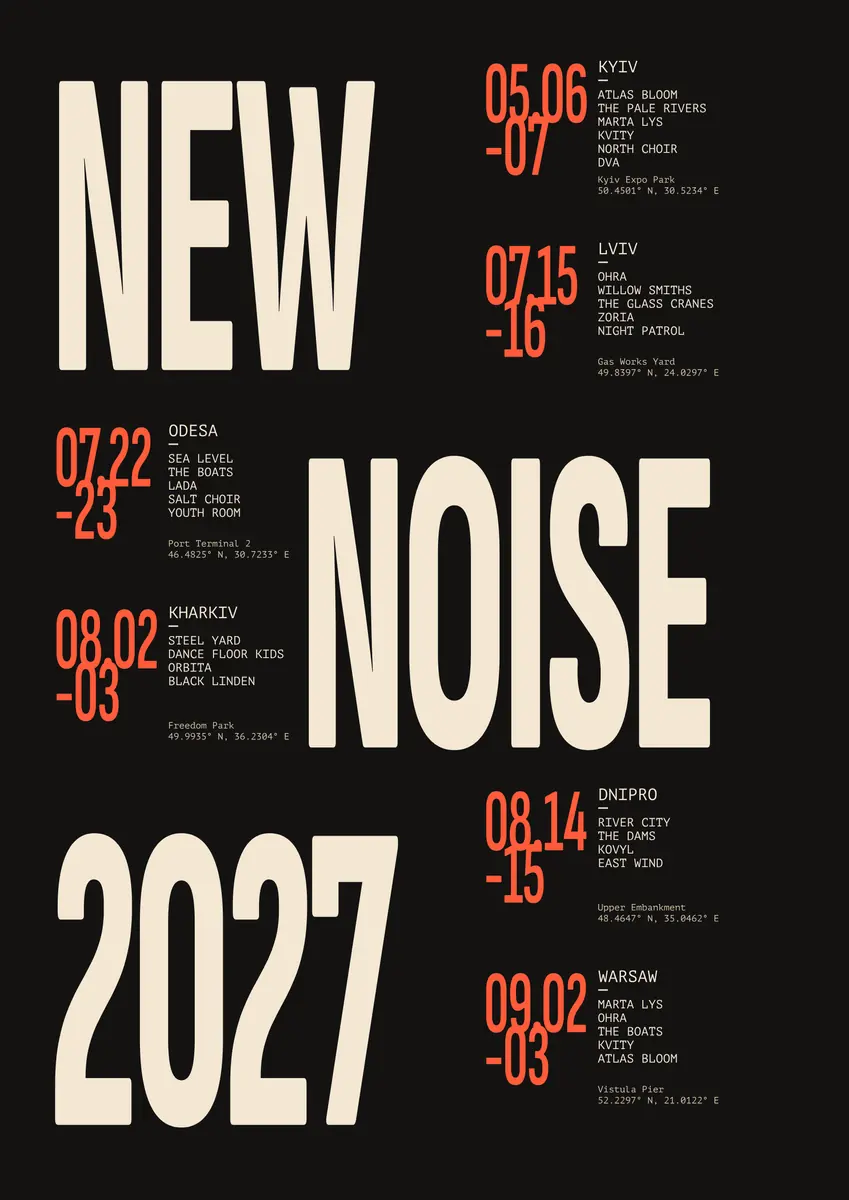
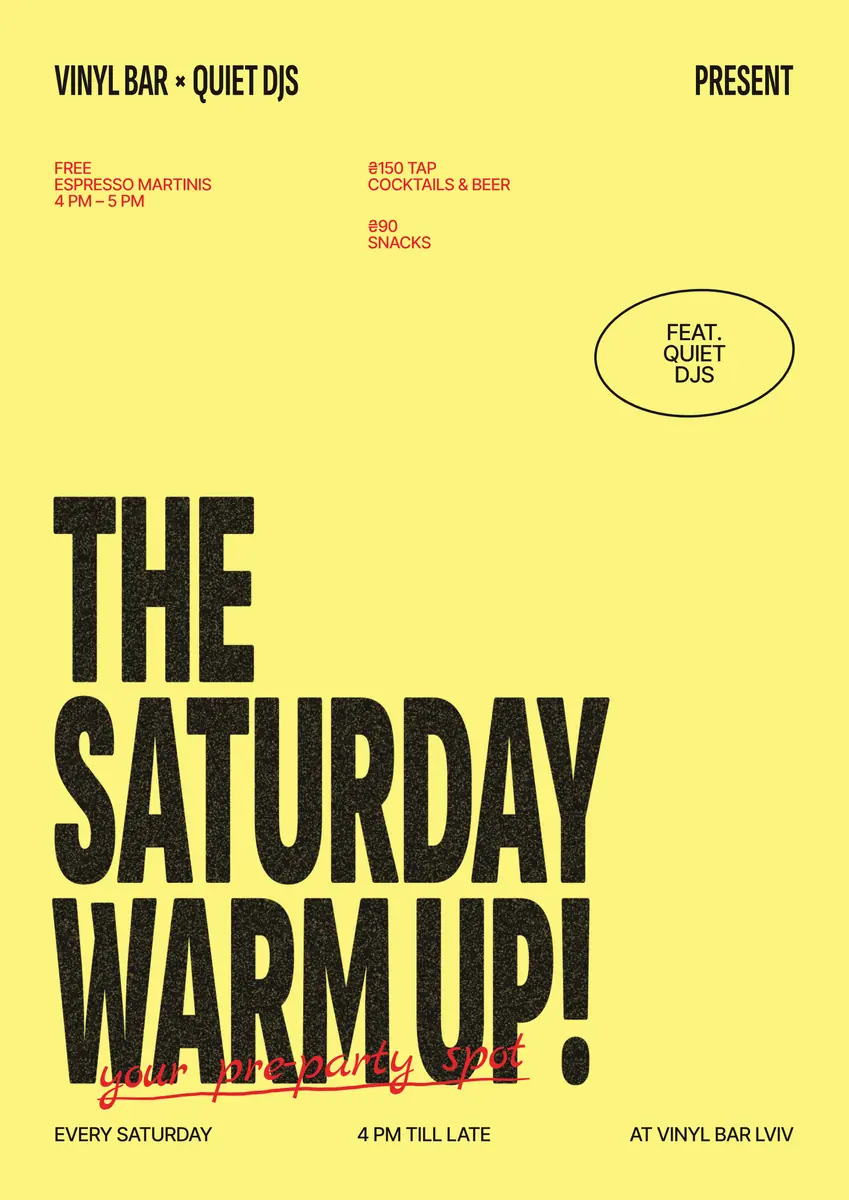
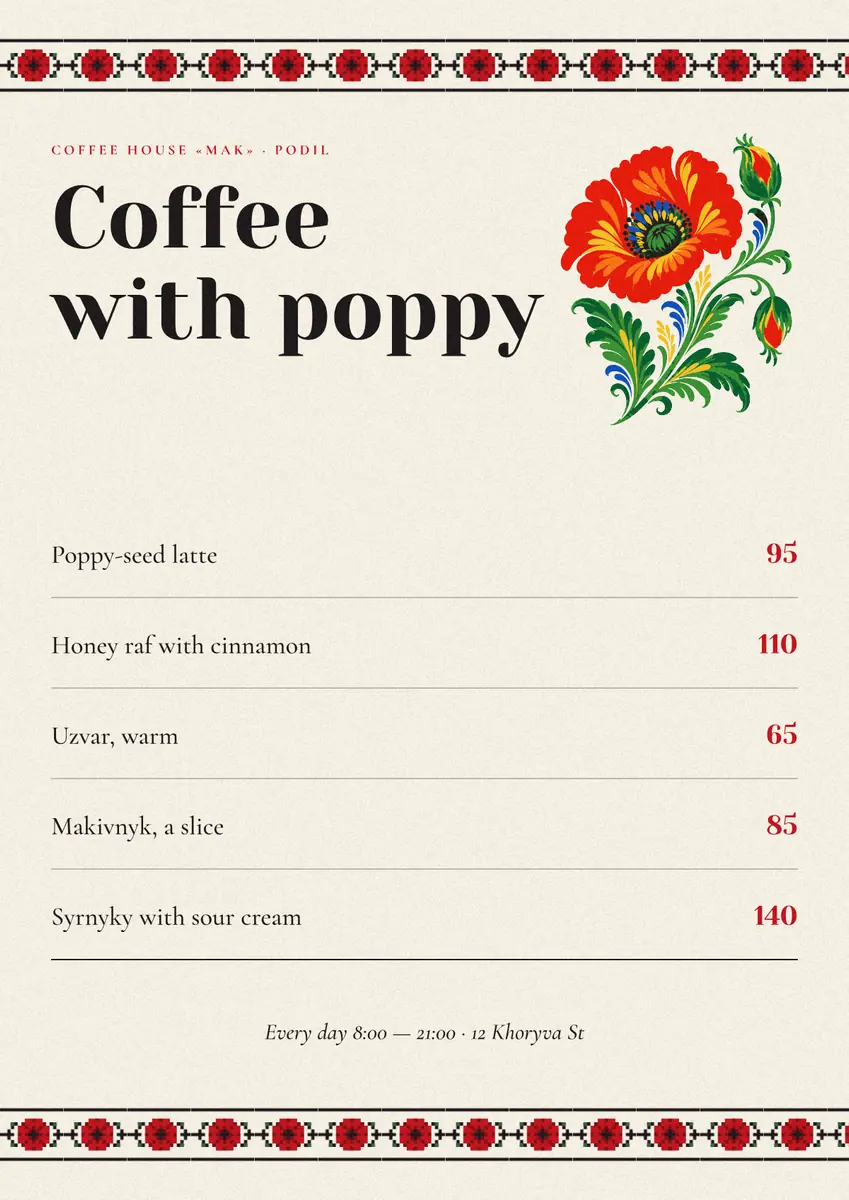
Every picture on this page was made in Paletoo — these three with the same steps on other templates:
Make it free in Paletoo
Open the poster: press “Open in Paletoo” on this page, or open the poster maker or the flyer maker on your phone and tap a template. It opens as your own document, already the right size.
Double-tap the words and type yours — the title, the date, the place. With a text selected, open Properties: the Typography section of the Design tab sets its Font and size. Tap Done above the keyboard when you finish.
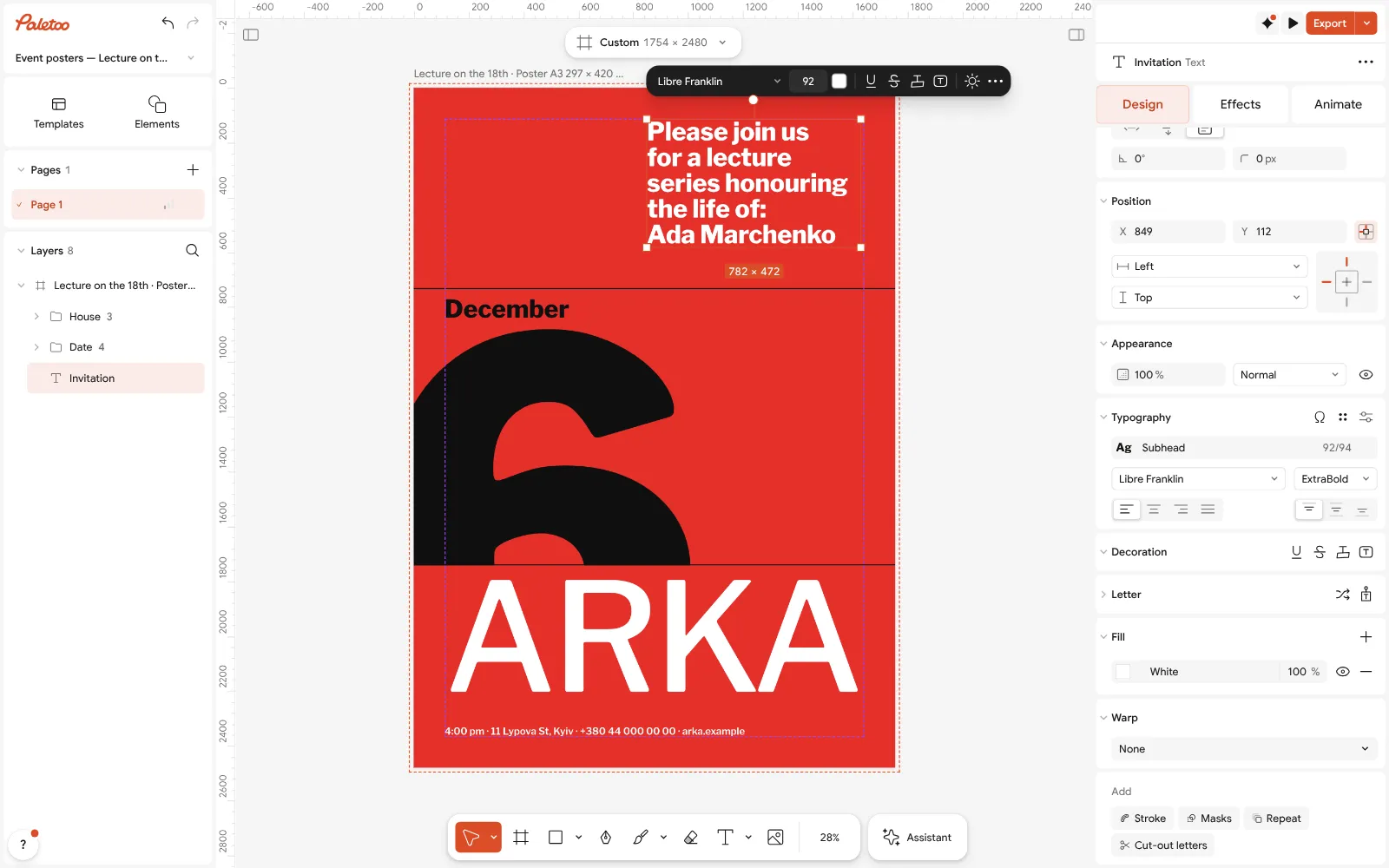
The A3 «Lecture on the 18th» poster open in Paletoo, its date retyped to 6 December: the invitation text under Typography Tap a shape or a band of colour to change its Fill; tap a photo and use Replace picture to put in one from your camera roll. A long press on anything gives copy, duplicate and delete.
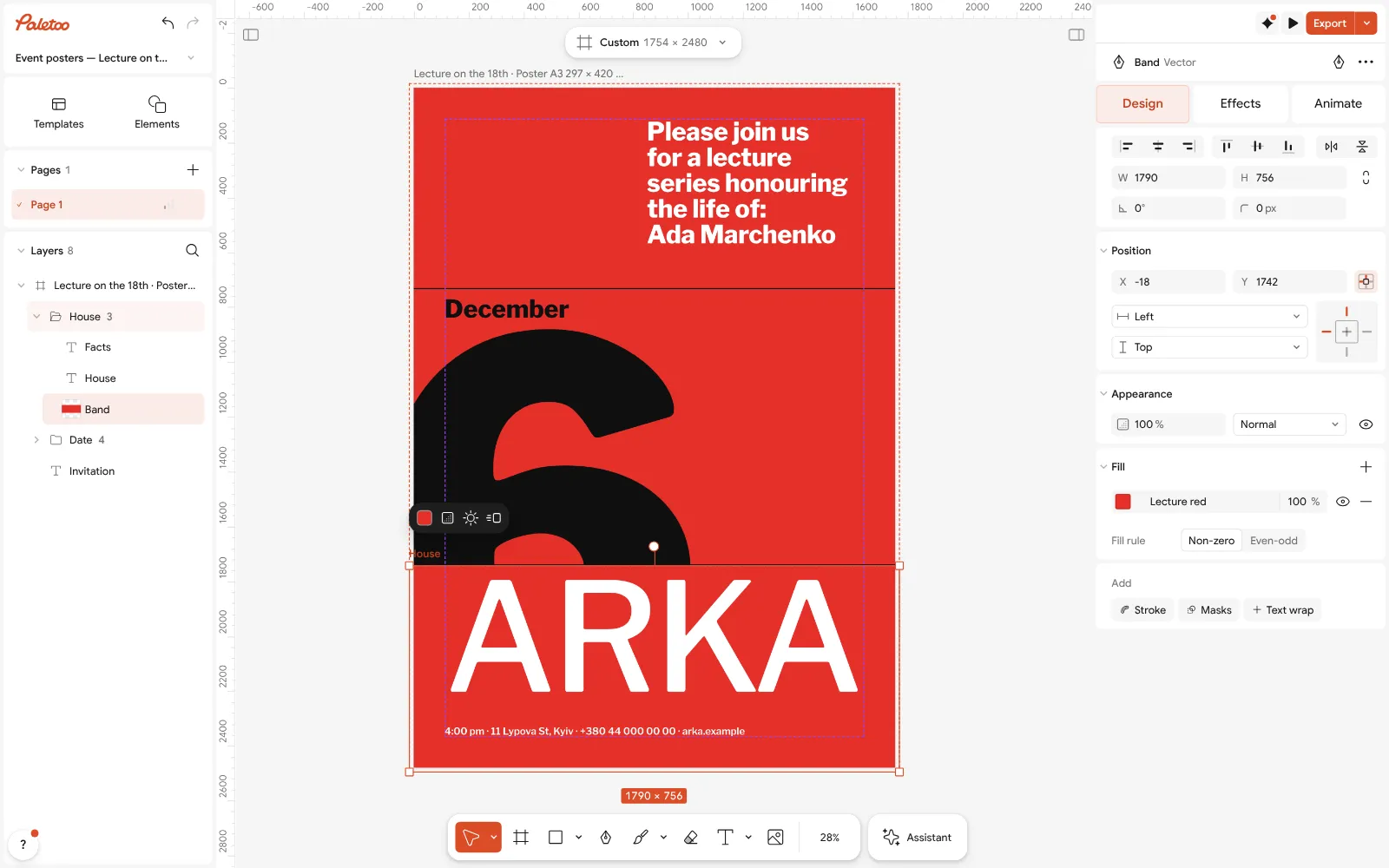
The coloured band selected: its Fill in the Design tab — the same panel a phone shows as the Properties sheet Need a QR code to a sign-up form or a map? Add a QR code from Elements in the + sheet, paste the link, and keep it at least 2 cm wide on paper so every phone camera reads it.
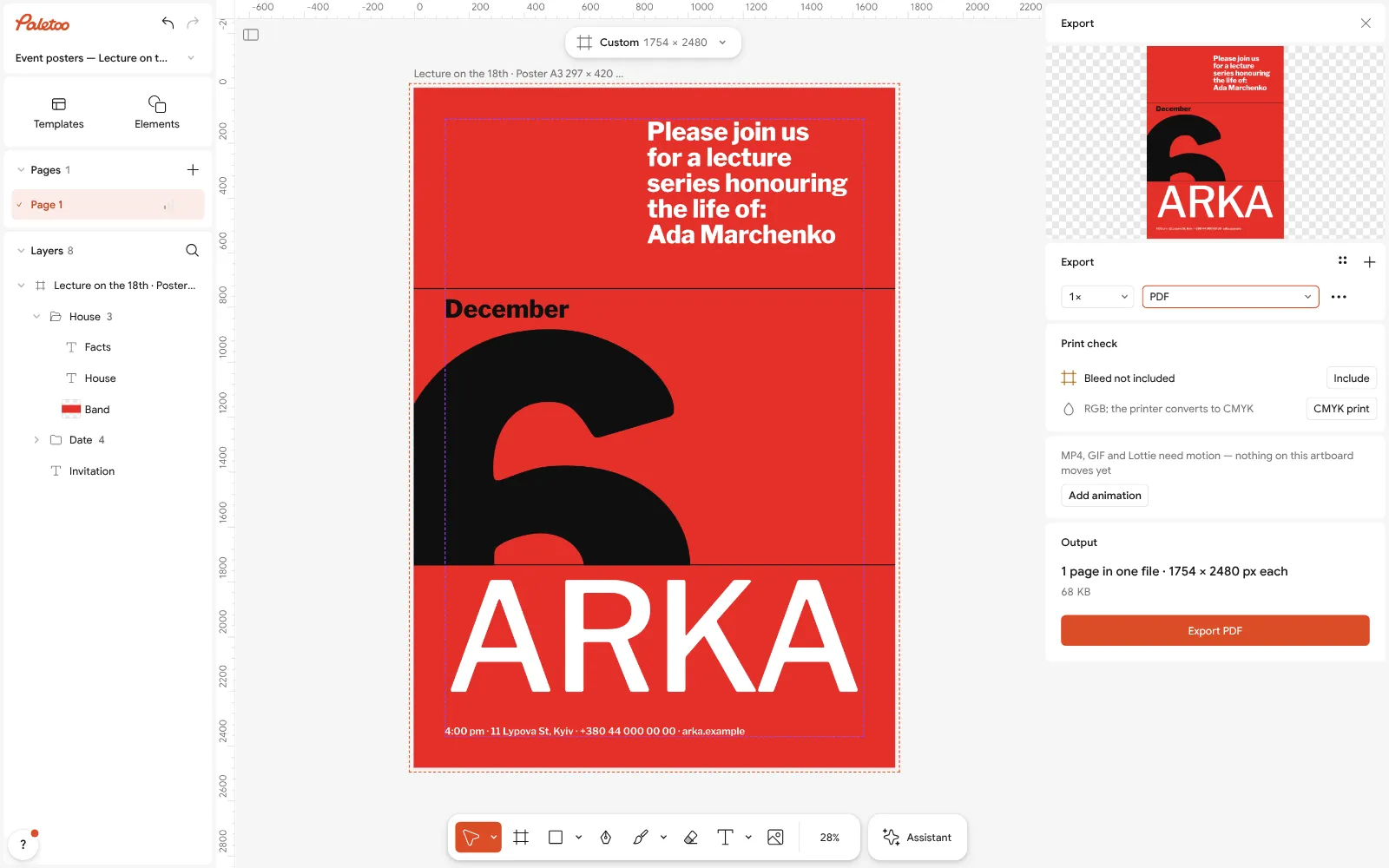
Export as PDF: one file, vector where a PDF can say it — the file to print at home or send to a print shop Tap Export. Choose PDF to print — with Include bleed and Crop marks if a print shop asks — or PNG / JPG for a chat or Instagram. Pick the scale, then save: Files or Photos on an iPhone, Downloads on Android.
To post the same poster as a picture, use Duplicate artboard, set the copy to 1080 × 1350 from the size chip with Resize this artboard, nudge the parts that no longer fit and export it as PNG.
Make it your own
Fonts too thin to read on a phone screen will be too thin on a noticeboard as well: try a heavier Weight for the title before you export.
Working on a train? The document stays in the browser on the phone; export a PDF before you clear the browser’s data, and keep the .mdtools file if you want to change the poster later.
For a flyer in two languages, Duplicate artboard and retype the copy: both versions export into one PDF, one page each.
Sources
Questions
How do I make a poster on my phone for free?
Open Paletoo in your phone’s browser, pick a poster template, double-tap the words to type your own, replace the photo, and tap Export for a PDF or PNG. No app, no account, no watermark.
How can I make a flyer on my phone?
The same way: open the flyer maker in Safari or Chrome, choose an A4 or A5 flyer, edit the text and colours with taps, and export a PDF to print or a JPG to send in a chat.
Do I need a poster maker app?
No. Paletoo runs in the phone’s browser with the full editor — templates, fonts, photos, QR codes, PDF export — and nothing to install or update.
How do I save a poster as a PDF on my iPhone?
Tap Export, choose PDF and export. Safari asks «Download?»; the PDF goes to Files, in Downloads, from where you can print it, send it or open it in Books.
Can I print a poster straight from my phone?
Yes. Open the PDF and choose Print: iPhones print to AirPrint printers, Android phones through the default print service or Mopria. For A3 and larger, send the PDF to a print shop.
What size should a flyer be?
A4 (210 × 297 mm) or US Letter for a printed flyer, A5 for a hand-out, and 1080 × 1350 px for a flyer you post on Instagram or send in a chat.
Make it online
- Poster makerMake a poster from a template that already has the layout right, then export a print-ready PDF or an image for screens.
- Flyer makerTurn a ready flyer template into yours in minutes and send the printer a PDF with bleed and crop marks.
- Invitation makerTap an invitation below and it opens ready to edit: write who, when and where, then send it as a picture or print it on A5. Free, with no watermark and no sign-up.
Free design templates for posts, stories and posters: Poster templates · Event and launch templates · Invitation templates
Try it on your own design
Paletoo opens in your browser, with no sign-up. Every effect here is live: change the picture or the words and the effect follows.
Open in PaletooOpens this design as your own copy — every layer and effect editable, free.
Read next
- 02
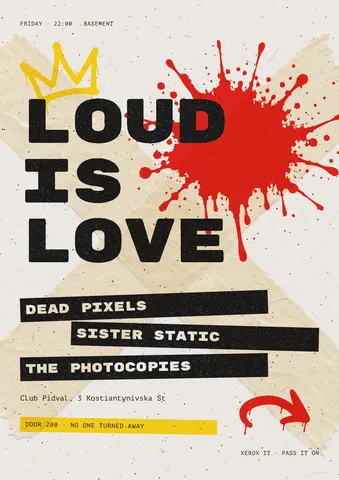 Flyer size: A5, A6, DL, Letter and half-letter in pixelsThe flyer sizes printers stock and racks hold — in millimetres, inches and pixels — and one gig flyer that switches between them.
- 03
 Print-ready PDF: bleed, crop marks and CMYK, freeEverything a printer means by “print-ready”, and a checklist before you send the file.