Invitation maker
Updated
Tap an invitation below and it opens ready to edit: write who, when and where, then send it as a picture or print it on A5. Free, with no watermark and no sign-up.
Pick an invitation
Tap one — it opens in the editor, your name, date and place ready to type over.

Start freeFree · opens in your browser · no sign-up · no watermark
Start from one of these
Real Paletoo documents and results — open one and change everything.


How it works
-
Pick an invitation
Tap an invitation at the top — a birthday, a wedding, a New Year or Christmas party, a kids’ club or an evening event — or start a blank A5 or 5 × 7 in one. Templates has every other invitation.
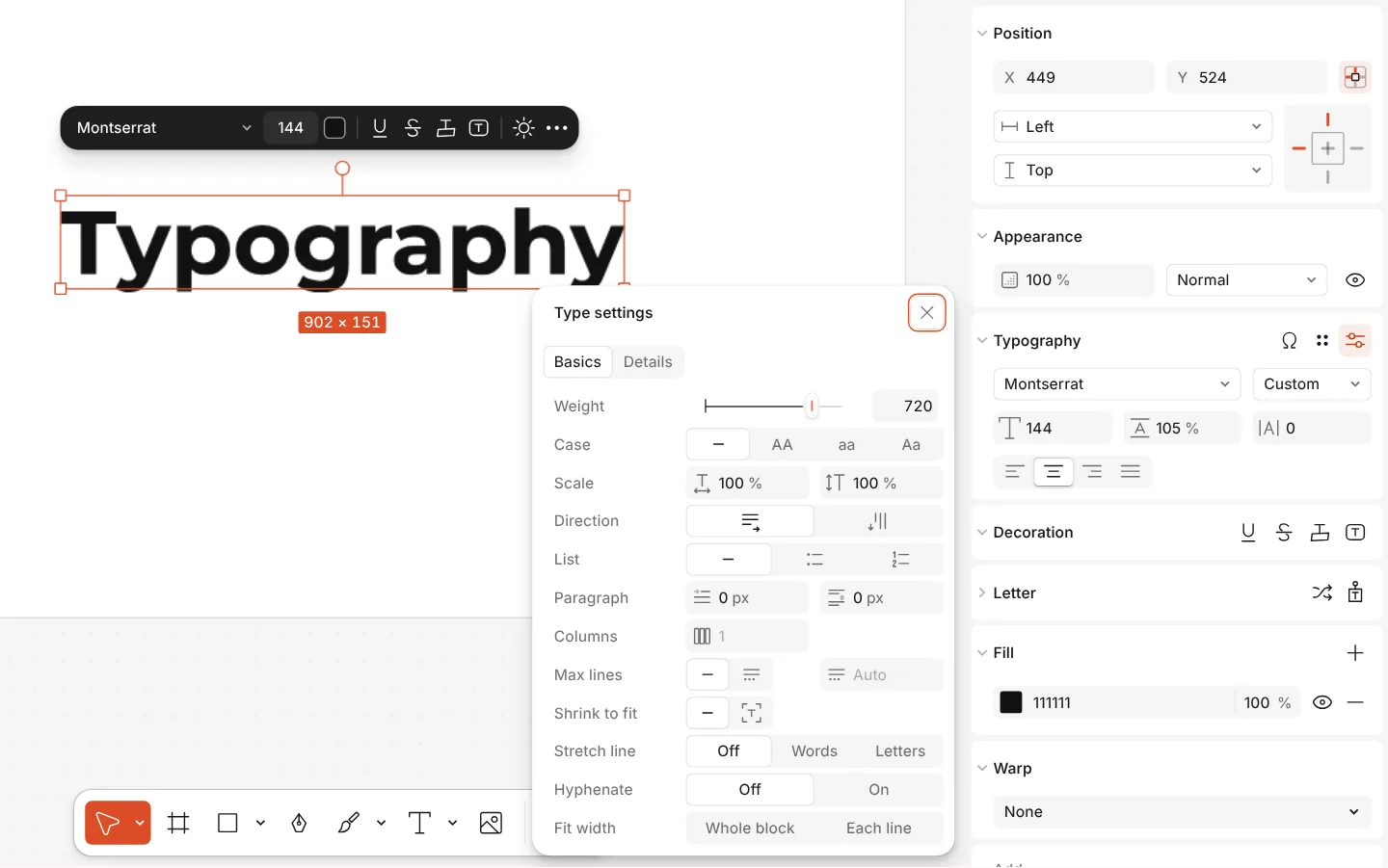
The Type settings window of a text, with variable axes -
Write who, when and where
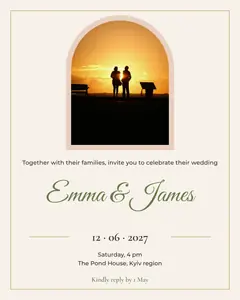
Double-click the name, the date and the place to write your own. To change a colour, select the text or the shape and pick a new one in Fill. On the wedding invitation drop your photo onto the frame or press Replace picture.
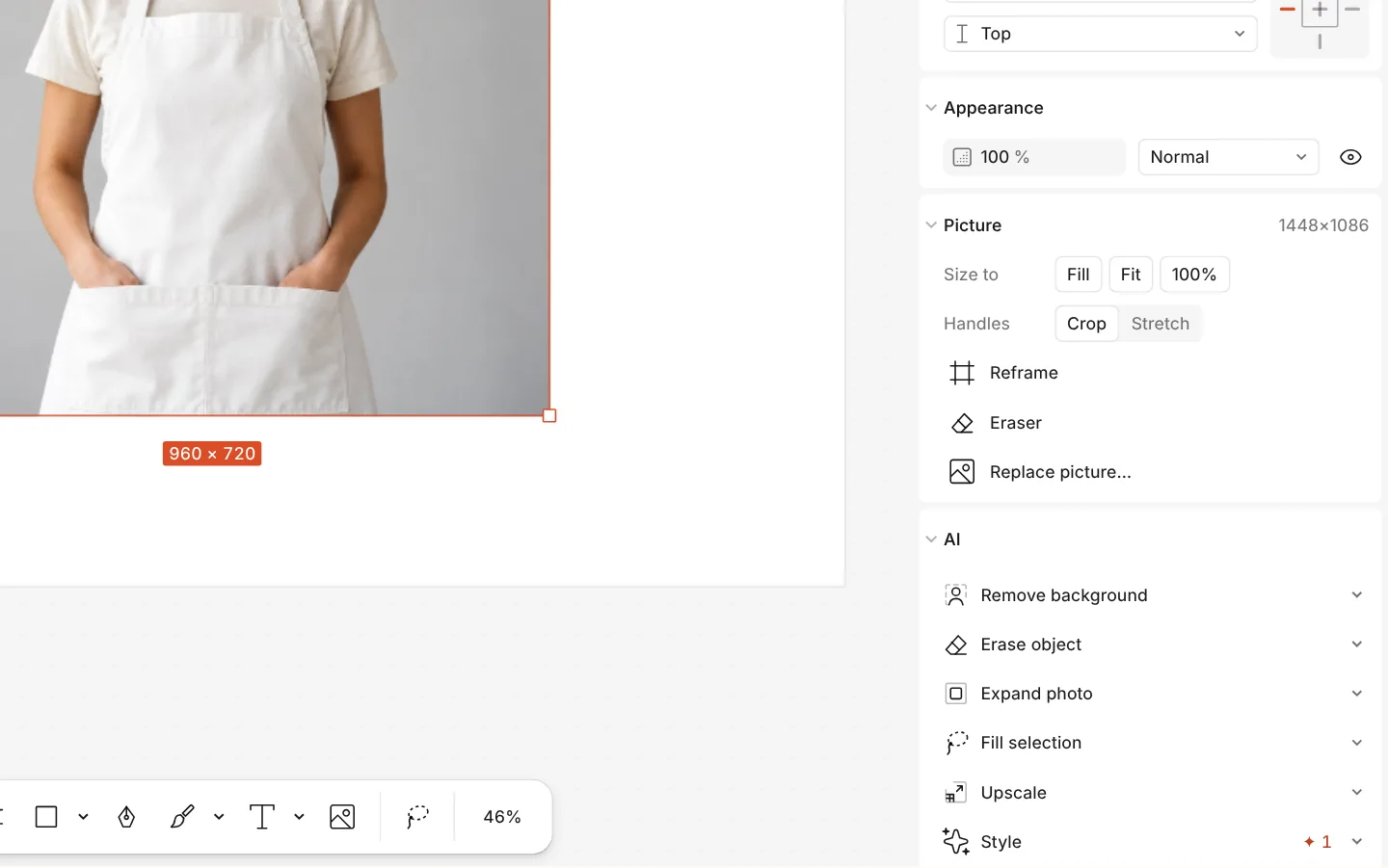
The AI section of a photo with Remove background -
Send or print
Press Export (Ctrl Shift E): PNG or JPG for a chat, PDF to print. For a print shop, Include bleed and Crop marks give the printer what it asks for.
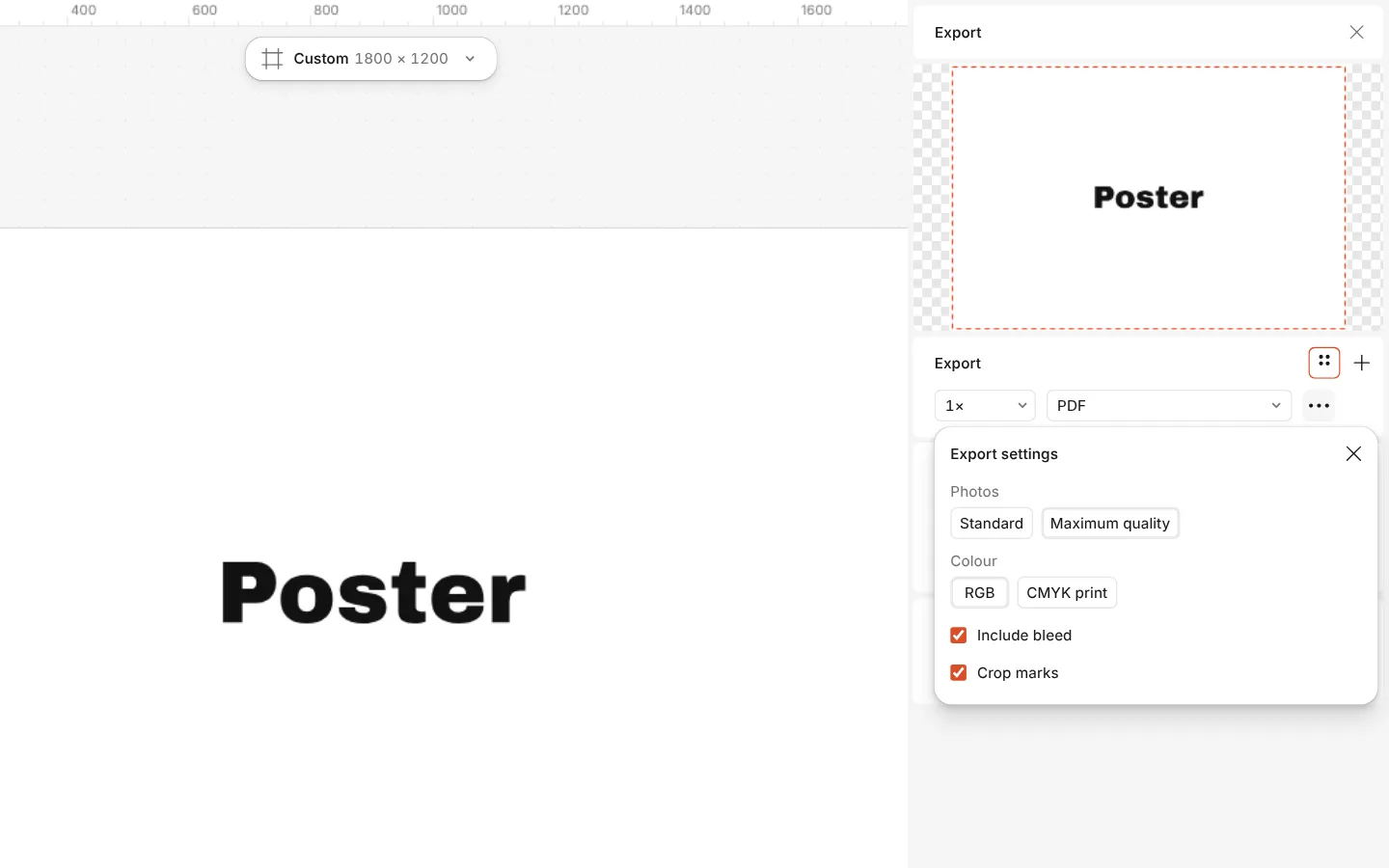
The Export window with the PDF print with bleed preset and its settings
Printable or online invitations — and what about RSVP?
Every invitation here is free to edit, to print and to send: change the words, the photo and the colours, then export a PDF to print or a PNG or JPG for WhatsApp, Telegram, Viber or Instagram. There is no watermark, no account to download, and the Christmas and New Year party invitations of the 2026 holiday set are here too.
Paletoo makes the invitation itself; it does not email it or collect replies. For an RSVP, put the reply on the card: a phone number, «reply by 20 December», or a QR code that opens a Google Form or a chat — add one with QR code in Elements and it checks that it scans before you print. If you need a guest list with reminders, a dedicated service such as Evite or Paperless Post sends the invitation and counts the replies; you can still design the picture here and upload it there.
| To | Size | Export |
|---|---|---|
| Send in a chat or post | 1080 × 1350 px (4:5) or a 1080 px square | PNG or JPG |
| Print at home | A5, 148 × 210 mm | PDF, printed at actual size |
| Print at a print shop | A5 with 3 mm bleed | PDF with bleed and crop marks |
| Send a moving invitation | the post’s own size | MP4 (Add animation in Export) |
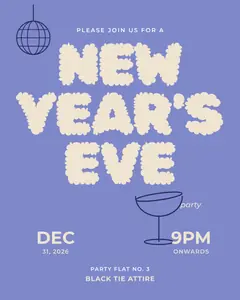
The birthday, wedding and evening invitations come as both a post and an A5 page; the two New Year’s Eve invitations are A6 cards (105 × 148 mm), ready to print — to send one in a chat, export it as a PNG.

What you get
Five occasions
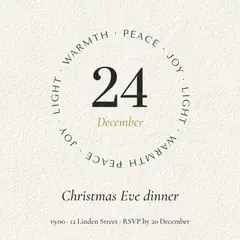
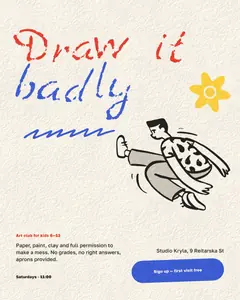
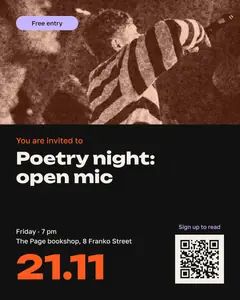
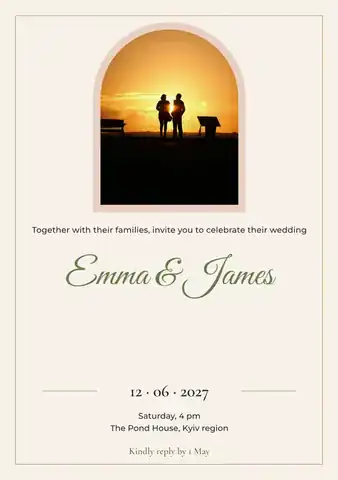
A bright birthday invitation for children, a calm wedding invitation with a photo and script names, a dark evening-event invitation, and a gold Christmas party and a red New Year party for December.
To send and to print
Each comes as a 1080 × 1350 post for messengers and as an A5 page for print, in English and in Ukrainian.
Print files done right
PDF with bleed and crop marks for a print shop, or a plain PDF and PNG for the printer at home.
Your photo and words
Every word is live text in real fonts; a photo drops into its frame and can be cut out of its background.
Free, no watermark
The invitations and every export are free, with no watermark and no sign-up needed to download.
Questions
Is the invitation maker free?
Yes. The invitation templates, your photo and the export to PNG, JPG and PDF for print are free and carry no watermark. Only AI image generation and materials use credits.
What size should a printed invitation be?
A5 (148 × 210 mm) is the common size and the one our print invitations use; A6 suits a small card. Export a PDF; for a print shop add bleed and crop marks.
Can I send the invitation on WhatsApp, Viber or Telegram?
Yes. Use the post version and export a PNG or JPG; it shows whole in a chat. For a moving invitation, Add animation in the Export window makes an MP4.
Is there a Christmas or New Year party invitation?
Yes. The 2026 holiday set has a gold-on-black Christmas party invitation and a red New Year party one with the date as a pattern; press «Christmas party» or «New Year party» at the top of this page and change the time, the place and the names. Both have English and Ukrainian versions.
Can I add a photo to a wedding invitation?
Yes. The wedding invitation has a photo frame: drop your picture on it or press Replace picture, and double-click to move the photo inside the frame.
Can I add an RSVP to the invitation?
Yes, on the card itself: a phone number, a reply-by date, or a QR code that opens a Google Form or a chat, added from Elements and checked to scan. Paletoo does not send invitations or count replies; for a tracked guest list use an RSVP service and upload the picture you made here.
Do I need to sign up?
No. Paletoo opens in your browser and you can make and download an invitation straight away. A free account only adds cloud storage and share links.
Can I make the same invitation for many guests?
Yes. Duplicate the artboard, change the name on each copy, and Export all writes one file per guest in one go.
Learn more
Step-by-step guides

How to make a Christmas card online for free, with your photo
From a ready card to one with your family on it in about ten minutes, with nothing to pay and no account.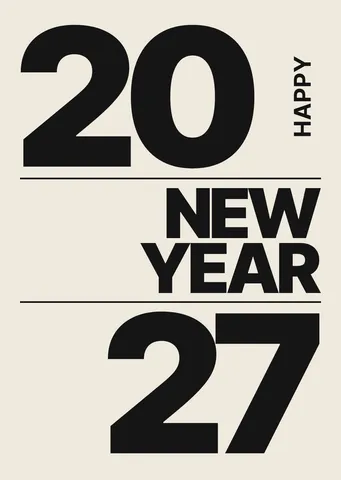
How to make a New Year poster for 2027, free online
From a ready party poster to one with your date, your address and your 2027 on it, in about fifteen minutes and for nothing.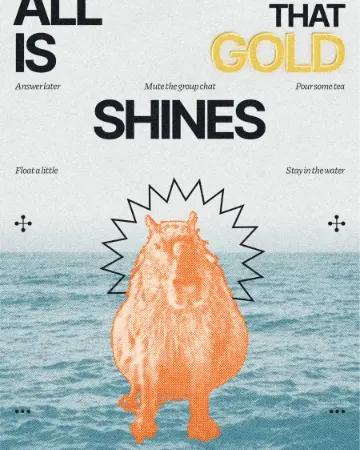
How to make a gold foil text effect
Stamped gold leaf: a pressed edge, warm metal bands and a soft shine.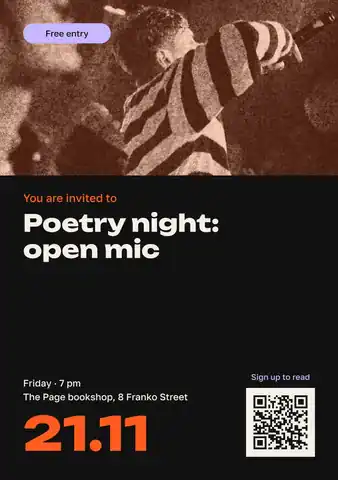
Announcement template: make a notice online and print it, free
A notice for a door, a board or a chat — an event, a meeting, a job, a lost cat — that is read in three seconds and acted on.
Free templates by occasion: holidays, birthdays, weddings
Collections for every occasion of the season — cards, invitations, posts, stories and posters — each one a tap away from your own editable copy.
In the help centre
More tools
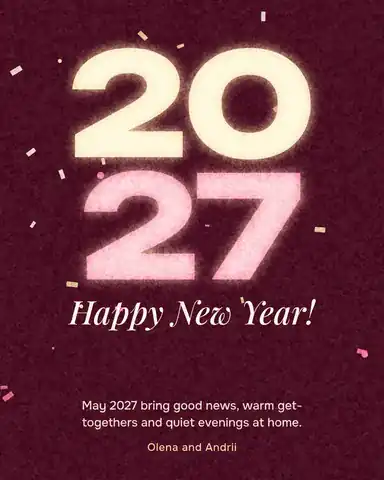
Christmas and New Year cards
Pick a card, write your own wish, add a family photo and send it as a picture, a story or a short animation — free.
QR code generator
Make a free QR code that never expires, right here — eight styles, a logo or emoji in the middle, PNG, SVG or PDF — and see that it scans before you print. No sign-up.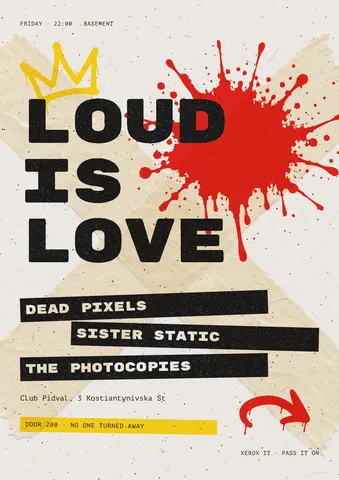
Flyer maker
Turn a ready flyer template into yours in minutes and send the printer a PDF with bleed and crop marks.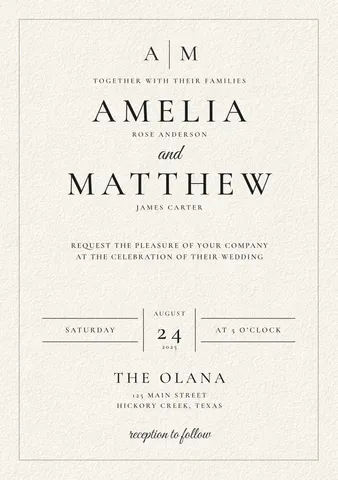
Make a save the date online
Tell your guests the date: pick a save-the-date card, add your names and photo, and print it or send it to every chat — free, no sign-up, no watermark.
Make it now
Paletoo opens in your browser. Start from the template above or a blank page, and export when you are happy.
Start free