QR codes5 min readFreeUpdated 2026-11-06
How to make a QR code for a restaurant menu, free
A menu code that never expires, a table card people actually scan, and a menu you can change without reprinting.

QR menus stayed after the pandemic for good reasons: a menu that changes daily costs nothing to update, guests can read it in their own language and font size, and one table card replaces a stack of laminated pages. What did not age well are the codes themselves — the grey square taped to the table, the code that opens a generator’s advert, the one that stopped working when a trial ended.
A good menu code is cheap to make and lasts as long as the restaurant. It points at a page you control, it is large enough to scan from a seat, it sits on a card that tells people what it is, and it looks like it belongs to the place.
This guide covers where the menu itself should live, how to size and place the code on a table card, and how to make it for free in Paletoo — designed with the rest of your print, read back as you design, exported as a print-ready PDF.
Where the menu should live
The code should open a page, not a file you have to replace. The simplest options: a menu page on your own website, a PDF you keep at one fixed address and overwrite when prices change, or a page in your booking or ordering system. Whatever you choose, the address must stay the same, because the printed code will hold it for years.
Make the page quick to load on a phone with a weak connection — text and small pictures, not a 20 MB scan of the paper menu — and keep the prices and allergens readable. If you also want guests on your Wi-Fi, a second code does that; see Wi-Fi QR codes.
Static code, changing menu
Many menu services sell dynamic codes so you can change the menu without reprinting. You do not need one for that: a static code that holds your menu page’s address does the same, because you change the page and the code keeps opening it. It costs nothing, has no trial to run out, and does not send your guests through a third party.
Pay for a dynamic code only if you need scan statistics per table or will move the menu to a new address. If you already printed dynamic codes, check your provider’s terms, and when you next reprint, switch to a static code pointing at your own page — the full story is in QR codes that never expire.
A table card people scan
People scan what they understand. Put a few words next to the code — “Scan for the menu”, “Menu and allergens” — and, if you can, the short address underneath for those who prefer to type. A code alone on a card is easy to mistake for a payment terminal’s or a loyalty scheme’s.
Size it for the distance: a guest holds the phone 30–40 cm from a table tent, so 3 × 3 cm is a comfortable minimum, more on a wall or a window. Keep it at eye level on a standing card, away from the fold, and print on matt paper — gloss reflects ceiling lights straight into the camera. Our size and print checklist goes through it all.
Made in Paletoo
Every picture on this page was made in Paletoo — these three with the same steps on other templates:
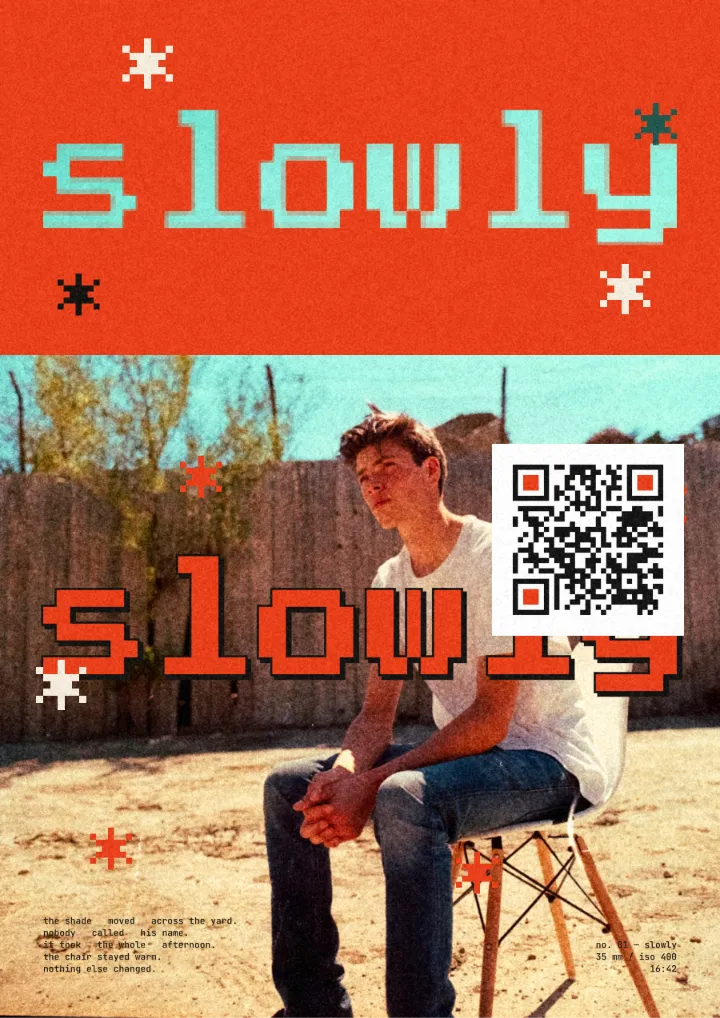
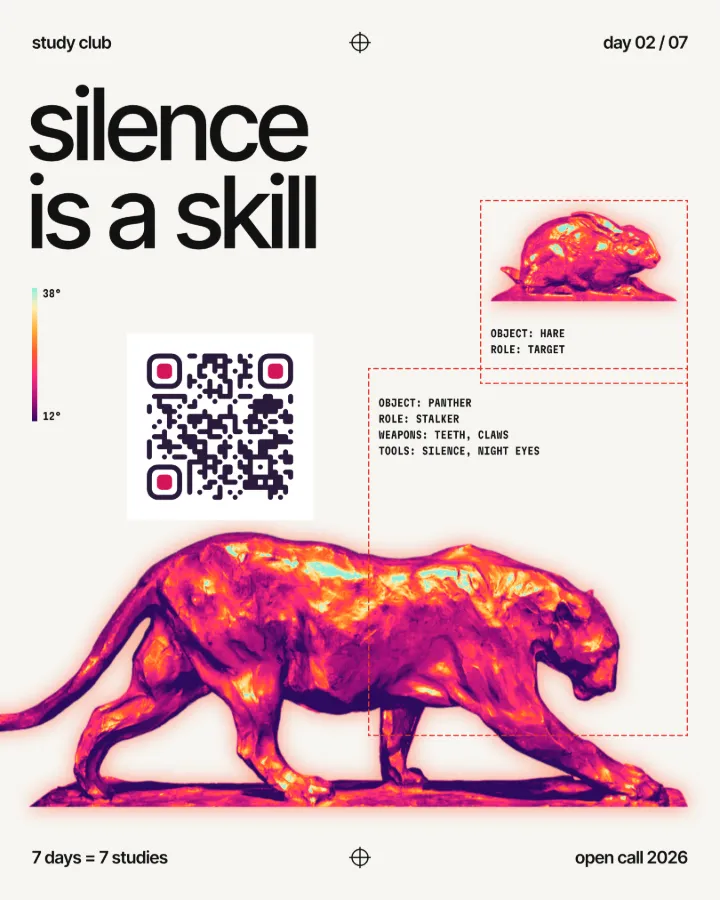
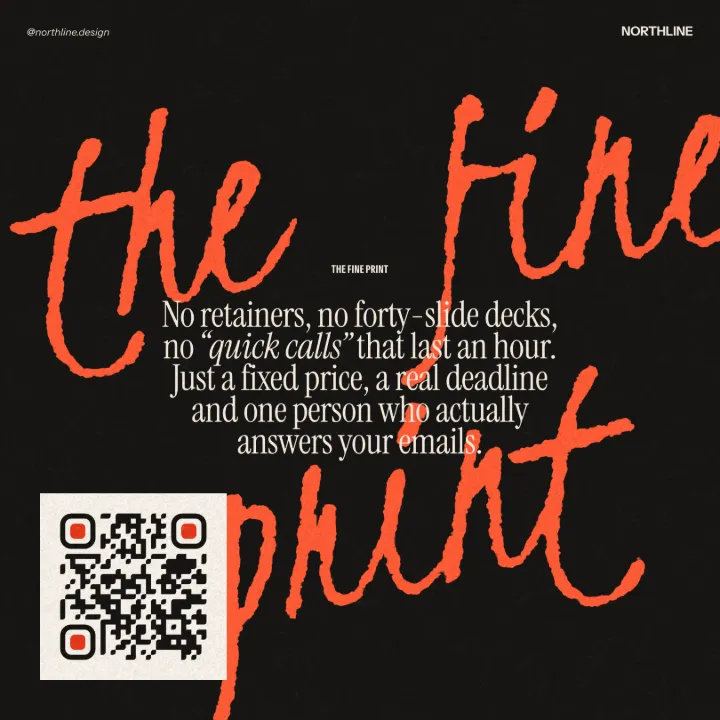
Make it in Paletoo, free
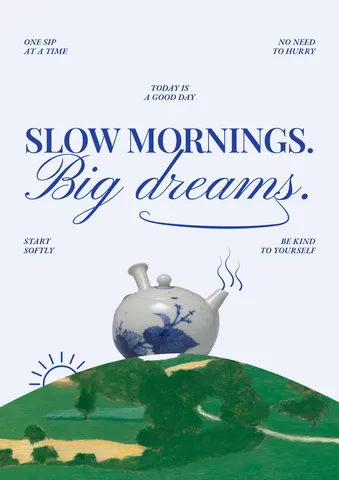
Start from a poster or a card in Paletoo — this guide uses «Slow mornings» from Gentle reminders, its words rewritten for a café — and press ⌘ K, then run QR code.
In the QR code section of the Design tab keep Type on Link and type your menu page’s address. Link adds https:// to a bare address for you.
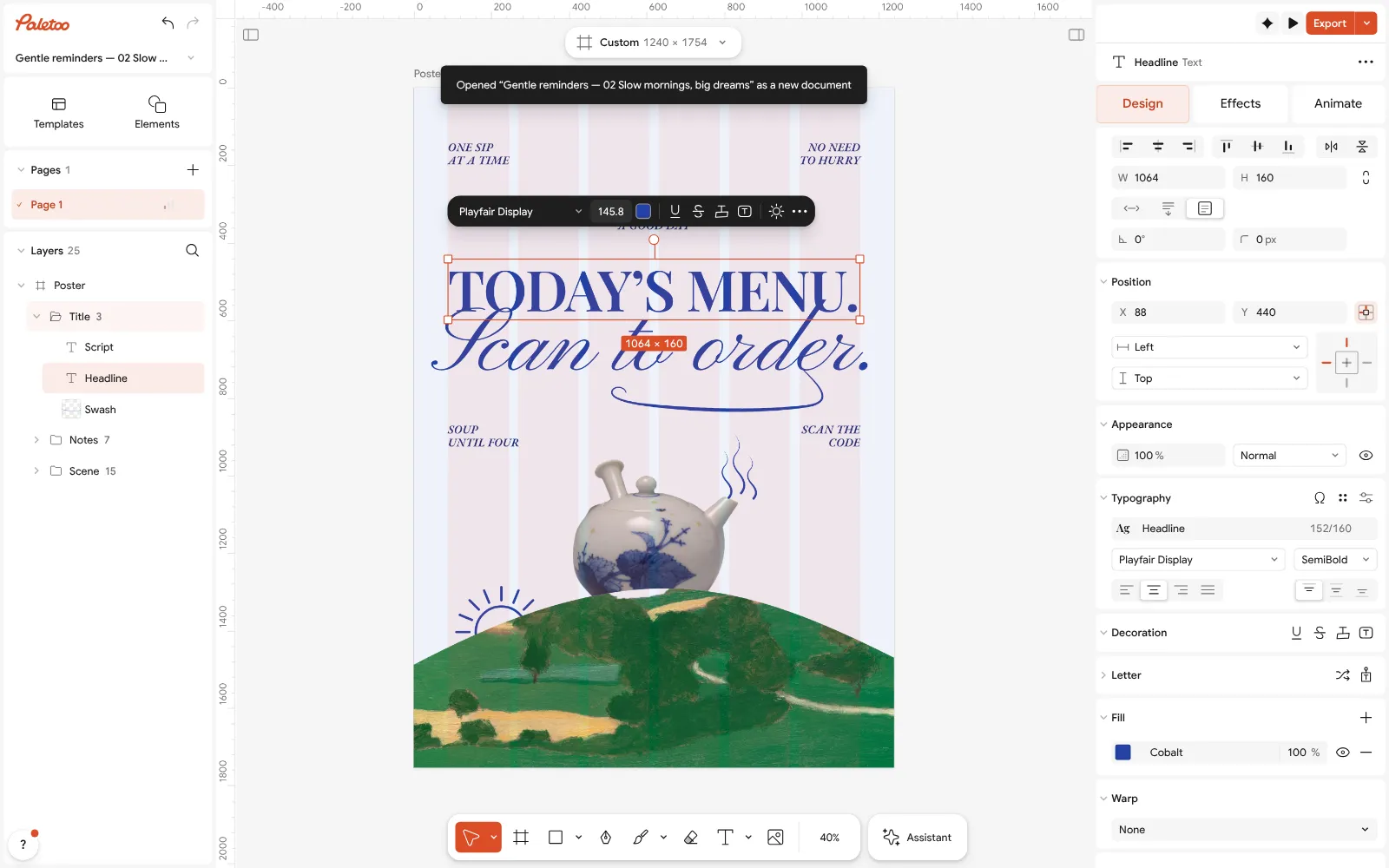
«Slow mornings» from the Gentle reminders series, rewritten as a café’s menu card, open in Paletoo with its headline selected Watch the scan line under the field: ✓ Scans means it reads your exact address. If it says ⚠ May not scan, its tooltip names the reason — contrast, a light code on a dark ground, or shapes a reader could not read back.
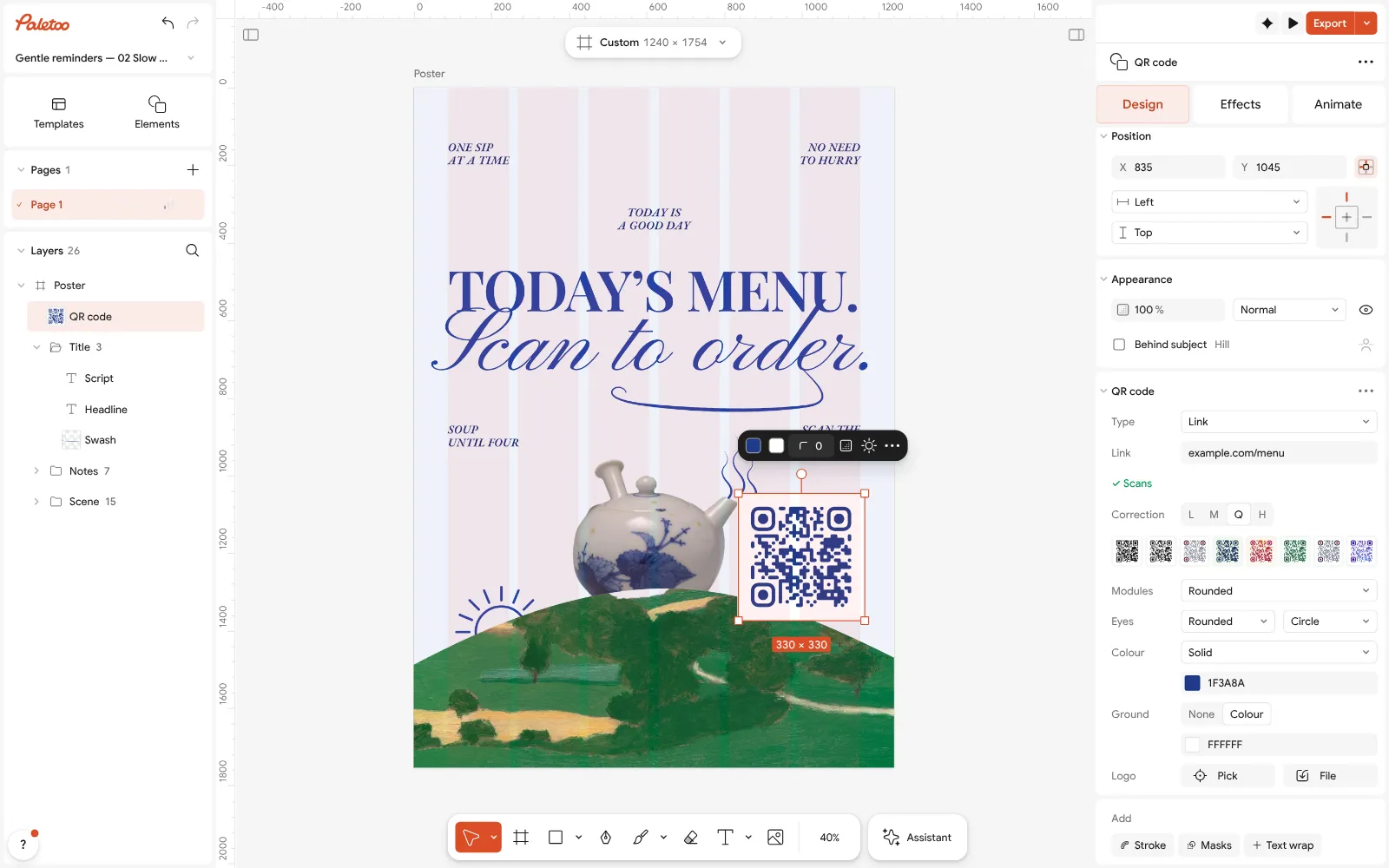
The menu code beside the teapot selected, its QR code section open: a link to the menu and the scan check Set Correction to Q for a menu: table cards get splashed, folded and scratched, and Q lets a quarter of the code be lost. Then pick a look: Soft from Style, or your own Modules and Colour in the café’s ink.
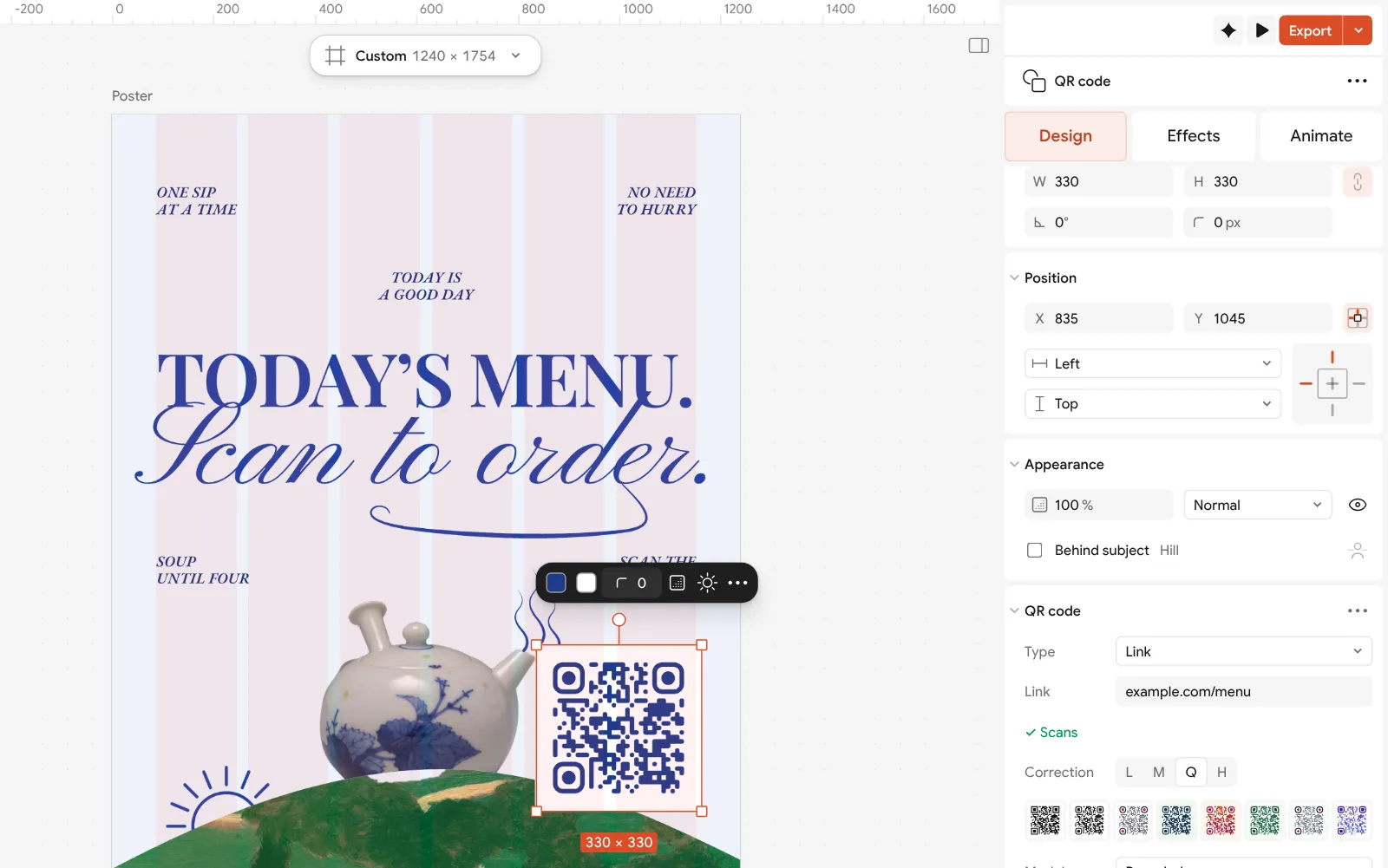
Close up: the QR code section — Type set to Link, the menu’s address and Correction Move the code to where it is read — the lower half of a standing card, beside the words that say what it is — and make it at least 3 cm across at the printed size. Keep text out of its margin.
Press Export and choose PDF with Include bleed and Crop marks for the printer, or PNG for a screen at the counter.
Make it your own
Choose the right correction. M, the default, suits a clean card; Q survives coffee rings and folds; keep H for a code with a logo. Higher correction adds modules, so make the code a little bigger when you raise it.
Give the code a tile on a busy design. Turn Ground to a light colour so the code sits on a calm square of its own; the Quiet zone in QR code settings stays at 4 modules round it.
Proof it where it will be used: print one card at 100 %, put it on a table under your real lights, and scan it from a seat with two phones. A menu code that works at the counter but not at table 12 is the most common failure.
Templates with this look

Questions
How do I make a QR code for my restaurant menu for free?
Put your menu on a page with a fixed address, make a static QR code that links to it — in Paletoo it is free with no account — and print it on a table card with a few words saying what it is.
Can I change the menu without reprinting the QR code?
Yes. Point the code at a page you control and change that page. The static code keeps opening the same address, so the new menu appears without a reprint.
What size should a menu QR code be?
At least 3 × 3 cm on a table card read from a seat, bigger on a wall, a window or a board read from further away — roughly a tenth of the scanning distance.
Should a menu QR code link to a PDF?
It can, if the PDF stays at the same address and is small enough to open quickly on a phone. A simple web page is usually faster to load and easier to read.
Will the code stop working if I stop paying?
Not one made in Paletoo: it is static, holds your address itself and never passes through our servers. Dynamic codes from subscription services can stop when the plan ends.
Make it online
- QR code generatorMake a QR code in your own colours and shapes, with a logo in the middle, and see that it scans before you print.
- Flyer makerTurn a ready flyer template into yours in minutes and send the printer a PDF with bleed and crop marks.
Free design templates: Contact and call-to-action templates · Event and launch templates
Try it on your own design
Paletoo opens in your browser, with no sign-up. Every effect here is live: change the picture or the words and the effect follows.
Open in PaletooRead next
- 01
 QR codes that never expire: static vs dynamic, honestlyWhy printed codes stop working, when a dynamic code is worth paying for, and how to make one that never expires.
- 02
 QR code size for print: the «will it scan» checklistSize, quiet zone, contrast, correction and a proof: the five checks that decide whether a printed code scans.
- 03
 How to make a Wi-Fi QR code for guests, freeOne scan and your guests are on the network: no spelling out passwords, and a card that looks like your place.