QR codes5 min readFreeUpdated 2026-11-06
QR codes that never expire: static vs dynamic, honestly
Why printed codes stop working, when a dynamic code is worth paying for, and how to make one that never expires.

It is one of the most common complaints about QR codes: a café prints three hundred menus, a job seeker sends out a CV, a band orders posters — and two weeks later the code opens a page asking them to upgrade. Nothing was wrong with the print. The code was never really theirs.
The reason is simple once you see it. Many online generators make dynamic codes by default: what is printed is the generator’s own short link, which forwards to yours. When the trial ends or the plan lapses, the forwarding stops. A static code has no middleman: your link is written into the pattern itself, and it works for as long as your link does.
This guide explains both kinds honestly — including when a dynamic code is worth paying for — and shows how to make a static code for free in Paletoo, styled for your design and checked as you go.
Static and dynamic codes, in one minute
A static QR code encodes the data itself: a link, a Wi-Fi password, a contact card, a line of text. A phone reads it without asking anyone. It cannot be counted, changed or switched off by anybody — including you. If the link inside it keeps working, the code keeps working.
A dynamic QR code encodes a short address on the generator’s server, which redirects to the destination you set in your account. Its advantages are real: you can change where it points after printing, see scan counts and locations, and keep the code small because the short link is short. Its cost is a dependency: the code is only alive while that server forwards it, and the provider decides on what terms.
Why “free” codes stop working
Several of the best-known QR generators offer a free trial in which every code is dynamic. Their own help pages state that codes made during the trial are deactivated when it ends, and that a scan then leads to the provider’s page instead of yours. Review sites are full of people who found out only after printing. Other services keep dynamic codes free but cap the scans or add their branding.
None of this is hidden if you read the terms, but the default and the wording — “free QR code generator” — make it easy to miss. The safe rule: if a site asks you to sign up to download, check whether the code it gives you is static. One way to tell is to scan it: if the phone shows a short link on the generator’s domain instead of your own address, it is dynamic.
When a dynamic code is worth it
If you run campaigns and need to know how many people scanned each flyer, or you print thousands of packages and the page behind them will move, a paid dynamic code from a provider you trust is a fair choice. So is any case where changing a destination later is worth a monthly fee.
For almost everything else — a menu, a business card, a Wi-Fi card, a poster, a CV — a static code is better: free, private and permanent. The trick is to point it at a page you control. Encode your own address, say your site’s menu page, and update the page instead of the code. That gives you most of a dynamic code’s flexibility without the dependency.
Made in Paletoo
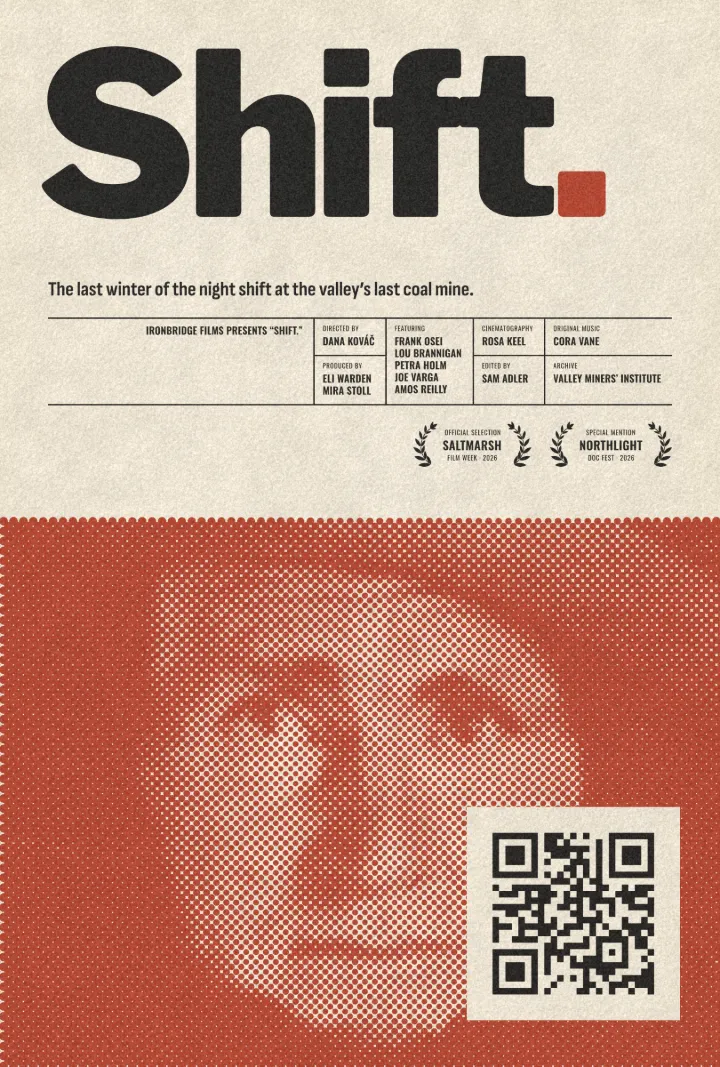
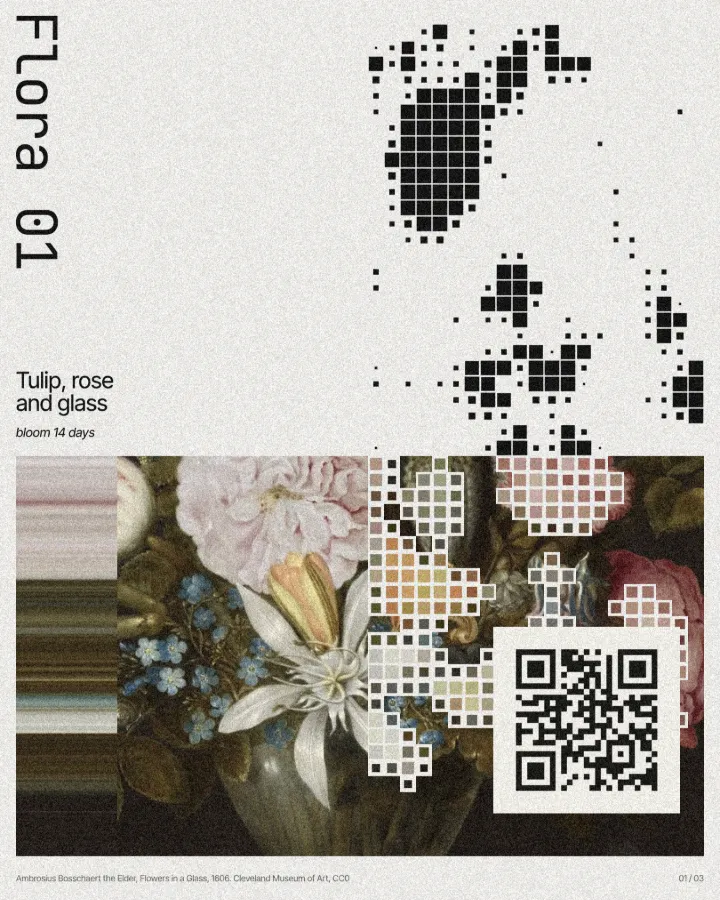
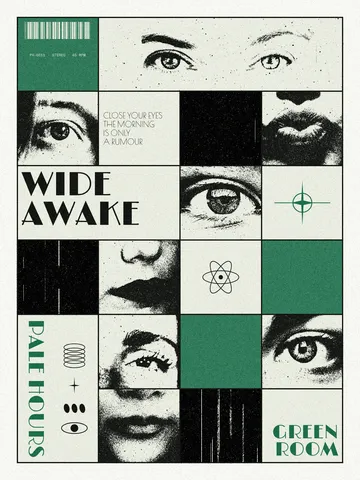
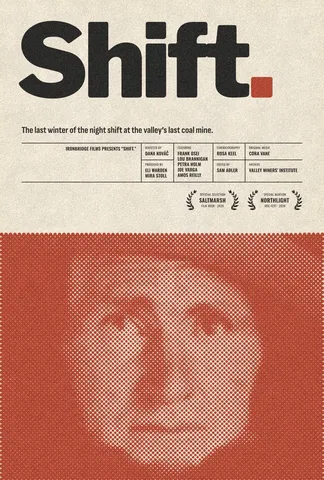
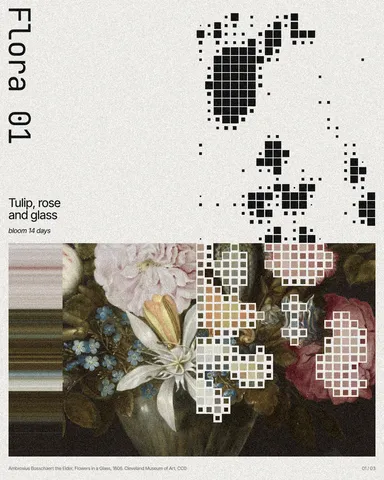
Every picture on this page was made in Paletoo — these three with the same steps on other templates:

Make it in Paletoo, free
Open your design in Paletoo and press ⌘ K, then run QR code, or pick one in Elements › Codes. «Open in Paletoo» opens the «Wide awake» poster from this guide with its code in the grid.
In the QR code section of the Design tab, keep Type on Link and type an address you own — your site, or a page on it that you can update later. This is what makes a static code as flexible as you need.
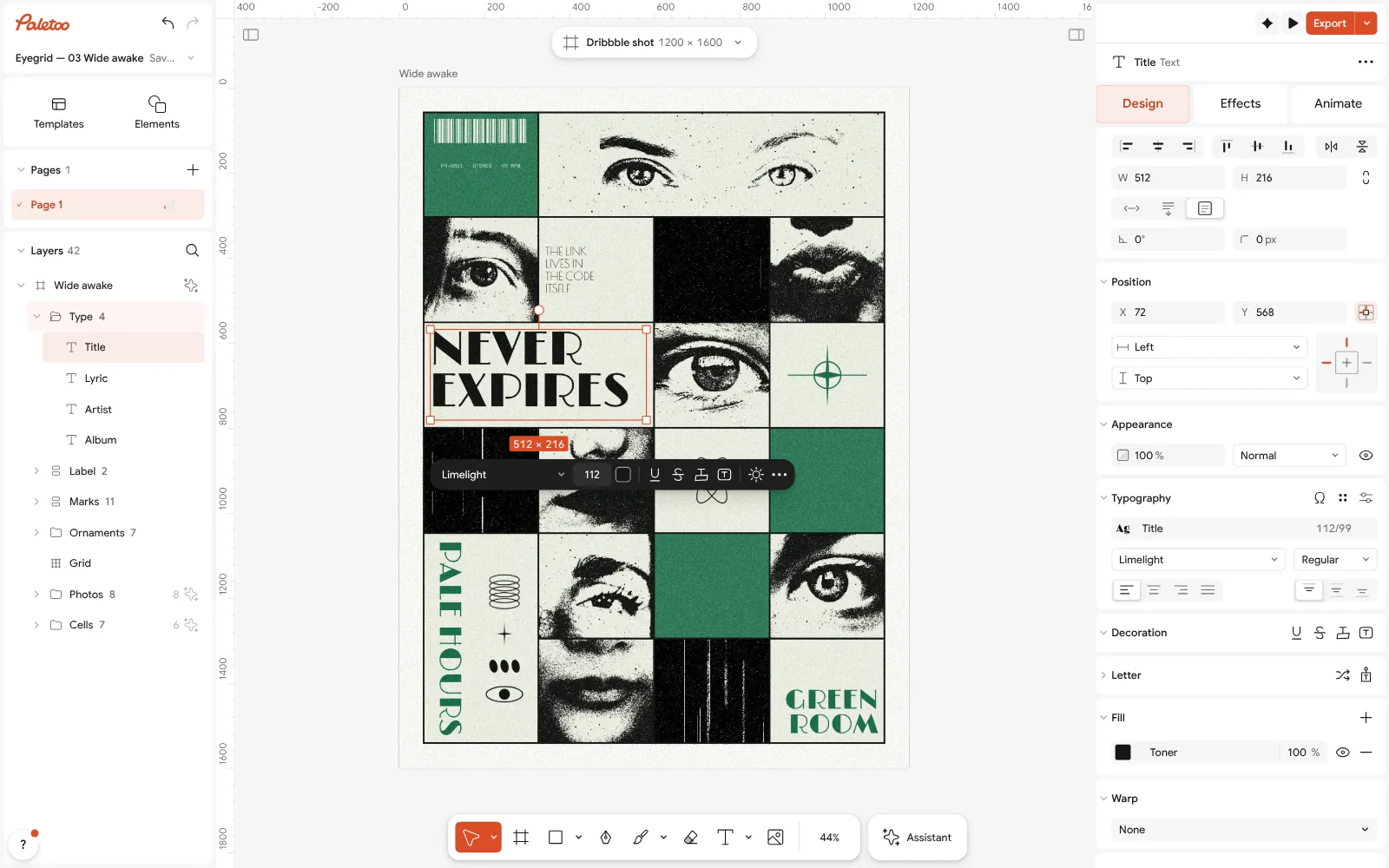
The «Wide awake» poster, its title rewritten to «Never expires», open in Paletoo with the title selected Check the line under the field: ✓ Scans means a phone-like reader read your exact address back from the code’s drawing. There is no short link in between — what you typed is what the phone opens.
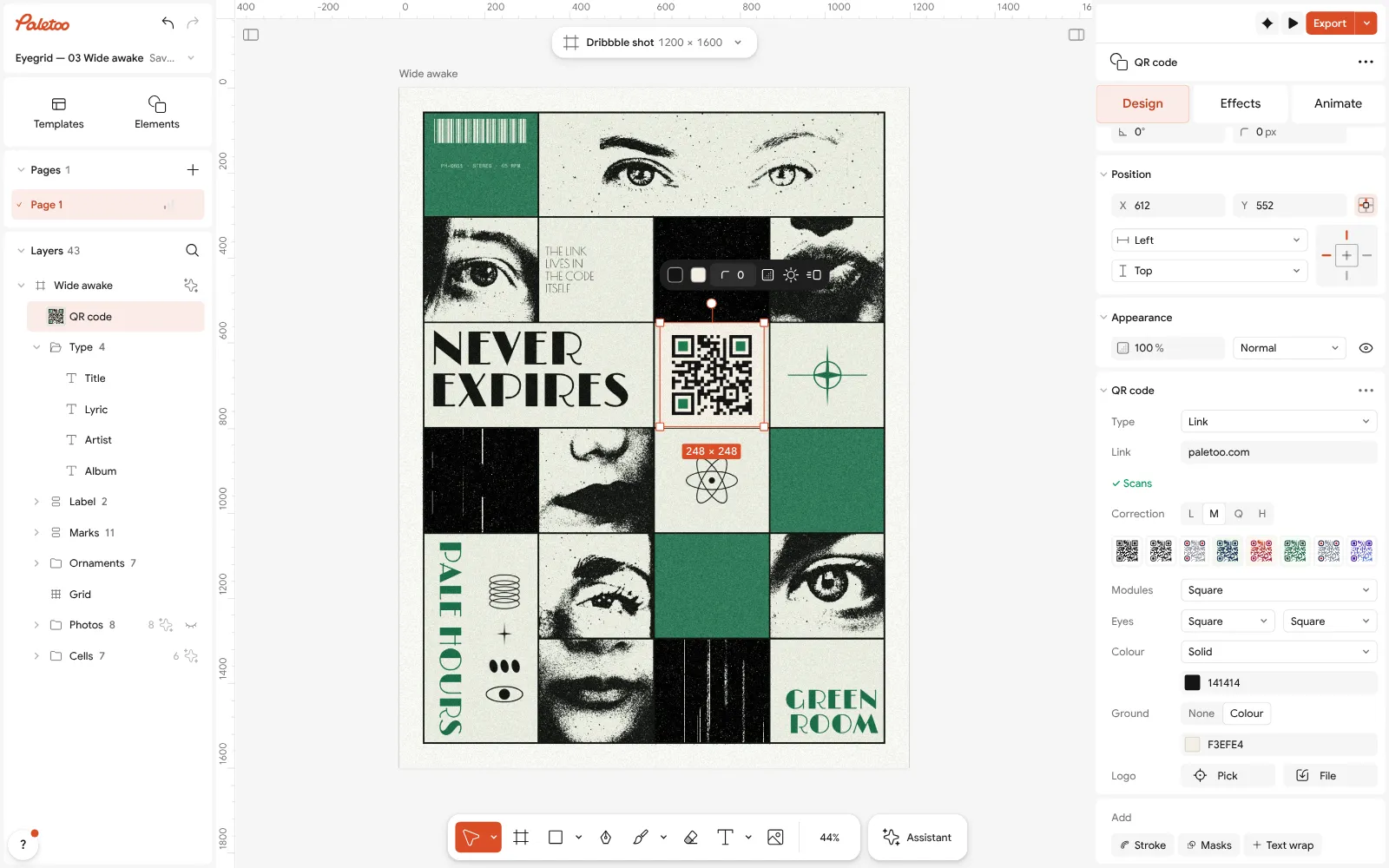
The code in the poster’s grid selected, with its QR code section: a link, the scan check and the look Style it for the design: a ready look from Style, or your own Modules, Eyes, Colour and Ground. Here the code takes one cell of the poster’s grid, in its ink on its paper.
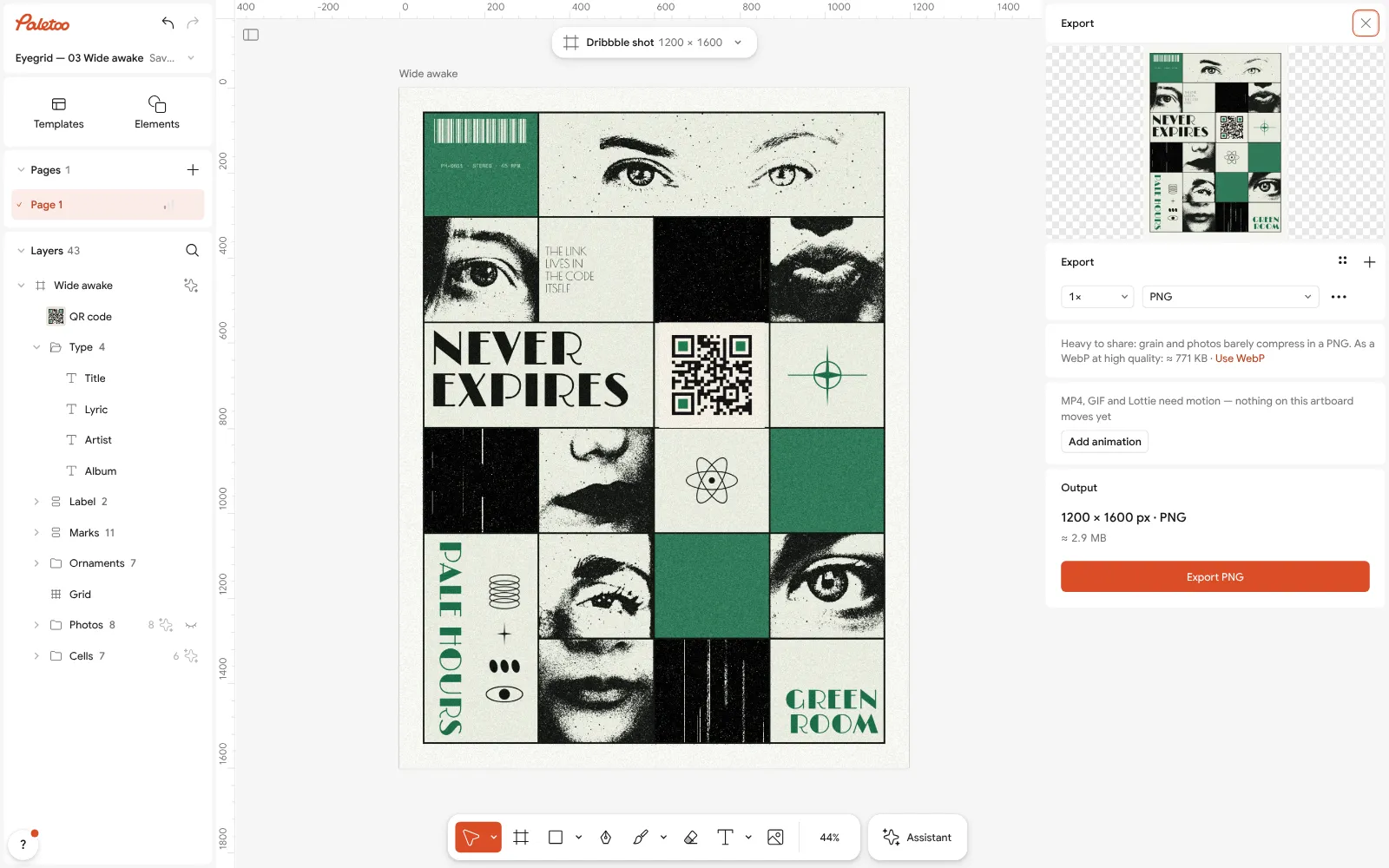
The Export window, where the poster and its code are saved as PDF, SVG or PNG Other kinds of static code work the same way: switch Type to Wi-Fi, Contact card, Email, Phone, SMS, Location or Event and fill in the fields — all of it is written into the code.
Press Export and choose SVG or PDF for print, PNG for screens. The file is yours: no account is needed, there is no watermark, and nothing in it depends on our servers.
Make it your own
Point the code at a page you can change. A static code’s address is fixed, so use a short, stable one on your own site — Link adds https:// for you — and update the page behind it rather than reprinting.
Shorter content makes a calmer code. A long tracking link with many parameters means more, smaller modules; a short address keeps the grid open, which scans better at small sizes. The scan line’s tooltip tells you the module count.
Keep the rest of the rules: a dark code on a light Ground, the Quiet zone at 4 in QR code settings, and a real-size proof scanned with two phones. A static code never expires, but a code that does not scan is no better.
Templates with this look
Questions
Do QR codes expire?
A static QR code does not: the data is in the pattern and no server is involved. A dynamic code can stop working when the provider stops forwarding it — at the end of a trial, an unpaid plan or the provider closing.
How do I know if my QR code is static or dynamic?
Scan it. If the phone shows your own address, it is static. If it shows a short link on the generator’s domain, it is dynamic and depends on that generator.
Can I change a static QR code after printing?
Not the code itself. But if it points to a page you control, you can change the page. That is why it is worth encoding your own address rather than a third-party link.
Are Paletoo’s QR codes static?
Yes, every one: links, Wi-Fi, contact cards and the rest are written into the code. Nothing is routed through our servers, so there is nothing to expire and no scans are counted.
Is a dynamic QR code ever the better choice?
Yes, when you need scan statistics for a campaign or must change the destination of many printed codes. Then pay a provider you trust, and know the code depends on them.
Make it online
- QR code generatorMake a QR code in your own colours and shapes, with a logo in the middle, and see that it scans before you print.
- Poster makerMake a poster from a template that already has the layout right, then export a print-ready PDF or an image for screens.
Free design templates: Contact and call-to-action templates · Poster templates
Try it on your own design
Paletoo opens in your browser, with no sign-up. Every effect here is live: change the picture or the words and the effect follows.
Open in PaletooRead next
- 01
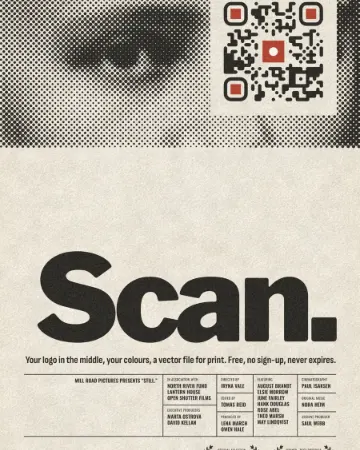 How to make a custom QR code with a logo, freeYour logo in the middle, your colours and shapes, a code that still scans — and nothing to pay, now or later.
- 02
 QR code size for print: the «will it scan» checklistSize, quiet zone, contrast, correction and a proof: the five checks that decide whether a printed code scans.
- 03
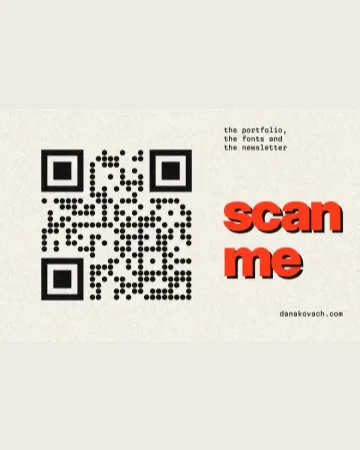 QR code design: how to style a QR code that still scansColours, shapes and a logo — inside the few rules that keep a phone reading it.