QR codes7 min readFreeUpdated 2026-11-06
How to make a custom QR code with a logo, free
Your logo in the middle, your colours and shapes, a code that still scans — and nothing to pay, now or later.

A QR code with a logo in the middle is the first thing most people want once a plain black square looks out of place on their poster, menu or card. It is also where most “free” generators start asking for something: an email to unlock the logo upload, a subscription for the vector file, a trial that quietly turns your printed code off after two weeks.
It does not have to cost anything. A logo works because every QR code carries spare data — its error correction — so a part of it can be covered and still be read. Within that budget you can put your mark in the middle, colour the code in your brand’s ink and round its modules, and the result is as reliable as the plain one.
This guide shows how it works, what to watch for, and how to do it in Paletoo for free: the code placed on a poster, your logo made part of the code, a scan check that reads it back as you design, and a sharp SVG or PDF for print. If you only need a quick PNG, the free QR code generator with logo makes one right on the page.
How a logo fits inside a QR code
A QR code is a grid of dark and light squares called modules. Three big squares in the corners — the finder patterns, or eyes — tell a phone where the code is and which way up it is. The rest holds your data twice over: once as it is, and once again as error-correction codewords that let a reader rebuild what it cannot see.
There are four levels of that correction: L rebuilds about 7 % of the code, M about 15 %, Q about 25 % and H about 30 %. A logo is a deliberate patch of damage, so it needs H and has to stay comfortably inside it — in practice a logo about a fifth to a quarter of the code’s width, in the middle, never over the eyes. The modules behind it should be cleared, not just painted over, so the reader sees a clean gap instead of half-hidden squares.
Where free generators catch you out
Most QR sites offer two kinds of code. A static code holds your link itself. A dynamic code holds the generator’s own short link, which forwards to yours; it lets you change the destination and count scans, but it only works while the generator keeps forwarding. Several of the best-known generators make dynamic codes by default in a free trial and switch them off when the trial ends — their own help pages say so — and people find out after the menus are printed.
The other catches are smaller but real: a watermark or the generator’s name in the frame, the logo upload or SVG download behind a sign-up, a low-resolution PNG that turns soft when it is enlarged for a poster. None of that is needed to make a good code. Read more in QR codes that never expire.
What makes a logo code look designed
Pick the logo’s simplest form: a symbol or a monogram, not the full lockup with a tagline. Small text inside a code is unreadable at real size anyway. Give it a little room — a module of empty ground round the mark reads better than a logo jammed against the modules — and decide whether that room is square or round to match the mark.
Then make the code belong to the layout: one dark brand colour for the modules, the eyes in the same ink or in your accent, the ground matching the paper of the design. A code on a busy photo needs a tile of its own; a code on a plain paper colour can share that colour as its ground. Keep it dark on light: that is the one rule colour must not break.
Made in Paletoo
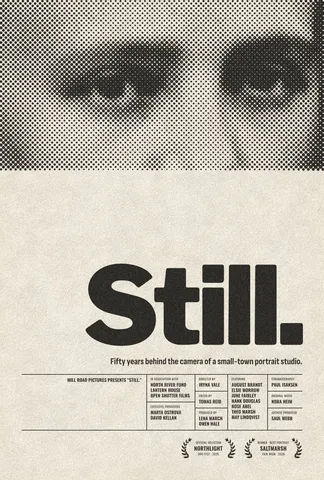
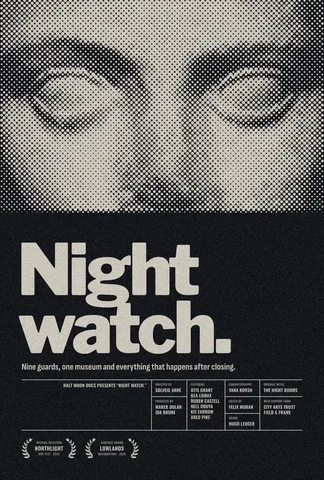
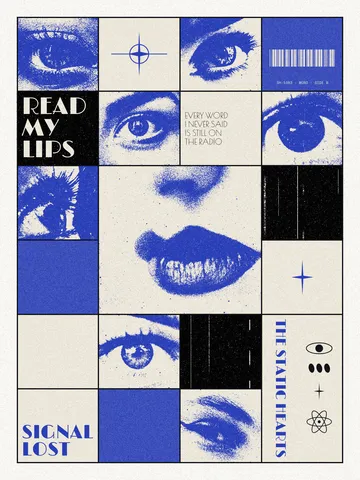
Every picture on this page was made in Paletoo — these three with the same steps on other templates:
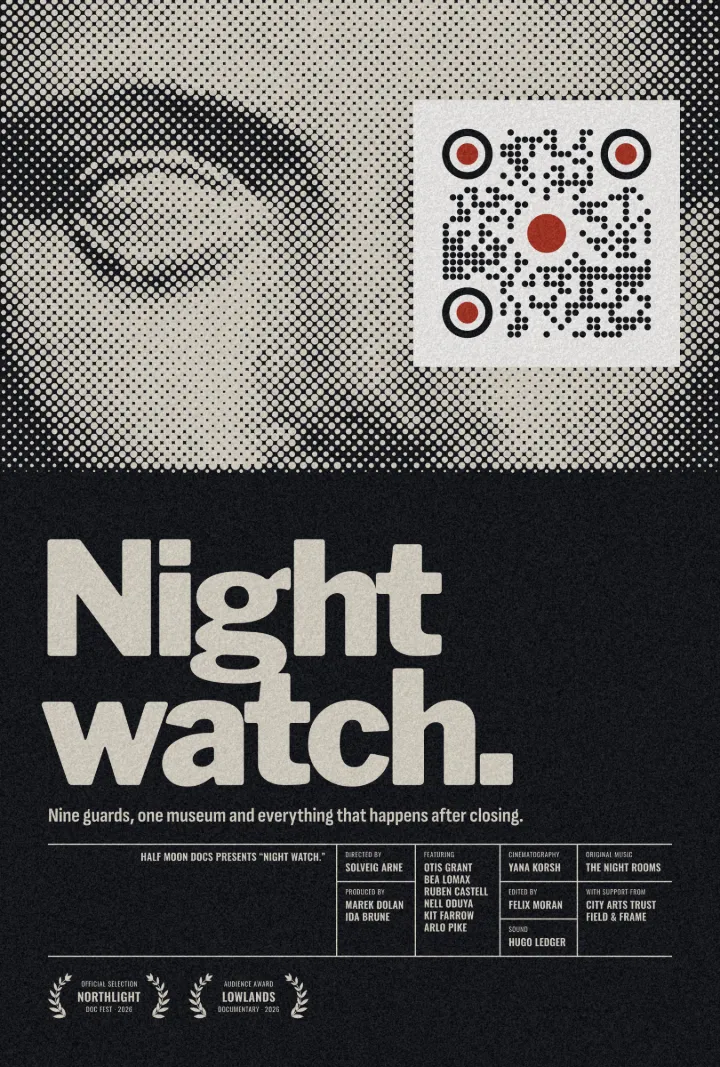
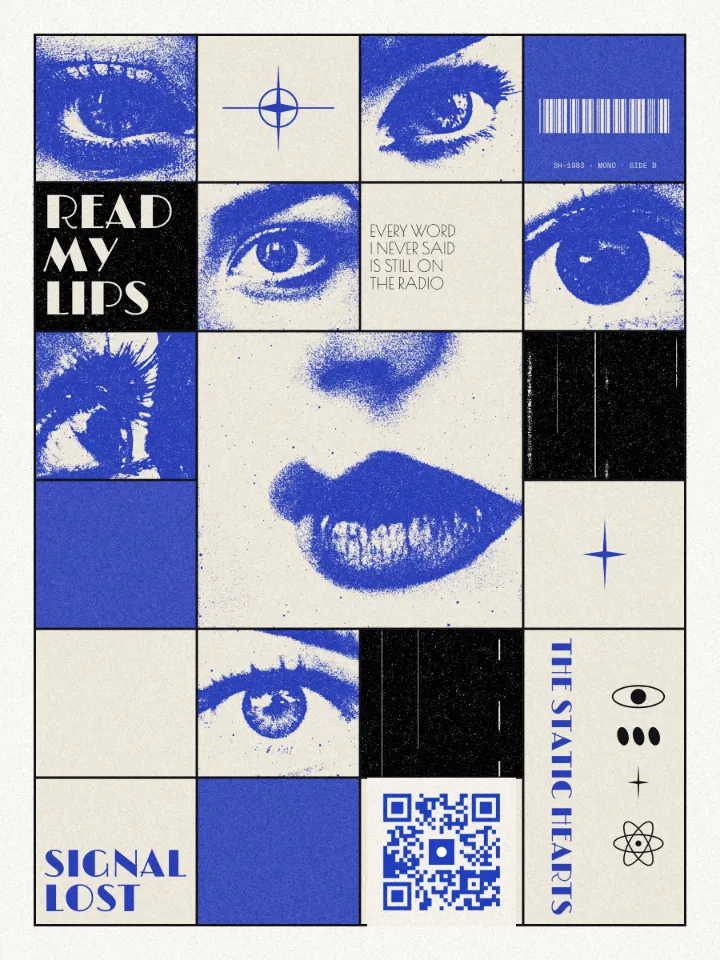
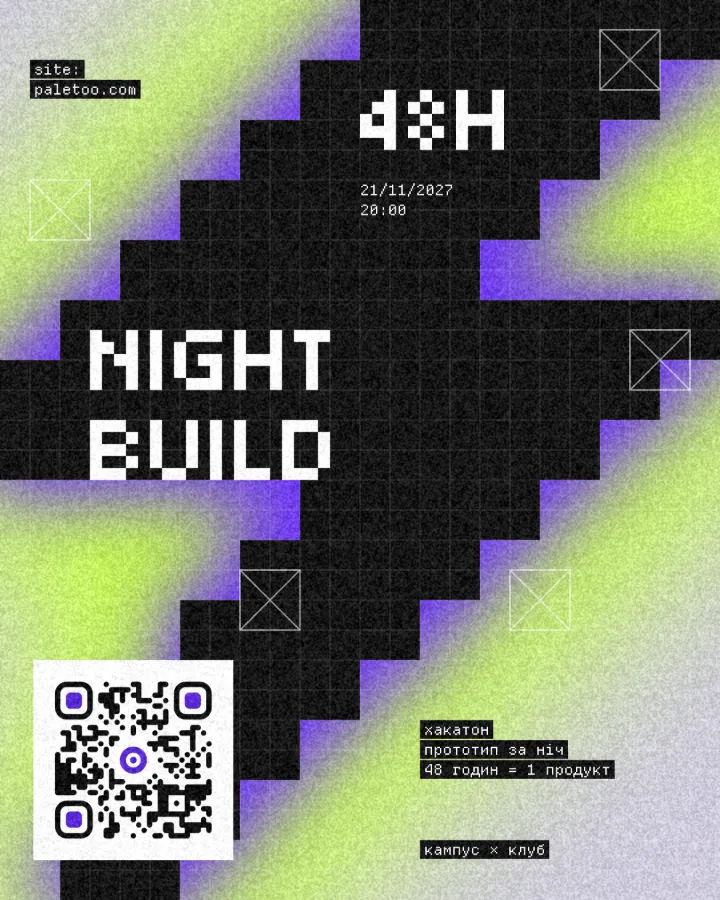
Make it in Paletoo, free
Open a design, or start a new one, and press ⌘ K and run QR code (Ctrl K on Windows). You can also pick one from Elements › Codes. «Open in Paletoo» opens the poster from this guide with its code already on it.
The code lands selected, and the Design tab opens on its QR code section. Leave Type on Link and type your address; under the field the code is read back as you type, and ✓ Scans tells you it reads.
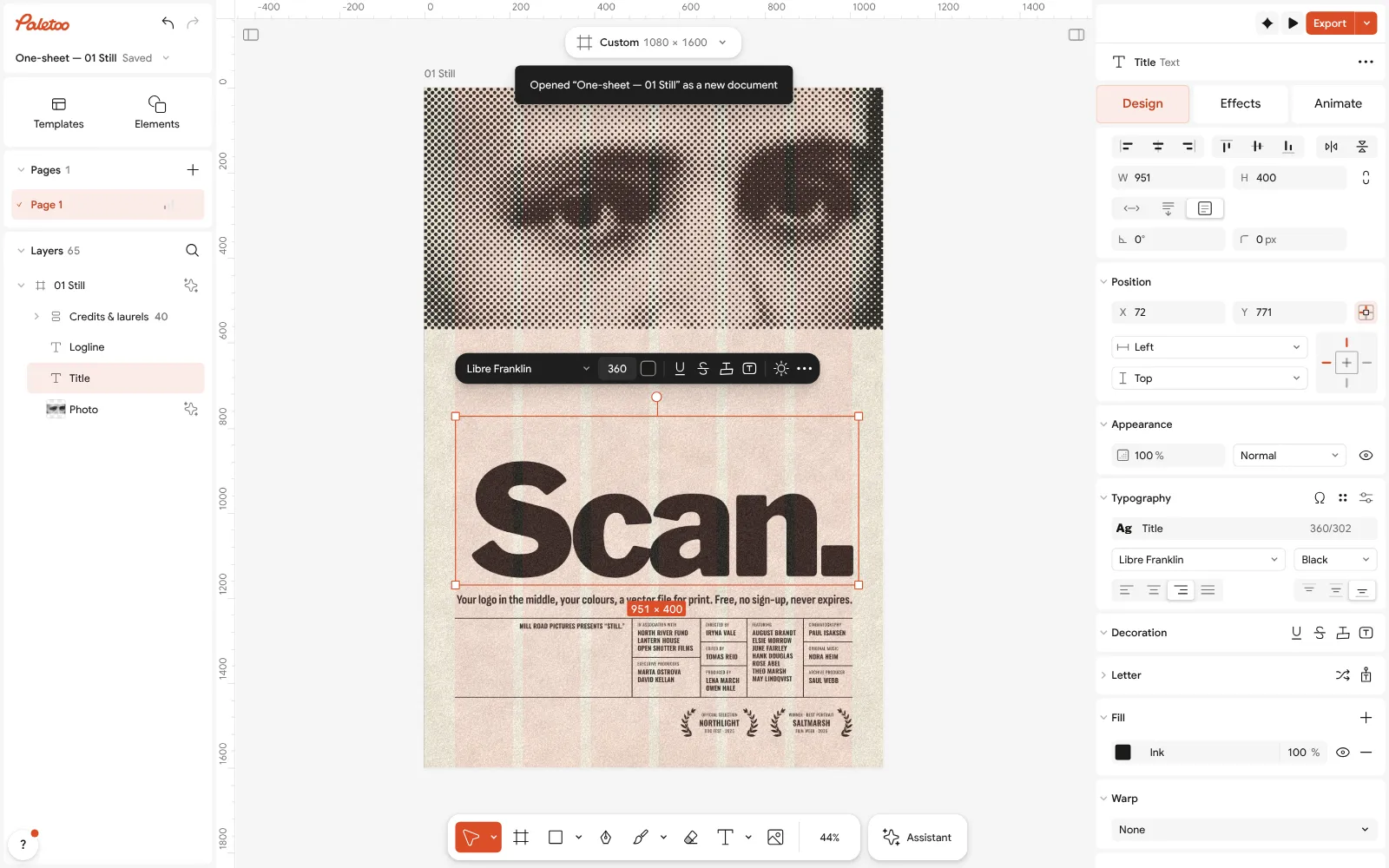
The «Still» poster from the One-sheet series, its title rewritten to «Scan.», open in Paletoo with the title selected Give it a look. Style has eight ready ones; or set Modules to Rounded, the Eyes to a Rounded Frame and a Square Pupil, the Colour to your darkest brand colour and the Ground to the paper of your design.
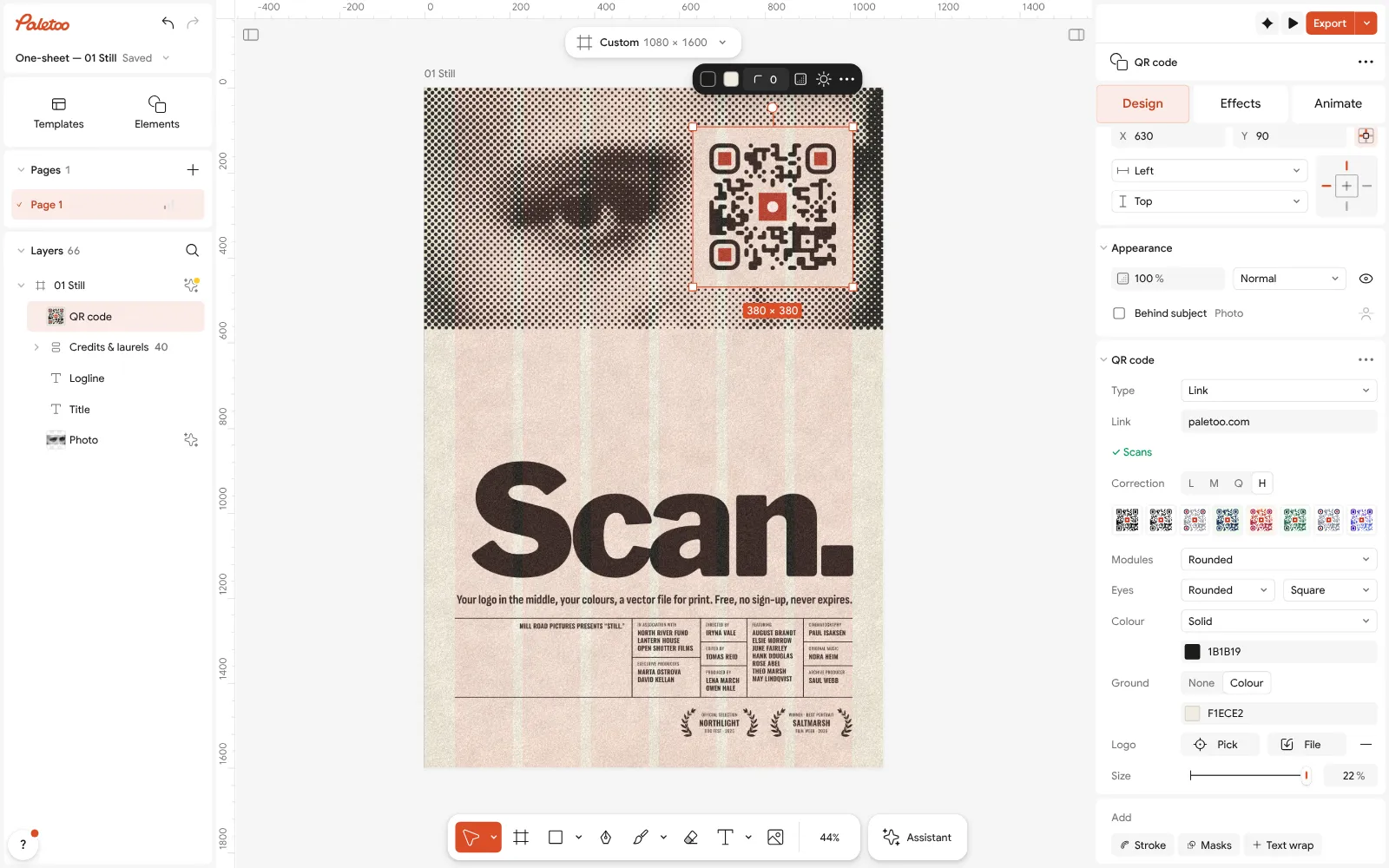
The code on the poster selected: a stamp logo in the middle, rounded modules, red pupils, and its QR code section open In the Logo row press Pick and click your logo’s layer, or press File and choose a picture from your computer. It is traced into vector shapes and becomes part of the code: the modules behind it are cleared and the correction goes up to H.
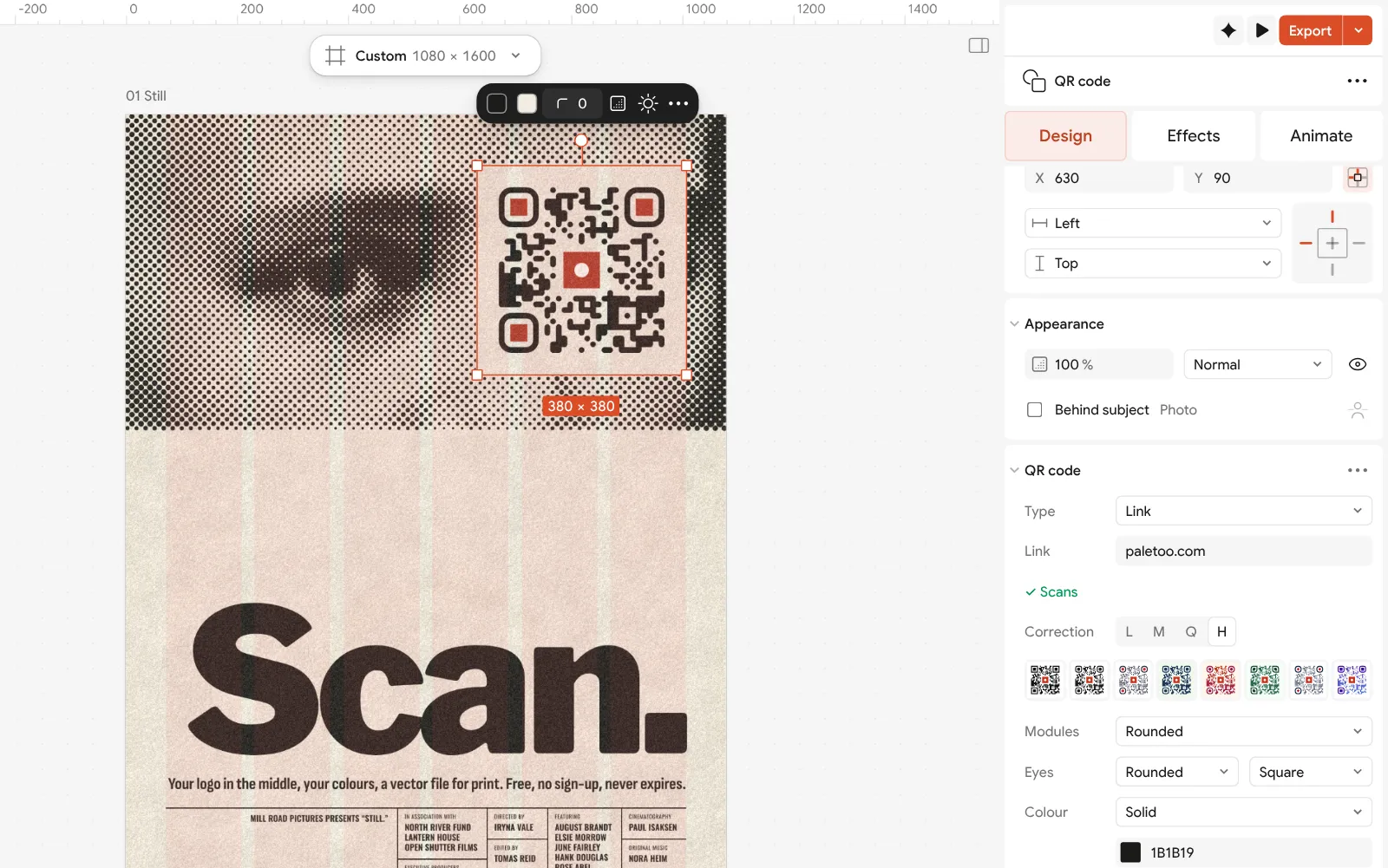
Close up: the Logo row with Pick and File, the logo’s size, and the correction raised to H Set the logo’s Size; the slider stops at the largest logo the correction carries, so you cannot make one that breaks the code. Turn on Round space for a round mark. Watch the scan line — it should stay on ✓ Scans.
The ⋯ in the section’s header opens QR code settings, where Eye frames and Pupils take colours of their own (the accent on the pupils is a classic) and the Quiet zone stays at 4.
Press Export: SVG or PDF for print, PNG for the web. The code and its logo are vector shapes, so they stay sharp at any size, with no watermark and nothing that expires.
Make it your own
Keep the logo inside the budget. The Size slider is capped at what the correction carries, but a code that has to survive a rough print, a curved bottle or poor light deserves a smaller logo than the cap. If you lower Correction from H, the cap drops with it — so for a logo, leave it at H.
Contrast decides whether it reads. A dark code on a light ground, 3 : 1 at the very least; the scan line’s tooltip gives the exact contrast. A logo in a light colour is fine — it sits in the cleared space — but the modules round it must stay dark. If you need a light code on a dark design, give the code a light Ground instead of inverting it.
Shapes and the logo pull the same way. Dots, thin bars and a big logo together leave less for a reader to hold on to; with a large logo choose Square or Rounded modules. And always scan a printed proof at real size with two phones before the run.
Templates with this look
Questions
Is it really free to make a QR code with a logo?
Yes. In Paletoo adding a logo, colours and shapes, the scan check and SVG, PDF or PNG export are free, with no account, no watermark and no trial. The code is static, so there is nothing to pay later to keep it working.
How big can the logo in a QR code be?
About a fifth to a quarter of the code’s width at error correction H, in the middle and never over the three corner squares. Paletoo caps the logo’s size at what the correction can rebuild, and the scan check tells you if it still reads.
Which file should I use for my logo?
A simple mark on a transparent background — a PNG or an SVG of the symbol, not the full logo with small words. Paletoo traces it into vector shapes, so it prints as sharply as the code.
Will a QR code with a logo work on every phone?
Any phone camera that reads QR codes reads one with a logo kept inside the error correction, with good contrast and a quiet zone. Test it with two phones, one older, from a real-size print before you order.
Can I use my brand colours?
Yes, as long as the code stays dark on a light ground. A deep brand colour for the modules and your accent on the eyes or the logo is a safe way to make it yours.
Does the code expire or track scans?
No. Your link is written into the code itself; nothing is forwarded through our servers, so it works as long as your link does and no one counts the scans.
Make it online
- QR code generatorMake a QR code in your own colours and shapes, with a logo in the middle, and see that it scans before you print.
- Logo makerBuild a wordmark or a badge from real type and shapes, and take it away as a sharp SVG or PDF.
Free design templates: Contact and call-to-action templates · Brand guidelines templates
Try it on your own design
Paletoo opens in your browser, with no sign-up. Every effect here is live: change the picture or the words and the effect follows.
Open in PaletooRead next
- 01
 QR code design: how to style a QR code that still scansColours, shapes and a logo — inside the few rules that keep a phone reading it.
- 02
 QR codes that never expire: static vs dynamic, honestlyWhy printed codes stop working, when a dynamic code is worth paying for, and how to make one that never expires.
- 03
 QR code design ideas: ten styles that still scanTen ways to make a QR code part of the design instead of a sticker on it — each one still reads at the first try.