Free tools5 min readFreeUpdated 2026-11-27
YouTube banner size 2026: 2560 × 1440 and the safe area
The size YouTube asks for, the band that survives on phones, computers and TVs — and channel art made from a banner you already have.
By the Paletoo team · steps tested in Paletoo on
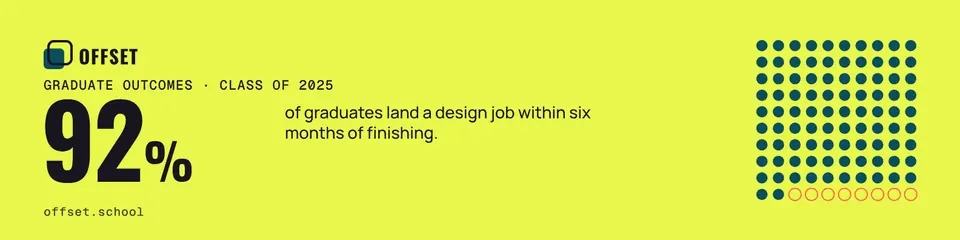
A YouTube banner (channel art) is 2560 × 1440 pixels, 16:9, and 6 MB or smaller; the smallest upload is 2048 × 1152. Only the middle shows on every device: at 2560 × 1440 that safe area is about 1546 × 423 pixels — YouTube gives 1235 × 338 at the minimum size — so put your name, logo and words there and let the rest be background.
This guide checks those numbers against YouTube Help («Manage your channel branding», read on 11 November 2026), shows what each device crops, and turns «92%» — a lime-yellow Offset banner with a giant number and a hundred-dot chart — into channel art with the safe area drawn on it. Every step was run in Paletoo on 11 November 2026; the pictures are the editor itself.
YouTube banner size and safe area
YouTube’s help asks for a 16:9 image of at least 2048 × 1152 px, recommends 2560 × 1440 px «especially for TV», and caps the file at 6 MB. It warns that the image «will get cropped on certain views and devices» and asks for no shadows, borders or frames around it. The one part every device shows is a band across the middle: 1235 × 338 px at the minimum size, which scales to about 1546 × 423 px at 2560 × 1440 — the figure YouTube’s earlier banner template used.
Your profile picture is a separate upload, shown as a circle that renders at 98 × 98 px; YouTube accepts JPG, PNG, GIF or BMP up to 15 MB, and a square of 800 × 800 stays sharp wherever it appears.
| Where | What shows | Note |
|---|---|---|
| TV | The whole 2560 × 1440 | The only place the full picture appears |
| Computer, wide window | about 2560 × 423, a strip across the middle | Narrower windows cut the sides |
| Tablet | about 1855 × 423 | Cut at the sides |
| Phone | about 1546 × 423 — the safe area | Plan everything that matters for this |
| Minimum upload (YouTube Help) | 2048 × 1152 | Its safe area is 1235 × 338 |
| File (YouTube Help) | 6 MB or smaller | JPG or PNG |
How to lay out YouTube channel art
Think of the banner as a thin strip inside a lot of spare background. The strip — about 1546 × 423 in the middle — carries the channel name or logo, one line about what you post and, if you like, the schedule: «New videos every Friday». The rest is mood: a colour, a texture, a wide photo that can be cut anywhere without losing its point.
Do not put links, handles or a face in the corners: phones and computers crop them away, and YouTube lists your links on the channel page anyway. Text has to read on a phone, where the safe strip is about 360 px wide, so make a channel name at least 80 px tall in the 2560-wide file and a tagline at least 40 px.
A LinkedIn banner fits the safe area
There is a handy coincidence: the safe area, about 1546 × 423, is almost exactly the shape of a LinkedIn banner, 1584 × 396. So a banner you already made for LinkedIn or X can become the middle of your channel art at nearly the same size, with the background stretched around it — which is how the steps below work. One design then serves LinkedIn, X and YouTube, and people who meet you in one place recognise you in the next.
Made in Paletoo
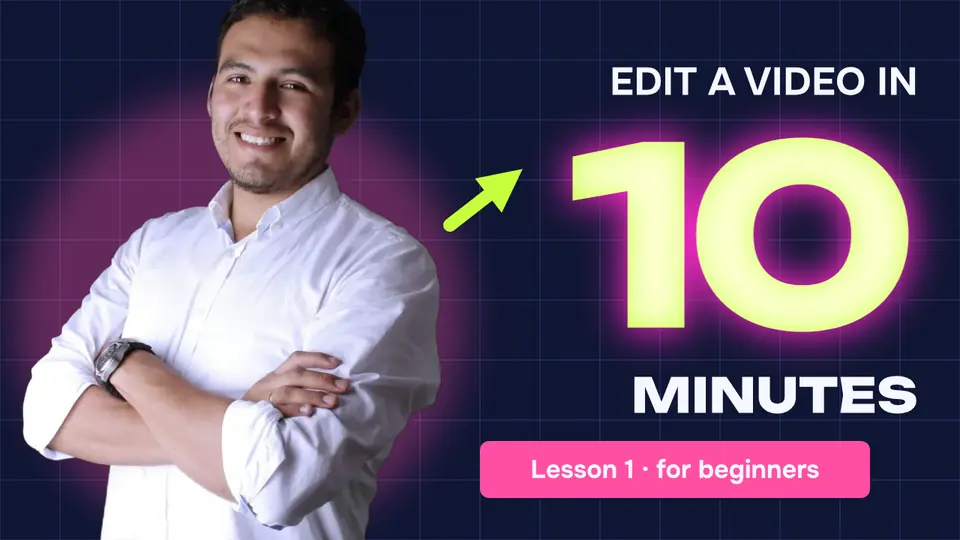
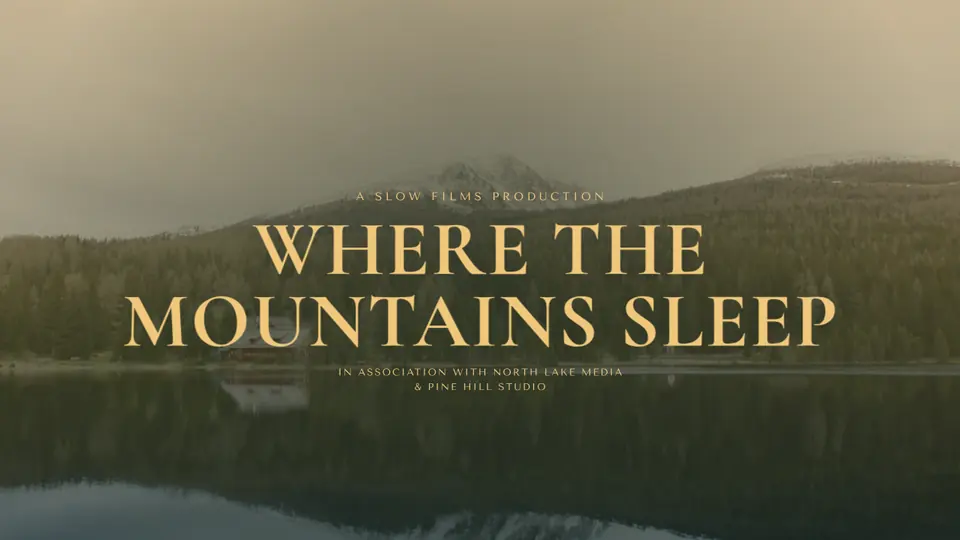
Every picture on this page was made in Paletoo — these three with the same steps on other templates:
Make it free in Paletoo
Open the banner: press “Open in Paletoo” on this page. With nothing selected the size chip reads LinkedIn banner, 1584 × 396 — about the size of YouTube’s safe area.
Press the chip. Under Make a copy as press All formats…, turn Scale artwork off and pick YouTube banner in Social media. A 2560 × 1440 copy appears beside the original: the background stretches to fill it, while the words and shapes keep their size.
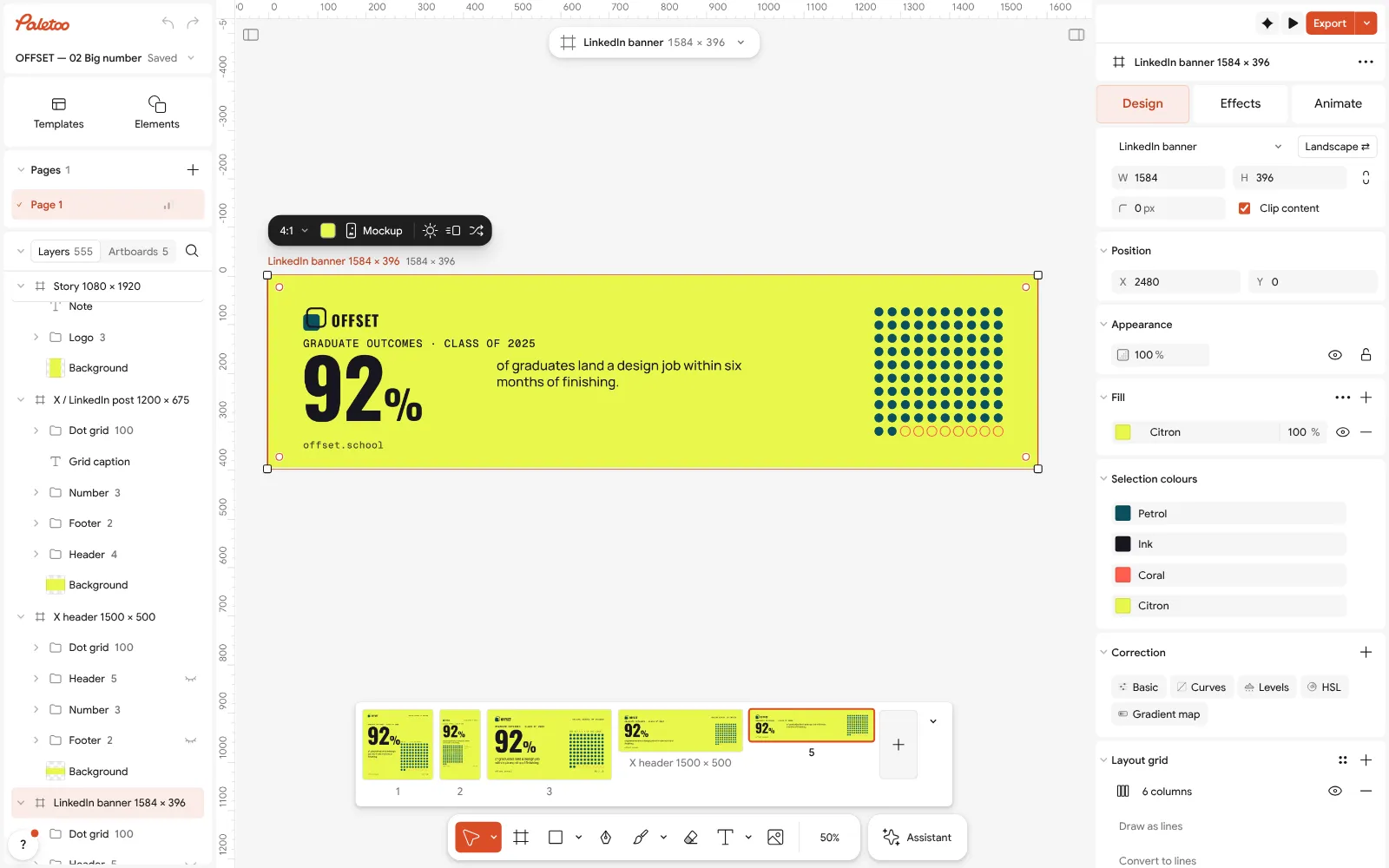
The «92%» banner open in Paletoo with nothing selected: LinkedIn banner, 1584 × 396, on the size chip Click the copy’s name to select the artboard. In Layout grid press + and Add safe area, choose Different for each side and type 509 at the top, 507 on the right, 508 at the bottom and 507 on the left: the box left in the middle is 1546 × 423.
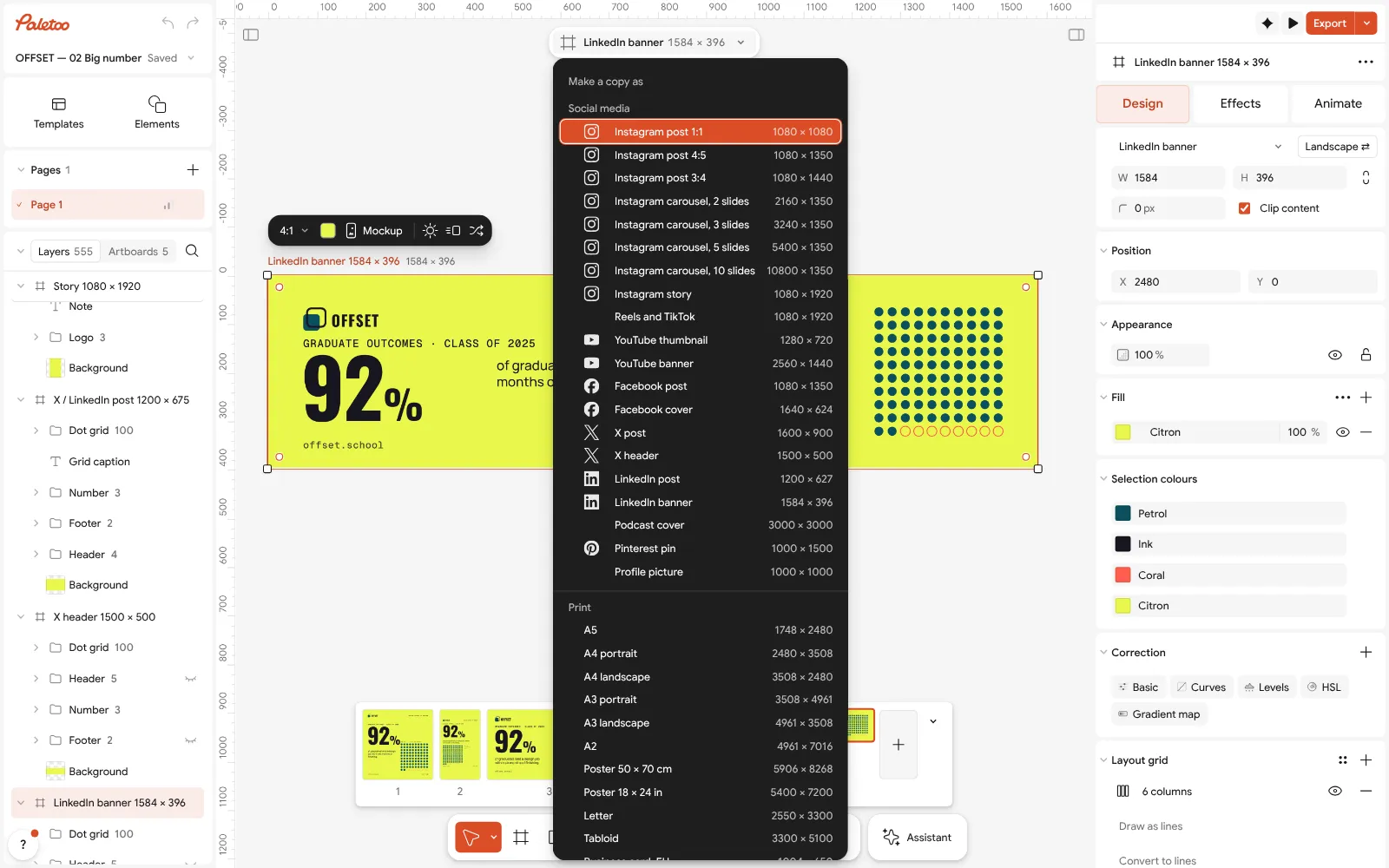
The size chip pressed: All formats…, YouTube banner, 2560 × 1440, in Social media, with Scale artwork off Select the number, the words, the logo and the dots — everything but the background — and drag them into the box; the smart guides snap them to the centre. Retype the headline for your channel; its font is under Typography.
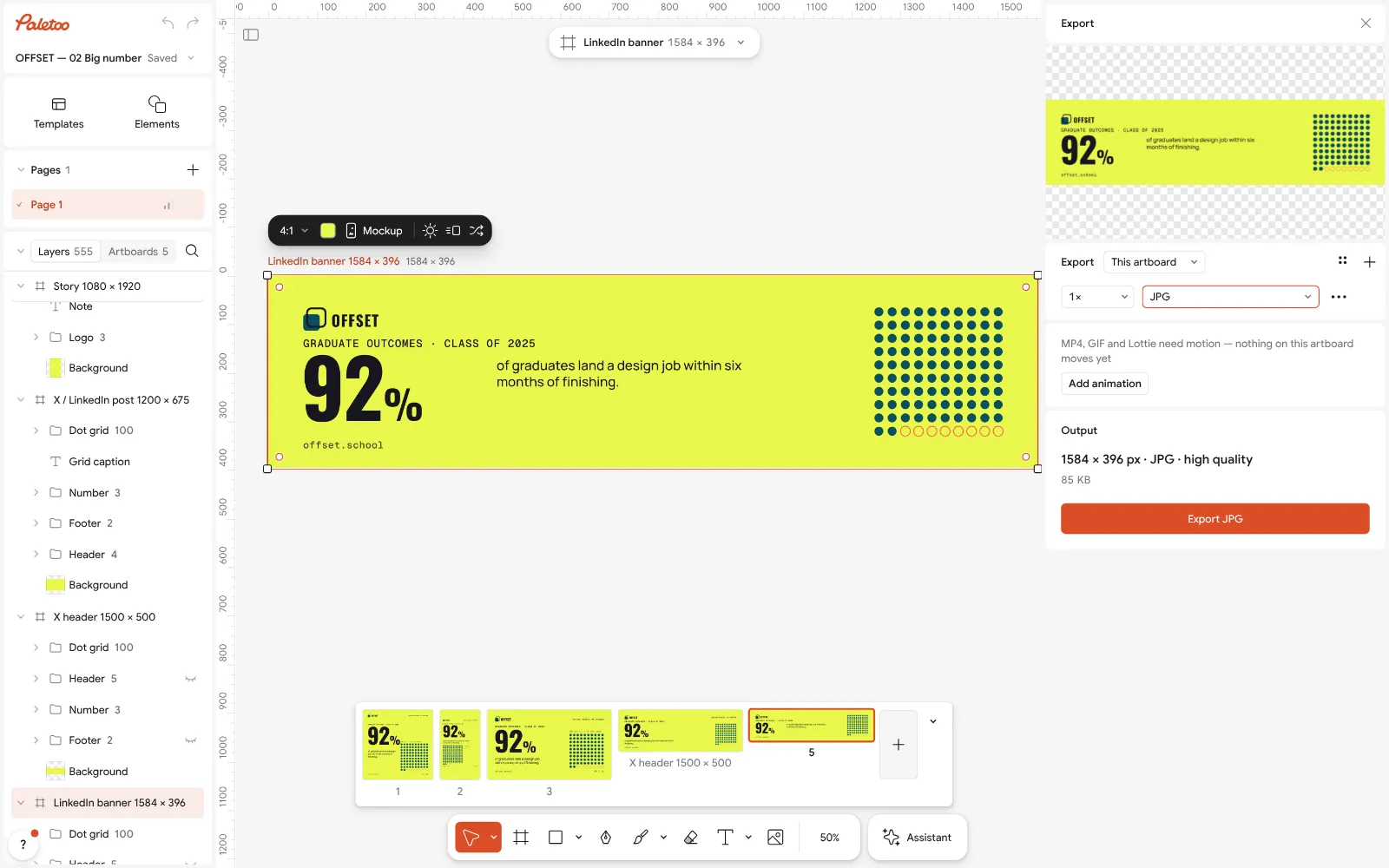
Export as JPG Press Export (Ctrl Shift E) and choose JPG — a 2560 × 1440 JPG of flat colour is far under 6 MB — or PNG if fine lettering looks soft. The safe area is a guide: it is not drawn in the file.
In YouTube Studio open Customization › Profile, press Change next to the banner image, upload the file, check the preview of each device and press Publish.
Make it your own
Make the thumbnails match: on the banner press the chip and under Make a copy as pick YouTube thumbnail for a 1280 × 720 copy in the same colours.
Keep the colours in Colour styles, so the banner, the thumbnails and the profile picture change together when you rebrand.
If the words sit on a busy photo, give them a soft Glow or a Stroke from the Effects tab.
Sources
Questions
What size is a YouTube banner?
2560 × 1440 pixels (16:9), 6 MB or smaller, according to YouTube Help. The minimum upload is 2048 × 1152.
What is the YouTube banner size for all devices?
Upload 2560 × 1440 and keep text and logos in the middle 1546 × 423 or so: that band shows on phones, tablets, computers and TVs.
What is the YouTube banner size for mobile?
There is no separate mobile banner. Phones show only the middle, about 1546 × 423 of a 2560 × 1440 file.
What is the YouTube banner safe area?
YouTube Help gives 1235 × 338 pixels at the minimum 2048 × 1152; at 2560 × 1440 that is about 1546 × 423.
Why is my YouTube banner cut off?
Every device except a TV crops it. Move everything important into the safe area in the centre and let the edges be background.
Can I make YouTube channel art for free?
Yes. Make a copy of any banner as YouTube banner in Paletoo, arrange it in the safe area and export JPG or PNG — free, with no watermark.
Make it online
- YouTube thumbnail makerA face cut out of its background, three big words and one bright colour: thumbnails at 1280 × 720 that read at the size of a stamp.
- Logo makerType your brand name, pick a logo, try fonts, colours and layouts, then download SVG, PNG and app icons — free, no watermark, no sign-up.
Free design templates for posts, stories and posters: YouTube thumbnail templates · Brand guidelines templates
Try it on your own design
Paletoo opens in your browser, with no sign-up. Every effect here is live: change the picture or the words and the effect follows.
Open in PaletooOpens this design as your own copy — every layer and effect editable, free.
Read next
- 01
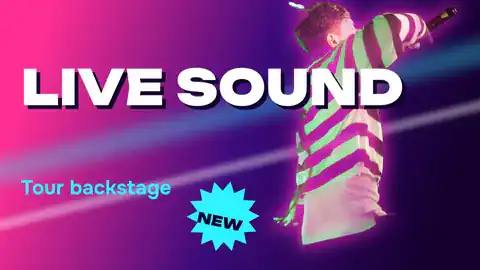 YouTube thumbnail size 2026: 1280 × 720, 4K and the file limitThe exact size, the file limit, the corner the timestamp covers — and a thumbnail that opens at that size in one tap.
- 02
 Podcast cover art size (Apple, Spotify) and how to make one freeOne square that has to work as big as a poster and as small as a fingernail — the exact size, the file rules and a cover that opens at 3000 × 3000.
- 03
 How to make a logo for free: online, no sign-up, no watermarkA name, a typeface, two colours and the right files — the whole logo in ten minutes, for free.