YouTube thumbnail maker
Updated
Is there a free YouTube thumbnail maker with no watermark?
Yes — this one. Paletoo’s YouTube thumbnail maker is free, opens in your browser with no sign-up and exports thumbnails at 1280 × 720 with no watermark. Start from one of four layouts, cut yourself out of a photo with Remove background — it runs on your device — and set three or four big words with a double outline.
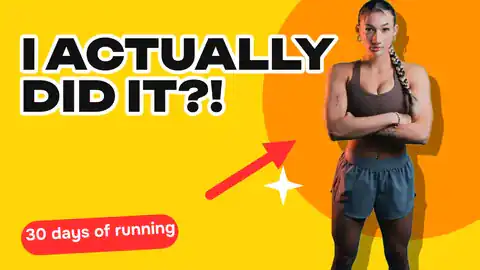
A face cut out of its background, three big words and one bright colour: thumbnails at 1280 × 720 that read at the size of a stamp.
Start freeFree · opens in your browser · no sign-up · no watermark
Start from one of these
Real Paletoo documents and results — open one and change everything.
How it works
-
Open a thumbnail
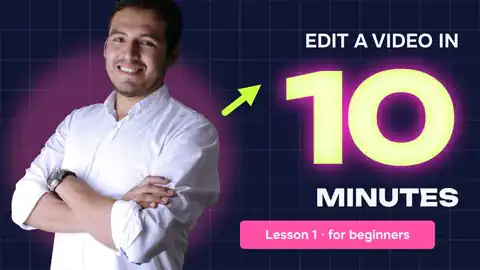
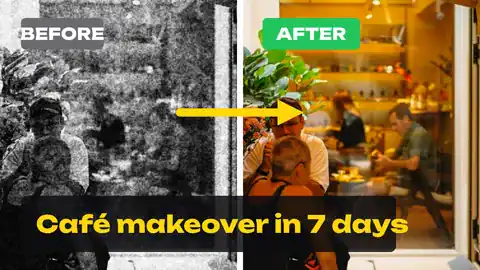
«Start free» opens a how-to thumbnail — «Edit a video in 10 minutes» with a glowing number — at 1280 × 720. Templates has three more: a reaction, a backstage and a before / after.
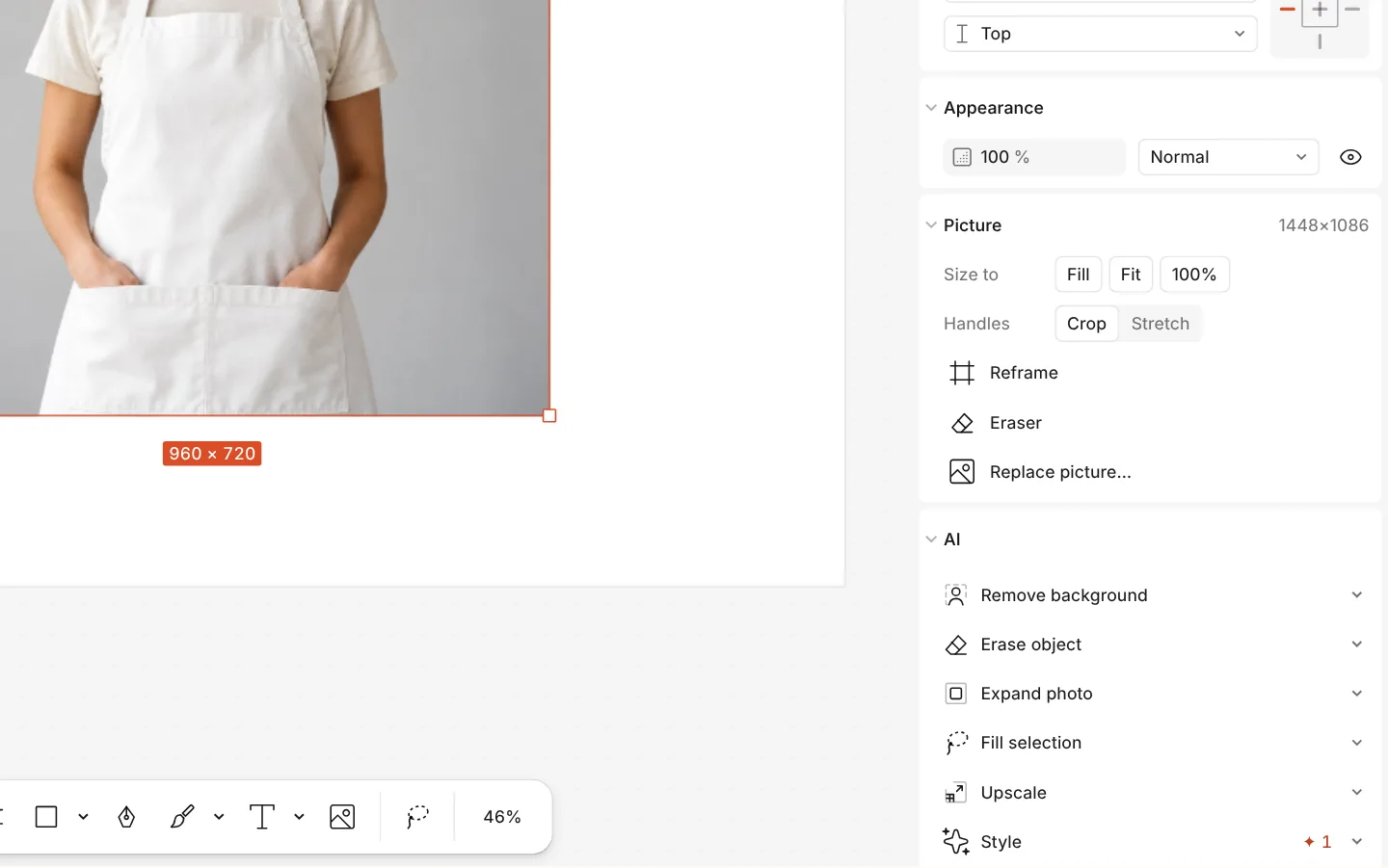
The AI section of a photo with Remove background -
Put yourself in
Select the photo and press Replace picture, then Remove background to cut yourself out. Rewrite the words — three or four, big — and give them a second Stroke so they read over anything.
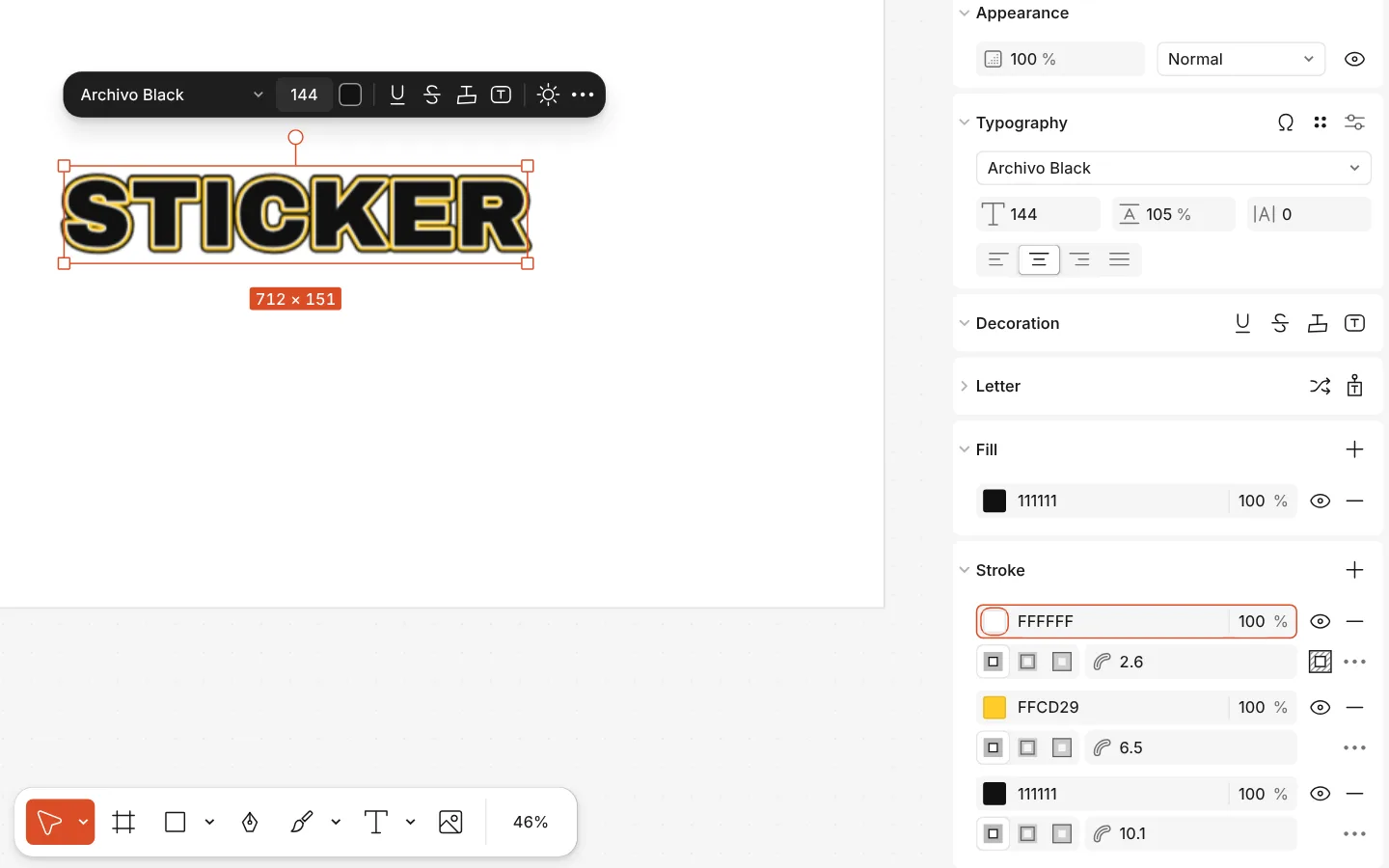
The Stroke section of a text with three strokes, and the text on the canvas -
Export for YouTube
Press Export (Ctrl Shift E) and choose JPG or PNG at 1280 × 720 — the size YouTube asks for.
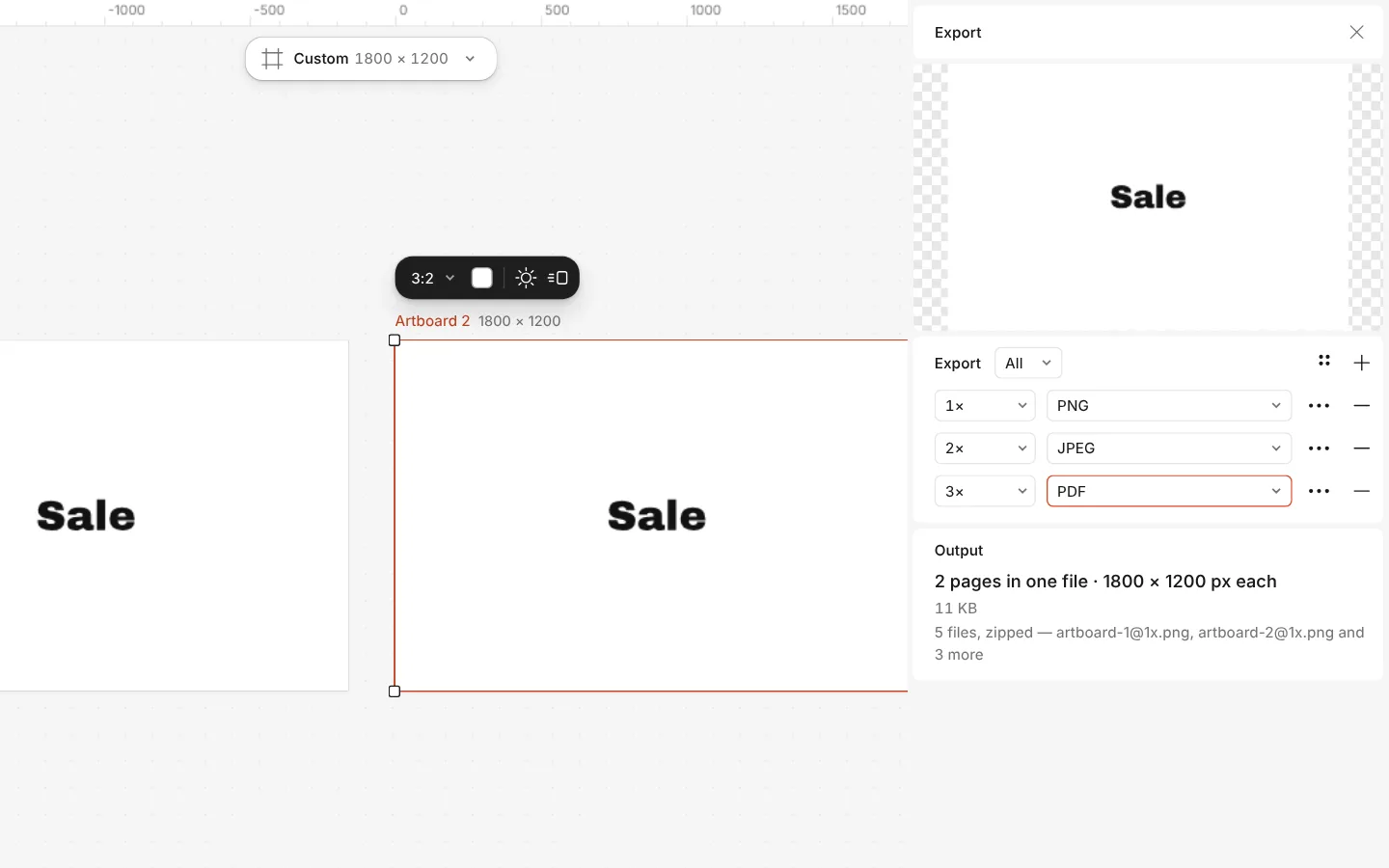
The Export window with all artboards and three files at once
What you get
Four thumbnail layouts
A how-to with a giant number, a reaction with a chip of context, a backstage with a glowing singer and a split before / after.
The right size
1280 × 720 (16:9), the size YouTube recommends, with the words kept clear of the corner where the video’s length sits.
Cut-outs in one click
Remove background cuts a face or a product out of any photo, so it can sit in front of the words.
Words that read small
Heavy display fonts with double outlines, glow and shadow, so three words still read at the size of a phone’s thumbnail.
Free, no watermark
The templates and the export are free, with no watermark and no sign-up needed to download.
Questions
What size is a YouTube thumbnail?
1280 × 720 pixels (16:9) is the recommended size, with a minimum width of 640. Every template here is 1280 × 720 already.
Is the YouTube thumbnail maker free?
Yes. The templates, the cut-out, the text effects and the export to PNG and JPG are free and carry no watermark. Remove background and the editing run in your browser.
How do I cut myself out of a photo?
Select the photo and press Remove background. The person or object is cut out in your browser; you can then add a white outline or a shadow so it stands out.
How many words should a thumbnail have?
Three to five. A thumbnail is seen at the size of a stamp next to the title, so it should add something the title does not say, not repeat it.
JPG or PNG for YouTube?
Either. JPG keeps a photo-heavy thumbnail small; PNG keeps flat colour and sharp text crisp. Both export at 1280 × 720.
Can I make thumbnails in Ukrainian?
Yes. Each template has a Ukrainian version, and the fonts in it have Cyrillic, so your words keep their look in any language.
Can I keep one style for my whole channel?
Yes. Save your colours and text as styles, then duplicate the artboard for each video and change only the photo and the words.
Do I need to sign up?
No. Paletoo opens in your browser and you can make and download a thumbnail straight away. A free account only adds cloud storage and share links.
Can I remove the background from my photo for a thumbnail for free?
Yes. Select your photo and press Remove background: the cut-out is made on your device, so the photo is not uploaded and no credits are used. Then give yourself an outline or a shadow so you stand out from the words.
Learn more
Step-by-step guides
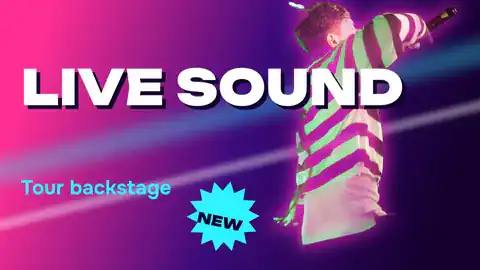
YouTube thumbnail size 2026: 1280 × 720, 4K and the file limit
The exact size, the file limit, the corner the timestamp covers — and a thumbnail that opens at that size in one tap.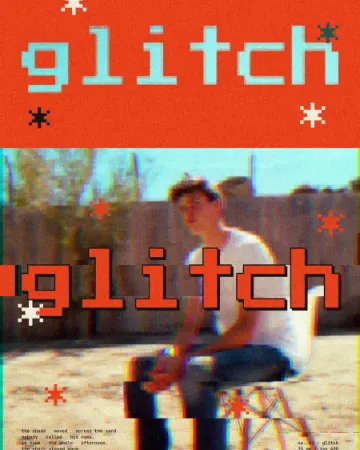
How to make a glitch effect
Blocky pixels, torn colour channels and a smeared trail.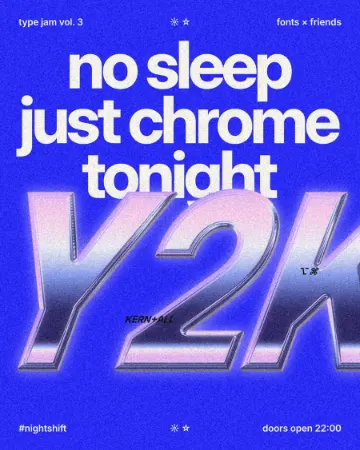
How to make a Y2K chrome text effect
Fat liquid chrome in pearly pastels, with a soft glow.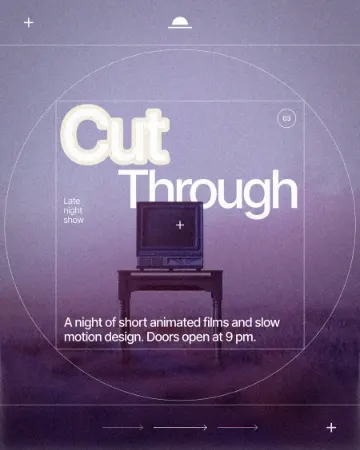
How to make a knockout outline that cuts through
A stroke that cuts through the layers under the text.
In the help centre
More tools
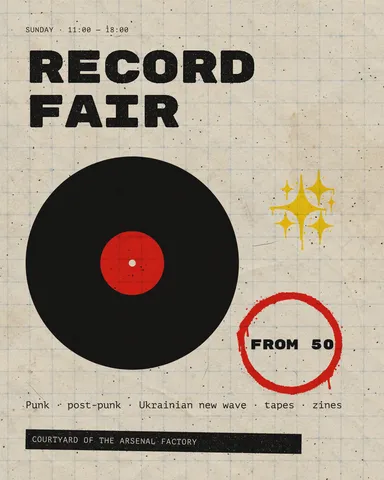
Instagram post maker
Design a post at the right size from a real template, then export a sharp PNG or JPG — free, in your browser.Text effects online
Type your words, press one effect — chrome, gold foil, emboss, cut-out letters, outlines or warps — and download it in a minute, free and with no sign-up; the words stay editable text.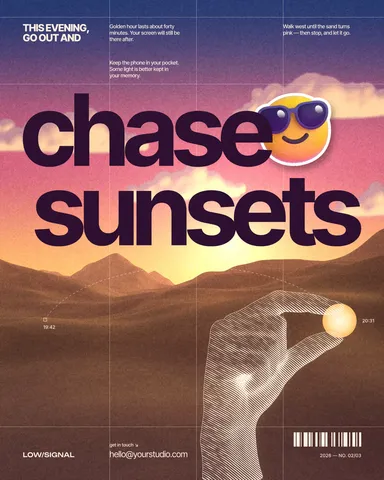
Remove background online
Cut the subject out of any photo in one click — on your own device, with no upload and no credits.
Make it now
Paletoo opens in your browser. Start from the template above or a blank page, and export when you are happy.
Start free