Make a photo black and white
Turn a colour photo into black and white — classic, high contrast, soft matte or a red filter — and download it at full size.
Or drop a photo here, or paste it with Ctrl+V
Settings
opens your black and white photo in the editor, for grain, words or a poster
Nothing is uploaded: the picture is made in this browser tab.
How to use the make a photo black and white
Add your photo
Press Choose a photo, drop it on the preview or paste it with Ctrl+V (⌘V on a Mac) — or tap a sample. The photo stays in this tab.
Pick a look
Classic keeps each colour’s true lightness; High contrast pushes blacks and whites; Soft matte lifts the blacks like old print; Red filter darkens blue skies and smooths skin, as on film.
Fine-tune and download
Move Contrast and Brightness, then download the PNG at your photo’s own size, or open it in the editor to add grain or words.
Made in Paletoo with the same effect
Real designs from our Learn guides. Open a guide to see how each one was made.
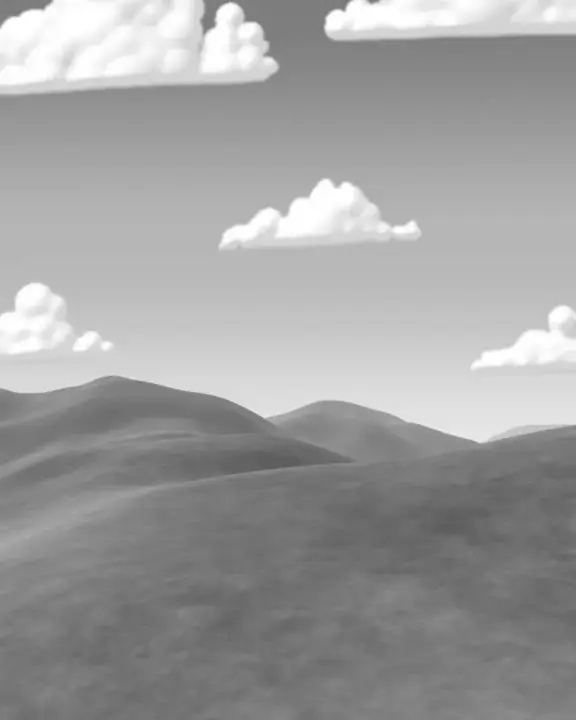
 Hills through a red filter: the sky goes dark, the clouds stand out.
 An “accepted” post: the old painting copied down to grey toner behind the green ASCII figure.
 A rooftop party poster: the night clouds turned to copier grit under the yellow type.
Questions
How do I make a photo black and white?
Choose your photo above and pick a look — Classic keeps each colour’s true lightness, High contrast, Soft matte or Red filter as on film — move Contrast and Brightness, and download the PNG at your photo’s own size. Free, no watermark; the photo stays in your browser.
Is black and white the same as greyscale?
Here it is greyscale done with care: each pixel’s lightness as the eye sees it (red, green and blue weighted, not averaged), so a red and a green of the same brightness stay the same grey.
What does the red filter do?
Film photographers screwed a red filter on to darken blue skies and make clouds stand out. Red filter does the same by counting the red channel most: skies go dark, skin and brick go light.
Can I add film grain too?
Download, then drop the picture into Add grain to a photo, or open it in the editor, where grain, vignette and tone are steps you can stack.
What size is the download?
The PNG is your photo’s own size, up to 4096 px on the long side (a bigger photo is scaled down to that). The preview is smaller so it stays instant; the download is drawn again at full size.
Is it free? Is there a watermark?
Yes, it is free, and the PNG has no watermark. You do not need an account either.
Is my photo uploaded anywhere?
No. The photo is read and drawn by your browser on your own device; it never leaves this tab. Close the tab and it is gone.
Go further
More free tools
Duotone generator
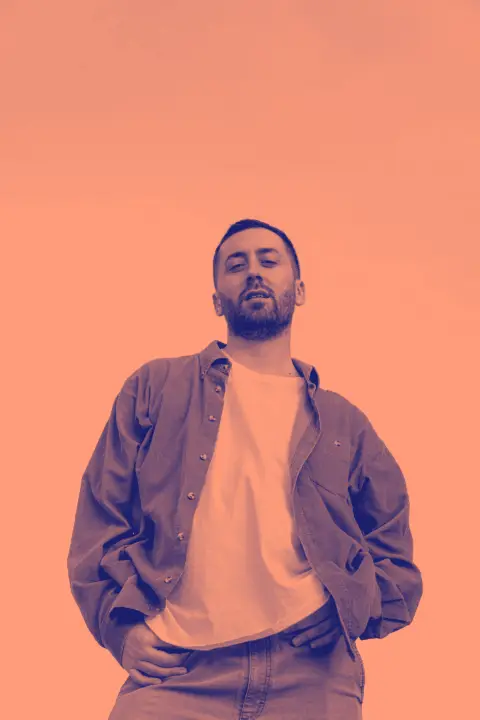
Two colours, one photo: map the shadows and the highlights to colours of your choice and download a PNG.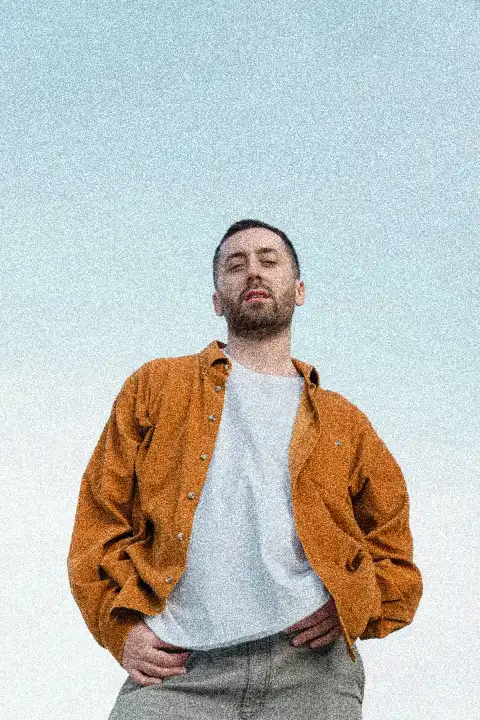
Add grain to a photo
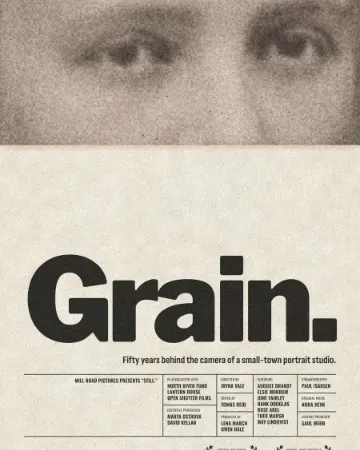
Film grain in one move: strongest in the mid-tones, soft in the shadows, fine or coarse, mono or colour.
Blur an image
Blur a whole photo — for a background behind words — or keep a sharp focus spot in the middle and blur the rest.