Flip an image
Mirror a picture left to right or top to bottom, or turn it 90° or 180°, and download it at full size.
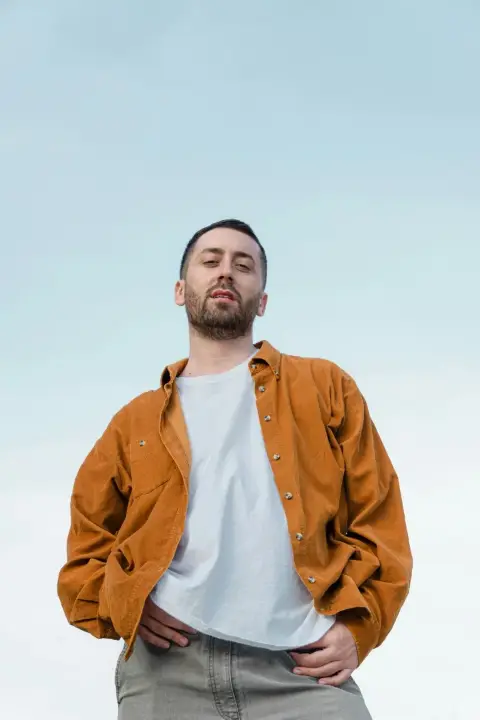
Or drop a photo here, or paste it with Ctrl+V
Settings
opens your flipped picture in the editor, for a post, a collage or a print
Nothing is uploaded: the picture is made in this browser tab.
How to use the flip an image
Add your picture
Press Choose a photo, drop it on the preview or paste it with Ctrl+V (⌘V on a Mac) — or tap a sample. The picture stays in this tab.
Flip or turn
Mirror swaps left and right — a selfie the way others see you; Upside down swaps top and bottom. Turn rotates a sideways photo the right way up.
Download
Download the PNG at the picture’s own size (up to 4096 px): nothing is lost in a flip or a quarter turn. Or open it in the editor.
Made in Paletoo with the same effect
Real designs from our Learn guides. Open a guide to see how each one was made.
 A sunset mirrored left to right, the sun on the other side.
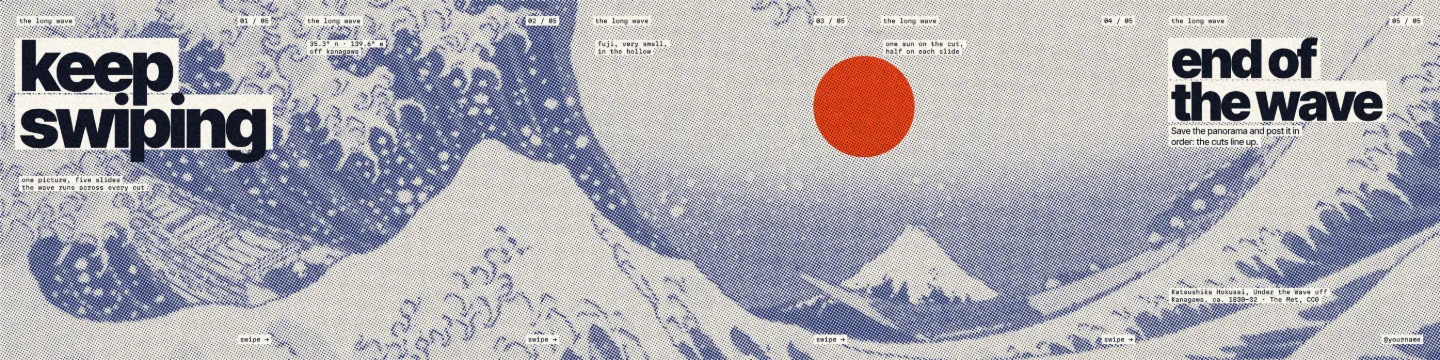 “The long wave”: one museum print, halftoned in a single blue, crosses all four cuts; an orange sun sits half on slide three, half on slide four.
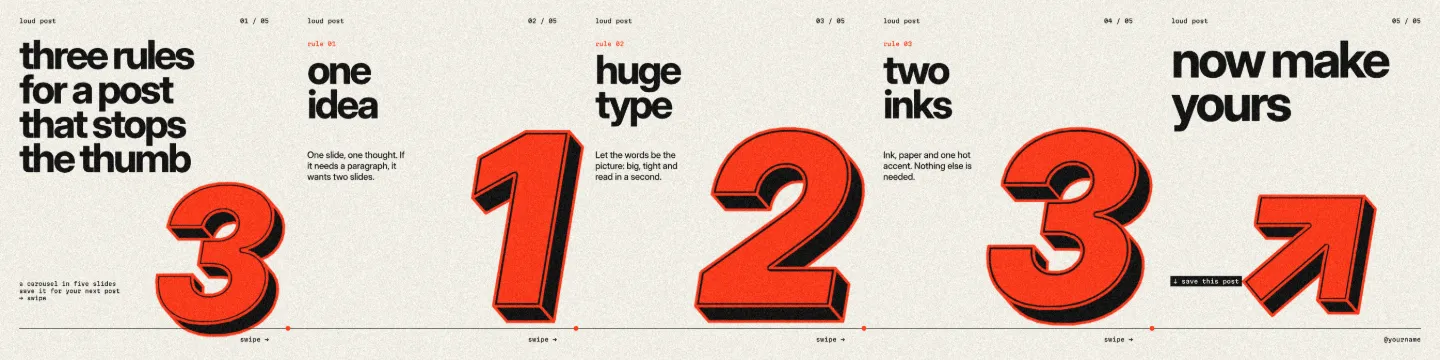 “Three rules”: the calmer kind of seam — a hairline runs under all five slides with a red dot on every cut, while each giant number stays on its own slide.
Questions
How do I flip an image?
Choose your picture above and press Mirror to swap left and right (a selfie the way others see you) or Upside down to swap top and bottom; Turn rotates a sideways photo. Download the PNG at the picture’s own size — nothing is lost. Free, no watermark; the photo stays in your browser.
Why does my selfie look the wrong way round?
A phone’s front camera shows you a mirror image while you shoot, then often saves the true one (or the other way round). Mirror swaps left and right so the photo looks the way you prefer.
Does flipping lower the quality?
No. A flip or a quarter turn moves pixels without resampling them, so the download is exactly as sharp, at the same size (up to 4096 px on the long side).
Mirrored text reads backwards. Can I fix that?
Words in a mirrored photo read backwards, which is the point of a mirror. Open it in the editor to put fresh text on top, or flip it back.
Is it free? Is there a watermark?
Yes, it is free, and the PNG has no watermark. You do not need an account either.
Is my photo uploaded anywhere?
No. The photo is read and drawn by your browser on your own device; it never leaves this tab. Close the tab and it is gone.
What size is the download?
The PNG is your photo’s own size, up to 4096 px on the long side (a bigger photo is scaled down to that). The preview is smaller so it stays instant; the download is drawn again at full size.
Go further
More free tools
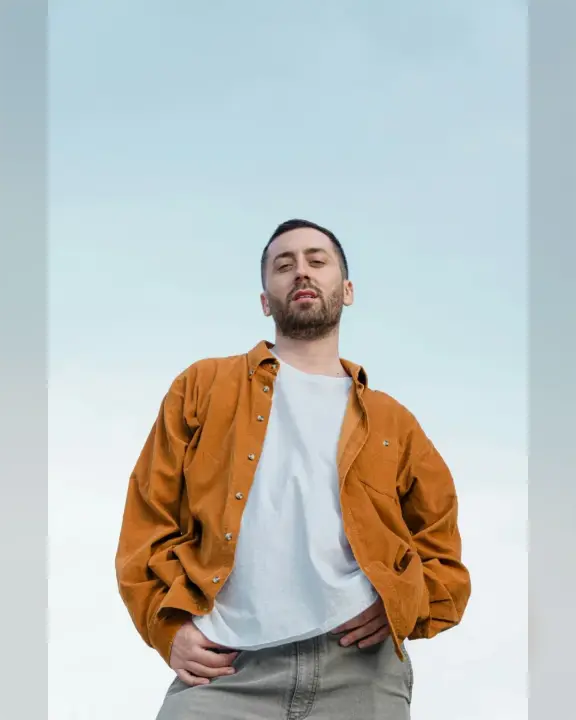
Resize an image for Instagram
Fit the whole photo into a 4:5 post, a square, a 9:16 story or a landscape post — nothing cropped — and download it at 1080 px.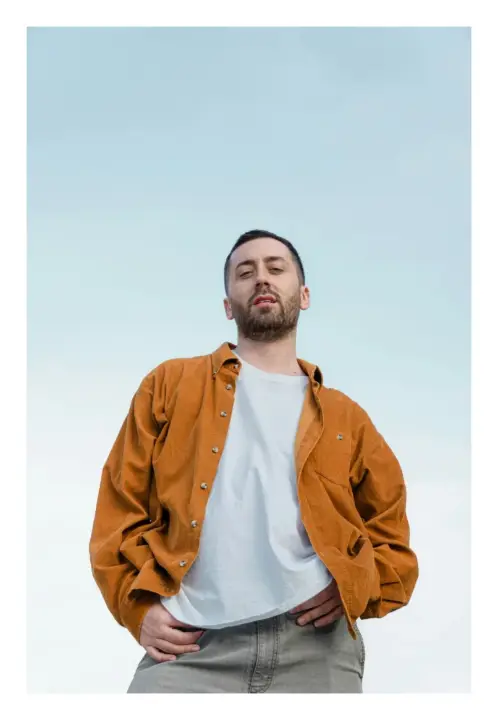
Add a border to a photo
Frame your photo with an even, polaroid or double border in any colour, and download it at full size.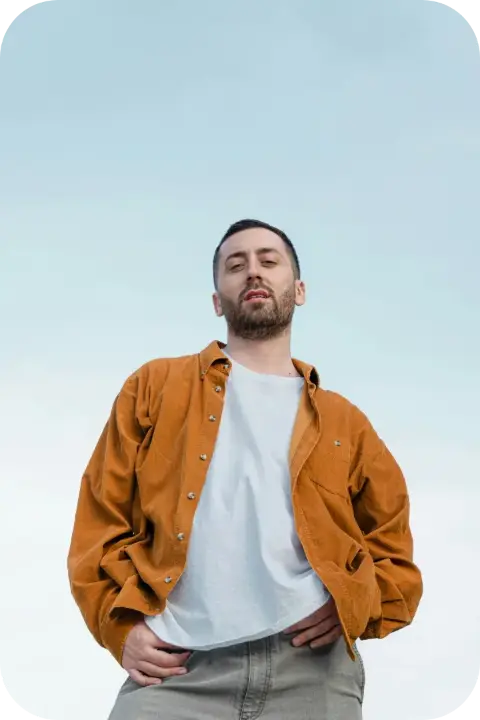
Round the corners of an image
Round the corners of a photo, or cut it to a circle, and download a PNG with transparent corners.