Free tools5 min readFreeUpdated 2026-11-20
Instagram story size 2026: 1080 × 1920, safe zones and ratio
The pixels, the ratio, the bands that the profile and the reply bar cover — and a story that opens at the right size in one tap.
By the Paletoo team · steps tested in Paletoo on
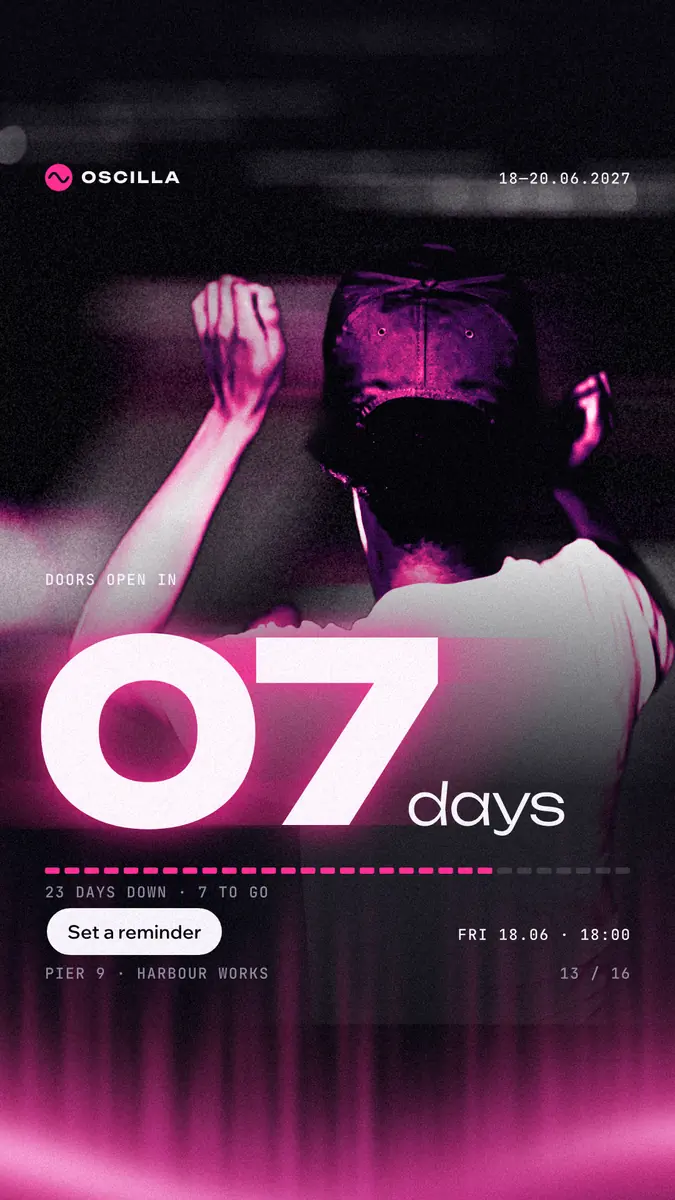
An Instagram story is 1080 × 1920 pixels, a 9:16 portrait; Meta’s ads guide now recommends 1440 × 2560 for the sharpest result, which is the same shape. Keep text and logos out of the top 14 % (about 270 px of 1920), the bottom 35 % (about 670 px) and 6 % on each side, where the profile, the progress bars and the reply bar sit.
This guide puts those numbers on a real story — «07 days», a festival countdown in pink with a motion-blurred dancer — and shows what happens to pictures of other shapes, which size to export, and how to turn a post into a story without starting again. Every step was run in Paletoo on 11 November 2026; the pictures are the editor itself.
Instagram story dimensions in pixels, inches and ratio
Stories fill a phone screen, so their shape is a phone screen’s: 9 wide to 16 tall. Pixels are what matter; inches only appear if you print a story, which nobody should. Instagram accepts smaller pictures (it scales them up) and taller or wider ones (it crops or adds a blurred band), so the safest thing is to make exactly 9:16.
| What | Size | Note |
|---|---|---|
| Story, standard | 1080 × 1920 px (9:16) | What Paletoo’s Instagram story preset makes |
| Story ad, recommended by Meta | 1440 × 2560 px (9:16) | The same design exported at 1.33× |
| Safe zone | top 14 %, bottom 35 %, sides 6 % free | ≈ 270 px top, 670 px bottom, 65 px sides at 1080 × 1920 |
| Reels cover | 1080 × 1920 px; the grid shows the middle 1080 × 1440 (3:4) | Keep the title in the middle |
| Highlight cover | 1080 × 1920 px, shown as a circle | Only the centre square counts |
| File | JPG or PNG; video MP4 | A still story shows for about 5 seconds |
The story safe zone, explained
At the top of every story Instagram draws the progress bars and your profile picture and name; at the bottom it draws «Send message», the like and share buttons, and on an ad the call-to-action. Meta’s ads guide says to leave roughly 14 % of the top, 35 % of the bottom and 6 % of each side free of text, logos or other key elements. On a 1080 × 1920 story that leaves a clear rectangle from about 270 to 1250 pixels down — about the middle half of the screen. A background photo can run edge to edge; your words and the date belong in that middle.
Text in a story should be big: a headline 90–140 px tall at 1080 wide, small print no less than 32 px. People tap past a story in under two seconds, so one message per card wins — a number, a date, «swipe up» is gone, so say what to do in words: «link in bio», «reply “yes”».
Turning a post into a story
A 4:5 post (1080 × 1350) placed into a story leaves 570 px of empty space, which Instagram fills with a colour taken from the picture. It looks like a repost, because it is one. Better: make a copy of the design at 9:16 and move the parts to fit — the headline higher, the photo bigger, the small print into the clear middle. In Paletoo that is one menu item on the size chip, and the copy keeps your words and colours.
Made in Paletoo
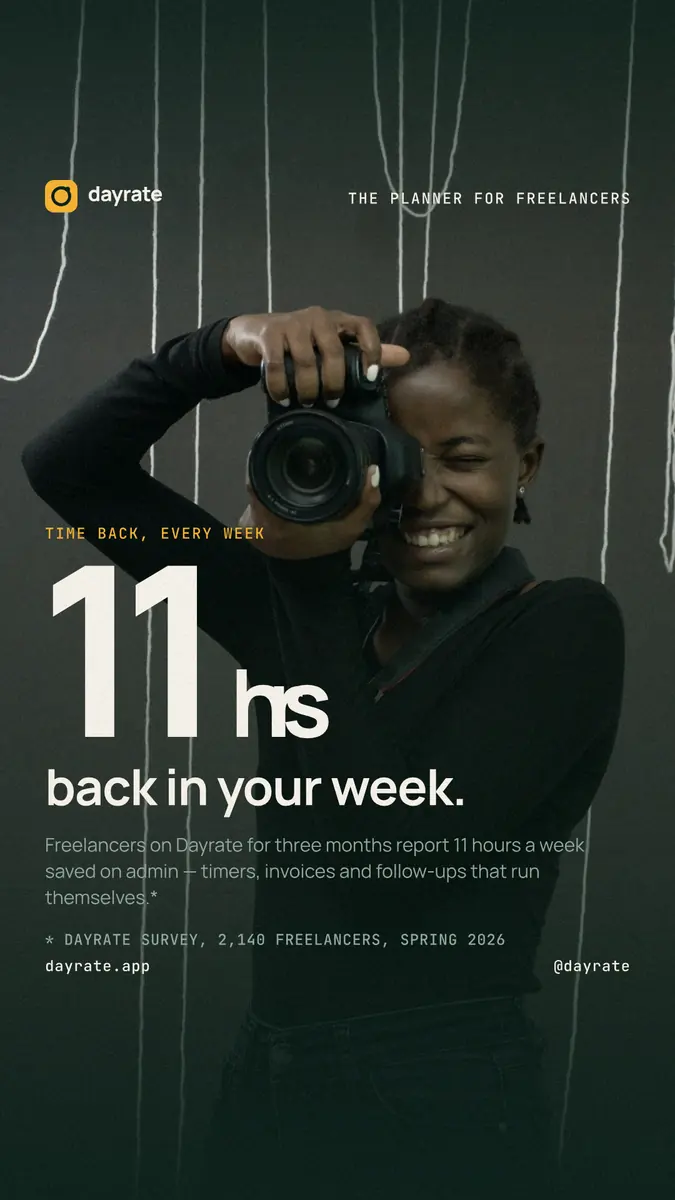
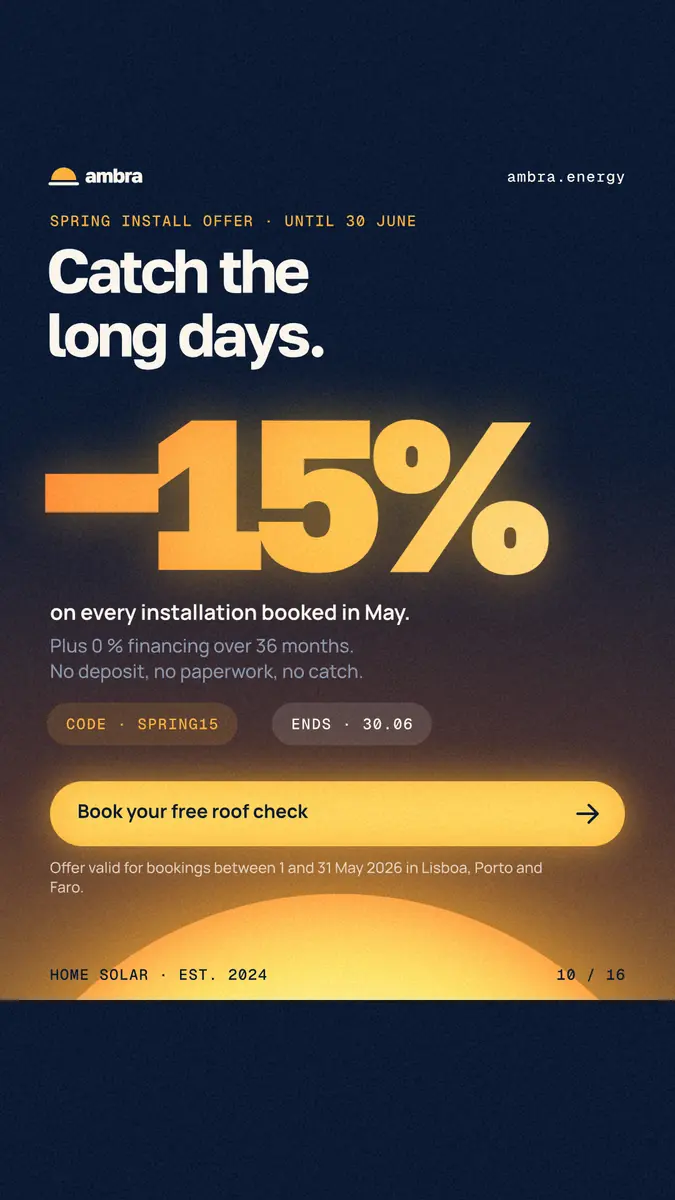
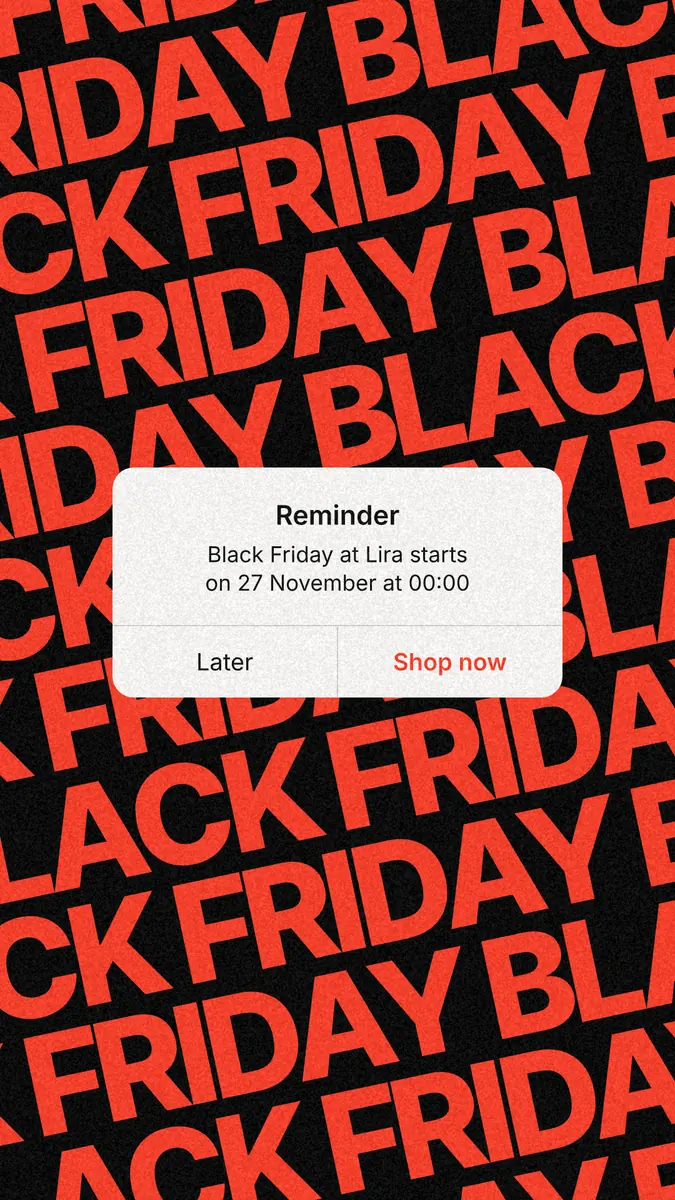
Every picture on this page was made in Paletoo — these three with the same steps on other templates:
Make it free in Paletoo
Open the story: press “Open in Paletoo” on this page, or start from the Instagram story maker. With nothing selected, the chip above the canvas reads 1080 × 1920.
To turn another design into a story, select nothing, press the chip and under Make a copy as choose Instagram story. To change this artboard instead, pick Instagram story under Resize this artboard with Scale artwork on.
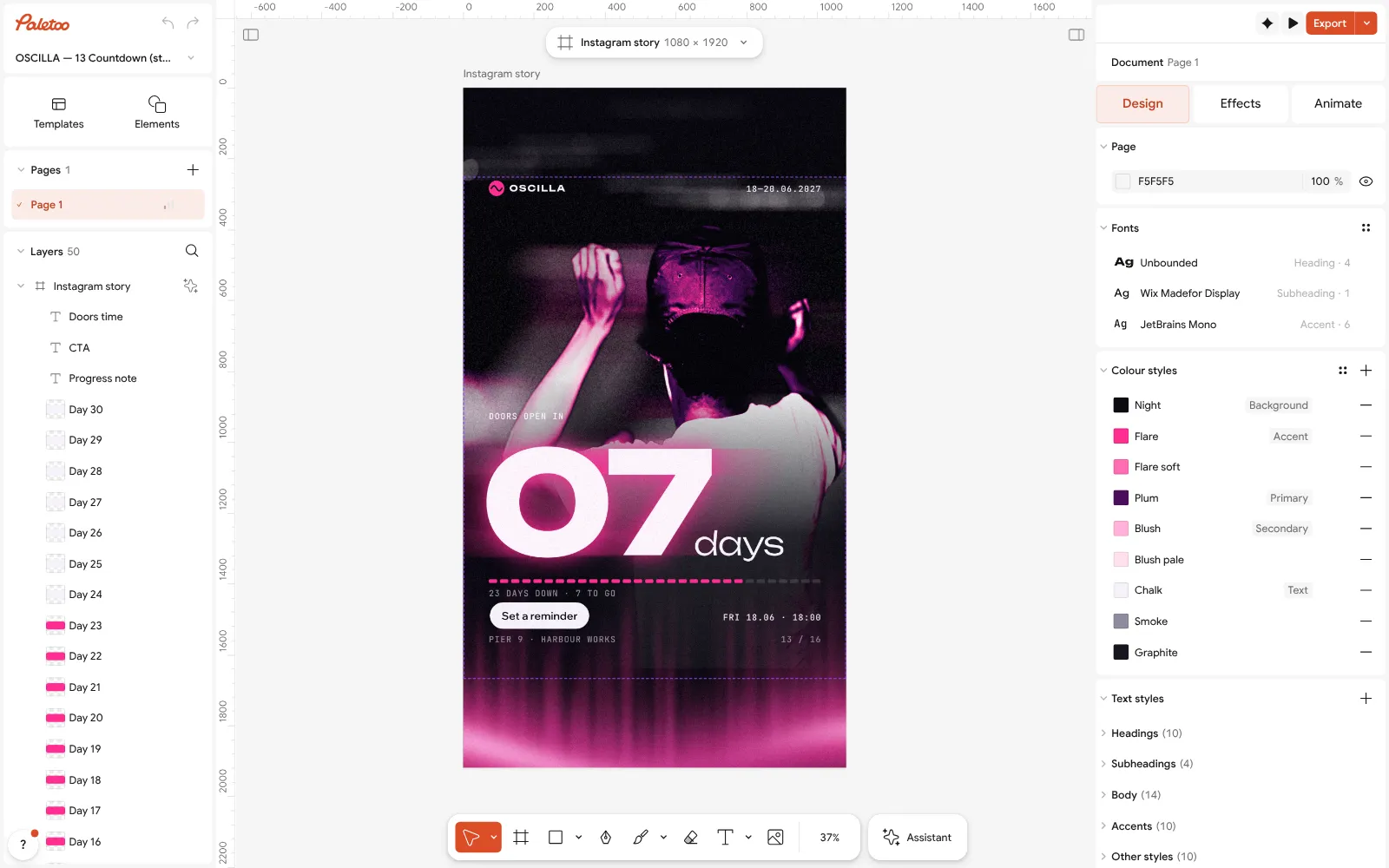
The «07 days» countdown story open in Paletoo with nothing selected: 1080 × 1920 on the size chip Show the safe area while you work: in the Design tab press Add layout grid, then Add safe area and set it to 270 px at the top, 670 px at the bottom and 65 px at the sides. It is a guide only — it never shows in the file.
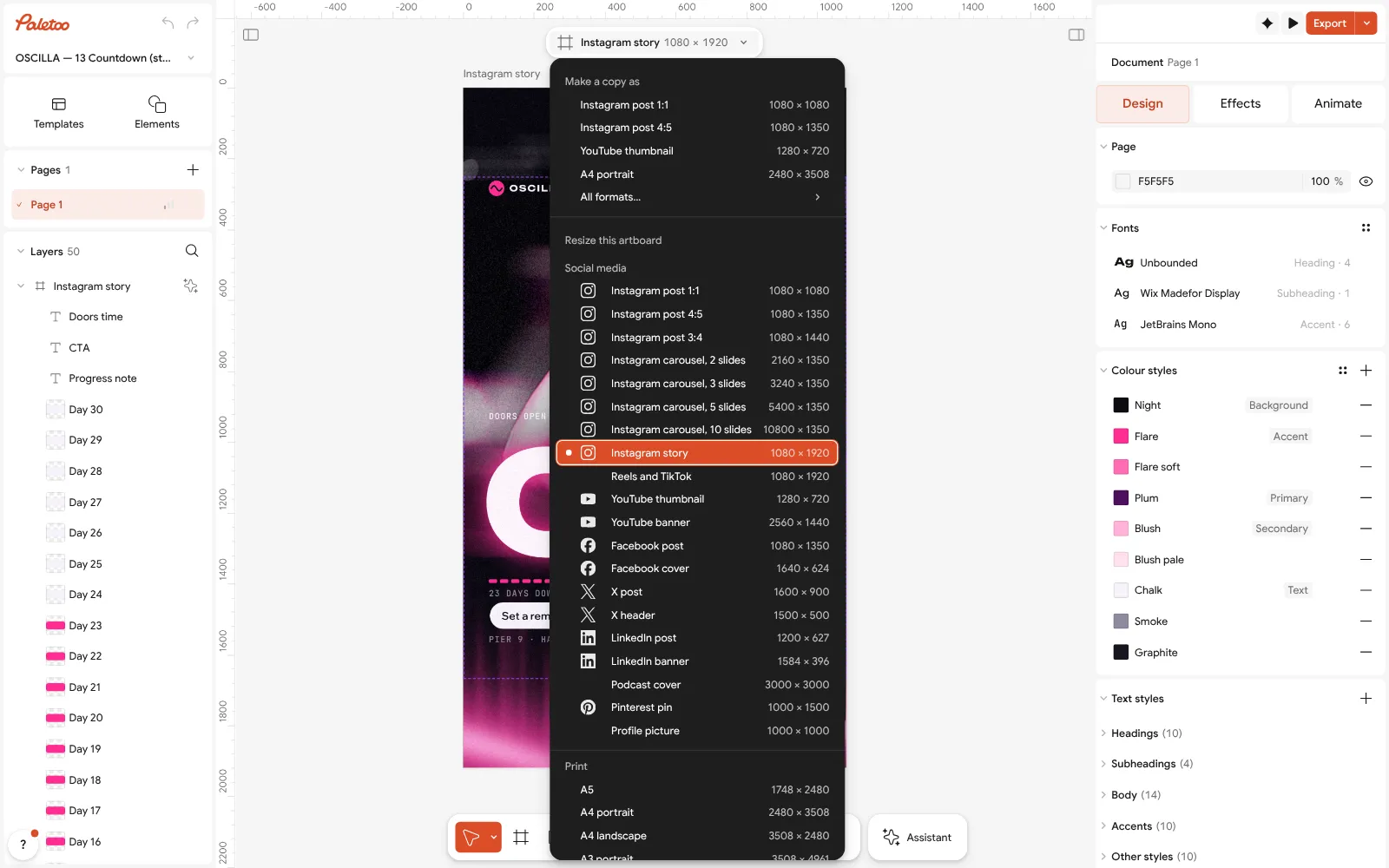
The size chip pressed: Instagram story, 1080 × 1920, in the Social media group Double-click the words and type your own — the date, the place, what to do. Fonts and sizes are under Typography; keep the headline above 90 px and everything that matters inside the safe area.
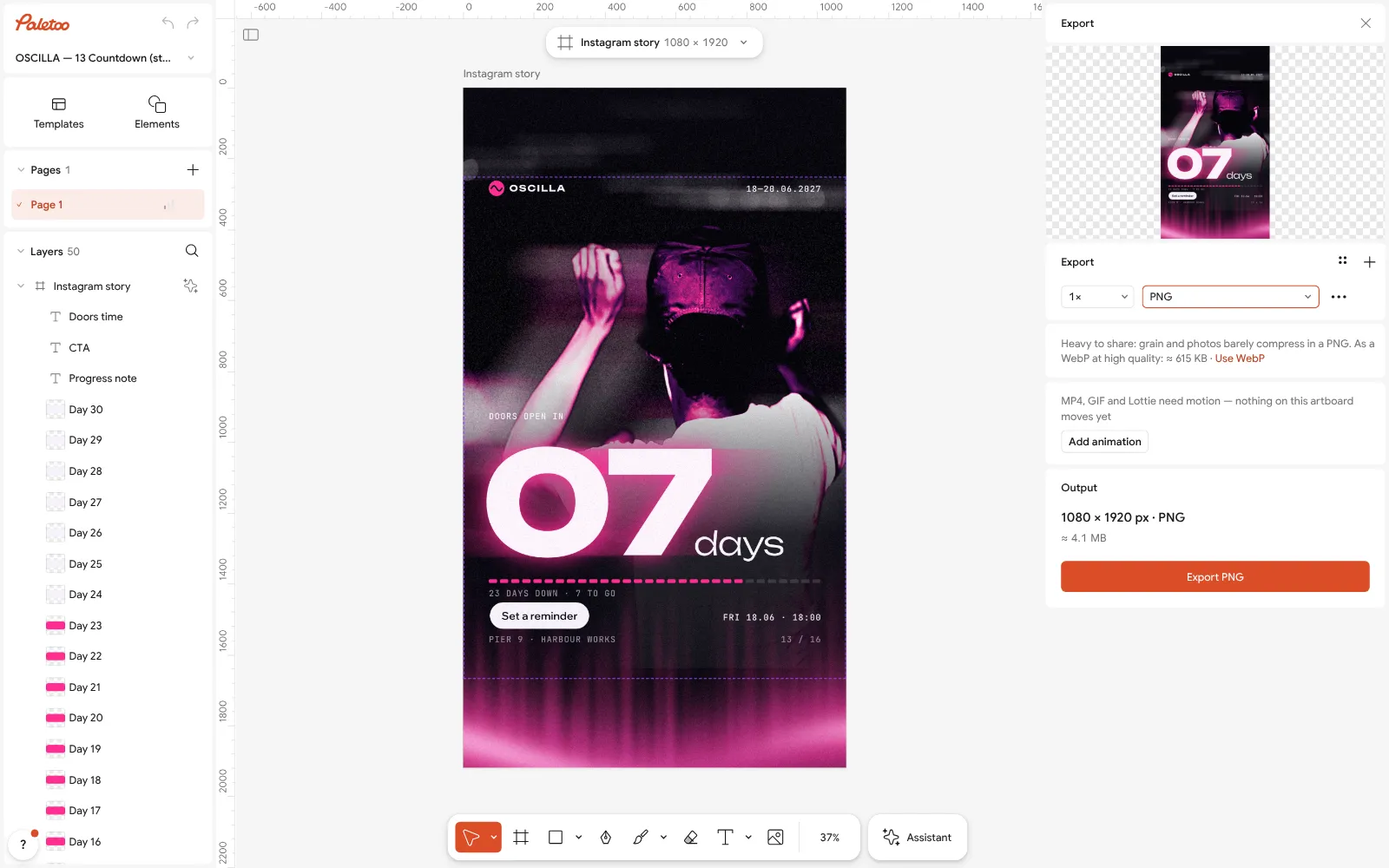
Export as PNG at full size Press Export (Ctrl Shift E) and choose PNG for graphics or JPG for a photo. For a Meta ad, type 1440w in the scale field to export 1440 × 2560.
For a story that moves, press Add animation in the same window and export MP4 — Instagram plays it like a short video. Nothing carries a watermark.
Make it your own
Plan a series as one document: Duplicate artboard for each card, so the fonts and colours stay the same from the first story to the last.
Use Colour styles to try another palette on every card at once — the fastest way to make a series for another event.
If a photo is too busy behind the words, lower its brightness with Levels on the Effects tab rather than putting a box behind the text.
Sources
Questions
What size is an Instagram story?
1080 × 1920 pixels, a 9:16 portrait. Meta’s ads guide recommends 1440 × 2560, which is the same shape at a higher resolution.
What is the Instagram story safe zone?
Leave about 14 % at the top, 35 % at the bottom and 6 % on each side free of text and logos — about 270 px at the top and 670 px at the bottom of a 1080 × 1920 story.
What size is an Instagram story in inches?
A story has no size in inches — screens use pixels. If you need a print-sized file anyway, 1080 × 1920 at 300 dpi is 3.6 × 6.4 in.
Why does Instagram crop my story?
Your picture is not 9:16. Taller pictures are cropped, wider ones get a band of colour above and below. Make the design 1080 × 1920 and nothing is cut.
Can I make Instagram stories for free?
Yes. Paletoo’s story templates are free to edit and export as PNG, JPG or MP4, with no watermark and no account.
Make it online
- Instagram story makerPick a 9:16 template, change the words and the photo, add motion if you like, and export an image or a video in a couple of minutes.
- Instagram post makerDesign a post at the right size from a real template, then export a sharp PNG or JPG — free, in your browser.
- Carousel makerDesign all the slides of an Instagram carousel on one wide artboard, let a photo run across the cuts, and export one file per slide.
- Make Instagram highlight coversMake a set of highlight covers in your colours: pick a style, change the icon or the word, and download a PNG for each — free, no sign-up, no watermark.
Free design templates for posts, stories and posters: Story and Reels templates · Social media post templates · Instagram carousel templates
Try it on your own design
Paletoo opens in your browser, with no sign-up. Every effect here is live: change the picture or the words and the effect follows.
Open in PaletooOpens this design as your own copy — every layer and effect editable, free.
Read next
- 01
 How to make an Instagram post for free: size, layout, exportThe size, the margins and the three type sizes that make a post read in one second.
- 02
 How to make a seamless Instagram carousel that lines up at every cutOne wide artboard, a picture that runs across the cuts, and a file for every slide.
- 03
 Christmas Instagram post ideas for businesses, with free templatesTwelve posts that carry a small business from St Nicholas to New Year, and a template for each.