Resize an image for Instagram
Fit the whole photo into a 4:5 post, a square, a 9:16 story or a landscape post — nothing cropped — and download it at 1080 px.
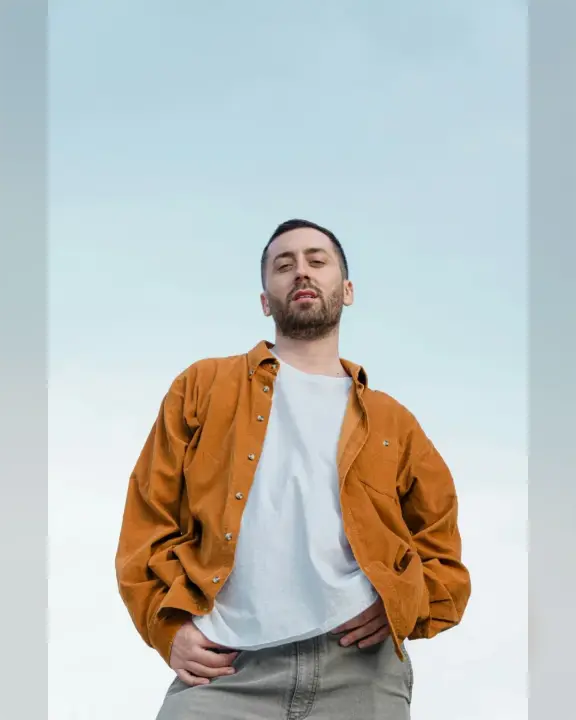
Or drop a photo here, or paste it with Ctrl+V
Settings
opens your resized picture in the editor, to add words, stickers or a carousel
Nothing is uploaded: the picture is made in this browser tab.
How to use the resize an image for instagram
Add your photo
Press Choose a photo, drop it on the preview or paste it with Ctrl+V (⌘V on a Mac) — or tap a sample. The photo stays in this tab.
Pick the size
Size: a portrait post 4:5 (Instagram’s tallest feed post), a square 1:1, a story or Reel 9:16, or a landscape 1.91:1. The whole photo always fits: nothing is cropped or stretched.
Fill and download
Around the photo fills the free space with a blurred copy of the photo, white or black; Margin leaves a frame. Download the PNG at 1080 px wide, the width Instagram shows.
Made in Paletoo with the same effect
Real designs from our Learn guides. Open a guide to see how each one was made.
 A wide landscape fitted into a square post on white, nothing cut off.
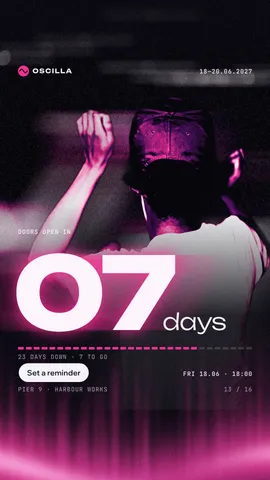
 “Three rules”: a giant 3D number on every slide in chalk, ink and one signal red, a line and a dot on every cut.
 “Post check”: a pixel icon in a two-colour glow on each slide, pixel type on black, one grid running through every cut.
Questions
How do I post a photo on Instagram without cropping it?
Make the picture the post’s own shape before you upload it. Here the whole photo is fitted into 4:5, 1:1, 9:16 or 1.91:1 and the rest is filled, so Instagram has nothing to cut.
What size are Instagram posts and stories?
Feed posts are 1080 px wide: 1080 × 1350 (4:5, portrait), 1080 × 1080 (square) or 1080 × 566 (1.91:1, landscape). Stories and Reels are 1080 × 1920 (9:16). The download is exactly that size.
Why 1080 px and not my photo’s full size?
Instagram shows feed posts and stories 1080 px wide and scales anything bigger down itself. Making the file 1080 px means what you see here is what your followers see.
Can I add text or a sticker too?
«Open in Paletoo» carries the resized picture into the editor, where you can add words, stickers, a logo or make it a carousel. Or use Add text to a photo for a quick caption.
Is it free? Is there a watermark?
Yes, it is free, and the PNG has no watermark. You do not need an account either.
Is my photo uploaded anywhere?
No. The photo is read and drawn by your browser on your own device; it never leaves this tab. Close the tab and it is gone.
Go further
More free tools
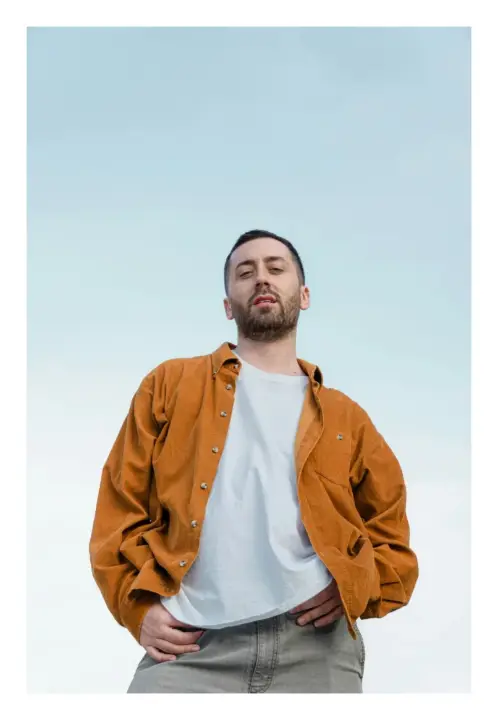
Add a border to a photo
Frame your photo with an even, polaroid or double border in any colour, and download it at full size.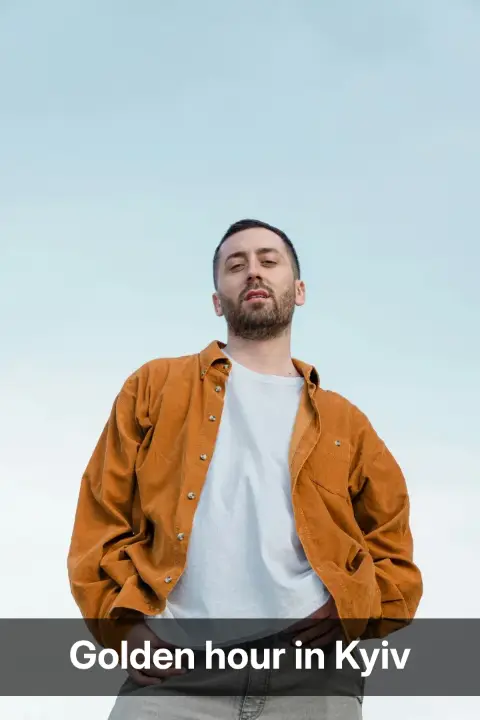
Add text to a photo
Put your words on your photo — a caption, a meme, a quote — and download it at the photo’s full size.
Round the corners of an image
Round the corners of a photo, or cut it to a circle, and download a PNG with transparent corners.