Typing text GIF maker
To make a typing text GIF, type your words into this free typing text GIF maker, pick a look — Light, Dark, Terminal or Paper — and press Download GIF: the words type themselves out letter by letter with a blinking cursor, in a 960 × 540 GIF that loops forever. It is free, with no sign-up and no watermark, and the GIF is made in your browser, so nothing you type is uploaded.
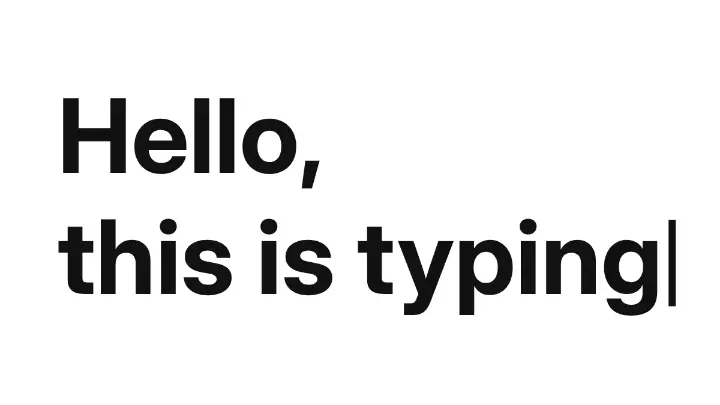
Type your own words; the animation plays as you type.
Settings
opens the editor, where any text can type itself out (and rise, pop or wave) and export as MP4, GIF or Lottie
Nothing is uploaded: the picture is made in this browser tab.
How to use the typing text gif maker
Type your words
Up to six lines; they are set as large as they fit, and the animation starts again as you type. Pick a Font — IBM Plex Mono looks like a terminal, every one of them has Latin and Cyrillic.
Set the speed and the look
Letters a second: 8–12 reads like a person typing, 20 and more like a machine. Choose a Look — Light, Dark, a green Terminal or typewriter Paper — and keep the Blinking cursor or switch it off.
Download the GIF
Download GIF saves 960 × 540 px that loops forever: the words type out, the cursor blinks twice, and it starts again. It plays in chats, slides, emails and on sites, with no player.
Where a typing GIF works best
This typing text GIF maker is free, with no sign-up and no watermark, and nothing you type leaves your browser. The GIF loops and plays without a player, which is why it shows up in places a video cannot.
Slack, Teams and Discord
A «typing…» joke, a launch announcement or a team shout-out that plays right in the chat.
Email newsletters
A GIF plays in most email apps, including Gmail and Apple Mail, where video does not: a headline that types itself.
Slides and talks
Drop the GIF onto a Google Slides or Keynote slide for a terminal command or a quote that types out on its own.
A README or a portfolio
A terminal-style intro at the top of a GitHub profile or a portfolio page.
More animated text
Made in Paletoo with the same effect
Real designs from our Learn guides. Open a guide to see how each one was made.
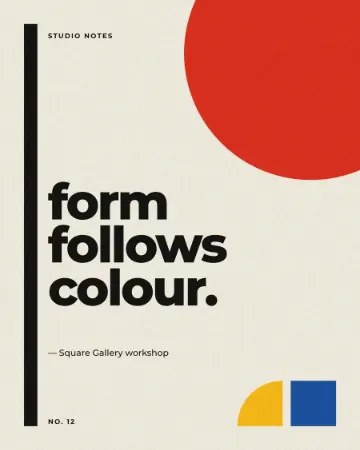
 A green terminal, IBM Plex Mono, 14 letters a second.
 White on black, a two-line hook for a story.
 Typewriter paper in Lobster, slow and warm.
Questions
How do I make a typing text GIF?
Type your words in the box at the top of this page, set the letters a second (8–12 reads like a person typing), pick a look and press Download GIF — you get a looping typing animation GIF with a blinking cursor. It is free, needs no sign-up, adds no watermark, and the GIF is made in your browser, so nothing is uploaded.
Will the GIF loop?
Yes. It types the words, holds them with the cursor blinking for two seconds, and starts again, forever. Without the cursor it holds the words for two seconds.
Why is the GIF only two colours?
A GIF can hold 256 colours, and this one spends them all on the soft edges between the ground and the letters, so the type stays smooth and the file small. For a gradient or a photo behind the words, animate the text in Paletoo and export MP4 or GIF there.
Is it free? Is there a watermark?
Yes, it is free, and the PNG has no watermark. You do not need an account either.
Does anything I type leave my browser?
No. The words are drawn and the GIF is encoded by your browser on your device; nothing is sent anywhere.
Can I get an MP4 or a transparent background?
Not on this page: a GIF has no soft transparency. In Paletoo the same Typing motion works on any text over any picture, and exports as MP4 for Reels, WebM with a transparent background or Lottie.
Will a typing GIF play in Gmail and Outlook?
In Gmail, Apple Mail, Outlook on the web and the phone apps, yes. Older Outlook desktop versions for Windows (2007–2016) show only the first frame, so make sure it reads — for example with the first word already typed.
Go further
More free tools
Glitch text generator
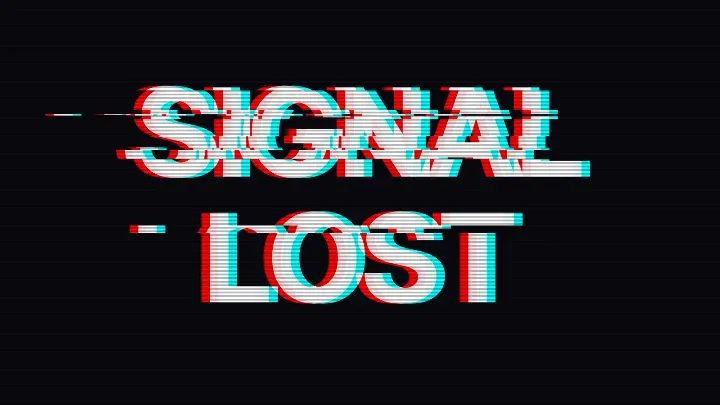
Type your words and glitch them two ways: copy-paste corrupted text (zalgo, distorted) for a bio or a chat, or a torn picture — red and cyan split, bands slid sideways — as a PNG.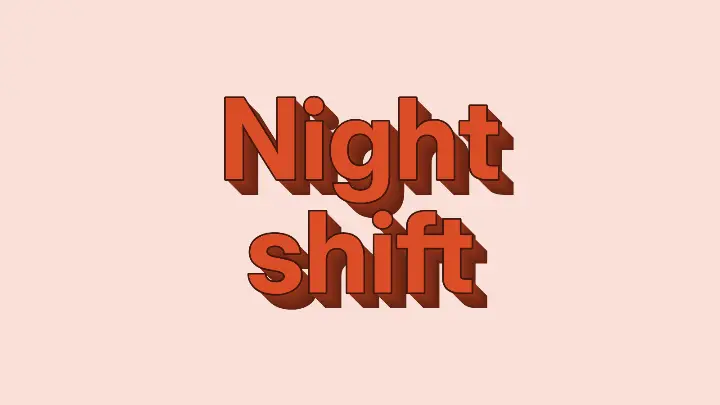
Text effect generator
Five text effects on your own words — 3D block, neon, chrome, retro long shadow, outline echo — as a PNG, free.
Image to ASCII art
Turn a picture into ASCII art: rows of characters as dense as the tones under them, live as you move the sliders. Copy the text, or download TXT, PNG or SVG.