Make a 2027 calendar online
Updated
How do I make a 2027 calendar for free?
Open a calendar template on this page — a wall calendar with twelve months, a desk calendar, a planner or a habit tracker — drop your photos onto the months, mark your dates, then press Export and download one PDF with every month as a page. It is free, needs no account and leaves no watermark.
A wall calendar with twelve months, a desk calendar, a planner or a habit tracker: add your photos and dates, then print it or post it — free, no sign-up, no watermark.
Start from a calendar
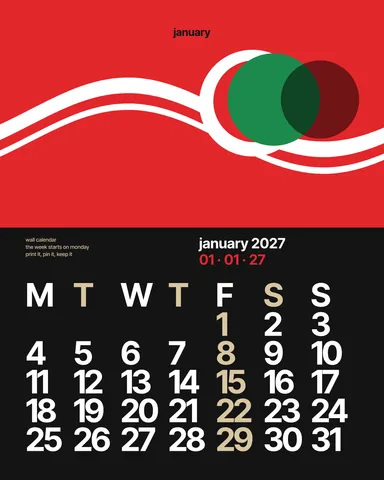
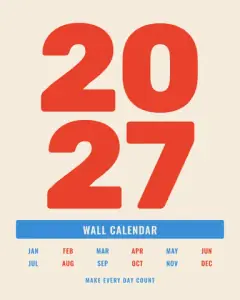 Wall calendar, 12 months
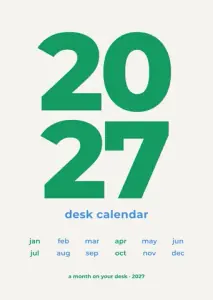 Desk calendar, A6
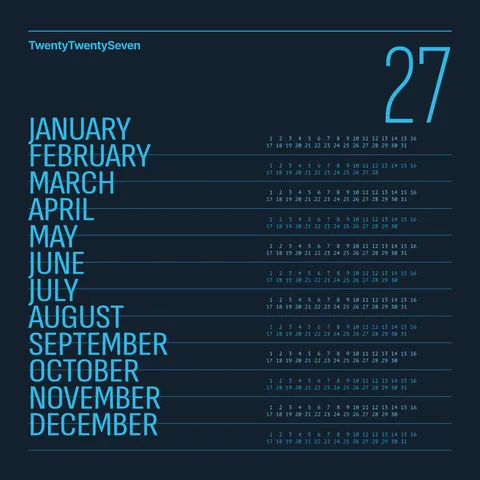
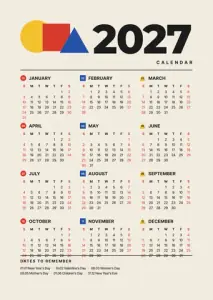 The year on one card
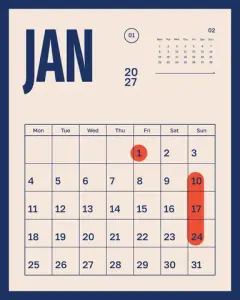 Monthly planner
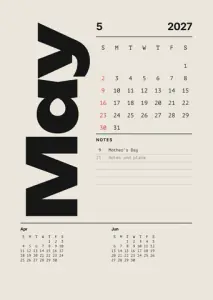 Month sheet
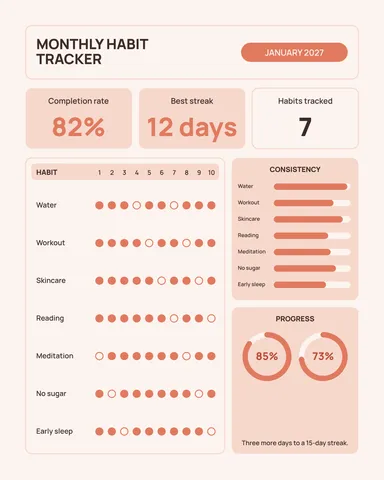
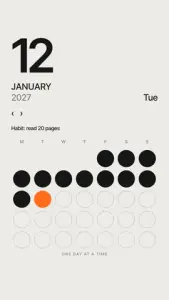 Habit tracker
Each opens as your own document with the 2027 dates already set. Full-year calendars have a cover and twelve months, one per page.
Start freeFree · in your browser · no sign-up · no watermark
More calendars and planners
Real Paletoo documents and results — open one and change everything.
How it works
-
Pick a calendar
Tap a calendar above, or «Start free» for a wall calendar with a cover and twelve months. In Templates there are more: desk calendars on A6, the whole year on one card, monthly planners, habit trackers and stories.
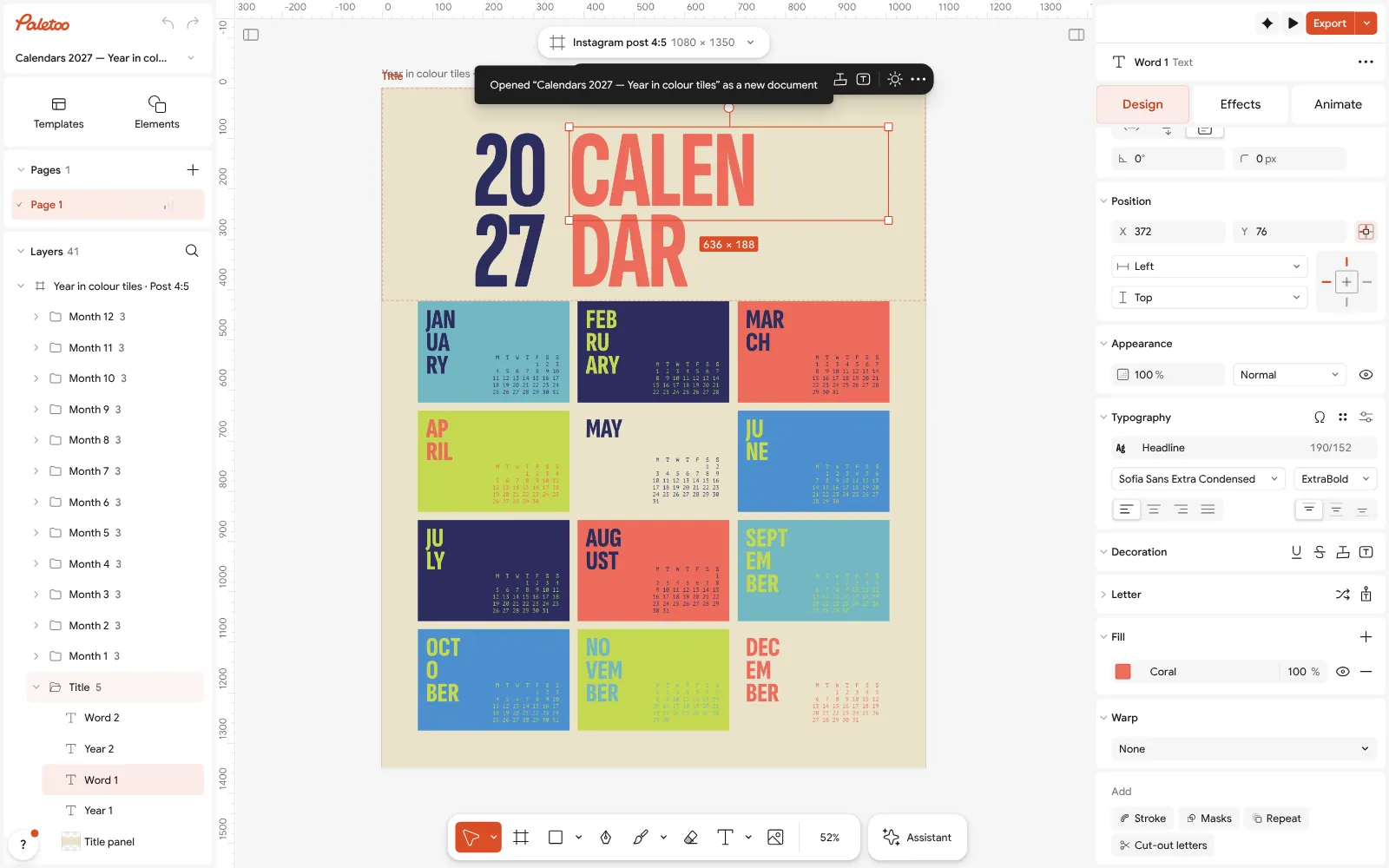
The 2027 colour-tile calendar open in Paletoo: the title selected, its font and size under Typography in the Design tab -
Add your photos and dates
Drop a photo onto a month, or select a picture and press Replace picture. Double-click a day to mark a birthday or a holiday, and the title to write your own. Each month is its own page, so a photo per month is easy.
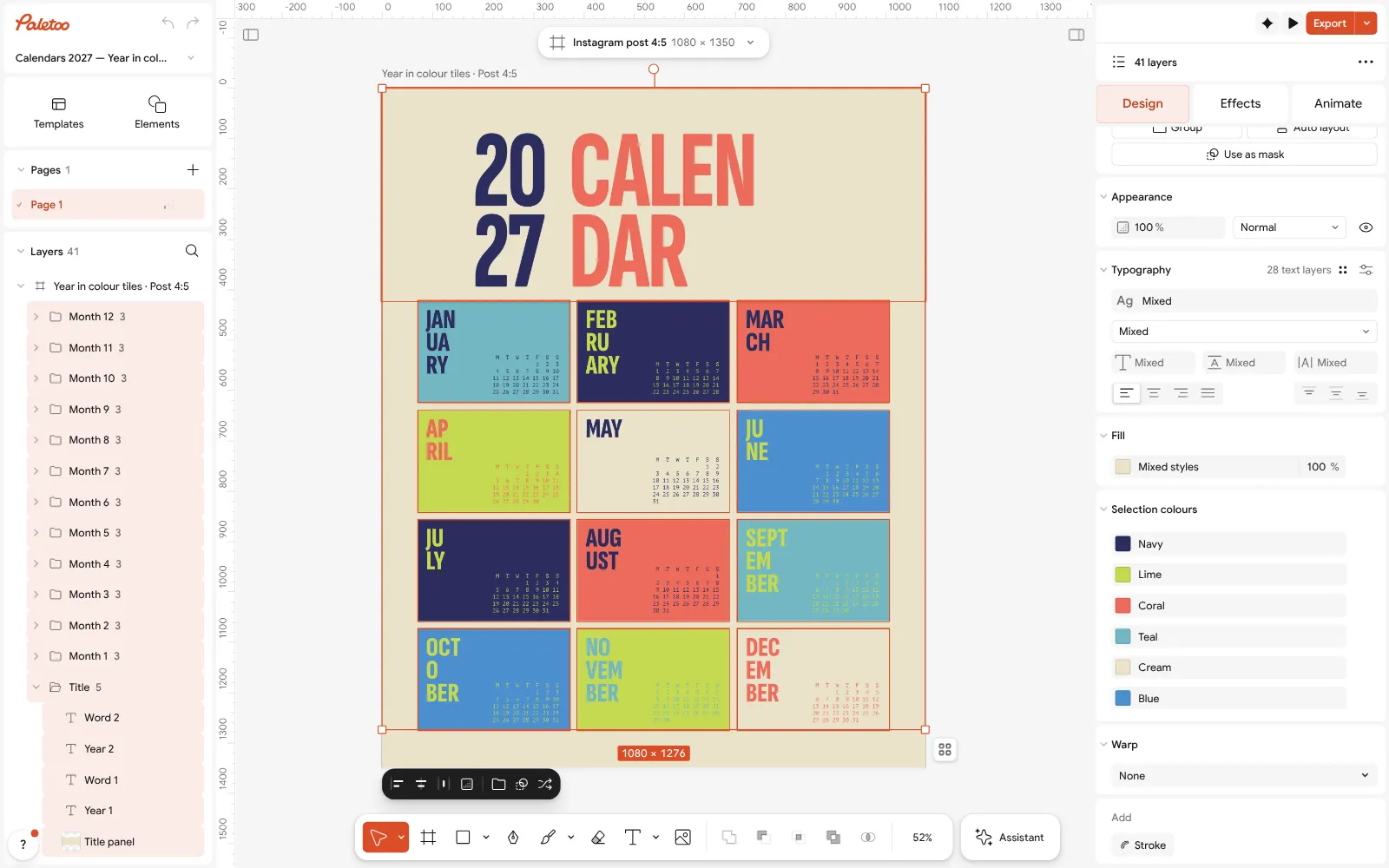
Everything selected: Cream, Navy, Coral, Teal, Lime and Blue under Selection colours -
Print it or share it
Press Export (Ctrl Shift E): one PDF with every month as a page for the print shop or your printer, or PNG files to post a month on Instagram or set as a phone wallpaper.
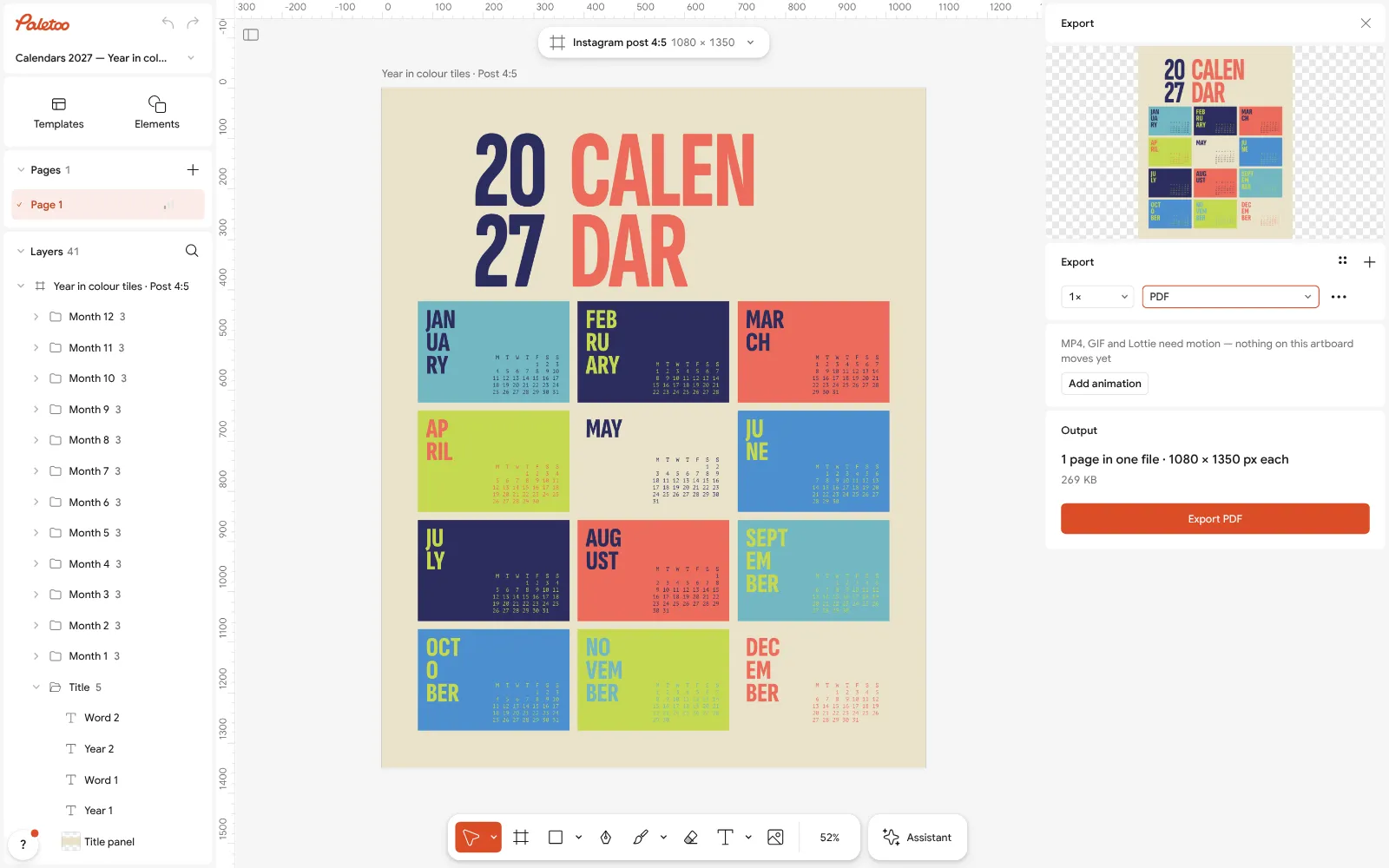
The Export window with PDF chosen for the 2027 calendar
What is free
- Every template on this page, and every font, photo and effect in it
- Export to PNG, JPG and PDF — with bleed and crop marks for a print shop
- No watermark, on the free plan too
- No account needed to make or download; a free one adds cloud storage and share links
Credits are only for AI image generation and materials. Nothing here needs them.
What you get
The 2027 dates, already set
Every grid is laid out for 2027 with its days and weekdays in place, so you only add what is yours — in English and in Ukrainian.
A calendar with your photos
Put a family photo, your pet or your work on each month. Make it a present: twelve pictures, one for every month.
Wall, desk or phone
A 12-month wall calendar, a desk calendar on A6 cards, the year on one card, planners and trackers as posts and stories.
Print-ready
One PDF with every month as a page, with bleed and crop marks for a print shop, or printed at home on A4 at 100 %.
Questions
How do I make a 2027 calendar for free?
Open a calendar template here, drop your photos onto the months, mark your dates, then press Export and download one PDF with every month as a page. It is free, needs no account and leaves no watermark.
Can I make a calendar with my own photos?
Yes. Drop a photo onto any month, or select a picture and press Replace picture; the crop stays inside its frame. Each month is its own page, so you can choose a photo for every one.
Are the dates correct for 2027?
Yes. Every grid is set for 2027; most start the week on Monday, a few on Sunday, as wall calendars do in the USA. Mark birthdays and holidays by double-clicking a day and changing its colour or adding a word.
What size should a wall calendar be?
A3 (297 × 420 mm) and A4 are the usual wall sizes; a desk calendar is often A6 or A5. Print the PDF at the size you want, or change the page in the Format menu first.
How do I print the calendar?
Export one PDF: every month becomes a page. Print it at home at 100 %, or send it to a print shop with bleed and crop marks, and ask for a spiral or a hanger at the top.
Can I make a planner or a habit tracker?
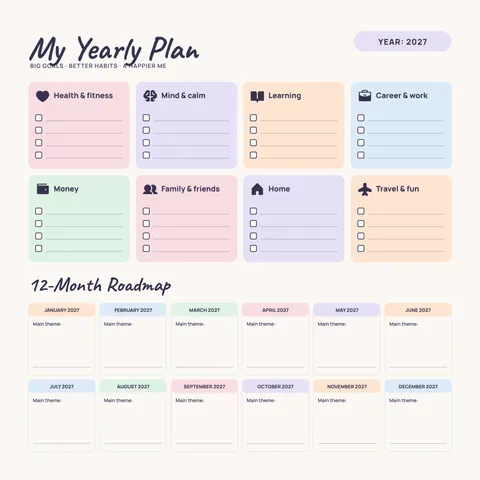
Yes. The set has a monthly planner, a month sheet, a habit tracker and a weekly plan, as posts and stories to fill in on your phone or to print.
Is the calendar in Ukrainian?
Yes. Every calendar has a Ukrainian version with Ukrainian month and day names, and the fonts carry the full Cyrillic alphabet.
Can I make a calendar on my phone?
Yes. Paletoo opens in a phone’s browser without an app: swap the photos and export there. Placing twelve photos is quicker on a computer.
Learn more
Step-by-step guides
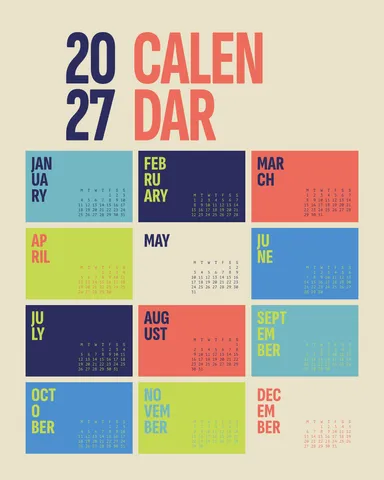
Calendar 2027 template: free, printable and editable
The whole of 2027 on one page — every date already checked, ready to print, to post or to make your own in five minutes.
Print-ready PDF: bleed, crop marks and CMYK, free
Everything a printer means by “print-ready”, and a checklist before you send the file.
In the help centre
More tools

Christmas and New Year cards
Pick a card, write your own wish, add a family photo and send it as a picture, a story or a short animation — free.
Poster maker
Make a poster from a template that already has the layout right, then export a print-ready PDF or an image for screens.
Instagram story maker
Pick a 9:16 template, change the words and the photo, add motion if you like, and export an image or a video in a couple of minutes.
Photo collage maker
Drop your photos into a ready grid — two, three, four or five frames — and every picture fills its frame without stretching.
Make it now
Paletoo opens in your browser. Start from the template above or a blank page, and export when you are happy.
Start free