Carousel maker
Design all the slides of an Instagram carousel on one wide artboard, let a photo run across the cuts, and export one file per slide.
Start freeOpens in your browser · no sign-up · no watermark
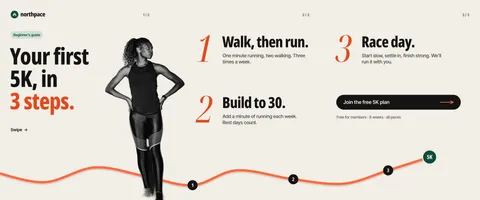
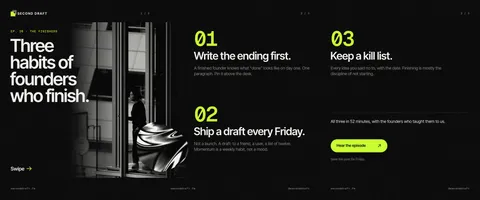
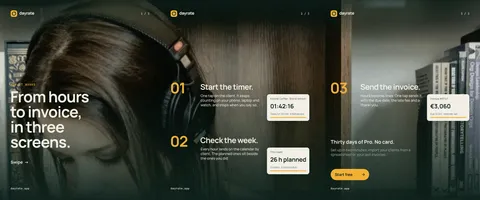
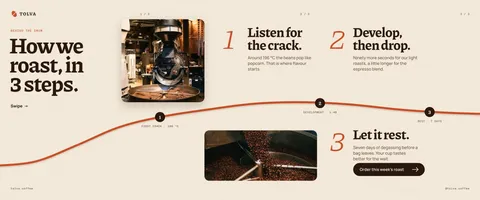
Start from one of these
Real Paletoo documents and results — open one and change everything.


How it works
-
Open a carousel
«Start free» opens a three-slide carousel as your own document, the cuts between slides marked on the artboard. For a blank one, open Home and press Make a carousel, or pick a carousel of 2, 3, 5 or 10 slides from the format menu.
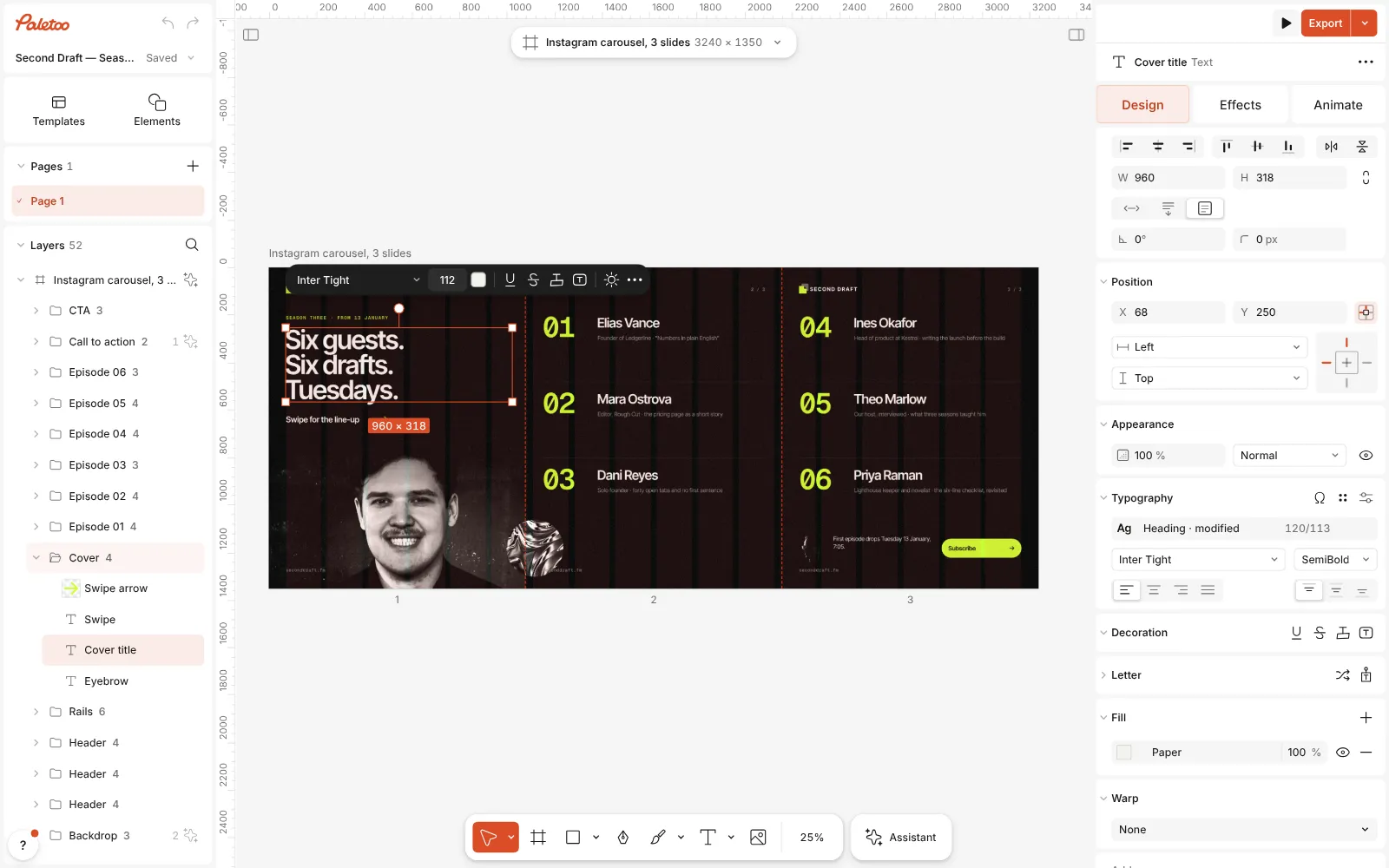
The carousel template open in Paletoo, all three slides in view, the cover title selected -
Write across the slides
Double-click any text to rewrite it. Because the slides are one artboard, a photo, a line or a cut-out can cross a cut and continue on the next slide — the swipe that makes people keep going.
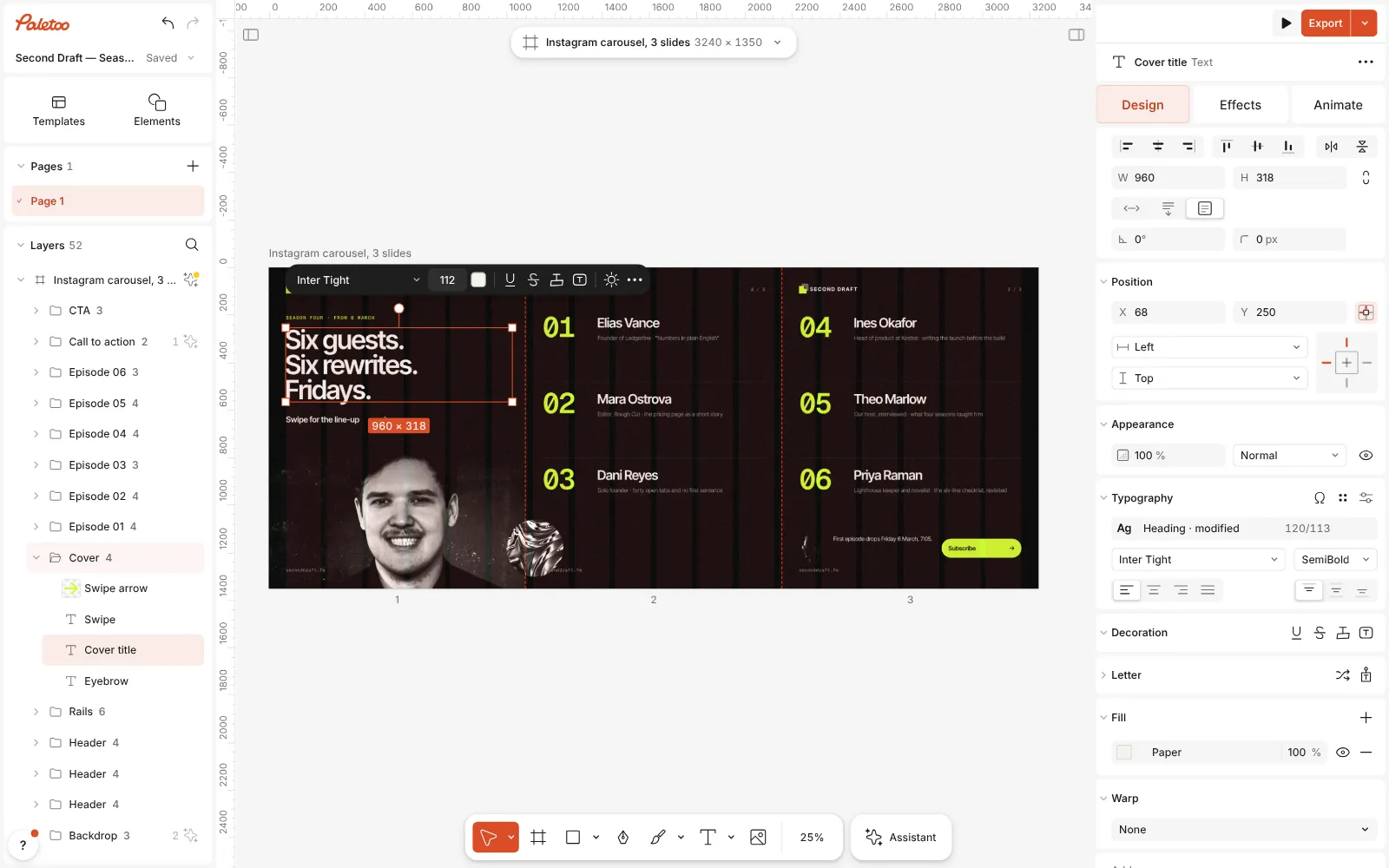
The words changed on the slides — a new title and new guest names — and the layout across the seams unchanged -
Export the slides
Press Export (Ctrl Shift E). The carousel row writes one file per slide, numbered in order, or the whole panorama as one picture if you want it.
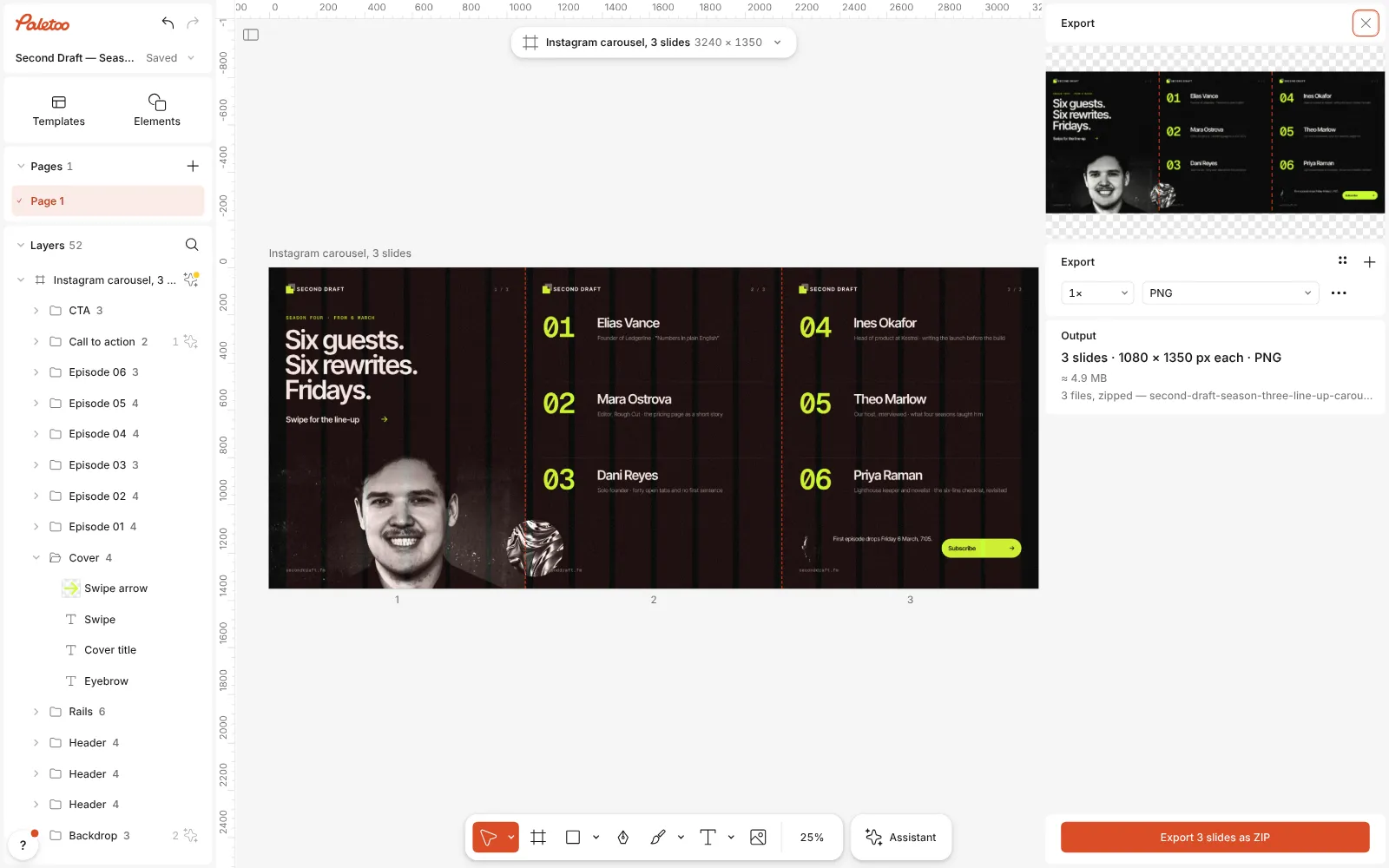
The Export window open: the slide cuts marked on the preview, three files ready to export
What you get
Seamless by design
All slides sit on one panorama, so nothing has to be lined up by hand: a picture across the cut lands exactly where the next slide begins.
The sizes Instagram shows
Slides of 1080 × 1350 (4:5), the tallest the feed shows; square and 3:4 posts sit beside them in the format menu.
Files in the right order
Export writes one numbered file per slide, so they upload to Instagram in order — no slicing a long picture in another app.
Templates that teach
Step-by-step guides, programmes, first-visit tips and pitch summaries from cafés, clinics, clubs and studios, all real documents to rewrite.
Effects and motion
Duotone, halftone, knockout type and more in one click, and animated text exported as MP4 when a slide should move.
Questions
Is the carousel maker free?
Yes. The carousel templates and formats and the export of every slide are free and carry no watermark. Only AI image generation and materials use credits.
What size is an Instagram carousel slide?
Each slide is 1080 px wide. The portrait 4:5 slide, 1080 × 1350 px, takes the most room in the feed; square 1080 × 1080 and 3:4 1080 × 1440 work too, as long as every slide in one carousel has the same shape.
How many slides can a carousel have?
Instagram takes up to twenty pictures in one post. Paletoo has ready formats of 2, 3, 5 and 10 slides; for any other number, widen the artboard by 1080 px per slide and the cuts follow.
How do I post the slides in the right order?
Export writes the slides as numbered files. In the Instagram app, start a post, tap the multiple-selection button and pick the files in their number order — Instagram keeps the order you tap.
How do I make a seamless (panorama) carousel?
Put a photo or a shape across a cut: since all slides are one artboard, it simply continues on the next slide. Keep faces and words away from the cuts, so nothing important is split between two swipes.
Can I make a carousel without Canva?
Yes — that is what this page is for. Paletoo opens in your browser with no sign-up, has its own carousel templates and exports the slides with no watermark.
Can I make a LinkedIn carousel (PDF)?
LinkedIn’s document post wants a PDF with one slide per page. Paletoo’s PDF has one page per artboard, so for LinkedIn lay the slides out as separate artboards of the same size and export them all as one PDF.
Can I turn a single post into a carousel?
Yes. Click the format button above the canvas and pick a carousel under Make a copy as: you keep the post and get a wider copy beside it to spread over the slides.
Learn more
Step-by-step guides
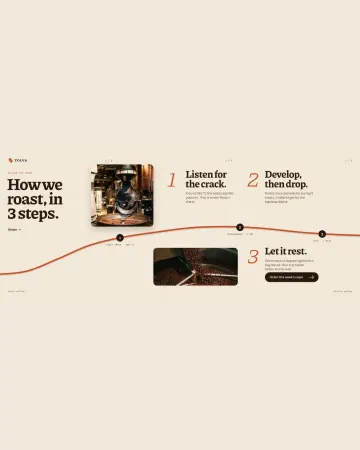
How to make an Instagram carousel from a template
One wide artboard, a design that runs across the cuts, a file for every slide.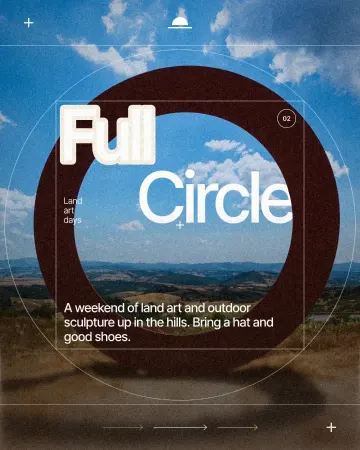
How to make a knockout outline that cuts through
A stroke that cuts through the layers under the text.
How to make a duotone effect
Two bold inks, punchy contrast and a fine poster grain.
In the help centre
More tools
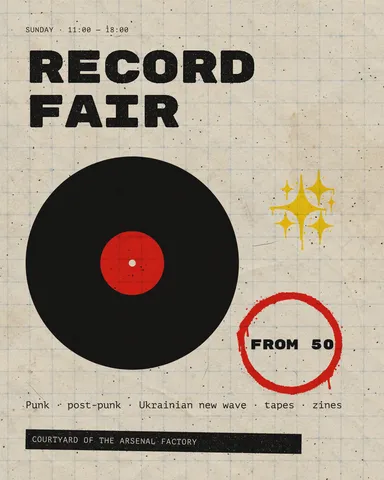
Instagram post maker
Design a post at the right size from a real template, then export a sharp PNG or JPG — free, in your browser.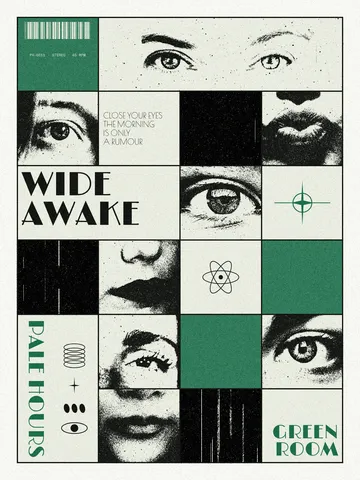
Photo collage maker
Drop your photos into a ready grid — two, three, four or five frames — and every picture fills its frame without stretching.
Instagram story maker
Make a full-screen 9:16 story from a template, add motion if you like, and export it as an image or a video.
Make it now
Paletoo opens in your browser. Start from the template above or a blank page, and export when you are happy.
Start free