Techniques5 min readFreeUpdated 2026-11-17
How to make an animated logo free (no watermark)
A logo that moves in two to four seconds and lands on the still mark: the motion, the timing and the right file for a video intro, a website or an email.
By the Paletoo team · steps tested in Paletoo on
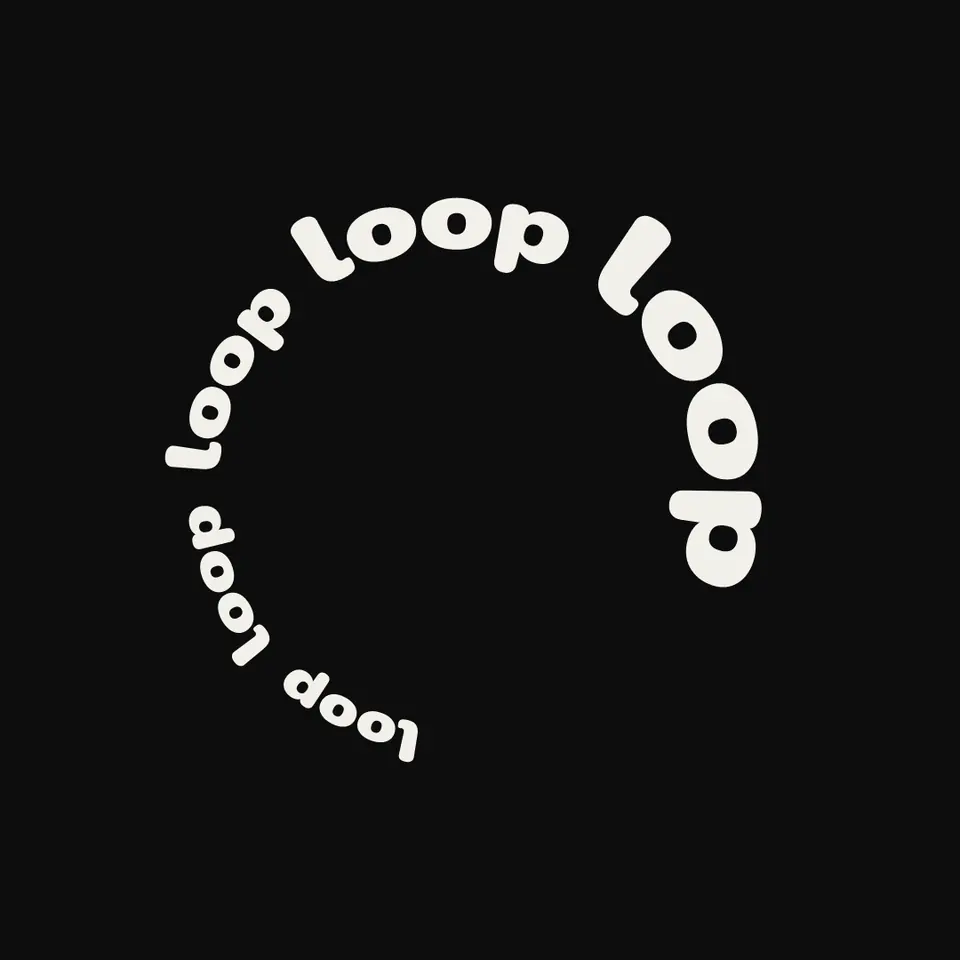
To make an animated logo for free, start from your logo or wordmark, give its parts a short entrance — letters rising, a mark popping in, a line drawing itself — keep the whole thing between two and four seconds, and let it end on the logo standing still. Then export MP4 for video and social, a GIF for email and chats, a transparent WebM or a Lottie file for websites and apps.
Most free animated logo makers export with a watermark or at low resolution; in Paletoo the same file exports free in each format without one. Below: six motions to try on your own name, which motion suits which brand, timing that looks professional, the file each place needs, and the steps on «Loop», a wordmark of five repeated words in heavy rounded type.
Type your brand name and watch it move
Six motions from the editor’s Animate tab, playing your own name. Press one: Paletoo opens with the name already moving that way, ready to export as MP4, GIF or Lottie.
Pick a motion that says what the brand is
An animated logo is a two-second promise about the brand, so the motion should match its character rather than show off. A calm rise or a soft blur suits a studio, a clinic or a consultancy; a pop with a little overshoot suits a café, a kids’ brand or a game; typing suits tech and media; a wave suits music, sport and anything playful. One motion, done well, beats three stacked together.
Animate parts in an order that tells a story: the mark first, then the name, then the tagline — or the name letter by letter, then the tagline fading in under it. Each part needs to finish before the next one starts or only slightly overlap it, so the eye always knows where to look. The last frame is the logo exactly as people know it.
| Motion | What it does | Suits | Avoid for |
|---|---|---|---|
| Rise | Letters slide up into place, one after another | Studios, fashion, agencies | Very long names |
| Pop | Each part grows past full size and settles | Cafés, kids, games, food | Law, finance, medicine |
| Typing | The name appears letter by letter with a caret | Tech, media, newsletters | Script logos |
| Blur in | The name comes into focus | Photography, beauty, wellness | Small sizes in email |
| Turn | Letters flip in on their own axis | Events, sport, launches | Thin serif type |
| Wave | Letters keep bobbing in a loop | Music, sport, playful brands | A logo that must read instantly |
Timing that looks professional
Two to four seconds is the length of nearly every brand intro: long enough to read, short enough not to delay the video. Give the entrance about one second, hold the finished logo for at least one more, and end there. A YouTube or Reels intro rarely needs more than three seconds; an email signature GIF should play once or loop slowly, never flash.
Ease the motion: parts that start fast and slow down into place look deliberate, while constant speed looks mechanical. Small delays between letters — 40 to 80 milliseconds — make a name feel alive without making people wait. Keep movement short in distance as well as time; a word that travels across the whole screen looks like a slide show, not a logo.
Which file for which place
MP4 is the file for video: a YouTube intro or outro, Reels, TikTok, a presentation. A GIF plays everywhere video is not allowed, such as email signatures, chats and some marketplaces, but it has at most 256 colours and no soft transparency, so keep its colours flat. For a website over a photo or a coloured section, a WebM with a transparent background drops in like an image; for apps and fast websites, Lottie is a small vector file that stays sharp at any size.
Export the master once at full size, 1080 px wide for square video, then make the small files from the same design. Keep the still logo as SVG and PNG beside the animation: favicons, print and profile pictures still need the still version.
Made in Paletoo
Every picture on this page was made in Paletoo — these three with the same steps on other templates:

Step by step in Paletoo
Open the logo: press “Open in Paletoo” on this page, or start from the logo maker and make your own. «Loop» opens as your own 1080 × 1080 document: «loop» five times in heavy rounded lowercase, set round a circle, cream on near-black.
Select the name, the layer «Brand name», and double-click to type your own. Under Typography in the Design tab: Nunito at its heaviest weight, 100 px — rounded, bold letters that stay readable while they move.
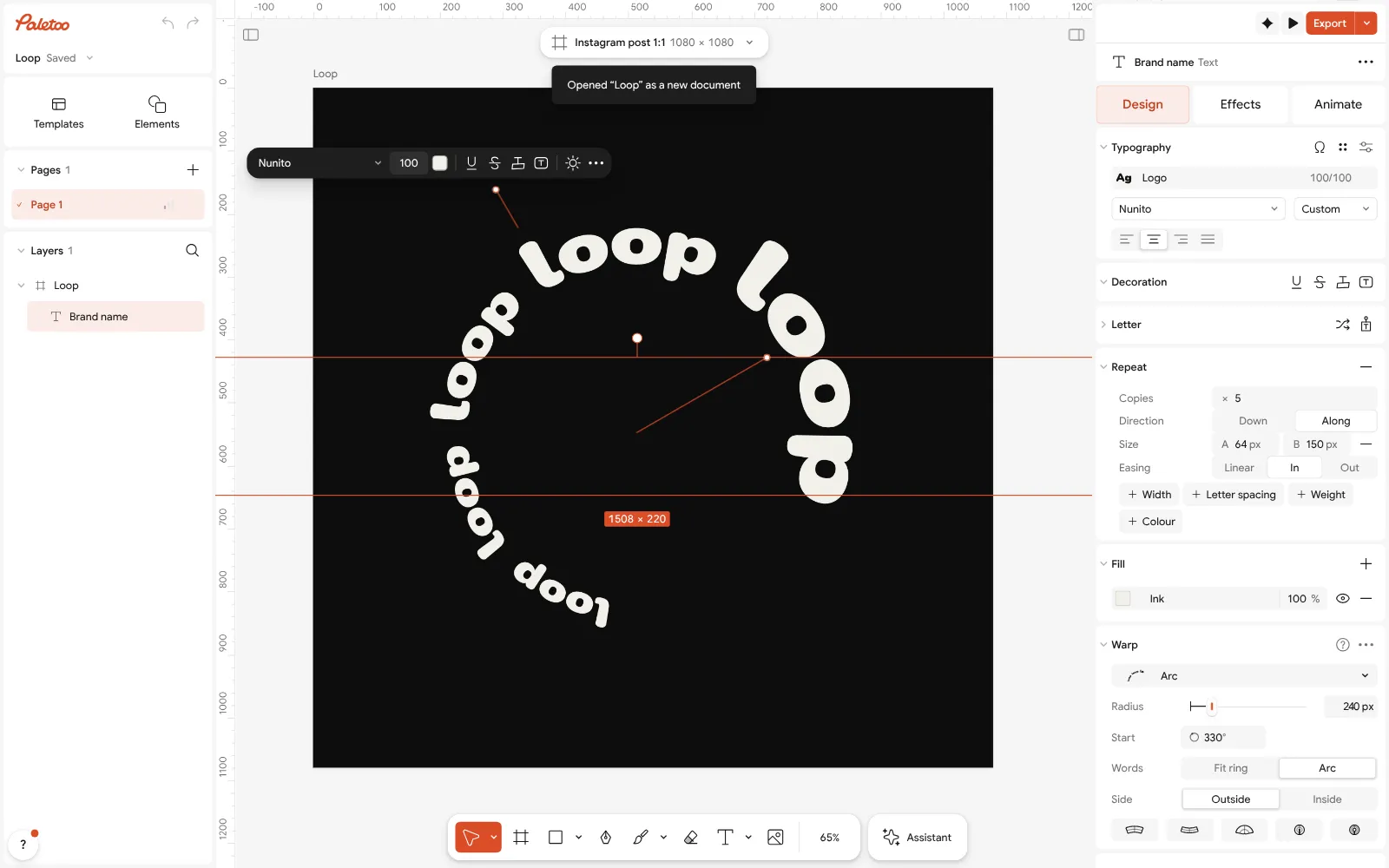
The «Loop» logo open in Paletoo with its name selected: Nunito under Typography Open the Animate tab and press Rise; the tiles play your own word as you point at them. Set Split to Letters for a name that builds itself, or Words for a calmer entrance, choose a Speed and press Play under the canvas.
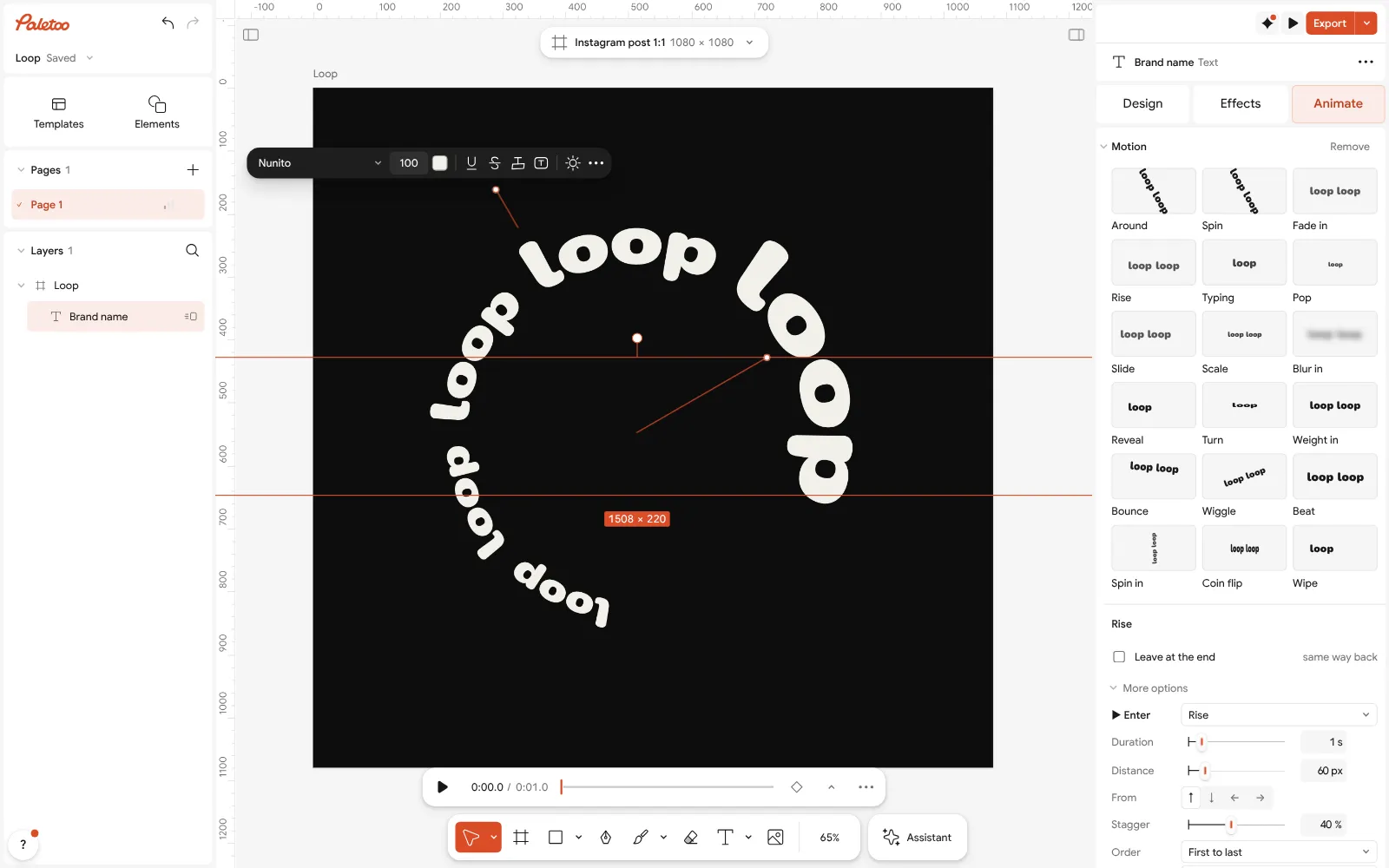
The Animate tab with Rise on the name, letters splitting into place If the logo has a tagline or a mark, select it, give it Pop or another motion, and in More options raise its Delay so it arrives after the name. Leave about a second at the end with nothing moving.
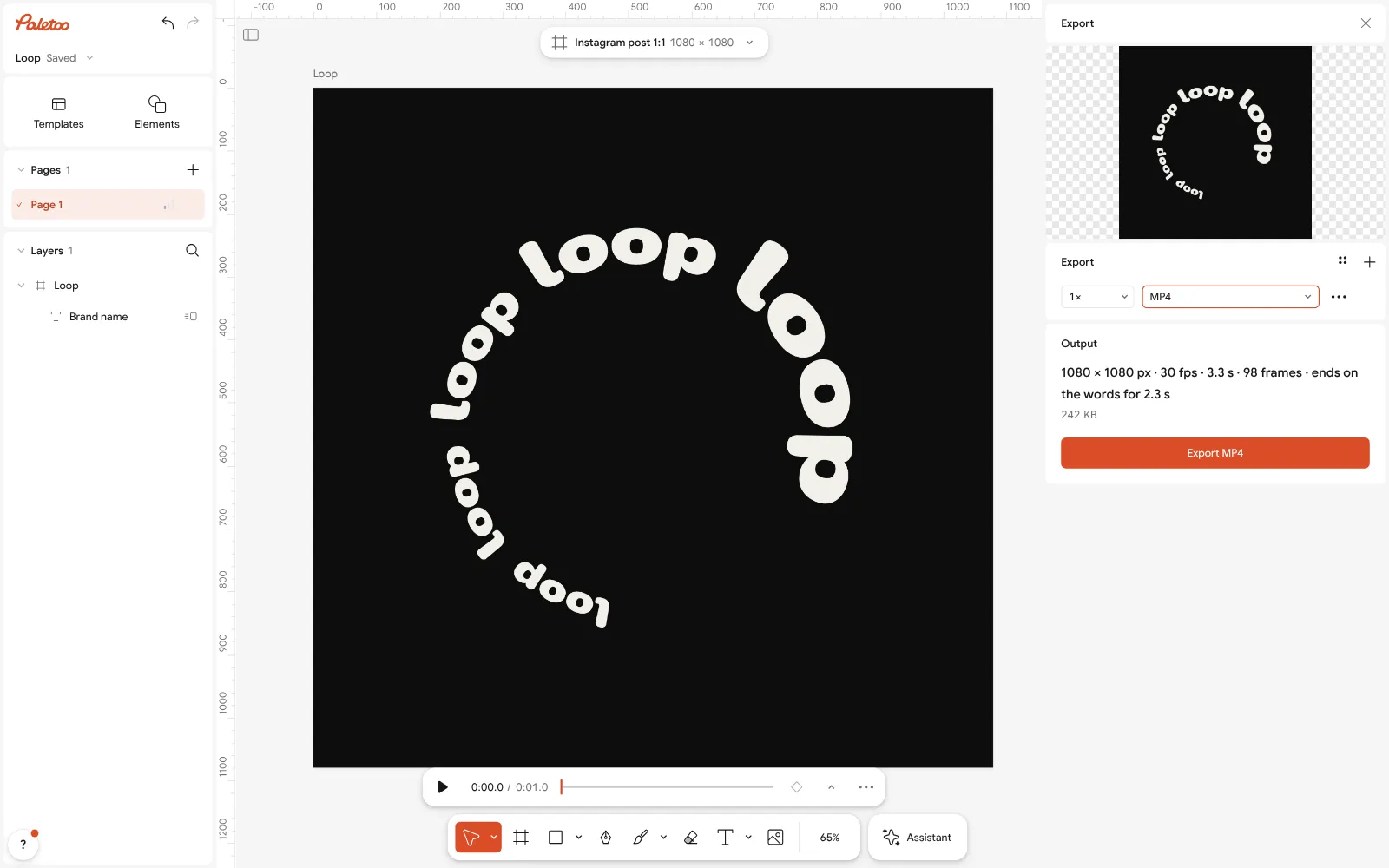
The Export window with the logo ready to download as MP4 Press Export (Ctrl Shift E) and choose MP4. Under For, press Reels, TikTok: 1080 px wide, 30 fps — the file for intros and social video, without a watermark.
For an email signature, export again as GIF with Chat GIF; for a website, choose WebM with Background set to Transparent, or Lottie for apps.
Make it your own
If the entrance feels slow, raise the Speed; if letters crowd each other, set Split to Words so the name arrives in larger pieces.
For a loop on a website, pick Wave, which keeps moving, and keep it subtle; for a one-time intro, let Rise or Pop settle and hold.
GIF colours band on gradients: set Quality to High, or use a flat colour behind the logo. More motion ideas: text animation ideas.
Sources
Questions
How can I make an animated logo for free?
Open your logo or type your brand name in Paletoo, add a motion such as Rise or Pop on the Animate tab, keep it two to four seconds, and export MP4, GIF, transparent WebM or Lottie — free and without a watermark.
How long should an animated logo be?
Two to four seconds: about one second of entrance, at least one second of the still logo, and nothing longer for a video intro. An email GIF can play once or loop slowly.
What format is best for an animated logo?
MP4 for video and social media, GIF for email signatures and chats, WebM with a transparent background for websites over images, and Lottie for apps and fast websites. Keep the still logo as SVG and PNG too.
Can I animate my existing logo?
Yes. A logo made in Paletoo animates part by part. A PNG logo can be traced into vector shapes first with Vectorize, so its mark and its name can move separately.
Do free animated logo makers add a watermark?
Many do on their free plans, or limit resolution. Paletoo exports MP4, GIF, WebM and Lottie without a watermark on the free plan.
How do I put an animated logo in an email signature?
Export a small GIF — around 200 to 300 px wide — that plays once or loops slowly, host it where your email client can reach it, and insert it as an image. Many clients show only the first frame, so make sure it reads as the logo.
Make it online
- Animated text makerMake words move in one click — rise, typing, pop, wave — and export a video for Reels, a GIF for chats or a Lottie file for the web. Free, with no watermark and no sign-up.
- Logo makerType your brand name, pick a logo, try fonts, colours and layouts, then download SVG, PNG and app icons — free, no watermark, no sign-up.
- Lottie animation makerAnimate type and shapes in one click each and export a light Lottie file for websites and apps.
Free design templates for posts, stories and posters: Story and Reels templates · Brand guidelines templates
Try it on your own design
Paletoo opens in your browser, with no sign-up. Every effect here is live: change the picture or the words and the effect follows.
Open in PaletooOpens this design as your own copy — every layer and effect editable, free.
Read next
- 02
 Animated text GIF: when to send a GIF, an MP4 or a WebMMoving text is quick to make; the file is where it goes wrong. Which places take a GIF, which need a video, and how to keep a GIF light.
- 03
 How to export an animation with a transparent backgroundAnimated type with nothing behind it: WebM with real alpha for video, Lottie for websites and apps.