Free tools6 min readFreeUpdated 2026-11-18
Animated text GIF: when to send a GIF, an MP4 or a WebM
Moving text is quick to make; the file is where it goes wrong. Which places take a GIF, which need a video, and how to keep a GIF light.
By the Paletoo team · steps tested in Paletoo on
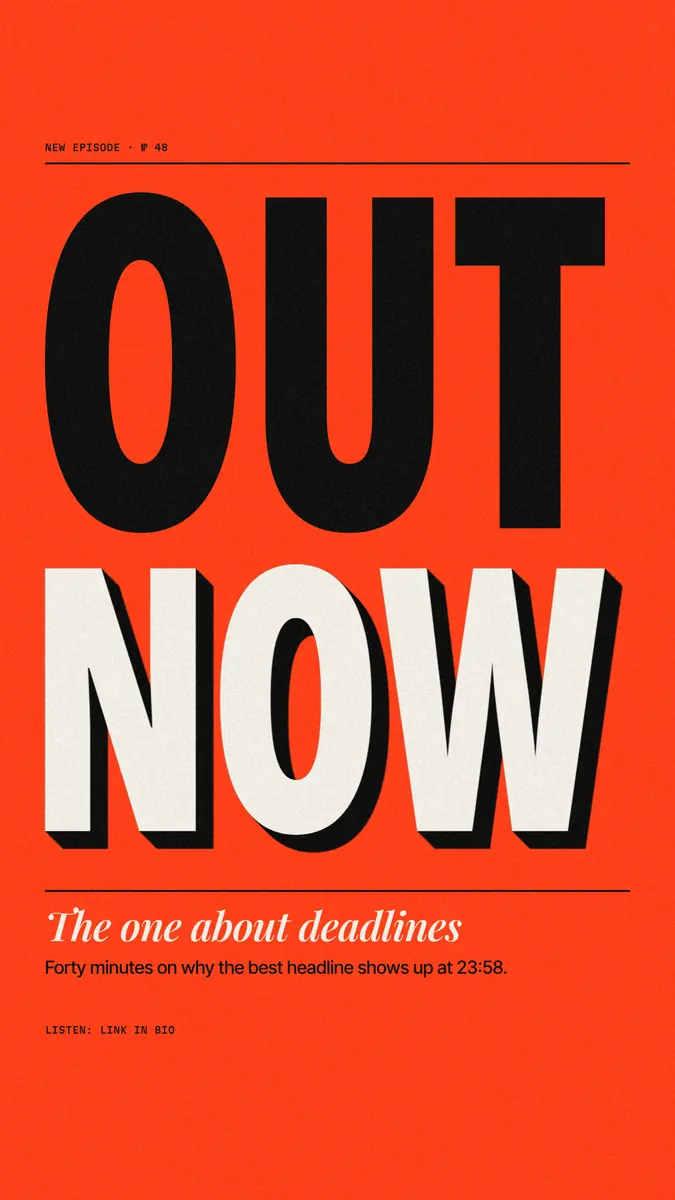
To make an animated text GIF, animate the words and export them as GIF — in Paletoo that is the Animate tab, then Export → GIF, free and with no watermark. Send a GIF only where a GIF belongs: chats, Slack, Discord, e-mail and slides play it anywhere, while Instagram and TikTok take MP4 video, and a website is far lighter with MP4, WebM or Lottie. For a chat, 480 pixels on the long side at 15 frames a second is plenty.
This guide is about the file: which format each place accepts, how size, frame rate, colours and length make a GIF heavy, what GIF transparency can and cannot do, and how to keep the file small. The example is «Out now», a hot-red 1080 × 1920 podcast story with a huge «Out / now». For a plain typewriter GIF of your own words, the typing text GIF maker does it on one page. Every step was run in Paletoo on 12 November 2026.
GIF, MP4, WebM or Lottie: pick by where it goes
GIF is the format every chat and mail app shows without a player, which is its one great strength. Everywhere a video plays, a video is better: an MP4 of the same clip is a fraction of the size, keeps millions of colours and full resolution. WebM is a web video that can carry real transparency, and Lottie is an animation of vectors for sites and apps, sharp at any size.
| Where it goes | File | Size | Frame rate | Why |
|---|---|---|---|---|
| Telegram, WhatsApp, iMessage | GIF | 480 px long side | 15 fps | Plays in the chat; some messengers turn it into a short silent video anyway |
| Slack, Discord | GIF | 480–720 px | 15–20 fps | Plays inline; stay under the app’s upload limit |
| E-mail newsletter | GIF | Up to 600 px wide | 10–15 fps | The moving image mail apps show; some desktop Outlook versions show only the first frame |
| Instagram Reels, Stories, TikTok | MP4 | 1080 × 1920 | 30 fps | They take video files, not GIFs |
| Instagram feed post | MP4 | 1080 × 1350 | 30 fps | Same; a 4:5 post fills more of the feed |
| Website, landing page | MP4 or WebM; Lottie for vector | The size it is shown at | 24–30 fps | A muted looping video weighs far less than a GIF |
| PowerPoint, Google Slides | GIF | The slide’s width | 15–20 fps | Plays on the slide with no settings |
Size, frame rate and colours: what makes a GIF heavy
A GIF stores every frame as a whole picture of up to 256 colours, compressed without loss. Its weight grows with pixels × frames: going from 720 to 480 px on the long side cuts the pixels per frame by 2.25 times, going from 20 to 10 fps halves the frames, and a 2-second loop is half a 4-second one. Three seconds at 15 fps is 45 frames.
Paletoo keeps a GIF to at most 720 px on the long side (480 at Small quality) and 20 fps, and says so in the Export window, with the exact size of the file before you save it. High quality builds each palette from finer colour — smoother gradients, larger file; Balanced and Small use coarser colour. There is no dithering, so flat colour stays clean and gradients show steps: type on flat colour is the ideal GIF, a photo or grain the worst.
Transparency and loops
GIF transparency is on or off: a pixel is either fully clear or fully opaque. Soft anti-aliased letter edges and shadows were drawn against some background, so on a different one they show a fringe of it. For motion over another colour on a website, use WebM with a transparent background or a Lottie file instead; transparent WebM plays in Chrome, Edge and Firefox, while Safari and most video editors show it on black. Details in transparent video and Lottie.
A GIF loops forever, so design the loop: end where you began, or hold the words still long enough to read before it restarts. When the motion has a loop part, the Export window asks whether to cover the entrance and the loop or the loop only.
How to keep an animated GIF small
Keep it short (2–4 seconds) and small (480 px for chats). Use 10–15 fps — text does not need 20. Prefer flat colours to gradients, photos and grain. Move only what matters: one moving headline on a still background compresses far better than a whole frame in motion. Crop to the content — a square GIF of the words is lighter than a tall story with empty space.
On a website, a GIF cannot be paused, and accessibility guidelines ask for a way to pause motion that runs longer than five seconds, and for nothing to flash more than three times a second. A short loop, or a video with controls, keeps you on the safe side.
Made in Paletoo
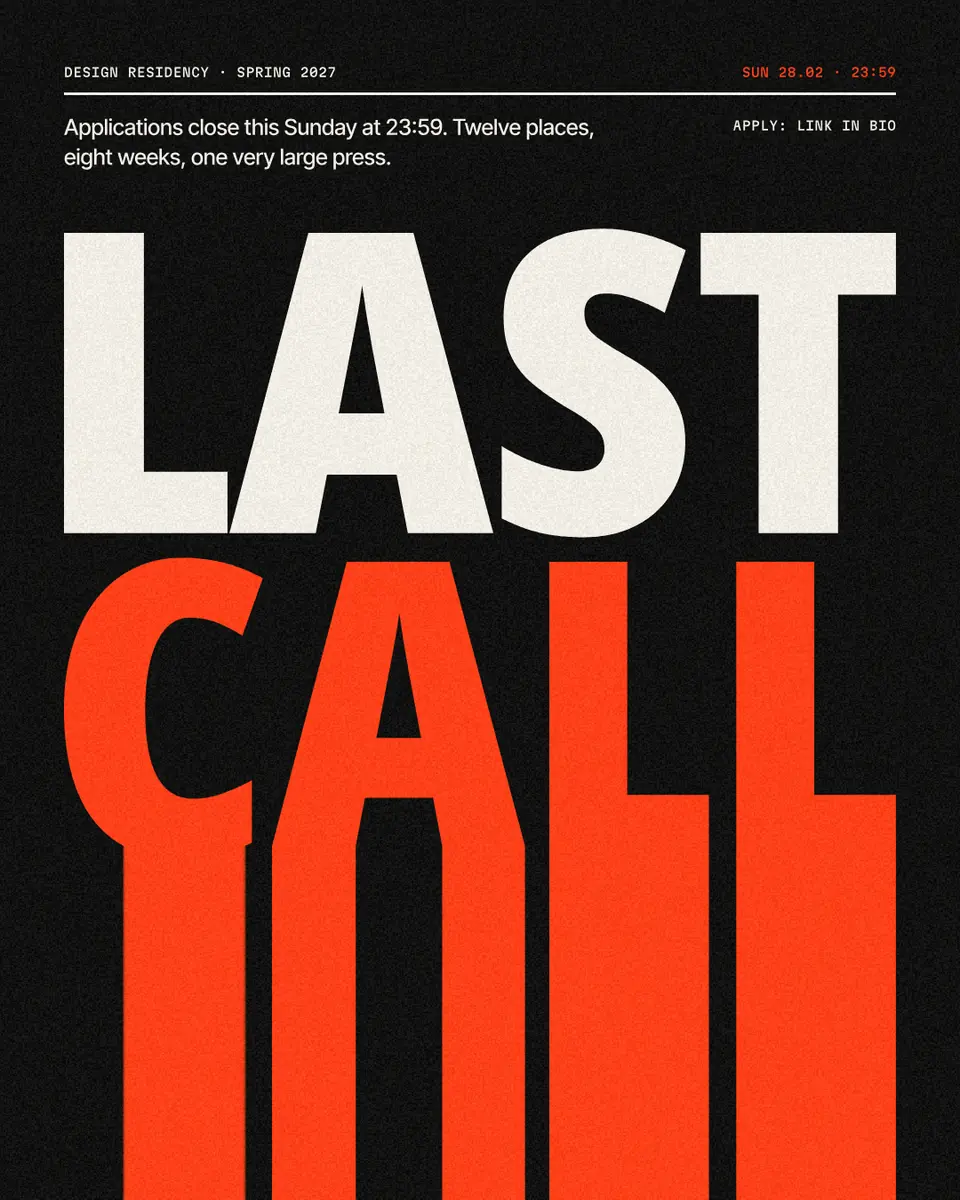
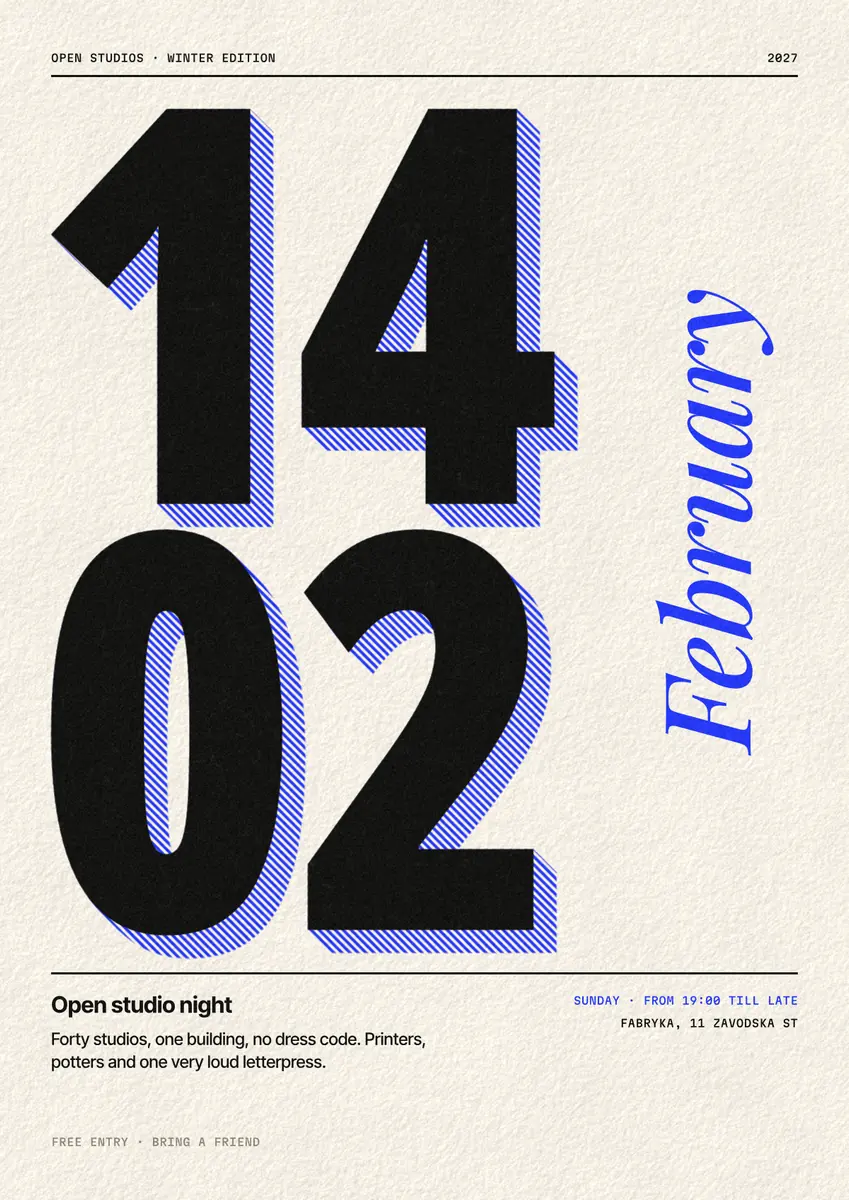
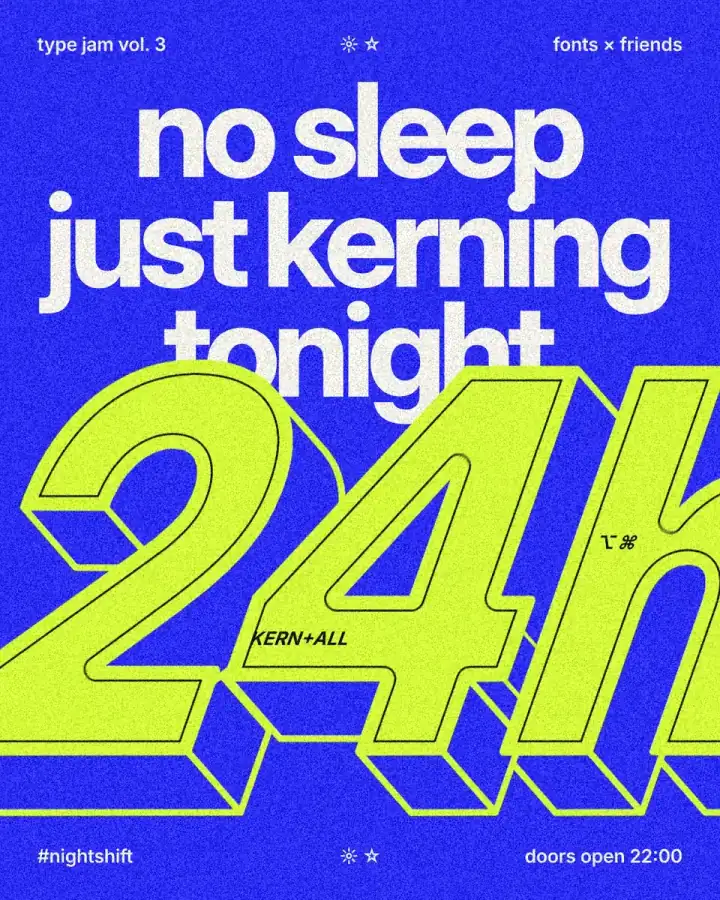
Every picture on this page was made in Paletoo — these three with the same steps on other templates:
Make it free in Paletoo
Open the story: press “Open in Paletoo” on this page, or start from the animated text maker. It opens as your own 1080 × 1920 document: «New episode · № 48» at the top, a huge «Out / now» on hot red, «The one about deadlines» and «Listen: link in bio».
Double-click «Out» and type your word. With «Headline 1» selected, the font is under Typography in the Design tab — Noto Sans Display, heavy enough to stay readable when the GIF is shrunk.
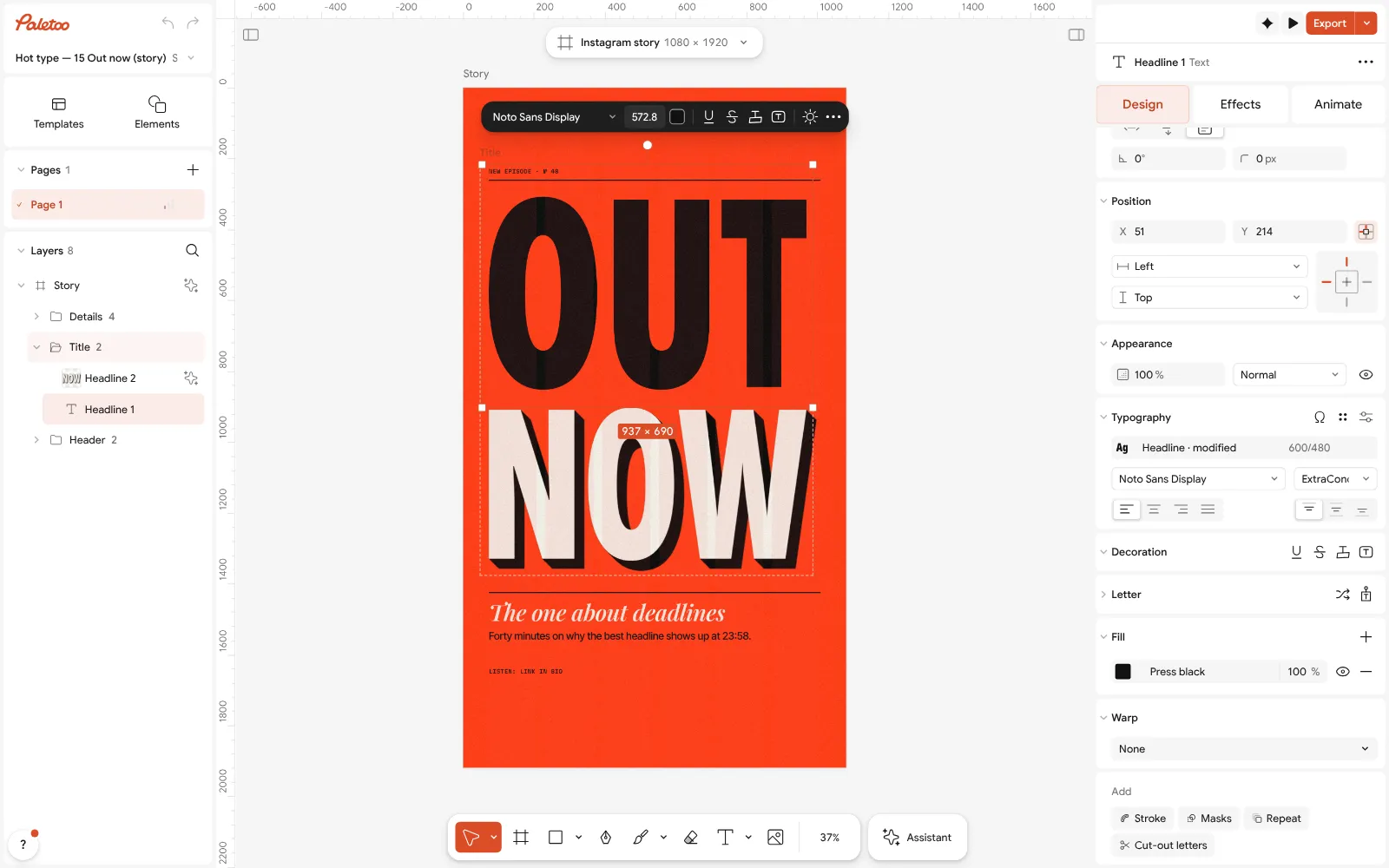
«Out now» open in Paletoo: «Headline 1» selected — Noto Sans Display under Typography in the Design tab Open the Animate tab and press Rise: the tiles play your own word as you point at them. Set Split to Words or Letters, choose a Speed, and press Play under the canvas.
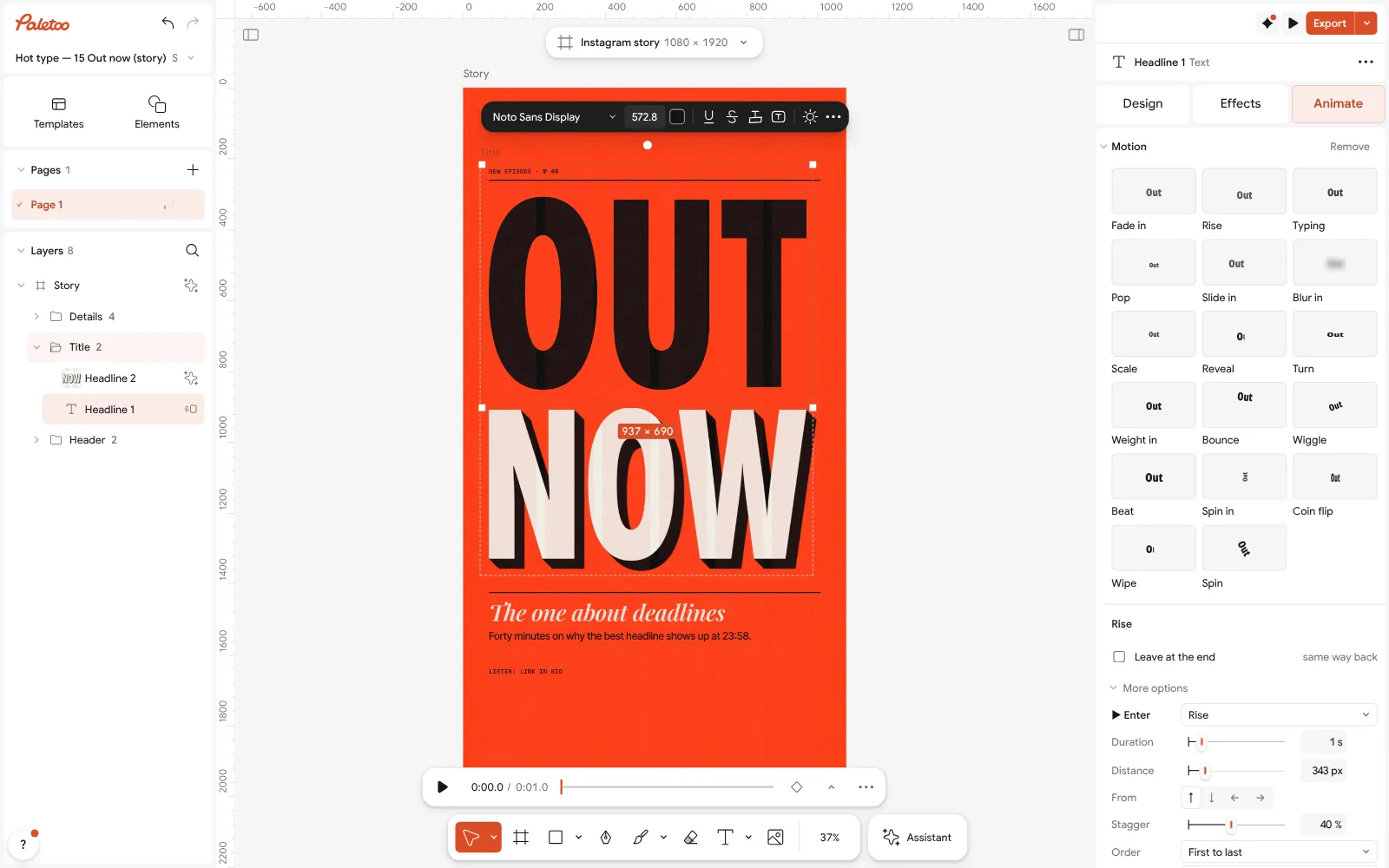
«Headline 1» given the Rise motion in the Animate tab Select «now» and give it Pop; in More options raise its Delay so it lands after «Out». Two words arriving in turn read better than everything at once.
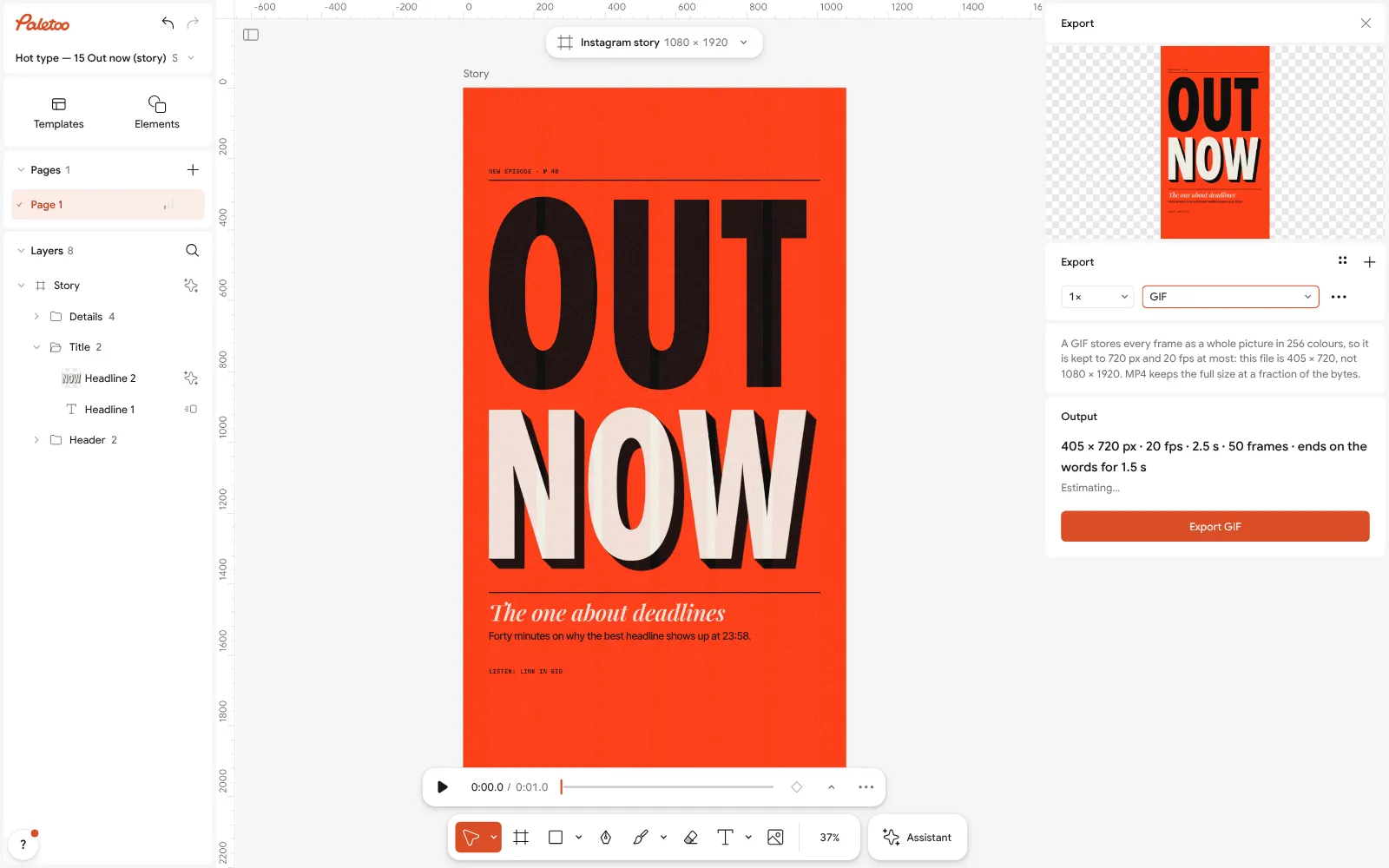
The Export window with GIF chosen Press Export (Ctrl Shift E) and choose GIF. Under For, press Chat GIF: 480 px on the long side, 15 fps and Small quality — the 1080 × 1920 story becomes a 270 × 480 GIF.
For a lighter file set Frame rate to 10 fps; for smoother colour set Quality to High. The Export window shows the size before you save; nothing carries a watermark.
For the Stories themselves, export the same design again as MP4 with Reels, TikTok: 1080 px wide, 30 fps.
Make it your own
Hold the ending: in More options give the last word a Delay short enough that the whole message is still for a second or two before the loop restarts.
If a gradient bands in the GIF, set Quality to High or replace the gradient with flat colour — or send an MP4 where the place allows one.
Need it over a photo on a website? Export WebM with Background set to Transparent instead of a GIF. Ideas for the motion itself: text animation ideas.
Sources
Questions
How do I make an animated text GIF for free?
Type your words in Paletoo, give them a motion in the Animate tab and export as GIF. It is free, needs no account and carries no watermark.
Can I post a GIF on Instagram?
Not as a GIF file: Instagram and TikTok take video. Export the same animation as MP4, 1080 × 1920 for Reels and Stories or 1080 × 1350 for a feed post.
What size should a GIF be for a messenger?
About 480 px on the long side at 15 fps, a few seconds long — Paletoo’s Chat GIF setting does exactly that in one press.
Why is my GIF so big?
Every frame is stored as a whole picture. Make it smaller, shorter and slower (10–15 fps), use flat colour instead of photos and gradients, and animate only the words.
Can an animated GIF have a transparent background?
Only with hard edges: a GIF pixel is either fully transparent or not, so soft edges show a fringe. For smooth transparency use WebM or Lottie.
GIF or MP4 for a website?
MP4 or WebM, muted and looping: the same clip is a fraction of the size. Use Lottie when the animation should stay sharp at every size.
Make it online
Free design templates for posts, stories and posters: Story and Reels templates
Try it on your own design
Paletoo opens in your browser, with no sign-up. Every effect here is live: change the picture or the words and the effect follows.
Open in PaletooOpens this design as your own copy — every layer and effect editable, free.
Read next
- 02
 How to export an animation with a transparent backgroundAnimated type with nothing behind it: WebM with real alpha for video, Lottie for websites and apps.
- 03
 Kinetic typography trend 2027: bold type that moves, even on a posterBig, bold type that moves — or looks as if it just did.
- 04
 Instagram story size 2026: 1080 × 1920, safe zones and ratioThe pixels, the ratio, the bands that the profile and the reply bar cover — and a story that opens at the right size in one tap.