Tools compared6 min readFreeUpdated 2026-11-06Save to Pinterest
The best free tools for graphic designers in 2026
Ten free tools worth knowing, what each is best at, and where each one stops.

You can do professional graphic design in 2026 without paying for software. That was not true five years ago. Canva and Figma have generous free plans, Affinity became free in late 2025, the open-source tools keep getting better, and a new wave of editors runs entirely in the browser.
This list is written by the team behind Paletoo, which is on it — so we have kept to facts you can check, said what each tool does better than ours, and put the catch next to every one. The poster at the top of this page, a pixel cursor glowing on a blue grid, was made in Paletoo.
Layouts, posts and posters
Canva, free plan. The fastest way from nothing to a decent post, with the biggest template and stock library, presentations, video and phone apps. The catch: transparent PNG, SVG, the print PDF, the background remover and brand kits are paid, and fine type control is limited.
Paletoo. A browser editor for posters, posts, carousels and covers, with real typography (pair kerning, variable fonts, text on a path), about a hundred live effects and every export free — PNG, SVG, PDF with bleed, PowerPoint, MP4, GIF — with no watermark and no account. The catch: a much smaller template library than Canva, no phone app, and it is young, so the community is small.
Adobe Express has a free plan too, with Adobe fonts and stock and quick social templates — closest to Canva in spirit.
Vectors and print
Affinity, free since October 2025. Canva merged Affinity’s vector, photo and layout apps into one desktop app for Windows and Mac and made it free with a Canva account; the generative AI features need a paid Canva plan. It is the nearest free thing to Illustrator and InDesign, with real CMYK and print tools. The catch: desktop only, an account required, and the future is in Canva’s hands.
Inkscape. Open source, free forever, on Windows, Mac and Linux, and the go-to free vector editor for years — logos, illustrations, cutting files for plotters and laser cutters. The catch: its interface feels older, and big files can be slow.
Photos and retouching
Photopea. A Photoshop-like editor in the browser that opens PSD files with their layers, free with ads; a small subscription removes them. The closest thing to Photoshop you can open in a tab. The catch: ads, and it can slow down on very large files.
GIMP. The long-standing open-source photo editor for Windows, Mac and Linux, free with no strings. The catch: a learning curve, and it works differently from Photoshop, so muscle memory does not carry over.
Interfaces and painting
Figma, Starter plan. The standard for interface design, with live collaboration, components, prototyping and a huge community; Figma Draw added vector brushes and textures in 2025. Free with unlimited drafts and three design files in a team space. The catch: no CMYK export, and photo effects come from plugins.
Penpot. Open source and free, in the browser or on your own server, built for interfaces and design systems on open standards. Krita. Open source and free, a painting program loved by illustrators and concept artists. Both are excellent at their job and not meant for social graphics.
How to put a free kit together
You do not need all ten. Pick one tool for layout, one for photos and one for vectors, and learn them well. A common free kit in 2026: Figma or Penpot for screens, Affinity or Inkscape for logos and print, Photopea or GIMP for retouching, and Canva or Paletoo for posts and posters — Canva when speed and stock matter, Paletoo when type and effects do.
Whatever you pick, check two things before you commit: whether you can take your files with you in an open format, and which features are free today but paid tomorrow. Free plans change; your files should not be stuck when they do.
Made in Paletoo
Every picture on this page was made in Paletoo — these three with the same steps on other templates:
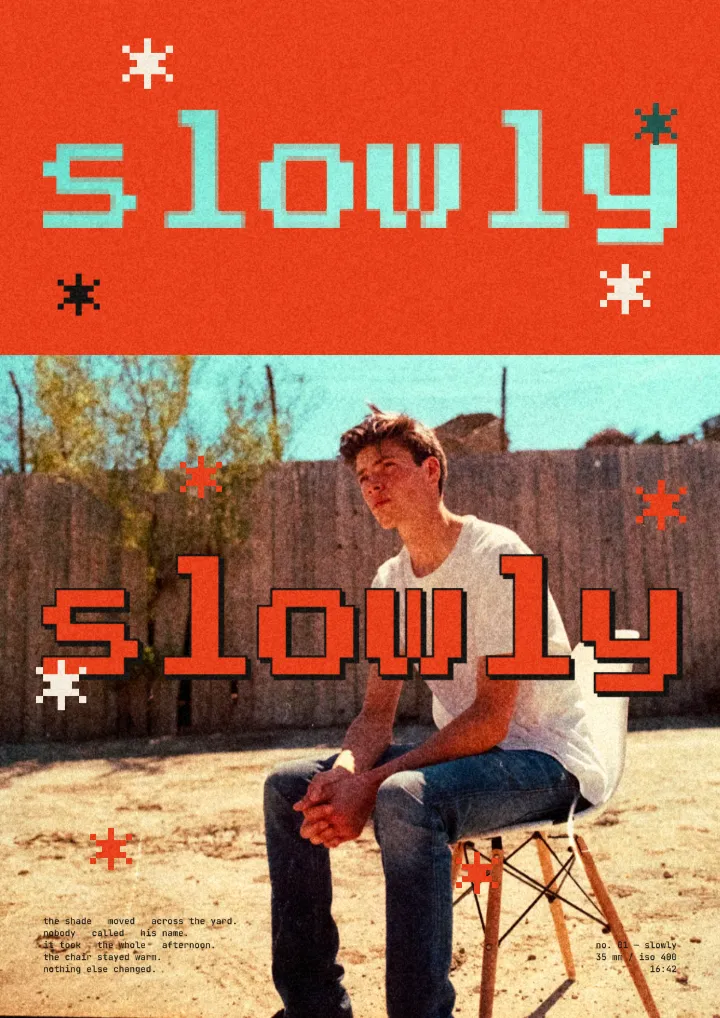
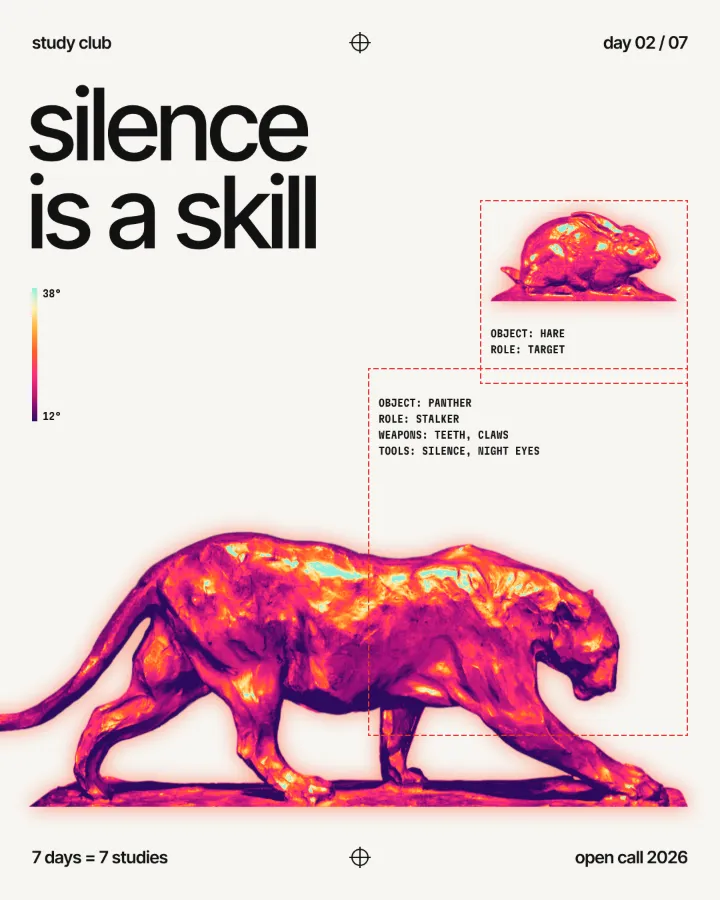
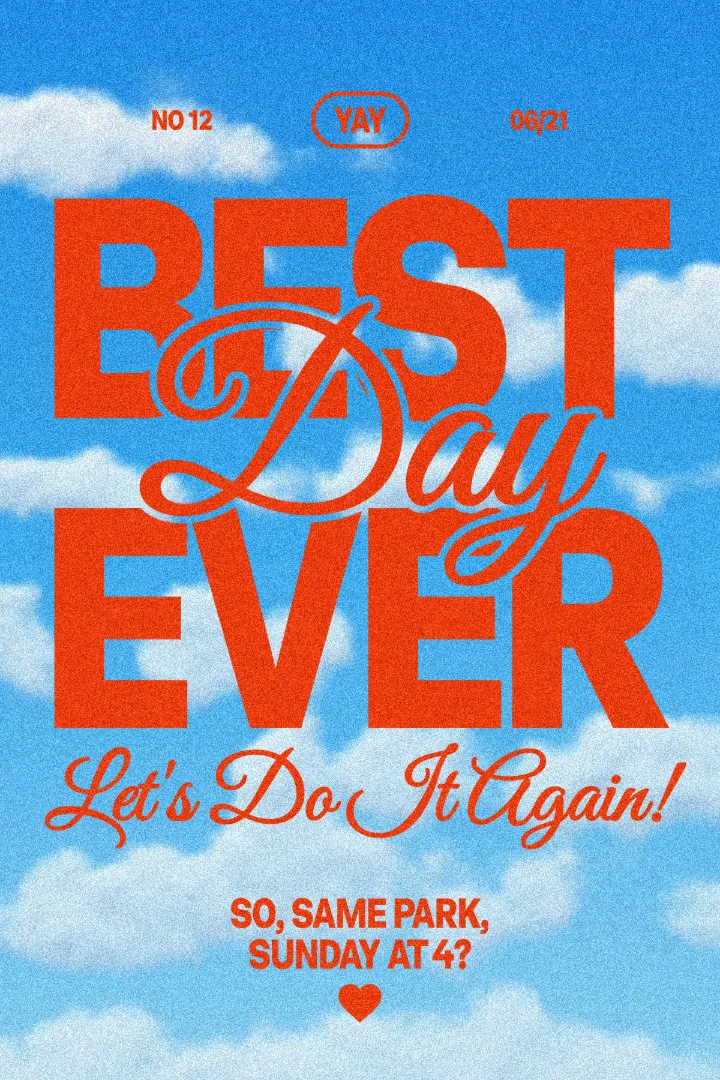
Try it in Paletoo
Press “Open in Paletoo” to open the Day one post as your own document. It is a 1080 × 1350 Instagram post; Layers shows a photo of a cursor, a grid of lines and marks, and six lines of type.
Click the headline, “DAY ONE”, to select it. The Design tab shows its place and Typography its pixel font and size. Double-click it to write your own; the date, the hosts and the handle are separate texts beside it.
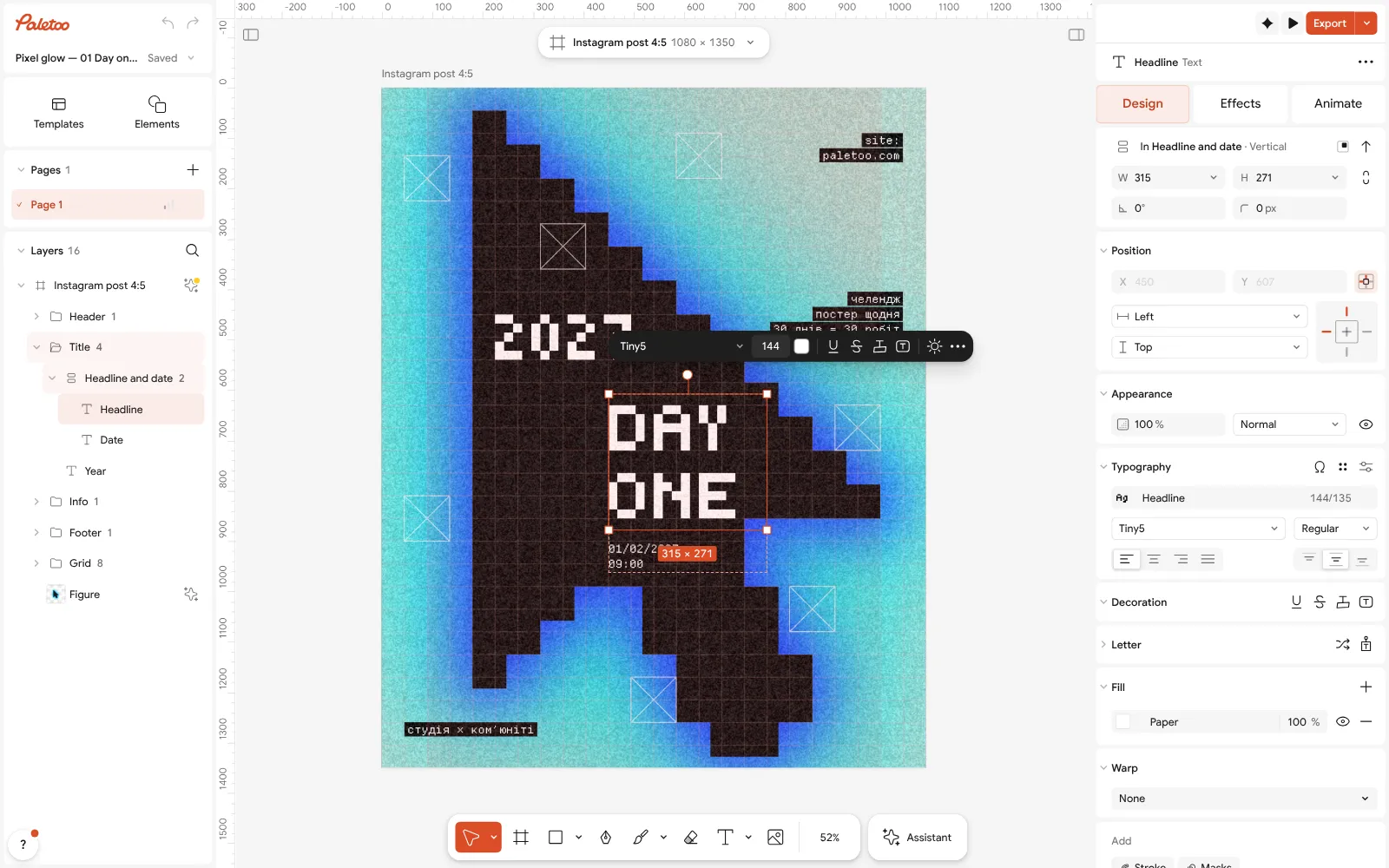
The Day one post open in Paletoo: the headline selected, its pixel font under Typography in the Design tab Click the cursor and open the Effects tab. Under Applied are its steps: Pixel, which builds it from big square pixels, Levels, and three Shadow steps that make the blue glow around it.
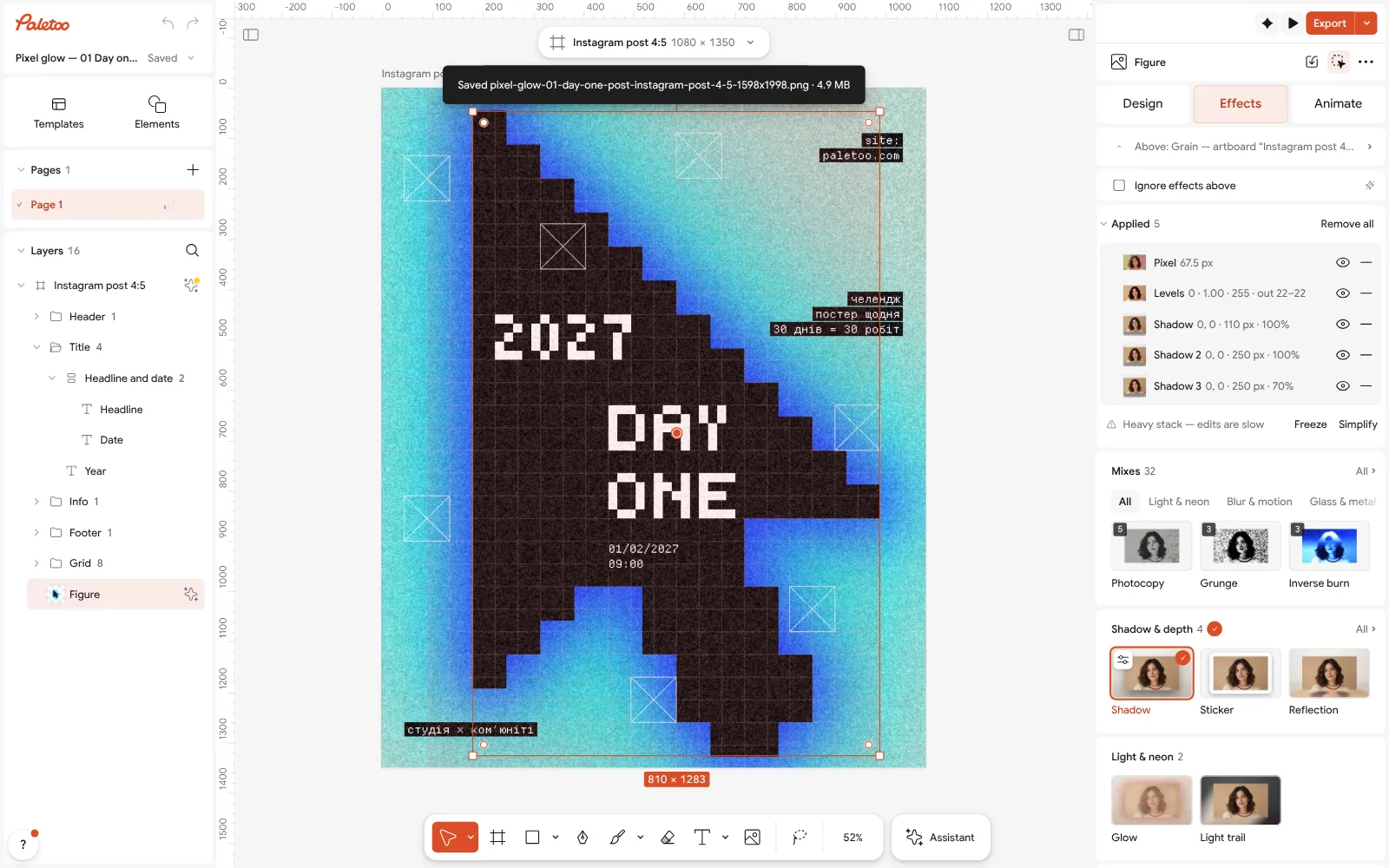
The cursor selected: Pixel, Levels and three Shadow steps under Applied in the Effects tab Click the Pixel row to open it and change the size of the pixels; the glow follows, because it is drawn from the pixels above it.
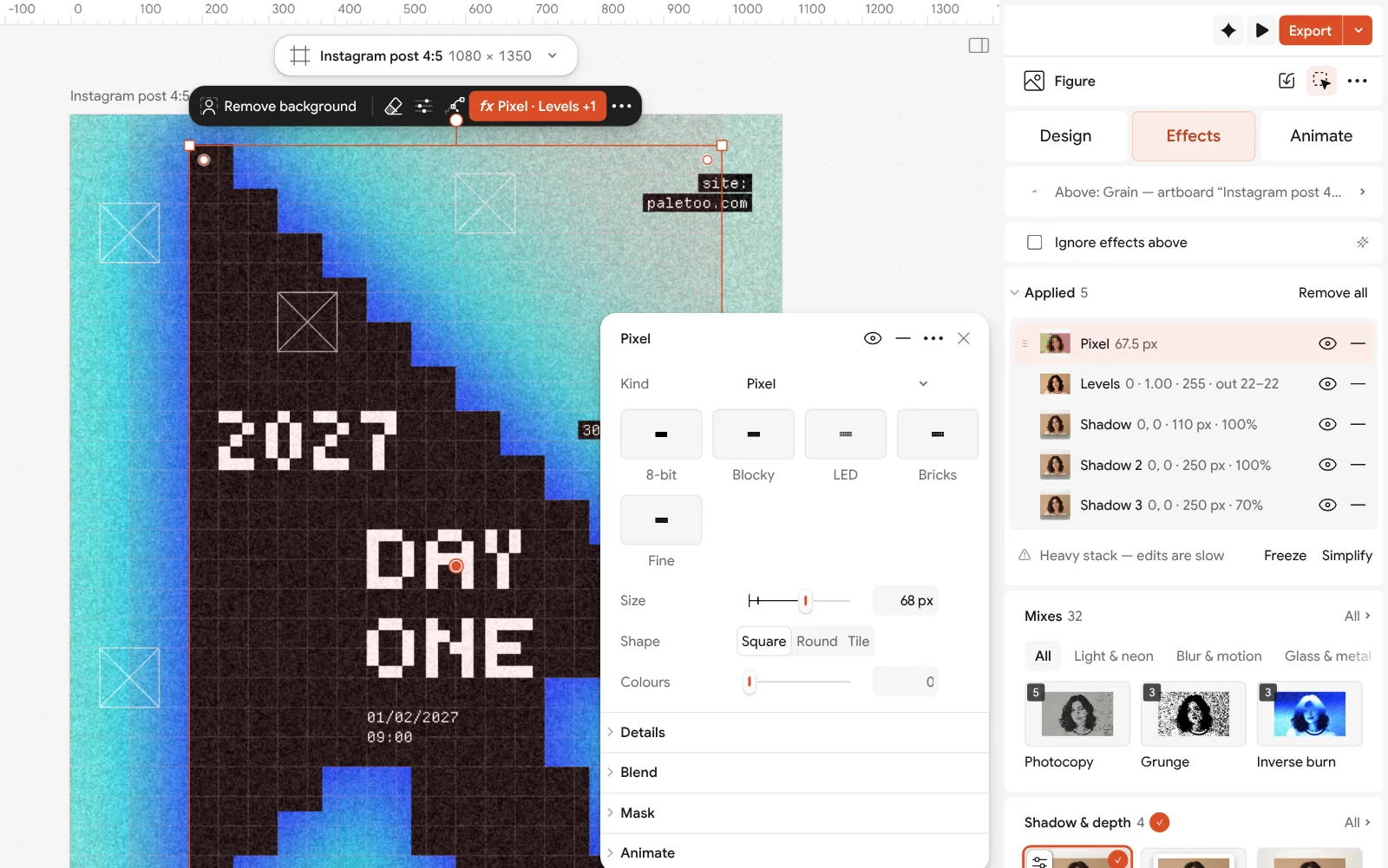
The Pixel step open, its settings beside the post To use your own picture, select the cursor and press Replace picture: a photo of anything becomes a glowing pixel shape. Remove background first if it has a busy background; it runs on your device and costs nothing.
Press Export and export a PNG — 1080 × 1350, no watermark. Choose Use WebP when the window suggests it for a lighter file.
Make it your own
The post is built from very few things: one picture, one strict grid, one pixel face for the big type and a mono one for the small. That is why it reads as designed. Keep the grid when you change the content — the eye trusts lines that line up.
For a stronger glow, raise the blur of the outer Shadow step; for a cleaner one, switch the outer two off with their eyes. Bigger Pixel sizes read better on a phone.
Every one of these steps is free, as is every export. If you outgrow it, the same PNG, SVG or PDF opens in any of the other tools on this list.
Questions
What is the best free graphic design software?
It depends on the job: Canva or Paletoo for posts and posters, Affinity or Inkscape for vectors and print, Photopea or GIMP for photos, Figma or Penpot for interfaces, Krita for painting. Most designers combine two or three.
Is Affinity really free now?
Yes. Since 30 October 2025 Canva has offered the new Affinity app free on Windows and Mac with a Canva account. Its generative AI features need a paid Canva plan.
What is the best free alternative to Illustrator?
Affinity and Inkscape are the closest for vector drawing and print. Figma with Figma Draw covers a lot of vector work in the browser. Paletoo handles vectors for posters and posts but is not a full illustration tool.
Can I design professionally with free tools only?
Yes. Many freelancers work with Figma, Affinity and a browser editor. Check each tool’s licence and export formats so your files open anywhere, and keep your own copies.
Is Paletoo free?
Yes: the editor, the effects and every export are free today, with no watermark and no account needed. Paid plans are announced for later; the editor and exports stay free.
Make it online
- Poster makerMake a poster from a template that already has the layout right, then export a print-ready PDF or an image for screens.
- Instagram post makerDesign a post at the right size from a real template, then export a sharp PNG or JPG — free, in your browser.
- Remove background onlineCut the subject out of any photo in one click — on your own device, with no upload and no credits.
Free design templates: Poster templates · Social media post templates · Team and speaker templates
Try it on your own design
Paletoo opens in your browser, with no sign-up. Every effect here is live: change the picture or the words and the effect follows.
Open in PaletooRead next
- 01
 Paletoo vs Canva: an honest comparison for designersTwo editors in the browser, two ideas of what design is. Here is where each one wins.
- 02
 Free Photoshop alternatives online: what works in a browserRetouching, PSD files or design with photos: a different free tool for each job.
- 03
 Graphic design for beginners: your first poster in 30 minutesFour basics, two rules for type and colour, and a first design you can post today.