Techniques6 min readFreeUpdated 2026-11-18
Black Friday Instagram post ideas: 10 posts for the sale week
Ten posts in the order a sale runs, a calendar for 20–30 November 2026 — and one made start to finish.
By the Paletoo team · steps tested in Paletoo on
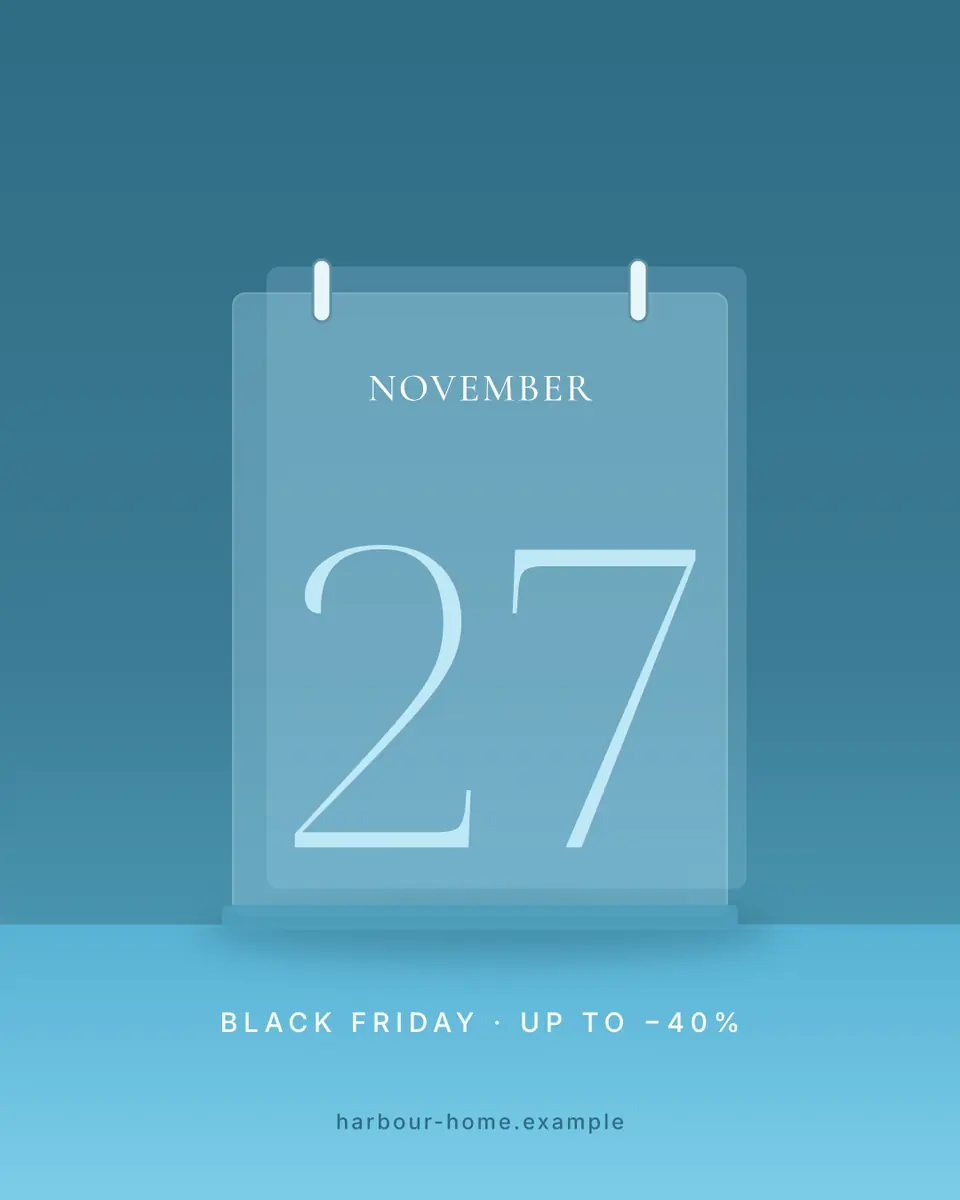
The Black Friday Instagram posts that sell are not one big «SALE» post but a short run of them: a teaser a week before, a countdown, the launch on Friday 27 November 2026 with the discount and the end date in big type, a reminder, a last call, then Cyber Monday on 30 November and a thank-you. Make one post in your colours, duplicate it for each step and change only the words — free in Paletoo, in the browser, with no sign-up and no watermark.
Below: the ten posts in the order they go out, a posting calendar for the sale week, what to write so the offer is clear and honest, and one done start to finish — the desk-calendar post from the Black Friday + Cyber Monday templates, 1080 × 1350, with the date torn off a calendar page.
Ten Black Friday post ideas, in the order they go out
Before the sale — make people wait for it. 1) The teaser: «Something big on 27.11» and nothing else, a week ahead; curiosity does the work. 2) The early list: «Get the code first» for people who follow you or join your list; it rewards the followers you already have. 3) The countdown: the date in huge type, «3 days», «2 days», «tomorrow» — one post or story a day, same design, only the number changes.
On the day — say the offer in one look. 4) The launch: what is off, by how much, until when. «Up to −40 % until Monday» beats a paragraph. 5) The best sellers: the three things people will actually buy, with the sale price next to the old one. 6) The bundle or the gift: «Buy two, get the third», or a gift with every order above a sum — a reason to spend a little more.
After the peak — catch the late ones. 7) The reminder: «Still on» with the end date, on Saturday. 8) The last call: «Ends tonight at midnight», on Sunday or Monday; it is often the second-best post of the week. 9) Cyber Monday: the online twin of the offer, or one extra day for the shop. 10) The thank-you: the number of orders, a photo of the parcels, and what comes next; it keeps the new followers.
A posting calendar for Black Friday 2026
Black Friday is on 27 November 2026 and Cyber Monday on 30 November. Most shops post too late and all at once; spread the ten posts over ten days, a feed post for the big moments and stories in between.
| Day | Post | Where |
|---|---|---|
| Fri 20.11 | The teaser: «Something big on 27.11» | Feed + story |
| Mon 23.11 | The early list: «Get the code first» | Story with a link |
| Tue 24.11 – Thu 26.11 | The countdown: 3, 2, 1 | Story each day |
| Fri 27.11 | The launch, then the best sellers | Feed + stories |
| Sat 28.11 | The reminder and the bundle | Feed or carousel |
| Sun 29.11 | The last call for Black Friday | Story |
| Mon 30.11 | Cyber Monday, then «ends tonight» | Feed + story |
| Tue 1.12 | The thank-you | Feed |
What to write, so the offer is clear and honest
Three things must be readable in a second on a phone: how much, on what, until when. Put the number biggest, the end date second, and the rest in one short line. Leave out «amazing deals» and «don’t miss out»: every other post in the feed says it.
Keep the discounts real. A «was» price should be the price you actually charged before the sale, not a number raised for the week; the US Federal Trade Commission’s guides against deceptive pricing say exactly this, and shoppers check. «Up to −40 %» must mean at least one thing is really 40 % off. If stock is short, say how many — «only 30 left» is honest urgency.
Size: 1080 × 1350 (4:5) for feed posts, 1080 × 1920 (9:16) for stories. Keep the price and the date away from the edges: the profile grid crops a feed post to 3:4, and the story’s top and bottom are covered by the app’s buttons.
One design for the whole week
The shops whose Black Friday looks expensive use one layout for every post of the week. Make the launch post first, then duplicate it: the countdown changes only the number, the last call only the words, Cyber Monday only the colour. The feed reads as one campaign, and each new post takes a minute instead of an hour.
Pick two colours from your brand and one loud accent for the price. Black and white with a red or acid accent is the classic; a calm brand can keep its own colours and still look like a sale if the number is big enough.
Made in Paletoo
Every picture on this page was made in Paletoo — these three with the same steps on other templates:
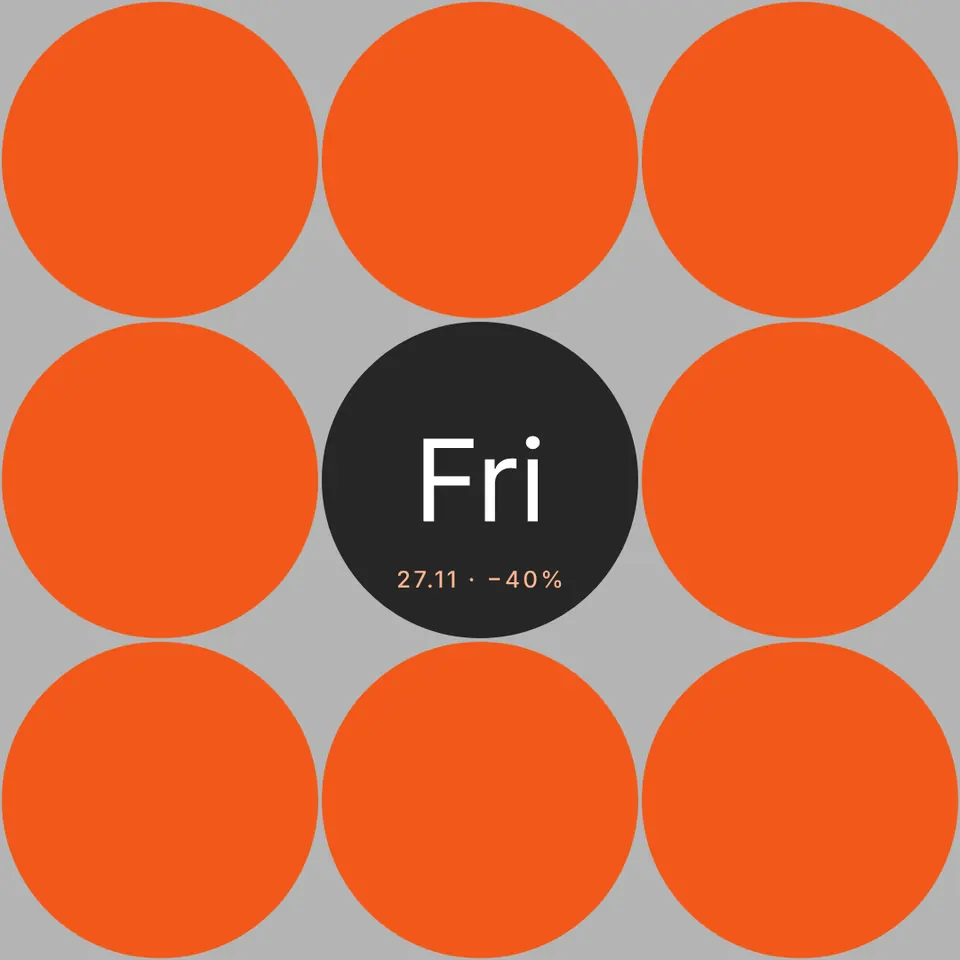
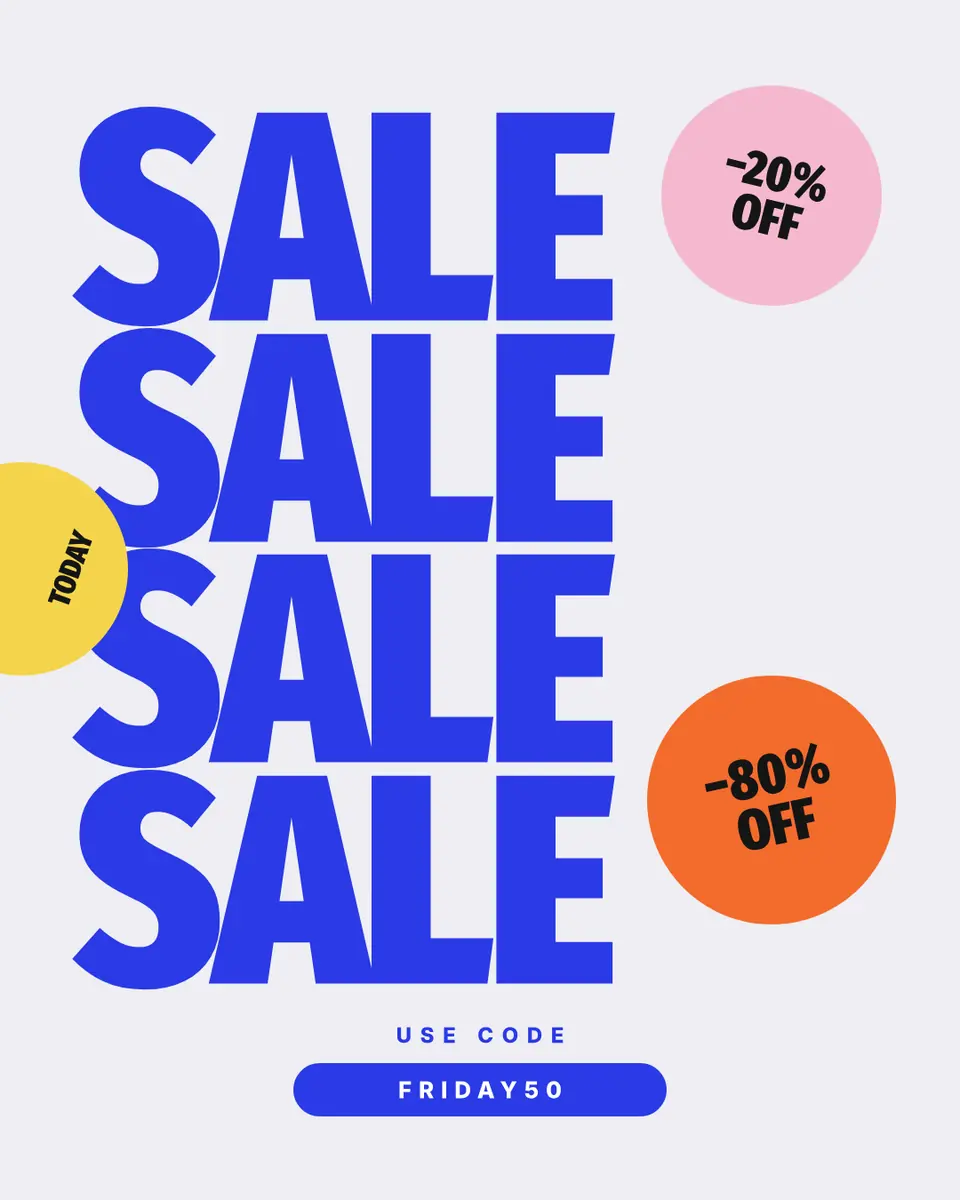
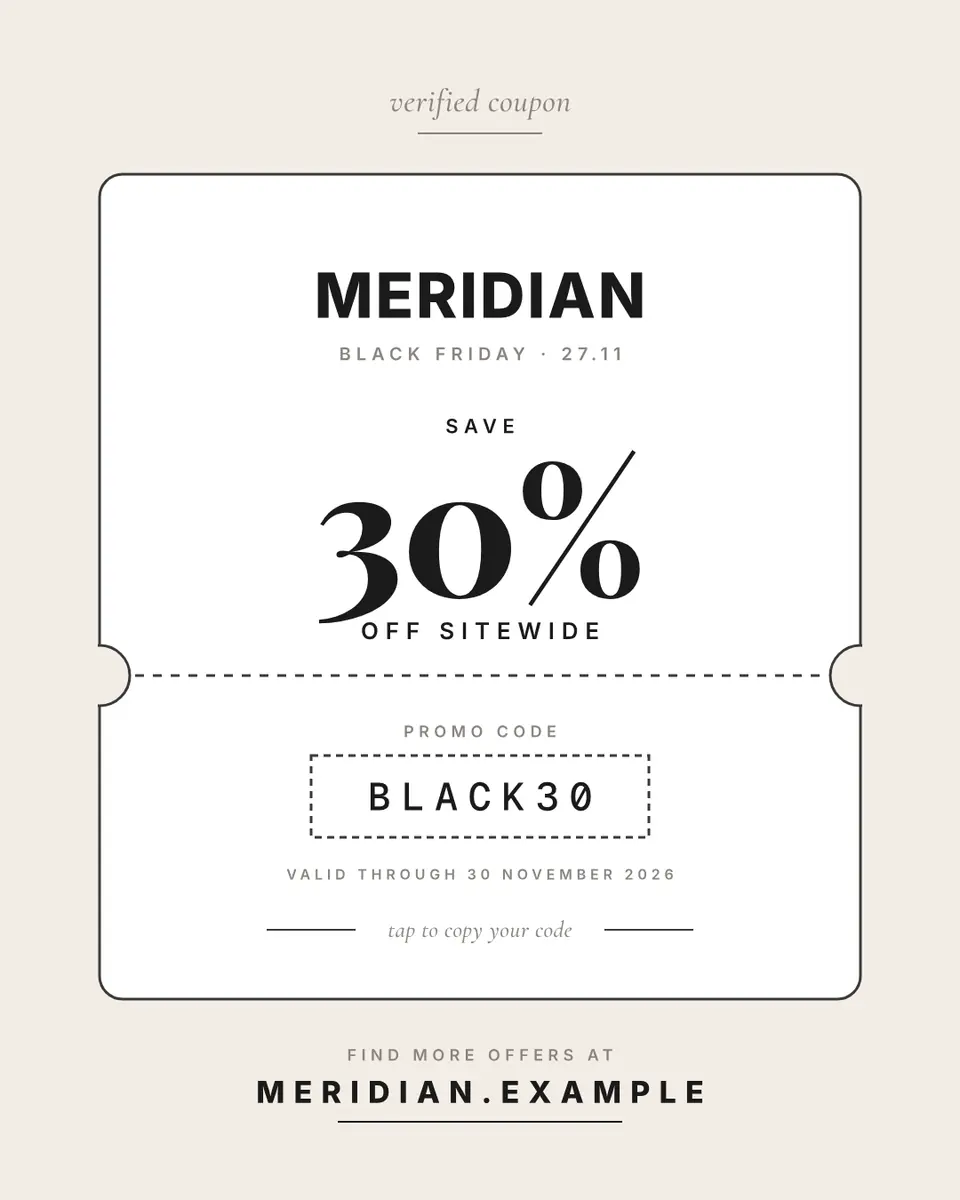
Step by step in Paletoo
Press “Open in Paletoo” on this page. The desk-calendar post opens as your own 1080 × 1350 design, with no account and nothing to install: a calendar page with «NOVEMBER» and a big «27», the offer under it and the shop’s address at the bottom.
Click «BLACK FRIDAY · UP TO −40%», the layer «Offer». Under Typography on the Design tab you see its font and size. Double-click it and type your own offer — the discount and the end date, nothing more.
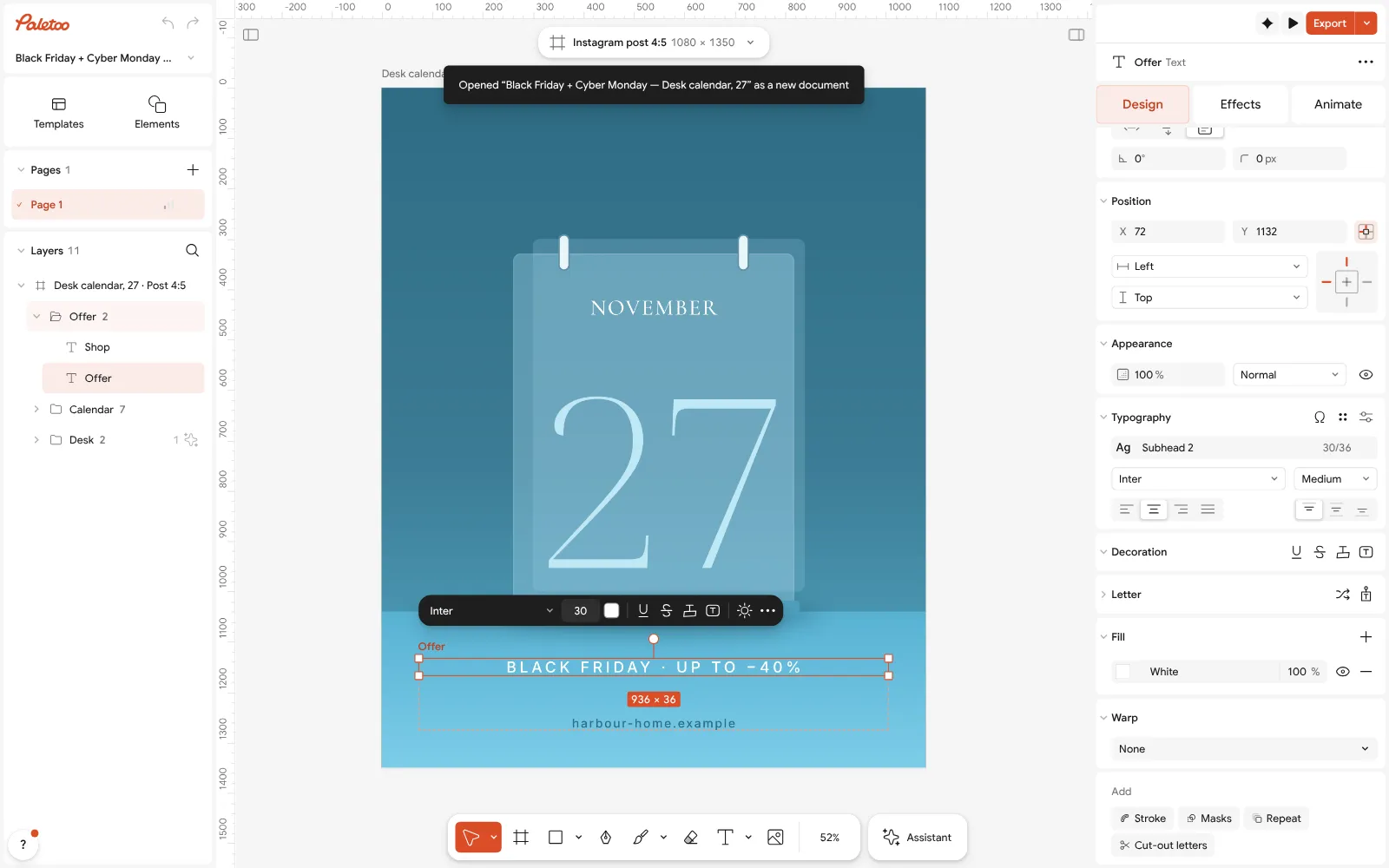
The desk-calendar post open in Paletoo: «BLACK FRIDAY · UP TO −40%» selected, its type under Typography in the Design tab Press Select all (Ctrl A). Selection colours lists the post’s nine colours — Glass, White and the teal tones. Click each and choose your brand’s colours: the desk, the calendar and the type change together.
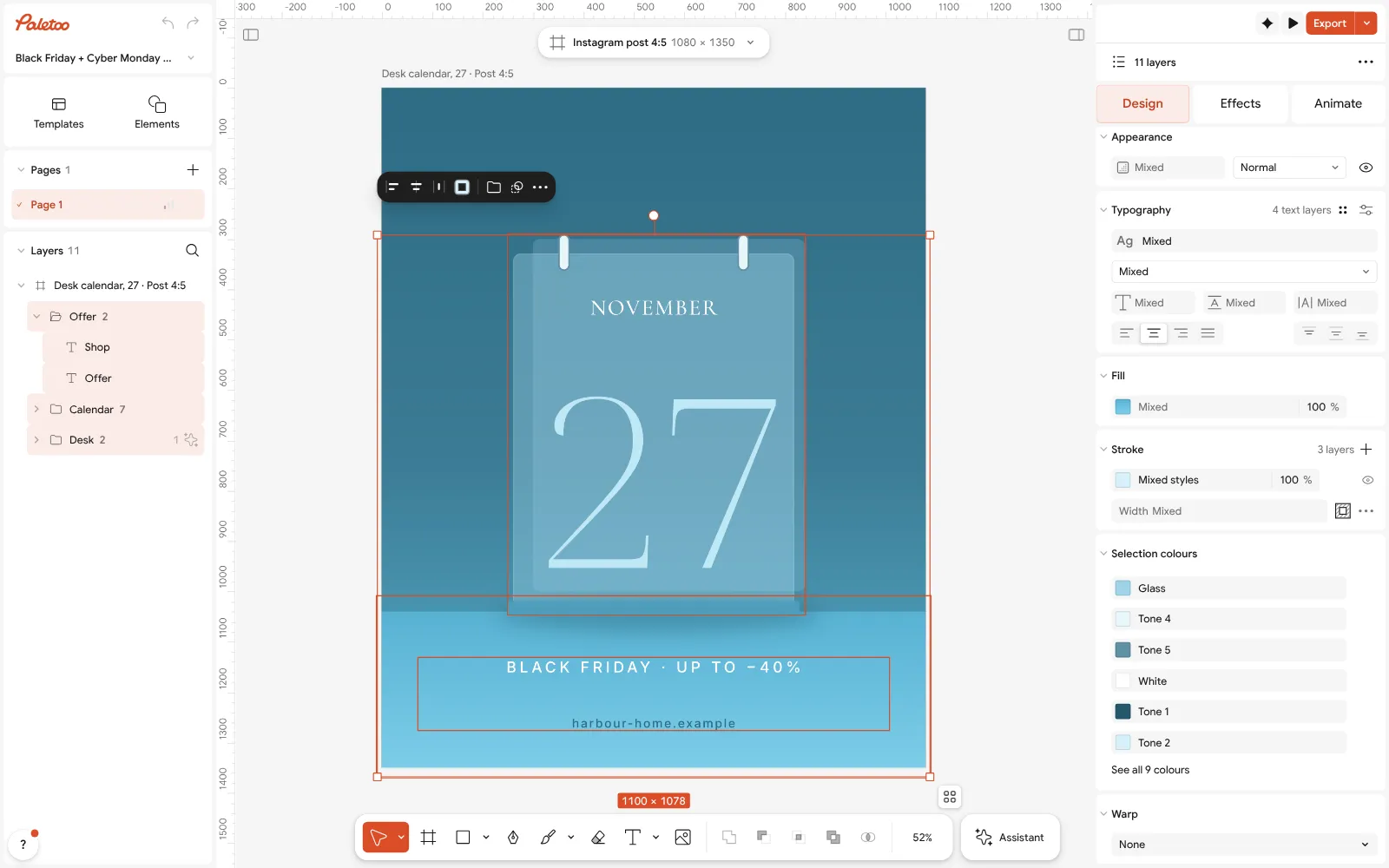
Everything selected: Glass, White and the teal tones under Selection colours Double-click the shop’s address at the bottom and type your own handle or website. If you sell in a shop, write the street instead.
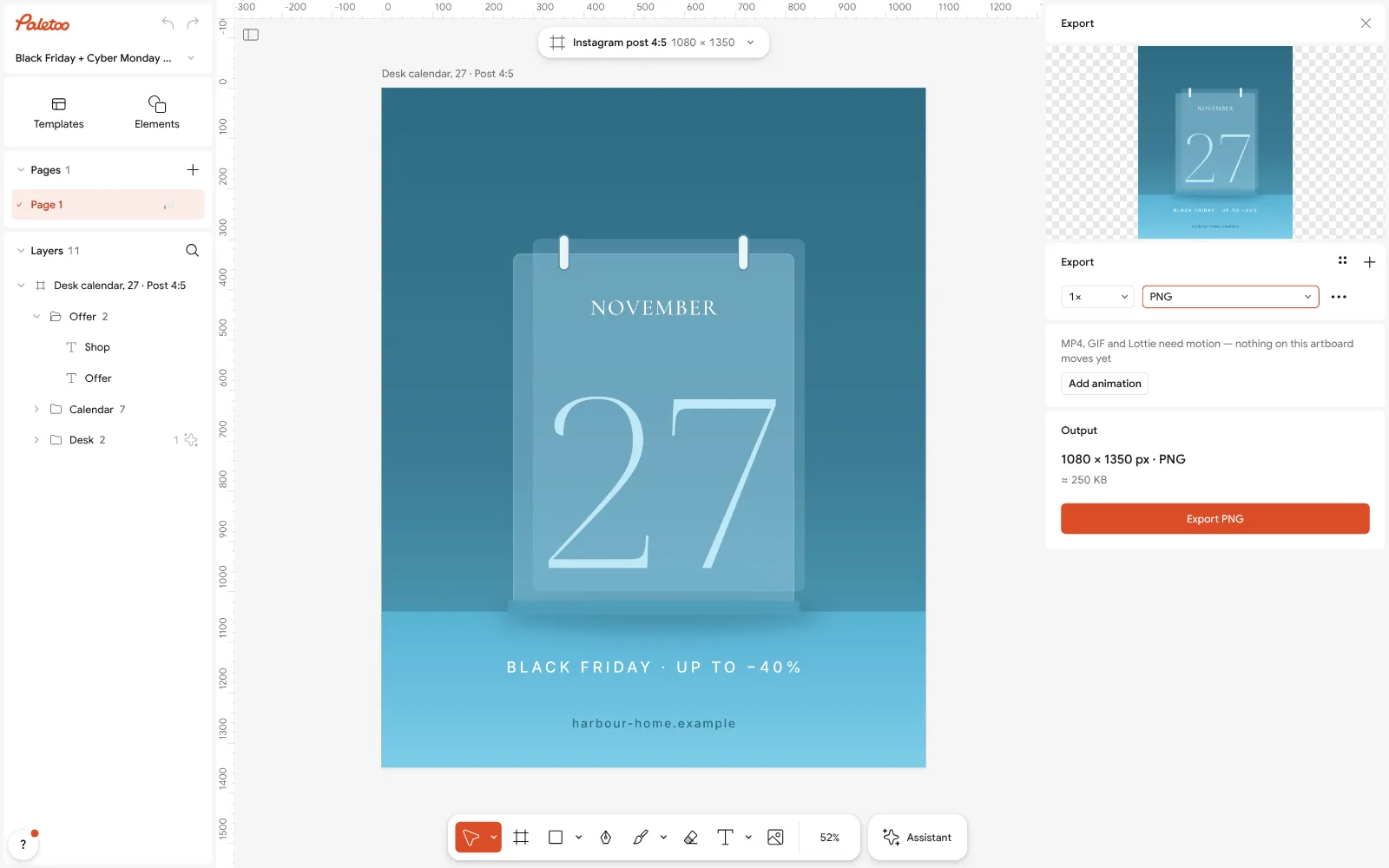
The Export window with PNG chosen for the 1080 × 1350 post Press Export (Ctrl Shift E), choose PNG and save the 1080 × 1350 post, free and with no watermark. That is your launch post for 27 November.
For the countdown, duplicate the artboard and change the big «27» to «3 days», «2 days», «Tomorrow»; for Cyber Monday change it to «30» and the offer line. Export each one the same way, and the whole week is one design.
Make it your own
If the post reads slowly, cut words until only the number, the date and one line are left; the details go in the caption.
If the colours fight your feed, keep the layout and change only the colours under Selection colours: the campaign still looks like one.
If you post stories too, make the same design 1080 × 1920 and move the price up: the bottom of a story is covered by the reply bar.
Sources
Questions
What should I post for Black Friday on Instagram?
A short run of posts rather than one: a teaser a week before, a countdown, the launch on 27 November with the discount and end date, the best sellers, a reminder, a last call, Cyber Monday on 30 November and a thank-you.
When should I start posting about Black Friday?
About a week before: a teaser on 20 November 2026, a countdown from 24 November, the launch on Friday 27 November and the last call on 29–30 November.
What size is a Black Friday Instagram post?
1080 × 1350 px (4:5) for a feed post, 1080 × 1920 px (9:16) for a story. Keep the price and the date away from the edges: the grid shows a feed post as 3:4.
Can I make Black Friday posts for free?
Yes. In Paletoo you open a ready Black Friday post, change the offer, the colours and the address, and export a PNG — free, in the browser, with no sign-up and no watermark.
How do I make Black Friday posts look like one campaign?
Make one post, then duplicate it for every step of the week and change only the words or the number. Keep two brand colours and one loud accent for the price.
Make it online
- Instagram post makerDesign a post at the right size from a real template, then export a sharp PNG or JPG — free, in your browser.
- Instagram story makerPick a 9:16 template, change the words and the photo, add motion if you like, and export an image or a video in a couple of minutes.
Free design templates for posts, stories and posters: Social media post templates · Story and Reels templates
Try it on your own design
Paletoo opens in your browser, with no sign-up. Every effect here is live: change the picture or the words and the effect follows.
Open in PaletooOpens this design as your own copy — every layer and effect editable, free.
Read next
- 01
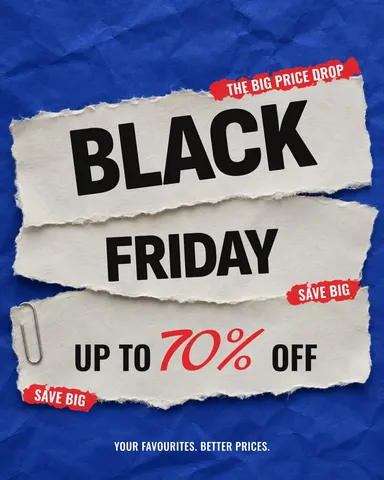 How to make a Black Friday poster for free: 8 designs that sellOne number people read from across the street, the dates and your shop’s name — as a post, a story and a print poster from one file.
- 02
 Instagram post ideas for a small business: 12 that bring customersTwelve kinds of post that a café, a studio or a shop can make every week — and one made start to finish.
- 03
 Christmas Instagram post ideas for businesses, with free templatesTwelve posts that carry a small business from St Nicholas to New Year, and a template for each.