Free tools6 min readFreeUpdated 2026-11-20
Christmas Instagram post ideas for businesses, with free templates
Twelve posts that carry a small business from St Nicholas to New Year, and a template for each.
By the Paletoo team · steps tested in Paletoo on
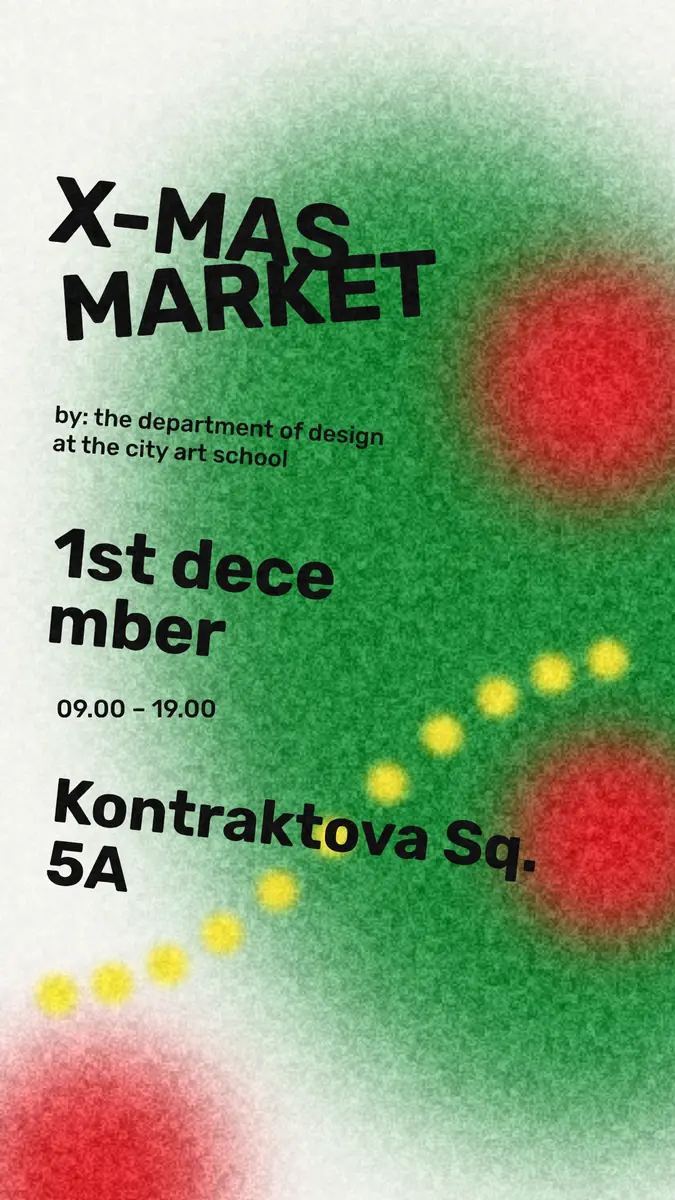
The Christmas posts that work for a business are useful first and festive second: a gift guide, the last day to order, your holiday opening hours, an event invitation, a thank-you to customers, and a New Year greeting. Plan about twelve of them from late November to 1 January, make each one a 1080 × 1350 post from a template, and you have December covered in an afternoon.
Below are the twelve ideas in the order a December actually runs, what to write on each, how often to post, and a worked example: our «Christmas market» post turned into a shop’s opening announcement in Paletoo, step by step. The holiday templates, the editing and the export are free, with no watermark. Every step was run in Paletoo on 10 November 2026.
Twelve Christmas post ideas, in the order of December
Late November. 1. The countdown: «24 days to Christmas» with the one thing you will post daily or weekly. 2. The gift guide: three to six products by budget («under 20», «under 50»), as a carousel, one product per slide. 3. Your Christmas dates: market days, extended hours, the last day you can deliver before 24 December.
Early December. 4. St Nicholas on 6 December — for Ukrainian audiences the first gift day of the season: a small promo or a children’s corner. 5. Behind the scenes: wrapping, baking, the team in festive jumpers — people follow people. 6. An event: a workshop, a tasting, a market stall, with the date and time in big type.
Mid December. 7. The last order date, posted twice: a week before and the day before. 8. A customer’s photo or review, with permission. 9. A giveaway, if you run one by Instagram’s own promotion rules: publish the rules, say who can enter, and state that Instagram does not sponsor it.
Christmas week to New Year. 10. Holiday opening hours: the most saved and shared post a local business makes. 11. Merry Christmas — 25 December, the date Ukraine celebrates since 2023, like most of the world — with a thank-you, not a sale. 12. A year in review and a Happy New Year: three numbers or three photos from your 2026, and one promise for 2027.
One idea that is everywhere this December: whimsical Christmas cards — a soft ground, one red bauble, a wobbly line — works as a post too.
How many posts, and when
Two or three feed posts a week from late November is enough for most small businesses; stories carry the daily updates. Instagram has allowed up to 20 photos in one carousel since August 2024, so a gift guide can be a single post. Post the practical ones — dates, hours, last orders — early in the day and pin the most important to the top of your profile until it expires.
Keep one look for the whole month: the same two colours, one festive font and one plain one. People should recognise your post in the feed before they read it. In Paletoo that is one set of colour styles, so every template you open can be switched to your colours in one change.
| When | Post | Format |
|---|---|---|
| From 25 November | Countdown, gift guide | Post 4:5, carousel |
| 1–6 December | Christmas dates, St Nicholas | Post 4:5, story |
| 7–15 December | Behind the scenes, event, review | Post 4:5 or square |
| A week before and the day before | Last order date | Post and story |
| 20–24 December | Holiday opening hours | Post, pinned |
| 25 December – 1 January | Merry Christmas, year in review, Happy New Year | Post 4:5, carousel |
What to write on a Christmas post
Put the one fact on the picture and the rest in the caption. A post that says «Last orders: 18 December» in big type does its job even when nobody opens the caption; the caption can then say how delivery works and where to order. For the greeting posts, write as a person, not a brand: «Thank you for choosing a small shop this year. We are closed 25–26 December and back on the 27th.»
Write the date the way your audience reads it — «18 December» or «18.12» — and always add the time for events. If you post in two languages, make two versions of the post rather than mixing both on one picture: every holiday template in Paletoo comes in English and Ukrainian.
Made in Paletoo
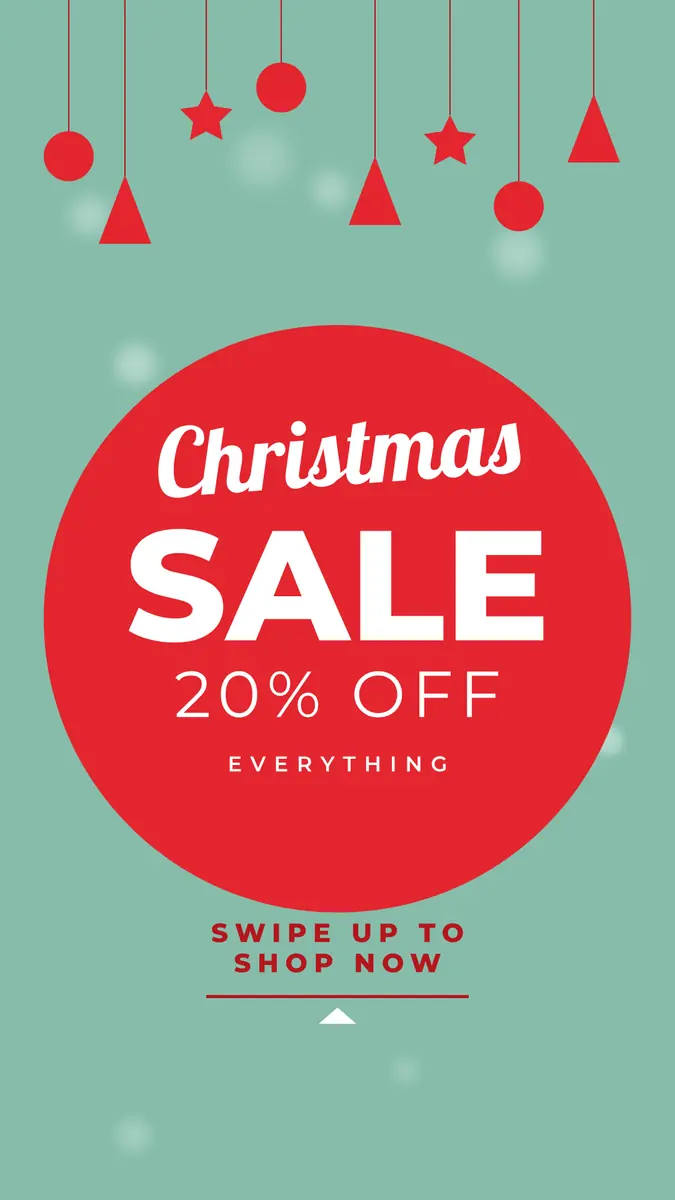
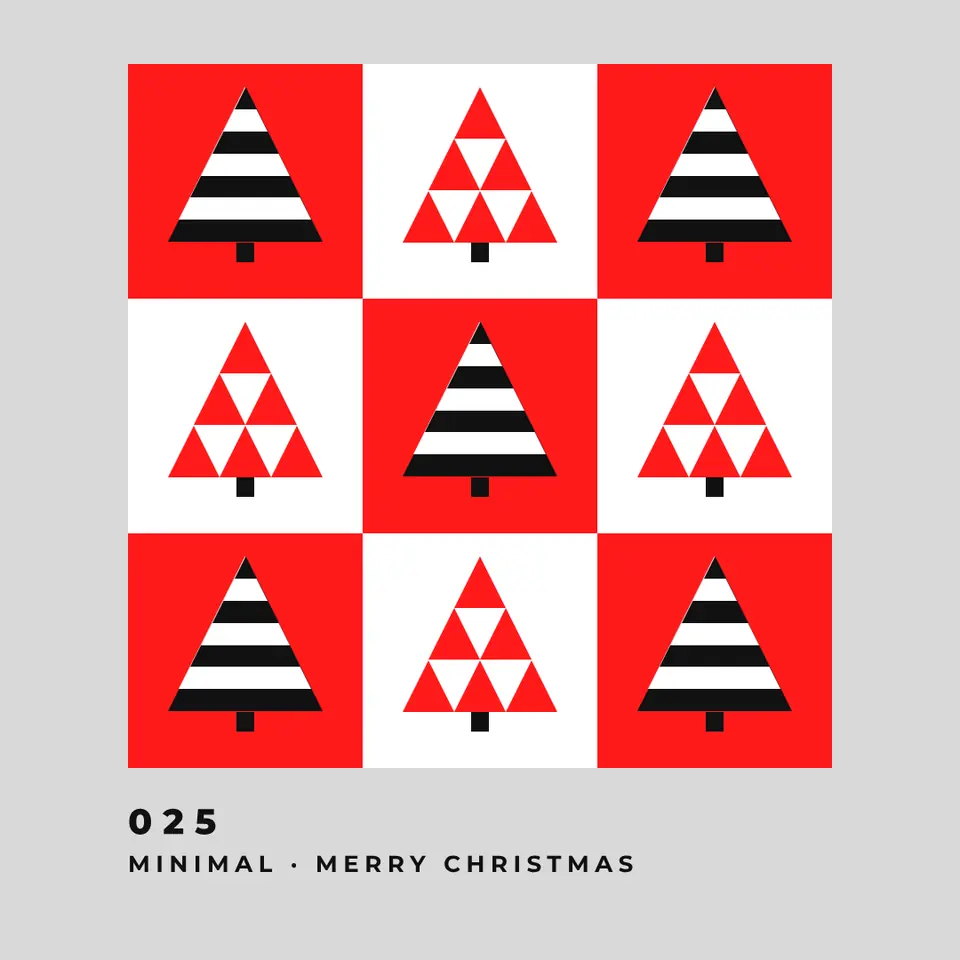
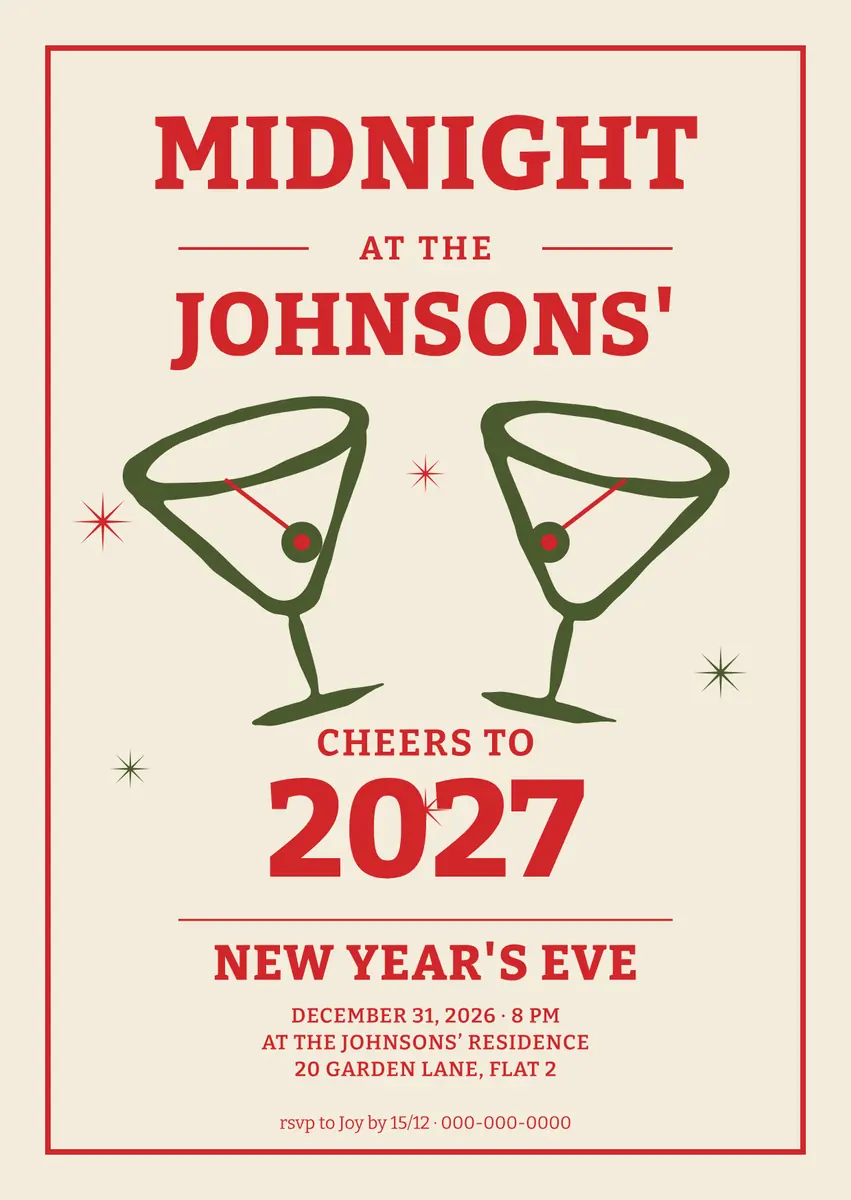
Every picture on this page was made in Paletoo — these three with the same steps on other templates:
Make it free in Paletoo
Open the post: press “Open in Paletoo” on this page, or go to the Instagram post maker and press Templates to pick another holiday post. It opens as your own 1080 × 1350 document; the Layers panel lists the garland, the decorations and every line of text.
Click the headline, then the lines under it: the Design tab shows each one’s font, size and colour. Double-click the dates, the hours and the place and type your own — a shop opening, a workshop or a market stall.
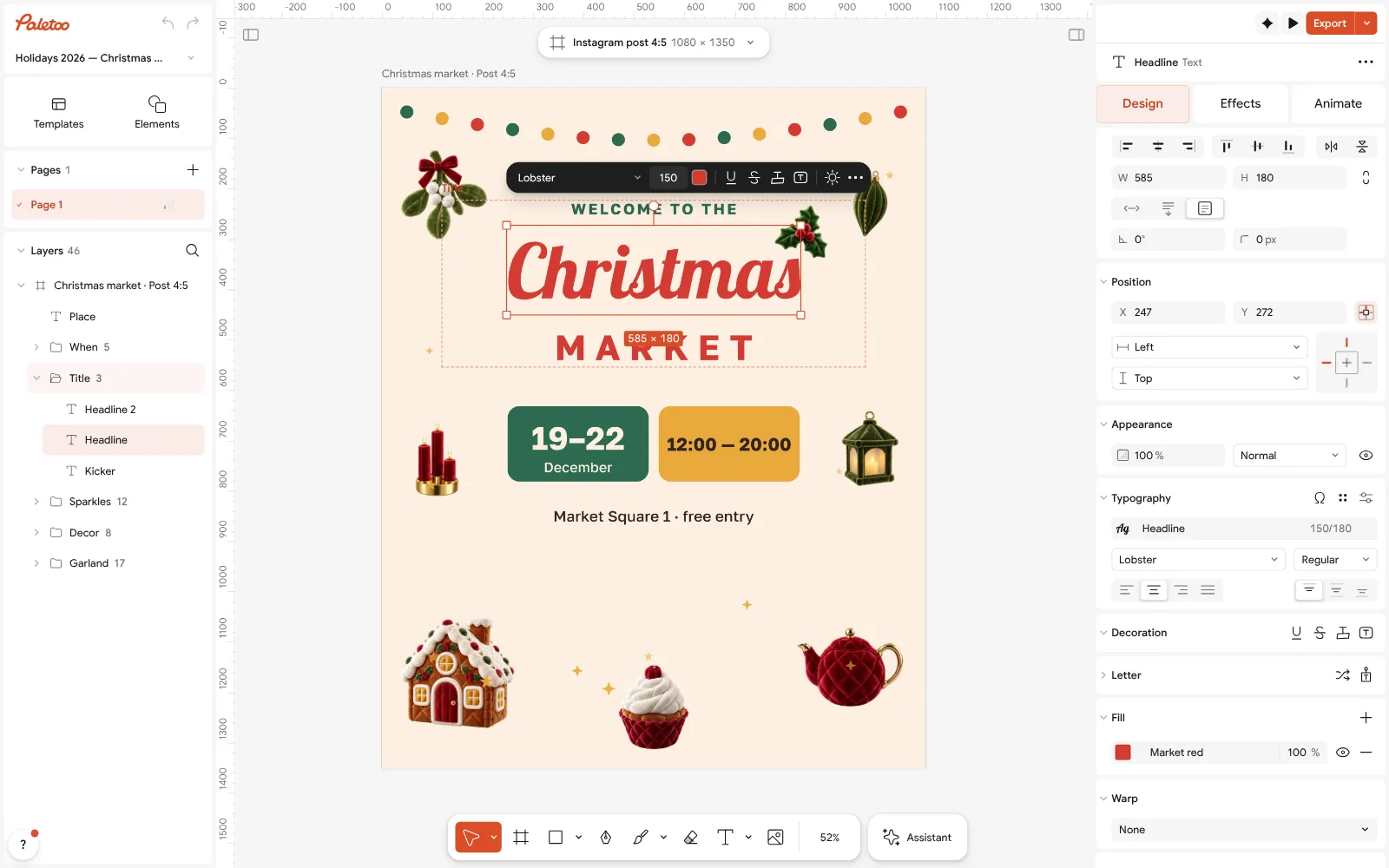
The Christmas market post open in Paletoo: the headline selected in the Design tab Keep the most important fact the biggest. Change sizes under Typography; the chips behind the dates are shapes, so they grow with a drag and keep their round corners.
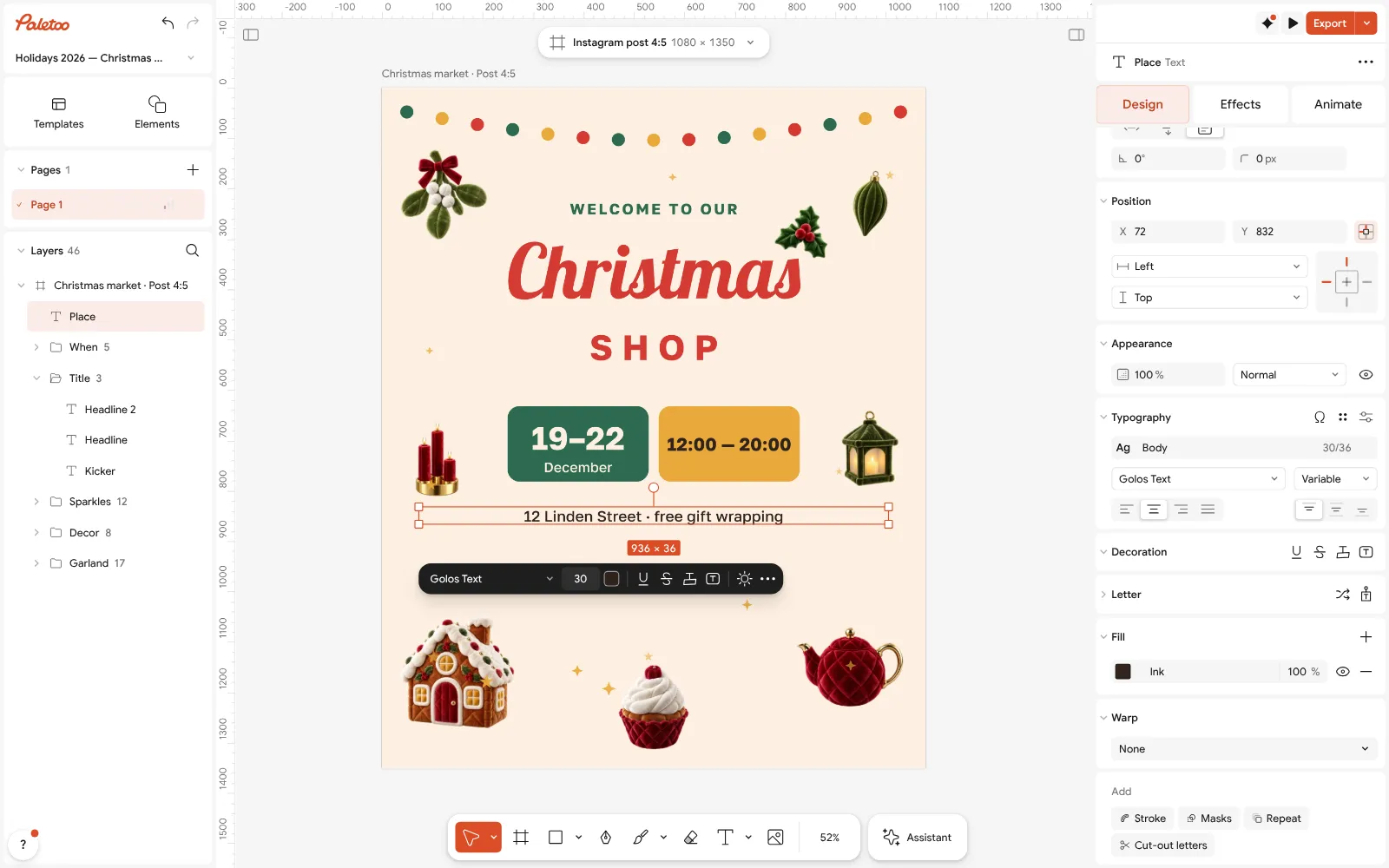
The place line rewritten for a shop and selected: its font, size and spacing under Typography To put the post in your brand colours, change the red and the green in Colour styles: the background, the chips and the headline that use them follow.
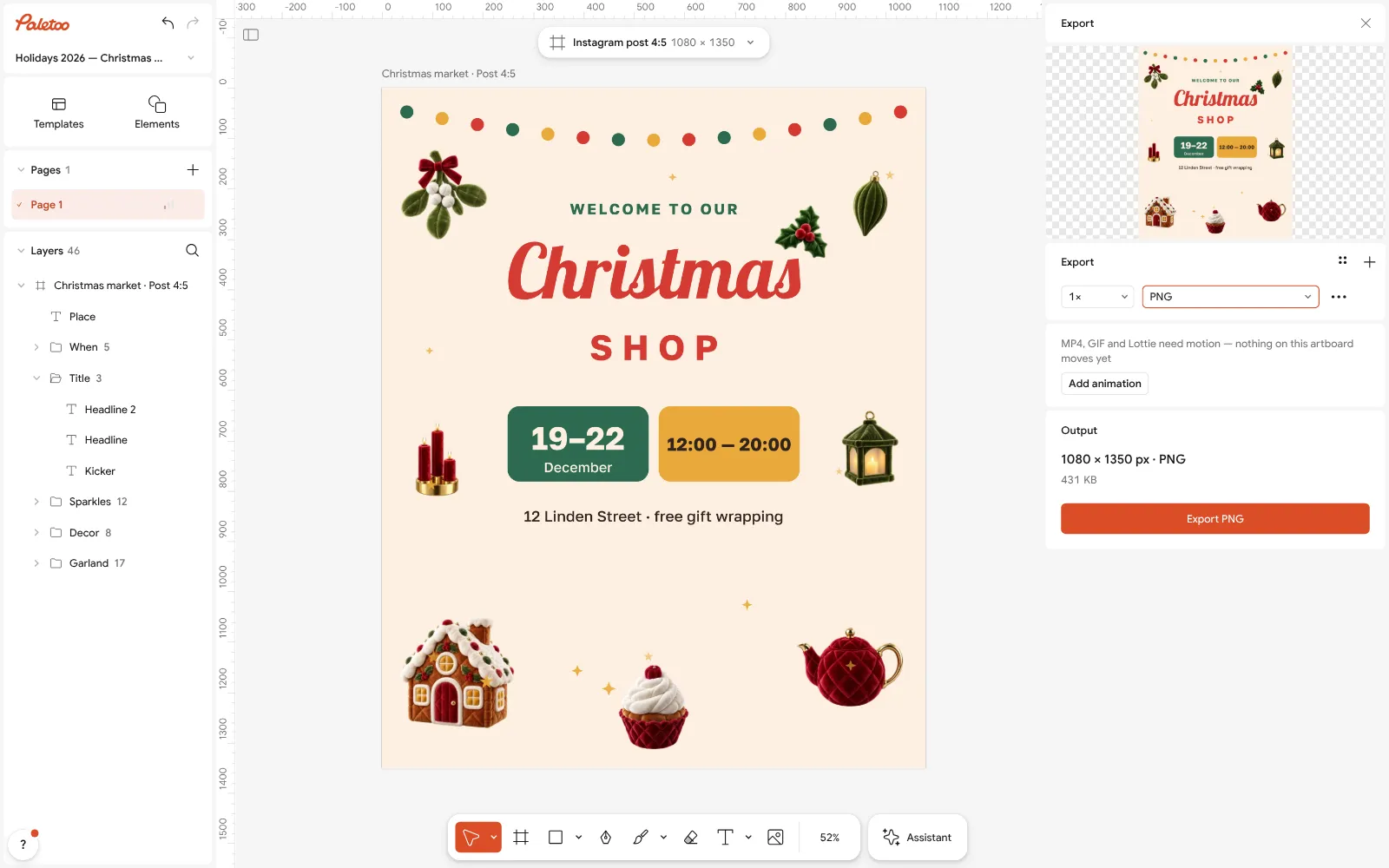
The Export window with PNG chosen for the Instagram feed Press Export (Ctrl Shift E) and keep PNG: flat colour and type stay crisp, and at 1× the file is exactly 1080 px wide, the width Instagram shows.
For the story version of the same post, use Duplicate artboard and change its Format to a story; move the text into the safe middle of the screen and export again.
Make it your own
Making a gift guide? Duplicate the post once per product with Duplicate, swap the picture with Replace picture and keep the same headline position on every slide.
Your product on a busy table? Select the photo and run Remove background: it works on your device and the product lands on the post’s colour.
A post that moves gets watched longer: press Add animation in the export window to bring the headline in, and export MP4 for a reel.
Sources
Questions
What should a business post on Instagram for Christmas?
Useful posts first: a gift guide, your Christmas dates, the last order date, holiday opening hours and events. Then the human ones: behind the scenes, a thank-you to customers, Merry Christmas and a year in review.
How many Christmas posts should I make?
About twelve feed posts from late November to 1 January — two or three a week — with stories for daily updates. Pin the most important (holiday hours, last orders) to your profile.
What size is a Christmas Instagram post?
1080 × 1350 px (4:5) for the feed, 1080 × 1080 for a square, 1080 × 1920 for stories. Every holiday template in Paletoo comes in these sizes.
Are the Christmas templates free?
Yes. The holiday templates, editing and export to PNG, JPG, PDF and MP4 are free in Paletoo, with no watermark and no sign-up.
Can I run a Christmas giveaway on Instagram?
Yes, within Instagram’s promotion rules: publish official rules and who can enter, follow your local law, and state that Instagram does not sponsor or run the giveaway.
When is Christmas in Ukraine?
On 25 December. Ukraine moved Christmas from 7 January to 25 December in 2023; St Nicholas Day is on 6 December.
Make it online
- Instagram post makerDesign a post at the right size from a real template, then export a sharp PNG or JPG — free, in your browser.
- Christmas and New Year cardsPick a card, write your own wish, add a family photo and send it as a picture, a story or a short animation — free.
- Instagram story makerPick a 9:16 template, change the words and the photo, add motion if you like, and export an image or a video in a couple of minutes.
Free design templates for posts, stories and posters: Social media post templates · Holiday card templates · Story and Reels templates
Try it on your own design
Paletoo opens in your browser, with no sign-up. Every effect here is live: change the picture or the words and the effect follows.
Open in PaletooOpens this design as your own copy — every layer and effect editable, free.
Read next
- 01
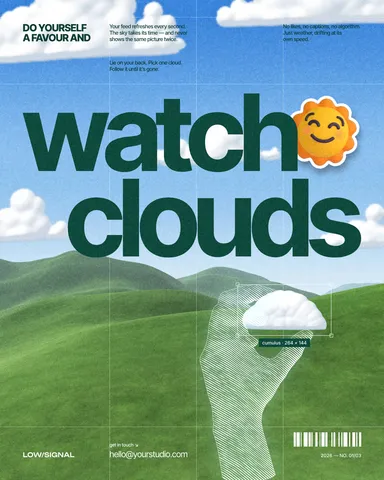 How to make an Instagram post for free: size, layout, exportThe size, the margins and the three type sizes that make a post read in one second.
- 02
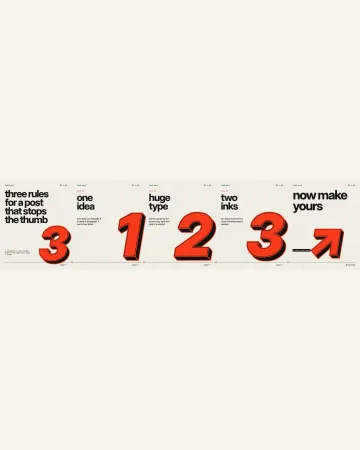 How to make an Instagram carousel from a templateOne wide artboard, a design that runs across the cuts, a file for every slide.
- 03
 How to make a Christmas card online for free, with your photoFrom a ready card to one with your family on it in about ten minutes, with nothing to pay and no account.