Techniques6 min readFreeUpdated 2026-11-20
Instagram post ideas for a small business: 12 that bring customers
Twelve kinds of post that a café, a studio or a shop can make every week — and one made start to finish.
By the Paletoo team · steps tested in Paletoo on
The Instagram posts that work for a small business do one of three jobs: help people find you (what you do, where, for whom), help them trust you (your work, your people, your customers’ words) and help them book or buy (prices, offers, how to reach you). Post two or three a week across all three — a services and prices post, a before and after, a review, a behind-the-scenes photo, an offer with a date — and make them look like one brand with your own colours. In Paletoo each starts from a ready 1080 × 1350 post you change in the browser, free, with no sign-up and no watermark.
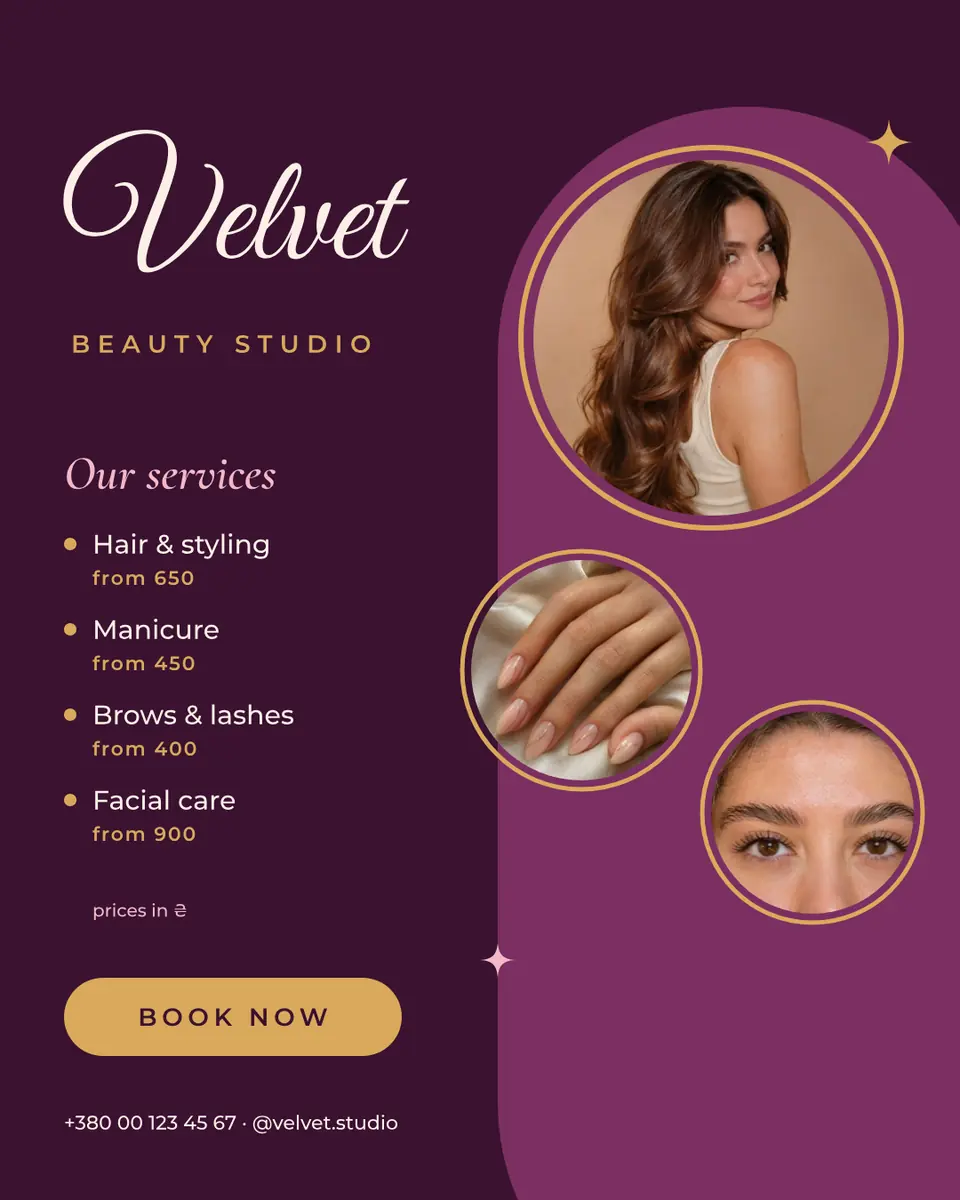
Below: twelve post ideas sorted by those three jobs, a simple weekly plan, how to make the posts look like yours and not like a template, and one done start to finish — «Velvet», a beauty studio’s services post with three round photos, four services and their prices and a «Book now» on deep plum.
Twelve post ideas, sorted by the job they do
Be found — posts that say what you are. 1) Services and prices: the four things people ask about most, with «from» prices; it is the post new followers screenshot. 2) Who we are: one photo of the owner or the team with a sentence on why the business exists. 3) Where and when: the address, the hours and a photo of the door, so people recognise it. 4) A frequently asked question, answered in one slide.
Be trusted — posts that show the work. 5) Before and after: a haircut, a renovated chair, a cleaned window, side by side. 6) Behind the scenes: the oven at six in the morning, the fitting, the packing table. 7) A customer’s words: a short review in big type with their first name, posted with permission. 8) A how-to tip from your trade: how to keep the bouquet fresh, how to choose a size.
Be booked — posts that ask. 9) An offer with a deadline: what, how much off, until when. 10) Something new: a product, a menu item, a free slot, shown big. 11) An event: a tasting, a workshop, an open day, with date and place. 12) The «we have time this week» post: three free slots, a link in the bio, nothing else.
Three quick jobs that come up every week: a product photo on white, a before and after photo for a result, and your watermark on your own pictures — then resize the image for Instagram so nothing is cropped.
A week’s plan you can keep
Most small businesses stop posting because they plan too much. Three posts a week is enough to stay in the feed, and a fixed rhythm removes the daily «what do I post?».
| Day | Job | Post | Takes |
|---|---|---|---|
| Monday | Be booked | Free slots or this week’s offer | 10 minutes |
| Wednesday | Be trusted | Before and after, or behind the scenes | 15 minutes |
| Friday | Be found or trusted | A review, a tip, or services and prices | 10 minutes |
Make the posts look like yours, not like a template
A feed looks like a brand when the same three things repeat: colours, fonts and the way photos sit. Pick two or three colours from your sign, packaging or logo and use them in every post; keep one heading font and one text font. Put photos in the same shape every time — round, arched, full-bleed — and shoot them in the same light.
Then make the words yours. Prices in your currency, your street, your opening hours, your customers’ names. A template is a layout; it becomes your post the moment the words and photos are your own. Keep one post as your «master» and duplicate it for the next one, so the brand holds without thinking about it.
Size: 1080 × 1350 (4:5) is the post that takes the most room in the feed; Instagram’s profile grid shows it in a slightly narrower 3:4 window, so keep the name and the key words away from the left and right edges.
Made in Paletoo
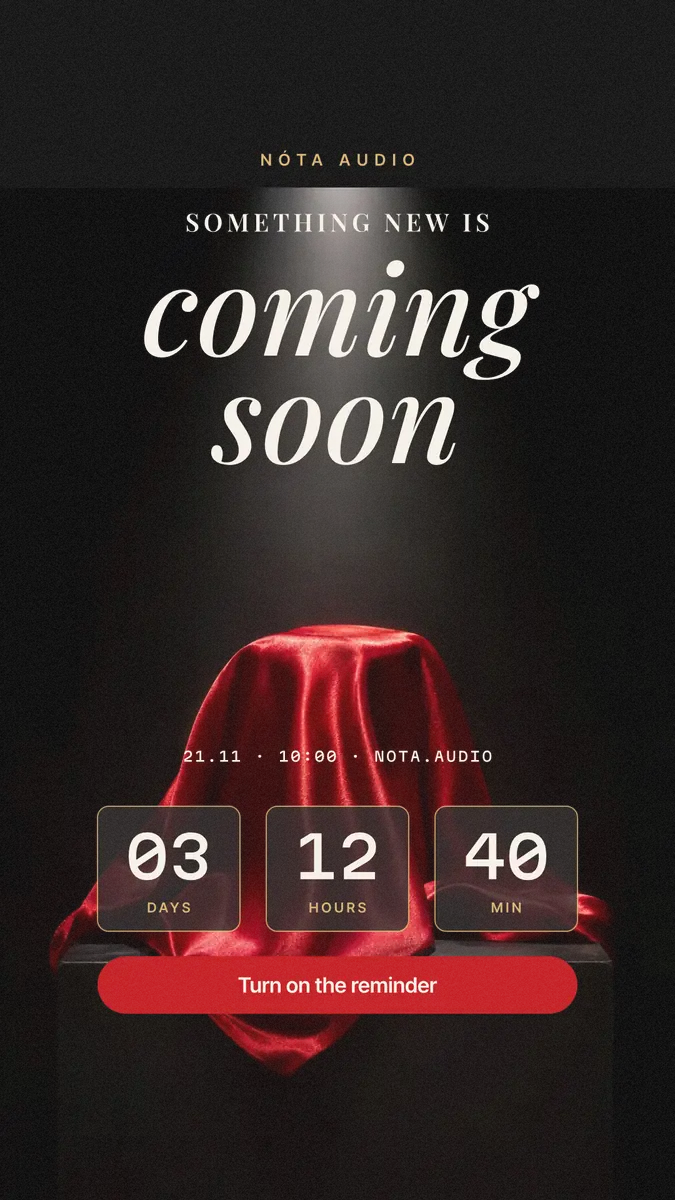
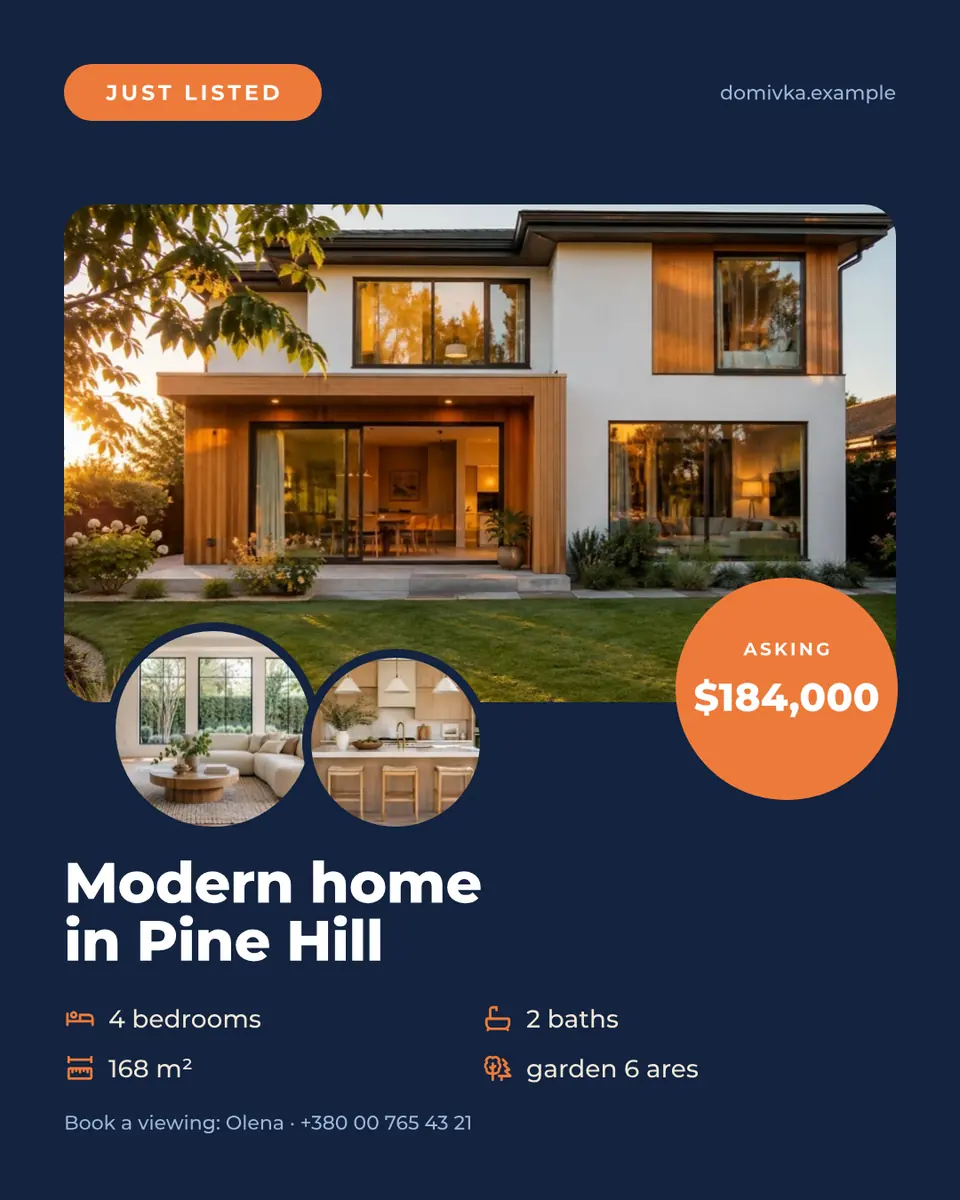
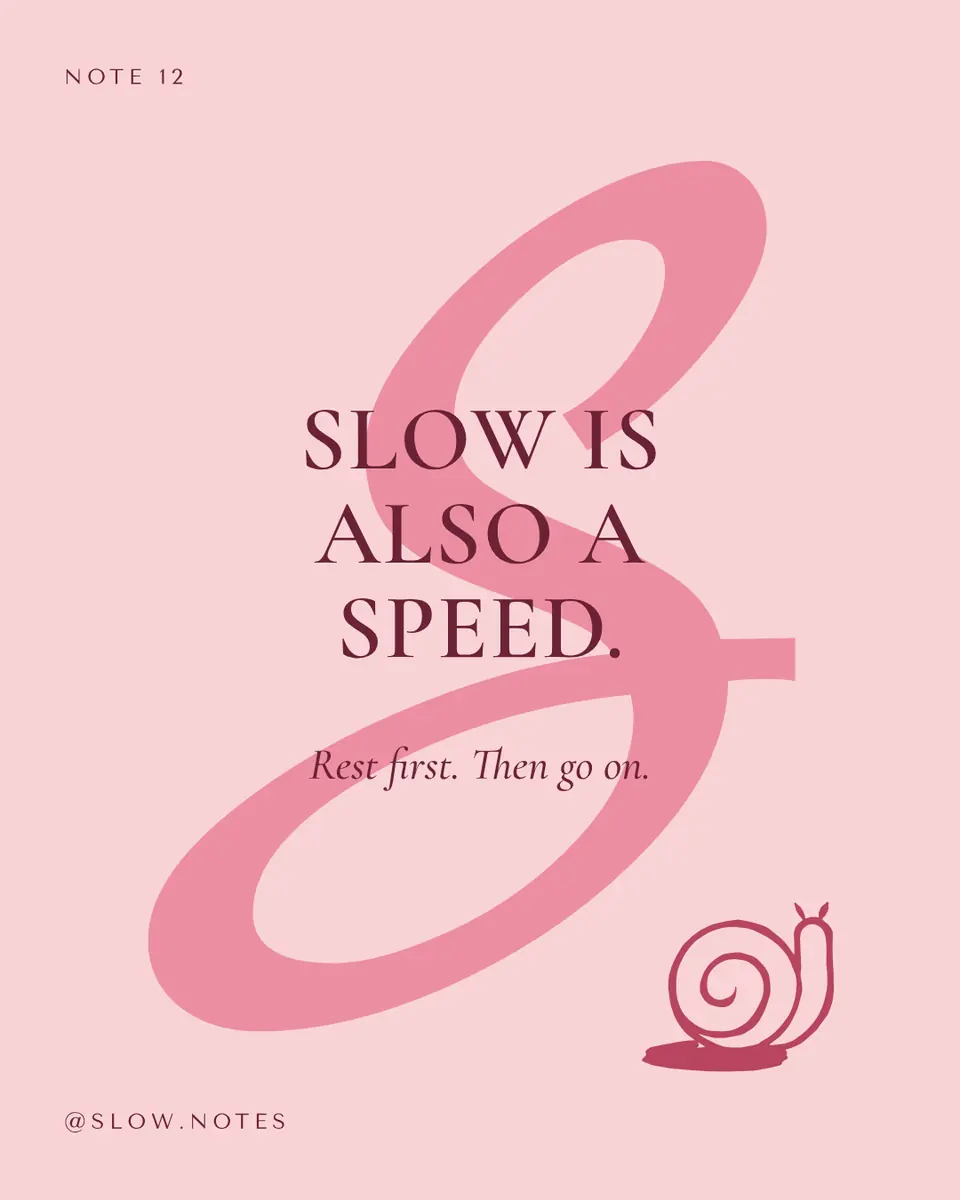
Every picture on this page was made in Paletoo — these three with the same steps on other templates:
Step by step in Paletoo
Press “Open in Paletoo” on this page. «Velvet» opens as your own 1080 × 1350 post, with no account and nothing to install: the studio’s name, three round photos, «Our services» with four services and «from» prices, and «Book now».
Click «Our services», the layer «Head». Under Typography on the Design tab you see its font and size. Double-click the name and the services and type your own business — four lines read best.
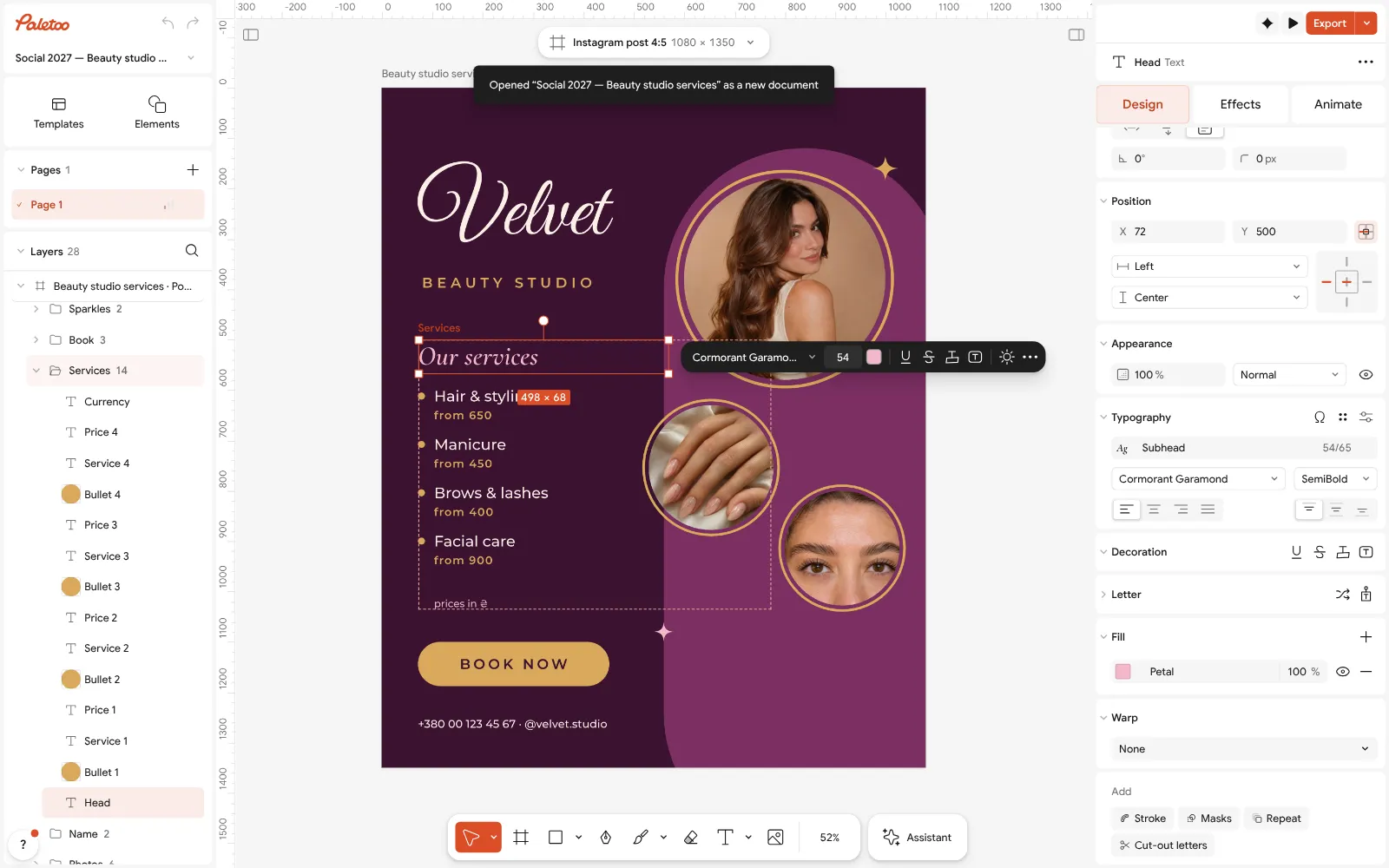
The Velvet post open in Paletoo: «Our services» selected, its type under Typography in the Design tab Press Select all (Ctrl A). Selection colours lists Gold, Cream, Petal, Mauve and Plum. Click each and choose your brand’s colours: the whole post changes at once.
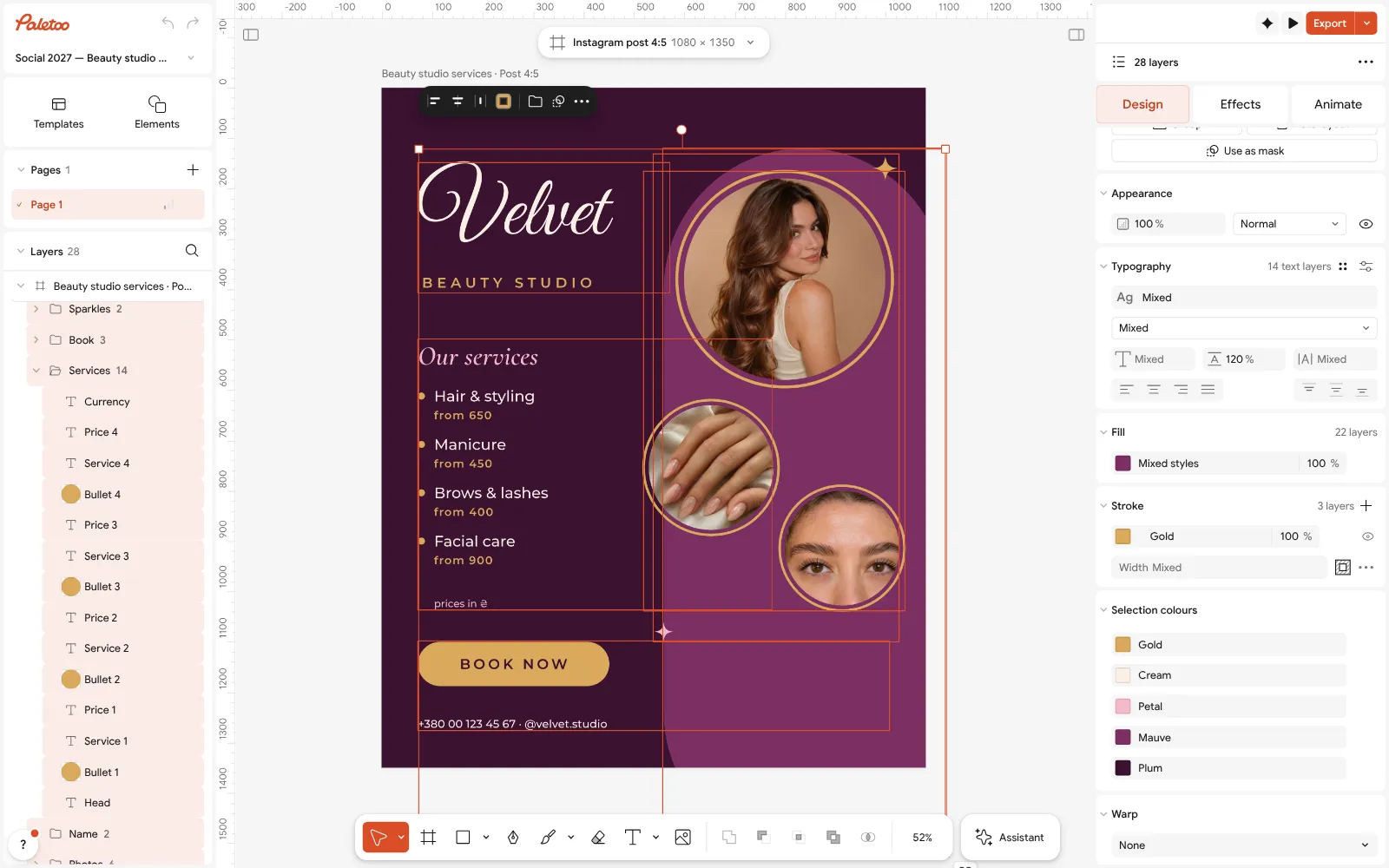
Everything selected: Gold, Cream, Petal, Mauve and Plum under Selection colours Select one of the three round photos and press Replace picture to put your own in its place, inside the same circle; do the same with the other two. Use photos of your own work, in the same light.
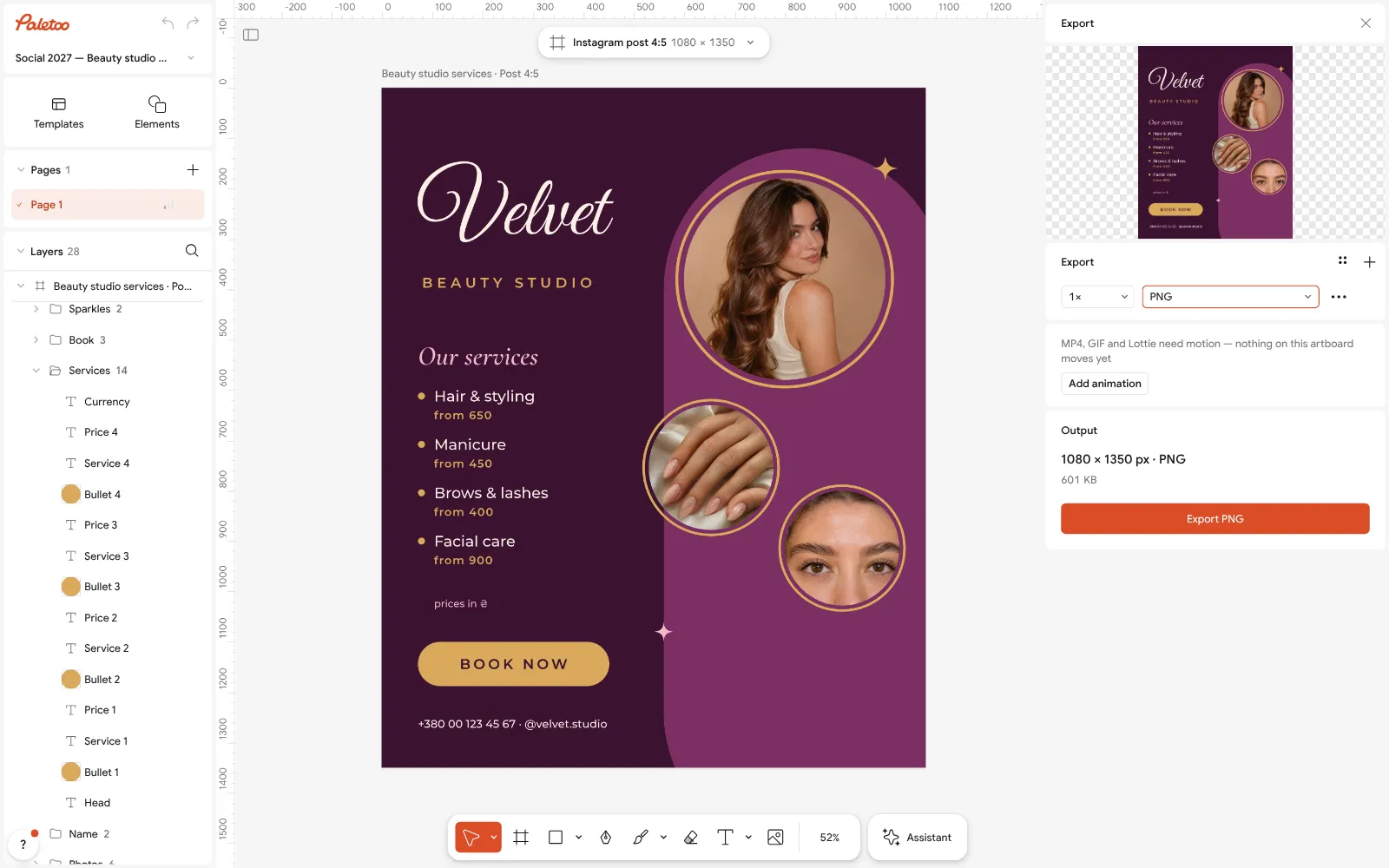
The Export window with PNG chosen for the 1080 × 1350 post Change the prices and the phone or handle at the bottom. Keep «from» if your prices vary; it answers the first question without a long list.
Press Export (Ctrl Shift E), choose PNG and save the 1080 × 1350 post, free and with no watermark. Duplicate the artboard before the next post, so every week starts from your own design.
Make it your own
If the post looks busy, cut a service: three services with prices read faster than six. Put the full price list in a carousel or the highlights.
If your photos do not match, give them the same treatment: one filter, or the same crop and light, so the three circles look like one shoot.
If you post every week, keep this design and duplicate it: change the words and photos only, and the feed starts to look like one brand by itself.
Sources
Questions
What should a small business post on Instagram?
Posts that do three jobs: help people find you (services, prices, where you are), trust you (before and after, behind the scenes, reviews) and book or buy (offers with a date, new things, free slots). Two or three a week across all three is enough.
How often should a small business post on Instagram?
Two or three posts a week that you can keep up beat a burst of daily posts that stops. A fixed rhythm — an offer on Monday, your work on Wednesday, a review on Friday — makes it easy.
What size is an Instagram post for business?
1080 × 1350 px (4:5) takes the most room in the feed. Square 1080 × 1080 works too. Keep the key words away from the left and right edges, which the 3:4 profile grid trims.
Can I make Instagram posts for my business for free?
Yes. In Paletoo you open a ready post, change the words, photos and colours in the browser and export a PNG or JPG — free, with no sign-up and no watermark, for commercial use.
How do I make my posts look professional?
Repeat the same two or three colours and two fonts on every post, put photos in the same shape and light, and keep the words short and big. Duplicate your best post as the start of the next one.
Make it online
- Instagram post makerDesign a post at the right size from a real template, then export a sharp PNG or JPG — free, in your browser.
- Carousel makerDesign all the slides of an Instagram carousel on one wide artboard, let a photo run across the cuts, and export one file per slide.
Free design templates for posts, stories and posters: Social media post templates · Instagram carousel templates
Try it on your own design
Paletoo opens in your browser, with no sign-up. Every effect here is live: change the picture or the words and the effect follows.
Open in PaletooOpens this design as your own copy — every layer and effect editable, free.
Read next
- 01
 How to make an Instagram post for free: size, layout, exportThe size, the margins and the three type sizes that make a post read in one second.
- 02
 Christmas Instagram post ideas for businesses, with free templatesTwelve posts that carry a small business from St Nicholas to New Year, and a template for each.
- 03
 Instagram story ideas: 28 ideas for business, photos and funWhat to post in stories when you have nothing new to say — grouped by what they do, with the sticker to add and a template that opens in one tap.