Free tools5 min readFreeUpdated 2026-11-06
How to make an Instagram post for free: size, layout, export
The size, the margins and the three type sizes that make a post read in one second.
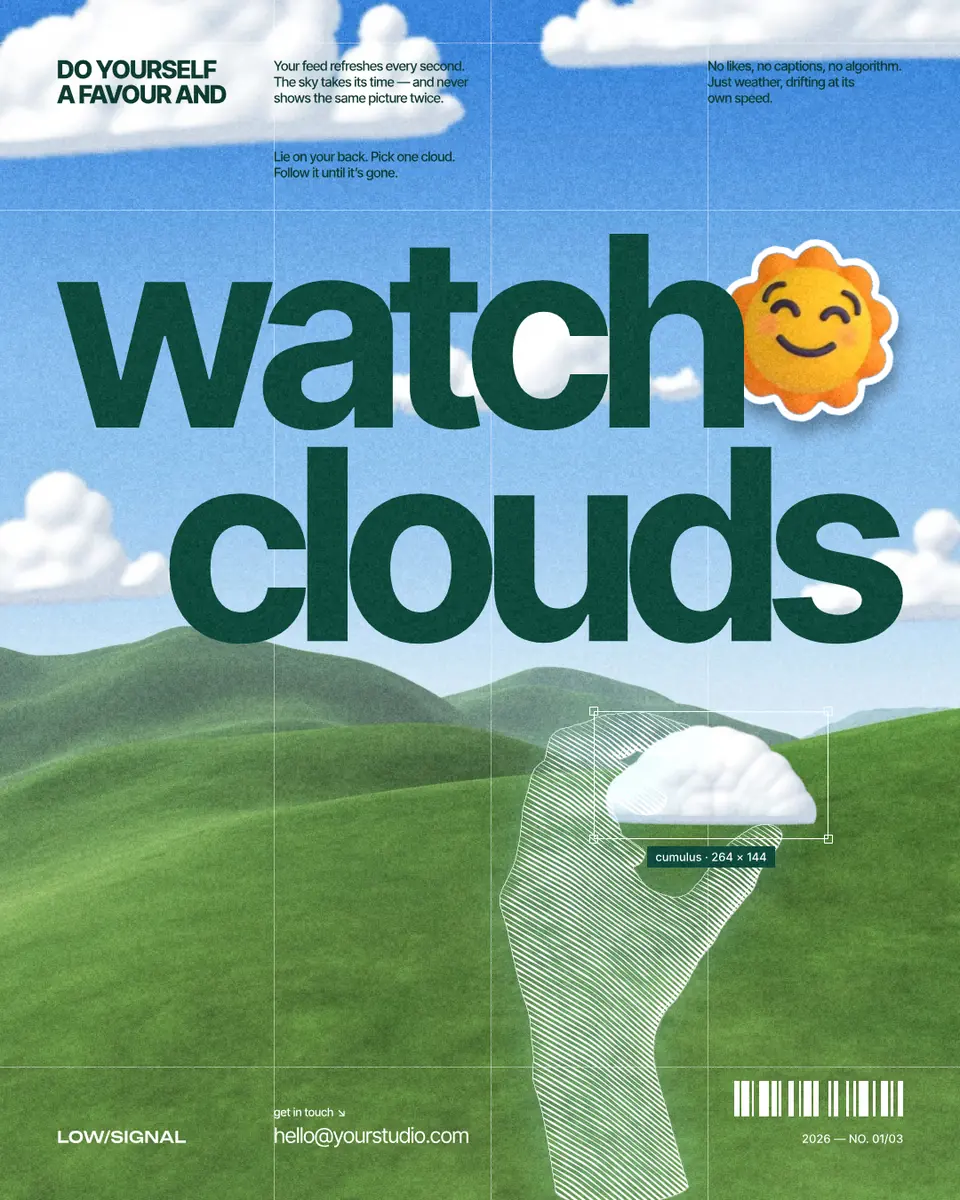
To make an Instagram post for free, start from a 1080 × 1350 px (4:5) template, put one short message in big type, add one picture, keep everything important away from the edges, and export a PNG. In Paletoo all of that runs in the browser, with no watermark and no account.
This guide builds it on a real post, “watch clouds”: two huge dark-green words over a blue sky, a sun sticker, a hand drawn in white engraved lines holding a cloud, and a few lines of small print on a thin grid. Every part of it is a setting you can open, from the headline’s font to the engraving’s line spacing.
Which size in 2026: 4:5, 3:4 or square
1080 × 1350 px (4:5) is the safe default: it takes more of the feed than a square and has worked everywhere for years. Since early 2025 the profile grid shows posts as 3:4 tiles, so a 4:5 post loses a thin strip, about 34 px, at each side there, and a square loses much more. Instagram has accepted 3:4 uploads, 1080 × 1440 px, since 2025; pick it if your grid matters most.
Whatever you pick, keep the headline and faces at least 60 px from the left and right edges and 80 px from the top and bottom. The editor’s format menu has Instagram post 4:5, 3:4 and 1:1; a story is a separate 1080 × 1920 artboard.
One message, three sizes
A post is judged in about a second of scrolling, so it should say one thing in one to three words. “Watch clouds” is the whole message; everything else is texture that rewards a second look.
Use three type sizes, not seven. Here the headline is 300 px, the kicker above it 28 px, and the notes 15 px: each level is roughly ten times or half the next. On a phone a 1080 px post shows at about a third of its size, so anything under 28 px is texture, not reading. Put what must be read in the headline and in the caption under the post, not in the 15 px notes.
A photo and a sticker
A sky photo fills the background and carries the colour; one object cut out of a photo and treated, here a hand redrawn as an engraving, gives the eye something to land on. A sticker that overlaps the headline, the sun at the end of “watch”, ties the layers together and makes the post feel made by hand rather than assembled.
Keep it to one treated object and one sticker. Three stickers turn a designed post into a scrapbook page.
PNG or JPG, and when to make a carousel
PNG keeps flat colour and type crisp; JPG is smaller for photo-heavy posts. Instagram compresses both again, so export at exactly 1080 px wide rather than larger. If you have more than one message, make a carousel instead of a crowded post: up to 20 slides of the same size. How to make a seamless carousel shows the panorama trick.
Made in Paletoo
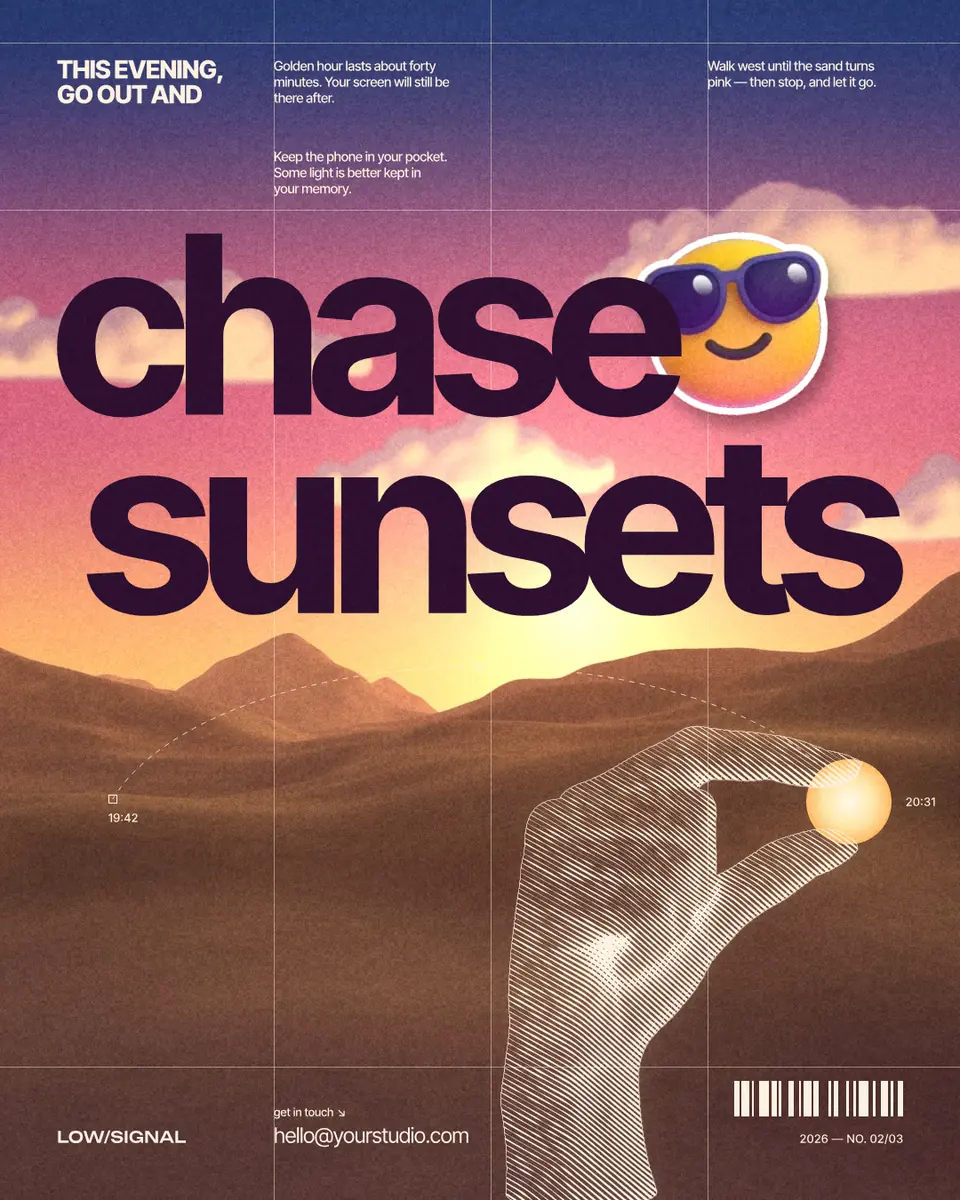
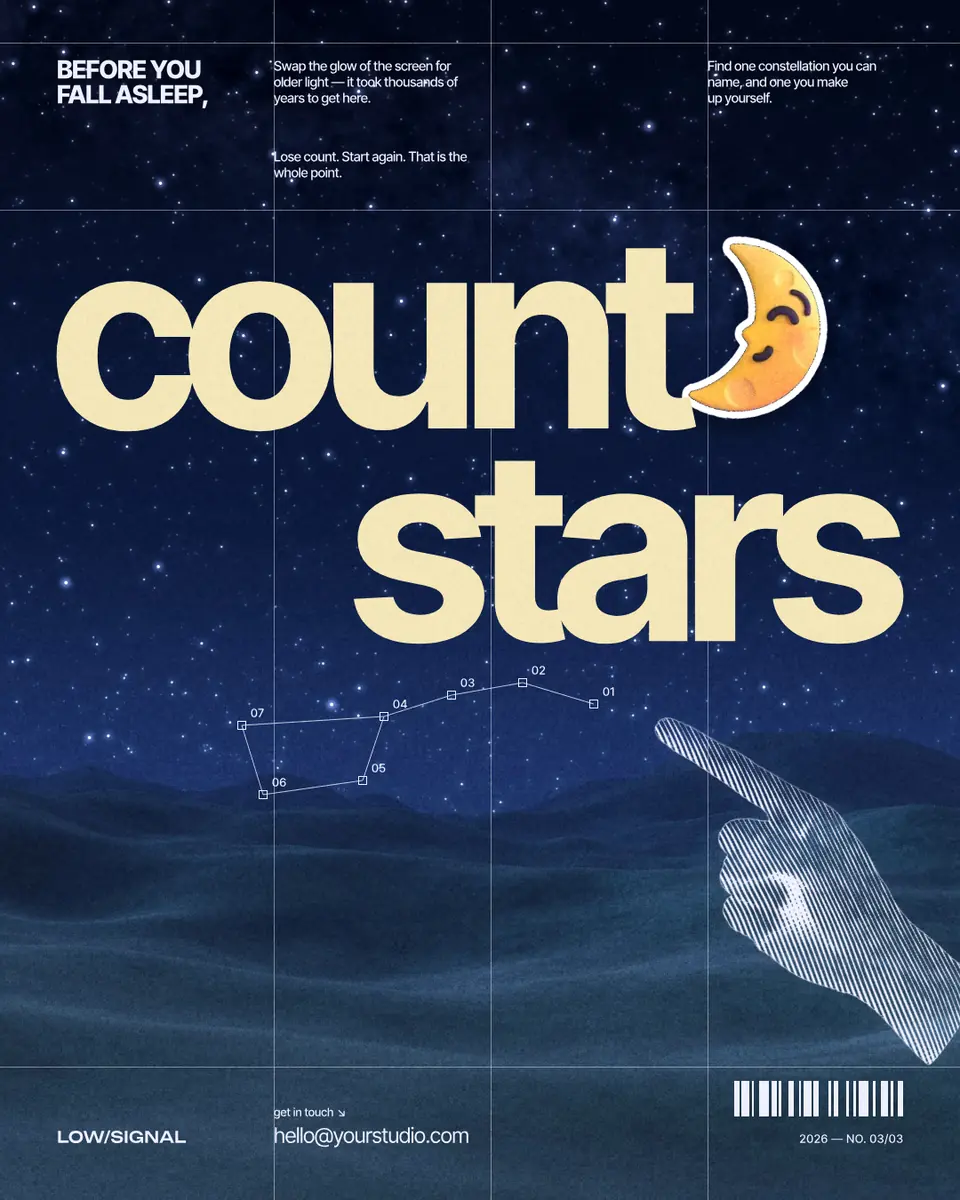
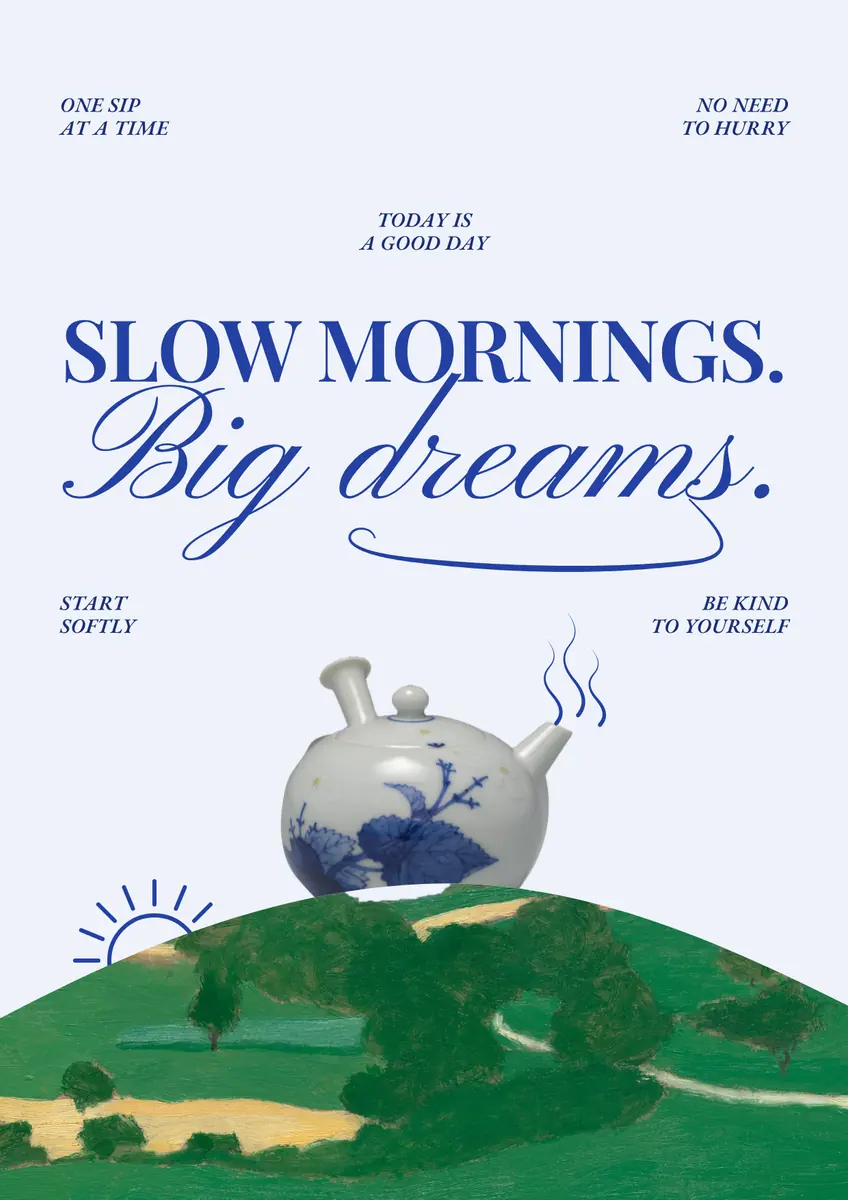
Every picture on this page was made in Paletoo — these three with the same steps on other templates:
Make it free in Paletoo
Press “Open in Paletoo” to open watch clouds as your own document. Layers lists the sky photo, the grid lines, the two headline words, the notes, the hand, the sticker and the footer.
Click “clouds” to select it. The Design tab shows its place, and Typography its font: Inter Tight, bold, 300 px, with tight letter spacing, aligned to the right margin. Double-click it to write your own word.
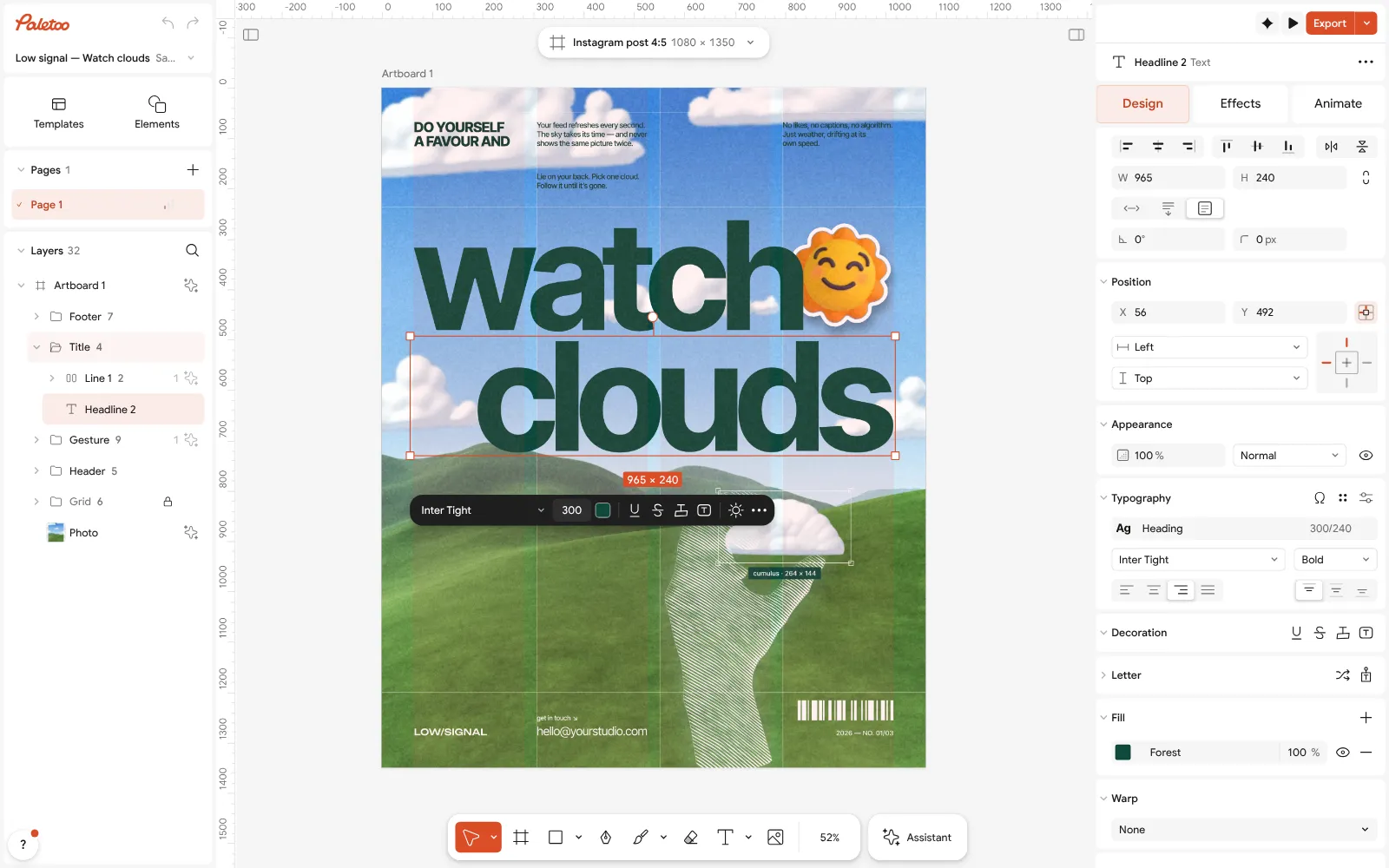
The watch clouds post open in Paletoo: “clouds” selected, Inter Tight at 300 px under Typography in the Design tab Click the hand and open the Effects tab. Under Applied are two steps: Engrave, which redraws the photo of a hand in white lines, and Glow, a soft pale-blue bloom around them.
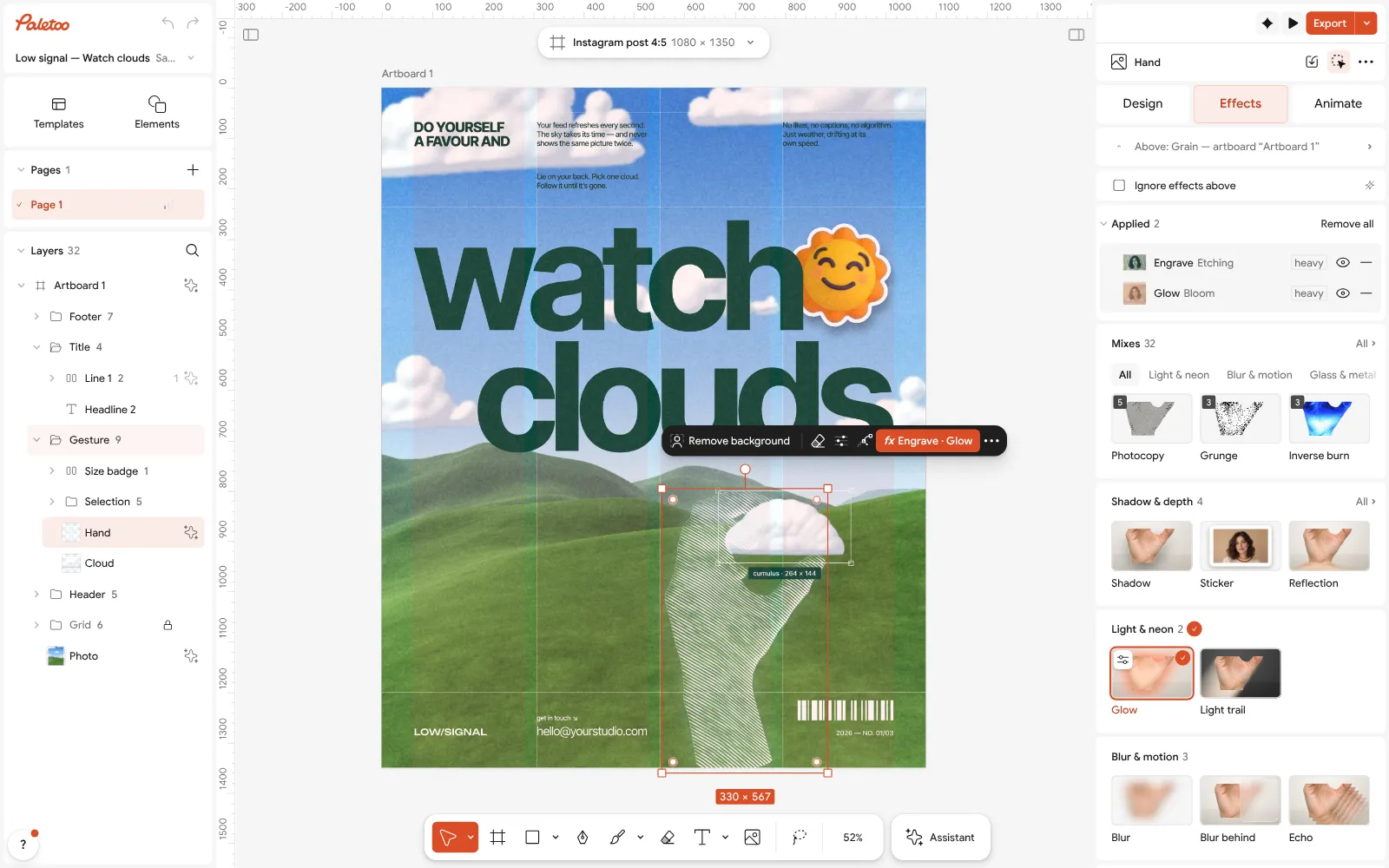
The hand selected: Engrave and Glow under Applied in the Effects tab Click the Engrave row to open it. Line spacing is 4.5 px, Angle 35°, and Contrast and Ink colour decide how heavy and how white the lines are; the presets above, from Banknote to Woodcut, give other kinds of engraving.
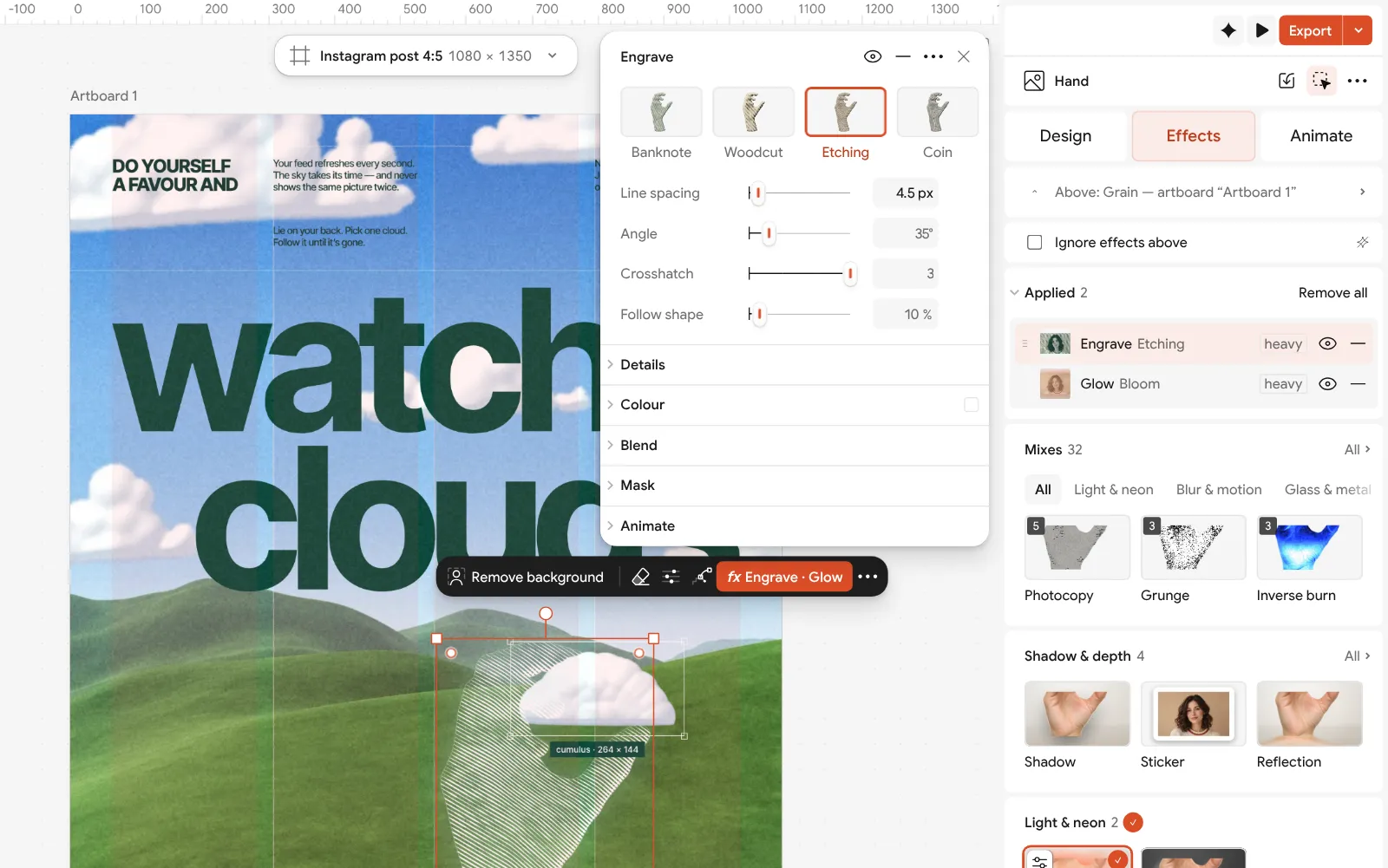
The Engrave step open beside the post: line spacing, angle, contrast and ink colour Put your own picture in: select the hand and press Replace picture, then Remove background to cut your object out. The engraving redraws it in the same lines. Swap the sky photo the same way and rewrite the notes.
Press Export. A PNG of 1080 × 1350 is ready for the feed; choose JPG in Format for a smaller file. No watermark, no account.
Make it your own
Keep Line spacing between 4 and 6 px on a 1080 px post. Below about 3 px the lines merge after Instagram compresses the file; above 7 the object turns into a bold graphic, which can be right for a dark background.
Match the Ink colour to the post. White lines read against a blue sky; on a pale background use the headline colour instead, so the hand and the words feel like one print.
If the hand looks too bright, switch Glow off with its eye to compare, then lower its Brightness. A glow should be noticed only when it is gone.
Questions
What size is an Instagram post in 2026?
1080 × 1350 px (4:5) is the safe choice. 1080 × 1440 px (3:4) matches the profile grid tiles, and 1080 × 1080 px (square) still works but shows smaller in the feed.
Should I upload a PNG or a JPG?
PNG for type and flat colour, JPG for photo-heavy posts to keep the file small. Instagram recompresses both, so export at 1080 px wide.
How do I make an Instagram post for free?
Open a free template in a browser editor such as Paletoo, replace the words and the picture, and export a PNG at 1080 × 1350. No watermark and no account are needed.
How much text should a post have?
One to three words big enough to read in a second, plus a line or two of small print at most. Put the rest in the caption.
Can I make a carousel the same way?
Yes. Use one artboard per slide at the same size, or a wide panorama cut into slides; Instagram allows up to 20 in one post.
Make it online
- Instagram post makerDesign a post at the right size from a real template, then export a sharp PNG or JPG — free, in your browser.
- Carousel makerDesign all the slides of an Instagram carousel on one wide artboard, let a photo run across the cuts, and export one file per slide.
- Instagram story makerMake a full-screen 9:16 story from a template, add motion if you like, and export it as an image or a video.
Free design templates: Social media post templates · Instagram carousel templates · Story and Reels templates
Try it on your own design
Paletoo opens in your browser, with no sign-up. Every effect here is live: change the picture or the words and the effect follows.
Open in PaletooRead next
- 01
 How to make a seamless Instagram carousel that lines up at every cutOne wide artboard, a picture that runs across the cuts, and a file for every slide.
- 02
 How to make an Instagram carousel from a templateOne wide artboard, a design that runs across the cuts, a file for every slide.
- 03
 Graphic design for beginners: your first poster in 30 minutesFour basics, two rules for type and colour, and a first design you can post today.