Techniques5 min readFreeUpdated 2026-11-06
Your first poster in 10 minutes: a timed exercise for beginners
Set a timer. Ten minutes, six small decisions, one finished poster.
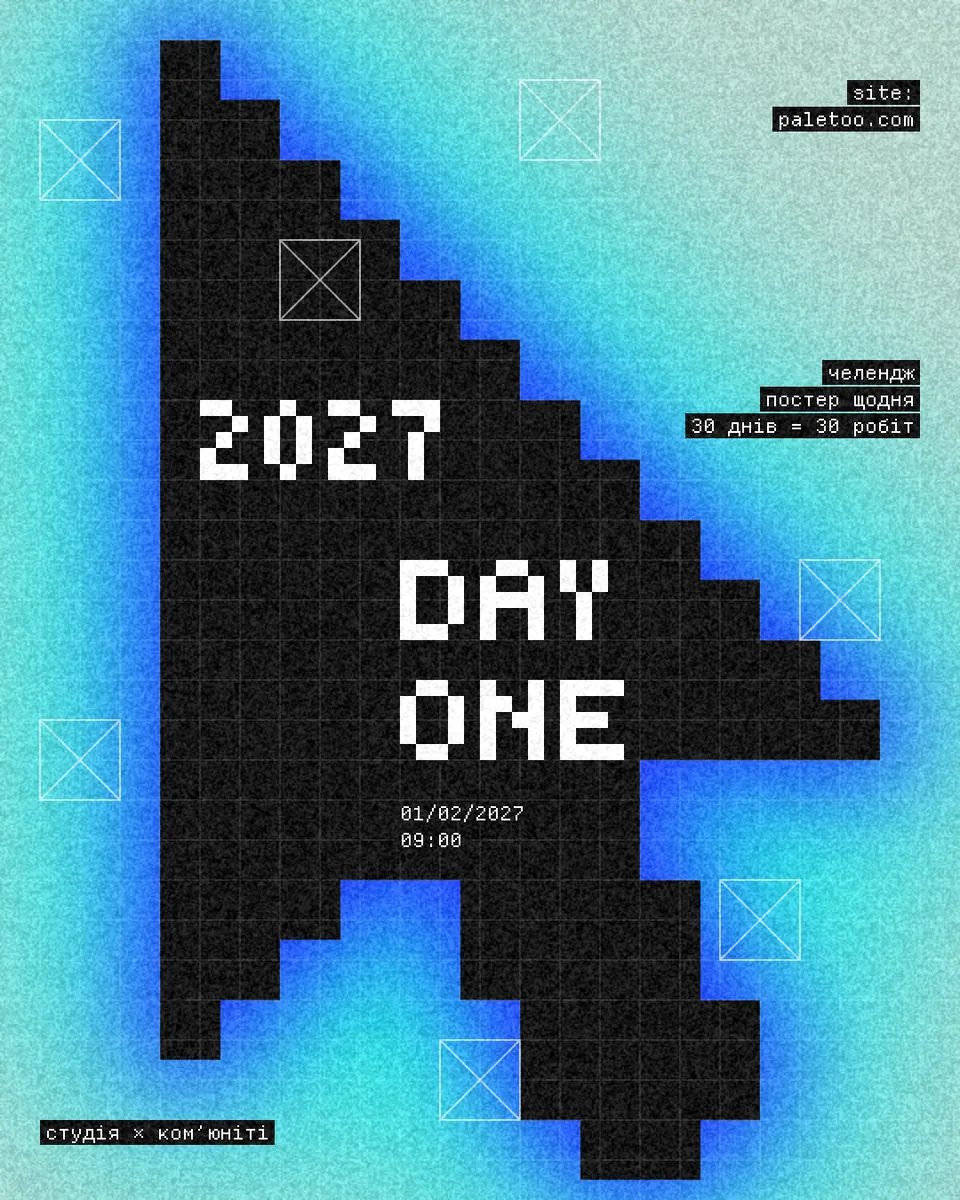
The quickest way for a beginner to learn how to make a poster is to finish one, fast, with a timer running. A deadline stops you tweaking fonts for an hour and makes you take the decisions that matter: what it says, how big it is, which picture, and when it is done. This guide splits ten minutes into six short slots, from the idea to the exported file.
It is the hands-on companion to Graphic design for beginners, which explains the principles; here you only practise. We use a Paletoo template, the Day one post: “DAY ONE” and “2027” in big pixel letters over a black pixel cursor that glows electric blue on mint. Everything you need is free and runs in the browser, with no sign-up.
The ten minutes, slot by slot
Minutes 0–2: the idea and the size. Write the message in one sentence — “a 30-day poster challenge starts on 1 February” — and list the facts that must be on it: a title, a date, a place or a link. Then pick the size from where the poster will live: 1080 × 1350 px for an Instagram post, 1080 × 1920 for a story, A3 or A2 for a wall. Do not change it later.
Minutes 2–4: the template. Choose one by its layout, not its colours. Count its text boxes and pick one that holds about as much text as you have. One headline and three small lines? Day one fits. A full festival programme does not.
Minutes 4–6: the words. Replace the headline first, then the small lines. Keep the headline to one to three words; if yours is longer, cut words rather than shrinking the type. Delete any text box you have nothing for — an empty slot is better than filler.
Minutes 6–8: the picture. Swap the template’s picture for yours and leave its effects on: they are what makes a phone photo look like part of the design. A simple object on a plain background works best; a busy scene rarely survives a strong treatment.
Minutes 8–10: check, then export
Zoom out until the poster is the size of a thumbnail on a phone and answer five questions. Can you read the headline? Is one thing clearly the biggest? Do the small lines still sit on the same edges as before? Is the date right — day, month, year, time? Is any text touching the edge or another element? Fix only what fails.
The last minute is for the export: a PNG for a screen, a PDF for a printer. When the file is saved, stop. The poster is finished, even if you can already see three things you would change.
Why the timer works
Beginners lose time in two places: choosing between thirty fonts, and nudging things a few pixels back and forth. A template removes the first, because its fonts and sizes are already paired; the timer removes the second. Write down what you would change next time — that list is your real lesson.
Do the exercise three times with three different templates. On the fourth, start from a blank artboard and rebuild a layout you liked from memory. When you want the reasons behind the layouts, read Poster design tips.
Made in Paletoo
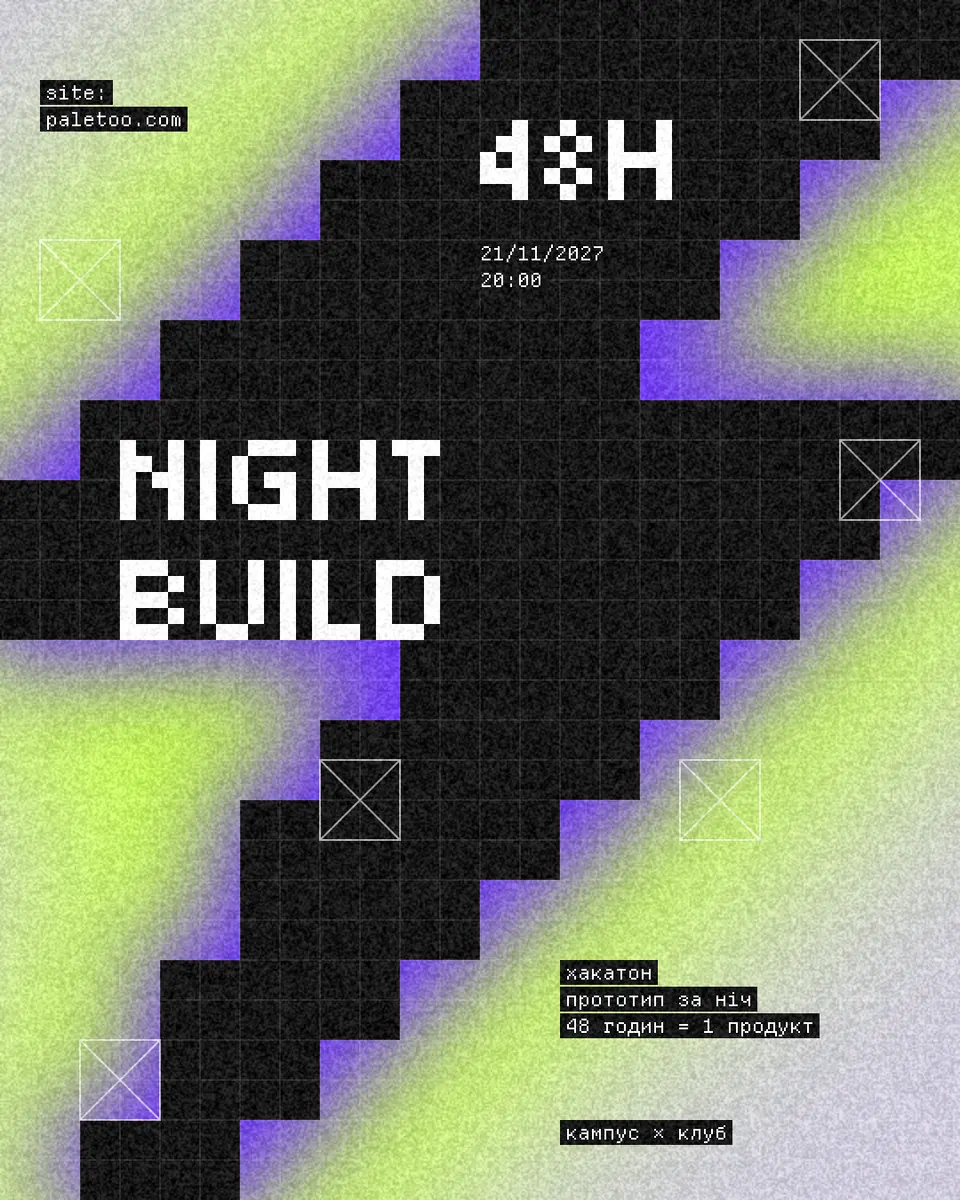
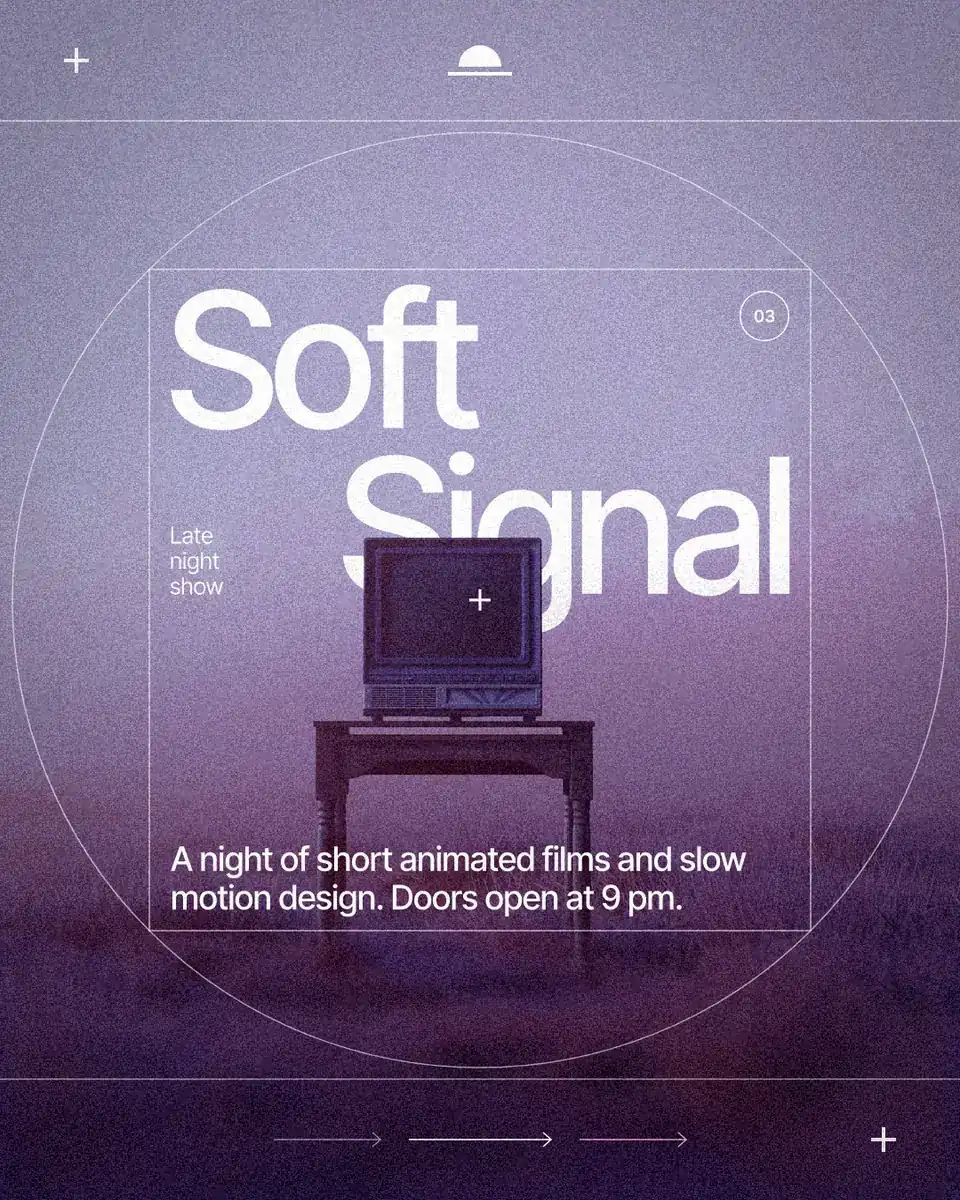
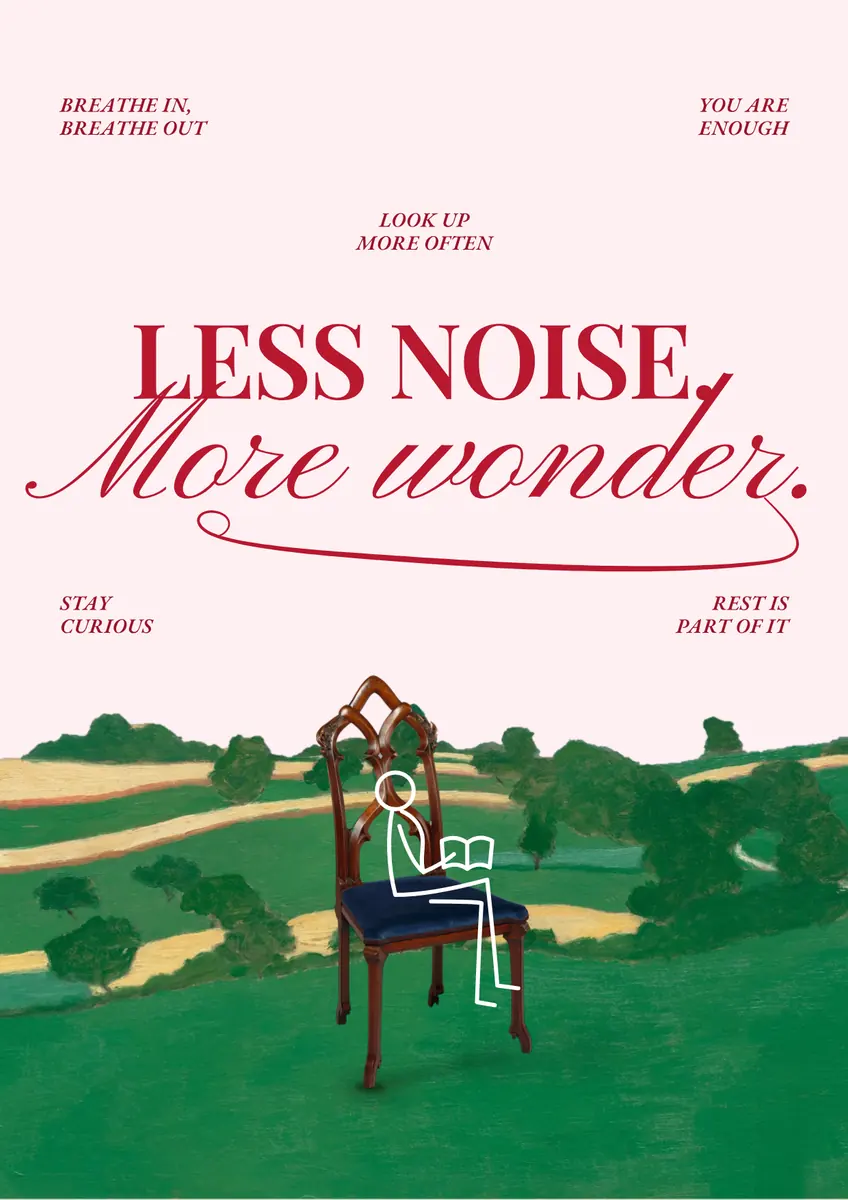
Every picture on this page was made in Paletoo — these three with the same steps on other templates:
Step by step in Paletoo
Press “Open in Paletoo” and start the timer. The Day one post opens as your own document, 1080 × 1350 px; Layers lists the cursor picture, the grid lines and frame marks, the two pixel headlines and four small lines of mono type.
Click the headline, “DAY ONE”, to select it. The Design tab shows its place and Typography its pixel font, Tiny5, at 144 px. Double-click it and type your own one or two words; do the same with “2027” and the small lines.
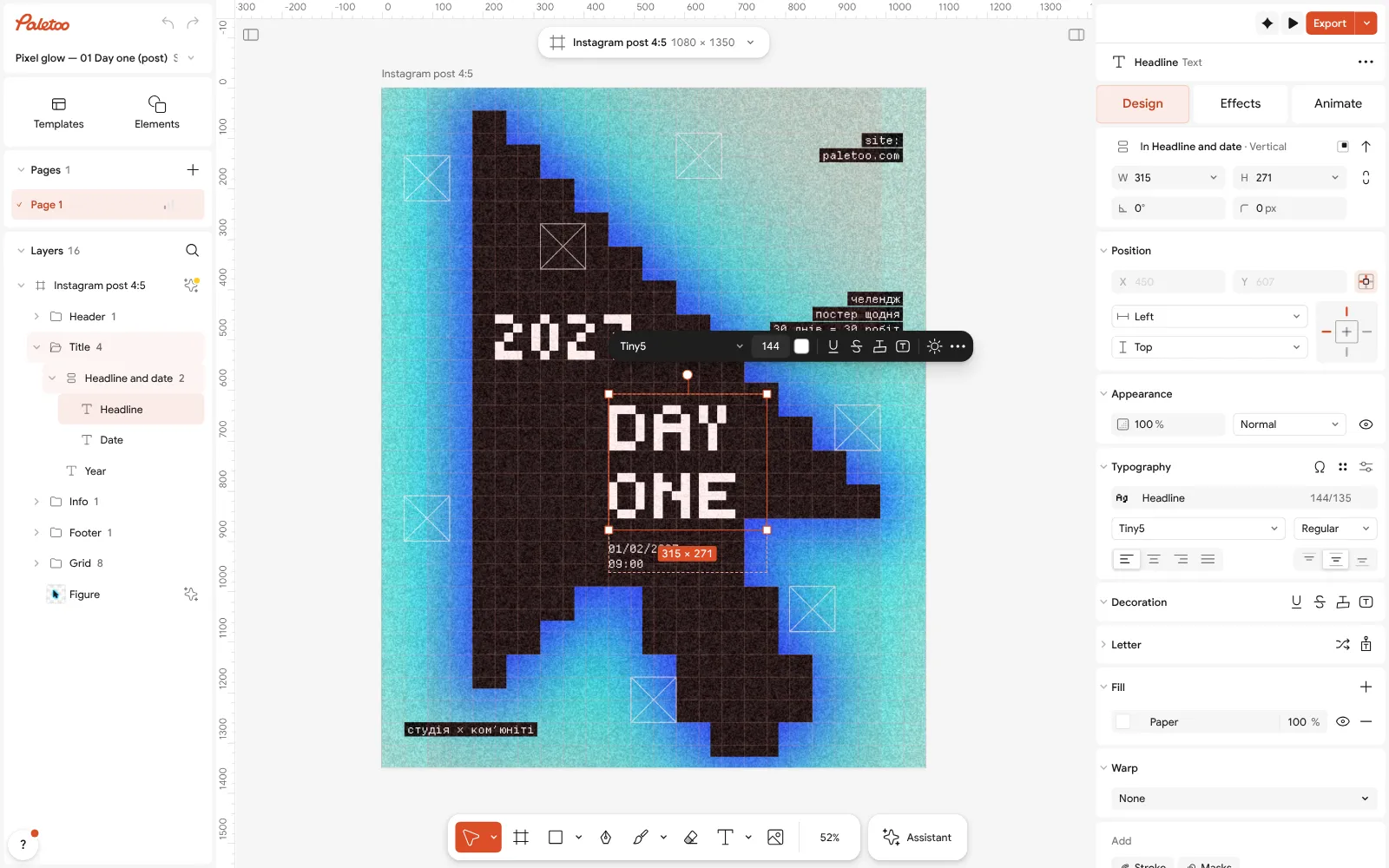
The Day one post open in Paletoo: the headline “DAY ONE” selected, its pixel font and size under Typography in the Design tab Click the cursor and open the Effects tab. Under Applied are its steps: Pixel builds it from big squares, Levels turns them a flat near-black, and three Shadow steps make the blue glow around it.
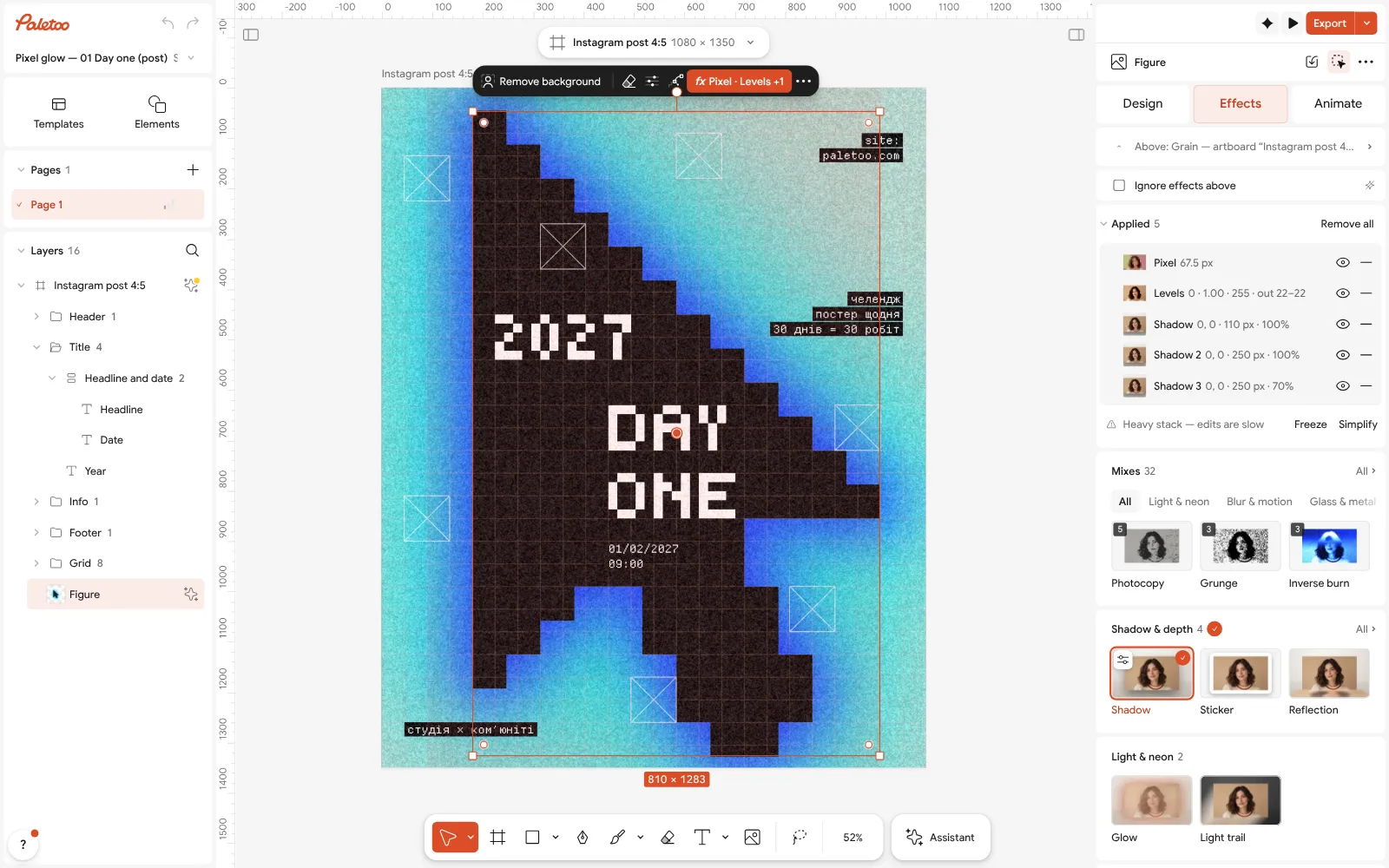
The cursor selected: Pixel, Levels and three Shadow steps under Applied in the Effects tab For your own picture, keep the cursor selected and press Replace picture. A photo of a mug, a hand or a bike becomes a black pixel shape with the same glow; press Remove background first if its background is busy.
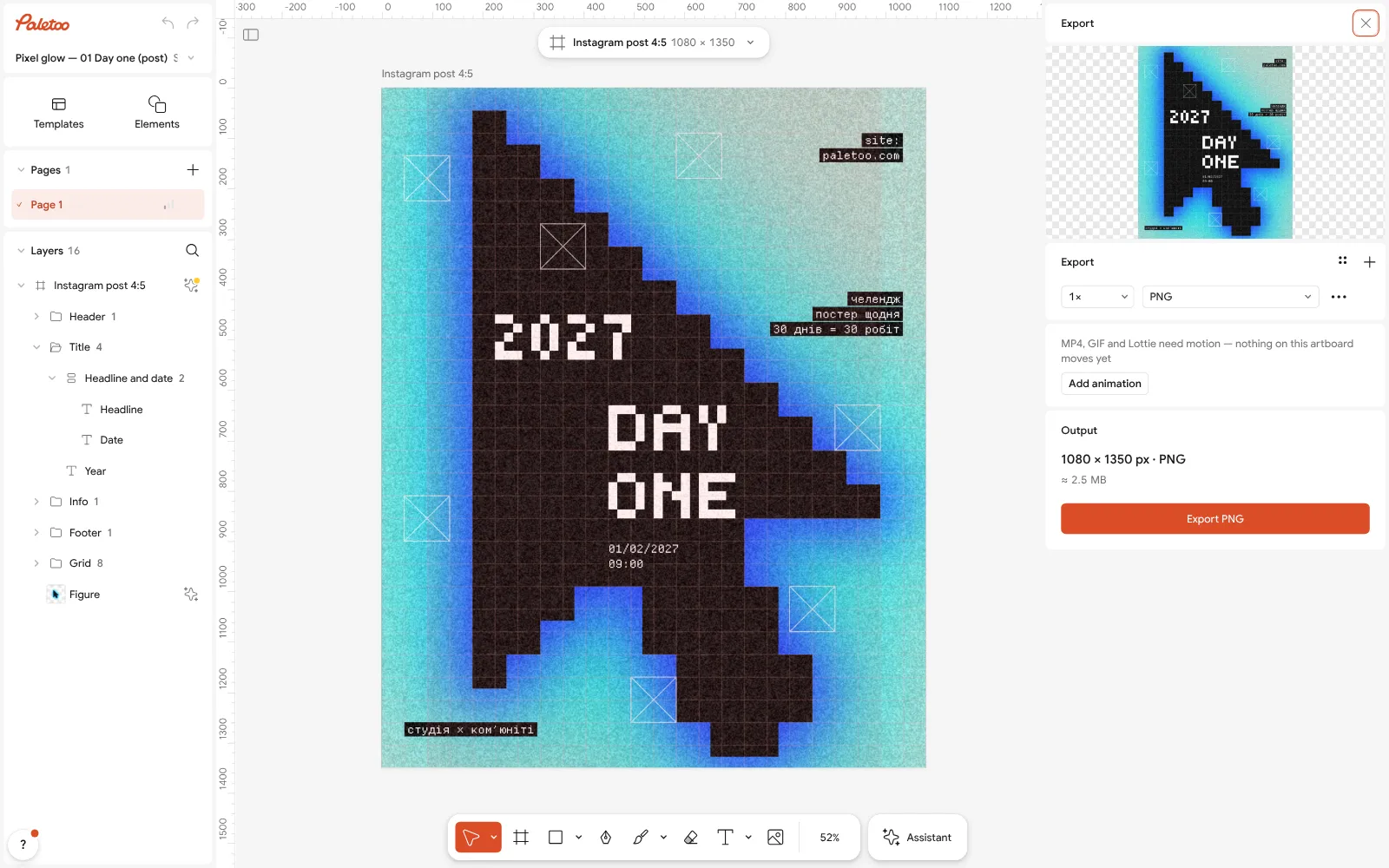
The Export window: the whole post in the preview, a PNG of 1080 × 1350 px Spend minute eight to nine on the check: zoom out, read the headline at thumbnail size, and make sure every small line still sits on its edge of the grid.
Press Export. The window shows the Format and the size: a PNG of 1080 × 1350 for a post. Press the button, the file is saved with no watermark, and the clock stops.
Make it your own
If your headline has more letters than “DAY ONE”, select it and lower the size in Typography a step at a time until it fits its column; do not let it run under the frame marks.
To change the glow, open one Shadow step and pick another colour; for a cleaner shape, switch the outer two off with their eyes. A larger Size in the Pixel step makes coarser blocks that read better on a phone.
If ten minutes felt too short, do not add time — do it again. Keep each try with Save to file… and put the first and the third side by side.
Questions
How do I make a poster as a complete beginner?
Start from a template, change the words and the picture, check it at thumbnail size and export. Decide the message and the size before you open anything.
Can you really design a poster in 10 minutes?
Yes, if the layout comes from a template and you only change the content. Designing a layout from scratch takes longer; that is the next exercise, not the first.
What size should my first poster be?
Choose by where it goes: 1080 × 1350 px for an Instagram post, 1080 × 1920 for a story, A3 (297 × 420 mm) or A2 for print. Set it at the start and keep it.
What makes a beginner’s poster look amateur?
Too many fonts, too much text, everything the same size and nothing lined up. A template fixes most of that; cutting words fixes the rest.
Do I need to pay for software to make a poster?
No. Paletoo is free in the browser: every template and effect, PNG, JPG, SVG and PDF export, no watermark, and no account needed to make and export.
Make it online
- Poster makerMake a poster from a template that already has the layout right, then export a print-ready PDF or an image for screens.
- Instagram post makerDesign a post at the right size from a real template, then export a sharp PNG or JPG — free, in your browser.
- Flyer makerTurn a ready flyer template into yours in minutes and send the printer a PDF with bleed and crop marks.
Free design templates: Poster templates · Social media post templates · Event and launch templates
Try it on your own design
Paletoo opens in your browser, with no sign-up. Every effect here is live: change the picture or the words and the effect follows.
Open in PaletooRead next
- 01
 Graphic design for beginners: your first poster in 30 minutesFour basics, two rules for type and colour, and a first design you can post today.
- 02
 Poster design tips: 9 tricks that make a poster look designedNine habits that separate a designed poster from an assembled one.
- 03
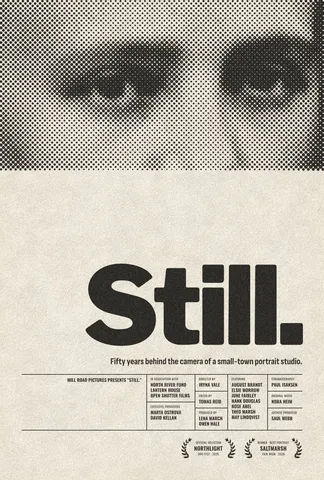 Free poster maker: make a poster online with no watermarkA real poster, from the size to a print-ready PDF, without paying or signing up.