Free tools6 min readFreeUpdated 2026-11-06
Free poster maker: make a poster online with no watermark
A real poster, from the size to a print-ready PDF, without paying or signing up.
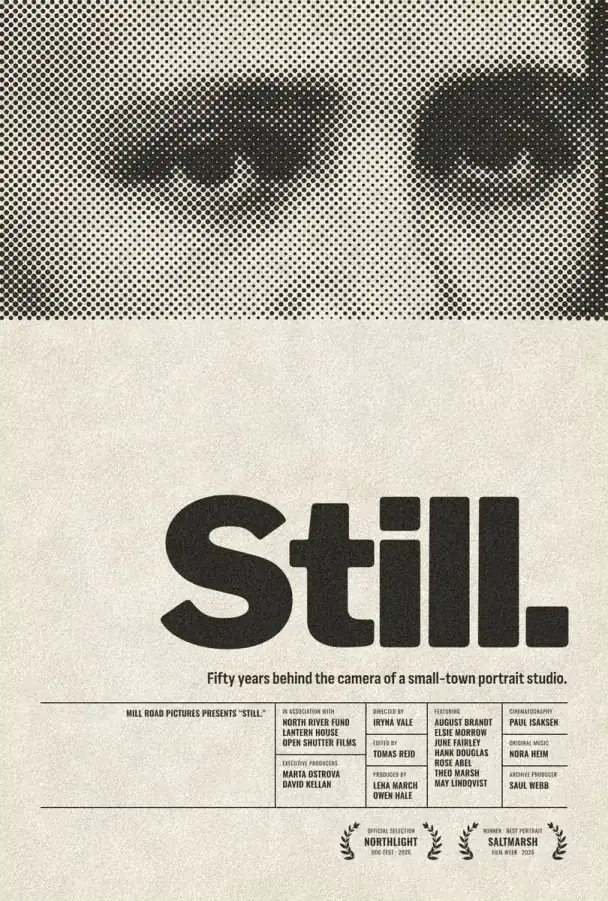
You can make a poster online for free, with no watermark, in Paletoo: open a template in the browser, replace the photo and the words, and export a PNG for screens or a PDF with bleed and crop marks for the printer. You need no account to make or export it; an account only adds cloud storage and share links.
This guide does it on a real film one-sheet, “Still.”: a halftone portrait across the top, a huge black title, a one-line logline and a block of credits. Along the way it covers what to check before you trust any “free” poster maker, which size to pick, and how to send a file a print shop will accept.
What “free” often means, and a two-minute test
Many online poster makers are free to start and paid to finish. The usual catches are a watermark on the download, a small export unless you upgrade, print PDFs or transparent backgrounds behind a plan, templates marked premium, and a sign-up wall before the first file. None of that is a scandal, but you want to know before you spend an evening on a design.
The test: open any template, change one word and export at the size you actually need. If the file arrives full size, without a mark, in the format you need, the tool is free for your job. In Paletoo every template and every effect is free, and PNG, JPG, SVG, PDF, MP4 and GIF exports carry no watermark. Only AI image generation and materials use credits.
Pick the size before you design
Decide where the poster will hang first, because changing its proportions later means laying it out again. Common sizes: A3 (297 × 420 mm) for a notice board or a shop window, A2 (420 × 594 mm) for a wall, 18 × 24 inches for a standard US frame, and 1080 × 1350 px (4:5) for the same poster in an Instagram feed.
For print, what matters is pixels at the printed size. A photo needs about 300 ppi to print sharp, so a full A3 sheet wants roughly 3508 × 4961 px, and a picture 1200 px wide will look soft across 297 mm. The editor’s format menu has A3 portrait, A2 and Poster 18 × 24 in ready, and can scale the artwork to the new size; Still. itself is a 1080 × 1600 screen version.
Why this one-sheet works
It has three levels of reading. The title, “Still.”, is Libre Franklin at its heaviest weight, 360 px with tight letter spacing, so it reads from across a street. The logline under it is one sentence in a condensed sans. The credits are 10 to 15 px Oswald capitals in a ruled grid: nobody reads them first, but they make the poster look like a real release.
The photo is a public-domain portrait from 1879, from a museum collection, with two live steps on it: Levels pushes it to hard blacks and clean paper, and Halftone turns it into 11.5 px dots at 45°, in the same near-black ink as the title. That one ink plus the paper colour is the whole palette. More on the dots in how to make a halftone effect, and on layout in poster design tips.
A checklist before you print
The size matches the frame or the board. The title reads from three metres away. Every photo is near 300 ppi at the printed size. Text stays at least 5 mm inside the trim. Colour that runs to the edge goes 3 mm past it, which is the bleed. The file is a PDF, and you have asked the print shop whether it wants RGB or CMYK.
Made in Paletoo
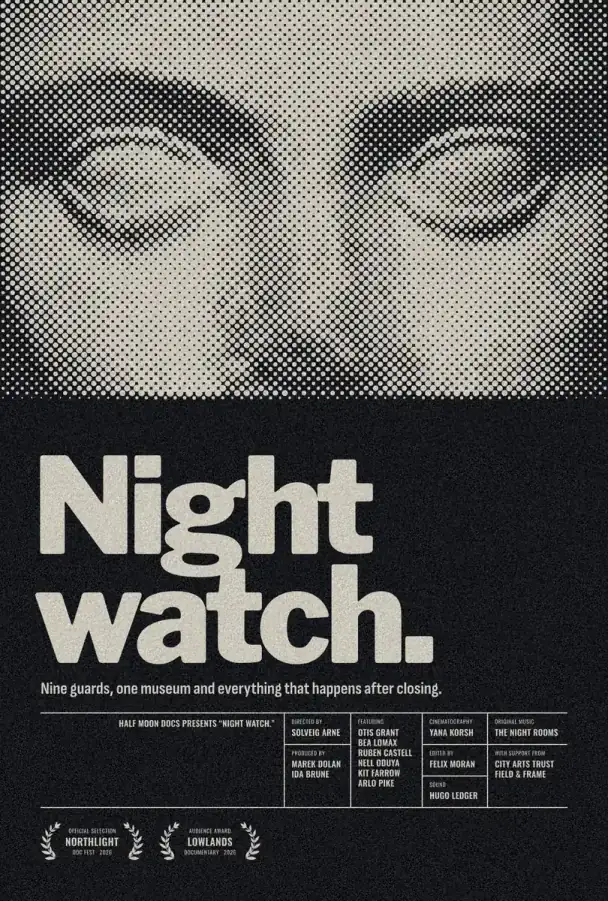
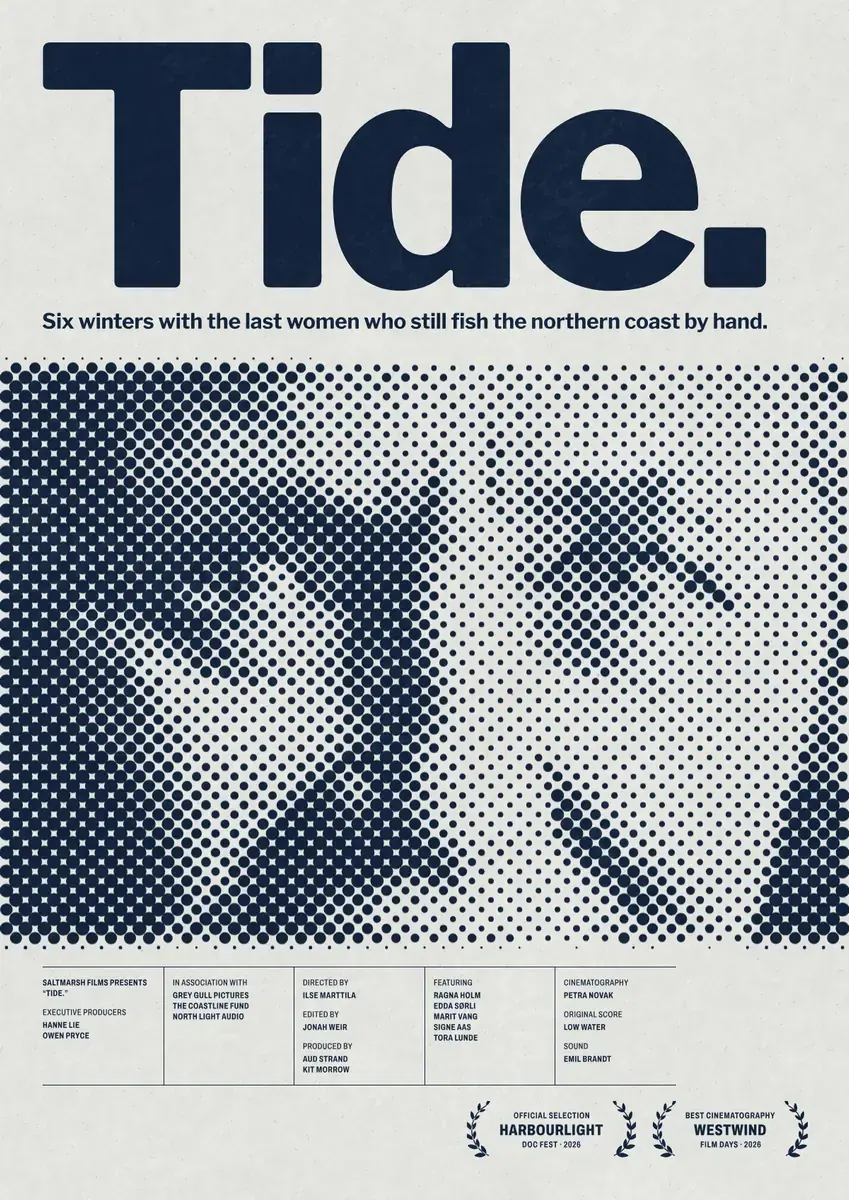
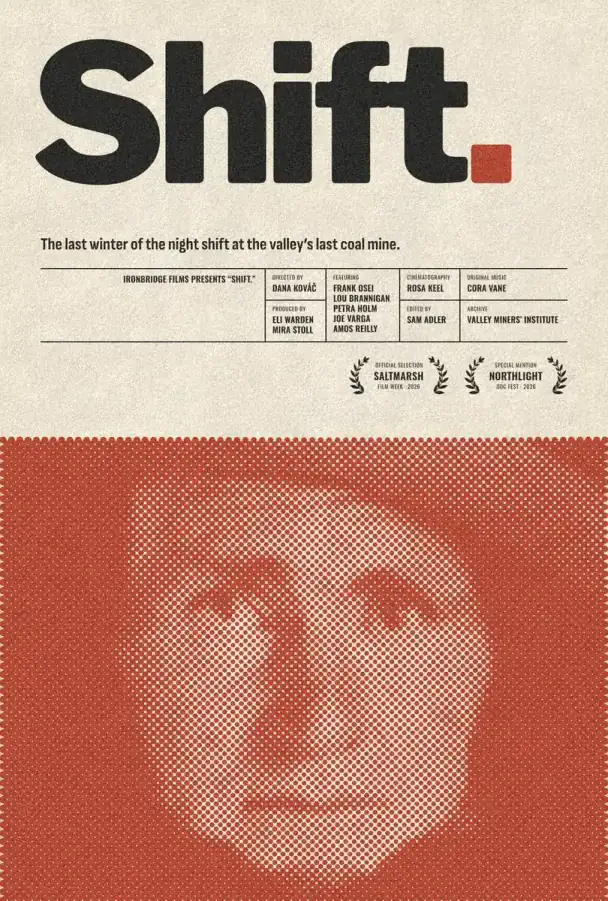
Every picture on this page was made in Paletoo — these three with the same steps on other templates:
Make it free in Paletoo
Press “Open in Paletoo” to open Still. as your own document, with no account. Layers lists the portrait, the title, the logline and the groups of credits and laurels.
Click the title “Still.” to select it. The Design tab shows its size and place, and Typography its font: Libre Franklin, 360 px, at its heaviest weight. Double-click it and type your own title.
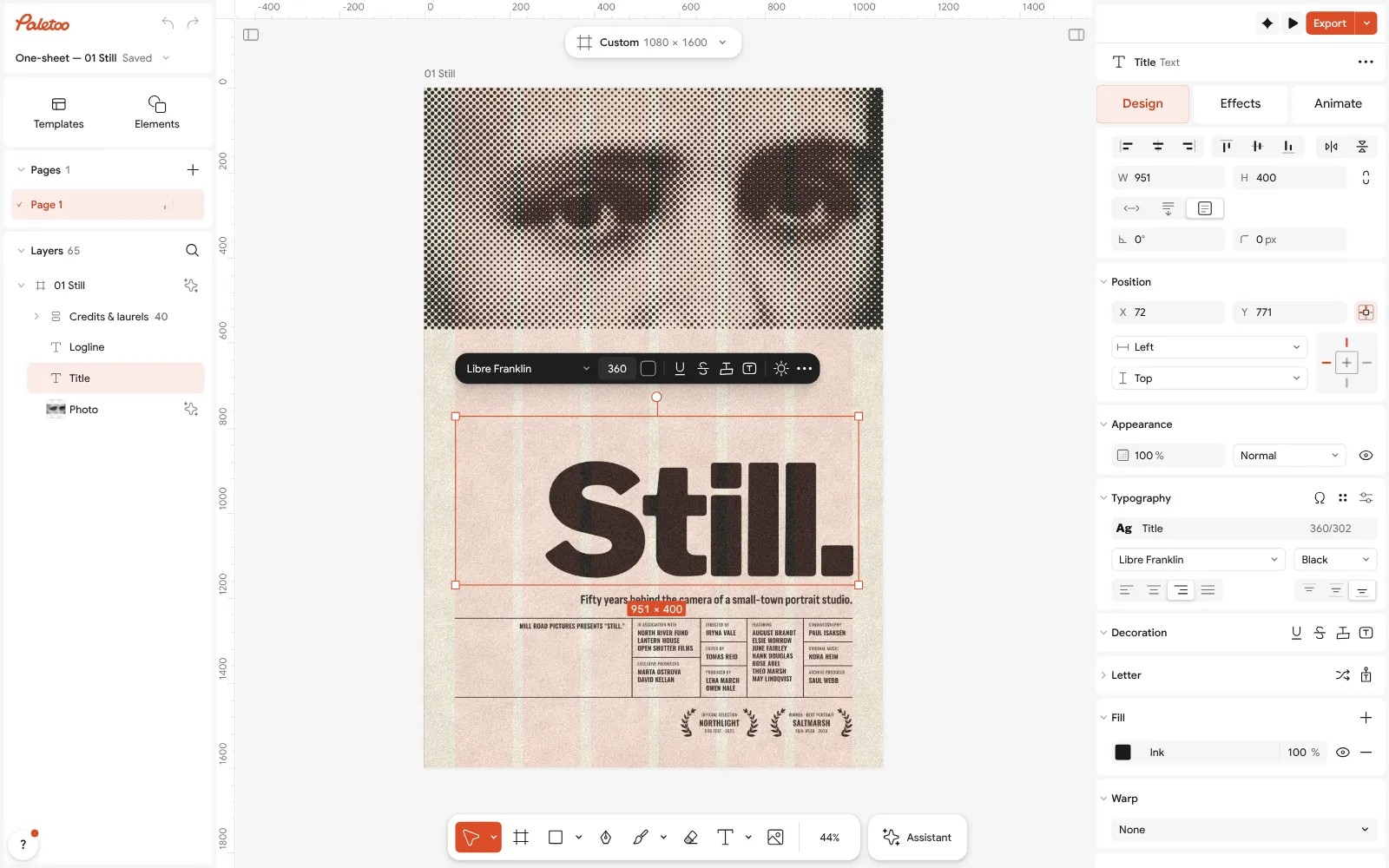
Still. open in Paletoo: the title selected, Libre Franklin at 360 px under Typography in the Design tab Click the portrait and open the Effects tab. Under Applied are two steps: Levels, which makes the photo hard and contrasty, then Halftone, which redraws it in dots of one ink.
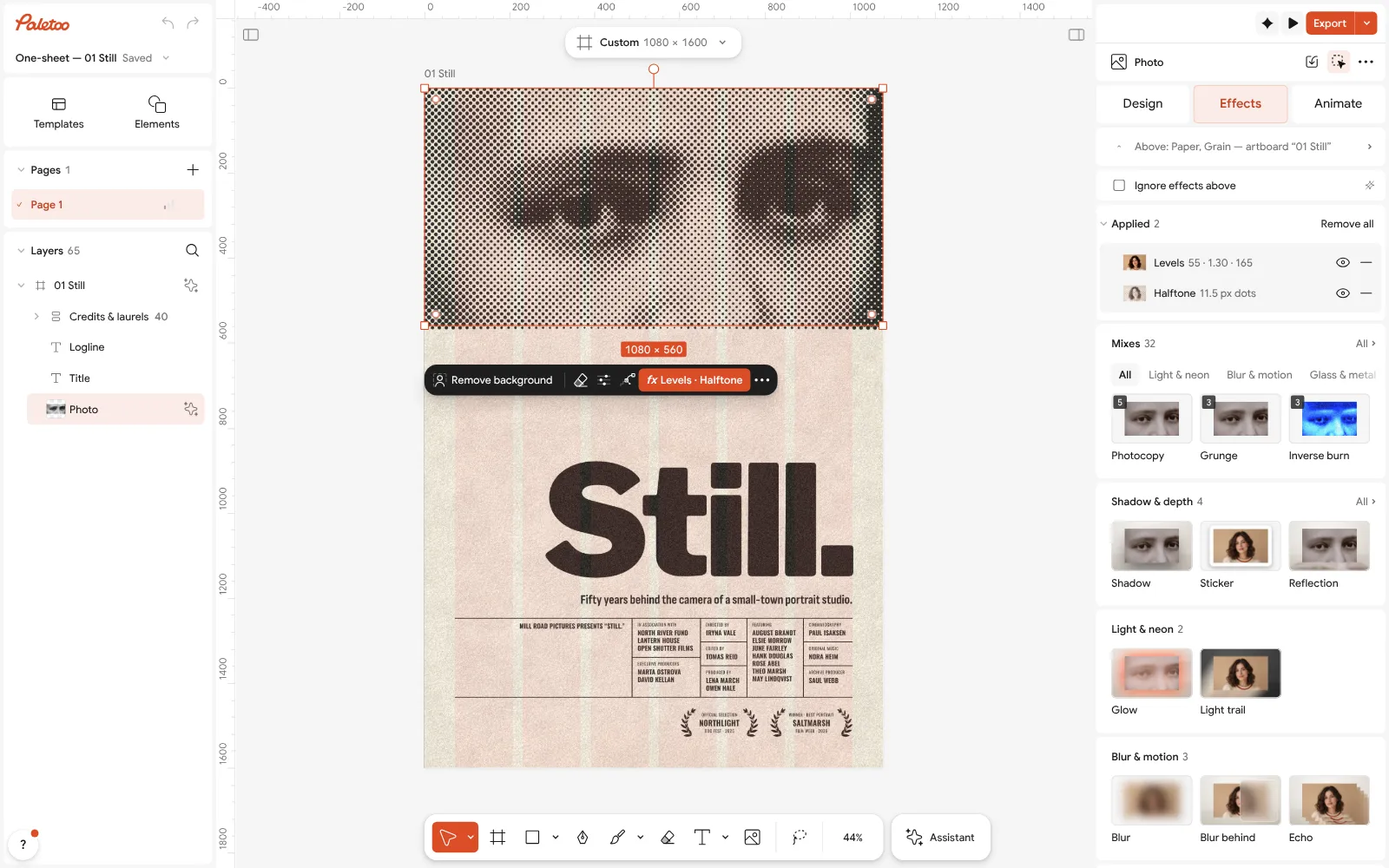
The portrait selected: Levels and Halftone under Applied in the Effects tab Press Export to see what you will get. The window shows the preview, the Format and the size in pixels, and for a PDF the Include bleed and Crop marks switches.
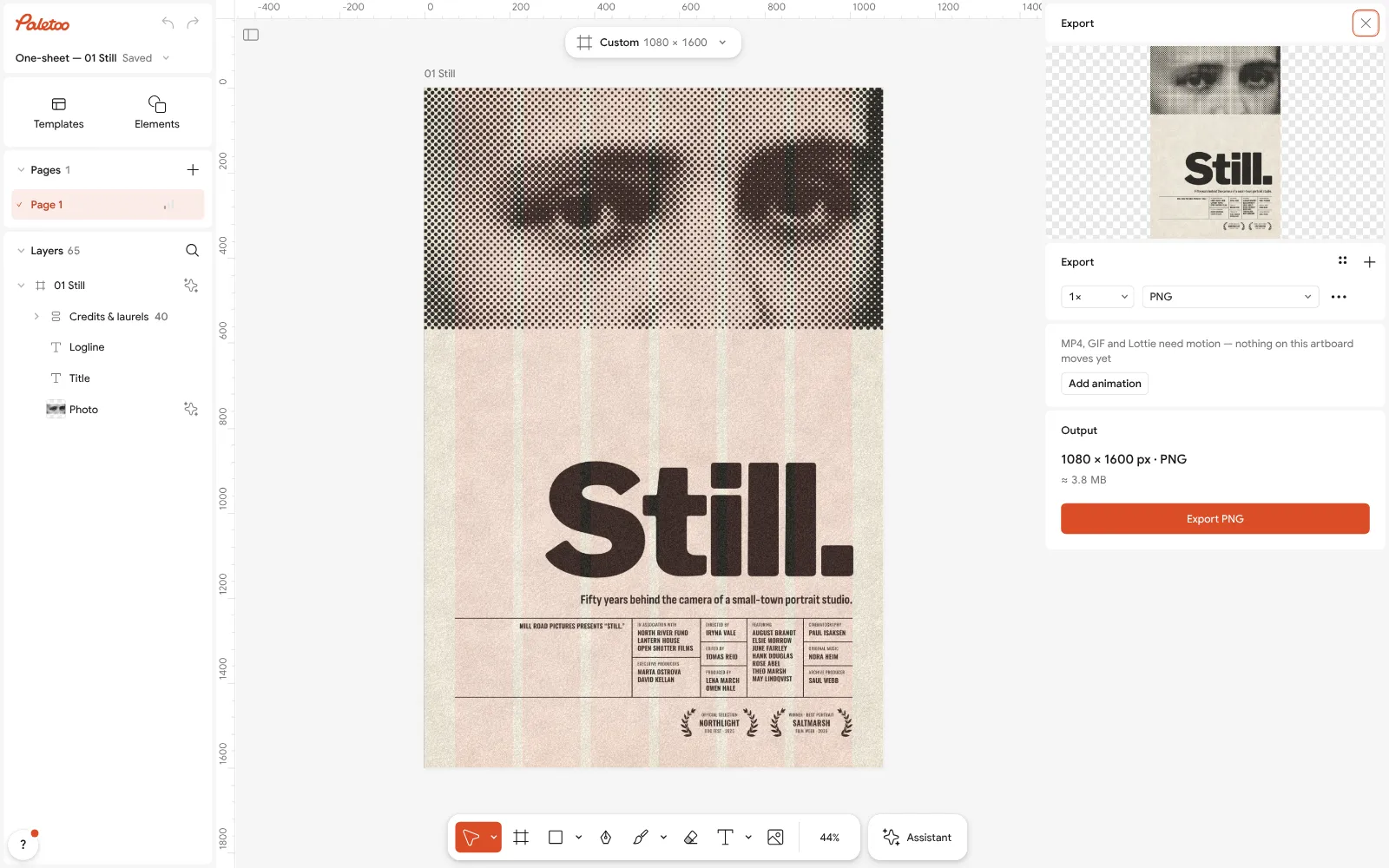
The Export window open beside the poster: the format, the size and the print options Now make it yours. Select the portrait and press Replace picture: both steps redraw your photo in the same dots, and a close crop of a face works best. Rewrite the logline and the credits, or delete the groups you do not need.
Export a PNG for screens, or a PDF with Include bleed and Crop marks for the print shop. The Print check beside it warns about pictures below 300 ppi and a missing bleed.
Make it your own
If your photo turns into grey mush, the fix is usually in Levels, not in the dots. Pull the black and white points in until the face has a real black and a clean white; the halftone needs contrast to draw anything.
Choose the dot Size in Halftone by viewing distance. Small dots read as a photo up close; dots two or three times larger read as a deliberate print from across a room, which suits an A2 wall poster.
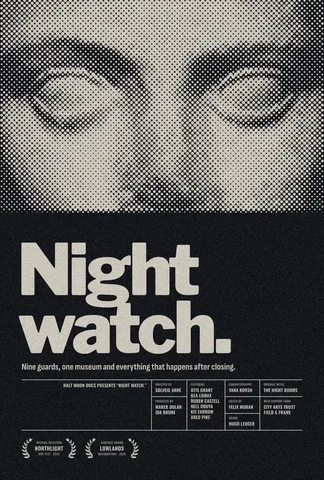
A one-word title can run the full width. For two words, like “Night watch.”, lower the size in Typography until it sits in two lines inside the margin, rather than squeezing the letters narrower.
Questions
Is there a poster maker that is really free, with no watermark?
Yes. Paletoo exports PNG, JPG, SVG and print PDF without a watermark and without an account. An account only adds cloud storage and share links.
What size should a printed poster be?
A3 (297 × 420 mm) for notice boards and windows, A2 (420 × 594 mm) for walls, and 18 × 24 inches for standard US frames. Design at the final proportions, with photos at about 300 ppi at that size.
What is bleed, and do I need it?
Bleed is extra artwork, usually 3 mm, past the edge of the page, so no white line shows after the printer trims it. You need it whenever colour or a photo runs to the edge.
Should I send the printer a PDF or a PNG?
A PDF: it keeps text sharp, carries the bleed and crop marks, and is what most print shops ask for. Paletoo’s CMYK PDF/X-4 uses an approximate profile, so ask the printer what it prefers.
Where can I find photos I am allowed to use?
Your own photos, free photo libraries, or public-domain images from museum collections. The portrait on Still. is one of those, from 1879.
Make it online
- Poster makerMake a poster from a template that already has the layout right, then export a print-ready PDF or an image for screens.
- Flyer makerTurn a ready flyer template into yours in minutes and send the printer a PDF with bleed and crop marks.
- Photo effects onlineGive a photo a film, print or glitch look in one click — and keep every step editable afterwards.
Free design templates: Poster templates · Event and launch templates
Try it on your own design
Paletoo opens in your browser, with no sign-up. Every effect here is live: change the picture or the words and the effect follows.
Open in PaletooRead next
- 01
 Poster design tips: 9 tricks that make a poster look designedNine habits that separate a designed poster from an assembled one.
- 02
 Print-ready PDF: bleed, crop marks and CMYK, freeEverything a printer means by “print-ready”, and a checklist before you send the file.
- 03
 Your first poster in 10 minutes: a timed exercise for beginnersSet a timer. Ten minutes, six small decisions, one finished poster.