QR codes5 min readFreeUpdated 2026-11-06
QR code design ideas: ten styles that still scan
Ten ways to make a QR code part of the design instead of a sticker on it — each one still reads at the first try.

Most QR codes are an afterthought: a black square dropped into the corner once the layout is finished. The best ones are designed with the rest — they take the layout’s colours, echo its shapes, sit in its grid, and sometimes become the main picture.
The constraints are few and friendly. Keep the code dark on light, keep its three corner eyes recognisable, leave a quiet margin round it and stay within its error correction. Inside those rules there is far more room than the default black square suggests.
Here are ten ideas, from the quiet to the loud, each shown on posters made in Paletoo — and how to make them for free with the QR code section, its eight ready looks and a scan check that tells you, as you go, that the code still reads.
Ideas 1–3: make it belong
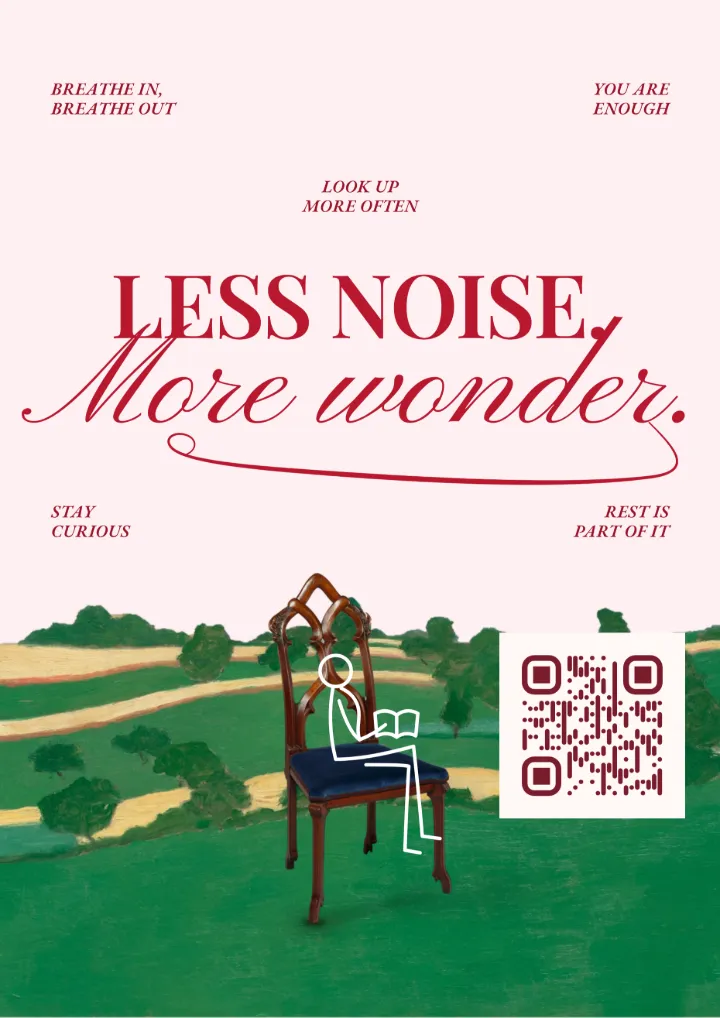
1. Paper and ink. Give the code the design’s own paper as its ground and its darkest ink as its colour, and it stops looking pasted on. This is the quietest idea and the one that works almost everywhere: film posters, specimen sheets, menus.
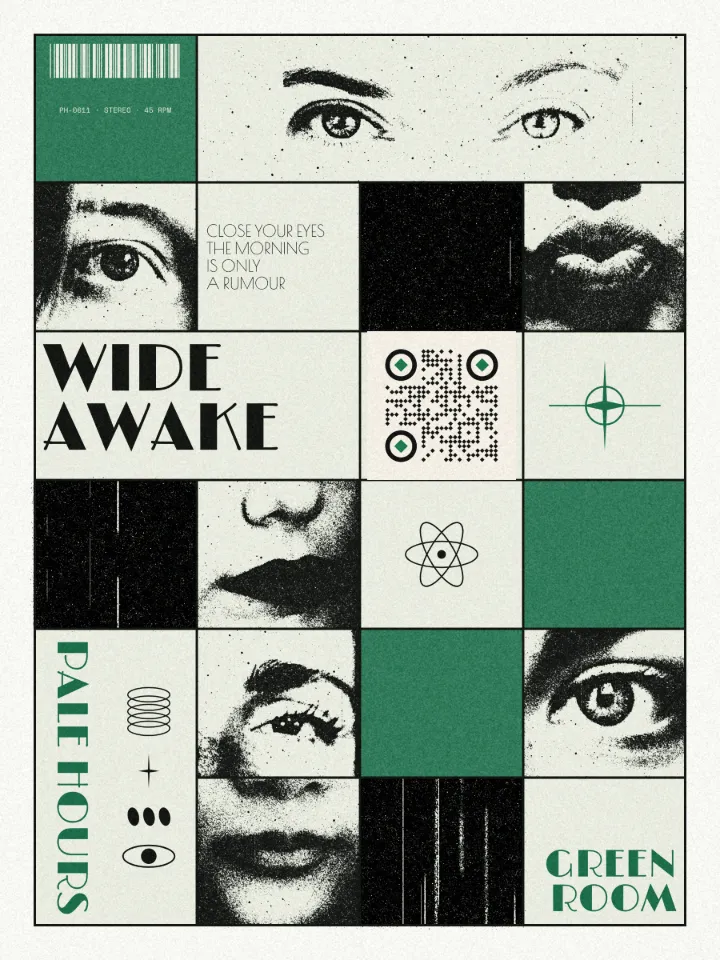
2. A cell of the grid. On a layout built on a grid, let the code take one cell, the same size as its neighbours, as the «Wide awake» poster does. The grid explains the code; nobody wonders whether it belongs.
3. Brand ink, accent eyes. Draw the modules in the brand’s darkest colour and put the accent only in the three pupils. It reads instantly as yours and costs nothing in contrast.
Ideas 4–6: shapes
4. Dots. Round modules with round eyes give a soft, friendly code that suits cafés, kids’ brands and anything handmade. Dots need a little more size and contrast than squares, so give them both.
5. Fluid and classy. Modules that flow into their neighbours, or squares with one rounded corner, make a calligraphic grid that still reads as a code — good for weddings, wine labels and hospitality.
6. Bars and diamonds. Vertical bars or diamond modules are the boldest shapes: they look like a pattern first and a code second. Keep the eyes simpler than the modules so the reader still finds them.
Ideas 7–10: make it the picture
7. A gradient. A linear or radial gradient across the modules — magenta to violet, burnt orange to plum — turns the code into a light source on a dark poster. The lightest stop is the one that counts for contrast.
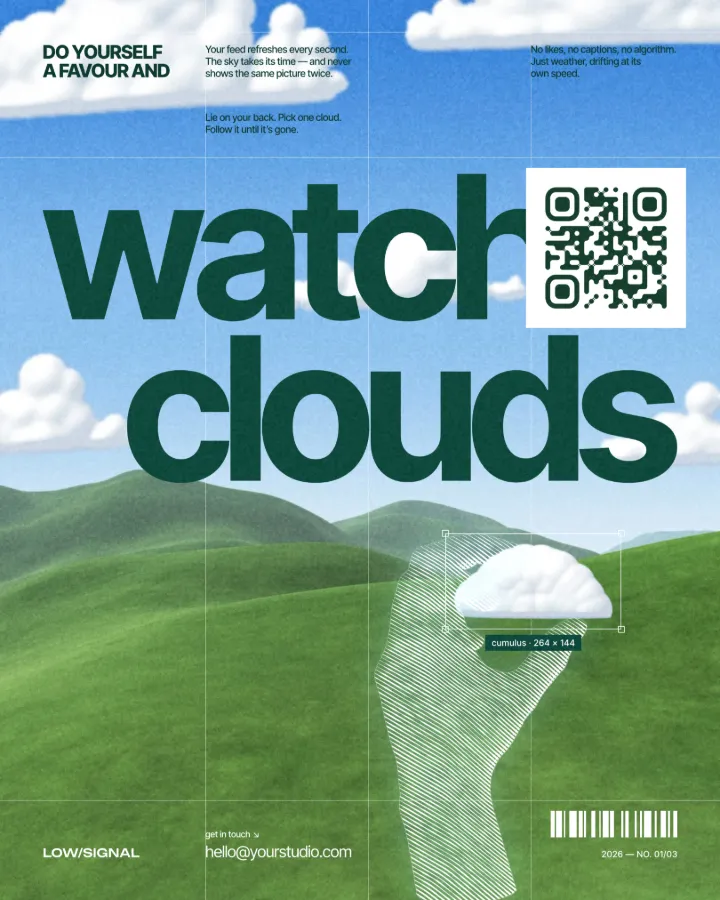
8. A tile on a photo. On a busy photo, give the code a calm tile of its own — the photo stays whole and the code reads, like the menu code beside the teapot or the sticker on «Chase sunsets».
9. A logo in the middle. Your mark inside the code, the modules cleared round it, the correction at H; see QR codes with a logo. 10. Go big. Make the code the hero: half a business card’s back, a quarter of a poster, with two words beside it. A big code is the easiest one to scan and the hardest to ignore.
Made in Paletoo
Every picture on this page was made in Paletoo — these three with the same steps on other templates:
Make it in Paletoo, free
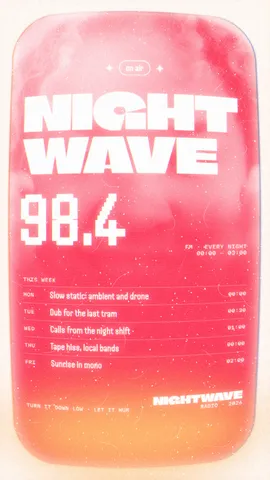
Open a poster in Paletoo — this guide uses «Night wave» from the Phosphor series — and press ⌘ K, then run QR code. Elements › Codes has sixteen ready codes, among them dots, gradients, logos, Wi-Fi and contact cards.
In the QR code section of the Design tab type your link. Style offers eight ready looks — Classic, Soft, Dots, Fluid, Sunset, Leaf, Diamonds and Bars — that change the shapes and colours and keep what the code says.
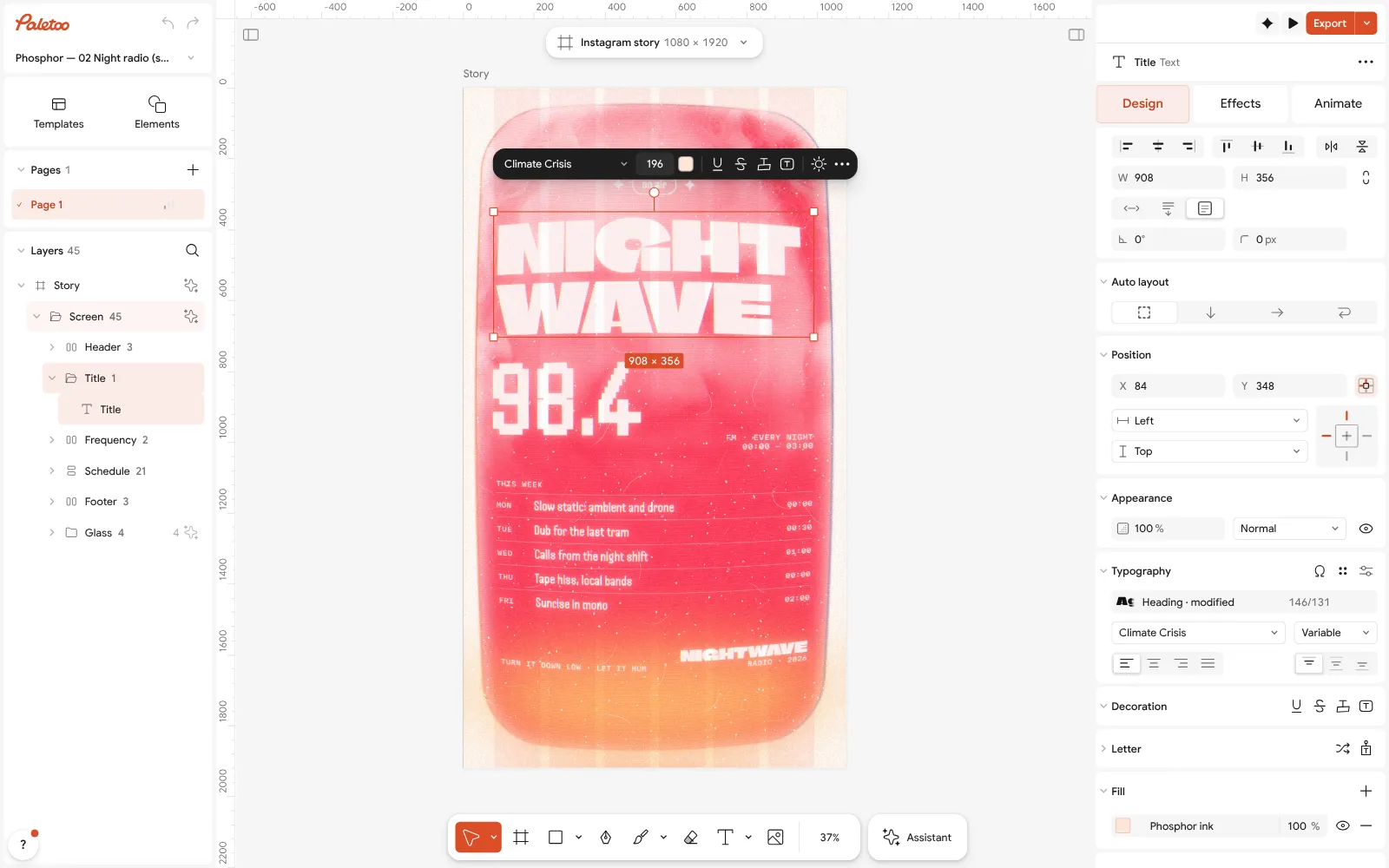
«Night wave» from the Phosphor series open in Paletoo with its title selected Make it your own: Modules sets the shape — Square, Rounded, Dots, Diamonds, Vertical bars, Horizontal bars, Classy or Fluid — and Eyes sets the corner squares’ Frame and Pupil separately.
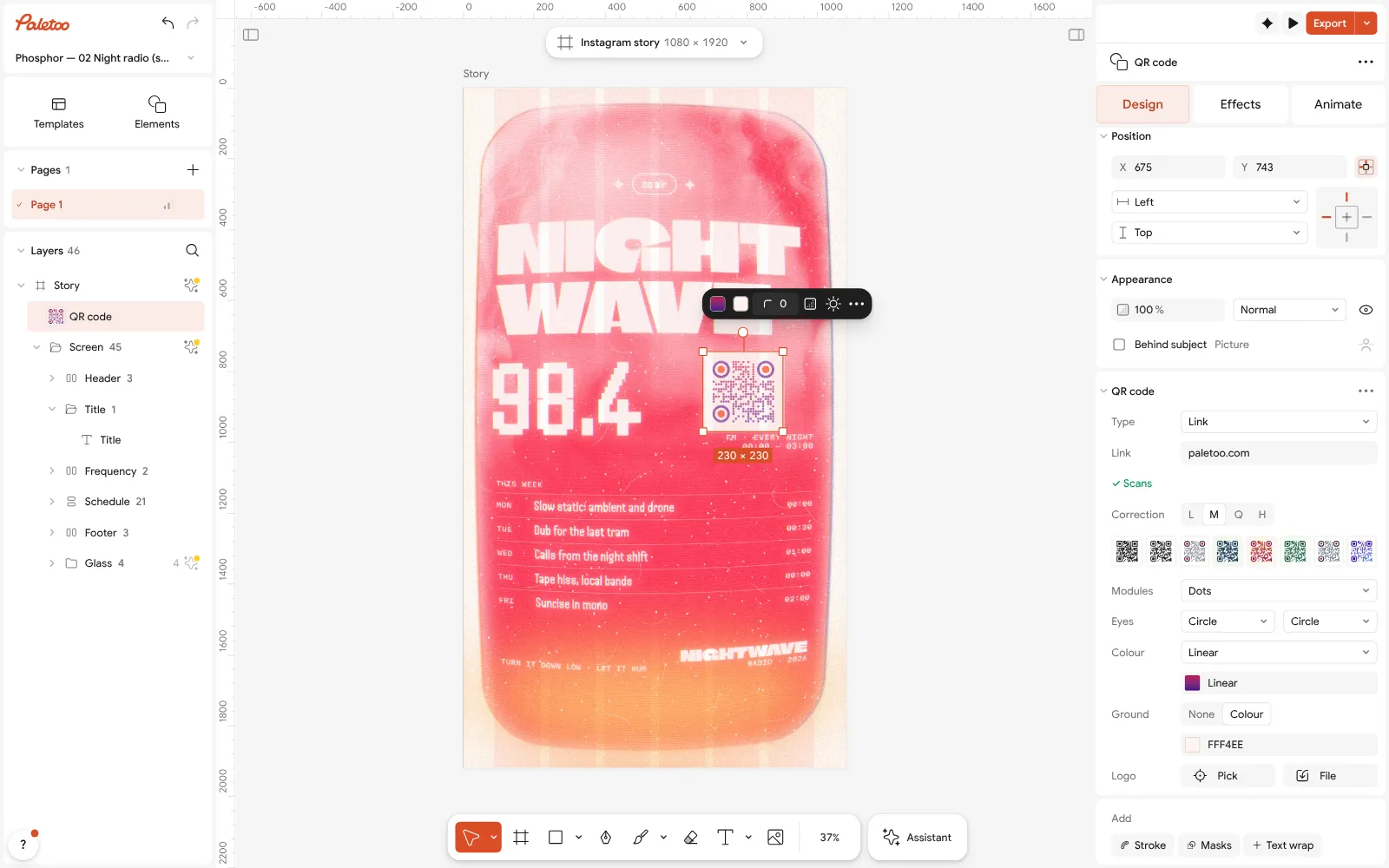
The radio’s code selected: dot modules in a magenta-to-violet gradient, orange pupils, its QR code section open Set Colour to Solid, Linear or Radial for a gradient, and Ground to a light colour — or None on light paper. In QR code settings, under the ⋯, the Eye frames and Pupils take colours of their own.
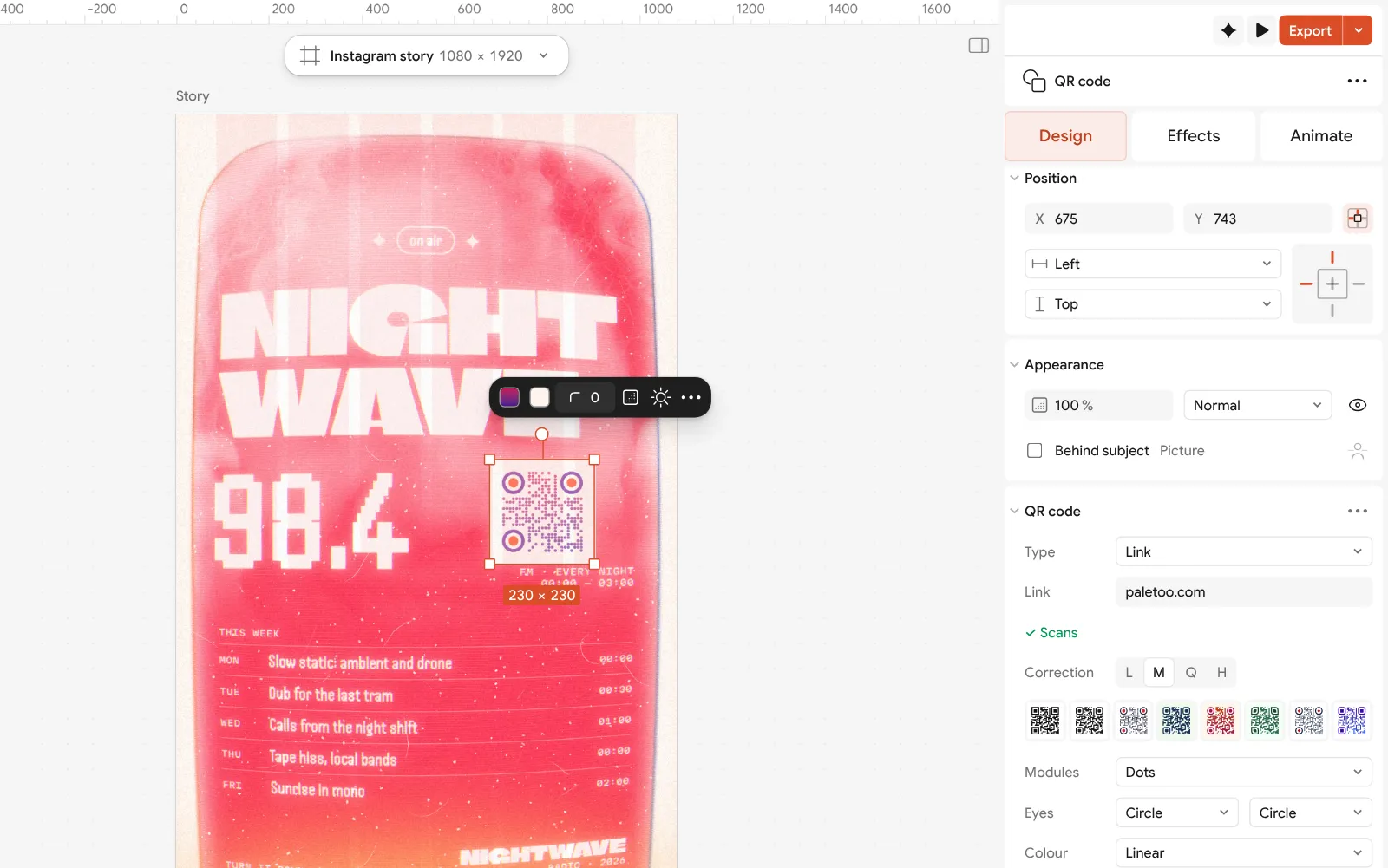
Close up: Style with its eight ready looks, then Modules and Eyes After every change look at the scan line: ✓ Scans or ⚠ May not scan with its reason. Here the code is dots in a magenta-to-violet gradient with orange pupils on a pale tile, and it reads.
Press Export for SVG, PDF or PNG. The style is part of the code’s drawing, so it exports exactly as you see it, at any size.
Make it your own
One bold move per code. A gradient, an unusual module and a logo at once leave a reader little to hold on to. Pick the idea that matters — Dots, a Linear gradient, a Logo — and keep the rest plain.
Keep the eyes readable. The three corner squares are how a phone finds the code; a Circle or Rounded frame is fine, but give fancy modules simple eyes and keep the pupils dark or in a strong accent.
Contrast is the limit of every idea. With a gradient, the lightest stop must still be dark against the Ground; on a dark design, give the code a light tile rather than a light colour. The scan line’s tooltip gives the contrast ratio — keep it well above 3 : 1.
Templates with this look
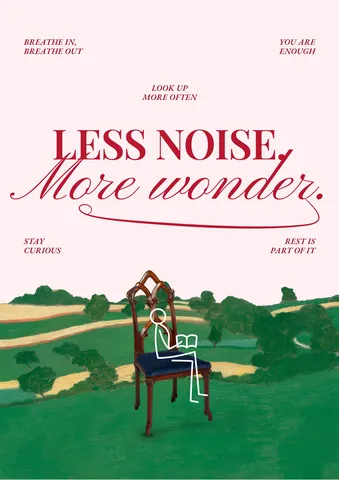
Questions
Can a QR code be any colour?
Almost: it needs to stay dark on a light ground with strong contrast, 3 : 1 at the very least. Deep blues, greens, reds and purples on white or pale paper work well.
Do round or dot QR codes scan as well as square ones?
Yes, at a sensible size and contrast. Dots and thin bars leave less ink per module, so print them a little bigger and keep the eyes simple.
Can I use a gradient in a QR code?
Yes. Keep every part of the gradient dark enough against the ground — the lightest colour is the one that counts — and check it with a scan.
What is the most creative QR code that still works?
Usually the one designed with the layout: in the poster’s ink, in its grid, at a size that makes it part of the picture. Big codes are both the boldest and the most reliable.
Are these QR code styles free?
Yes. Every shape, colour, gradient, logo and ready look in Paletoo’s QR code section is free, with SVG, PDF and PNG export, no account and no watermark.
Make it online
- QR code generatorMake a QR code in your own colours and shapes, with a logo in the middle, and see that it scans before you print.
- Poster makerMake a poster from a template that already has the layout right, then export a print-ready PDF or an image for screens.
- Instagram post makerDesign a post at the right size from a real template, then export a sharp PNG or JPG — free, in your browser.
Free design templates: Contact and call-to-action templates · Poster templates · Social media post templates
Try it on your own design
Paletoo opens in your browser, with no sign-up. Every effect here is live: change the picture or the words and the effect follows.
Open in PaletooRead next
- 01
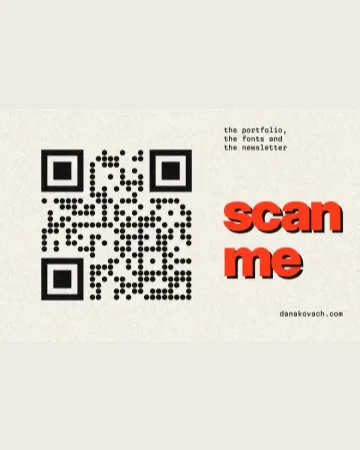 QR code design: how to style a QR code that still scansColours, shapes and a logo — inside the few rules that keep a phone reading it.
- 02
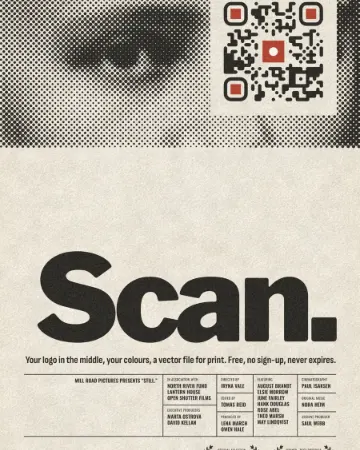 How to make a custom QR code with a logo, freeYour logo in the middle, your colours and shapes, a code that still scans — and nothing to pay, now or later.
- 03
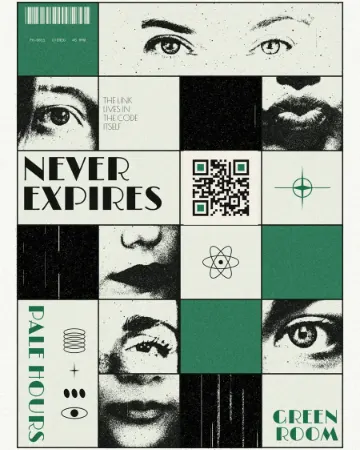 QR codes that never expire: static vs dynamic, honestlyWhy printed codes stop working, when a dynamic code is worth paying for, and how to make one that never expires.