Tools compared6 min readFreeUpdated 2026-11-06
Free Illustrator alternatives: which one for which job
Five free vector tools, sorted by the work you actually do, with the catch of each.
The best free alternative to Illustrator depends on the job. For logos and print, Affinity, free since October 2025, and Inkscape, free and open source, come closest; for interface icons, Figma; for opening a vector file in a browser tab, Vectorpea; and for posters and posts where vector type sits on treated pictures, Paletoo. Illustrator itself is sold only as a subscription, so these are the realistic ways to do vector work for nothing.
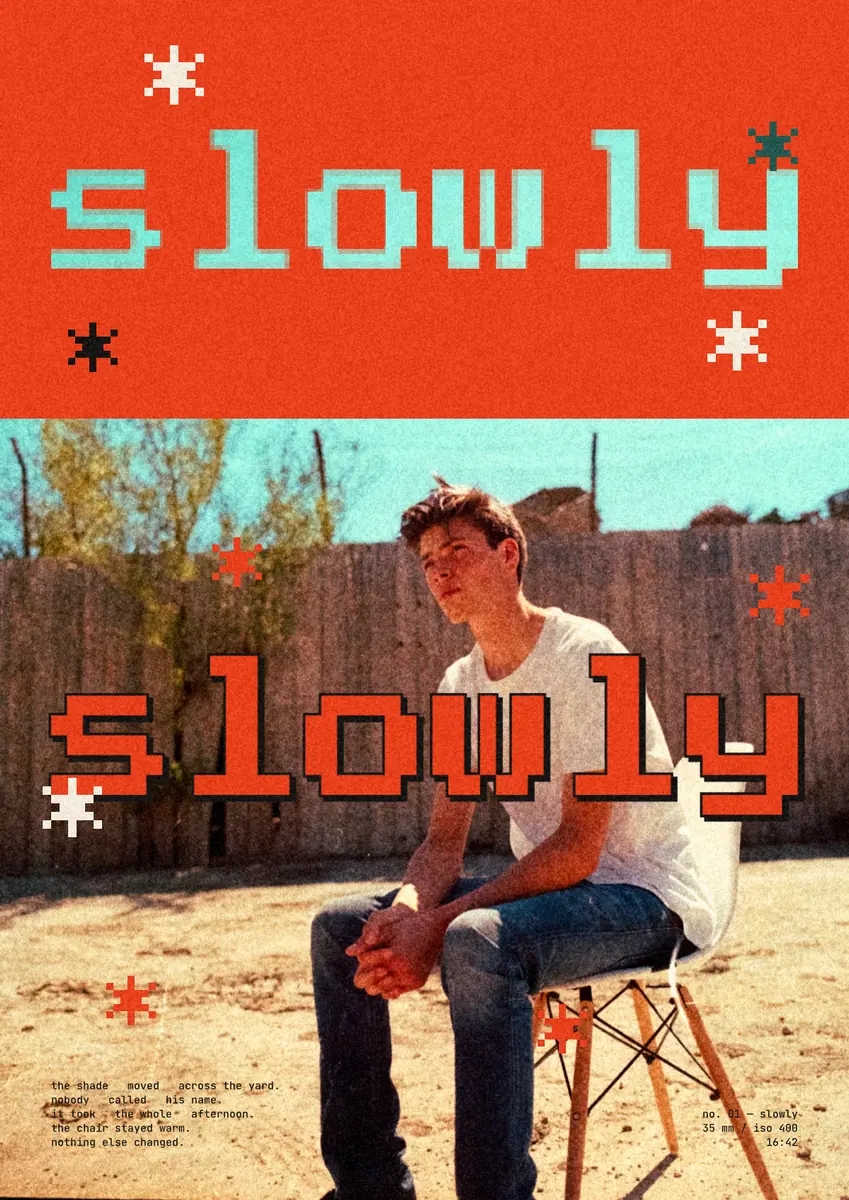
This comparison is written by the Paletoo team, so we have kept to facts you can check and said where each of the other tools is the better choice. The poster on this page, “slowly”, a pixel word that opens a window into a photo, was made in Paletoo and exported as an SVG. For tools beyond vectors, see The best free tools for graphic designers.
Sorted by job
Logos and icons: Affinity or Inkscape. Both have mature pen tools, boolean operations and precise node editing, and both export clean SVG and PDF. For icon sets that live in an app interface, Figma is the natural home because of its components.
Print layouts — brochures, menus, books: Affinity, because the same app has a layout mode with real pages and print output, the nearest free thing to Illustrator and InDesign together.
Posters and social graphics with treated pictures: Paletoo. Vector type and shapes sit on photos with live halftone, pixel, photocopy or gradient-map steps, and go out as PNG or a PDF with bleed (SVG for the designs made of type and shapes).
Cutting files for a Cricut, a Silhouette or a laser: Inkscape. It saves plain SVG, and makers’ tutorials and makerspaces use it for exactly this.
The other four, fairly
Affinity. Since 30 October 2025 Canva has offered Affinity as one app with vector, pixel and layout modes, free on Windows and Mac with a Canva account; Canva’s AI features inside it need a paid Canva plan. It opens PSD and IDML files, and Illustrator files saved with PDF compatibility. The catch: desktop only, an account is required, and its future is in Canva’s hands.
Inkscape. Open source and free on Windows, Mac and Linux, and for years the default free vector editor. It works natively in SVG and opens PDF-based .ai files, from Illustrator 9 on, through its PDF import, though it cannot save .ai. The catch: the interface feels older, and very large files can be slow.
Figma. The standard for interfaces, with a free Starter plan; in 2025 Figma Draw added vector brushes, a shape builder and text on a path. The catch for print: there is no CMYK export, and treatments such as halftone come from plugins.
Vectorpea. A vector editor in the browser from the makers of Photopea that opens AI, PDF and SVG files with nothing to install. It launched as an early beta with many tools missing, so check that it does what you need before you rely on it.
What Paletoo does with vectors
Paletoo is a poster and social editor rather than an illustration program, but its vector parts are real: a pen tool, point-by-point path editing, a shape builder, boolean combine, outline stroke and text on a path. Its Vectorize traces a picture into editable shapes on your device, and traces it with its effects, so a halftone comes out as vector dots. See How to vectorize an image for free.
At the end, SVG keeps type and shapes as vectors, with the text live or as outlines, and photos and many effects embedded as pictures where you allow it; a few, such as a pixel window or paper grain, keep a design out of SVG, and the Export window names them. PDF embeds the fonts and adds bleed and crop marks, with a CMYK PDF/X-4 option whose profile is approximate, so ask your printer for theirs. Illustrator files saved with PDF compatibility, Illustrator’s default, open as editable pages; EPS does not open yet. All of it, every export included, is free with no account.
The catch: no phone app, a small community, and if your day is spent drawing detailed illustrations, Affinity or Inkscape will serve you better.
How to choose
Pick the tool for the work you do most, and keep your files in open formats, SVG and PDF, so you can move between tools. A common free kit: Affinity or Inkscape for logos and print, Figma for screens, Paletoo for posters and posts. They pass files easily: an SVG logo from Inkscape can be dropped onto a Paletoo canvas, and an SVG from Paletoo opens in all of the others.
Made in Paletoo
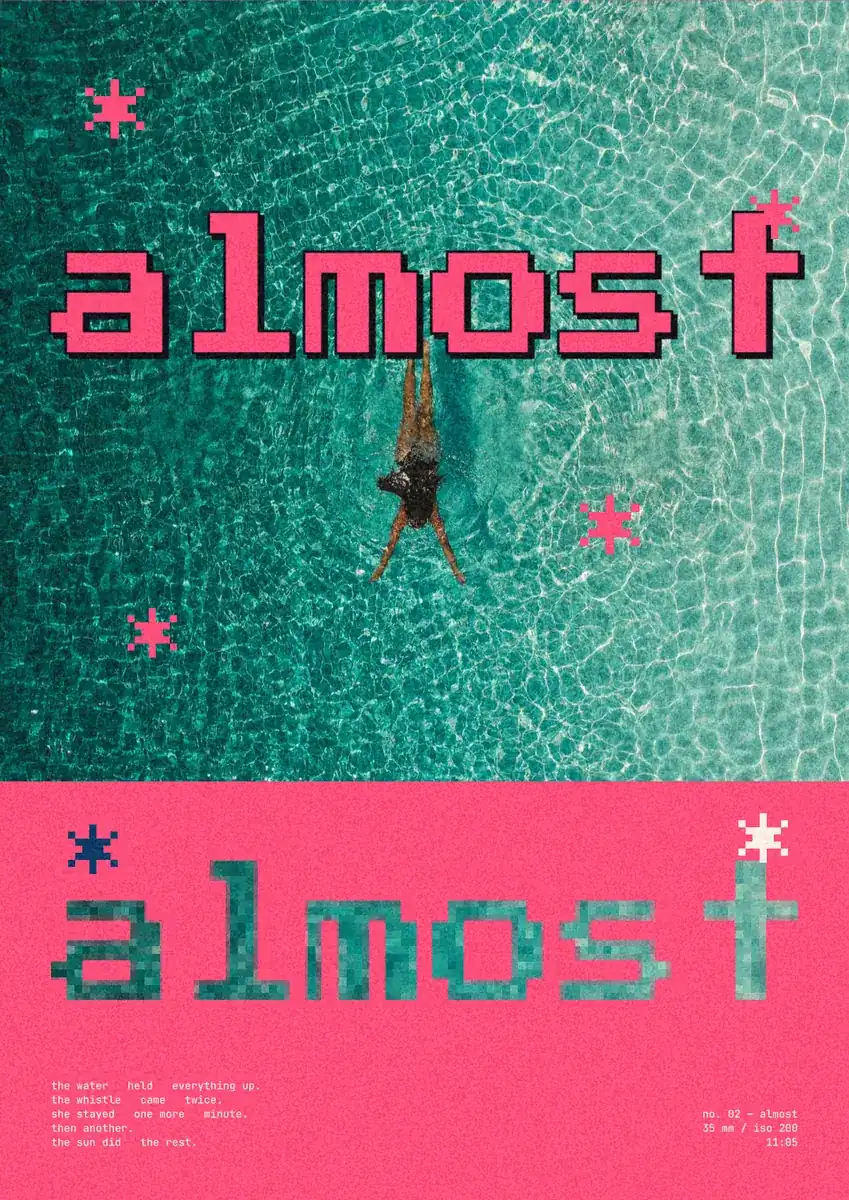
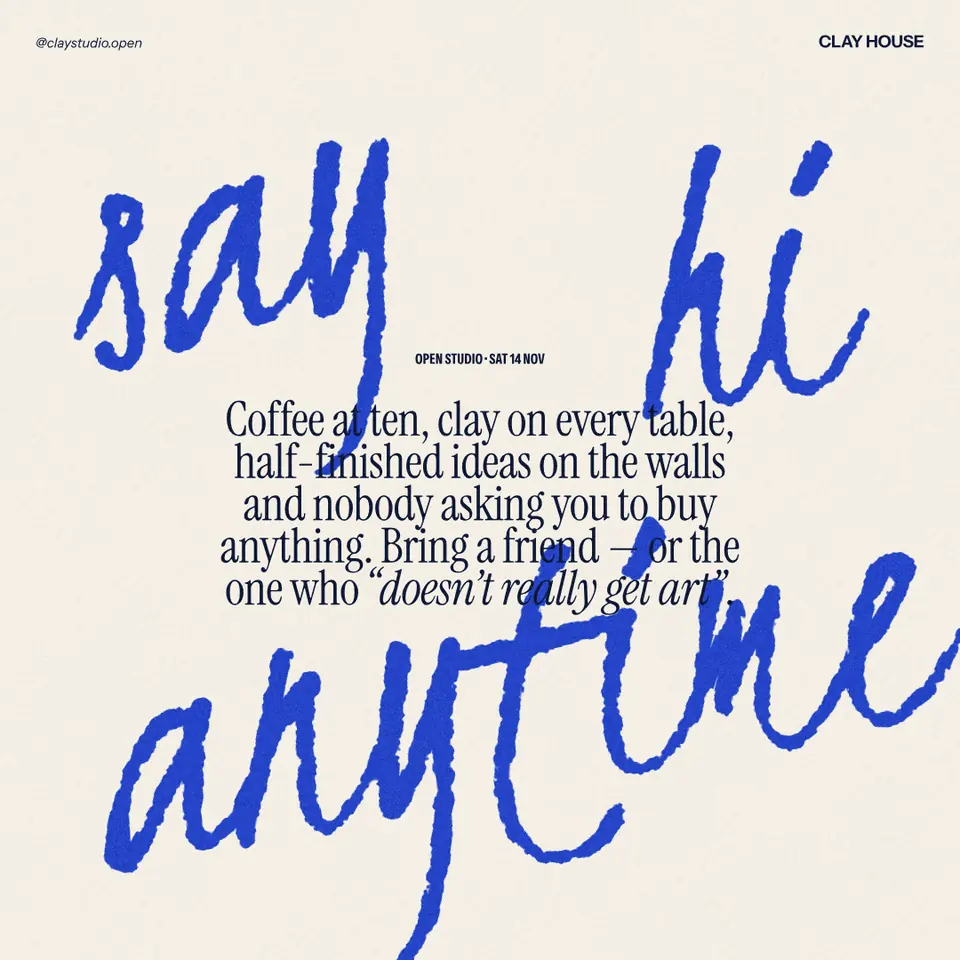
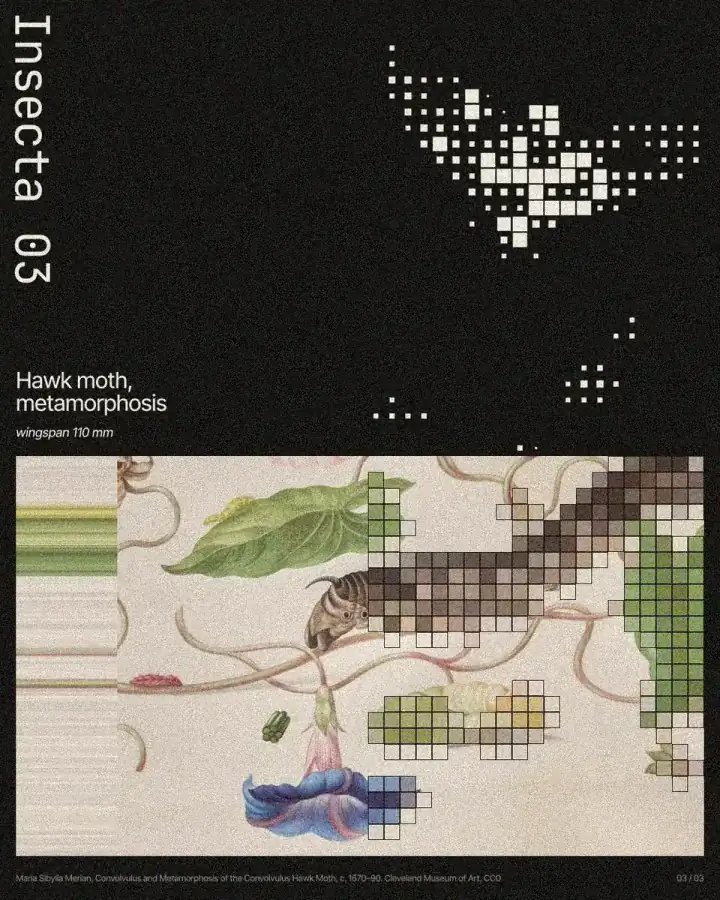
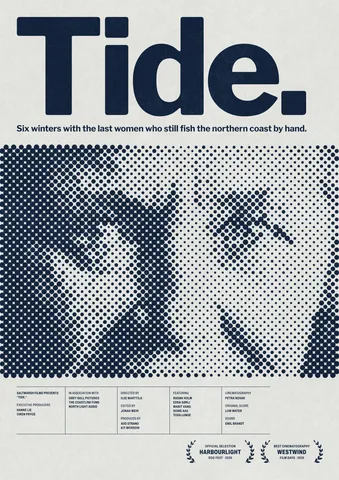
Every picture on this page was made in Paletoo — these three with the same steps on other templates:
Try it in Paletoo
Press “Open in Paletoo” to open the Slowly poster as your own document. Layers shows a photo, a red block, the word twice — “Word · window” and “Word · echo” — small pixel marks and two blocks of mono type.
Click the top word, “Word · window”, to select it. The Design tab shows its place, and Typography its font, Press Start 2P, at about 180 px and stretched a quarter taller. It is live text: double-click it to type another word.
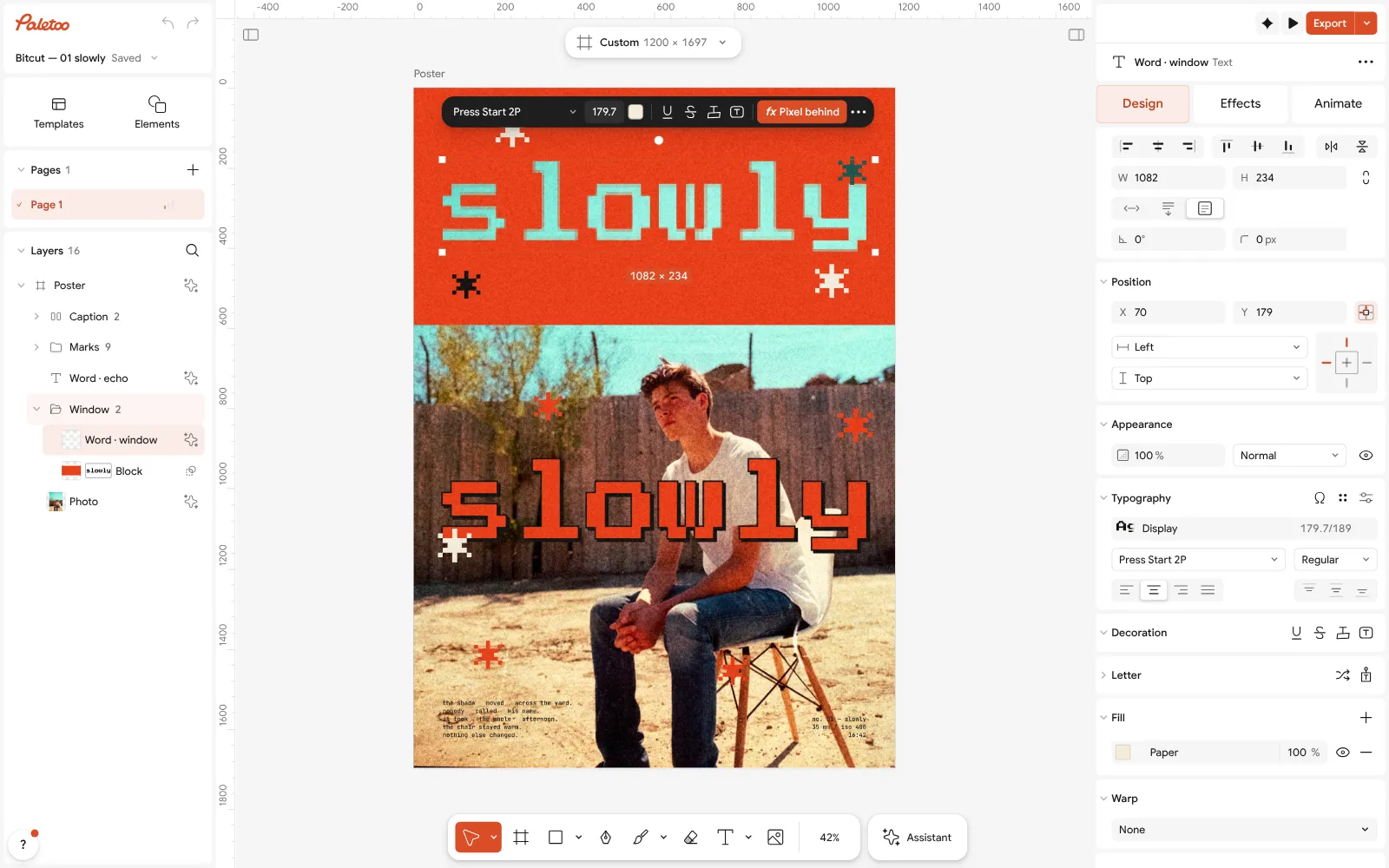
The Slowly poster open in Paletoo: the top word selected, Press Start 2P under Typography in the Design tab Open the Effects tab. Under Applied is a single step, Pixel behind: the letters are not painted, they show the photo under the red block in 11 px square pixels.
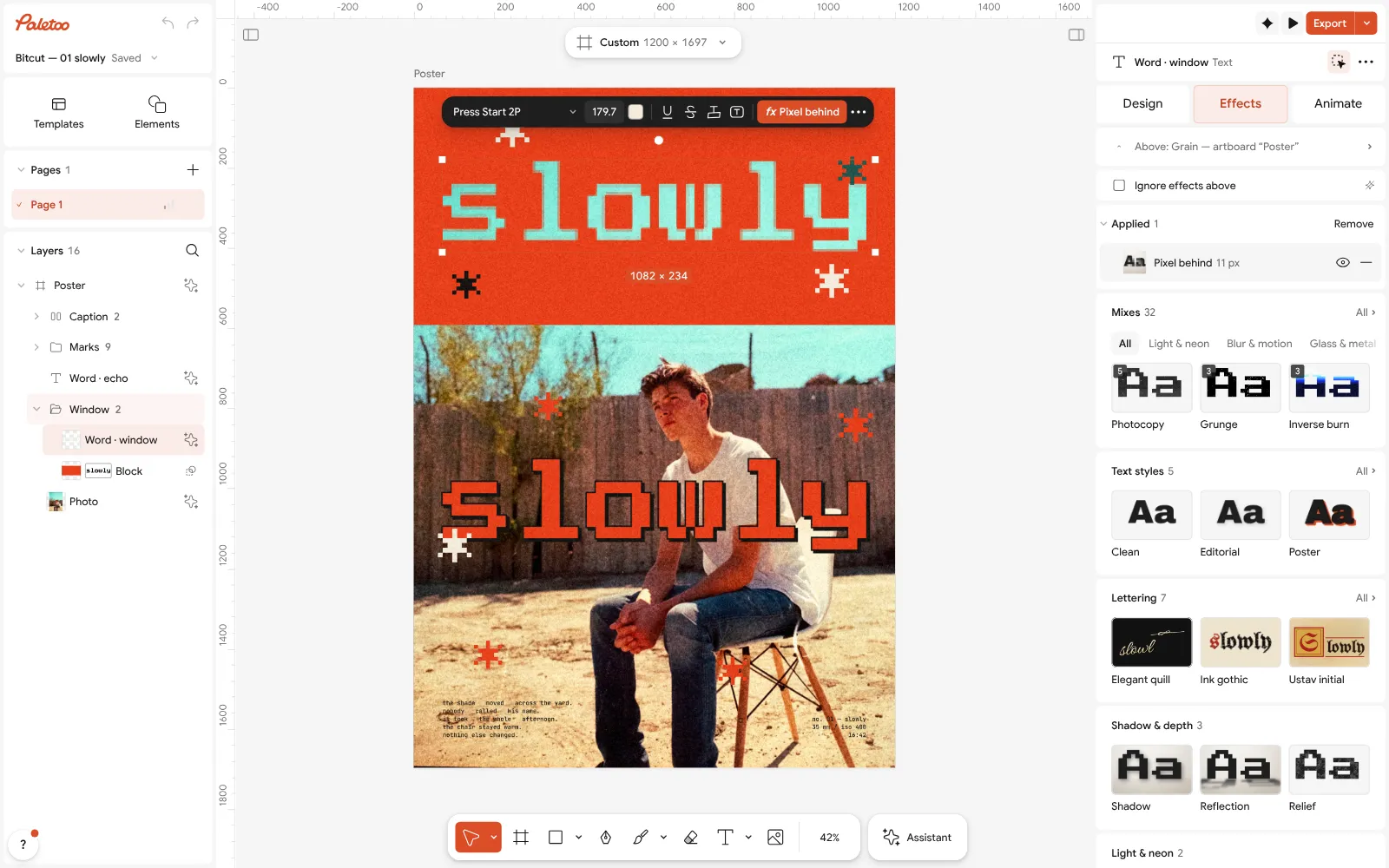
The same word in the Effects tab: one Pixel behind step under Applied Press Export and open the format list. SVG is greyed out for this poster, and that is honest: the pixel window and the paper grain are effects an SVG cannot hold, and the option’s tip lists each one with its layer. PNG and PDF are offered. On a design made of type and shapes — a logo, an icon, a sticker — SVG is there, with Outline text to turn the words into outlines.
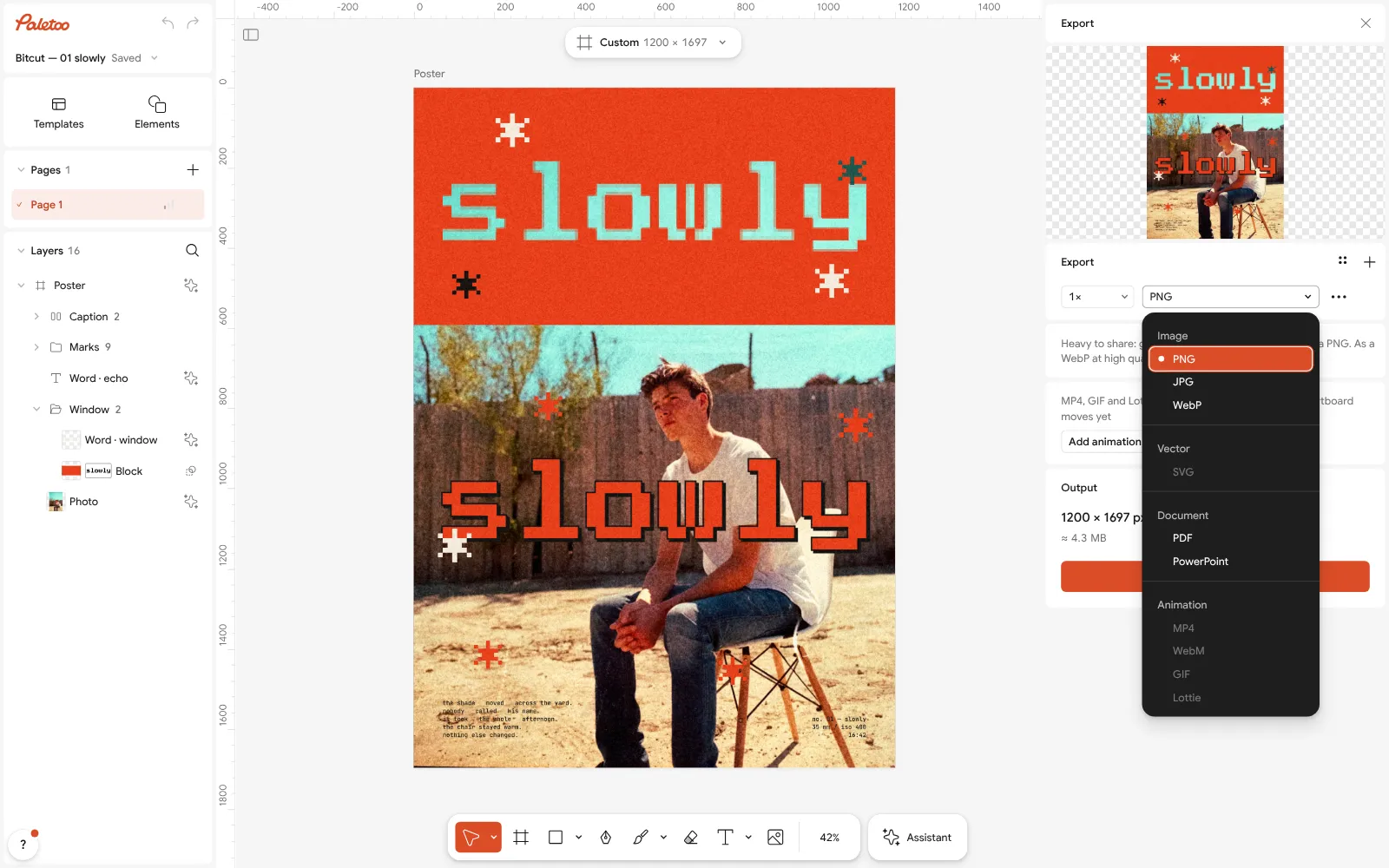
The Export window’s format list: SVG greyed out for this poster because of its pixel effect and grain, PNG and PDF offered To make it yours, double-click both words and type the same new one; the window follows the letters. Select the photo and press Replace picture to put your own under it.
Export a PNG for the screen or a PDF with Include bleed for print; keep SVG for the vector pieces, and keep the editable document with Save to file….
Make it your own
Need a shape that is not among the elements? Draw it with the Pen tool, reshape it with Edit path, and keep or cut overlapping shapes with Shape builder. All three stay vectors in the SVG and the PDF.
To bring in a logo that exists only as a picture, select it and press Vectorize. Choose a look, the number of colours and the detail; it runs on your device and costs nothing.
Have an Illustrator file? Choose Open file… and pick the .ai: the Import Illustrator file window lists its pages, and they arrive as layers you can edit. If it is refused, save it again from Illustrator with “Create PDF Compatible File” on.
Questions
Is there a free version of Adobe Illustrator?
Illustrator is sold as a subscription. The free routes are the alternatives: Affinity and Inkscape on the desktop, Figma, Vectorpea and Paletoo in the browser.
Is Affinity really free?
Yes. Since 30 October 2025 the Affinity app has been free on Windows and Mac with a Canva account. Canva’s AI features inside it need a paid Canva plan.
Can I open .ai files without Illustrator?
Yes, if the file was saved with PDF compatibility, which is Illustrator’s default. Affinity, Inkscape, Vectorpea and Paletoo can all open such files; very old PostScript .ai files and EPS are harder.
What is the best free Illustrator alternative for cutting machines?
Inkscape is the usual choice for Cricut, Silhouette and laser cutting: it is free, works in plain SVG and has plenty of tutorials for exactly this.
Can Paletoo replace Illustrator?
For posters, social graphics, wordmarks and type-led work with SVG and print PDF at the end, often yes. For detailed illustration and technical drawing, Affinity or Inkscape is closer to Illustrator.
Make it online
- Logo makerBuild a wordmark or a badge from real type and shapes, and take it away as a sharp SVG or PDF.
- Poster makerMake a poster from a template that already has the layout right, then export a print-ready PDF or an image for screens.
- Text effects onlineChrome, gold foil, emboss, cut-out letters, outlines and warps — and the words stay editable text.
Free design templates: Brand guidelines templates · Poster templates · Social media post templates
Try it on your own design
Paletoo opens in your browser, with no sign-up. Every effect here is live: change the picture or the words and the effect follows.
Open in PaletooRead next
- 01
 The best free tools for graphic designers in 2026Ten free tools worth knowing, what each is best at, and where each one stops.
- 02
 Vectorize an image for free: raster to vector onlineTurn pixels into shapes you can scale, recolour and cut — and know when not to.
- 03
 Free Photoshop alternatives online: what works in a browserRetouching, PSD files or design with photos: a different free tool for each job.