Free tools5 min readFreeUpdated 2026-11-25
Instagram highlight covers: free, the right size and how to set them
The size to upload, where the circle crops, how to make a set that looks like one brand, and how to change a cover without anyone seeing a story.
By the Paletoo team · steps tested in Paletoo on
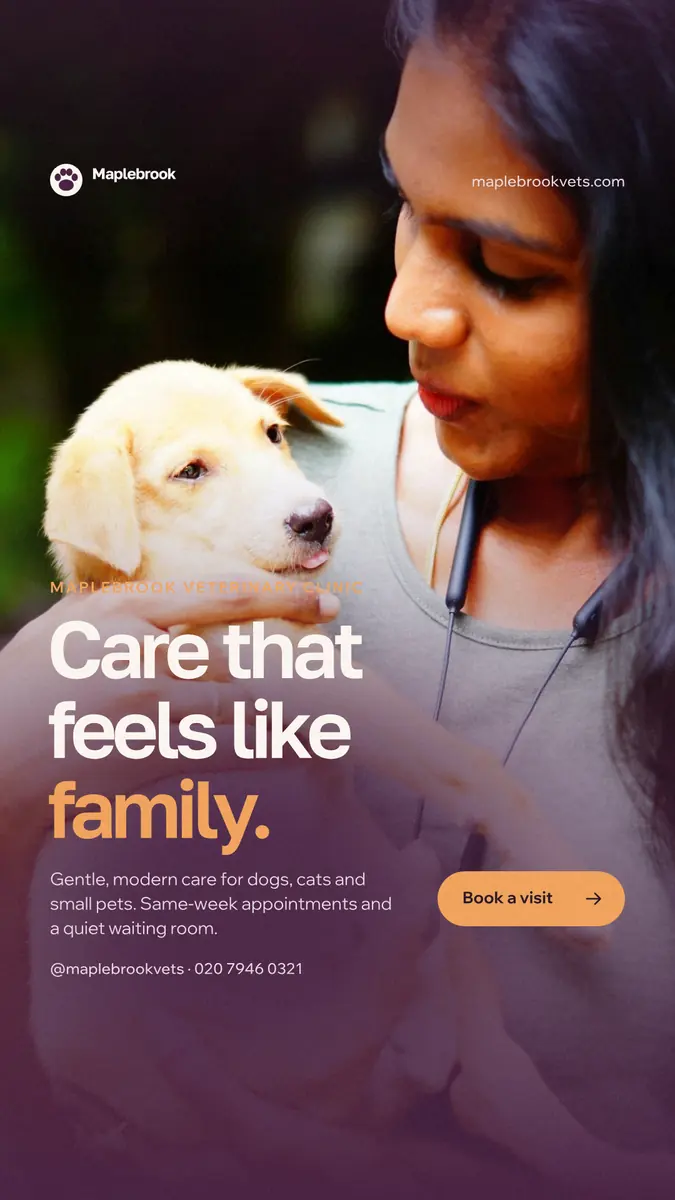
An Instagram highlight cover is any image you pick from your phone in Edit highlight › Edit cover; Instagram shows it as a small circle cut from the centre. Make it 1080 × 1920 px, the size of a story, keep the icon or word inside the middle 1080 × 1080 square and well within its inner 60 % (a circle about 650 px across), and export it as PNG. A set looks consistent when every cover shares one background colour or palette, one icon style and one icon size.
This guide gives the numbers, the rules for a set that reads at thumbnail size, and the exact way to change a cover without posting it to followers. The steps turn «Care that feels like family», a plum story for a vet clinic with a small paw logo, into a cover set using the same plum, the same cream and the same paw, and add more icons from the editor’s free library. Every step was run in Paletoo on 12 November 2026.
Highlight cover size and the circle
Instagram keeps no special size for covers: you choose a picture, then move and zoom it inside a circle. Making covers at story size has two advantages — they look right if you ever post them as a story, and the editor and the phone handle the same file for both. The numbers to work with:
| What | Size | Why |
|---|---|---|
| The image you upload | 1080 × 1920 px (9:16), or a square 1080 × 1080 | Story size; Instagram crops from the centre |
| The area that can show | The centre 1080 × 1080 square | The circle is cut from the middle of the picture |
| Where the icon goes | Inside the inner ~60 %, about 650 px across | Room for the circle’s edge and for zooming |
| Icon line weight | Bold: 40–60 px lines at that size | The circle is shown smaller than a fingertip |
| Text on the cover | One short word, or none | The highlight’s title already shows under the circle |
| File | PNG | Flat colour and sharp edges with no JPEG blur |
What makes a cover set look like one brand
Pick one background: one colour for all, or one palette with a colour per highlight. Pick one icon style: all line icons or all filled ones, from one set and one weight — mixing a thin outline with a fat 3D emoji is what makes a profile look patched together. Keep every icon the same size in the circle and the same colour against the background; cream on plum, white on black, black on pastel. Aesthetic sets are just this rule applied strictly: a neutral beige or a single pastel, thin but not hairline icons, and nothing else.
Name the highlights in the same style too — short, one word, the same language — and order them by what a new visitor needs first: services, prices, reviews, contacts.
How to set a cover without posting a story
A highlight needs at least one story in it, which can be an old one from your archive. To change only its cover: open your profile, press and hold the highlight (or open it and tap More), choose Edit highlight, then Edit cover. Tap the picture icon to choose an image from your phone’s gallery, move and zoom it in the circle, and tap Done. The cover image is not posted as a story and nobody is notified; only the circle on your profile changes. The exact wording differs a little between app versions, but the path is the same.
To start a new highlight from scratch, tap New (the plus) under your bio, choose a story from the archive, give it a name, then set the cover as above.
Made in Paletoo
Every picture on this page was made in Paletoo — these three with the same steps on other templates:
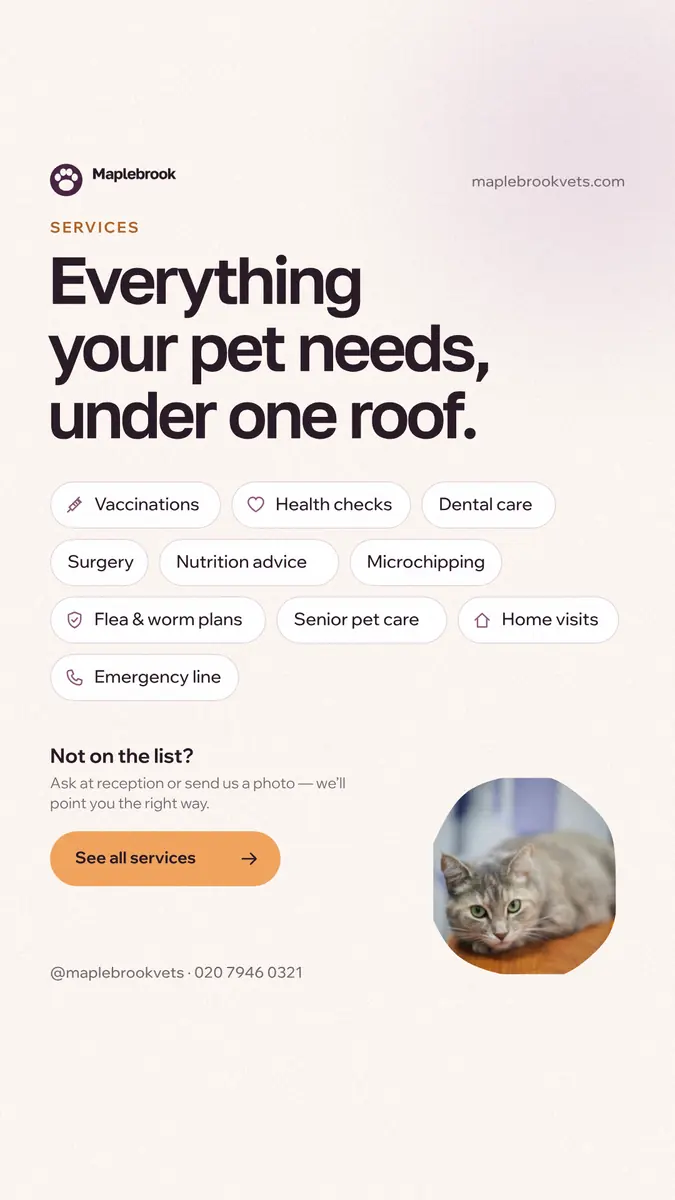
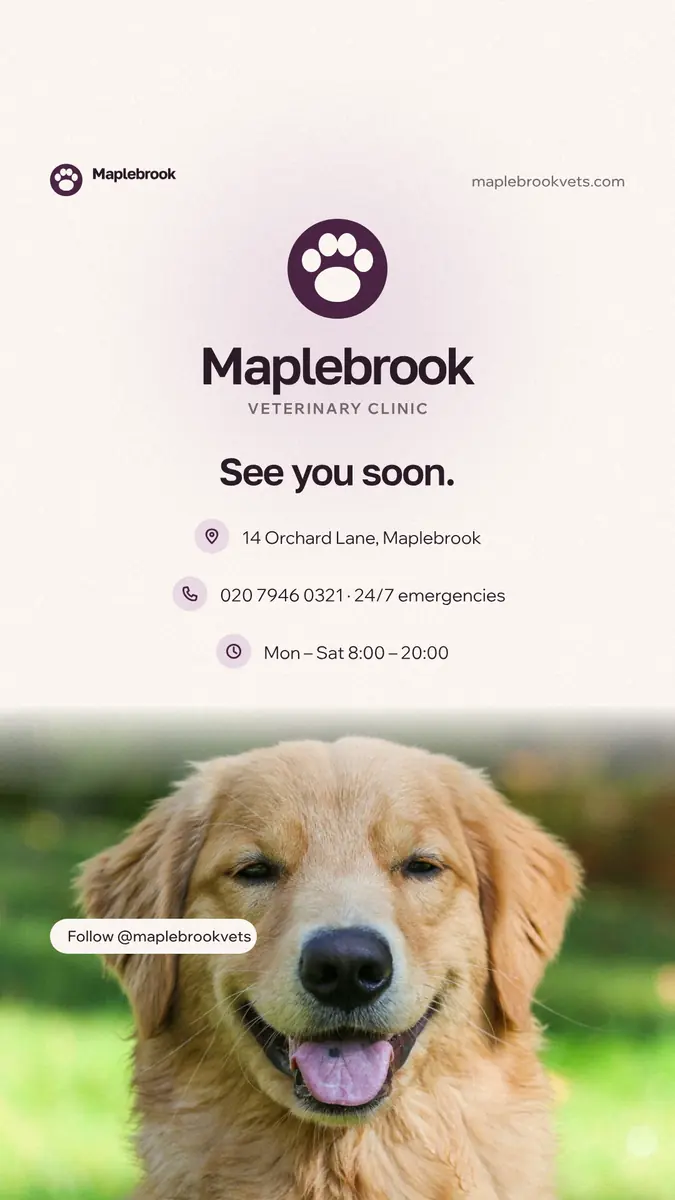
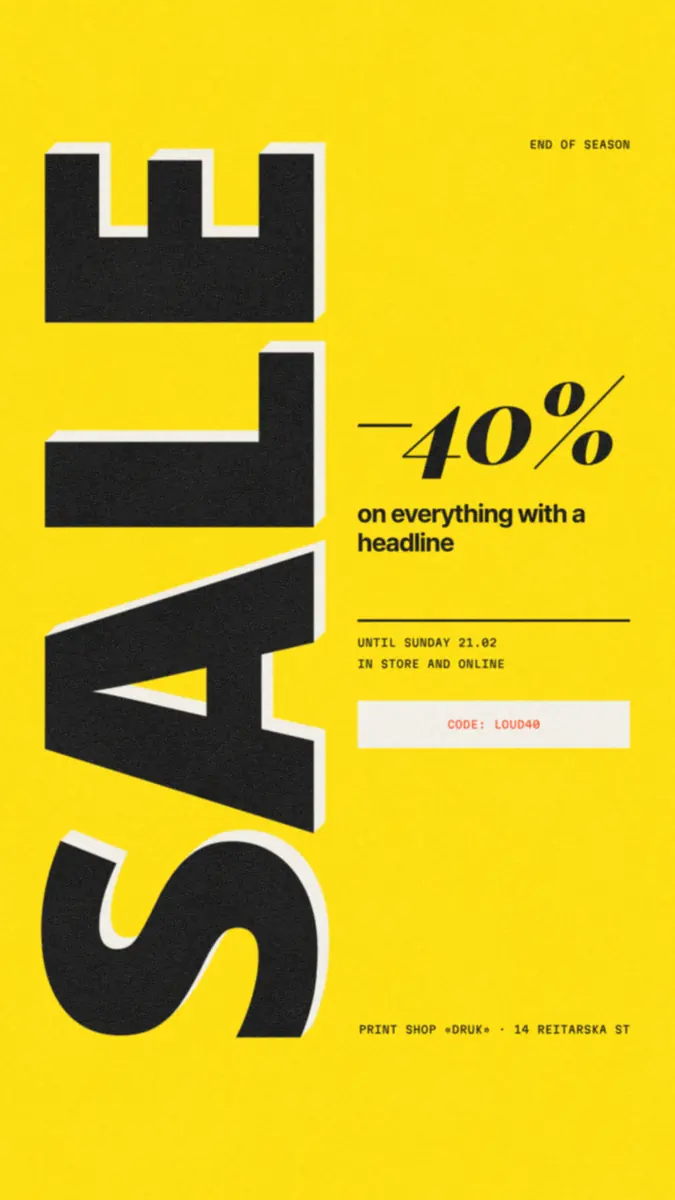
Make it free in Paletoo
Open the story: press “Open in Paletoo” on this page, or start from the Instagram story maker. It opens as your own 1080 × 1920 document in plum: a woman holding a puppy, «Care that / feels like / family.» as the headline, a small white paw logo at the top left and an apricot «Book a visit» button.
With nothing selected, look at the format chip above the canvas: «Instagram story · 1080 × 1920». Press it to see the formats — Make a copy as offers a square «Instagram post 1:1» if you prefer square covers; keep the story size otherwise, since Instagram crops the centre either way.
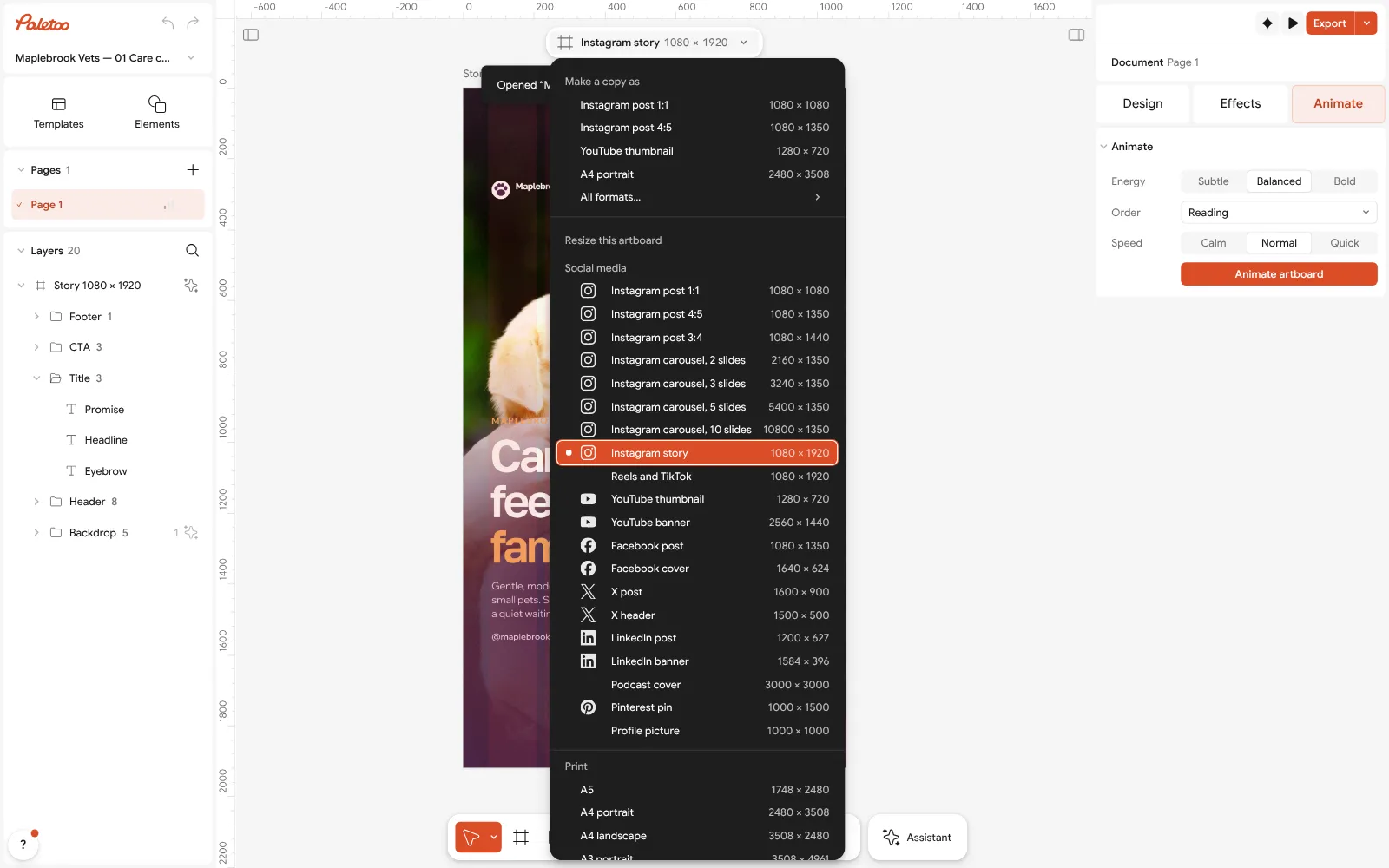
Nothing selected: the format chip’s menu open over the story — Make a copy as, then Resize this artboard with the formats Press Ctrl D (Duplicate) on the artboard for each cover you need. On a copy, select the photo, the button and the small texts and delete them; select «Headline» and either replace it with one short word or delete it too — the plum background stays.
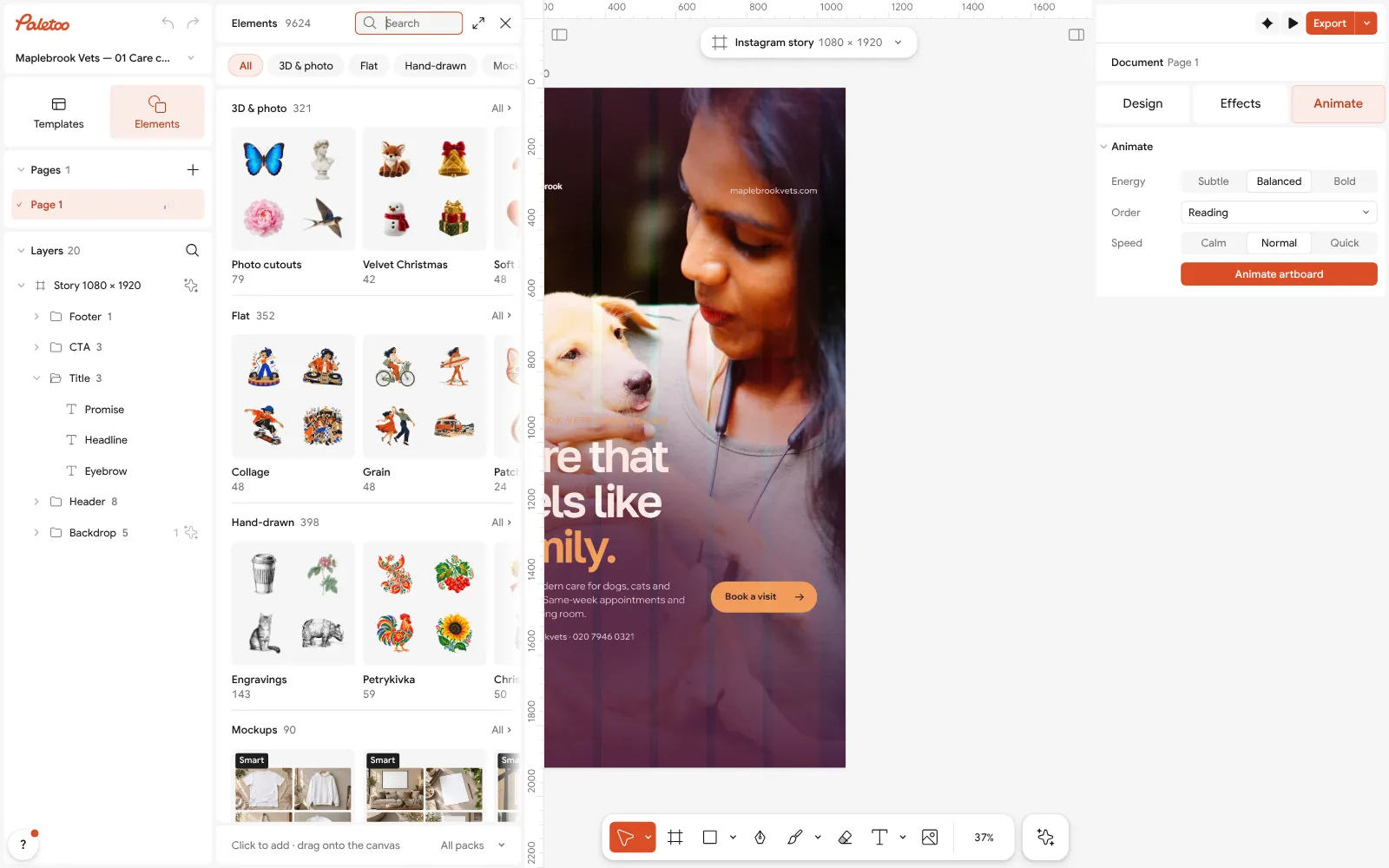
The Elements browser open on its groups, Icons among them Select the paw logo — its badge, pad and four toes — and scale it up to about 600 px wide, centred on the artboard. That is your first cover: the brand’s own mark, cream on plum.
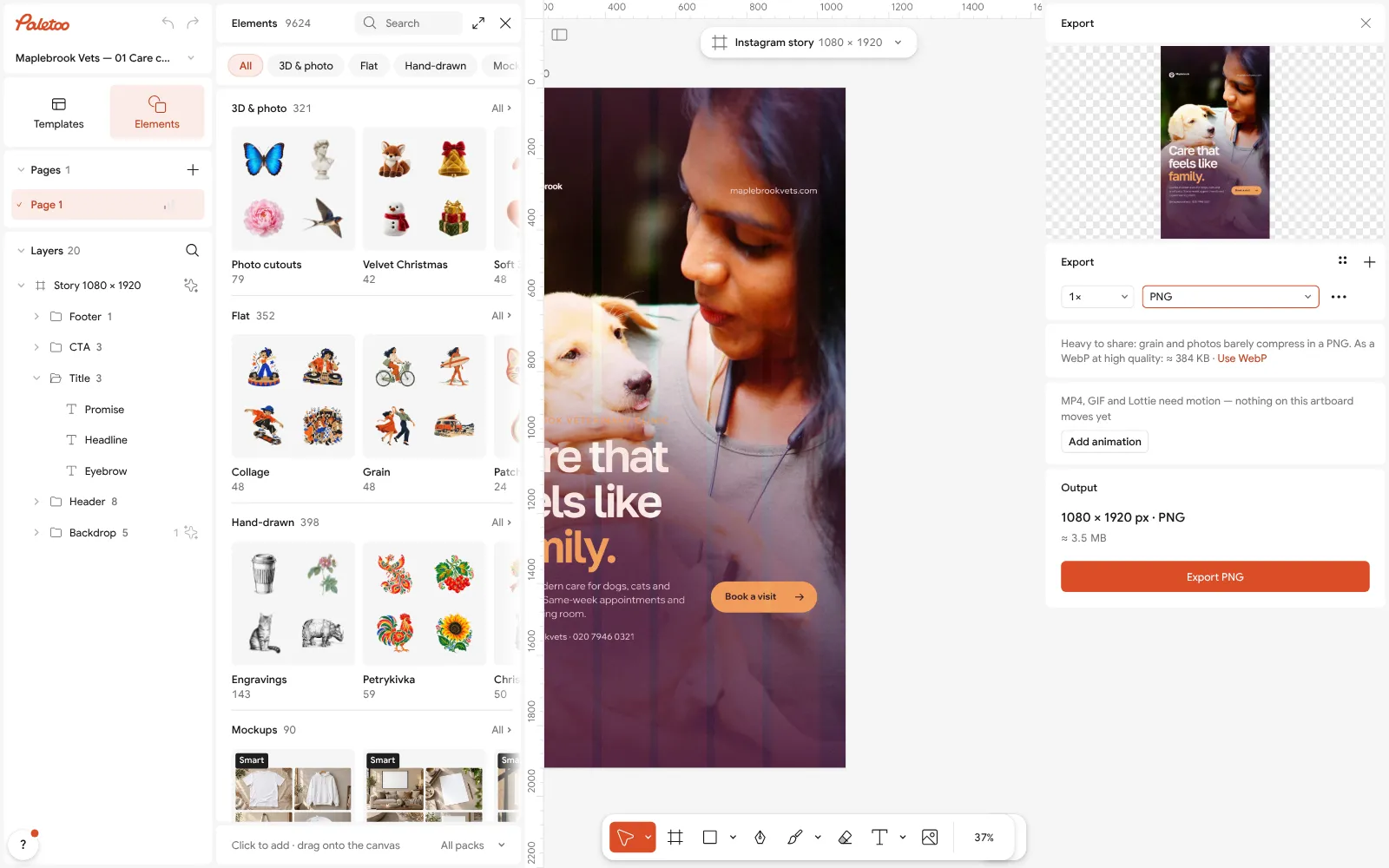
The Export window with PNG chosen For the next covers press E to open Elements and go to Icons; search for «phone», «clock» or «heart». Use one set and one weight for all covers, place each icon at the same size in the centre and recolour it in Selection colours to the same cream.
Press Export (Ctrl Shift E), choose PNG and download the covers. Send them to your phone and set each one in Edit highlight › Edit cover.
Make it your own
For a set with a colour per highlight, keep them all in the document’s Colour styles — Plum, Cream, Apricot, Mauve, Lilac — so a new cover never brings a new colour.
If an icon looks thin in the circle, choose a bolder weight of the same set in Elements rather than adding an outline. Free icons and shapes to start from: free design elements.
The stories that go into the highlights can share the template: Instagram story ideas lists 28, and Instagram story size the safe zones.
Sources
Questions
What size is an Instagram highlight cover?
Upload a 1080 × 1920 image (or a 1080 × 1080 square); Instagram crops a circle from the centre, so keep the icon inside the middle, about 650 px across.
How do I change a highlight cover without posting it?
Open the highlight, choose Edit highlight, then Edit cover, and pick the image from your gallery. The cover is not posted as a story and nobody is notified.
How do I make highlight covers for free?
Design them in a free editor such as Paletoo: one background colour, one icon style, the icon in the centre, export as PNG — no watermark and no account.
Why does my highlight cover look blurry?
It was saved as a small or compressed JPEG. Export a PNG at 1080 px wide or more and keep the icon bold.
Can I use text on highlight covers?
One short word at most. The highlight’s name already shows under the circle, and long text becomes unreadable at that size.
What are aesthetic highlight covers?
A set in one muted colour, often beige, black or a pastel, with simple line icons of one weight — the same rule as any consistent set, applied strictly.
Make it online
- Make Instagram highlight coversMake a set of highlight covers in your colours: pick a style, change the icon or the word, and download a PNG for each — free, no sign-up, no watermark.
- Instagram story makerPick a 9:16 template, change the words and the photo, add motion if you like, and export an image or a video in a couple of minutes.
Free design templates for posts, stories and posters: Story and Reels templates
Try it on your own design
Paletoo opens in your browser, with no sign-up. Every effect here is live: change the picture or the words and the effect follows.
Open in PaletooOpens this design as your own copy — every layer and effect editable, free.
Read next
- 01
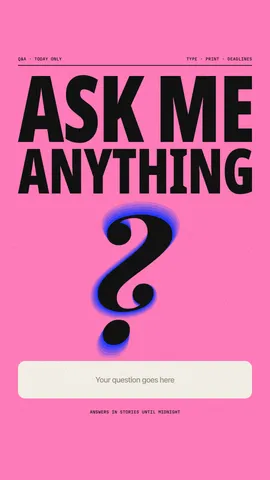 Instagram story ideas: 28 ideas for business, photos and funWhat to post in stories when you have nothing new to say — grouped by what they do, with the sticker to add and a template that opens in one tap.
- 02
 Instagram story size 2026: 1080 × 1920, safe zones and ratioThe pixels, the ratio, the bands that the profile and the reply bar cover — and a story that opens at the right size in one tap.
- 03
 Free design elements: 3D shapes, doodles, line art, stickersOur own packs of 3D shapes, doodles, line art and stickers — try them on a canvas right here, then put them on any design, recoloured, free.