Techniques5 min readFreeUpdated 2026-11-20
Instagram story ideas: 28 ideas for business, photos and fun
What to post in stories when you have nothing new to say — grouped by what they do, with the sticker to add and a template that opens in one tap.
By the Paletoo team · steps tested in Paletoo on
The Instagram stories that work best ask something (a poll, a question box, «this or that», a quiz), show something people do not see in the feed (behind the scenes, a work in progress, a day in your life) or give a reason to act now (a countdown, an offer with a code, a last call). Below are 28 ideas in three groups — interactive, business and personal — with the sticker each one needs, and the way to make them all look like one account: one template, two fonts, one palette, and text kept clear of the top and bottom 250 px of a 1080 × 1920 story.
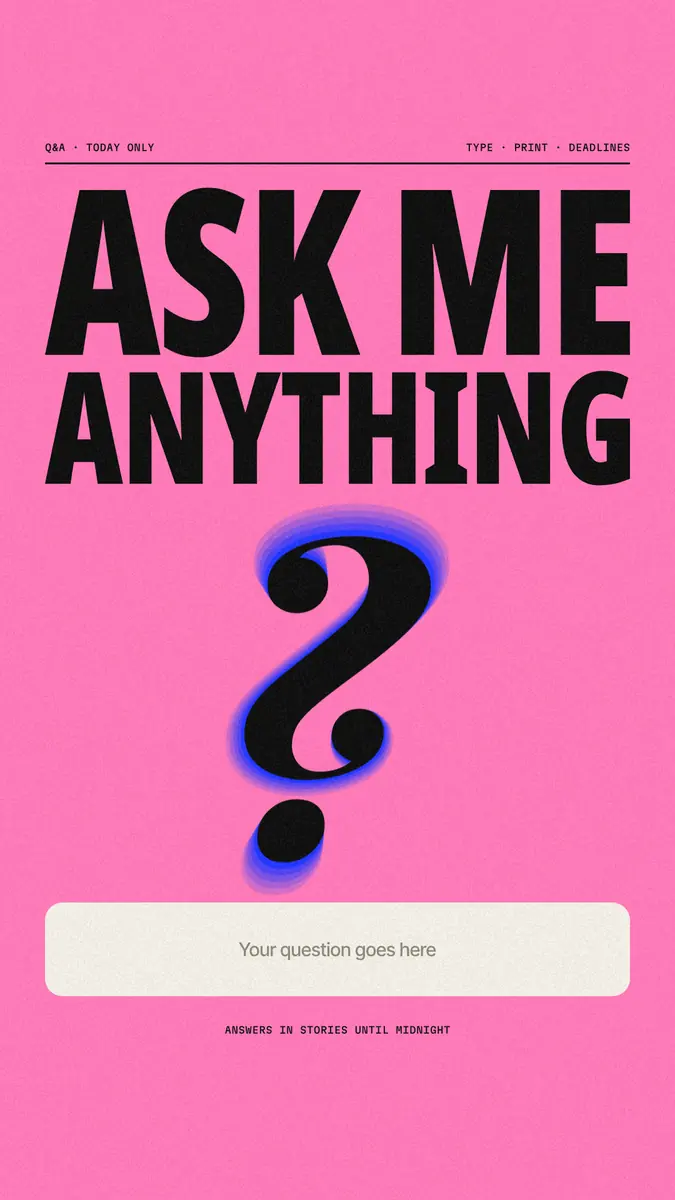
The steps use «Ask me anything», a fluo-pink story with a huge condensed headline, a big question mark and a cream box left free for Instagram’s Questions sticker. It turns into most of the ideas below by changing the words and the colour. Every step was run in Paletoo on 12 November 2026; the pictures are the editor itself.
Interactive story ideas
Stories with a sticker get answers, and answers bring the next story. Make the background in a template, upload it, then add the sticker in Instagram on the space you left for it:
| Idea | Sticker | Tip |
|---|---|---|
| Ask me anything | Questions | Narrow it: «ask me about deadlines», not «ask me anything» about everything |
| This or that | Poll | Two options, one per half of the screen; post the result the next day |
| Rate it 1 to 10 | Emoji slider | A product, a sketch, a recipe — the slider shows the average |
| Guess the answer | Quiz | A fact from your field; the reveal is the next story |
| Which cover / colour / name? | Poll | Let followers choose a real decision you are making |
| Fill in the blank | Questions | «My favourite book this year is …» — repost the best answers |
| Add yours | Add Yours | A prompt others answer with their own photo |
| Countdown to a date | Countdown | Followers tap to get a reminder when it ends |
| Answer of the day | none | Repost one question from the box with your answer on a clean background |
Story ideas for business
A business account’s stories do the work the feed is too slow for: they are short-lived, so they can be rough, frequent and urgent. Ten that keep working:
| Idea | What to show |
|---|---|
| Behind the scenes | The workshop, the kitchen, the packing table, the mess before the shoot |
| Launch countdown | «Coming soon» with the date, then the countdown sticker |
| Offer with a code | One discount, one code, one deadline — big enough to read in a second |
| Customer review | One sentence from a real review, the name, a photo of the product |
| How it’s made | Three to five frames, one step each |
| Before and after | The same angle twice — a room, a haircut, a logo |
| Meet the team | One person, one photo, one line about what they do |
| New arrivals | The products with a link sticker |
| FAQ answered | The question you get by message every week |
| We’re hiring / event reminder | Role or date, place and how to apply or book |
Personal and aesthetic story ideas
For a personal account the best stories are small and regular. A photo dump (four to six photos of the week on one story, or one after another); a day in my life from morning coffee to the last light; a quote on a texture; now playing, with the Music sticker; the book or film of the week; a colour of the day; a throwback with the year; a birthday story for a friend; a weekly recap of three good things. For several photos on one story, keep them the same width and the same gap, so the collage looks planned rather than piled.
How to keep 28 different stories on-brand
Followers recognise an account before they read it, by its colours and type. Make one story template with your two fonts and your palette, and change only the words and the photo: a headline style, a body style, a label style, three to five colours. Keep text inside the safe area — about 250 px clear at the top and bottom of 1080 × 1920, where the profile name and the reply bar sit; the exact bands are in the Instagram story size guide. Leave an empty, calm space where a sticker will go. Finally, save the stories you want to keep in highlights with matching covers — the highlight covers guide shows how.
Made in Paletoo
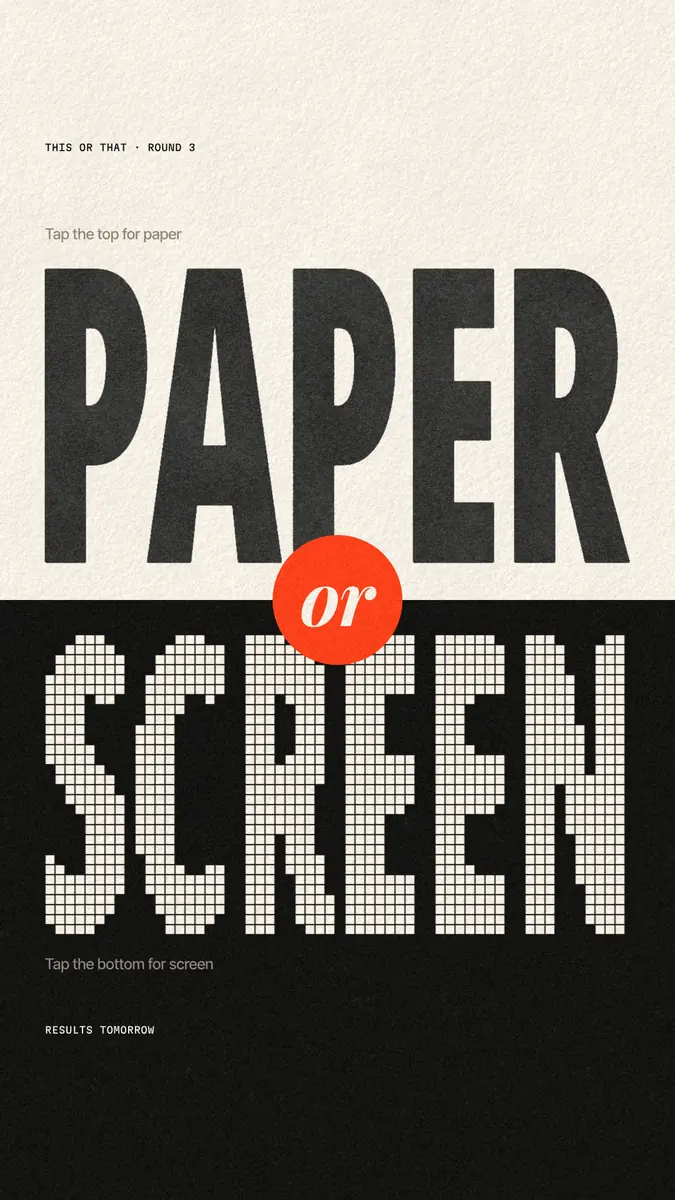
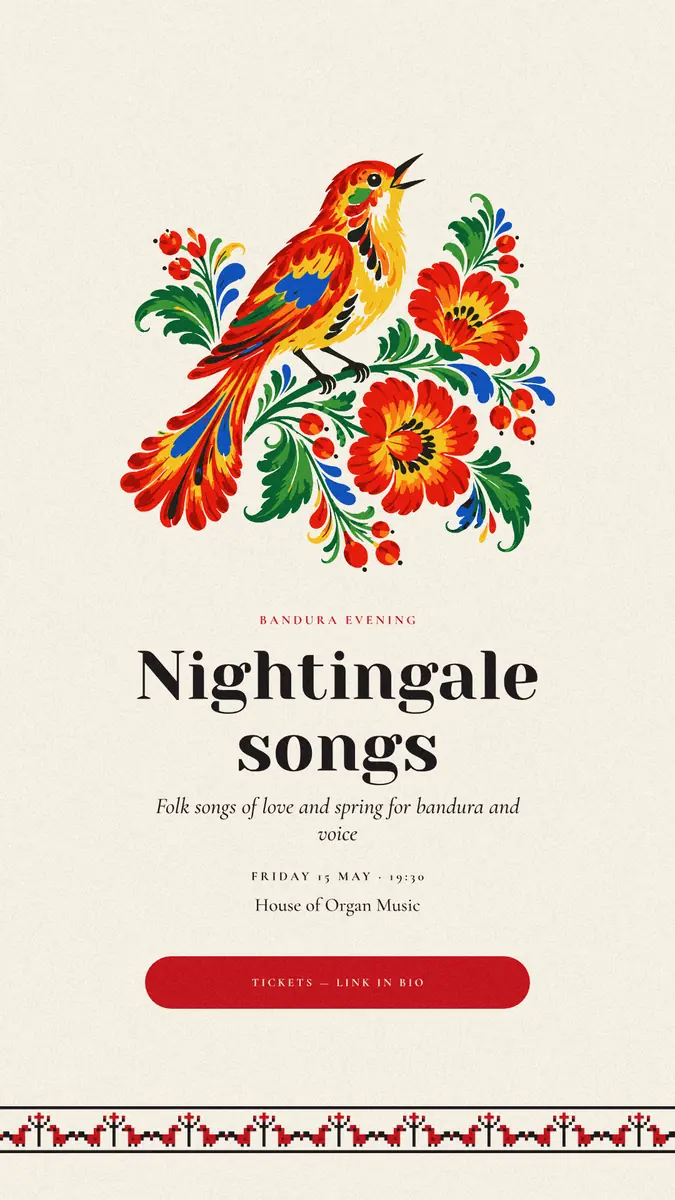
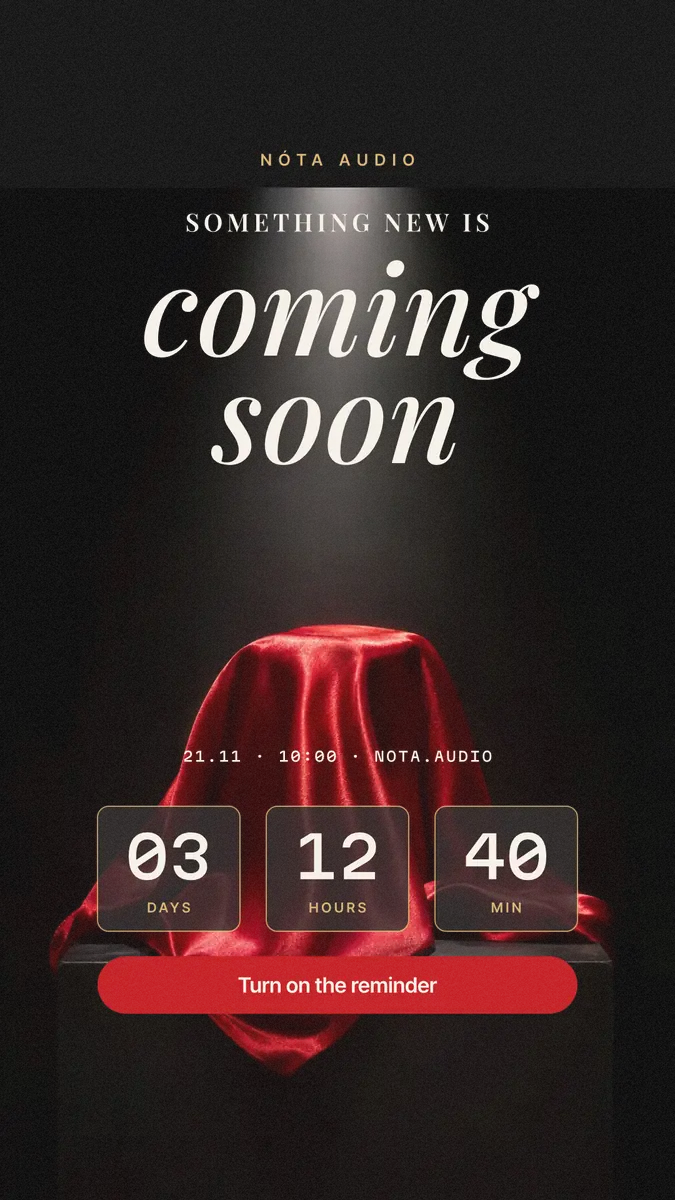
Every picture on this page was made in Paletoo — these three with the same steps on other templates:
Step by step in Paletoo
Open the story: press “Open in Paletoo” on this page, or start from the Instagram story maker. It opens as your own 1080 × 1920 document: fluo pink, «Q&A · TODAY ONLY» at the top, «ASK ME / ANYTHING» in a heavy condensed headline, a big question mark with a blue echo, a cream box «Your question goes here» and a line about when the answers come.
Select «Headline 1»: its font — Noto Sans Display, Black, condensed, 327 px, all capitals — is under Typography in the Design tab. Type a new headline for another idea — «THIS / OR THAT», «RATE / IT», «NEW / IN»; the frame keeps it to one line.
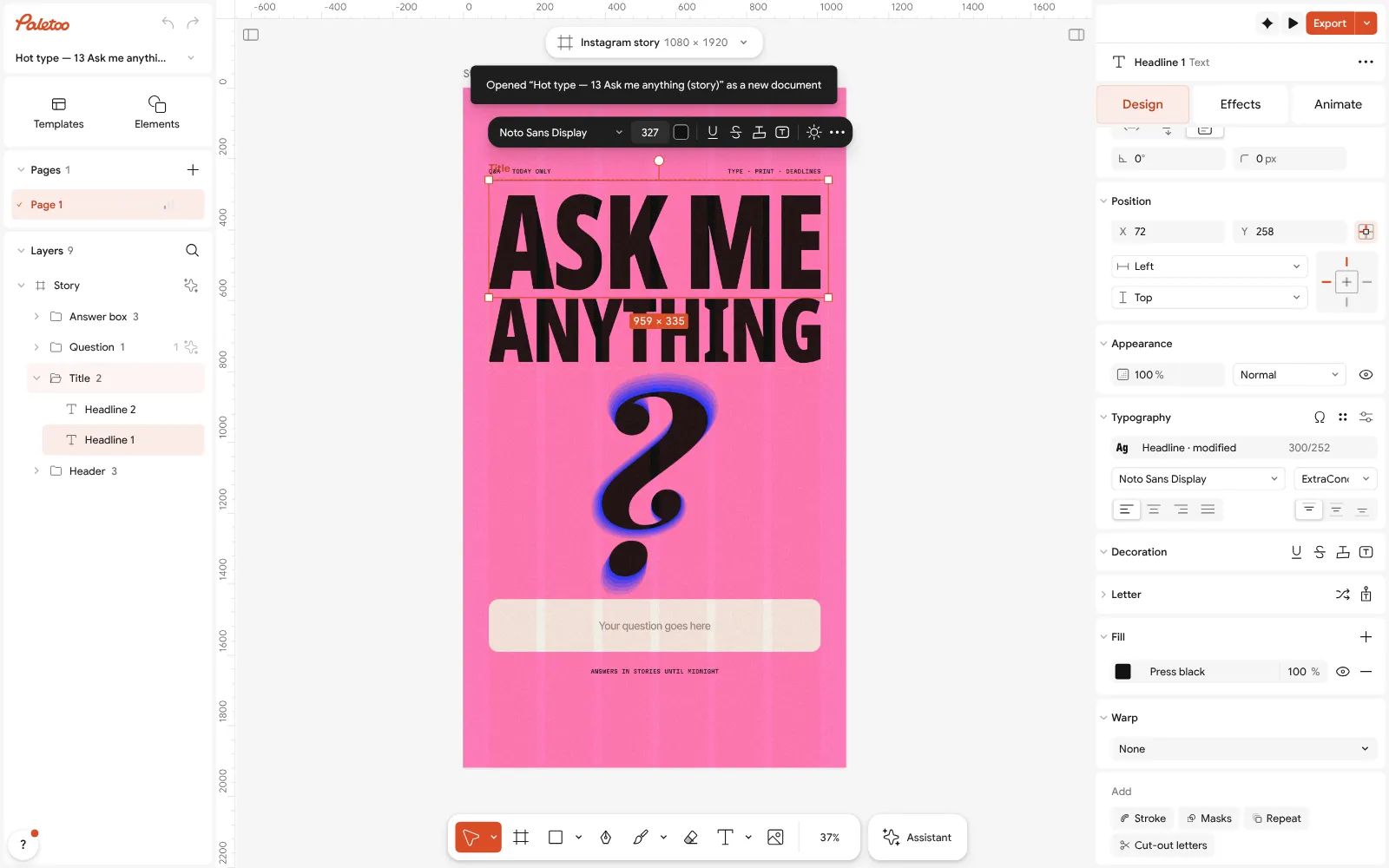
«Ask me anything» open in Paletoo: «Headline 1» selected — Noto Sans Display, Black, condensed, under Typography Keep the cream box empty: after you upload the story, Instagram’s Questions or Poll sticker goes right on top of it. For a quiz or a slider, move the box where the sticker will sit, away from the top and bottom bands.
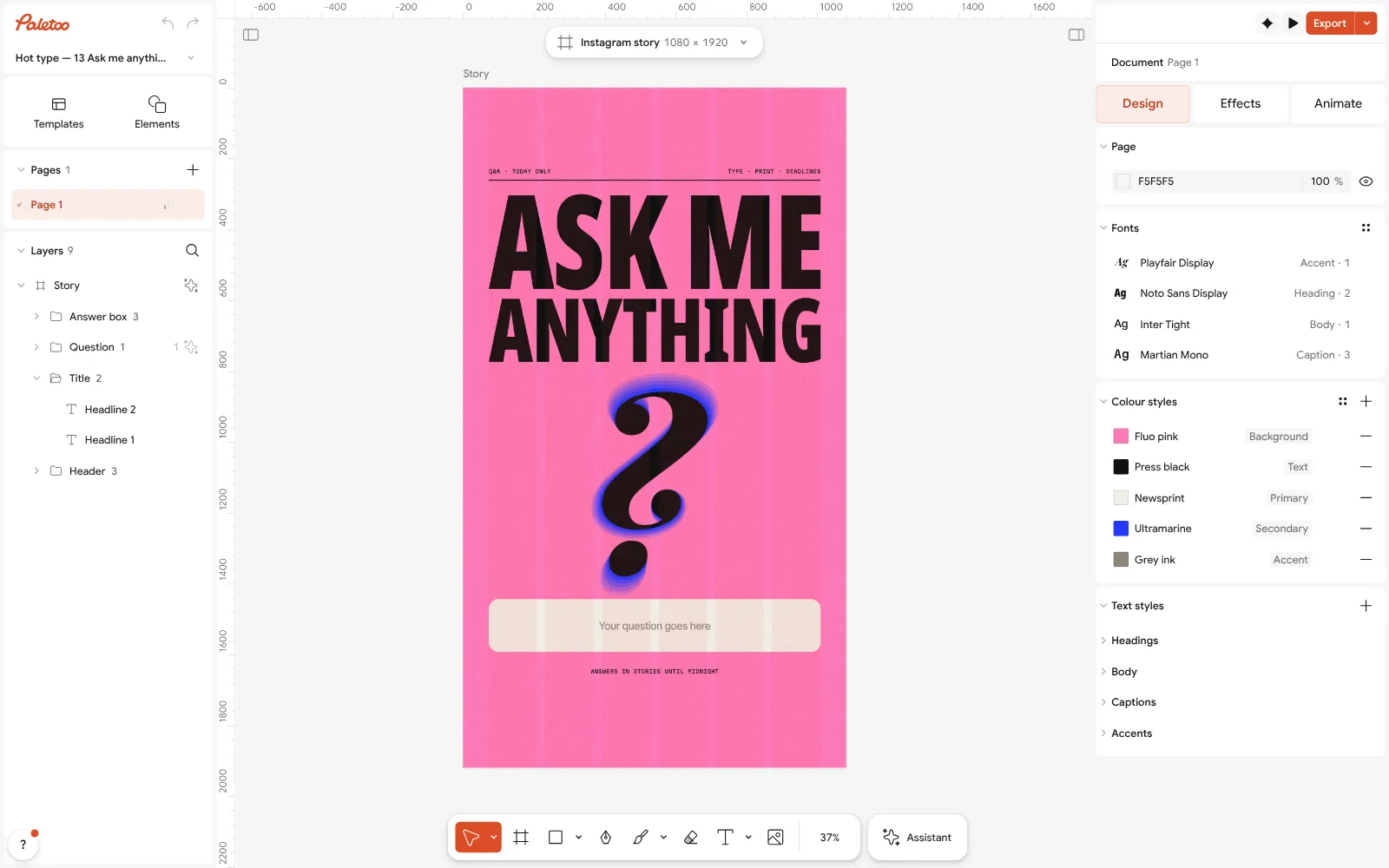
Nothing selected: the story’s Colour styles — Fluo pink, Press black, Newsprint, Ultramarine and Grey ink Click an empty part of the canvas so nothing is selected: the Design tab shows the story’s Colour styles — Fluo pink, Press black, Newsprint, Ultramarine and Grey ink. Change Fluo pink and the background follows; a different colour per kind of story still looks like one account.
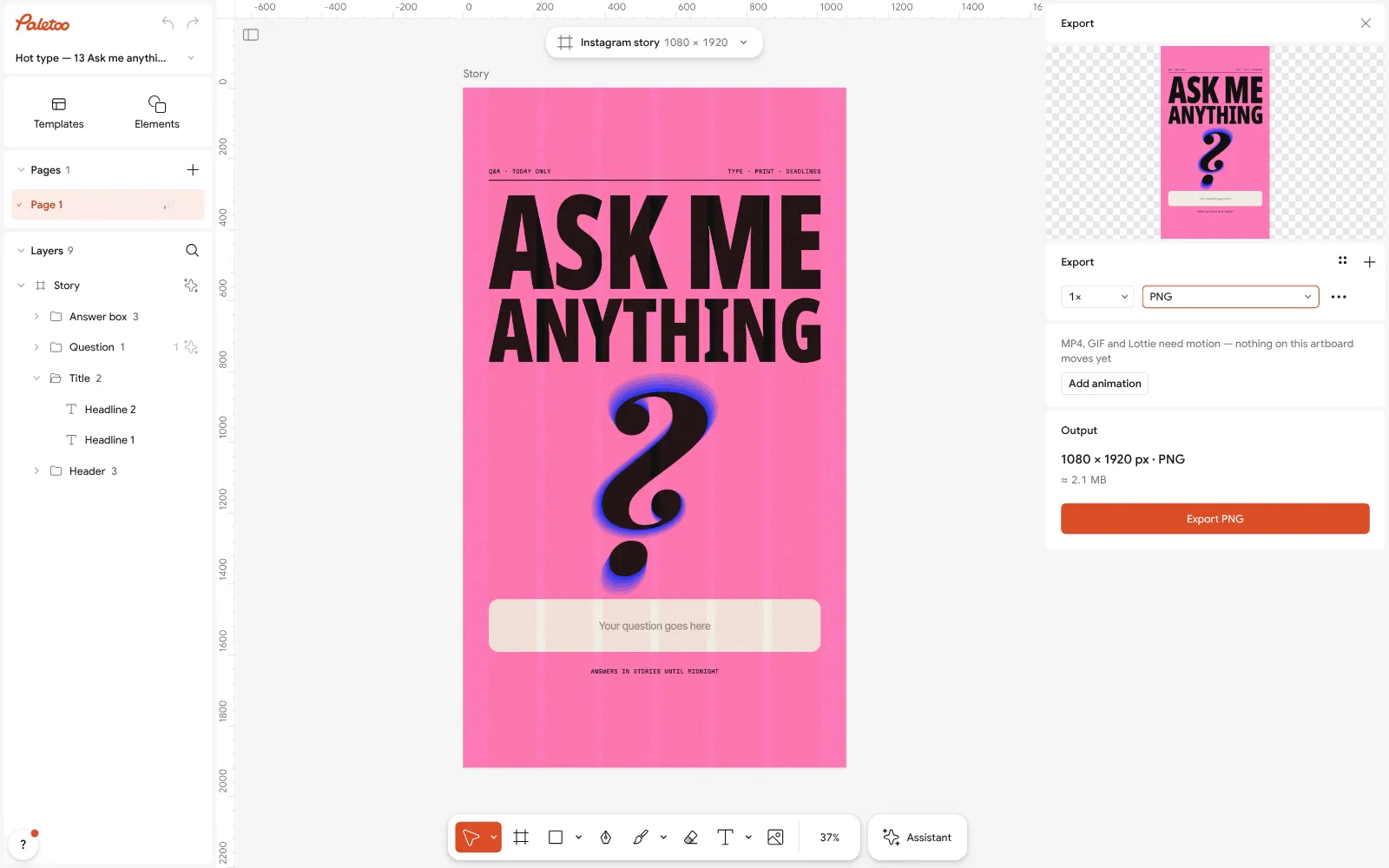
The Export window with PNG chosen To make a series, select the artboard and press Ctrl D (Duplicate): each copy becomes the next story. With the artboard selected, Layout grid has its Safe area row — press its eye to see the margins the story was laid out in.
Press Export (Ctrl Shift E), choose PNG and download 1080 × 1920. No watermark, no account; send the file to your phone and post it as a story.
Make it your own
Give the question mark’s echo another colour from Colour styles — Ultramarine on pink, Newsprint on black — and the same story reads as a new episode.
If a headline is longer, lower its size under Typography rather than squeezing the letters further: condensed type below a certain width stops reading on a phone.
Add words to a photo story with the same text styles, so a photo dump and a Q&A belong together: see how to add text to a photo. For a holiday version, New Year Instagram story.
Sources
Questions
What should I post on my Instagram story?
Something that asks (a poll, a question, this or that), something people do not see in the feed (behind the scenes, a day in your life) or a reason to act now (a countdown or an offer).
What are good Instagram story ideas for business?
Behind the scenes, launch countdowns, offers with a code, customer reviews, how it’s made, before and after, meet the team, new arrivals and answers to frequent questions.
How do I make interactive Instagram stories?
Design the background with an empty space, upload it, then add a Poll, Questions, Quiz, Emoji slider or Countdown sticker in Instagram over that space.
How many stories should I post a day?
There is no fixed number; a few a day, every day, usually beats a burst of twenty once a week. Post when you have something to show or ask.
How do I keep my stories looking consistent?
Use one template with two fonts and three to five colours, change only the words and photos, and keep text clear of the top and bottom 250 px.
What size is an Instagram story?
1080 × 1920 pixels, a 9:16 portrait. Export it as PNG for graphics and text, or MP4 if it moves.
Can I make Instagram stories for free?
Yes. Paletoo’s story templates are free to edit and export as PNG or MP4 at 1080 × 1920, with no watermark and no account.
Make it online
- Instagram story makerPick a 9:16 template, change the words and the photo, add motion if you like, and export an image or a video in a couple of minutes.
- Make Instagram highlight coversMake a set of highlight covers in your colours: pick a style, change the icon or the word, and download a PNG for each — free, no sign-up, no watermark.
Free design templates for posts, stories and posters: Story and Reels templates
Try it on your own design
Paletoo opens in your browser, with no sign-up. Every effect here is live: change the picture or the words and the effect follows.
Open in PaletooOpens this design as your own copy — every layer and effect editable, free.
Read next
- 02
 Instagram story size 2026: 1080 × 1920, safe zones and ratioThe pixels, the ratio, the bands that the profile and the reply bar cover — and a story that opens at the right size in one tap.
- 03
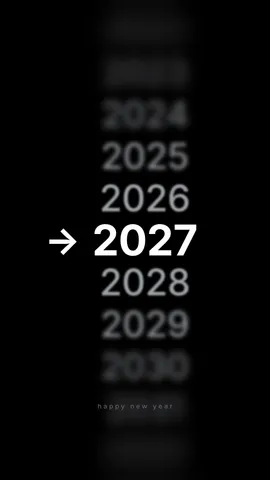 New Year Instagram story ideas: 10 stories for 2027, free templatesTen New Year stories people actually reply to — from a wishes checklist to a countdown — each one a 1080 × 1920 template you can fill in minutes.
- 04
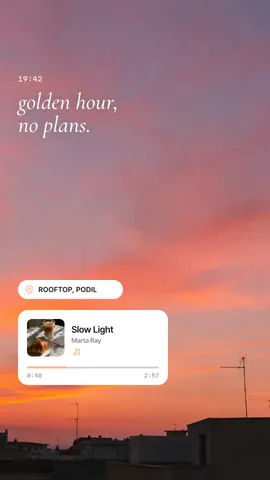 Add text to a photo online, free: words that stay readableA caption, a quote, a date or a price on your own photo — in any font, with Ukrainian letters, on a computer or a phone.