Make Instagram highlight covers
Updated
Make a set of highlight covers in your colours: pick a style, change the icon or the word, and download a PNG for each — free, no sign-up, no watermark.
Start from a cover
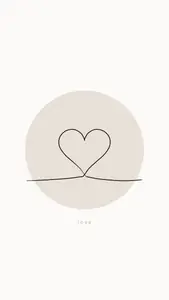


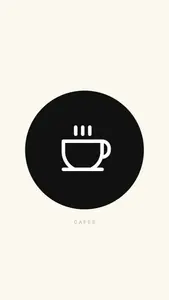
Each opens as your own 1080 × 1920 story with the round crop in the middle. Make one, then duplicate it for every highlight.
Start freeFree · in your browser · no sign-up · no watermark
Stories to go with them
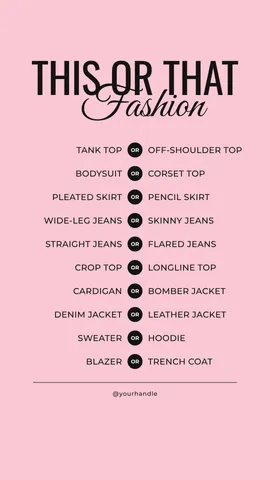
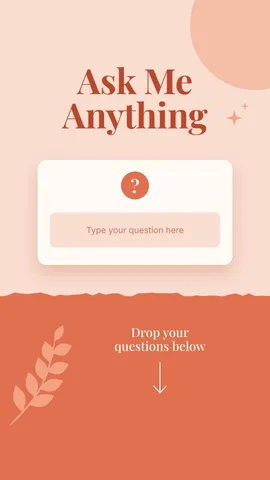
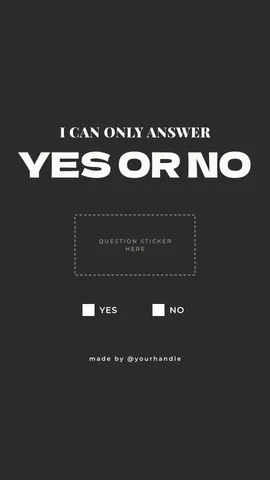
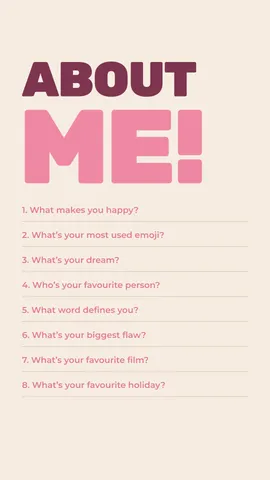
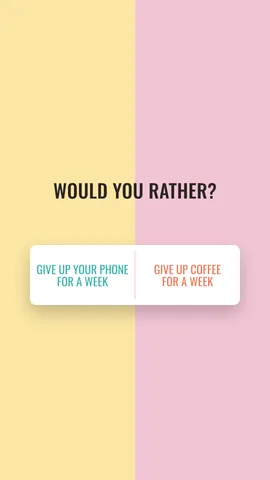
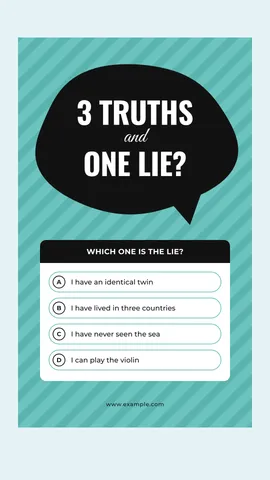
Question, poll and quiz stories in the same kit — the kind people save to highlights.
How it works
-
Pick a cover style
Tap a cover above, or «Start free» for a one-line heart. Each is a 1080 × 1920 story with the icon in the centre, where Instagram crops the round cover. In Templates there are question and poll stories in the same kit.
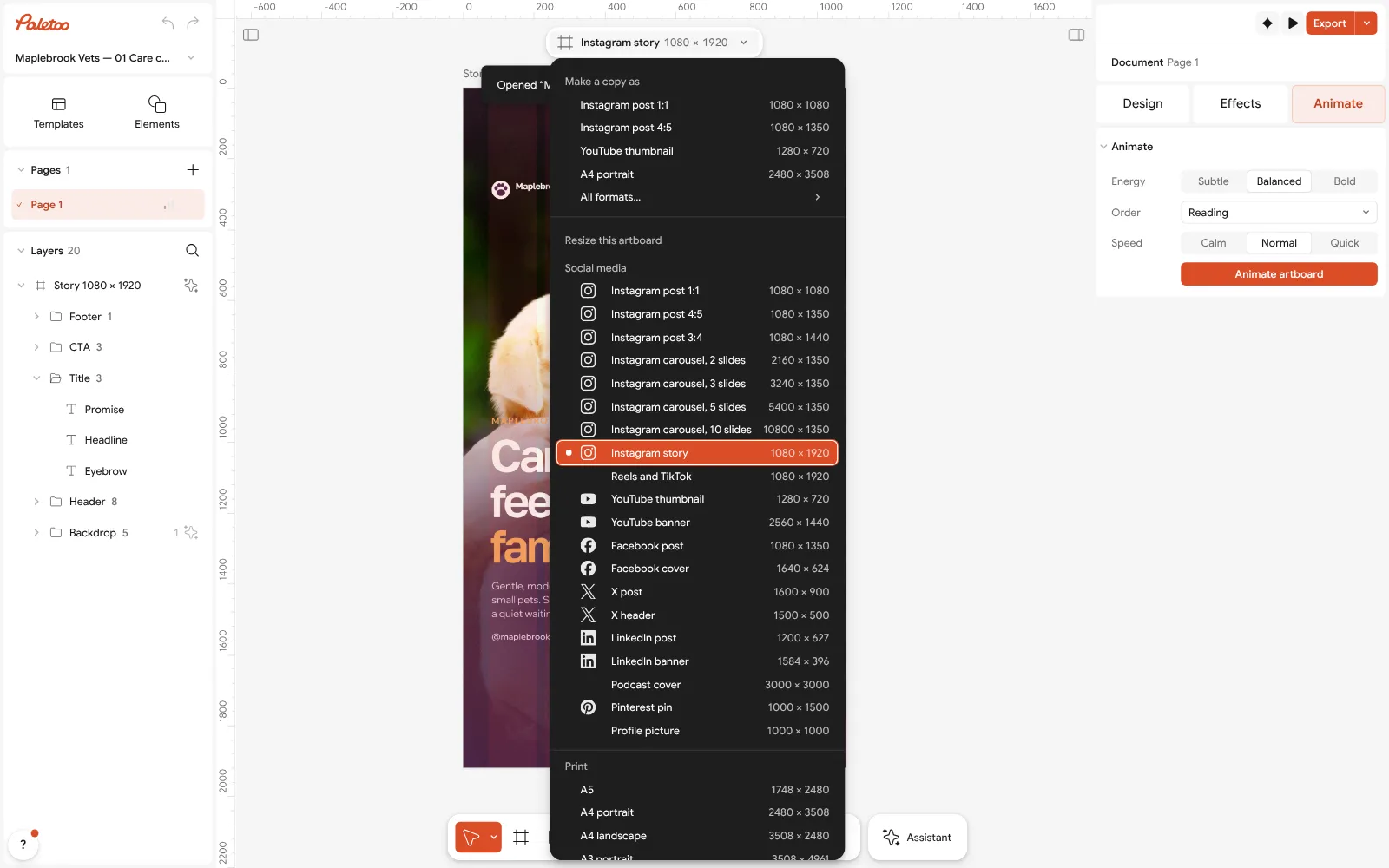
Nothing selected: the format chip’s menu open over the story — Make a copy as, then Resize this artboard with the formats -
Make one for every highlight
Change the colour and the icon or the word. Then select the artboard, press Duplicate once per highlight — Menu, Prices, Reviews, Works — and change each one’s icon or word.
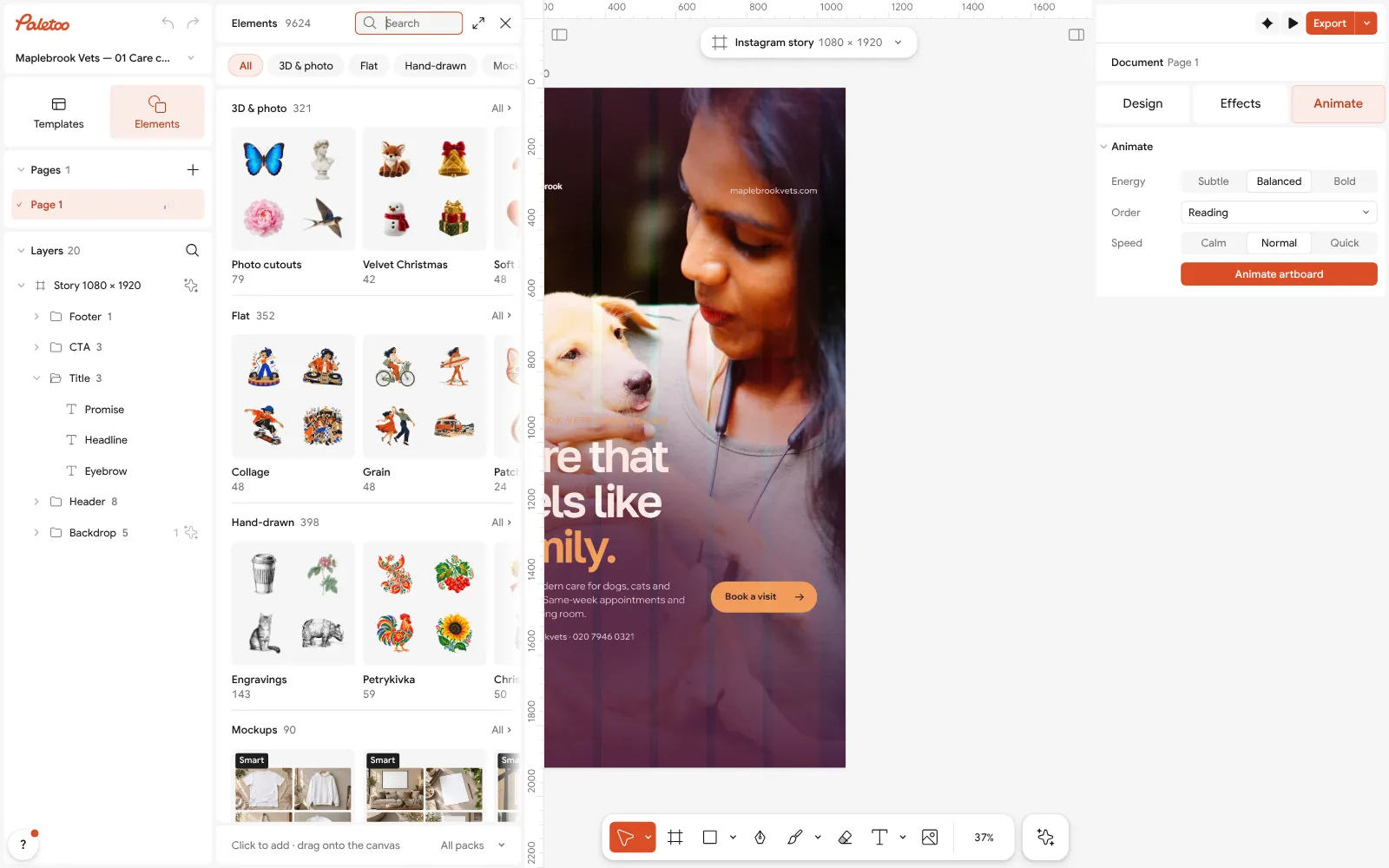
The Elements browser open on its groups, Icons among them -
Download and set them
Press Export (Ctrl Shift E) and choose PNG for every artboard at once. On Instagram, open a highlight, tap Edit highlight, then Edit cover, and pick the picture from your phone.
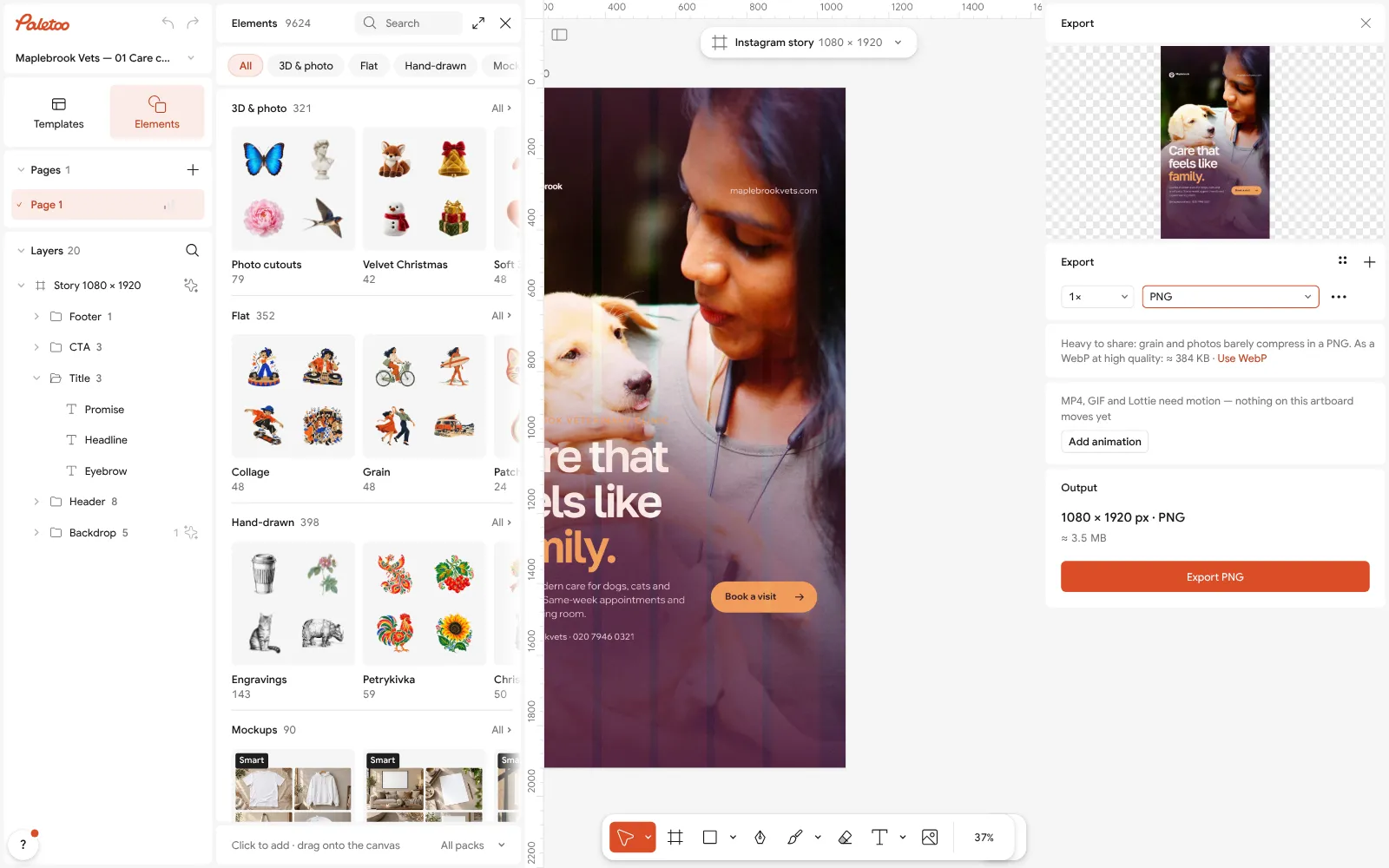
The Export window with PNG chosen
What is free
- Every template on this page, and every font, photo and effect in it
- Export to PNG, JPG and PDF — with bleed and crop marks for a print shop
- No watermark, on the free plan too
- No account needed to make or download; a free one adds cloud storage and share links
Credits are only for AI image generation and materials. Nothing here needs them.
What you get
The round crop, already right
Instagram shows a highlight cover as a small circle cut from the middle of a story. The icon sits in that circle, so nothing is cut off.
A set that matches
Duplicate one cover for every highlight and change only the icon or the word: the set stays in one colour and one style on your profile.
Your colours, your icons
Change the background to your brand colour, pick another icon from the elements or write a word — «Menu», «Prices», «Reviews».
All the PNGs in one go
Export writes every cover as its own PNG at once, 1080 × 1920, ready to save to your phone.
Questions
How do I make Instagram highlight covers for free?
Open a cover here, change its colour and icon or word, duplicate it for every highlight, then press Export and download a PNG for each. No account, no watermark, no fee.
What size is an Instagram highlight cover?
Upload it as a 1080 × 1920 story picture: Instagram crops a circle from the middle and shows it about 110 px wide on your profile. Keep the icon within the central 1080 × 1080 area.
How do I change a highlight cover on Instagram?
Open your profile, press and hold the highlight, tap Edit highlight, then Edit cover, and pick the cover picture from your gallery. You do not need to post it as a story first.
Can I make covers in my brand colours?
Yes. Select the background and pick your colour, or paste its hex code. Change it once and duplicate the cover, and every highlight comes out in the same colour.
How do I make a whole set at once?
Finish one cover, select its artboard and press Duplicate once per highlight, then change the icon or the word on each. Export writes every cover as a PNG in one go.
Are the covers free to use for a business?
Yes. The covers and the PNGs you export are yours to use on a personal or a business profile, free and with no watermark.
Can I use a word instead of an icon?
Yes. Double-click the word on the label cover to write your own, such as «Menu», «Prices» or «Reviews». Keep it short: a word of up to eight letters reads best in the small circle.
Can I make highlight covers on my phone?
Yes. Paletoo opens in a phone’s browser without an app: change the cover and export the PNG straight to your phone, then set it in Instagram.
Learn more
Step-by-step guides
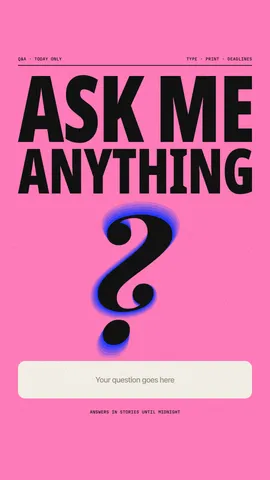
Instagram story ideas: 28 ideas for business, photos and fun
What to post in stories when you have nothing new to say — grouped by what they do, with the sticker to add and a template that opens in one tap.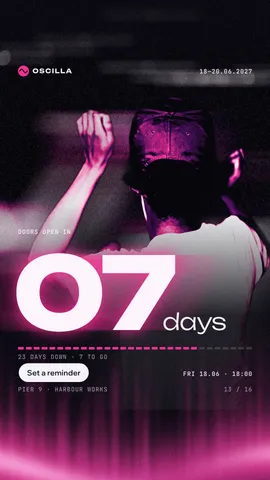
Instagram story size 2026: 1080 × 1920, safe zones and ratio
The pixels, the ratio, the bands that the profile and the reply bar cover — and a story that opens at the right size in one tap.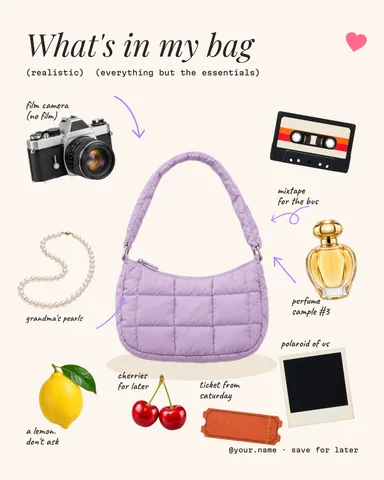
Free design elements: 3D shapes, doodles, line art, stickers
Our own packs of 3D shapes, doodles, line art and stickers — try them on a canvas right here, then put them on any design, recoloured, free.
In the help centre
More tools

Instagram story maker
Pick a 9:16 template, change the words and the photo, add motion if you like, and export an image or a video in a couple of minutes.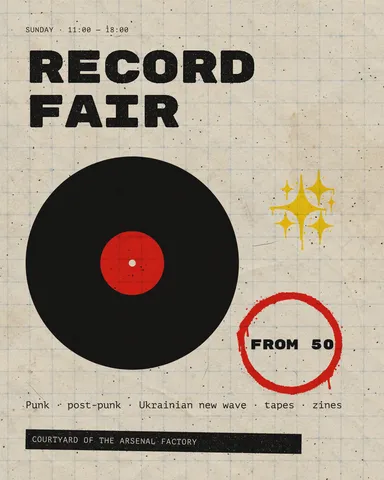
Instagram post maker
Design a post at the right size from a real template, then export a sharp PNG or JPG — free, in your browser.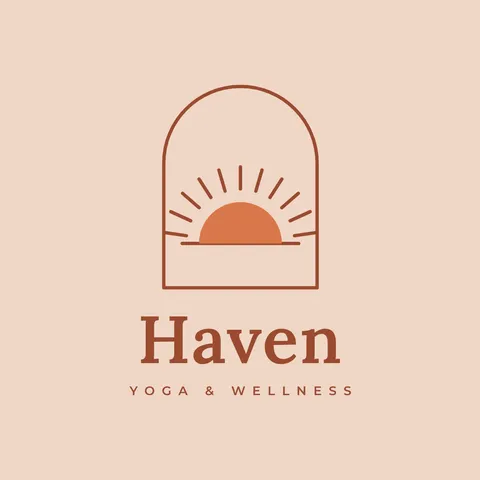
Logo maker
Type your brand name, pick a logo, try fonts, colours and layouts, then download SVG, PNG and app icons — free, no watermark, no sign-up.
Make it now
Paletoo opens in your browser. Start from the template above or a blank page, and export when you are happy.
Start free