Free tools5 min readFreeUpdated 2026-11-15
Free design elements: 3D shapes, doodles, line art, stickers
Our own packs of 3D shapes, doodles, line art and stickers — try them on a canvas right here, then put them on any design, recoloured, free.
By the Paletoo team · steps tested in Paletoo on
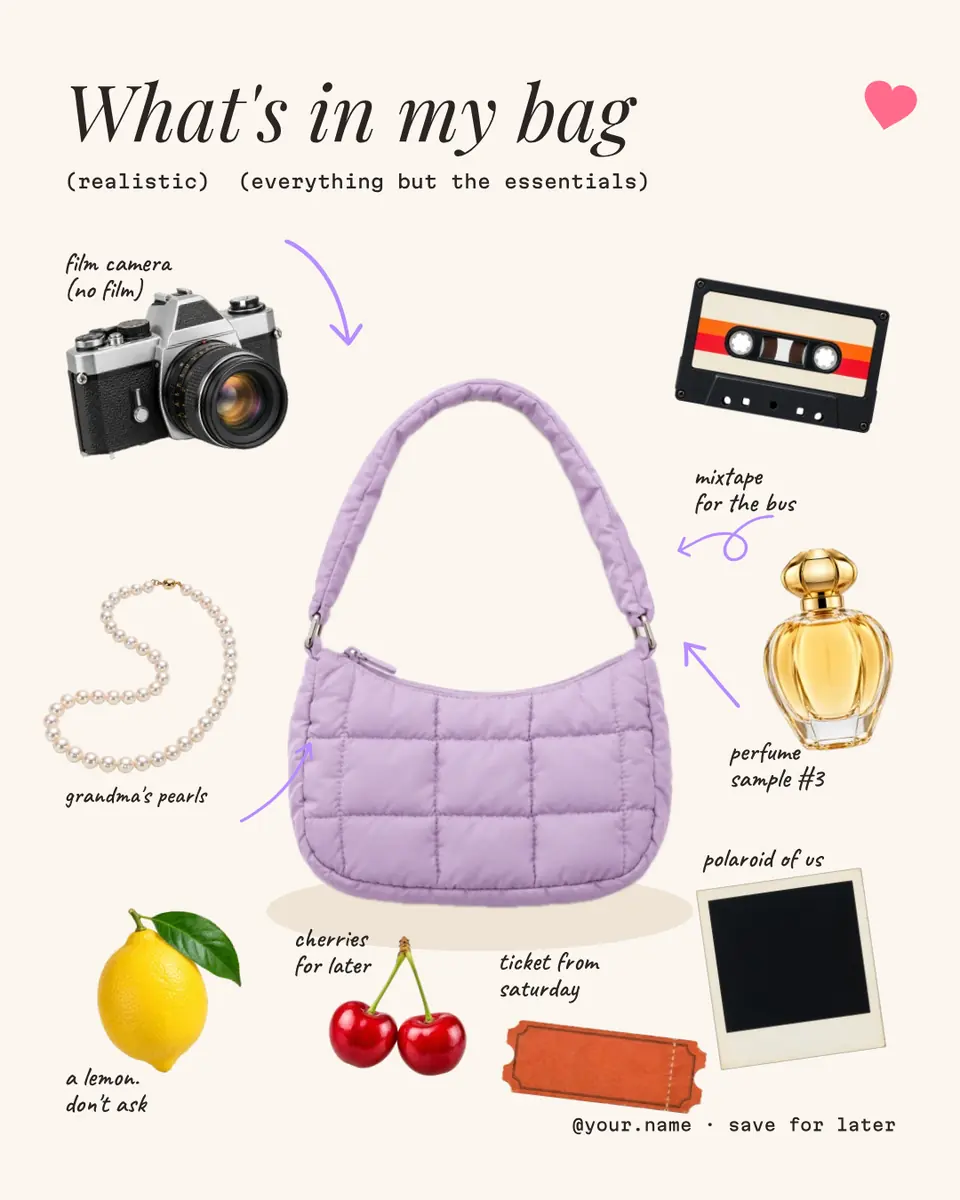
Free design elements are ready-made shapes, doodles, line art and stickers you drop onto a design instead of drawing them. To use Paletoo’s free, open any design in the browser, press Elements (or E), click a 3D shape, a doodle, a line drawing or a sticker to place it, recolour the drawings with their Fill and export — no sign-up, no watermark, and commercial use is allowed.
Paletoo’s element packs are free to use in anything you make, commercial work included: glossy 3D shapes (glass, prisms, ceramic, flowers, puffy symbols), hand-drawn doodles and sketches, generated line art, and sticker-style illustrations in soft 3D, inflated vinyl and stitched patches. The drawings take any colour; the 3D shapes and stickers are pictures with their own light, cut out on a transparent background. Every one is drawn or rendered for Paletoo, or taken from open sets such as Open Peeps (CC0).
Try them on the canvas below — tap to place, drag, size and recolour — then see how designers use each kind, and the steps to add elements to a real Instagram post, «What’s in my bag», which is built from cut-outs, hand-drawn arrows and a heart from these packs.
Put our elements on a canvasLive
Pick a group, tap an element to put it on the canvas, drag it, size it. Drawings take any colour; 3D shapes and stickers keep their own light, so change the background around them instead.
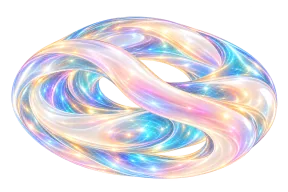
A 3D shape or a sticker is a picture: it keeps its colours.
Open this in PaletooOpens a new document with exactly this setup — free, no sign-up.
Four kinds of elements and when to use each
Each kind does a different job in a layout. Mixing all four in one design is how it starts to look like clip art; pick one main kind per design and at most one accent from another.
| Kind | What it is | Best for |
|---|---|---|
| 3D shapes | Rendered glass, prism, opal and ceramic forms, flowers, puffy symbols | Tech and beauty posts, covers, a “hero” object |
| Doodles and sketches | Hand-drawn people, objects, arrows and scribbles | Notes, explainers, friendly brands |
| Line art | Geometric drawings made of one line: spirals, suns, grids | Posters, backgrounds, Swiss and retro layouts |
| Stickers | Soft 3D, inflated and stitched illustrations with a white edge | Social posts, invitations, Telegram packs |
How designers use them in 2026–27
Scrapbook and “what’s in my bag” layouts — cut-out objects, little hand-written notes and arrows pointing at them — are one of the most saved post formats of the year; the doodle arrows and the cut-outs make it in minutes. A single big 3D object with a short headline is the other end: calm, premium, and it works as a cover, a slide or a story.
Line art is the quiet workhorse. A striped sun or a spiral in one colour behind a headline gives a poster structure without a photo; set in the accent colour of your palette, it reads as part of the type rather than decoration. Stickers with a white rim belong on social posts and invitations — and, exported at 512 pixels, they become a Telegram sticker pack.
Licence: what you can and cannot do
You can use every element in designs you make and sell — posts, posters, packaging, client work — with no attribution required in the design. What you cannot do is resell the elements themselves as a pack or a stock set. Third-party open sets keep their own licences, which ship with the pack (CC0 for Open Peeps and Open Doodles, MIT for the icon sets).
The 3D shapes and stickers are pictures, so they keep the colours they were rendered in; to fit them into a palette, change the background around them or put a Gradient map effect on them. The drawings are vectors: they take any colour, stay sharp at any size and export to SVG and PDF as paths.
Why not just search the web for “free PNG”? Because most free-PNG sites mix truly free files with ones that need attribution or a paid licence, and the transparency is often fake — a grey checkerboard baked into a JPEG. Elements inside the editor have a known licence, a real transparent edge, and they arrive at a size that prints: the 3D shapes are rendered from 4K masters, and the drawings have no size at all until you export them.
Made in Paletoo
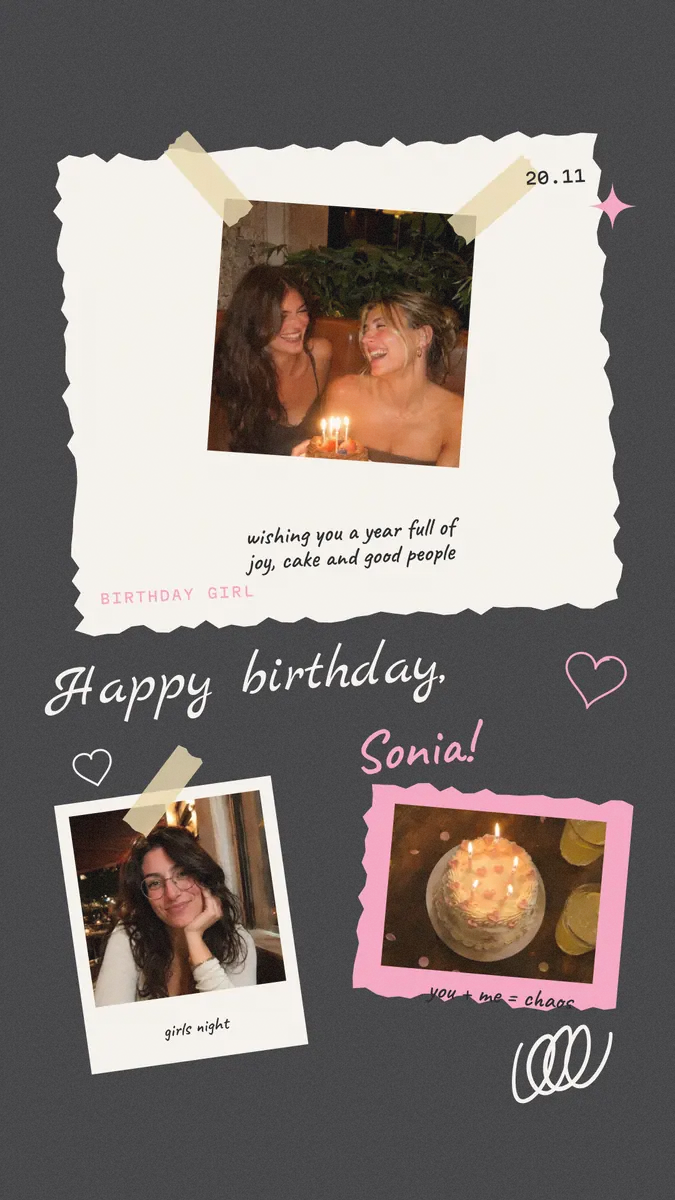
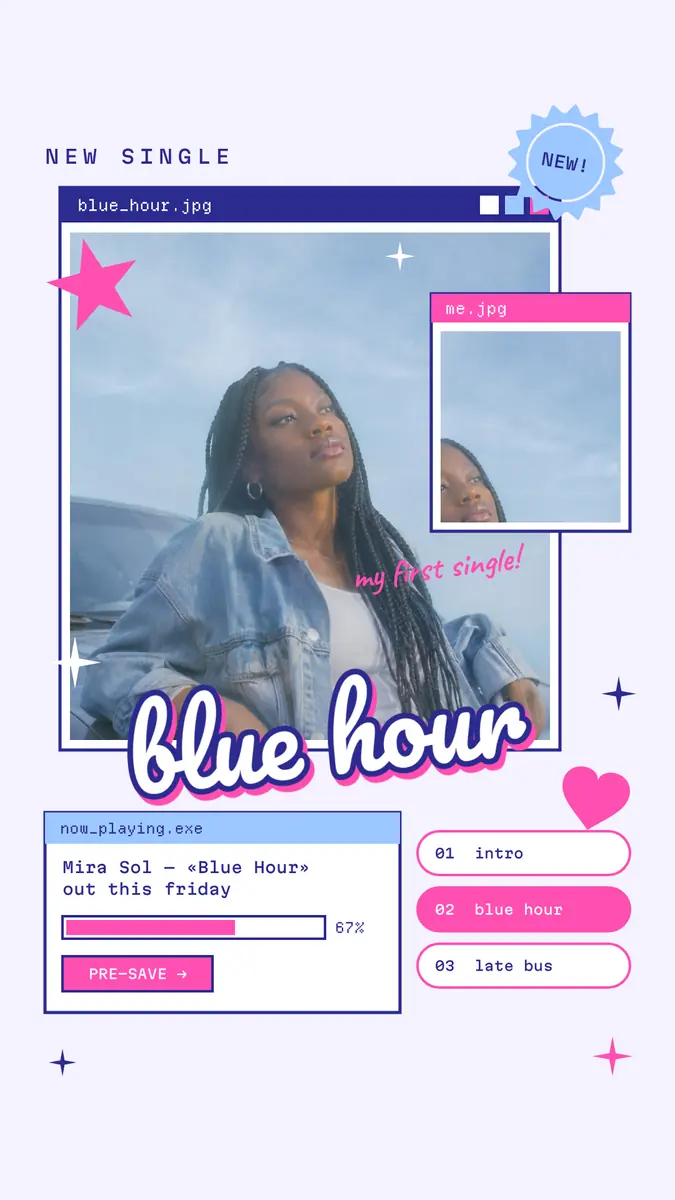
Every picture on this page was made in Paletoo — these three with the same steps on other templates:
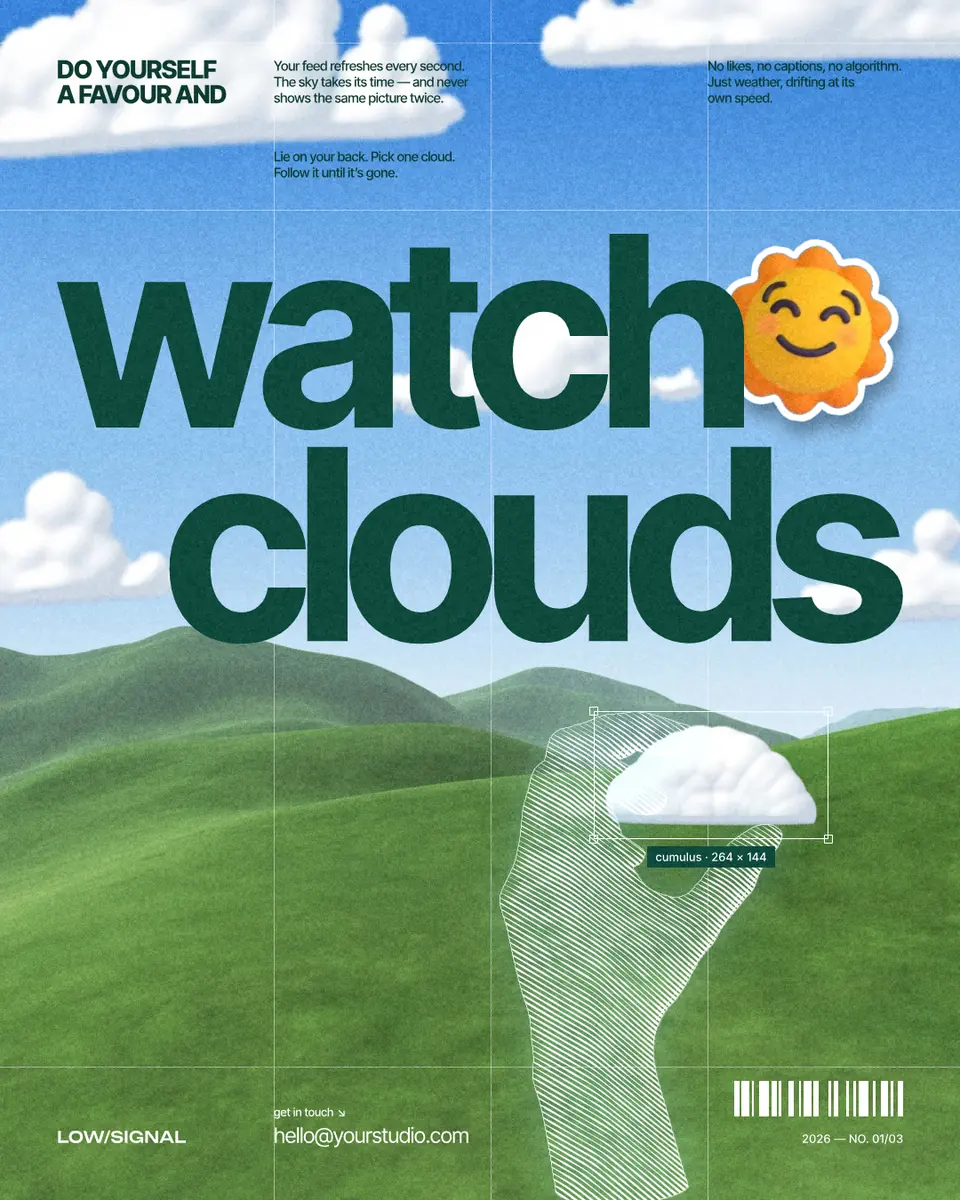
Make it free in Paletoo
Open the post: press “Open in Paletoo” on this page. «What’s in my bag» is made of photo cut-outs, hand-drawn arrows and notes, and a heart from our packs — every piece its own layer.
Press E or the Elements button to open the element browser. Its groups include 3D shapes, Doodles, Line art, Illustrations and Photo cutouts; type in Search elements to find one by name.
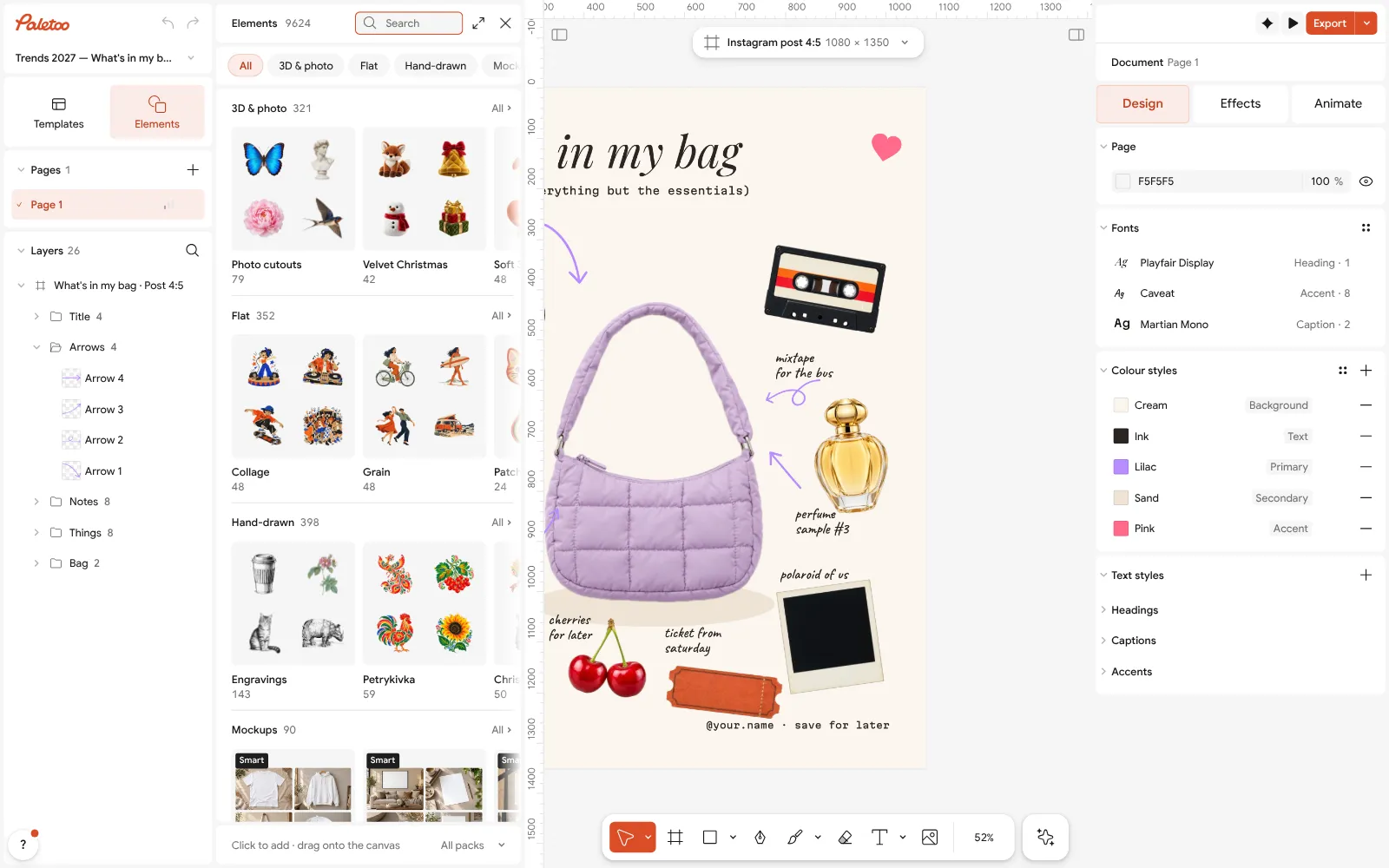
The «What’s in my bag» post open in Paletoo: cut-outs, doodle arrows and notes, each its own layer Click an element to place it in the middle of the artboard, or drag it exactly where you want it. Hold Shift while you drag a corner to keep its proportions.
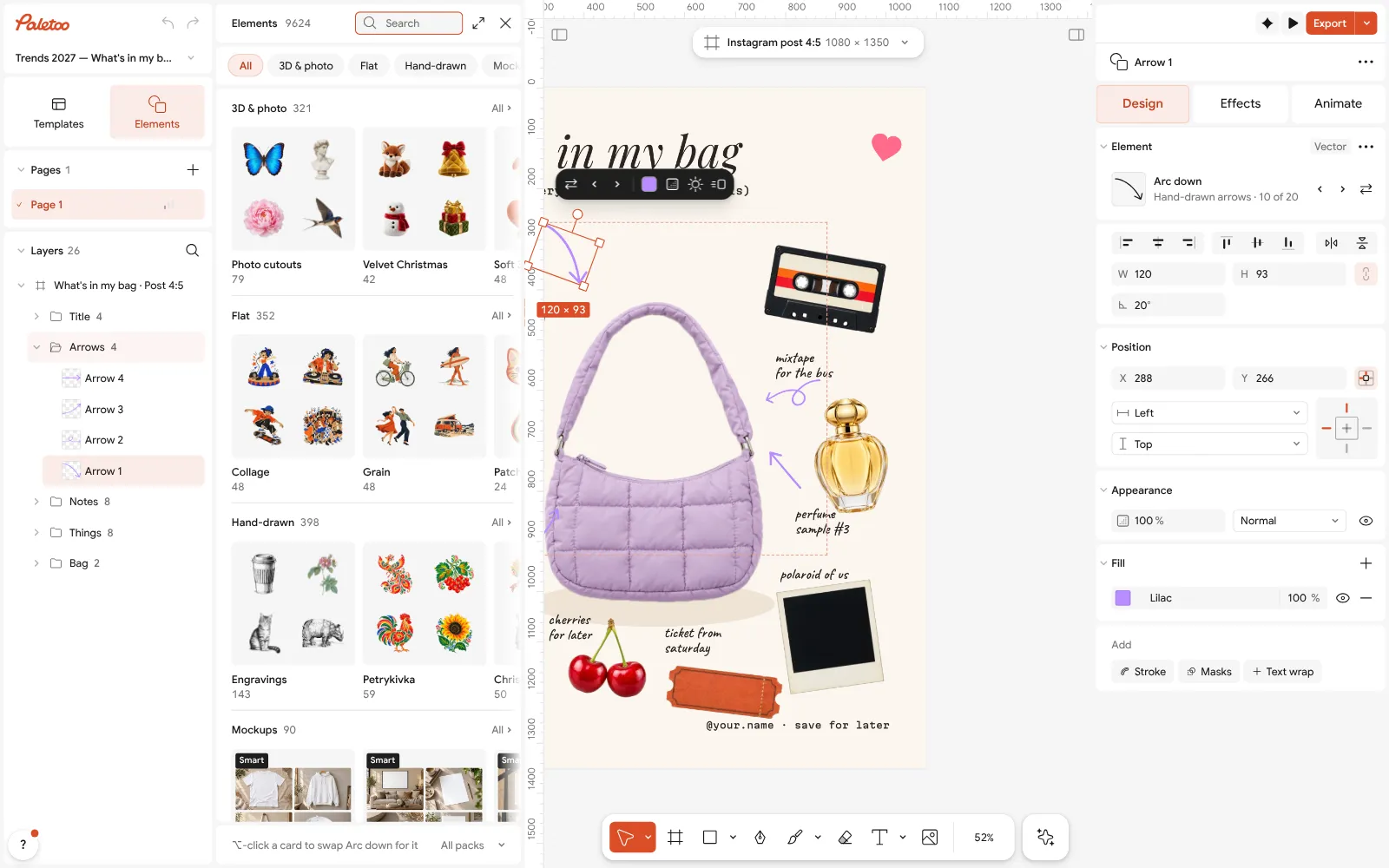
An arrow selected: its Fill on the Design tab, ready to recolour Select a drawing — one of the arrows: its colour is its Fill on the Design tab; pick your palette’s colour there. Select several drawings, and Selection colours recolours them all at once.
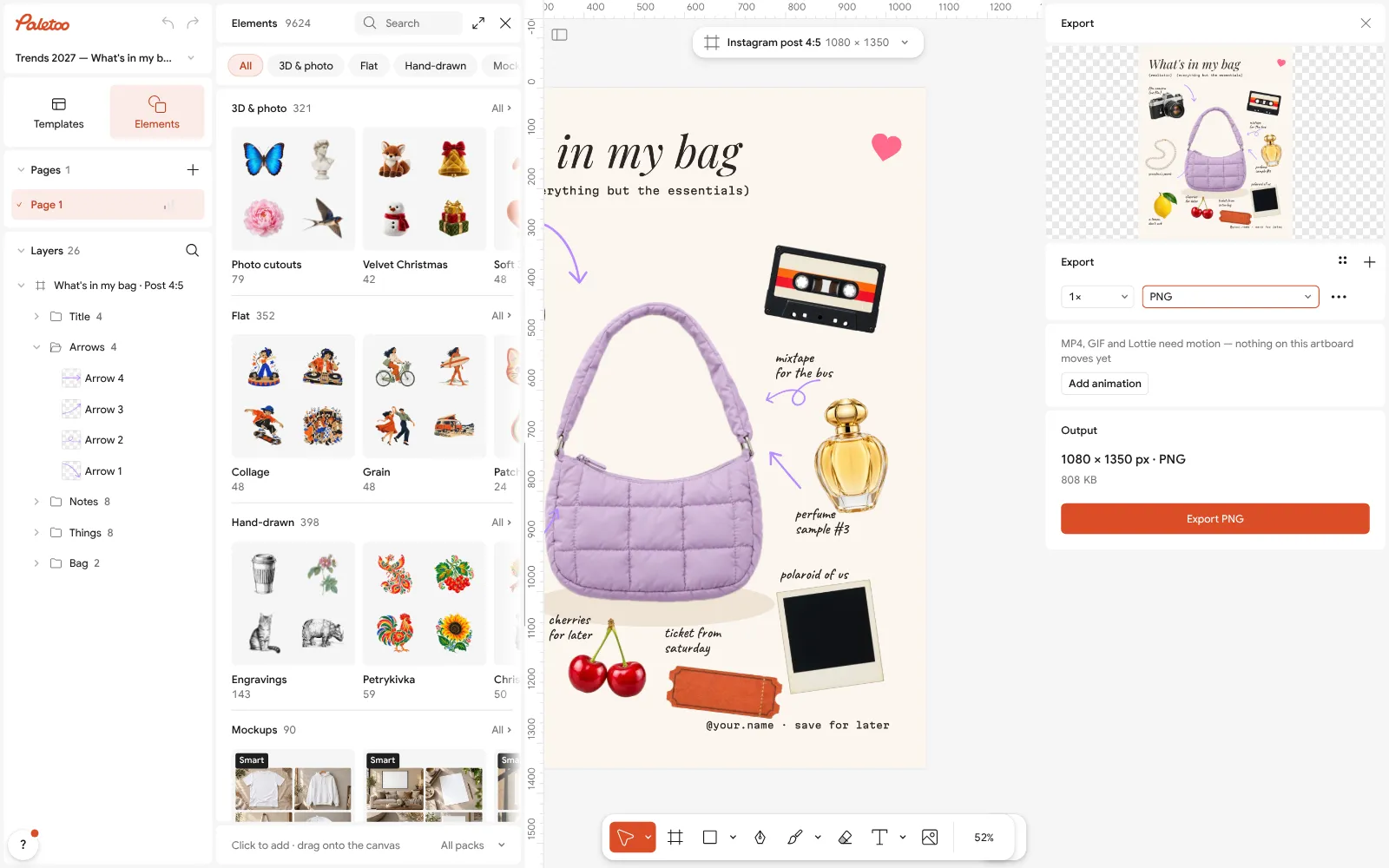
The Export window with the post ready to download Select a 3D shape or a sticker and open Effects: in Shadow & glow, Sticker gives it a white die-cut edge and a soft shadow, and Drop shadow grounds it on the page.
Press Export (Ctrl Shift E) and download the post — free, with no watermark.
Make it your own
Keep one main kind of element per design: if the post is built on doodles, a single 3D shape can be the accent, never five.
Recolour drawings to your palette with Selection colours, and give 3D shapes the same Drop shadow so they sit on one surface.
Size elements to the grid, not by eye: line art reads best large and cropped by the edge, stickers smaller with room around them.
Sources
Questions
Are Paletoo’s design elements free?
Yes. Every element pack in Paletoo is free to use, without an account, in designs for yourself and for clients.
Can I use the elements commercially?
Yes, in designs you make and sell. You cannot resell the elements themselves as a pack. Open third-party sets keep their own licences, which come with the pack.
Can I change the colour of an element?
Drawings — doodles, line art, icons — take any colour through their Fill or Selection colours. 3D shapes and stickers are pictures and keep their own colours; change the background or use a Gradient map effect.
Do the elements have a transparent background?
Yes. Every element is cut out; export your design as PNG or WebP with the background off to keep the transparency.
Can I download an element on its own?
Place it on an empty artboard and export that artboard: drawings as SVG or PDF, 3D shapes and stickers as PNG with transparency.
Make it online
- Instagram post makerDesign a post at the right size from a real template, then export a sharp PNG or JPG — free, in your browser.
- Poster makerMake a poster from a template that already has the layout right, then export a print-ready PDF or an image for screens.
- Photo collage makerDrop your photos into a ready grid — two, three, four or five frames — and every picture fills its frame without stretching.
Free design templates for posts, stories and posters: Social media post templates · Poster templates
Try it on your own design
Paletoo opens in your browser, with no sign-up. Every effect here is live: change the picture or the words and the effect follows.
Open in PaletooOpens this design as your own copy — every layer and effect editable, free.
Read next
- 01
 Mockups without Photoshop: show a design on a real objectPhones, posters, clothing and packaging — your design laid on in perspective and light, with no PSD to open.
- 02
 Collage and scrapbook design trend 2027: cut-outs, tape and torn paperCut-outs, photocopies and masking tape: a handmade look for a feed full of polished pictures.
- 03
 How to make an Instagram post for free: size, layout, exportThe size, the margins and the three type sizes that make a post read in one second.