Techniques6 min readFreeUpdated 2026-11-19
Instagram post ideas for a café: 12 posts a coffee shop can make
Twelve posts a café can make from what it already does every day — and a «new on the menu» post made start to finish.
By the Paletoo team · steps tested in Paletoo on
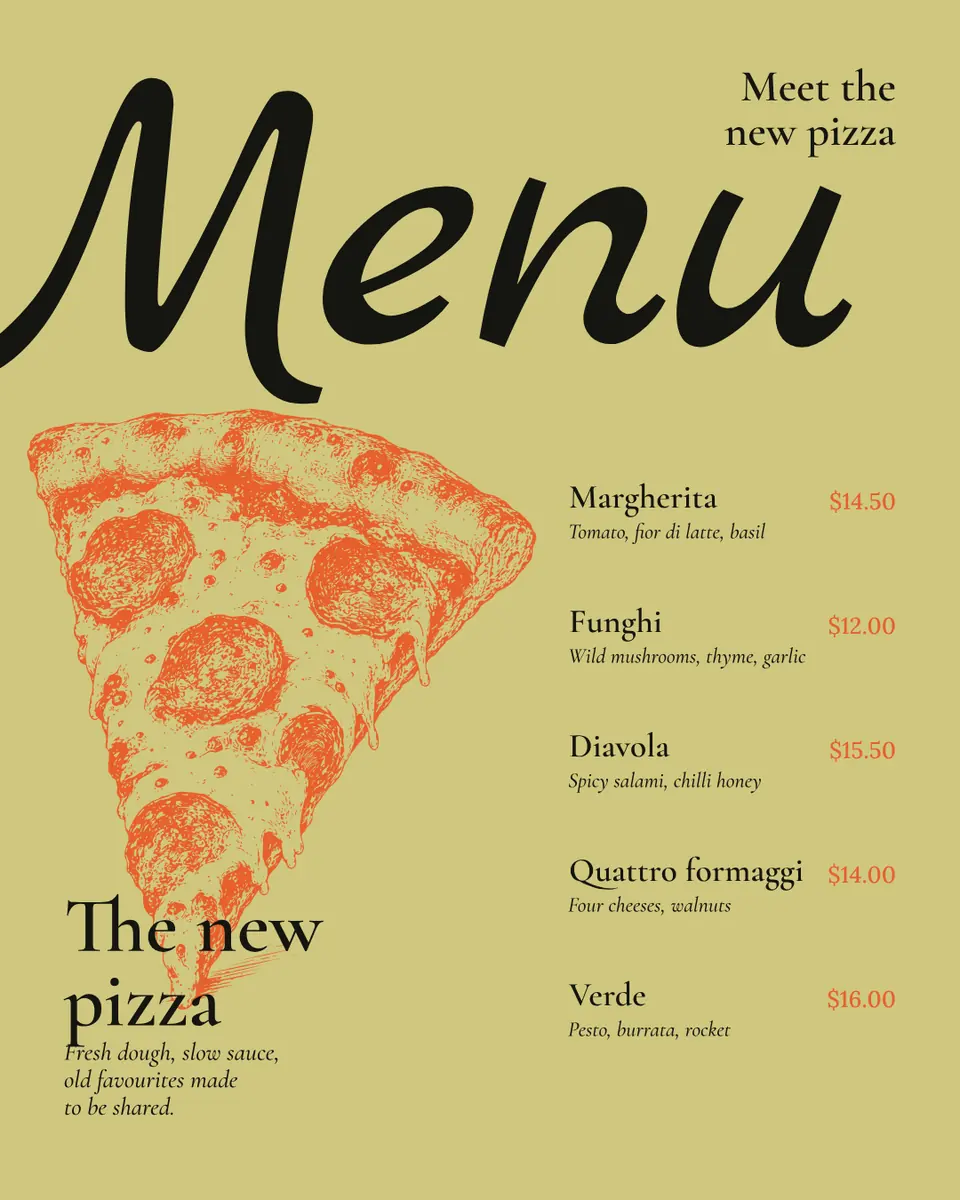
The Instagram posts that fill a café are made from what already happens there: the menu and its prices, something new on it, the counter at seven in the morning, the people behind it, the regulars, the hours and the address. Post two or three times a week — one about the menu, one about the place, one about the people — and keep the same colours and fonts so the feed looks like your café, not a template. You can make each post free in Paletoo, in the browser, with no sign-up and no watermark.
Below: twelve post ideas sorted by what they make people do, a week of posts that takes half an hour, how to shoot coffee and food on a phone, and one done start to finish — «Meet the new pizza», a café’s new-menu post, 1080 × 1350, with five dishes and their prices.
Twelve café post ideas, sorted by what they make people do
Come in — posts that say what you serve. 1) The menu: four or five drinks or dishes with prices, the post people save and send to a friend. 2) Something new: a seasonal drink, a new cake, a new pizza — one thing, shown big, with the price. 3) Today’s special: the soup or the cake of the day, posted by ten, as a story. 4) The hours and the address: plain and readable, pinned to the top of the profile.
Come back — posts that show the place and the people. 5) Behind the counter: the barista at seven, the first croissants out of the oven, beans being weighed. 6) Where it comes from: the roaster, the bakery, the farm, named and tagged. 7) The regulars: «Olena has had the same flat white for three years» — with permission, it is the most loved post a café makes. 8) The room: the window seat in the morning light, the empty tables before opening.
Bring a friend — posts that give a reason to visit now. 9) An offer with a deadline: «a second coffee half price until 11» this week. 10) An event: a tasting, live music, a board-game night, with the date big. 11) A question: «oat or whole?» as a poll in stories; it costs nothing and brings replies. 12) A thank-you: a milestone, a review read out, a photo of the queue on a Saturday.
A week of café posts in half an hour
A café is busy; plan posts you can make between orders. Three feed posts a week and a story on most mornings is enough to stay in the feed, and a fixed rhythm removes the daily «what do I post?».
| Day | Post | Takes |
|---|---|---|
| Monday | The menu, or something new on it | 10 minutes |
| Wednesday | Behind the counter, or where it comes from | 5 minutes |
| Friday | A regular, an event, or a weekend offer | 10 minutes |
| Most mornings | Today’s special as a story | 2 minutes |
Coffee and food photos on a phone
Shoot by the window, never under the ceiling lights: daylight from the side gives the cup a shape and the crema a shine. Turn off the flash. For a cup or a plate, shoot from straight above or from the height of the table; halfway between makes everything look smaller. Wipe the rim, turn the handle to the right and leave some table around the cup — the crop comes later.
Keep one look for every photo: the same table, the same light, the same edit. Then the menu post, the new dish and the barista at seven sit together in the grid like one shoot. Put the words on the calm part of the photo, or on a block of colour next to it, never across the food.
Size: 1080 × 1350 (4:5) takes the most room in the feed; the profile grid shows it in a 3:4 window, so keep prices and names away from the left and right edges. Stories are 1080 × 1920.
Make the posts look like your café
Take two or three colours from your sign, your cups or your walls and use them in every post; keep one heading font and one text font, the same as on your printed menu if you have one. A café whose feed matches its menu board looks like a place people already know.
Then make the words yours: your prices in your currency, your street, your opening hours, the names of your drinks as they are on the board. Keep one post as your «master» and duplicate it for the next one, so the brand holds without thinking about it. The printed menu itself has its own guide, linked below.
Made in Paletoo
Every picture on this page was made in Paletoo — these three with the same steps on other templates:
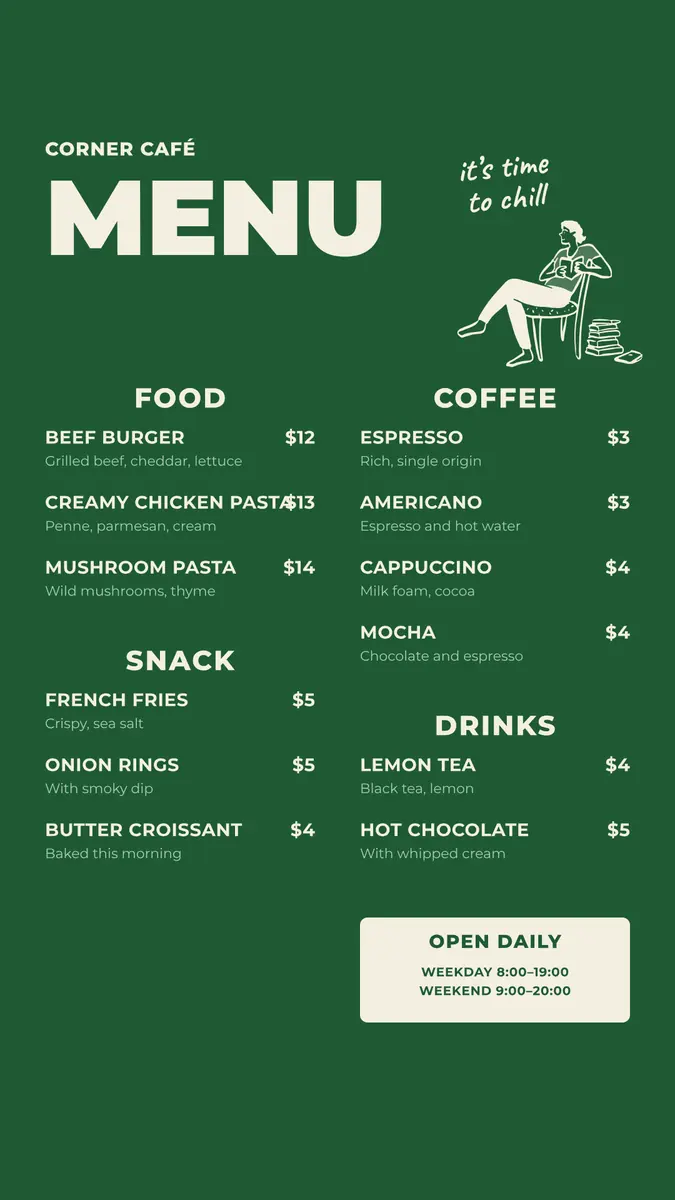
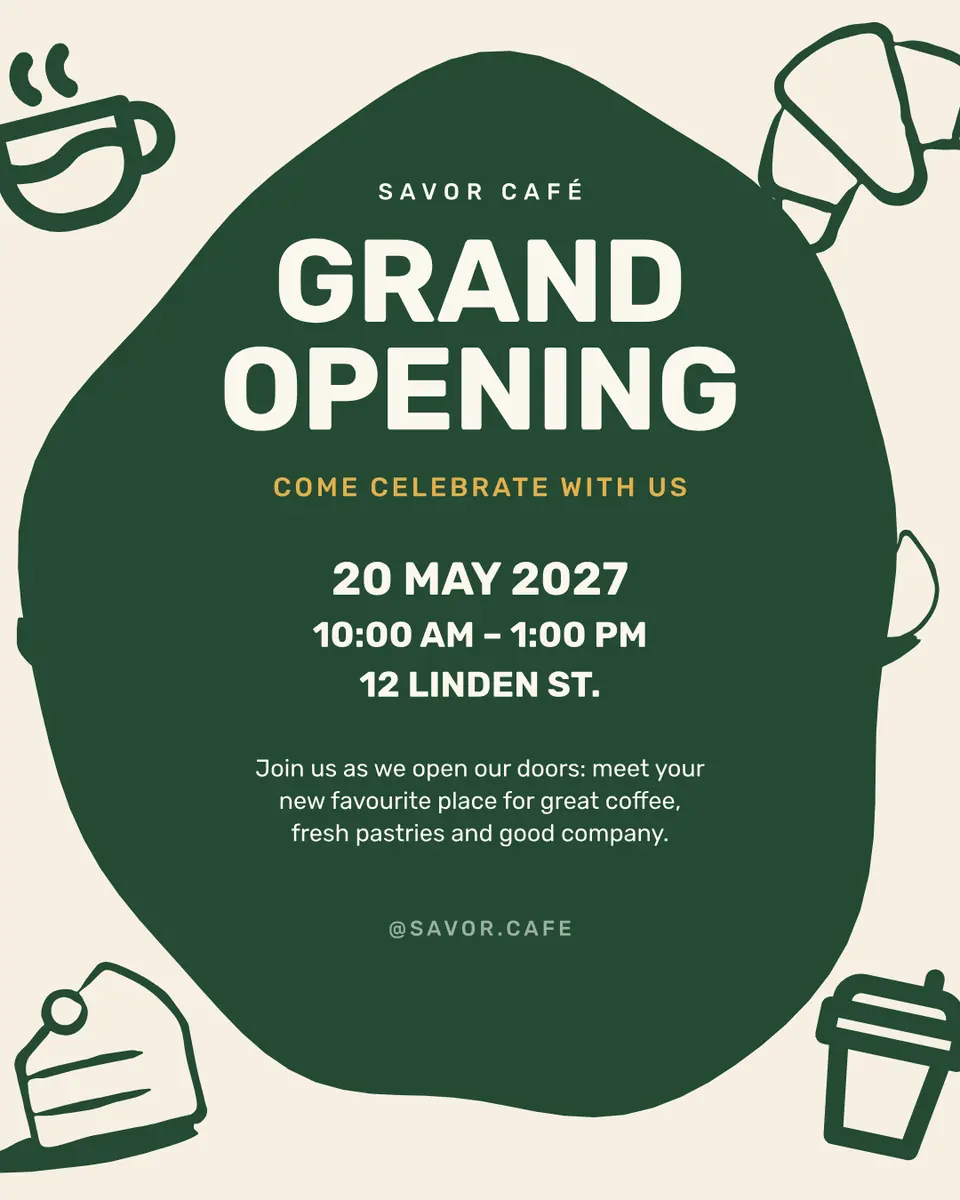
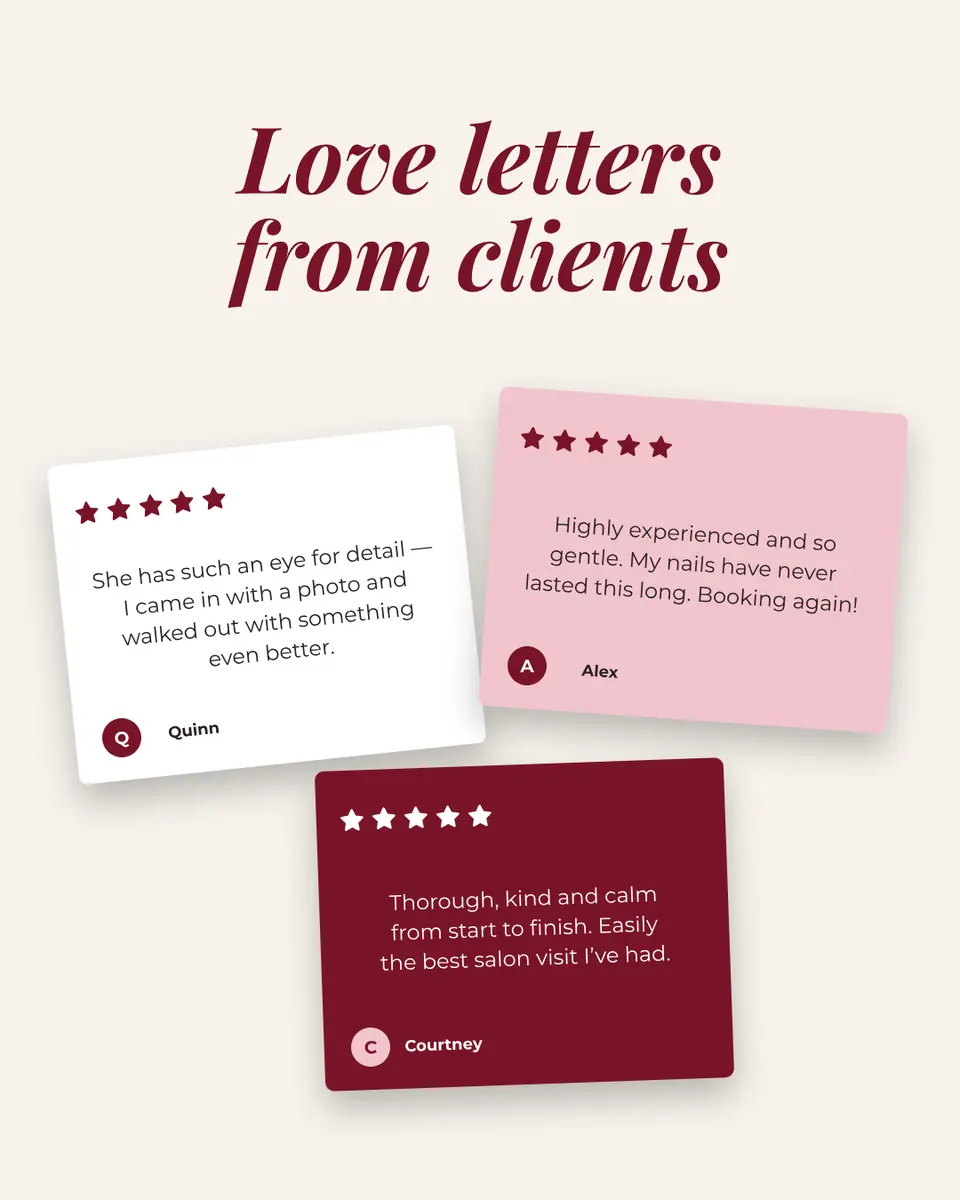
Step by step in Paletoo
Press “Open in Paletoo” on this page. «Meet the new pizza» opens as your own 1080 × 1350 post, with no account and nothing to install: a drawn pizza, a big «Menu», the title, a short line and five dishes with notes and prices.
Click «The new pizza», the layer «Title». Under Typography on the Design tab you see its font and size. Double-click it and type what is new on your menu — «The new cakes», «Winter drinks».
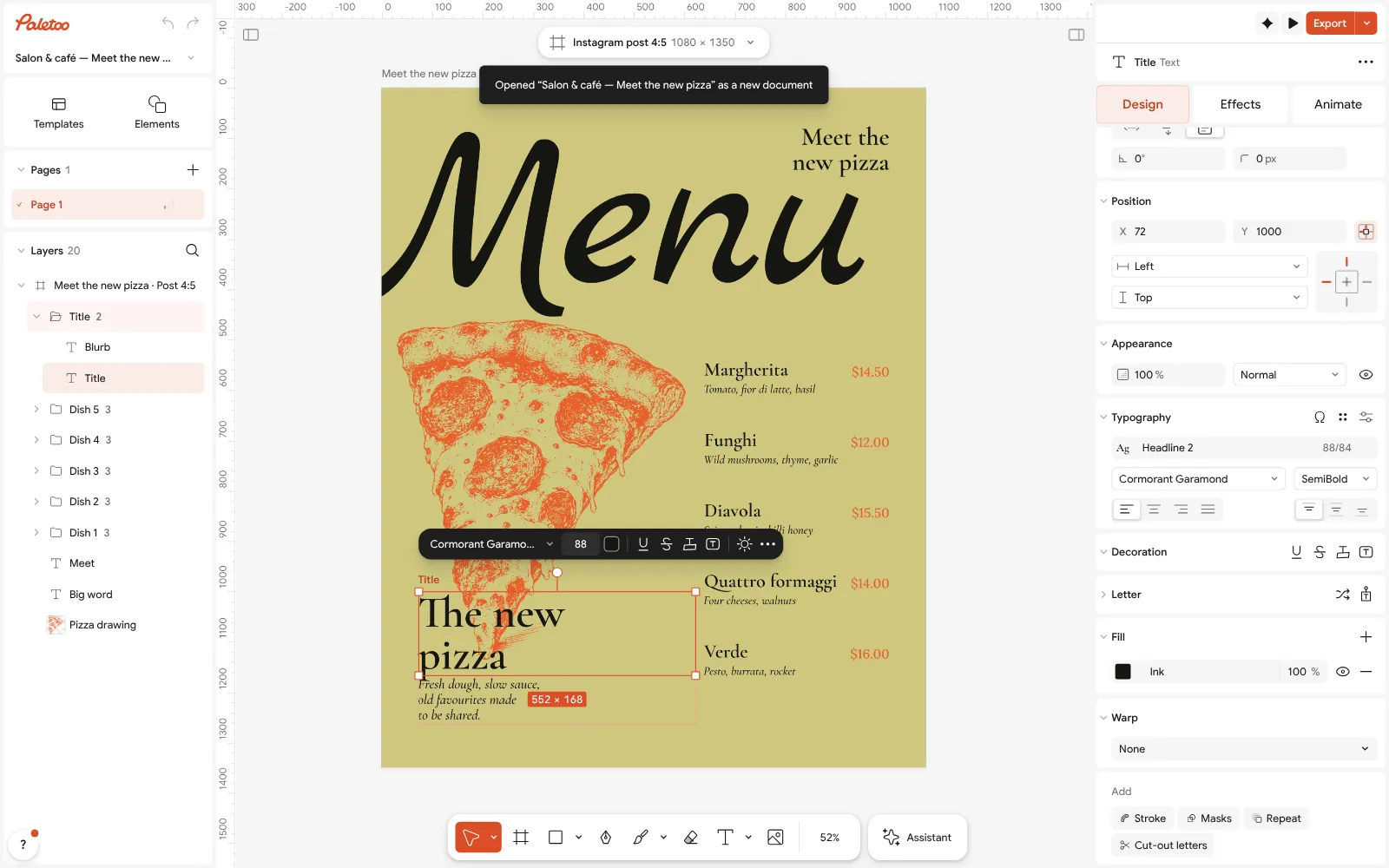
The «Meet the new pizza» post open in Paletoo: the title selected, its type under Typography in the Design tab Double-click each dish, its note and its price and type your own; keep four or five lines, and the prices in your currency.
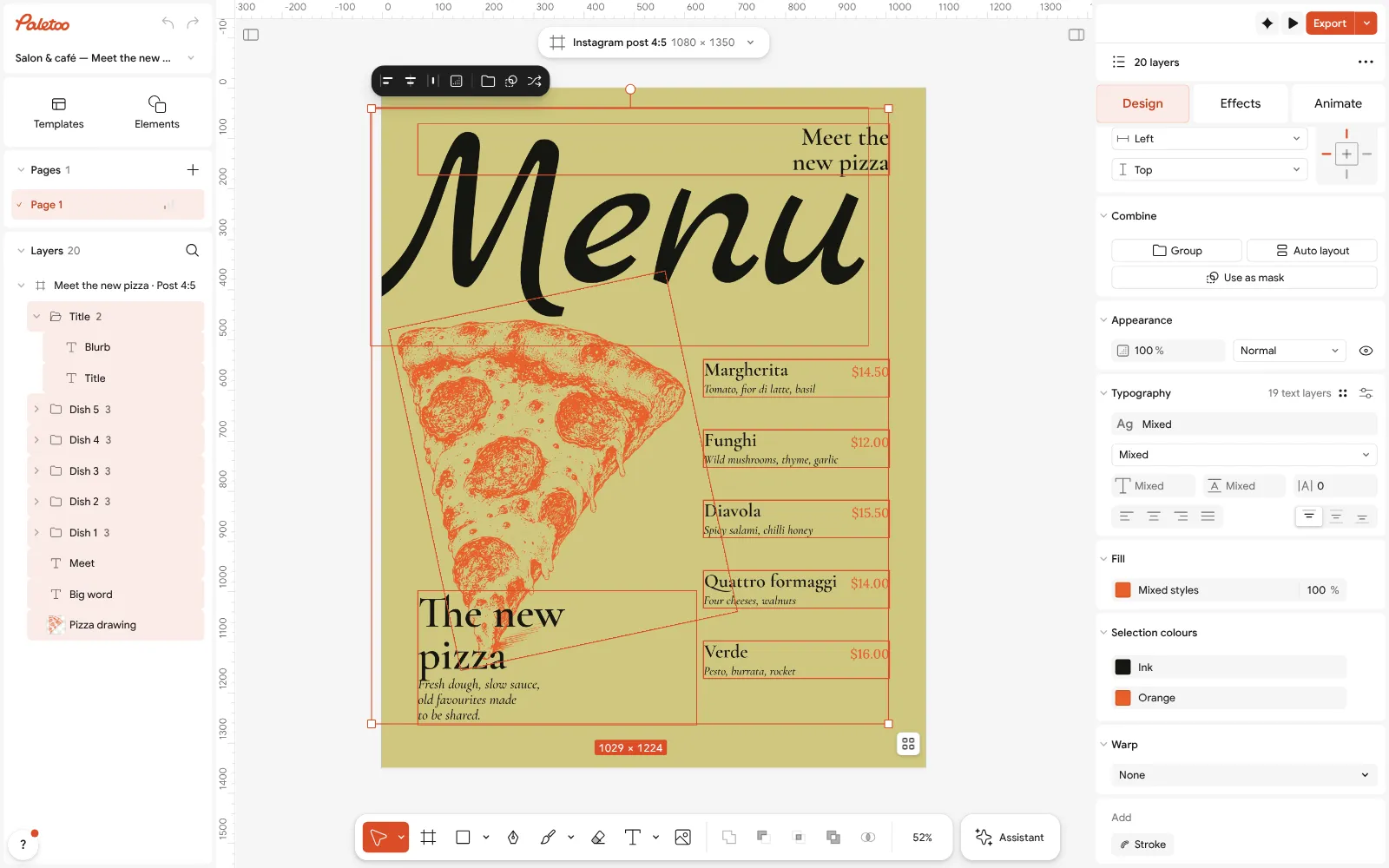
Everything selected: Ink and Orange under Selection colours Press Select all (Ctrl A). Selection colours lists Ink and Orange — the type and the drawing. Click each and choose your café’s colours: every dish, price and line changes at once.
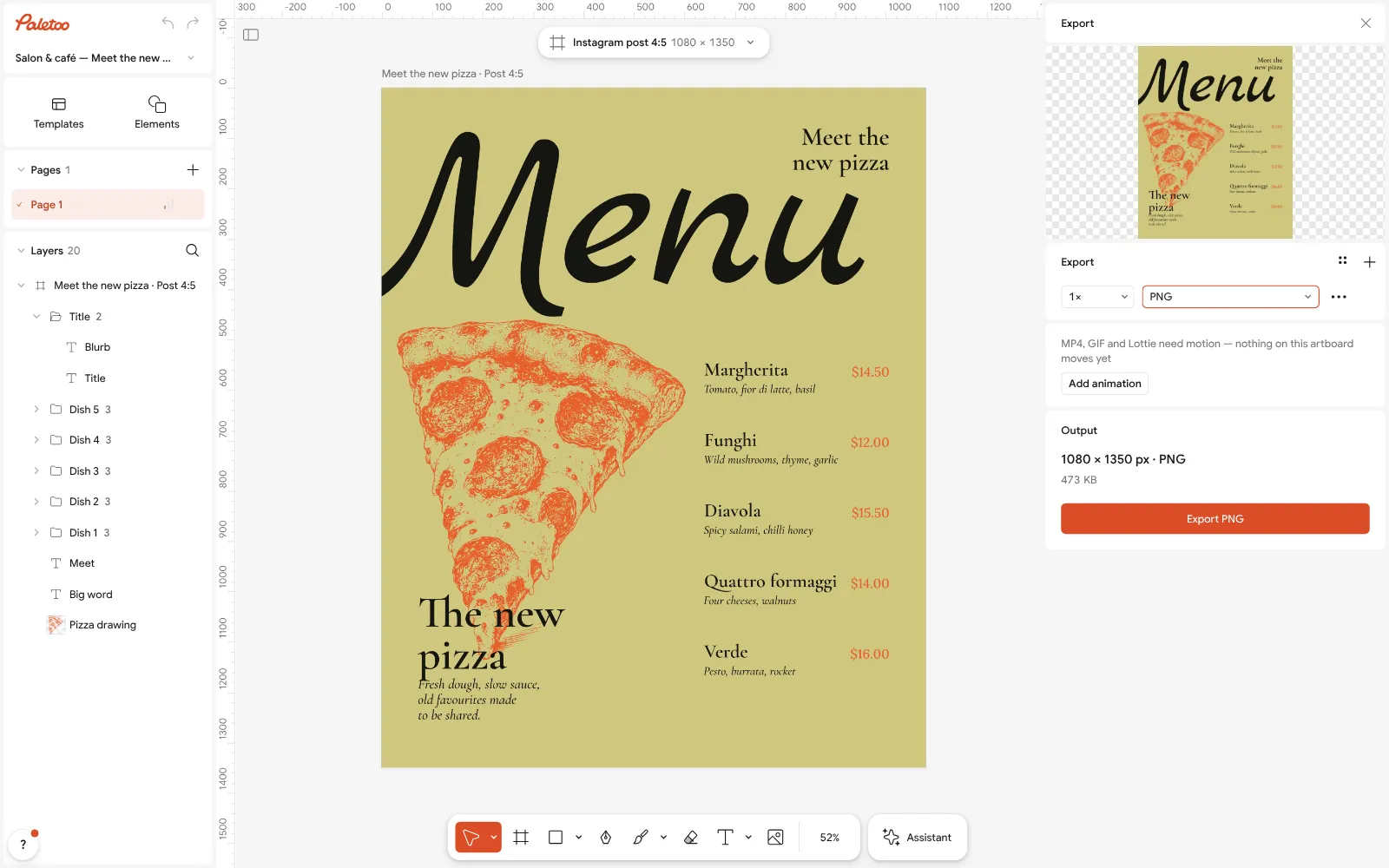
The Export window with PNG chosen for the 1080 × 1350 post Press Export (Ctrl Shift E), choose PNG and save the 1080 × 1350 post, free and with no watermark.
For next week’s post, duplicate the artboard and change only the words: the same design becomes the drinks menu, the weekend offer or the event, and the feed looks like one café.
Make it your own
If the menu post looks crowded, keep four dishes: a short list is read, a long one is scrolled past. Link the full menu in the bio.
If your photos do not match, give them the same light and crop, and use one colour under Selection colours as the block behind the words.
If you post every day, keep this design and duplicate it: change the words and the dish only, and the grid starts to look like your café by itself.
Sources
Questions
What should a café post on Instagram?
What already happens there: the menu with prices, something new on it, today’s special, behind the counter, where the coffee and bread come from, the regulars, the room, offers, events and the hours and address.
How often should a coffee shop post on Instagram?
Three feed posts a week you can keep up — the menu, the place, the people — and a story on most mornings with today’s special. A steady rhythm beats a burst of posts.
What size is a café Instagram post?
1080 × 1350 px (4:5) takes the most room in the feed; a square 1080 × 1080 also works. Stories are 1080 × 1920. Keep prices away from the edges: the grid shows posts as 3:4.
Can I make café posts for free?
Yes. In Paletoo you open a ready menu post, change the dishes, prices and colours, and export a PNG — free, in the browser, with no sign-up and no watermark.
How do I take good coffee photos on a phone?
By a window, with the light from the side and the flash off; from straight above or table height; the rim wiped and the handle turned. Use the same table and light every time.
Make it online
- Instagram post makerDesign a post at the right size from a real template, then export a sharp PNG or JPG — free, in your browser.
- Instagram story makerPick a 9:16 template, change the words and the photo, add motion if you like, and export an image or a video in a couple of minutes.
Free design templates for posts, stories and posters: Social media post templates · Story and Reels templates
Try it on your own design
Paletoo opens in your browser, with no sign-up. Every effect here is live: change the picture or the words and the effect follows.
Open in PaletooOpens this design as your own copy — every layer and effect editable, free.
Read next
- 01
 Instagram post ideas for a small business: 12 that bring customersTwelve kinds of post that a café, a studio or a shop can make every week — and one made start to finish.
- 02
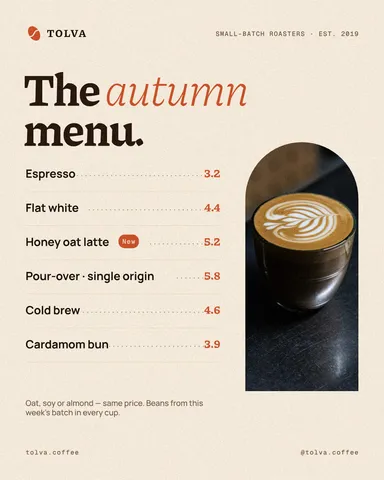 Café menu template: make a menu for a coffee shop online, freeA short menu with prices that reads from the queue — for the counter, the window and Instagram, from one template.
- 03
 Black Friday Instagram post ideas: 10 posts for the sale weekTen posts in the order a sale runs, a calendar for 20–30 November 2026 — and one made start to finish.