Free tools5 min readFreeUpdated 2026-11-20
Café menu template: make a menu for a coffee shop online, free
A short menu with prices that reads from the queue — for the counter, the window and Instagram, from one template.
By the Paletoo team · steps tested in Paletoo on
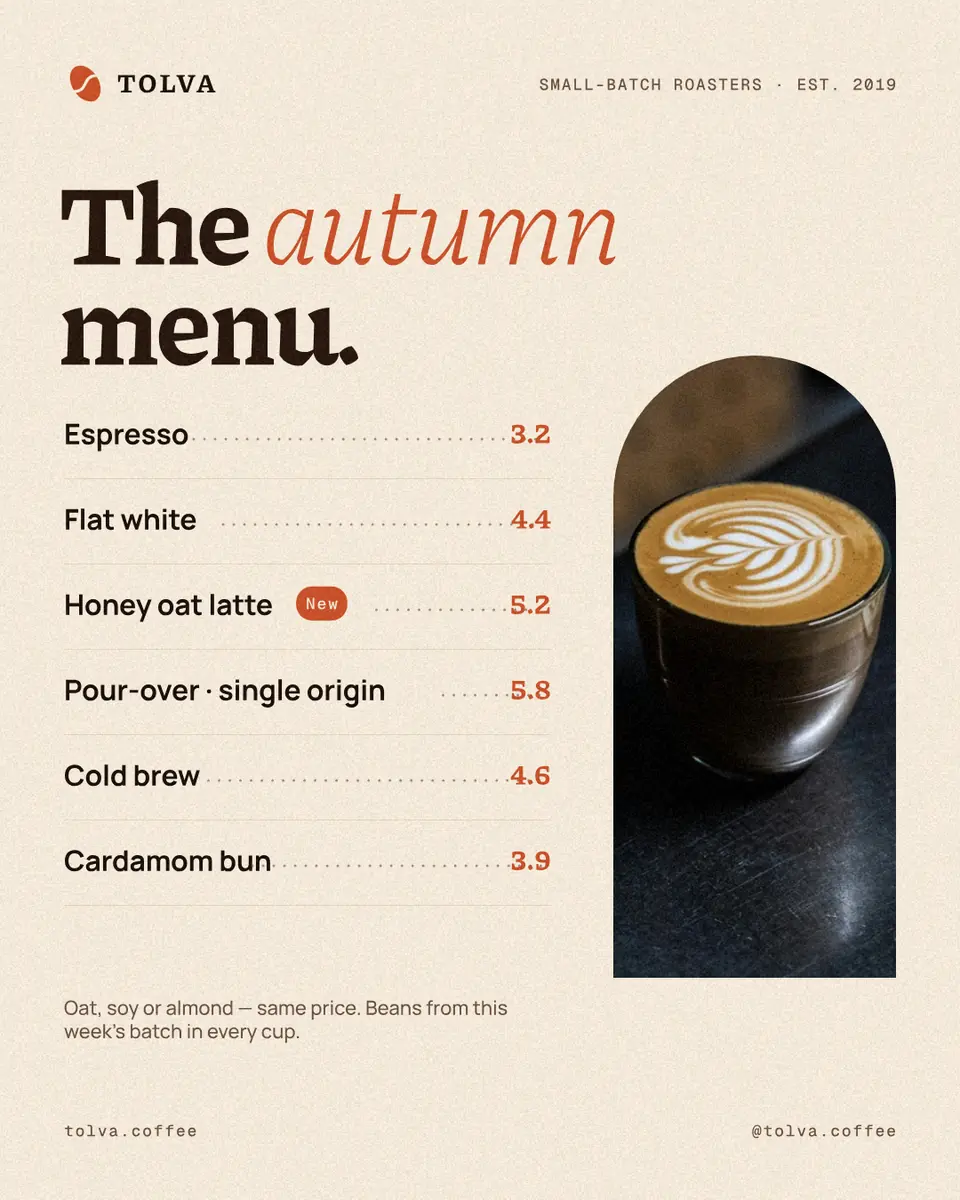
To make a menu for a café or coffee shop, open the menu template in Paletoo, double-click each line to type your drinks and prices, replace the photo with your own and press Export: PNG or JPG for Instagram and the screen above the bar, PDF for print. It is free, with no account and no watermark; the template is in English, and every font in it has Ukrainian letters, so you simply type over it.
This guide does it on «Menu and prices» from our Tolva coffee-shop set — six lines with dotted leaders, a «New» tag, a photo in an arch and a small note. It also covers what makes a menu sell: how many items to show, where the eye lands, how to write a price and what the law asks a menu to carry. Every step was run in Paletoo on 11 November 2026; the pictures are the editor itself.
How many items, and in what order
A menu on the wall is read standing, in the queue, in about the time it takes the person ahead to pay. Six to eight lines per group is what fits that glance; the template has six. If the full menu is thirty items, the board carries the bestsellers and the seasonal ones, and a QR code beside it opens the rest.
Order matters more than design. The first and the last line of a group are read most, so put there what you want to sell — not necessarily the cheapest. Mark one or two items, not five: a «New» tag works because it is alone. A photo of one real drink sells that drink; a stock collage sells nothing.
Write prices as plain numbers in one column, with the currency said once («prices in UAH») — a column of «₴» signs makes people compare the numbers instead of choosing the drink. Name the volume where it matters (250 / 350 ml), and say what is the same price: «oat or almond milk — no extra» saves the barista a question per guest.
| Where | Size | File |
|---|---|---|
| Instagram post, pinned | 1080 × 1350 px (4:5) | PNG or JPG |
| A frame on the counter or a clipboard | A5 or A4, portrait | |
| A screen above the bar | 1920 × 1080 px | PNG |
| A table tent with a QR code | A6 with the code |
What a menu must say
In Ukraine a guest has the right to know the price before ordering (the consumer rights law, Article 15), and the menu is given in Ukrainian — another language may stand beside it (the state language law, Article 30). In practice: every item has a price, the weight or volume is on the menu, and the Ukrainian text comes first. Allergens are worth a line even on a short board — «contains nuts», «with milk» — it is the question guests are shy to ask.
Print or screen
A printed menu in a frame costs a few hryvnias and is replaced in a minute — which is why a seasonal menu should live on one sheet, not be painted on the wall. Export the PDF and print it at A4 or A5; ask the print shop for matte paper, it does not glare under lamps. For the 4:5 post, scale the page with Resize this artboard to A-size proportions, or simply print the post with white margins.
A screen wants big type and few lines: duplicate the artboard, resize it to 1920 × 1080 and keep the same six lines in two columns. The QR code to the full menu belongs on the table, at arm’s length — nobody scans a code above the bar.
Made in Paletoo
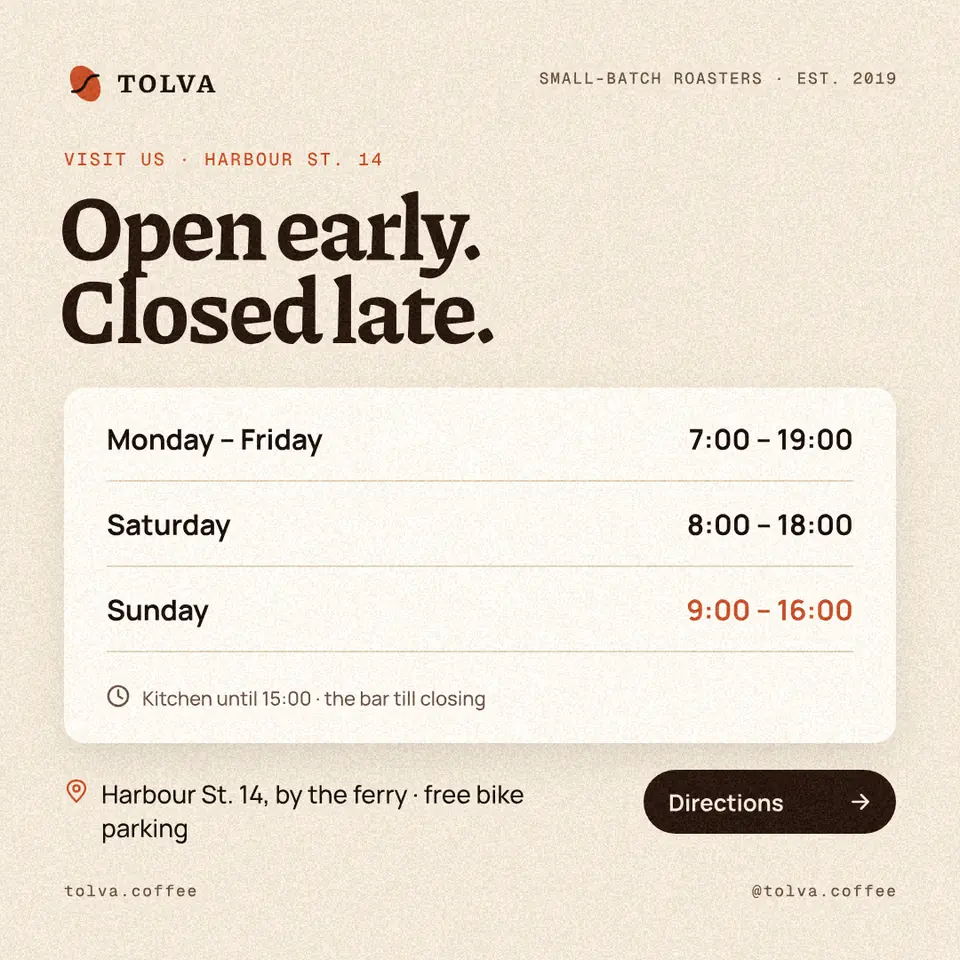
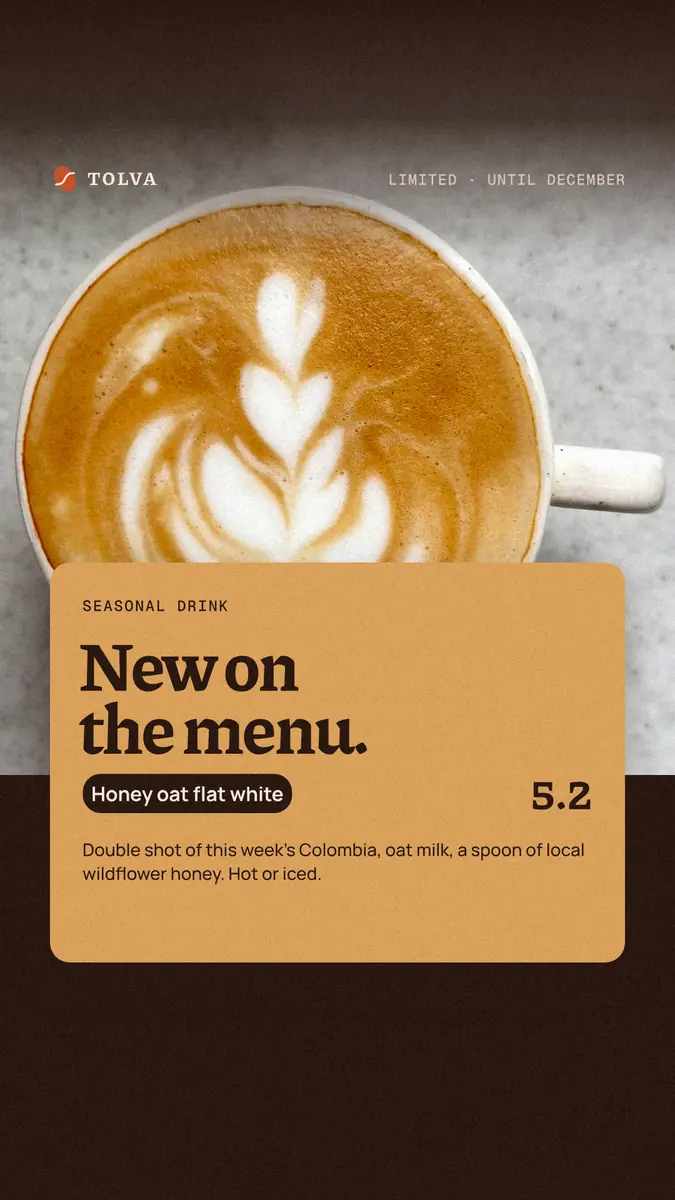
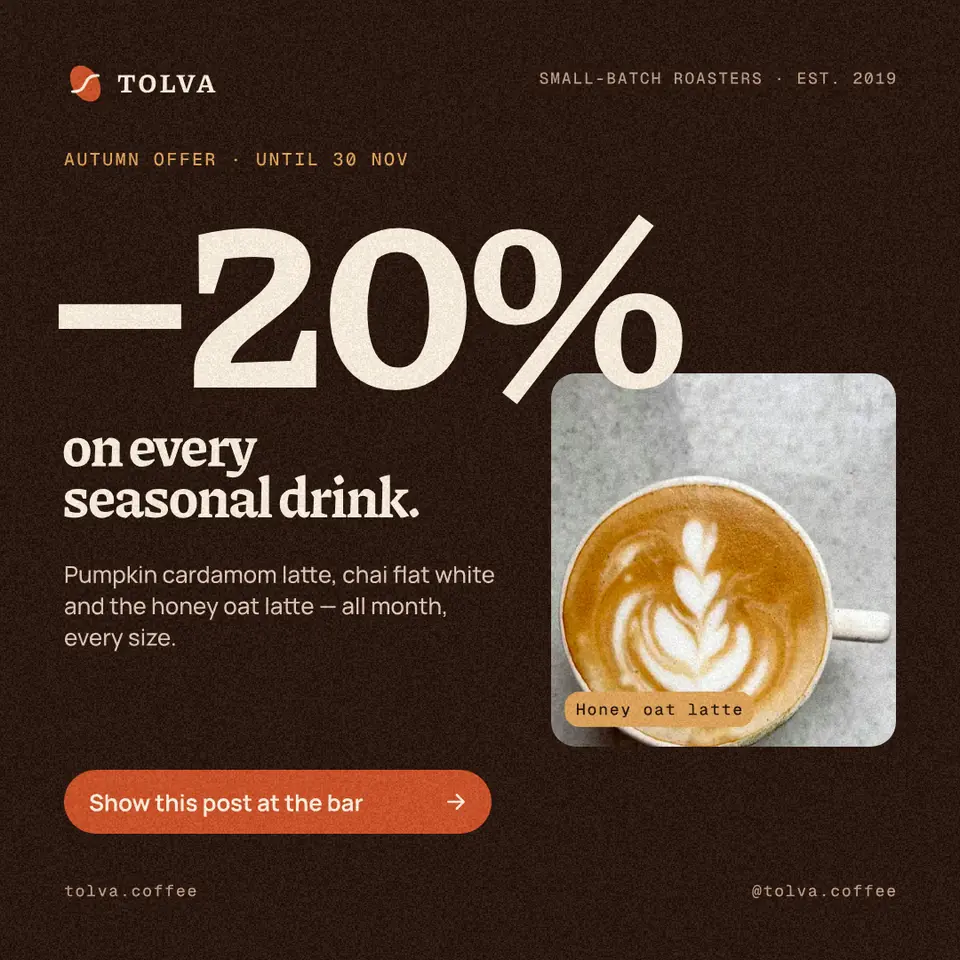
Every picture on this page was made in Paletoo — these three with the same steps on other templates:
Make it free in Paletoo
Open the template: press “Open in Paletoo” on this page. It opens as your own document, a 4:5 post; the Layers panel lists the rows by name — each row’s name, its leader and its price.
Double-click the headline and type yours — «Autumn menu», «Coffee and more»; then the wordmark and the two small lines at the top and bottom. The font and size are under Typography in the Design tab.
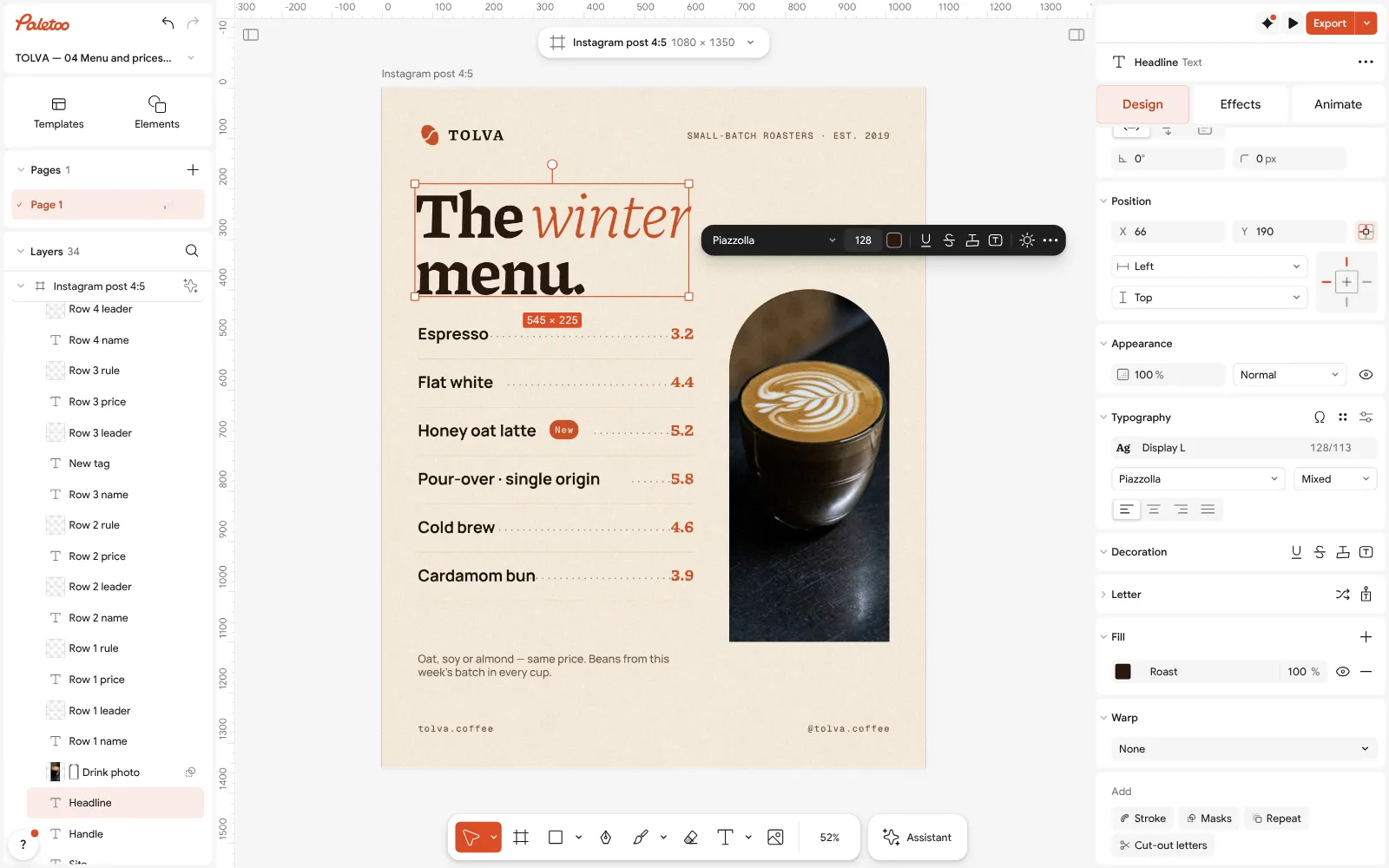
The menu open in Paletoo: the headline retyped, its font and size under Typography Double-click a row and type the drink, then its price. To add a row, select a name, its leader, price and rule together, press Ctrl D (Duplicate) and drag the copy down; to mark a novelty, move the «New» tag beside it.
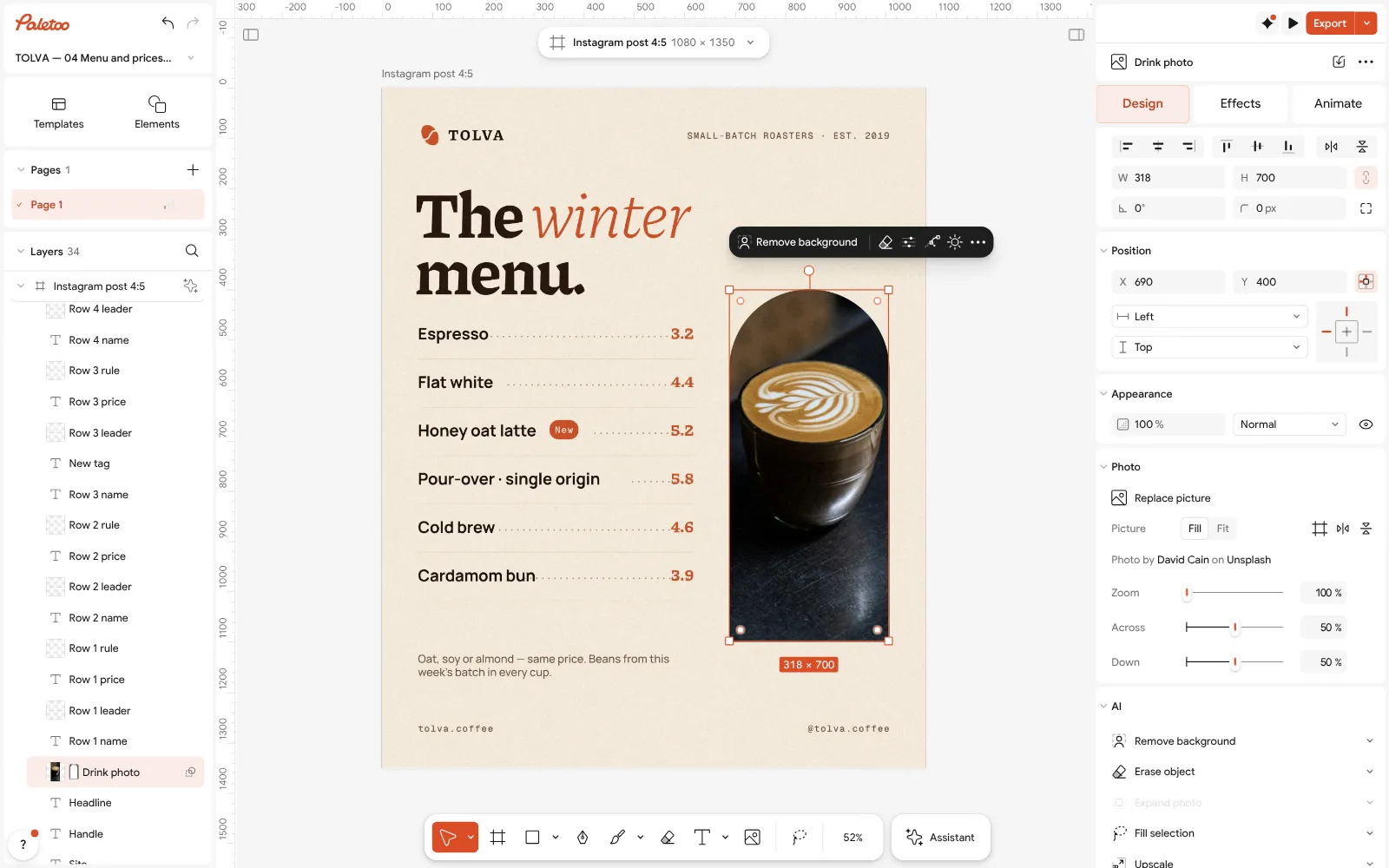
The drink photo selected: Replace picture puts your own shot into the arch Select the photo and press Replace picture: your own drink, shot by the window, beats any stock photo. The arch keeps its shape; Crop moves the photo inside it.
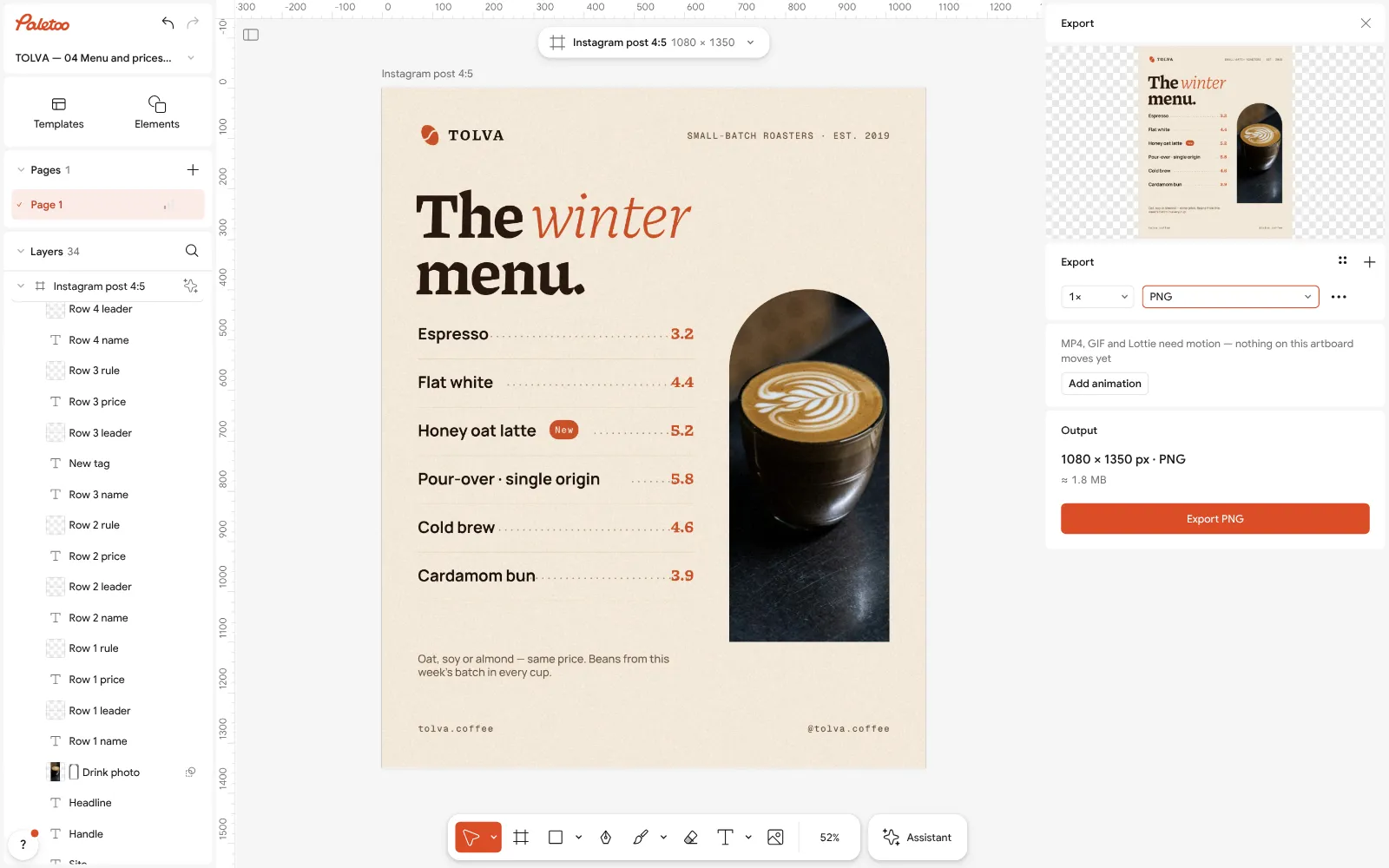
Export as PNG: the 4:5 post for Instagram, the same file for the screen above the bar Make it yours in Colour styles: change the accent and the paper colour to your brand’s, and every row follows.
Press Export (Ctrl Shift E): PNG for Instagram and the screen, PDF for print. For a table tent, press Ctrl K › QR code and paste the link to the full menu.
Make it your own
Two languages? Keep Ukrainian as the main line and add the English name under it in smaller type, 60 % Opacity — the row stays one line high.
A seasonal menu changes every few months: Duplicate artboard, retype the copy, and keep the old one in the same document for next year.
Add your logo: drag the file onto the page, or make one in the logo maker and paste it in place of the wordmark.
Sources
Questions
How do I make a menu for a café for free?
Open the menu template in Paletoo, type your items and prices, replace the photo and export PNG for Instagram or PDF for print. It is free, with no watermark and no account.
Can I make a menu online without Word?
Yes. The layout — rows, dotted leaders, the price column — is ready; you type in the browser and download the file. A Word menu is harder to align and to post.
What size is a café menu?
A4 or A5 for a frame or a clipboard, A6 for a table tent, 1080 × 1350 px for an Instagram post and 1920 × 1080 px for a screen.
How do I make a QR code menu?
Export the menu as a PDF or a picture, put it online (your site, a cloud link, an Instagram highlight), then make a QR code to that link and print it on a table tent.
Does the menu have to be in Ukrainian?
In Ukraine, yes: information about goods and services is given in the state language; a second language can be added beside it.
How many items should a menu board have?
Six to eight per group. The board shows the bestsellers and the seasonal items; the full list lives behind a QR code or in a printed booklet.
Make it online
- Make a menu onlineCafé, restaurant, bar or street food: pick a menu, type your dishes and prices, add a QR code and print it or post it — free, no sign-up, no watermark.
- Flyer makerTurn a ready flyer template into yours in minutes and send the printer a PDF with bleed and crop marks.
- QR code generatorMake a free QR code that never expires, right here — eight styles, a logo or emoji in the middle, PNG, SVG or PDF — and see that it scans before you print. No sign-up.
- Instagram post makerDesign a post at the right size from a real template, then export a sharp PNG or JPG — free, in your browser.
Free design templates for posts, stories and posters: Sale and pricing templates · Event and launch templates · Contact and call-to-action templates · Social media post templates
Try it on your own design
Paletoo opens in your browser, with no sign-up. Every effect here is live: change the picture or the words and the effect follows.
Open in PaletooOpens this design as your own copy — every layer and effect editable, free.
Read next
- 01
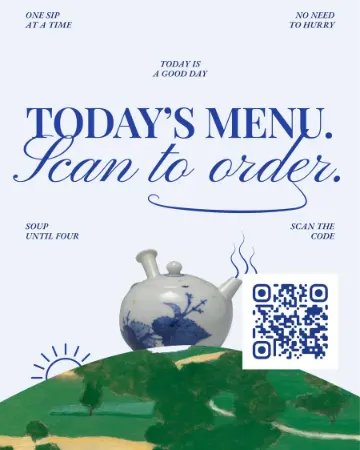 How to make a QR code for a restaurant menu, freeA menu code that never expires, a table card people actually scan, and a menu you can change without reprinting.
- 02
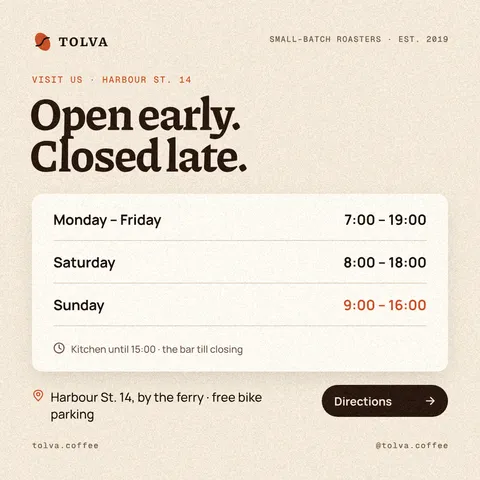 Opening hours template: a business hours sign and post, freeHours a customer can read from the street — for the door, the feed and the days when everything changes: holidays, repairs, a new schedule.
- 03
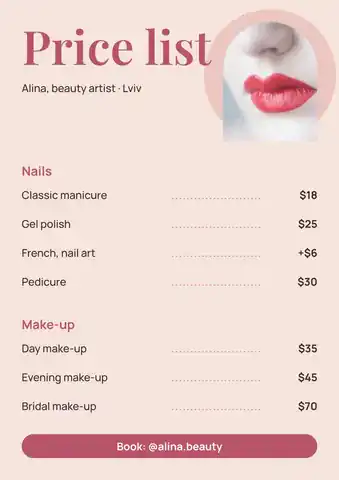 Price list template: make a salon or nail price list online, freeA nail, brow or beauty price list that reads at a glance — on the wall as A4 and in Instagram as a post, from one template.
- 04
 Print-ready PDF: bleed, crop marks and CMYK, freeEverything a printer means by “print-ready”, and a checklist before you send the file.