Free tools4 min readFreeUpdated 2026-11-20
New Year Instagram story ideas: 10 stories for 2027, free templates
Ten New Year stories people actually reply to — from a wishes checklist to a countdown — each one a 1080 × 1920 template you can fill in minutes.
By the Paletoo team · steps tested in Paletoo on
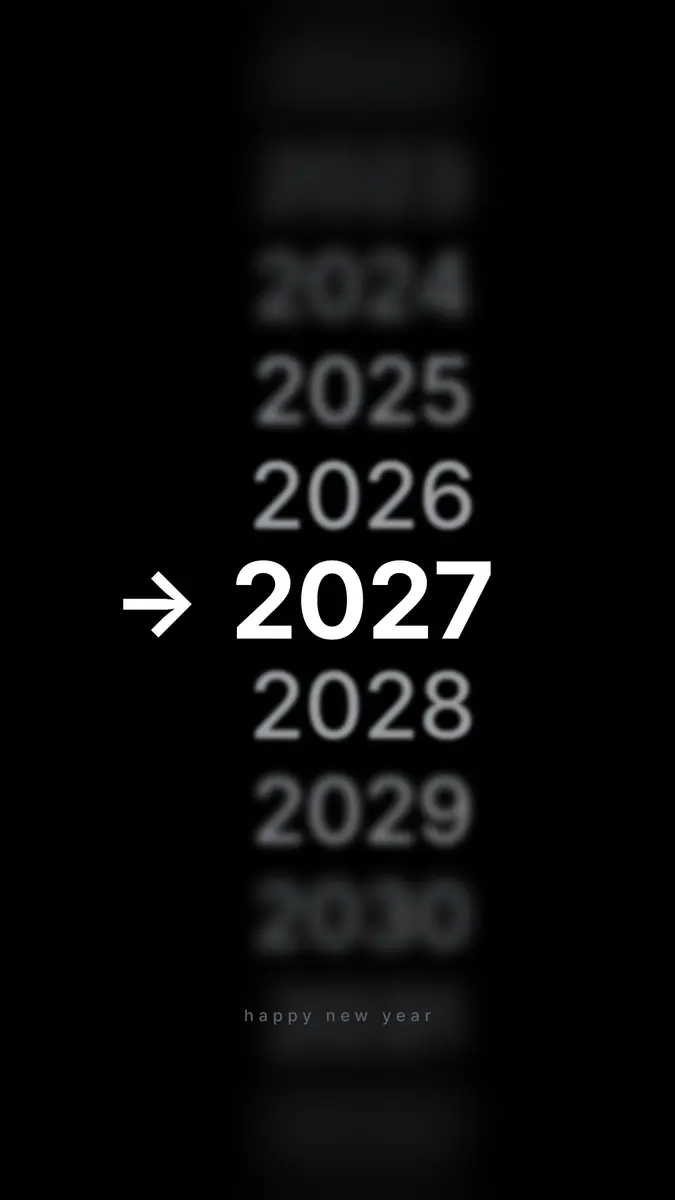
The New Year stories that get replies are personal and interactive: a checklist of your wishes for 2027, a countdown to midnight, your year in five pictures, a «thank you» to the people who helped, or an «add yours» prompt that invites others to share. Make them at 1080 × 1920 (9:16), keep the words in the middle of the screen, and post a few across 30 and 31 December rather than all at once.
This guide uses «My wishes for 2027», a story from our Holidays 2026 set — a gold moon with a «time to dream» ring and six tick boxes — and gives ten ideas for people, creators and small businesses, with the sizes and the timing. Every step was run in Paletoo on 11 November 2026; the pictures are the editor itself.
10 New Year story ideas
Mix two or three of these over the last days of December; one per day keeps people tapping through:
| Idea | What to post | Instagram sticker that helps |
|---|---|---|
| Wishes checklist | Six things you want in 2027, with boxes | Add Yours: «your wish for 2027» |
| Countdown | Days or hours to midnight, a big number | Countdown |
| Year in review | Five photos or numbers from 2026 | Music |
| Thank you | The people, clients or teams who helped | Mention |
| This or that | «Fireworks or a quiet night?» | Poll |
| Ask me | «What should I learn in 2027?» | Questions |
| Behind the scenes | Preparing the table, the tree, the shop | — |
| Best of the year | Your most-liked post or product | Link |
| Opening hours | When you are closed and open again | Link |
| Midnight greeting | A glowing «Happy New Year» at 00:00 | Music |
Story size and where to put the words
A story is 1080 × 1920 pixels, a 9:16 portrait. Instagram covers the top with the progress bars and your name and the bottom with the reply bar, so keep words and faces in the middle: Meta’s ads guide suggests leaving about 14 % at the top and 35 % at the bottom clear. Stickers added in the Instagram app sit on top of your design, so leave a clear patch where you will put a poll or a countdown.
New Year stories for a small business
For a shop, a café or a studio, the stories that work in late December are useful first and festive second. Post your holiday opening hours a week before and again on the last working day. Thank your customers with a story that names a number — «312 orders this year, thank you» — rather than a generic greeting. Show your three best-sellers of the year with a Link sticker to each. Remind people that gift cards can still be bought online on the 31st. And on 1 or 2 January, a calm «we are back on the 3rd» saves you a dozen messages. Keep every one of them in your brand colours, so they look like you even among a hundred fireworks.
Timing and tone
People look at their phones most in the last hours of 31 December and the first hours of 1 January, but they are also busy. Post the interactive stories (the checklist, the poll) on 29 and 30 December when people have time to reply, the countdown on the 31st, and the midnight greeting right at 00:00 — schedule it if you will be away from your phone. For a business, the most useful story is often the plainest: when you are closed and when you are back.
Keep the tone warm and short. A story is seen for five seconds; one sentence and one picture carry more feeling than a paragraph. For the most personal ones — the wishes, the thank-you to friends — share to Close Friends instead of everyone: fewer viewers, far more replies.
Made in Paletoo
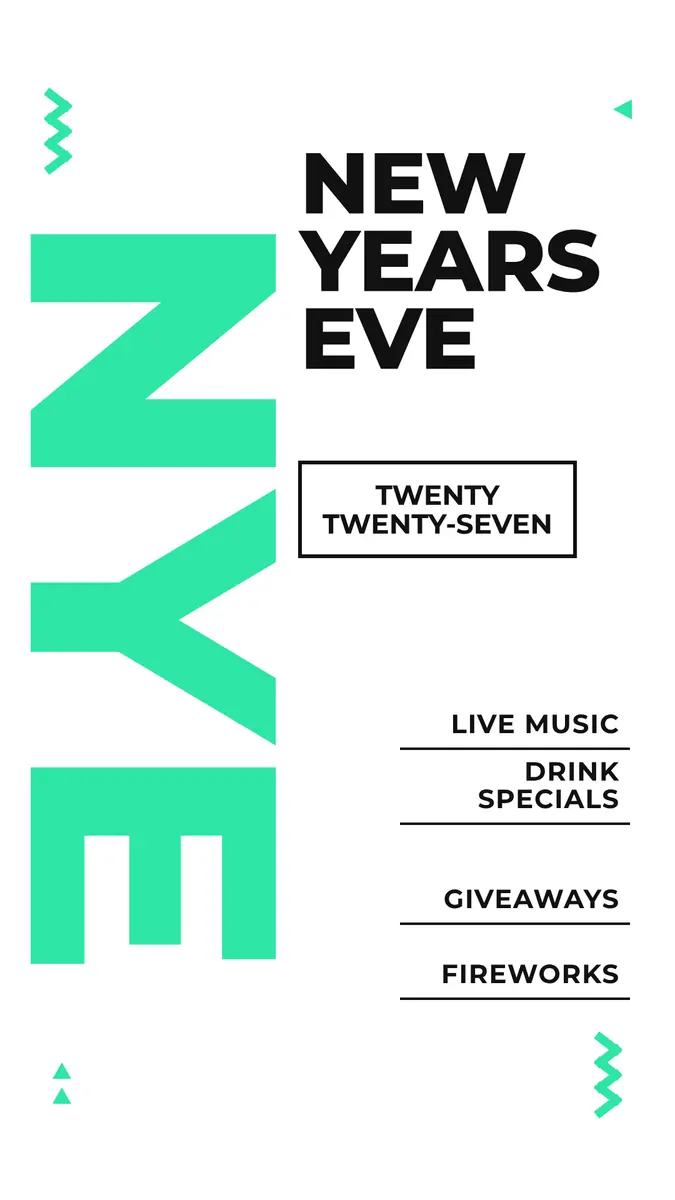
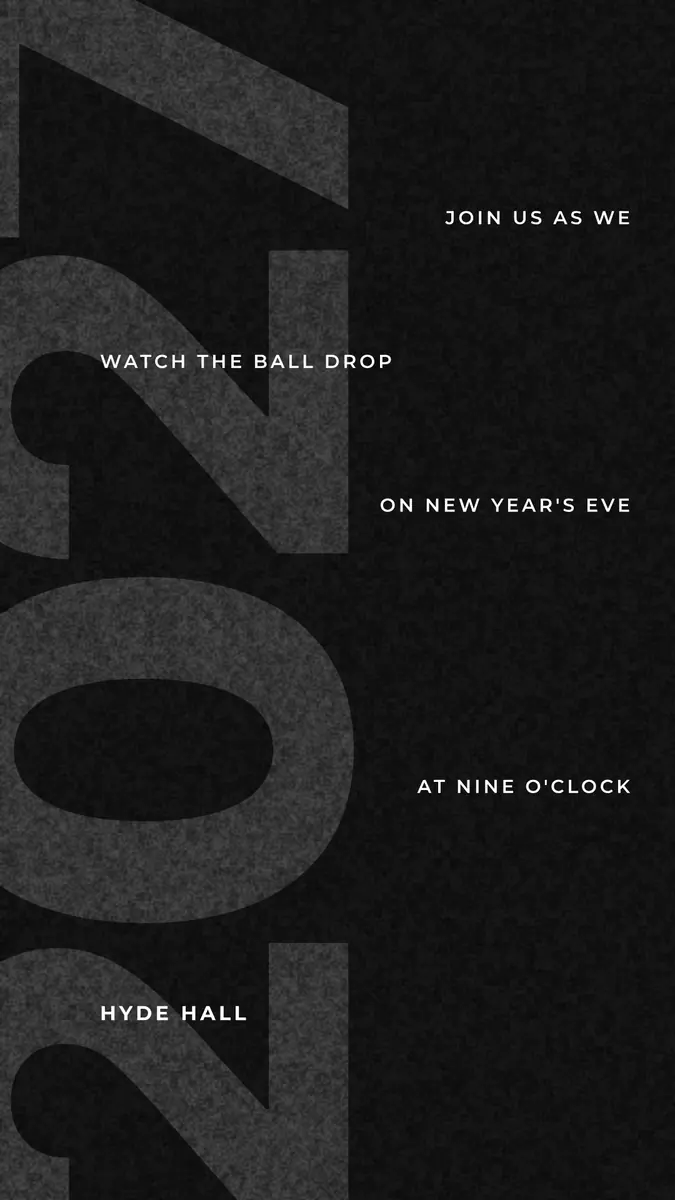
Every picture on this page was made in Paletoo — these three with the same steps on other templates:
Make it free in Paletoo
Open the story: press “Open in Paletoo” on this page, or start from the Instagram story maker. With nothing selected, the chip above the canvas reads 1080 × 1920.
Double-click each wish and type your own; under Typography in the Design tab keep them short enough to fit one line. Leave one box empty — it invites replies.
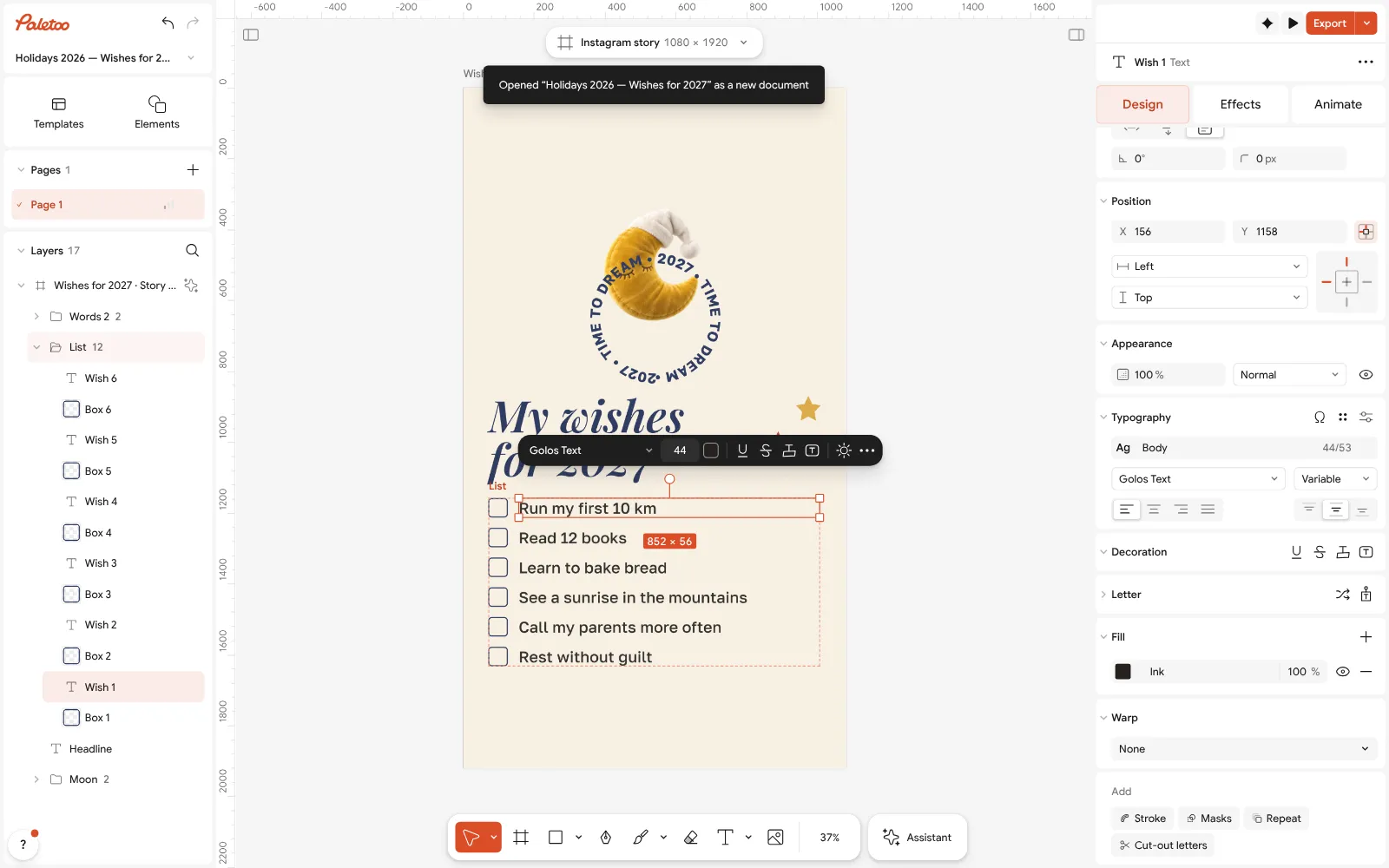
The «My wishes for 2027» story open in Paletoo: the first wish rewritten and selected, its font under Typography Change the gold and the navy in Colour styles to match your feed; every part that uses them changes together.
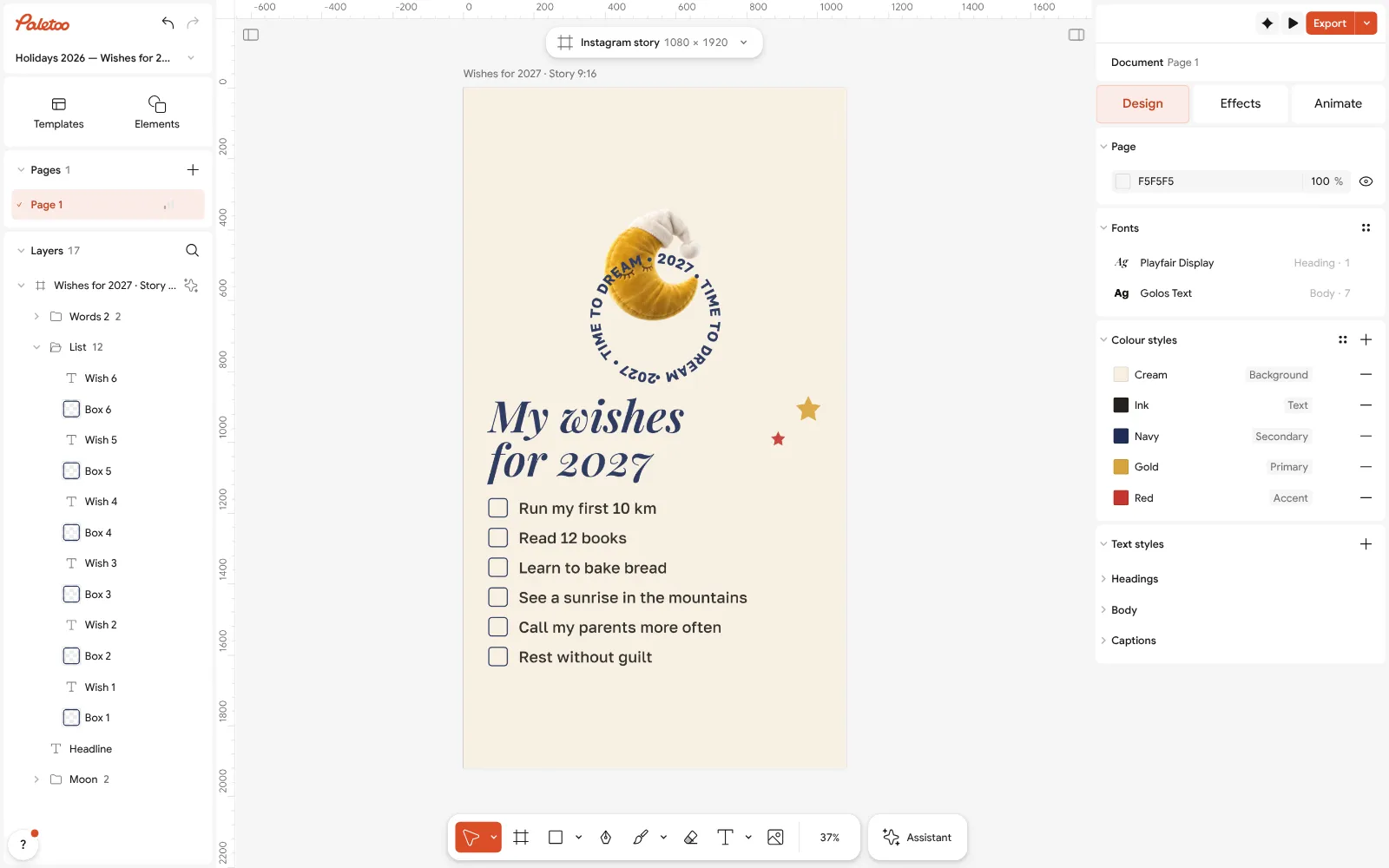
Nothing selected: 1080 × 1920 on the size chip and the story’s Colour styles For a set of stories, use Duplicate artboard: a wishes story, a countdown, a thank-you — the same fonts and colours from the first to the last.
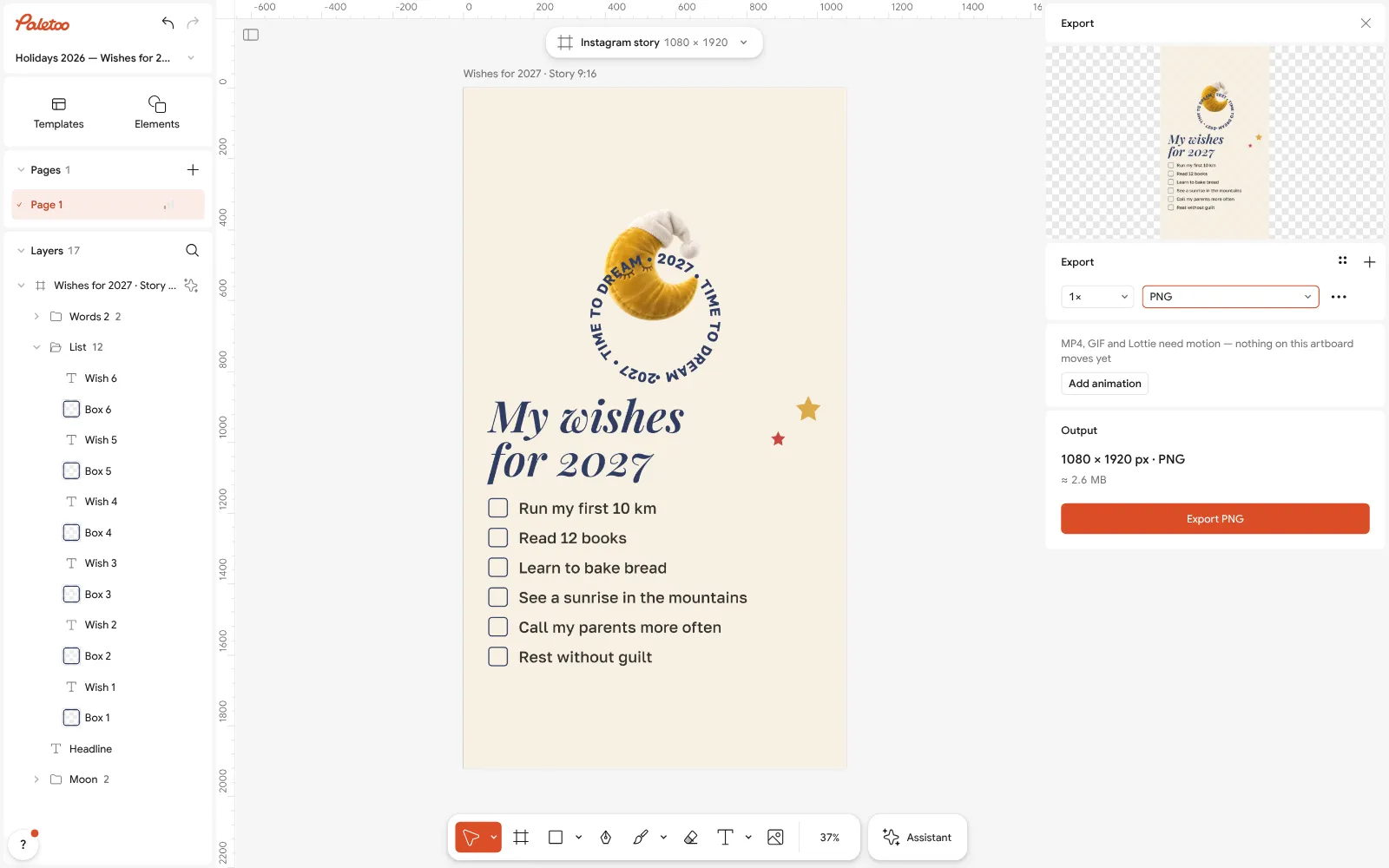
Export as PNG at full size Press Export (Ctrl Shift E) and choose PNG, or press Add animation and export MP4 for a story that moves. Nothing carries a watermark.
In Instagram, add the story, then the sticker that fits — Add Yours, Countdown, Poll — in the clear space you left.
Make it your own
For a countdown story, make the number huge and add Glow from the Effects tab; export MP4 with Add animation so it pulses.
Turn your wishes into a post too: press the size chip and Make a copy as a 4:5 post — same words, a feed-sized picture.
If you use a photo behind the words, darken it with Levels on the Effects tab so the text stays readable on a small screen.
Sources
Questions
What should I post on my story for New Year?
A wishes checklist, a countdown, your year in pictures, a thank-you, a poll or an «add yours» prompt — personal and easy to reply to.
What size is a New Year Instagram story?
1080 × 1920 pixels (9:16), with the words in the middle: Meta suggests keeping about 14 % at the top and 35 % at the bottom clear.
When should I post New Year stories?
Interactive stories on 29–30 December, the countdown on the 31st and the greeting at midnight; a business’s opening hours a few days before.
How do I make an animated New Year story?
In Paletoo press Add animation in the Export window and export MP4; Instagram plays it like a short video.
Can I make New Year stories for free?
Yes. Paletoo’s New Year story templates are free to edit and export as PNG, JPG or MP4, with no watermark and no account.
Make it online
- Instagram story makerPick a 9:16 template, change the words and the photo, add motion if you like, and export an image or a video in a couple of minutes.
- Instagram post makerDesign a post at the right size from a real template, then export a sharp PNG or JPG — free, in your browser.
- Christmas and New Year cardsPick a card, write your own wish, add a family photo and send it as a picture, a story or a short animation — free.
Free design templates for posts, stories and posters: Story and Reels templates · Social media post templates · Holiday card templates
Try it on your own design
Paletoo opens in your browser, with no sign-up. Every effect here is live: change the picture or the words and the effect follows.
Open in PaletooOpens this design as your own copy — every layer and effect editable, free.
Read next
- 01
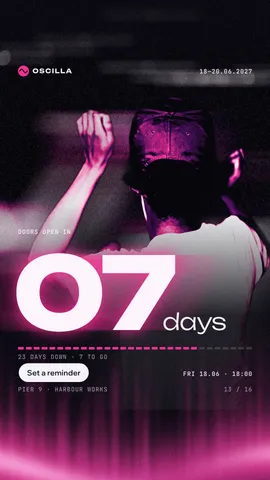 Instagram story size 2026: 1080 × 1920, safe zones and ratioThe pixels, the ratio, the bands that the profile and the reply bar cover — and a story that opens at the right size in one tap.
- 02
 New Year wishes 2027: short messages and a picture with your wordsShort wishes for family, friends, colleagues and defenders that you can sign as your own, and a greeting picture made with them in five minutes.
- 03
 How to make a New Year poster for 2027, free onlineFrom a ready party poster to one with your date, your address and your 2027 on it, in about fifteen minutes and for nothing.