Free tools7 min readFreeUpdated 2026-11-12
How to make a New Year poster for 2027, free online
From a ready party poster to one with your date, your address and your 2027 on it, in about fifteen minutes and for nothing.
By the Paletoo team · steps tested in Paletoo on
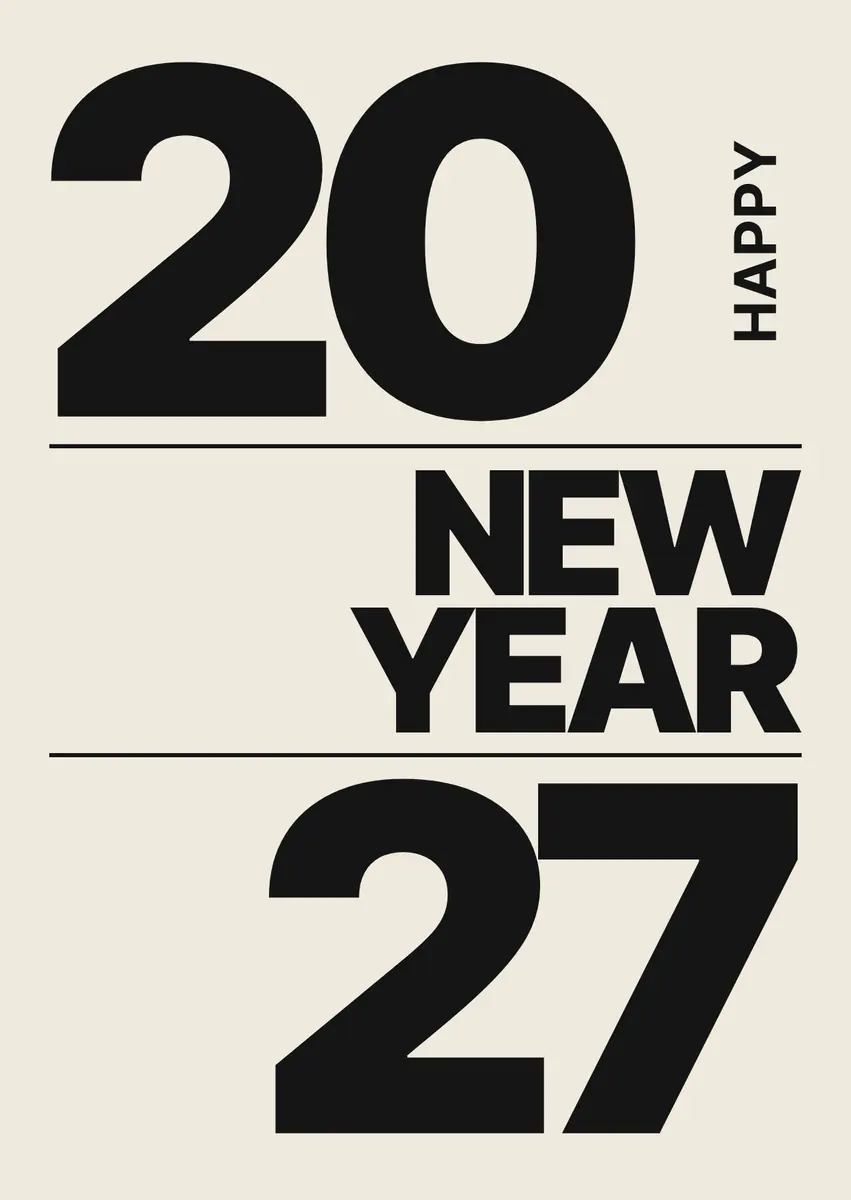
To make a New Year poster for free, open a ready New Year template in a browser editor such as Paletoo, write your date, time and place over the sample words, and export it: a PNG for Instagram or a chat, or a PDF to print at A4 or A3. In Paletoo the templates, the editing and every export are free, with no watermark and no sign-up.
This guide does it on «New Year party», the Swiss-style poster of our Holidays 2026 set: a huge outlined «27», overprinted red discs and the date repeated down the page. It covers what a New Year poster has to say, which size suits a feed, a story, a door or a shop window, how to turn a square post into a printable A3, and how to print it at home or at a copy shop. Every step was run in Paletoo on 9 November 2026; the pictures are the editor itself.
What a New Year poster has to say
A party poster is read in two or three seconds by someone walking past or scrolling, so it answers four questions in order: what it is, when, where, and whether they are invited. «New Year party», «31.12», «8 PM — till dawn» and the address are the whole job; everything else is atmosphere. Put the date and time in one place and the address in another, so each can be found with a glance, and keep the year big: in late December «2027» is what makes a poster feel current rather than left over.
Write the details as people say them. «8 PM — till dawn» reads faster than «20:00–06:00», and a landmark («the one with the balcony», «by the old bridge») beats a postcode in a group chat. If entry is by invitation, a dress code or a ticket, say so in one short line at the bottom; a poster that hides the price gets the same question forty times.
New Year poster sizes, for a feed and for paper
Decide where the poster will be seen first, because that fixes its shape. A square or a 4:5 portrait fills the Instagram feed and shows whole in Telegram, Viber and WhatsApp; a story is 9:16 and needs its words away from the top and bottom edges, where the app draws its own buttons. For paper, the A sizes keep one shape: A4 (210 × 297 mm) for a door or a notice board, A3 (297 × 420 mm) for a shop window or a club entrance. In the United States, 11 × 17 inches (tabloid) and 18 × 24 inches are the usual poster sizes.
Print needs about 300 pixels per inch at the final size, which is why an A3 file is 3508 × 4961 pixels. You do not need to work at that size from the start: change the artboard to A3 with its content scaled, and the type and shapes are redrawn at the new size, while the paper grain and the overprinted discs are rendered as a picture at the export resolution — the Export window lists exactly which layers. The table is the short version.
| Where it goes | Size | File |
|---|---|---|
| The Instagram feed or a chat | 1080 × 1350 px (4:5) or 1080 × 1080 px | PNG or JPG; MP4 if it moves |
| Stories | 1080 × 1920 px (9:16) | PNG or MP4 |
| A door or a notice board | A4, 210 × 297 mm = 2480 × 3508 px at 300 dpi | |
| A shop window or an entrance | A3, 297 × 420 mm = 3508 × 4961 px | PDF with bleed |
| A poster frame in the US | 11 × 17 in (3300 × 5100 px) or 18 × 24 in | PDF with bleed |
New Year 2027 poster ideas that feel like this season
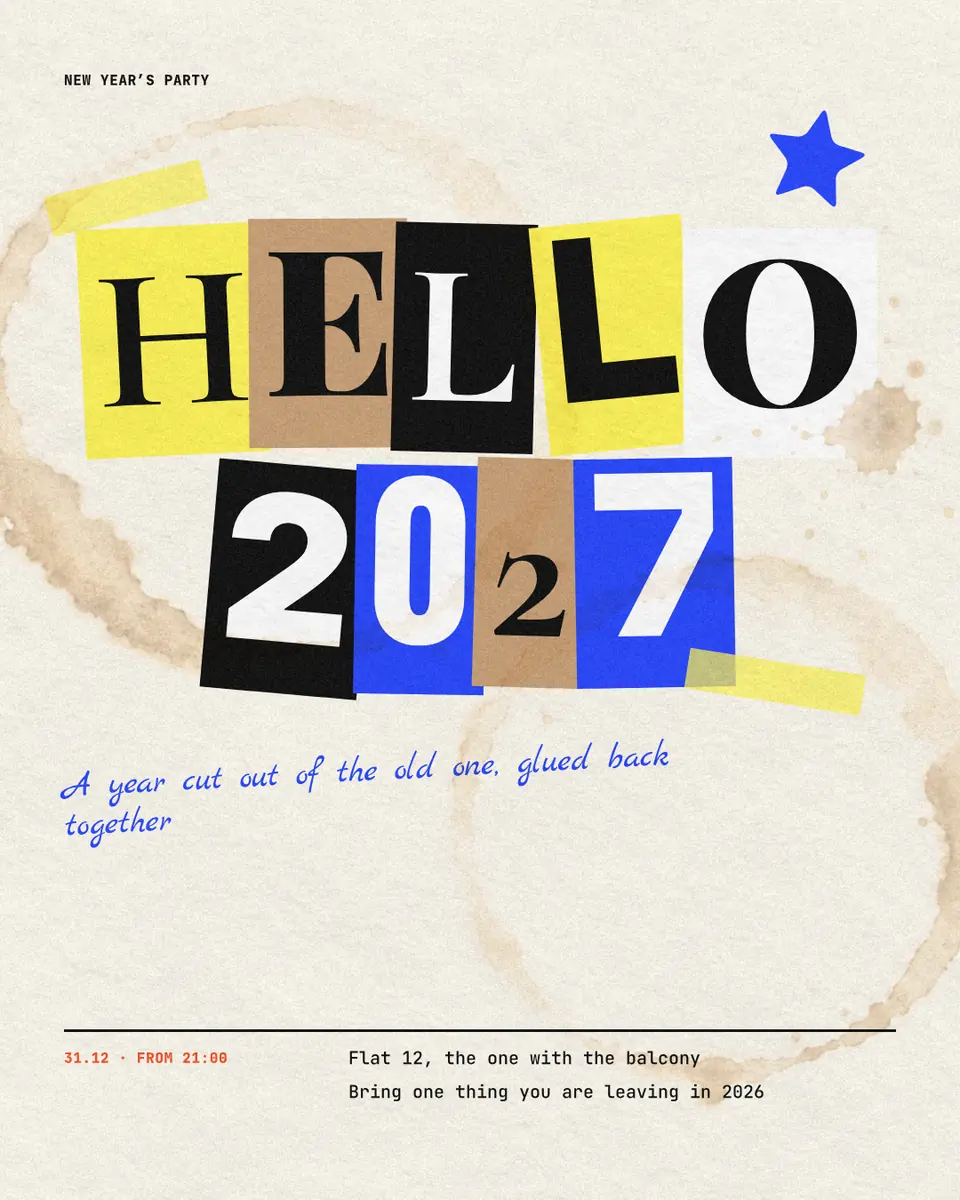
Gold on navy and champagne glasses are not wrong, but every year looks like that. This season’s posters borrow from print and from the street: a single huge number in outline, flat discs that overprint like a riso, a date repeated until it becomes a pattern, cut-out letters in a ransom-note collage, a neon frame over a night photo. The party poster in this guide uses three of those at once; «Hello 2027» from our Trends 2026 set does the collage, and the sparkler post keeps a glowing «2027» on deep blue for a quieter evening.
Whatever the look, keep one colour for the information and never set the address over the busiest part of the picture. If a style needs a photo, choose one with a calm area where the words can sit, or put a dark band behind them. More looks and why they work are in Poster design trends 2027.
Printing it at home or at a copy shop
Most home printers stop at A4 and leave a white margin, so a full-colour A4 poster prints best with a few millimetres of plain paper colour around it, which the party poster already has. For A3 and larger, send a PDF to a copy shop: ask for the PDF with 3 mm of bleed and crop marks, so the colour runs past the trim and the edge is clean after cutting. Matte paper of 150–200 g/m² hangs flat on a door and does not glare under a lamp.
Made in Paletoo
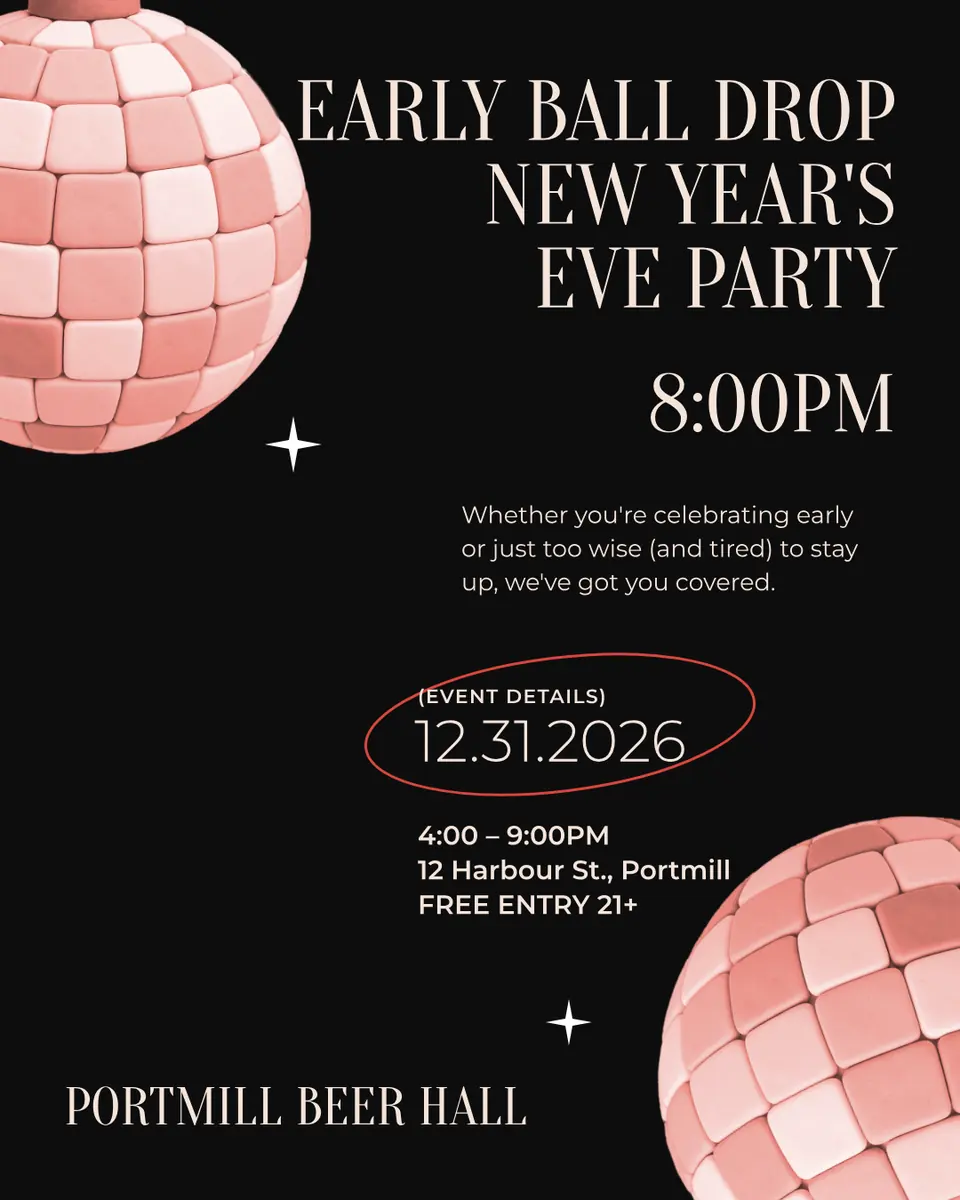
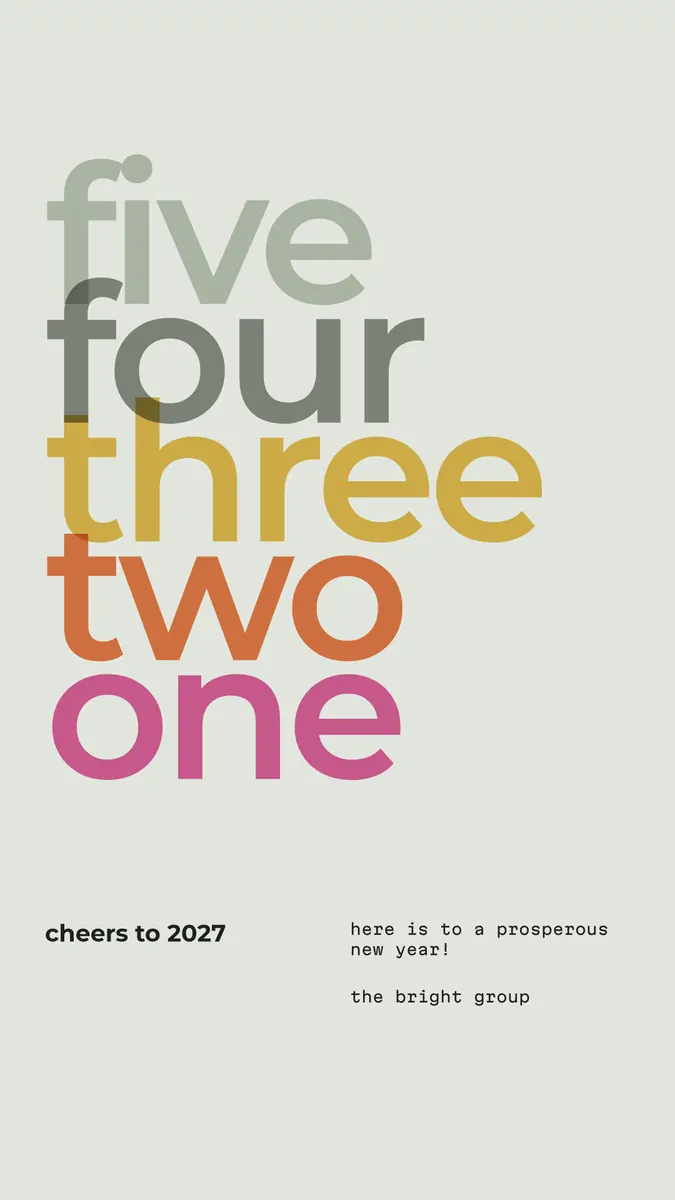
Every picture on this page was made in Paletoo — these three with the same steps on other templates:
Make it free in Paletoo
Open the poster: press “Open in Paletoo” on this page, or go to the poster maker and pick a New Year poster. It opens as your own document, and the Layers panel lists the big number, the discs, the headline, the date, the time and the place.
Double-click the time and type yours, then the place: two lines, the street on the first and the venue on the second. Font, size and spacing are under Typography on the Design tab; the words stay live text, so a change of address the day before is a ten-second fix.
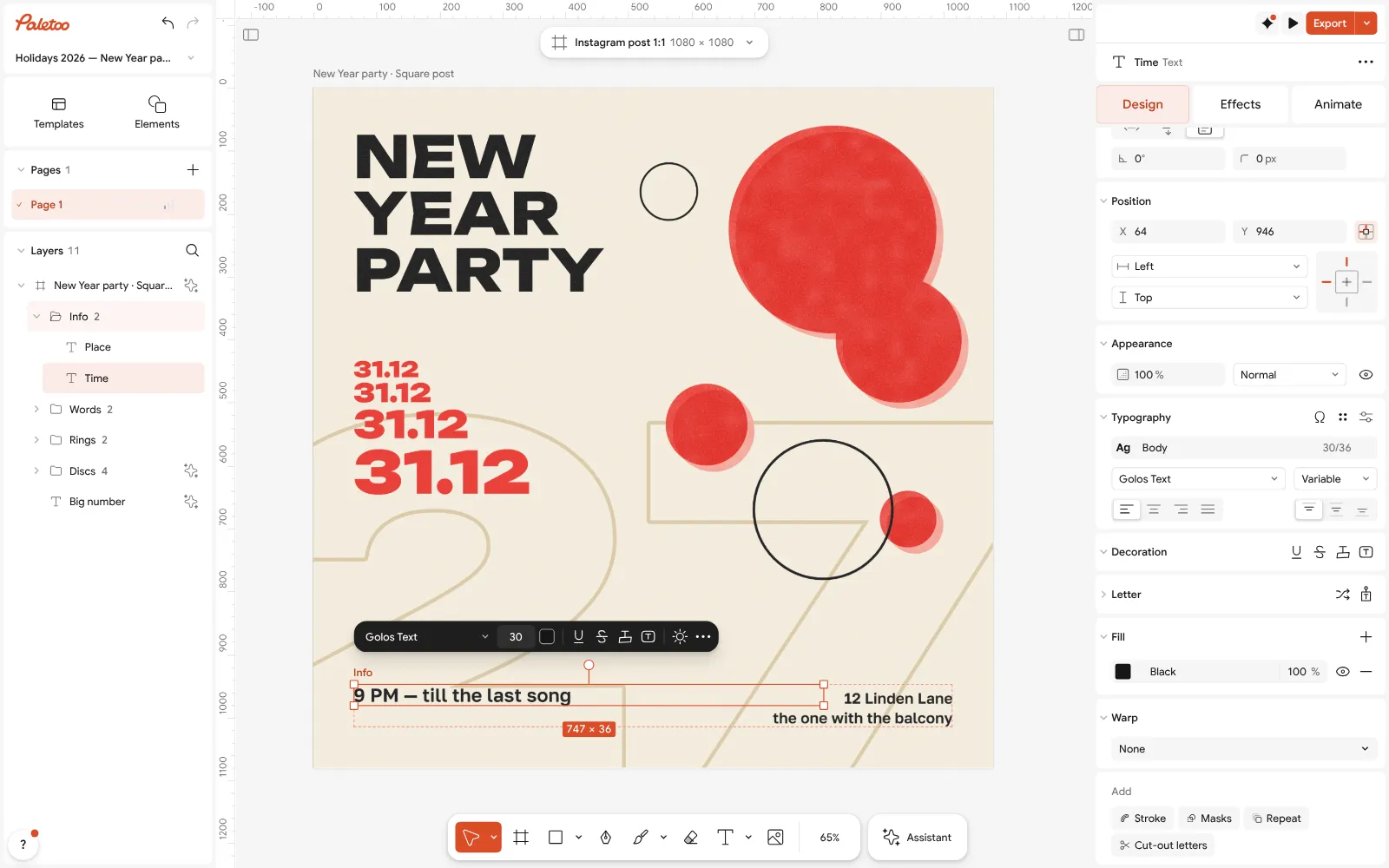
The New Year party poster open in Paletoo with the time and the place rewritten: the time selected, its font under Typography Change the date if your party is not on the 31st. The red date down the left is one text with Repeat on it: double-click any of the four copies, retype the date, and every copy follows, from small to large.
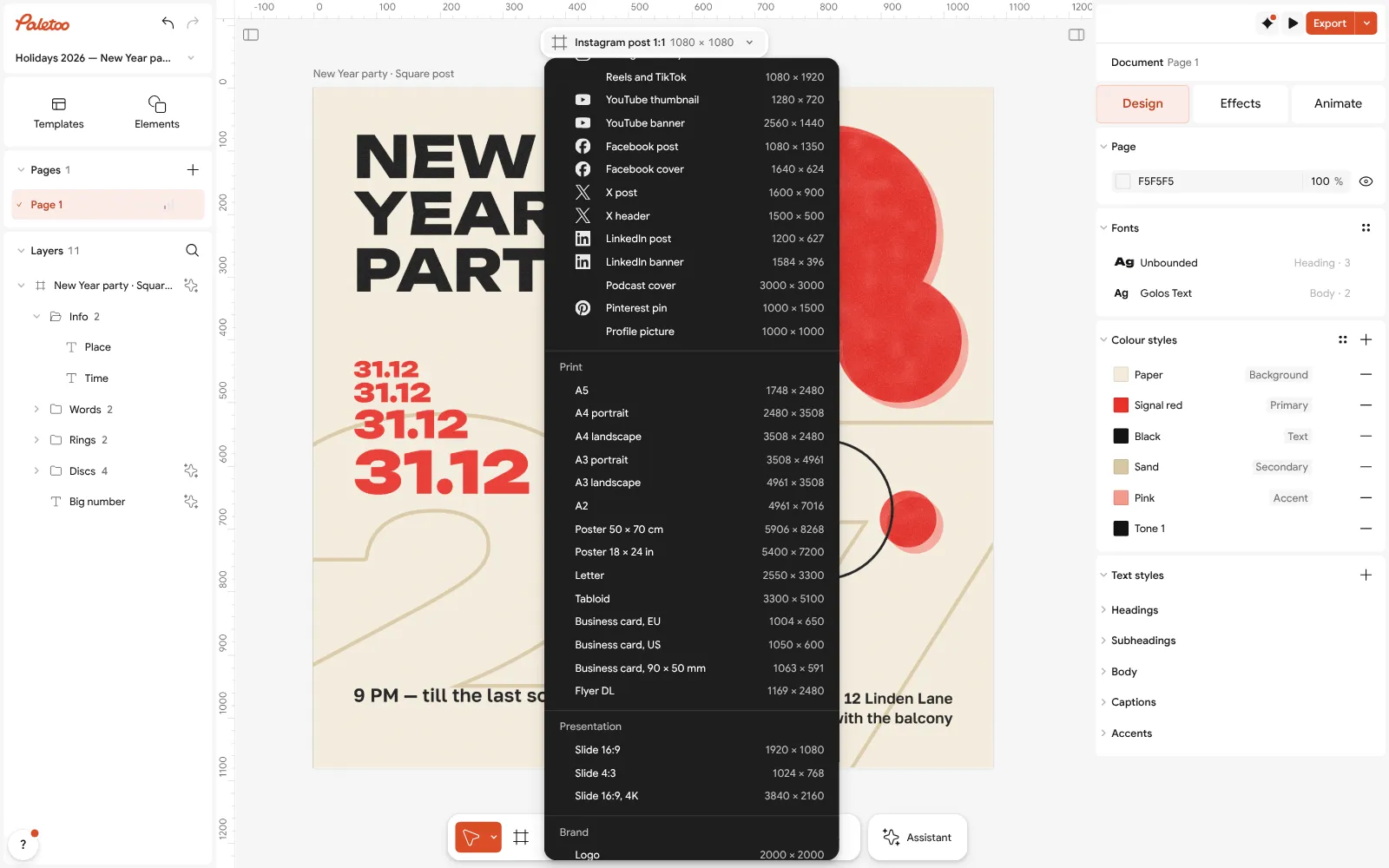
The size chip’s menu open at its Print group, A3 portrait among the sizes, to turn the square post into a printable poster Recolour it if you like: the poster’s colours are Colour styles, so changing «Signal red» repaints every disc and the date at once. Keep the time and place in the dark ink, where they read at a distance.
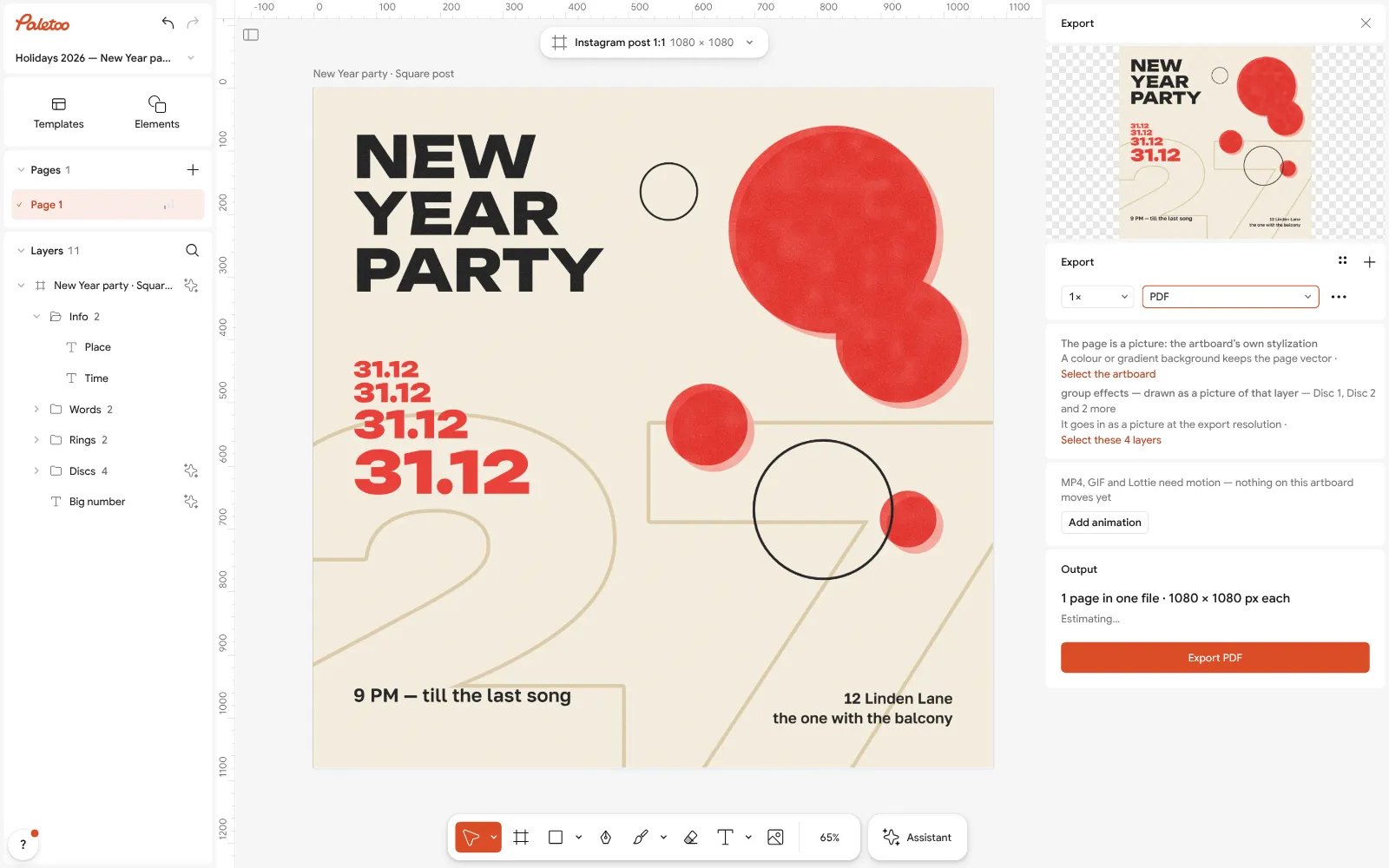
The Export window with PDF chosen: it lists the layers that go in as a picture, the paper grain and the overprinted discs For the feed, press Export (Ctrl Shift E) and keep PNG. To make it move for stories, press Add animation in the same window and export MP4.
For print, click the size chip above the artboard and, in its Print group, choose A3 portrait, with Scale artwork on so the design grows with the page. If the time and the place no longer sit on the bottom edge, drag them down. Export PDF with Include bleed and Crop marks under Export settings.
Make it your own
Want a photo of the venue or of last year’s party behind the words? Drop it onto the artboard, send it to the back, and lower its opacity or run Remove background on a person so the date stays readable.
For a window poster, make the date and the address bigger than feels natural: a common sign makers’ rule is about 2.5 cm of letter height for every 3 metres it must be read from. Select both lines and raise the size under Typography.
Making the post and the print from one design? Export the PNG first, then change the size to A3 and export the PDF: the words and colours stay the same in both, and nothing has to be retyped.
Sources
Questions
How do I make a New Year poster online for free?
Open a New Year template in Paletoo, rewrite the date, the time and the place, and export a PNG for social media or a PDF for print. The templates, the editing and every export are free, with no watermark and no account.
What should a New Year party poster include?
What it is, the date, the start time, the place and how to get in (an invitation, a ticket or a dress code), in that order of size. Keep the year visible: «2027» is what tells people the poster is this season’s.
What size should a New Year poster be?
For Instagram, 1080 × 1350 or 1080 × 1080 pixels; for stories, 1080 × 1920. For paper, A4 (210 × 297 mm) on a door and A3 (297 × 420 mm) in a window, as a PDF at 300 dpi with 3 mm of bleed for a print shop.
Can I add my own photo to the poster?
Yes. Drop a photo onto the artboard or select one and press Replace picture. Keep the words over a calm part of the photo, or put a dark band behind them so the details read.
Can I print an A3 poster at home?
Only if your printer takes A3 paper; most home printers stop at A4. Print the poster at A4 at home, or send the A3 PDF with bleed and crop marks to a copy shop, which usually prints it the same day.
Can I make the poster on my phone?
Yes. Paletoo runs in a phone’s browser with nothing to install; you can rewrite the date and place and export a PNG there. Resizing for print and checking the PDF is easier on a computer.
Make it online
- Poster makerMake a poster from a template that already has the layout right, then export a print-ready PDF or an image for screens.
- Christmas and New Year cardsPick a card, write your own wish, add a family photo and send it as a picture, a story or a short animation — free.
- Invitation makerTap an invitation below and it opens ready to edit: write who, when and where, then send it as a picture or print it on A5. Free, with no watermark and no sign-up.
Free design templates for posts, stories and posters: Poster templates · Holiday card templates · Invitation templates
Try it on your own design
Paletoo opens in your browser, with no sign-up. Every effect here is live: change the picture or the words and the effect follows.
Open in PaletooOpens this design as your own copy — every layer and effect editable, free.
Read next
- 01
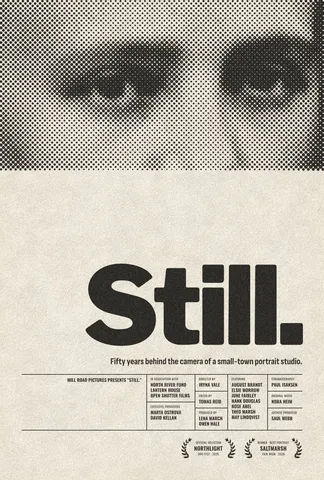 Free poster maker: make a poster online with no watermarkA real poster, from the size to a print-ready PDF, without paying or signing up.
- 02
 Print-ready PDF: bleed, crop marks and CMYK, freeEverything a printer means by “print-ready”, and a checklist before you send the file.
- 03
 How to make a Christmas card online for free, with your photoFrom a ready card to one with your family on it in about ten minutes, with nothing to pay and no account.
- 04
 Poster design tips: 9 tricks that make a poster look designedNine habits that separate a designed poster from an assembled one.