Tools compared7 min readFreeUpdated 2026-11-26
Free Photoshop text effects: PSD packs, licences and no-Photoshop options
What a free PSD text effect really gives you, what you need to use it, and the ways to get the same look without Photoshop.
By the Paletoo team · steps tested in Paletoo on
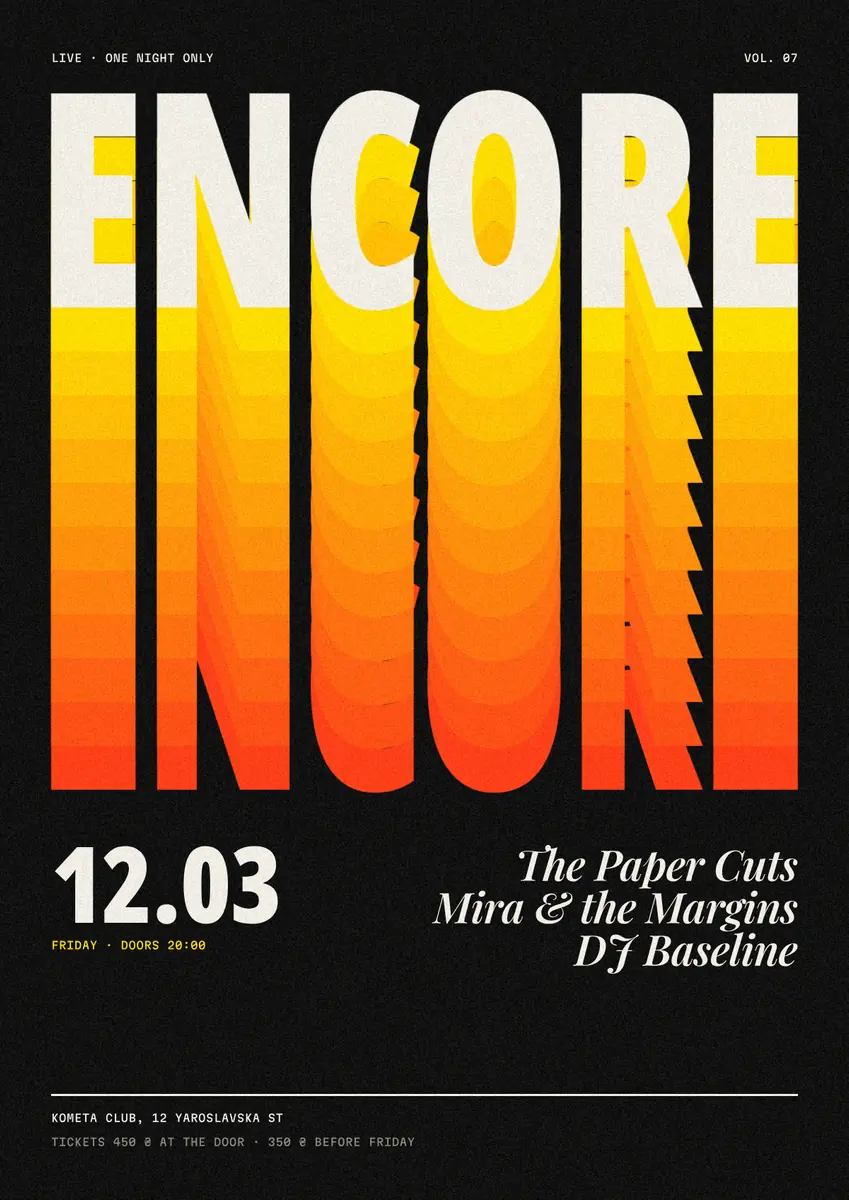
Free Photoshop text effects are mostly PSD files built around a smart object: you open the file in Photoshop, double-click the smart object, type your word, save, and the styled layers above it update. The download is free, but you still need Photoshop (Photopea opens many packs in a browser), the font the designer used, and a licence that fits your use — many free packs are for personal use only or ask for a credit. Without Photoshop you can get similar looks in Canva, Kittl or Adobe Express as far as their plans allow, or free in Paletoo, where 3D, neon, chrome, halftone and echo effects stay live on editable text, Cyrillic included.
Below: how a PSD text effect is built, what to check before you download one, a table of the options as they stood in November 2026, where each is the better choice, and the steps on «Encore», a 1200 × 1697 gig poster whose headline is stacked eleven times in a yellow-to-red echo. For the looks themselves, see text effect ideas. This comparison is written by the Paletoo team; every step was run in Paletoo on 12 November 2026.
How a free PSD text effect works
A text-effect PSD is a small layered Photoshop document. Your word lives inside a smart object — an embedded document of its own — and the effect is built on top of it from layer styles (Bevel and Emboss, Stroke, Inner Shadow, Gradient Overlay, Drop Shadow and the rest of Photoshop’s ten), textures clipped to the letters, and sometimes a lighting or 3D layer. Edit the smart object, save it, and everything that sits on it redraws. That is why the effect follows a new word: you never touch the styles, only the text inside.
It is also why the packs behave the way they do. A long word or another font can break the look, because textures and highlights were placed for the sample word, and the smart object is a fixed box. Some packs also ship the style as an .asl file you load into the Styles panel and apply to any live text layer, which is more flexible. Photoshop itself is sold by subscription. Photopea, a free browser editor, opens PSD files and supports smart objects, so many simple packs work there; heavy ones with 3D layers or unusual blending may not look the same.
What to check before you download
The licence. «Free» rarely means «free for anything». At the time of writing, free downloads on Freepik require a credit to the author, which its paid plan removes, and many packs on smaller sites are free for personal use only. Read the terms before a client job or anything you sell, and keep a copy of them with the file.
The font. A pack usually links to its typeface rather than including it. If the font is not installed, Photoshop substitutes another and the effect falls apart; if it has no Cyrillic, a Ukrainian word falls back to a default font inside the smart object. The font has its own licence too.
The source. Download from the marketplace or the designer’s own page. A «free PSD» on a file-sharing site can come bundled with something you did not ask for, and it carries no licence you can rely on.
The options compared
Plans and prices change; this is how things stood in November 2026, from the vendors’ own pages. The last column says what each is better at, Paletoo included.
| Option | What you need | Text stays editable | Cost | Better at |
|---|---|---|---|---|
| Free PSD pack | Photoshop or Photopea, and the font | Yes, inside the smart object | Free file; licence varies | Photographic one-off hero words |
| Photoshop layer styles (.asl) | Photoshop | Yes, on live text | Subscription | Full control: any look you can build |
| Canva | A browser or the app | Yes | Free plan; transparent PNG and SVG are Pro | Quick effects — shadow, hollow, echo, glitch, neon, curve — in a huge template library |
| Kittl | A browser | Yes | Free plan with limits; check the licence before selling | Ready lettering, warps and badges for merch |
| Adobe Express | A browser or the app | Yes | Free plan; generative effects use credits | Fast social posts; letters filled with a texture you describe |
| Paletoo | A browser | Yes, every effect stays live | Free; no watermark, no sign-up | Stacks of live effects on text and photos, Cyrillic, print PDF and video |
Where each one is the better choice
Take a PSD pack when you need one photographic hero word — wet paint, ice, a neon tube with a real brick wall behind it — and you already have Photoshop: a good pack holds hours of texture work. Build your own layer styles when you want a house look you will reuse in Photoshop for years.
Take Canva or Adobe Express when the text effect is one small part of a quick post and you live in their template libraries; Kittl when you are making merch and want its ready lettering and badges. All three are faster than any PSD for an everyday post.
Take Paletoo when the effect has to stay editable and stack: a 3D block on a word, an echo behind it, a halftone on the photo, each a live step you can switch off or change, with fonts that set Ukrainian and Polish and exports to PNG with a transparent background, SVG, print PDF, MP4 and GIF at no cost. What it does not do is run a PSD pack as an effect: Import Photoshop file brings the layers in, but a smart object arrives as a picture and layer styles are not carried over, so rebuild the look with Paletoo’s own effects.
Made in Paletoo
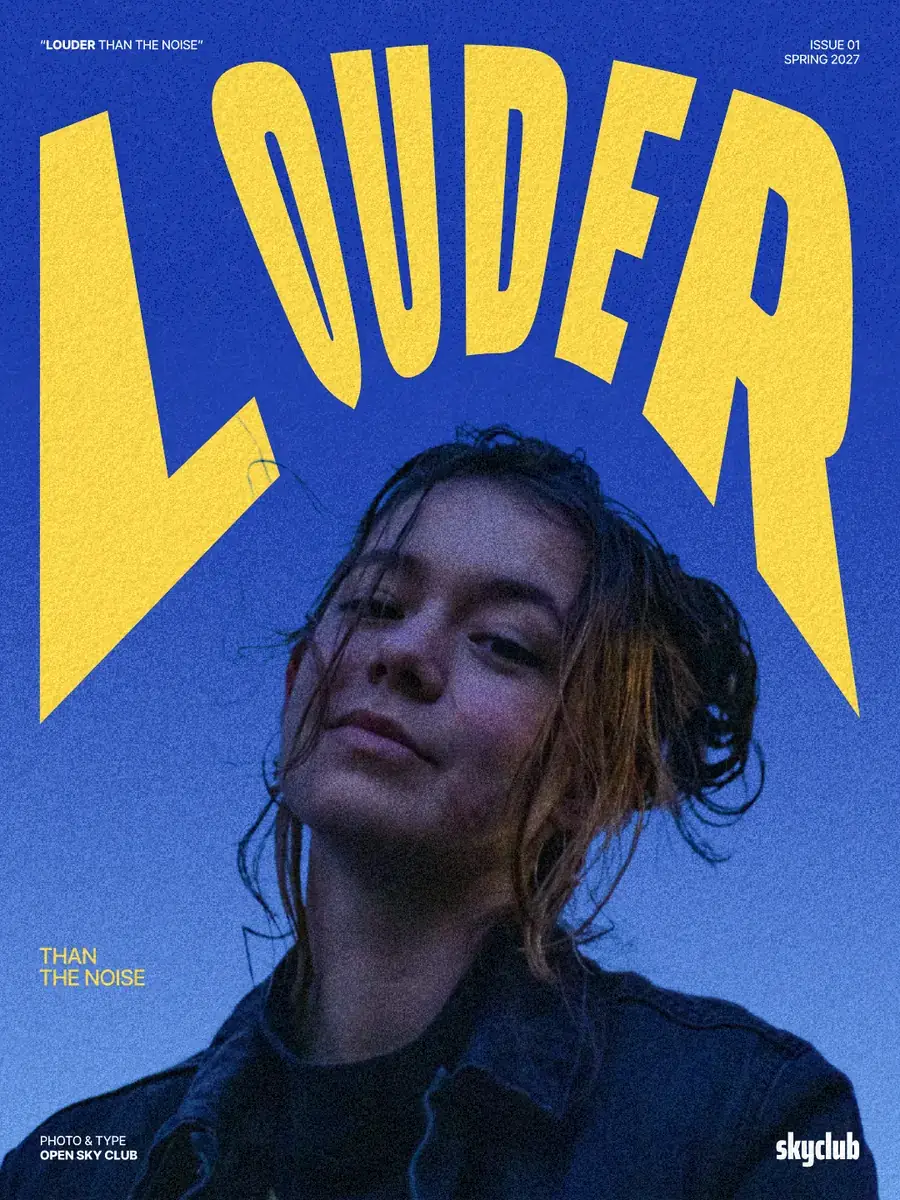
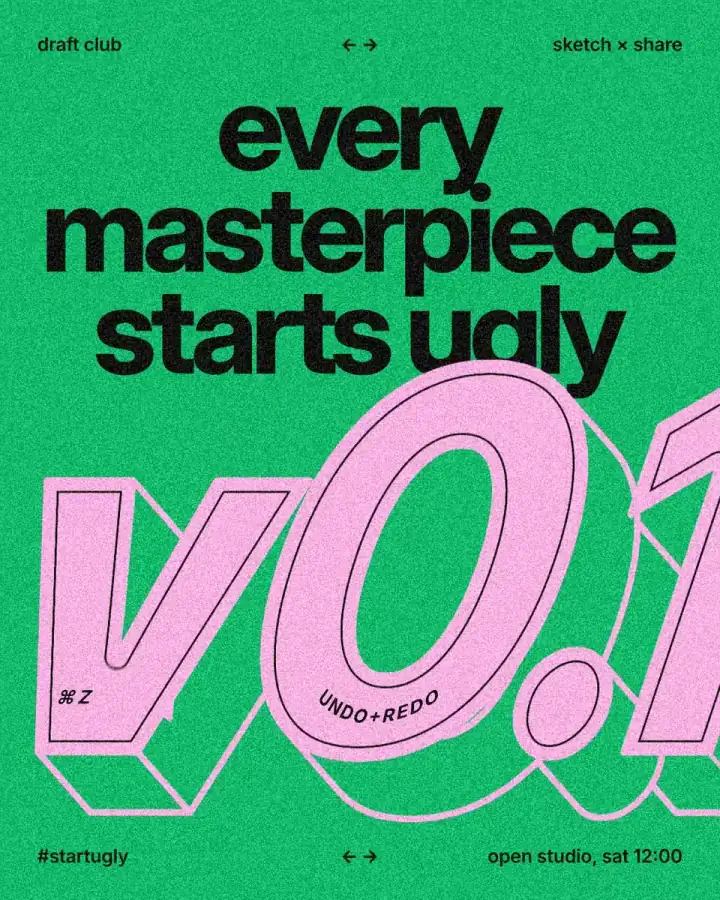
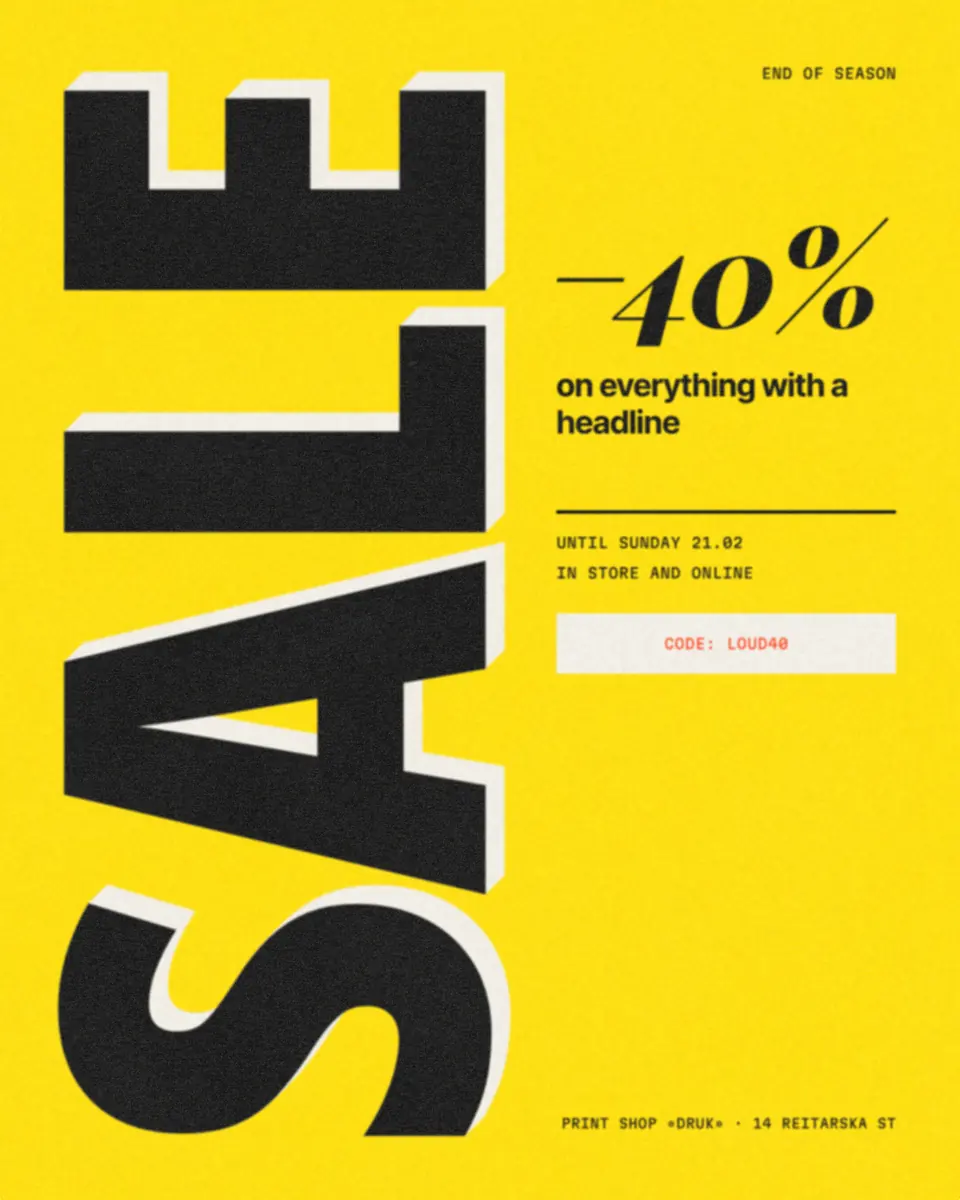
Every picture on this page was made in Paletoo — these three with the same steps on other templates:
Try it in Paletoo
Open the poster: press “Open in Paletoo” on this page, or start from the text effects page. It opens as your own 1200 × 1697 document on black: «Encore» in tall cream capitals with eleven copies stacked below it in a yellow-to-red gradient, the date 12.03, a line-up in an italic serif and the club details in mono.
Select «Headline»: under Typography in the Design tab it is Noto Sans Display, a variable font with Cyrillic, at 353 px. Double-click and type your own word — unlike a smart object, there is nothing to open and save: the effect follows the letters at once.
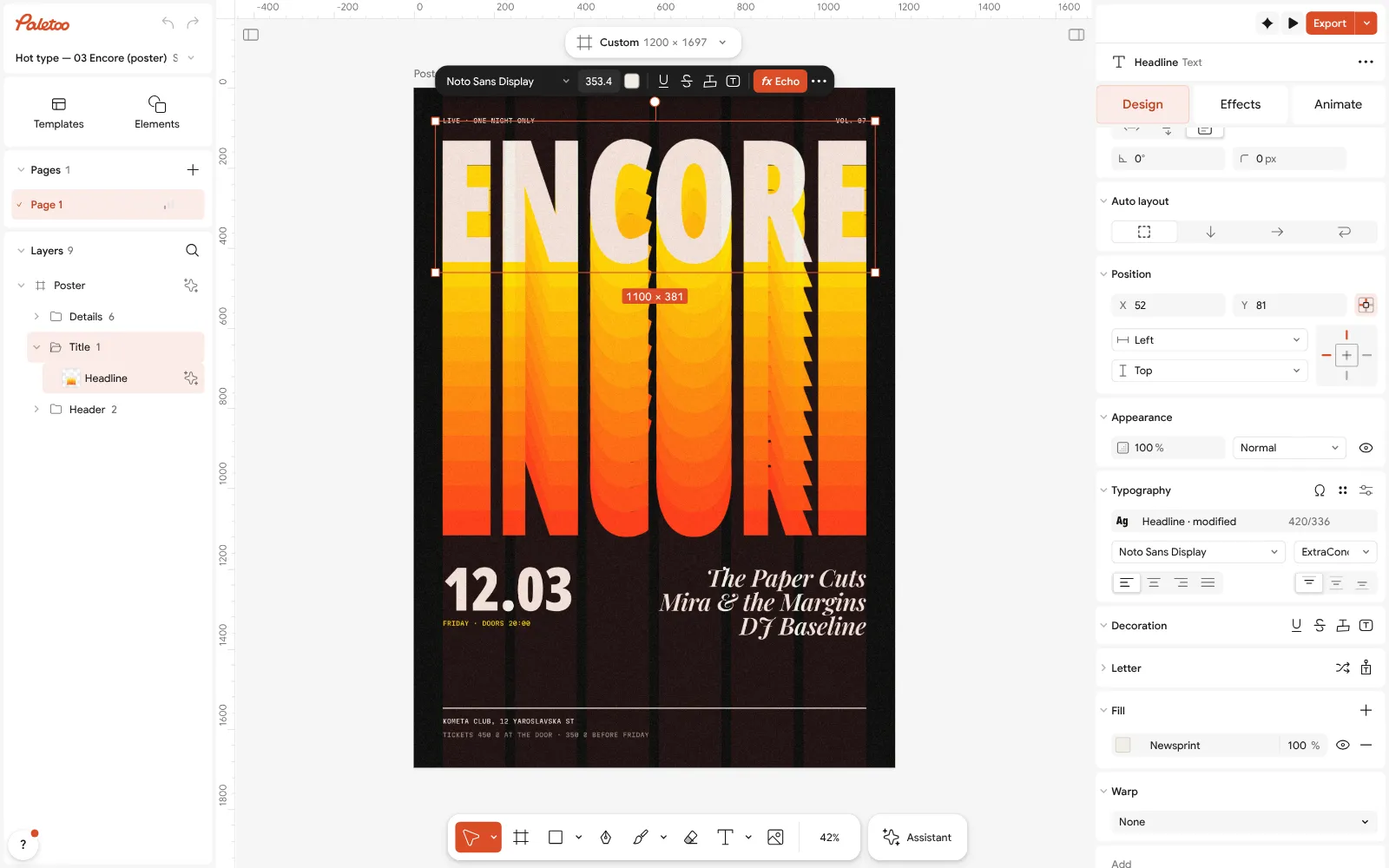
«Encore» open in Paletoo: «Headline» selected — Noto Sans Display at 353 px under Typography in the Design tab Open the Effects tab. Under Applied is one step, Echo: Copies 11, a Y step of 62 px, Colour shift set to Gradient from yellow to red, placed Behind the word.
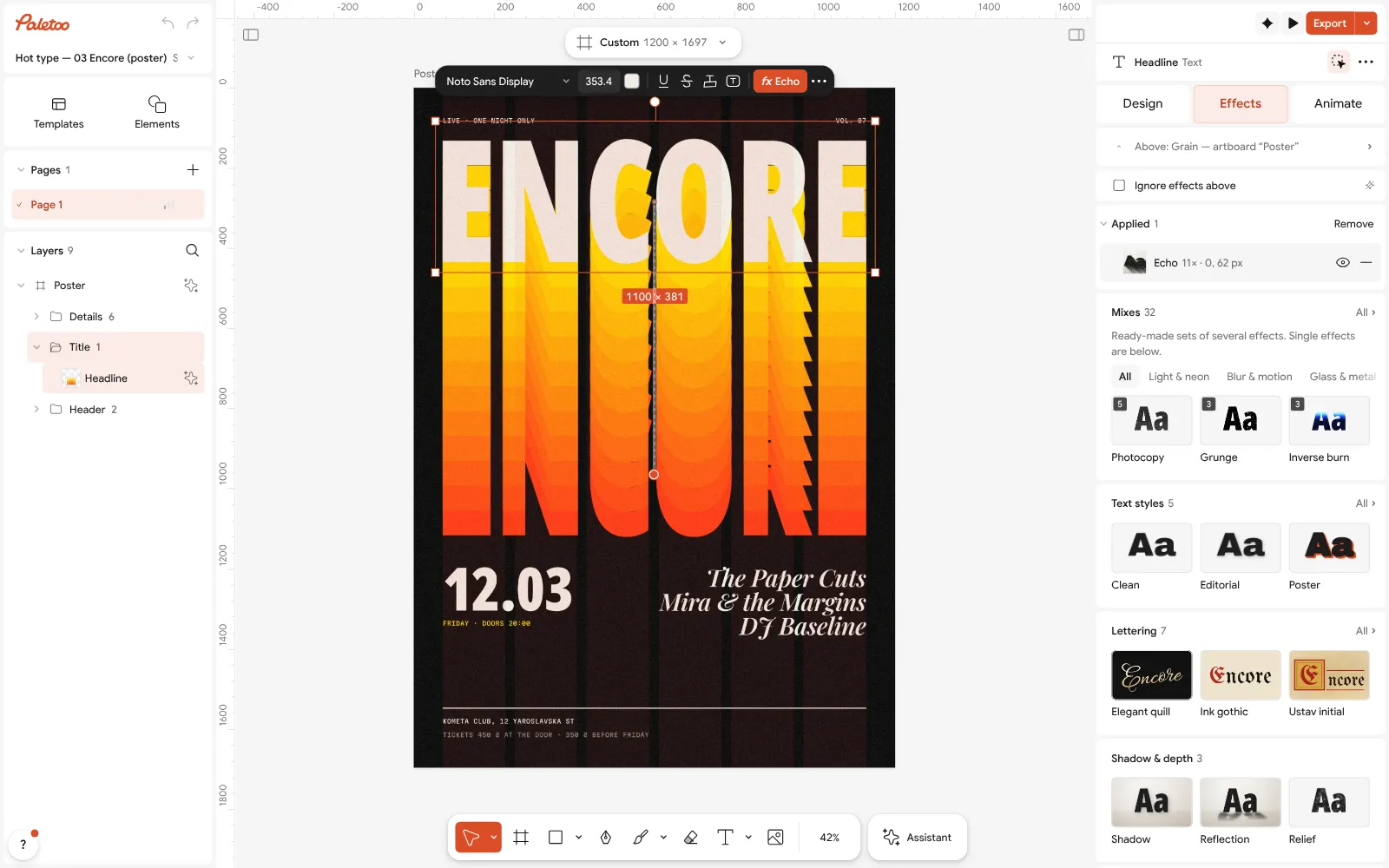
«Headline» selected: its Echo step under Applied in the Effects tab Change it the way you would change a layer style: fewer copies for a shorter stack, a bigger step to spread them, other colours for the gradient. For a different PSD-style look, press Add effect and add 3D block, Glow or Metal; each is a separate step with its own switch.
The Export window with PNG chosen If you have a PSD you like, drop it on the canvas: Import Photoshop file brings its layers in for reference. Text comes in editable where it can, but a smart object arrives as a picture and its layer styles are listed as not imported — add the look again from Effects.
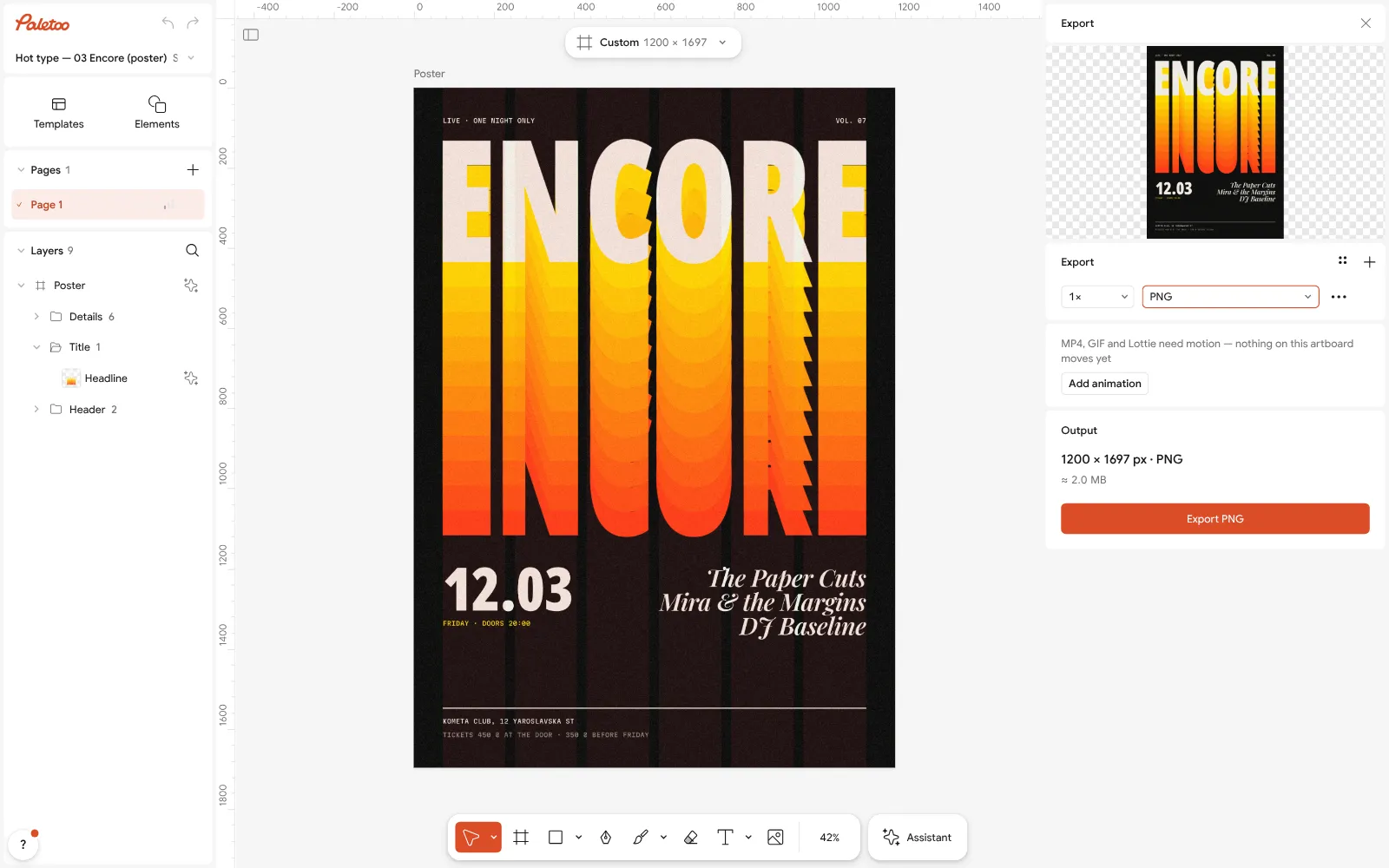
Press Export (Ctrl Shift E), choose PNG and export the 1200 × 1697 poster, with no watermark and no account. To take the word alone into another design, select it and press Ctrl Shift C, Copy as PNG.
Make it your own
For a tighter stack, lower Copies and the Y step together; for a softer one, raise Fade so the copies thin out towards the bottom.
An effect a PSD bakes in can move here: open Animate on the step and export MP4 or GIF for a story or a Reel.
Keep the rest of the poster plain, as here: one loud effect on the headline, the date and the line-up in clean type. For the other Photoshop routes, see knockout text in Photoshop and warp text in Photoshop; for whole editors, free Photoshop alternatives online.
Sources
Questions
Where can I download free Photoshop text effects?
Stock marketplaces such as Freepik and many designers’ own pages offer free text-effect PSDs. Read the licence of each: at the time of writing Freepik’s free downloads require a credit, and many free packs are for personal use only.
How do I use a PSD text effect?
Open the PSD in Photoshop, double-click the smart object’s thumbnail in the Layers panel, type your text in the window that opens, save and close it. The styles on top redraw with your word.
Can I use PSD text effects without Photoshop?
Photopea, a free browser editor, opens PSD files and edits smart objects, so many simple packs work there. Complex packs may not render exactly as in Photoshop.
Are free text effects allowed for commercial use?
Only if their licence says so. Check the terms of each pack — attribution, personal use only, or commercial use allowed — and the licence of the font it uses.
Can I import a PSD text effect into Paletoo?
You can import the PSD, but a smart object comes in as a picture and layer styles are not carried over, so the effect is not editable. Rebuild the look with Paletoo’s own live effects instead.
What is the best free alternative to Photoshop text styles?
For quick posts, Canva or Adobe Express; for merch lettering, Kittl. For stacks of live, editable effects with Cyrillic fonts and free PNG, SVG, PDF and video exports, Paletoo.
Make it online
Free design templates for posts, stories and posters: Social media post templates
Try it on your own design
Paletoo opens in your browser, with no sign-up. Every effect here is live: change the picture or the words and the effect follows.
Open in PaletooOpens this design as your own copy — every layer and effect editable, free.
Read next
- 01
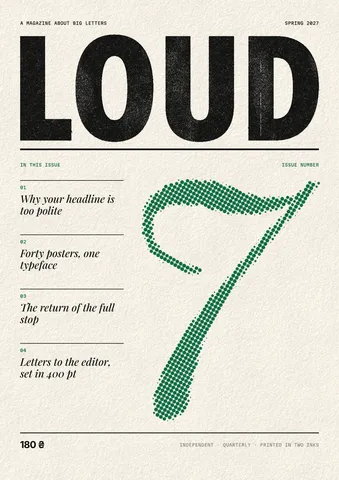 Text effect ideas: 25 cool effects for posters and postsTwenty-five ways to make a word do more than sit there, sorted by what they feel like and where they belong.
- 02
 Free Photoshop alternatives online: what works in a browserRetouching, PSD files or design with photos: a different free tool for each job.
- 03
 How to make knockout text in Photoshop — and the one-click wayA headline cut out of the photo, with a clean band of background around every letter.
- 04
 How to warp text and put it on a path in Photoshop — and in one minuteThree Photoshop ways to bend a headline, and one Warp section that keeps the words live.