Free tools5 min readFreeUpdated 2026-11-12
School timetable template: fill it in online and print on A4, free
A weekly class schedule a child can read from across the room — five coloured days, seven lessons, the bell times beside them.
By the Paletoo team · steps tested in Paletoo on
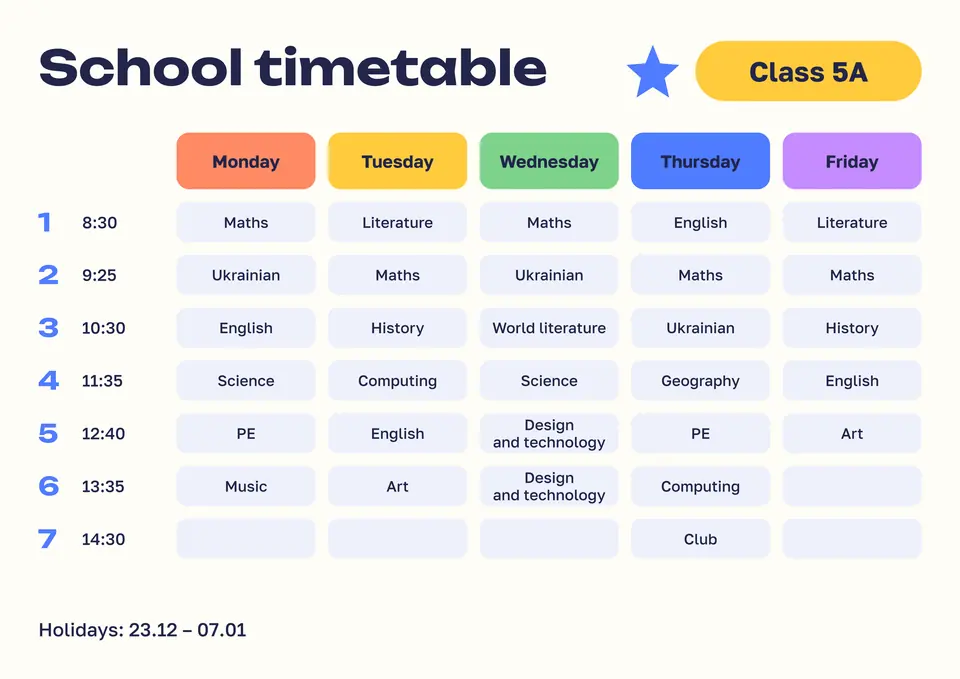
To make a school timetable, open the timetable template in Paletoo, double-click each cell to type the subject, set the lesson times in the left column and press Export: PDF to print on A4, PNG for a phone’s lock screen or the class chat. It is free, with no account and no watermark, and it takes about ten minutes — less than drawing the grid in Word.
This guide fills in «School timetable, a colour for each day» from our set: A4 landscape, Monday to Friday, seven lessons with their start times, a chip for the class and a line for the holidays. It also covers what the times should be — how long lessons and breaks are in a Ukrainian school — and how to make the timetable easy for a first-grader. Every step was run in Paletoo on 11 November 2026; the pictures are the editor itself.
What goes into a timetable
A timetable is a grid: days across, lesson numbers down, and in every cell one subject. The two things people forget are the bell times and the room. Times belong in a column beside the lesson numbers — a child checks «when does the third lesson start» far more often than «what is third on Thursday». A room or a teacher’s name fits under the subject in small type, if your school moves between rooms.
Colour does real work here. One colour per day lets a child find «today» without reading; the template’s five day headers are five colours, and the cells under them stay calm so the words lead. Keep the subject names short — «Ukr. lang.», «PE» — so the type can stay large.
| Grade | A lesson lasts | Breaks |
|---|---|---|
| 1 | 35 minutes | 15 minutes or more recommended; one long break of 30, or two of 20 |
| 2–4 | 40 minutes | The same |
| 5–11 (12) | 45 minutes | At least 10 minutes; one long break of 30, or two of 20 |
Bell times: do the sum once
The lesson length is set by the law on general secondary education (Article 10): 35 minutes in grade 1, 40 in grades 2–4, 45 from grade 5. The school sanitary regulation asks for breaks of at least 10 minutes (15 are recommended in grades 1–4) and a long one of 30 minutes for a meal — or two of 20 minutes instead. With a start at 8:30 and 45-minute lessons that gives 8:30, 9:25, 10:30 or so, and that is what the template shows; your school’s own bell schedule is on its site or in the diary, so copy it rather than count.
If the school works in shifts or mixes in-person and online days, make two artboards — one per shift or week — rather than squeezing both into one grid. A timetable that needs a legend is too clever.
Print it, and put it on the phone
A4 landscape is the size of the template and of every home printer. Print the PDF at 100 % («actual size»); in colour if you can, because the day colours are half the point — in black and white it still reads, the headers turn grey. For the fridge, A4 is right; for a desk, print two to a page and get A5.
The same file as a PNG goes into the class chat, to grandparents and onto the phone. A parent with two children makes two artboards and exports both at once.
Made in Paletoo
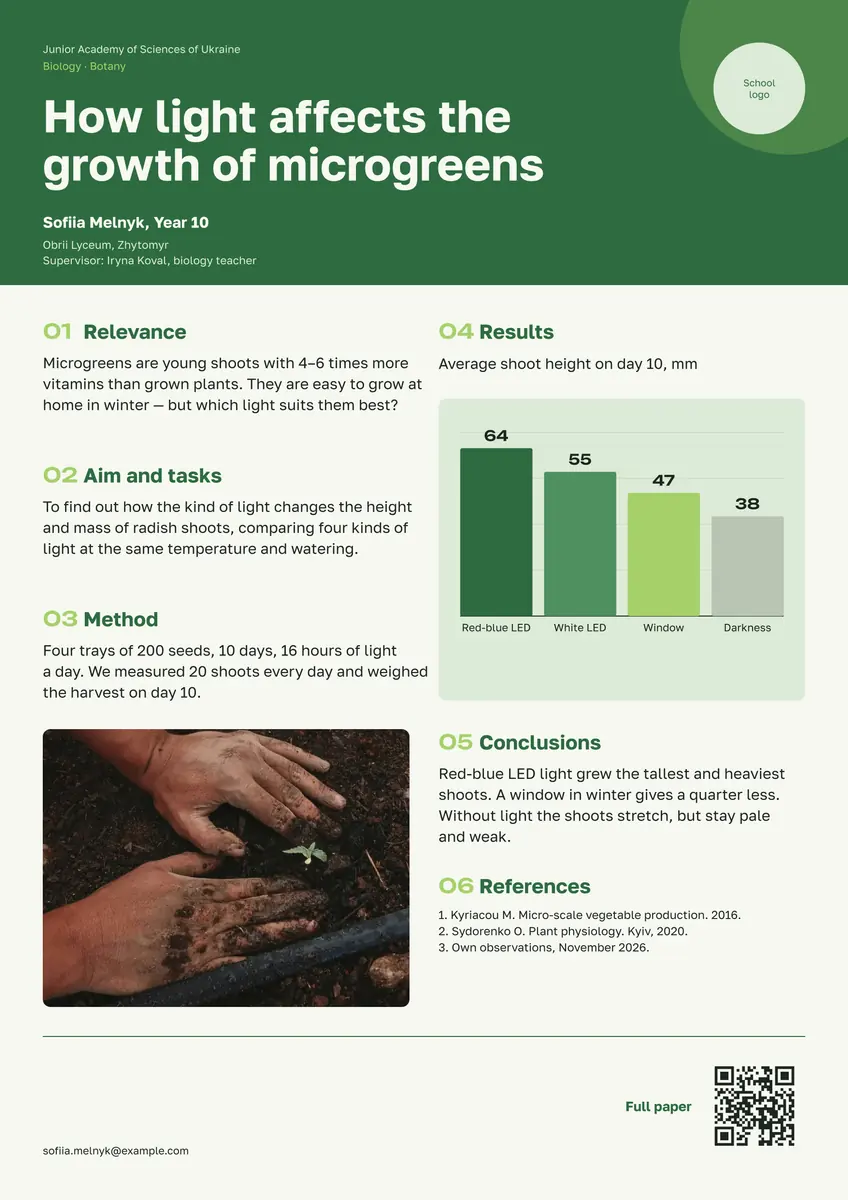
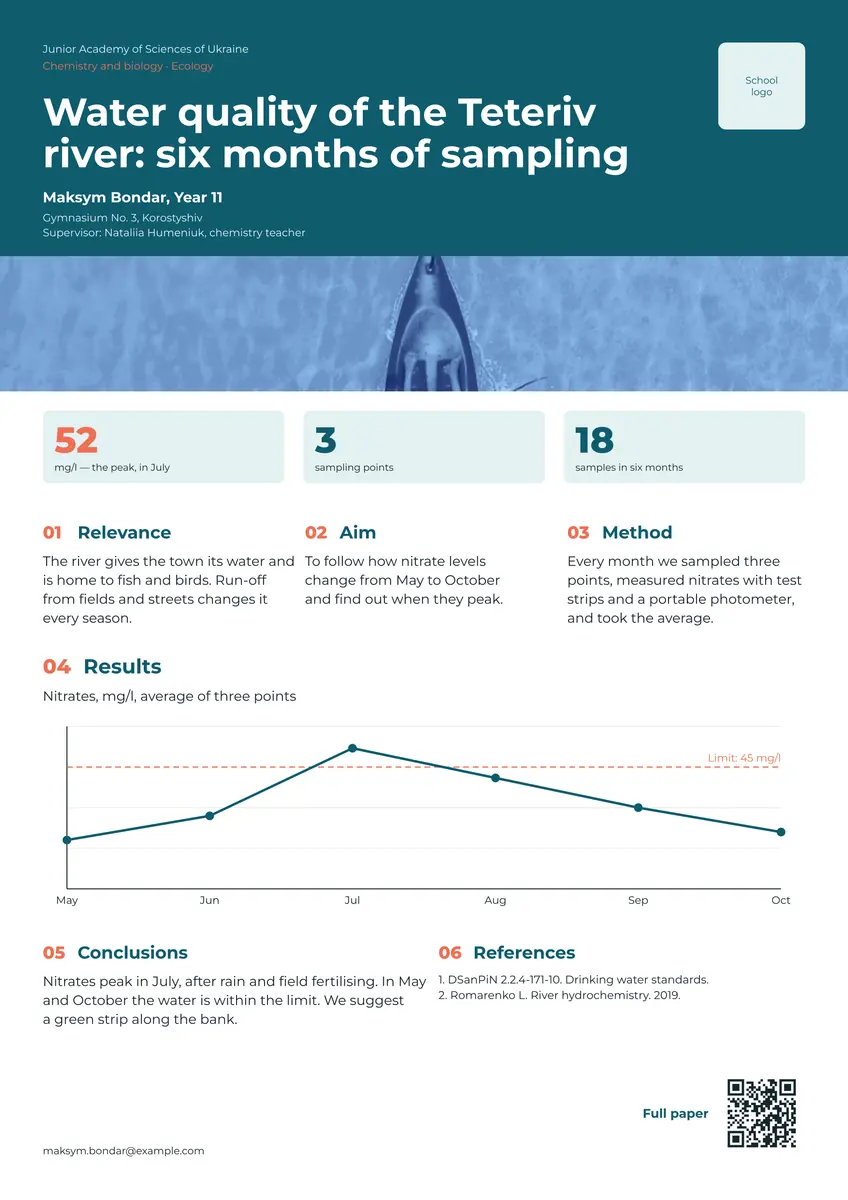
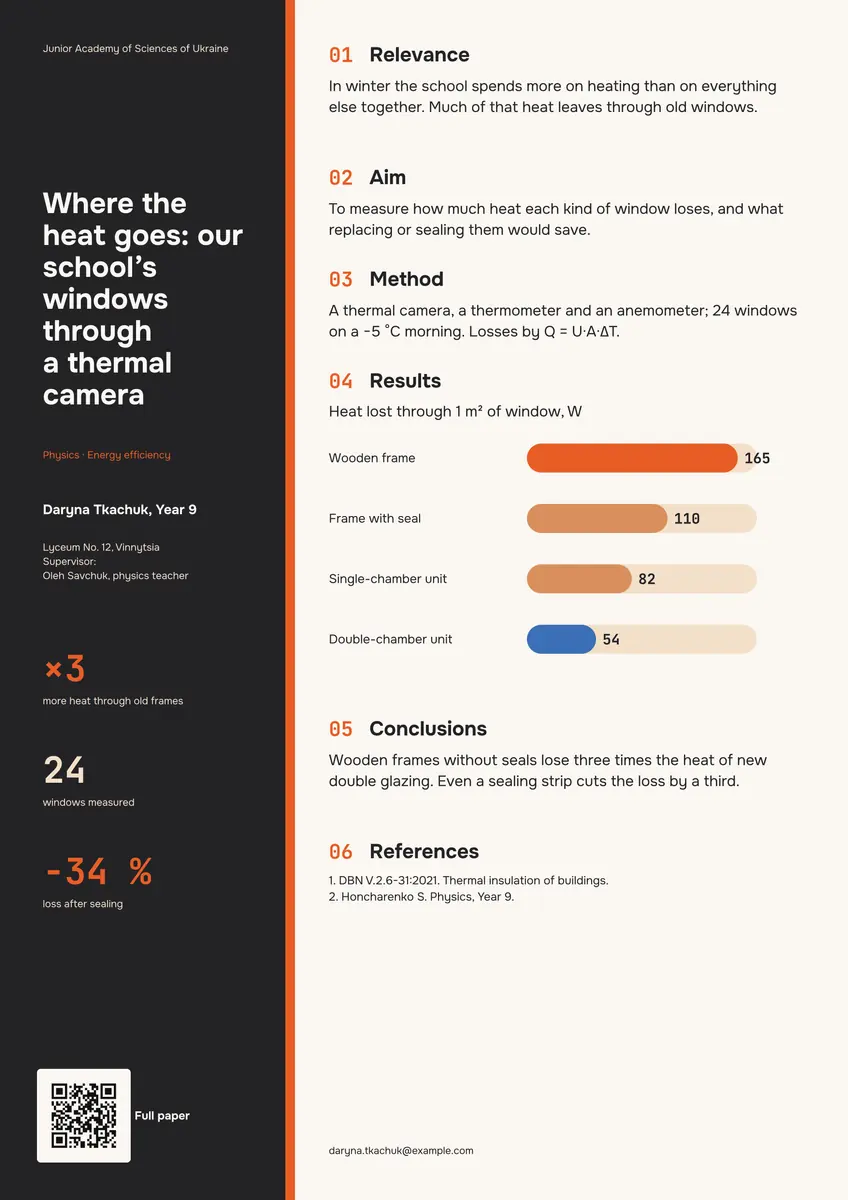
Every picture on this page was made in Paletoo — these three with the same steps on other templates:
Make it free in Paletoo
Open the template: press “Open in Paletoo” on this page. It opens as your own document, an A4 landscape page; the Layers panel lists the days, and under each its lessons, by name.
Double-click the class chip and type yours — «3-B», «Grade 7». Then the headline, if you want a name on it: «Sofia’s timetable». The font and size are under Typography in the Design tab.
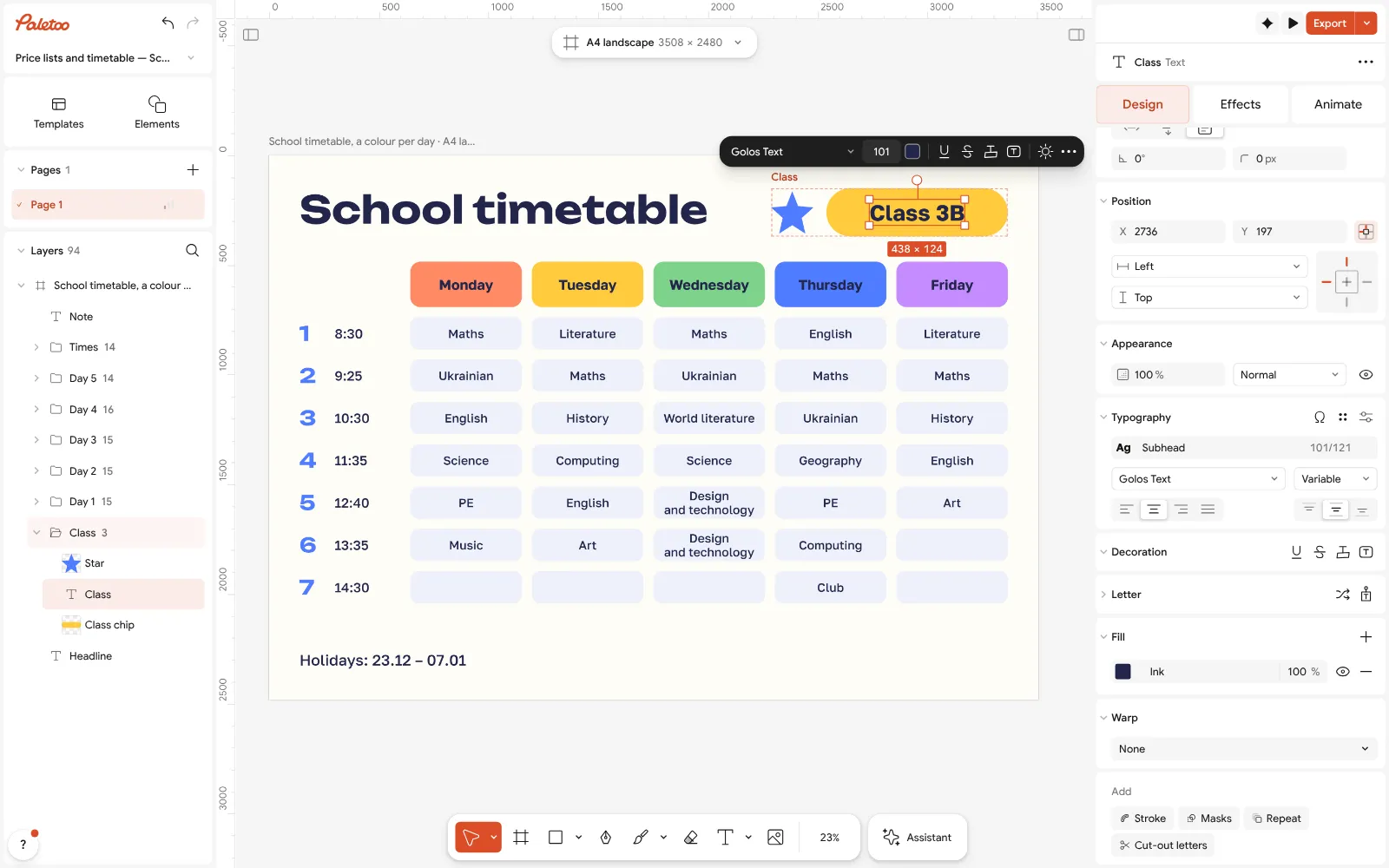
The timetable open in Paletoo: the class chip retyped, its font under Typography Fill the grid: double-click a cell and type the subject; Esc leaves the text, and a click on the next cell goes on. An empty cell stays as a pale tile — handy for a free lesson. Change the times in the left column the same way.
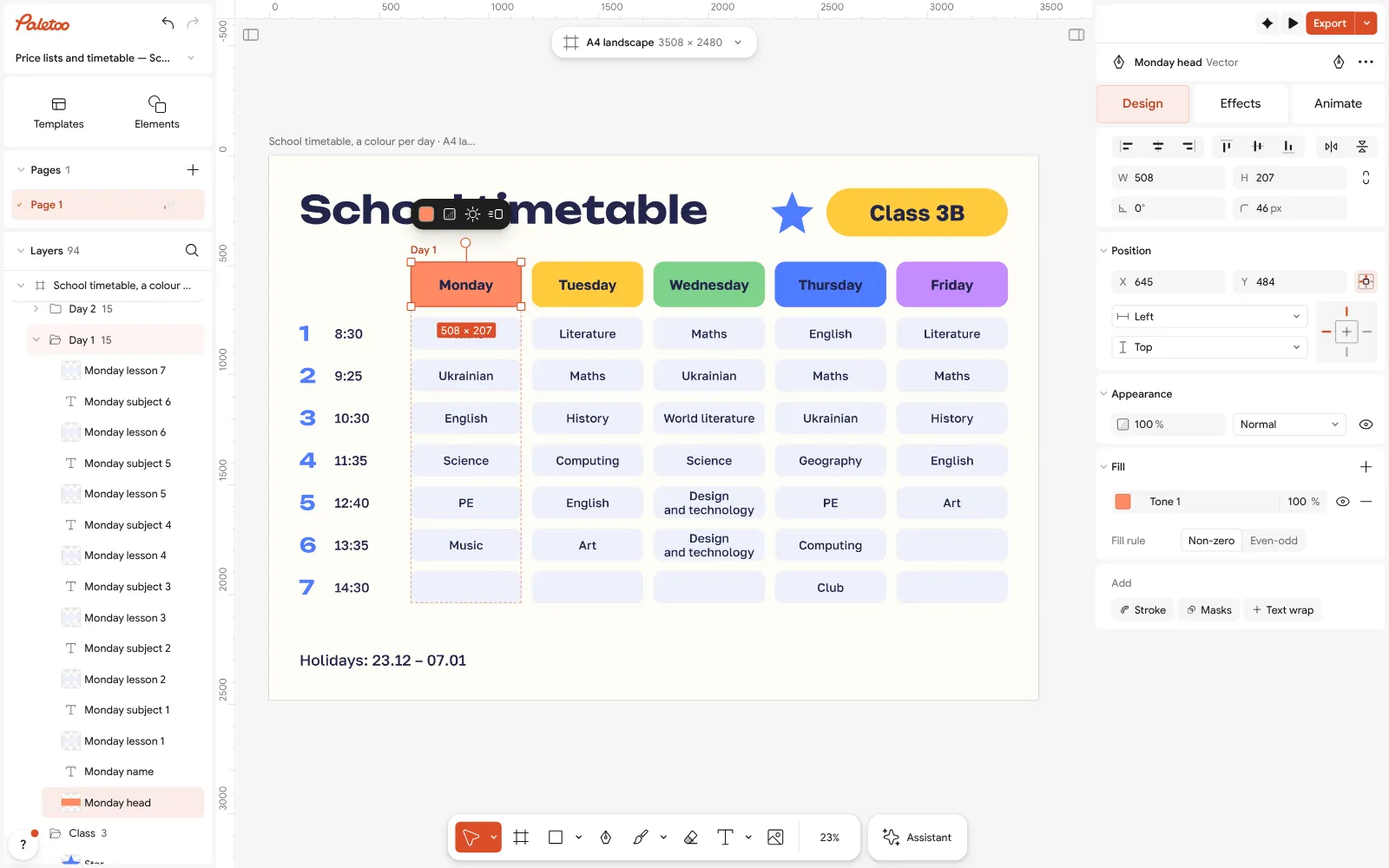
A day’s header selected: its colour is the Fill in Design — one colour per day Give each day its colour: select a day’s header and change its Fill in Design, or open Colour styles and change a colour everywhere at once.
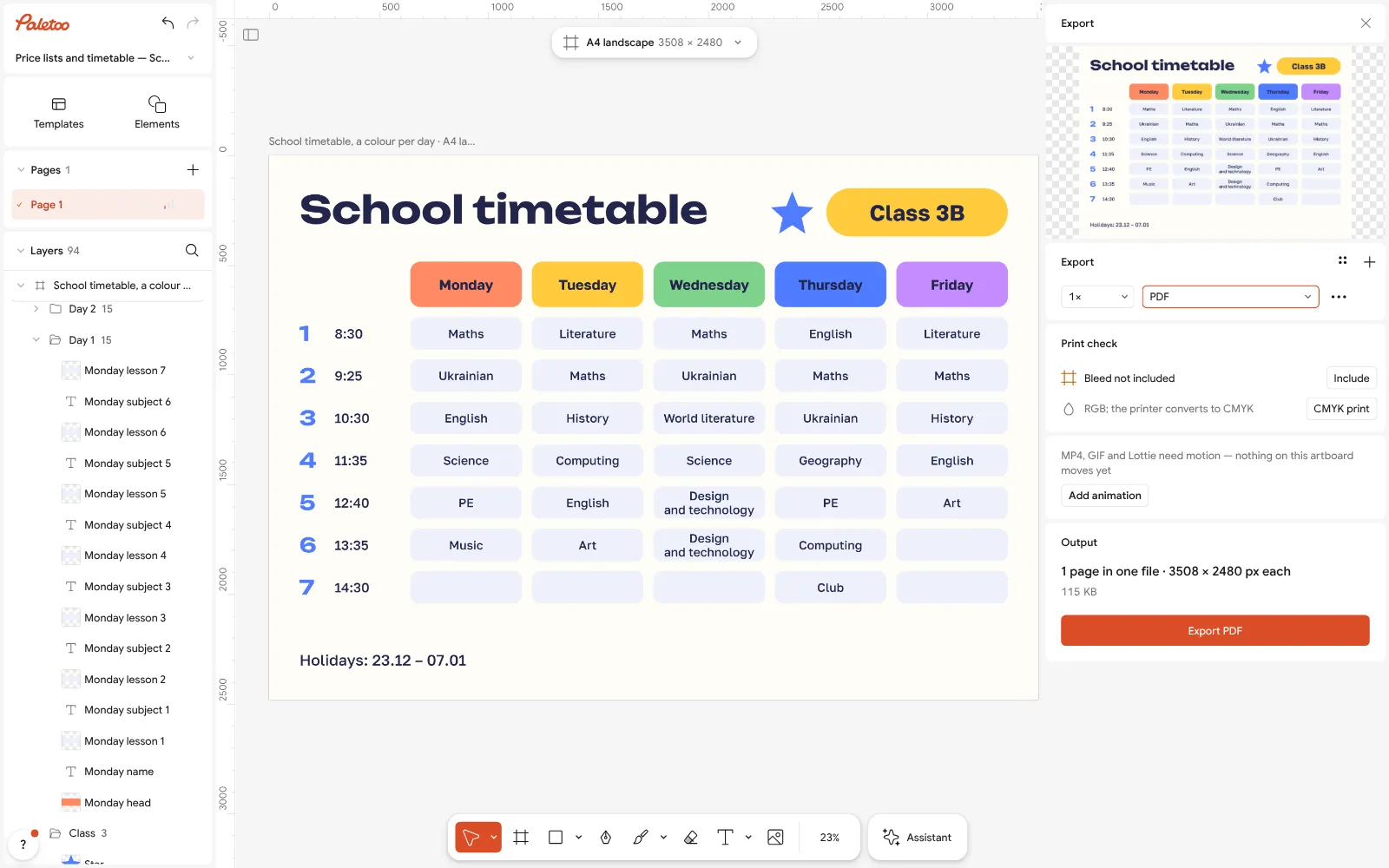
Export as PDF: an A4 landscape page, ready to print at 100 % Type the last line: holidays, the class teacher’s phone or the bell schedule’s source. Delete what you do not need — select it and press Delete.
Press Export (Ctrl Shift E) and choose PDF to print on A4 at 100 %, or PNG to send. For a second child or a second shift use Duplicate artboard first and export both.
Make it your own
For a first-grader, add a small picture beside each subject — a ball for PE, a brush for art: drag an icon from Elements onto the cell, or paste an emoji into the text. A child who cannot read yet reads pictures.
Make a lock-screen version: Duplicate artboard, then Resize this artboard to 1080 × 1920 and move the days into two rows.
A timetable for clubs and tutors works the same way: retype the day headers as the days you need and leave the rest empty.
Sources
Questions
Where can I get a school timetable template to print?
Here: open the template in Paletoo, type the subjects and times and export a PDF. It is A4 landscape, free, with no watermark and no sign-up.
Can I fill in the timetable online?
Yes, right in the browser, on a computer or a phone: double-click a cell and type. The document is saved in your browser, so you can come back and change it.
How long is a lesson in a Ukrainian school?
35 minutes in grade 1, 40 minutes in grades 2–4 and 45 minutes in grades 5–11, by the law on general secondary education. Breaks are at least 10 minutes (15 recommended in grades 1–4), with a long one of 30 or two of 20.
What size should I print a timetable?
A4 landscape (297 × 210 mm) for a wall or the fridge. For a desk or a diary print two per page — each is A5.
Is there a Word version?
The template is not a Word file, and it does not need one: you edit it in the browser and print the PDF. If you must have it in a document, export a PNG and place it on a Word page.
Can I make a timetable for a kindergarten or a club?
Yes. Retype the day headers and cells — activities instead of subjects — and delete the rows you do not need.
Make it online
- Poster makerMake a poster from a template that already has the layout right, then export a print-ready PDF or an image for screens.
- Flyer makerTurn a ready flyer template into yours in minutes and send the printer a PDF with bleed and crop marks.
Free design templates for posts, stories and posters: Poster templates · Event and launch templates
Try it on your own design
Paletoo opens in your browser, with no sign-up. Every effect here is live: change the picture or the words and the effect follows.
Open in PaletooOpens this design as your own copy — every layer and effect editable, free.
Read next
- 01
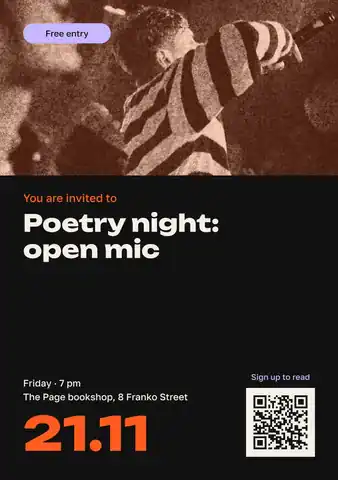 Announcement template: make a notice online and print it, freeA notice for a door, a board or a chat — an event, a meeting, a job, a lost cat — that is read in three seconds and acted on.
- 02
 Print-ready PDF: bleed, crop marks and CMYK, freeEverything a printer means by “print-ready”, and a checklist before you send the file.
- 03
 Your first poster in 10 minutes: a timed exercise for beginnersSet a timer. Ten minutes, six small decisions, one finished poster.