Free tools5 min readFreeUpdated 2026-11-12
Announcement template: make a notice online and print it, free
A notice for a door, a board or a chat — an event, a meeting, a job, a lost cat — that is read in three seconds and acted on.
By the Paletoo team · steps tested in Paletoo on
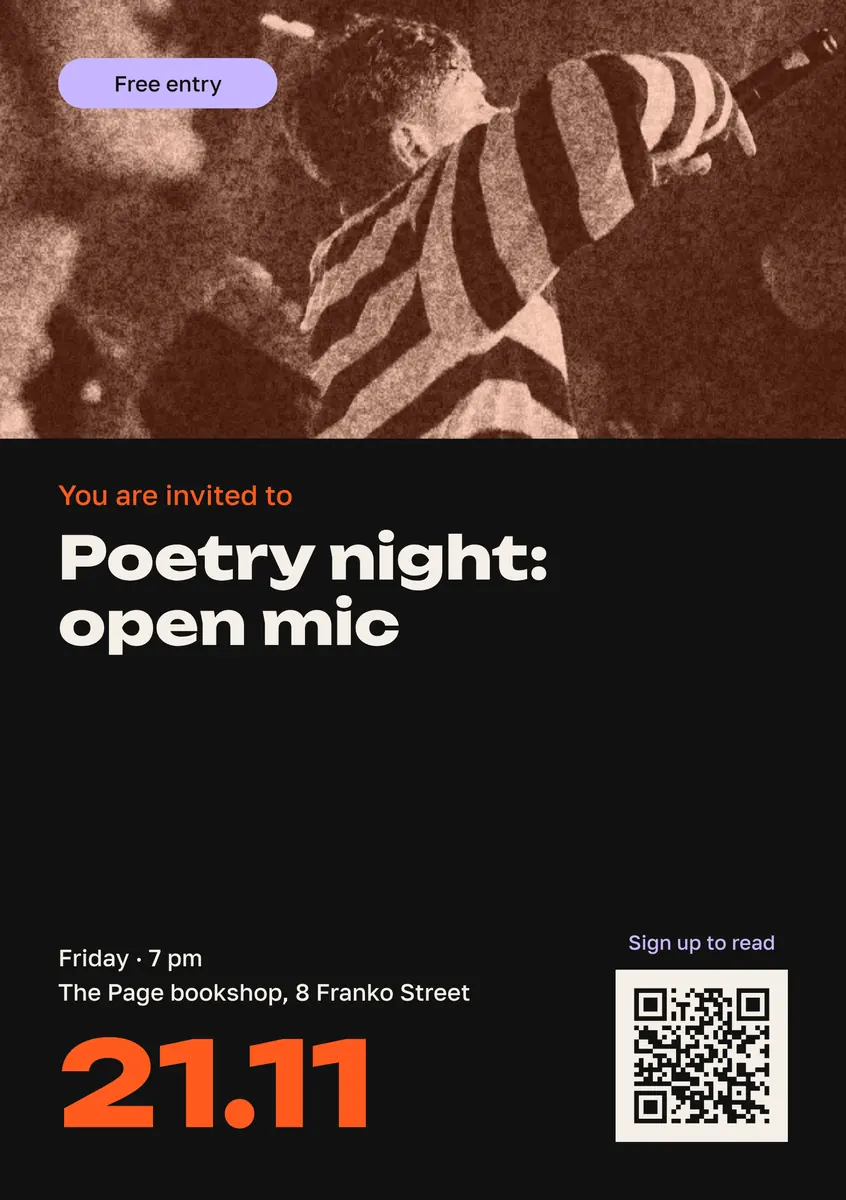
To make an announcement, open the announcement template in Paletoo, replace its words with yours — what, when, where and who to contact — and press Export: PDF to print on A5 or A4, PNG or JPG for a chat or a channel. It is free, with no account and no watermark, and unlike a Word template the layout holds when the text changes.
This guide does it on «Event, a big date and a QR code» from our invitation set — an A5 sheet with a photo, a headline, a large date, the time and place, and a QR code — turning a poetry night into a charity concert. Then it shows the classic paper notice with tear-off phone numbers, and how to word a job or a residents’ notice. Every step was run in Paletoo on 11 November 2026; the pictures are the editor itself.
What every announcement has to say
People pass a notice board in about three seconds, so an announcement is built in that order: one line that says what it is («Charity concert», «Flat for rent», «Water off on Tuesday»), then when and where, then what to do — call, come, scan. If the first line could be on any other notice («Attention!», «Announcement»), it is wasted: start with the subject.
One notice, one subject. Two events on a sheet halve the type and the attention. Write the date with the day of the week («Saturday, 6 December, 18:00») — people remember days, not numbers — and give one contact, not three.
| Notice | Must have | How people answer |
|---|---|---|
| An event, a concert, a meeting | What, date with weekday, time, address, price or «free» | A QR code to tickets or a sign-up form |
| A job | The role, hours, pay or «from…», where | A phone number or a messenger |
| For sale, for rent, services | What, the price, the district | Tear-off phone numbers |
| A residents’ notice (water, repairs, a meeting) | What happens, when, who is responsible | A phone number of the manager |
| Lost or found | A photo, where and when, a description | Tear-off numbers and a QR code to a chat |
Tear-off numbers: how to make the strip
A notice with tear-off numbers still works where people have no hands free to type: a bus stop, an entrance door. The strip is eight to ten narrow tabs along the bottom edge, each with the phone number and two words («Flat · 067…») turned sideways, with cut lines between them.
In Paletoo it is three moves. Add a text with the number, set its Rotation to 90° in the Design tab, and put it at the bottom-left corner. Duplicate it and drag the copy to the right; repeat the duplicate and the editor keeps the same step, so ten tabs take ten presses. Then draw one vertical line between two tabs, make it Dashed in Stroke, and duplicate it the same way. Print, then cut along the dashes with scissors up to the line of text — and tear the first tab off yourself: a notice somebody has already answered gets more calls.
Print, paste, post
A5 (half an A4) is the size of the template and enough for a door or a shop window; print two per A4 sheet and cut. A4 suits a notice board read from a couple of metres, and tear-off notices are always A4 — the tabs need the width. Black on white or yellow paper is read furthest; a colour photo is worth it for an event, not for «water off».
Put paper notices on boards meant for them — the entrance board, the shop’s community board, the stop’s stand. Pasting on poles, fences and walls breaks local improvement rules and can end in a fine. For a house-wide notice the same file goes into the residents’ chat as a picture; an apartment-block association announcing its founding meeting has to do it at least 14 days ahead (the law on associations of co-owners, Article 6).
Made in Paletoo
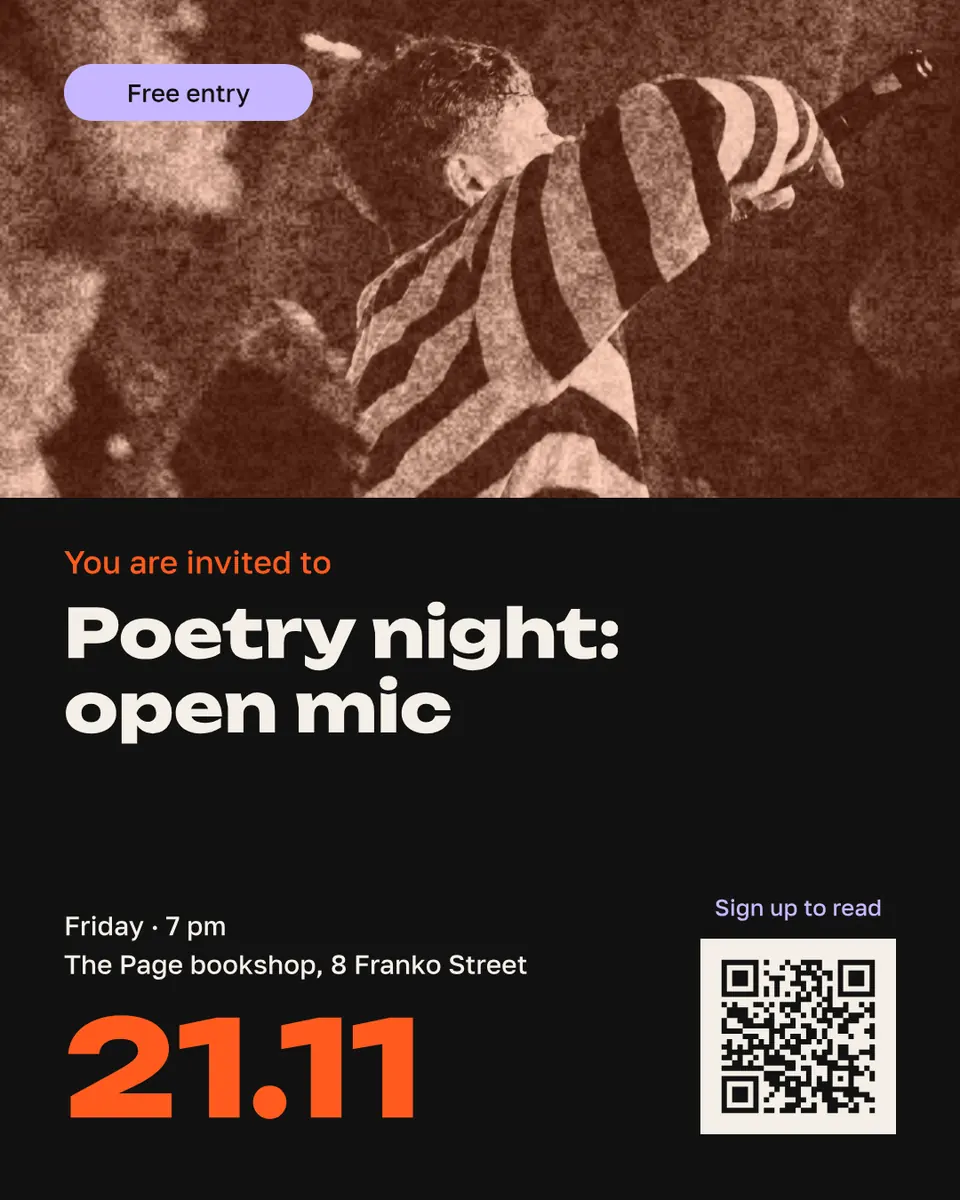
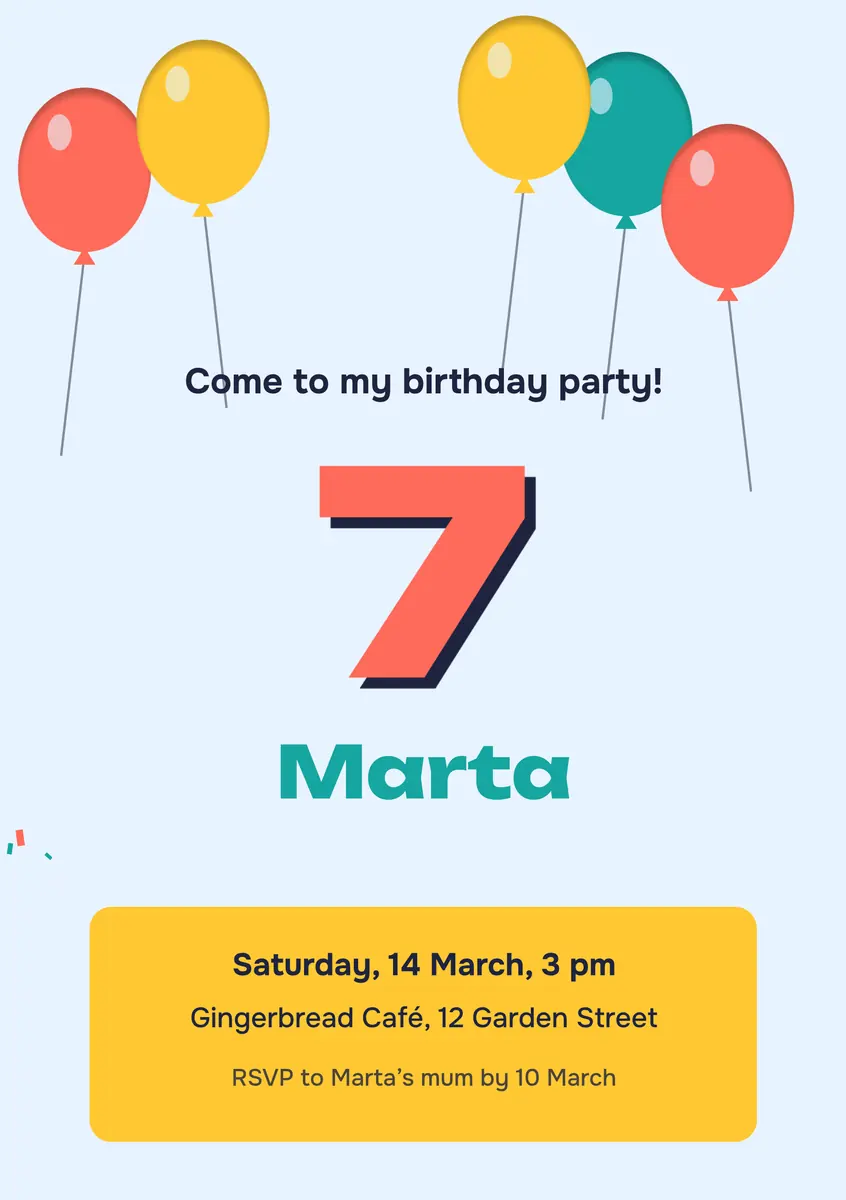
Every picture on this page was made in Paletoo — these three with the same steps on other templates:

Make it free in Paletoo
Open the template: press “Open in Paletoo” on this page. It opens as your own document, an A5 sheet; the Layers panel lists the headline, the date, the time and place and the QR code by name.
Double-click the headline and type what it is about — «Charity concert: open stage». Keep it to two or three lines; the font and size are under Typography in the Design tab.
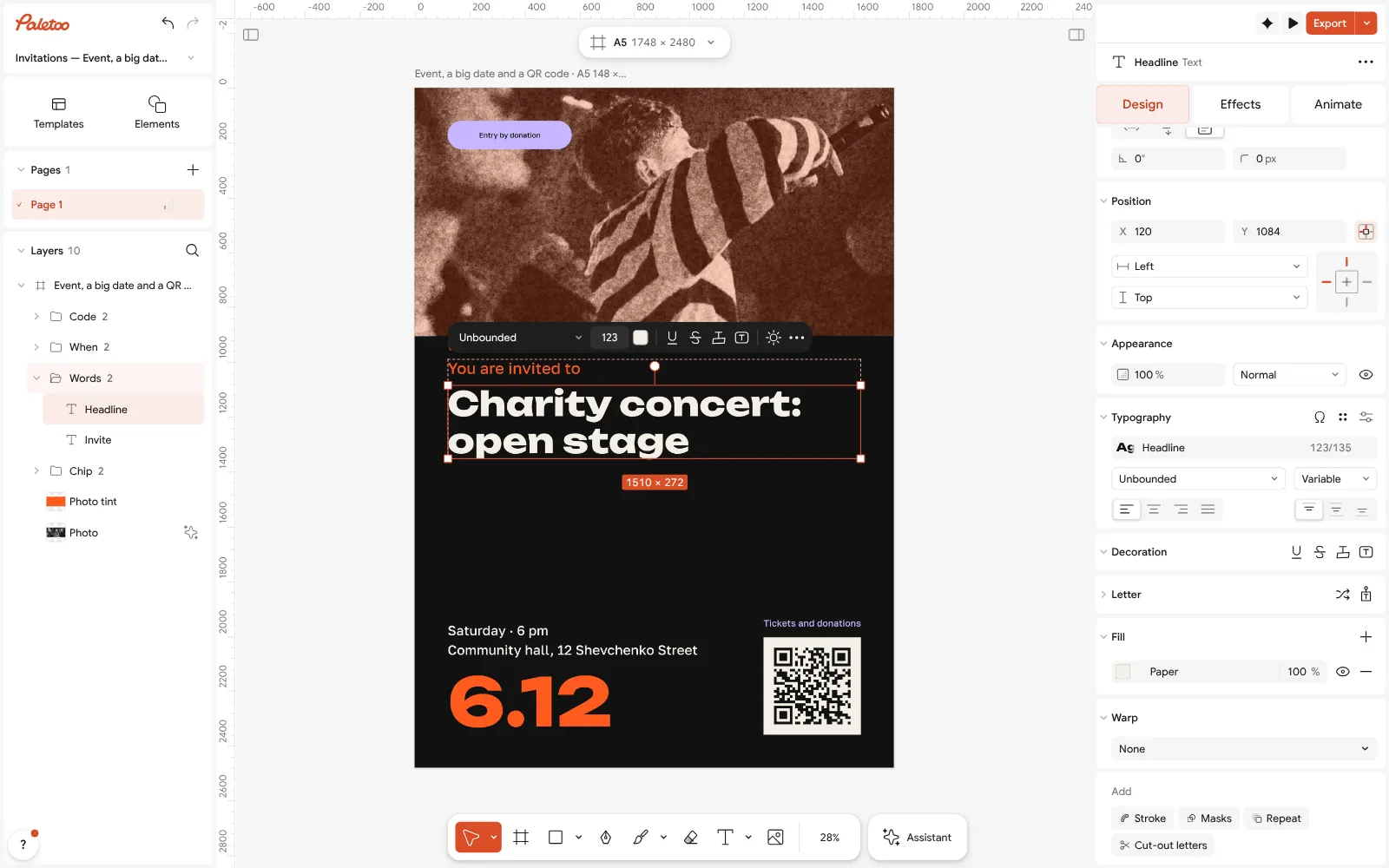
The announcement open in Paletoo: the headline retyped as a charity concert, its font under Typography Type the date in the big line («6.12») and the day, hour and address in the small one. The chip at the top is for the one fact people ask first: «Free entry», «Entry by donation», «Urgent».
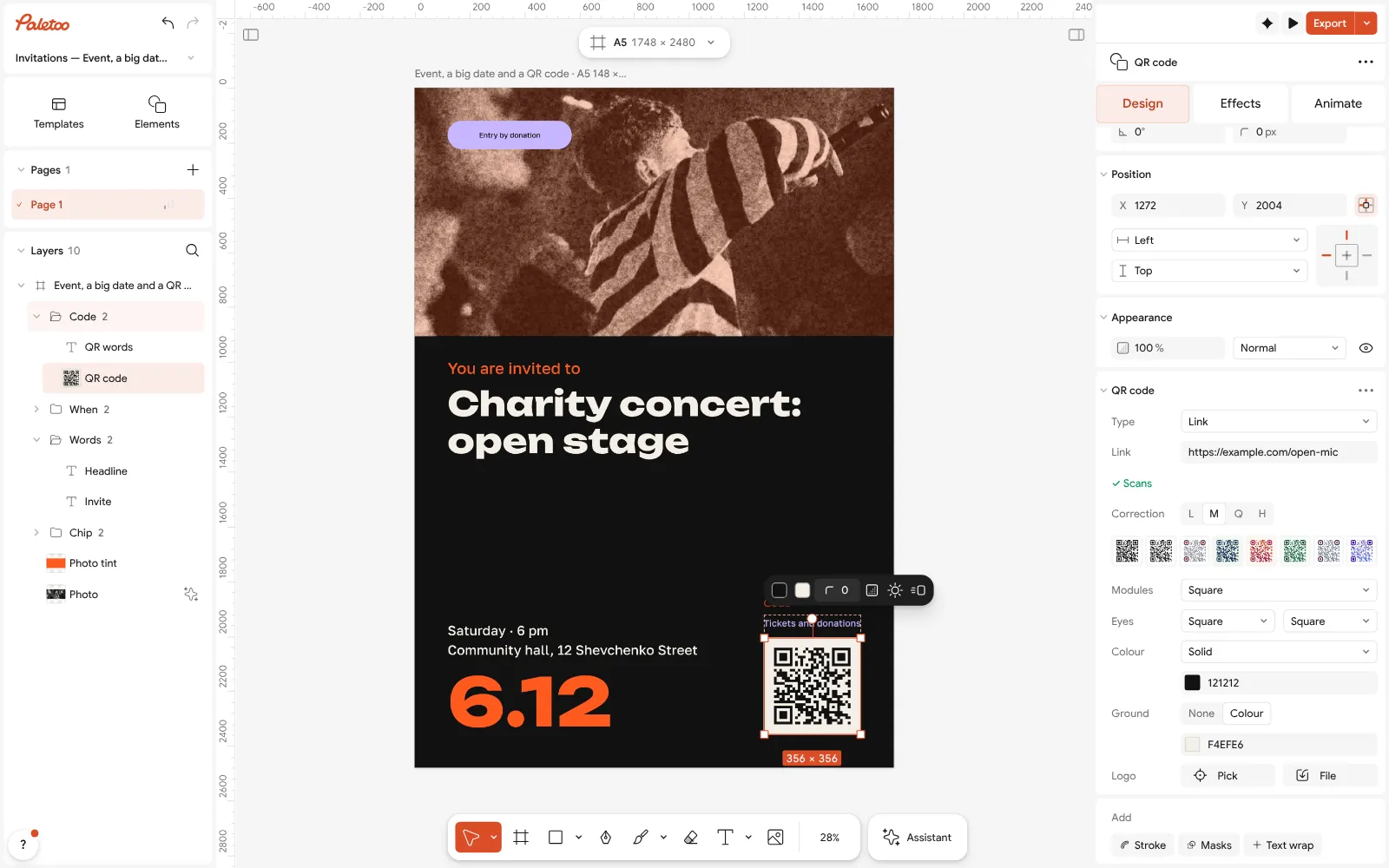
The QR code selected: its link is typed in the QR code section of the Design tab Select the QR code and paste your link in the QR code section of Design — tickets, a form, a chat. No link? Delete the code and its caption and write a phone number in their place.
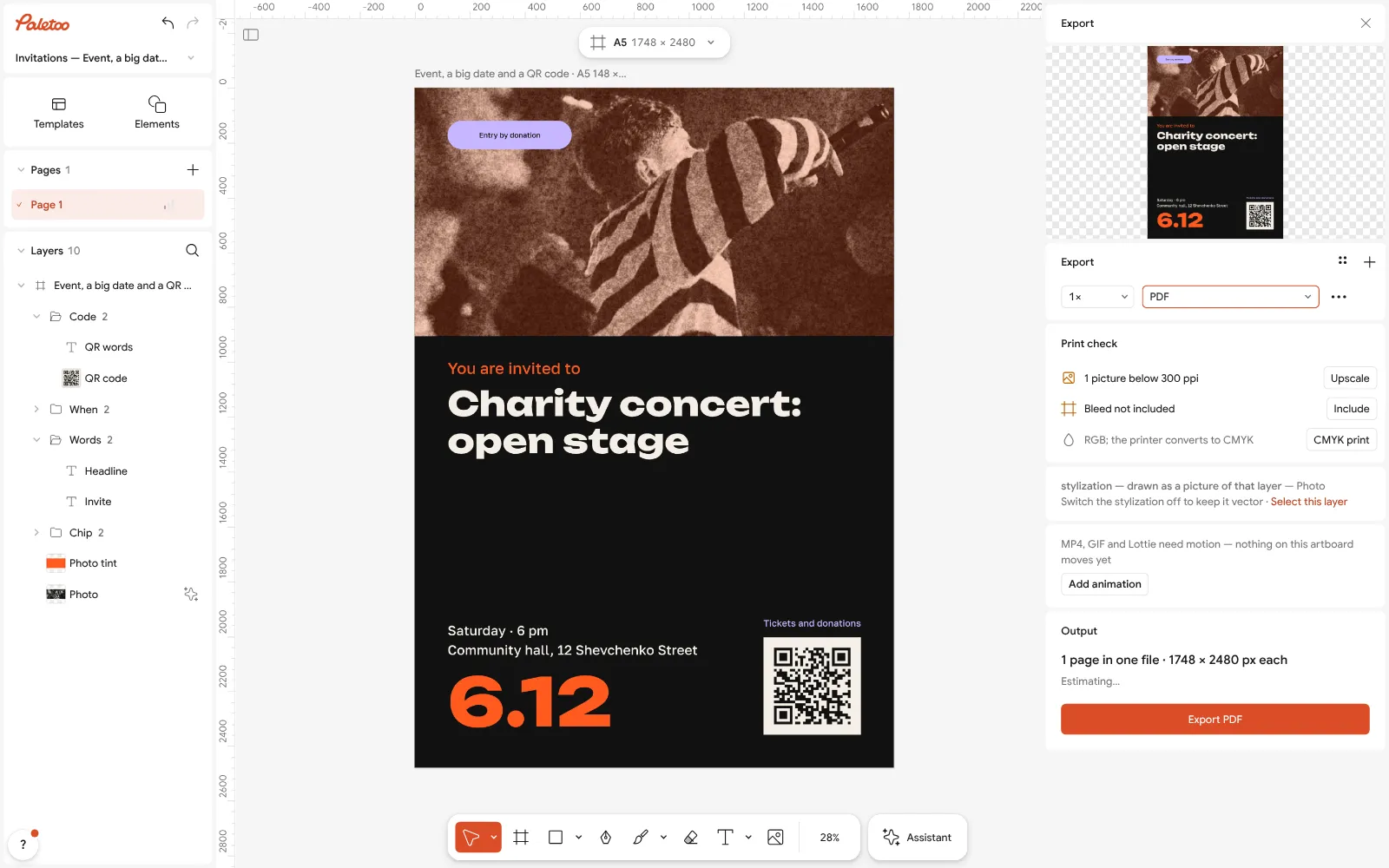
Export as PDF: an A5 sheet, two to an A4 page at the printer Select the photo and press Replace picture, or delete it and let the headline take the space: a notice does not need a picture, an event does.
Press Export (Ctrl Shift E) and choose PDF: print at 100 % on A5, or two per A4 sheet. For a chat or a channel export PNG from the same window.
Make it your own
For the tear-off strip: Add text, type the number, set Rotation to 90, then Duplicate it along the bottom edge; draw a line between the tabs and choose Dashed in Stroke.
A4 instead of A5? Select the artboard and press Resize this artboard; with Scale artwork on, the layout scales with the page.
Black and white printer? Open Colour styles and set the background to white and the words to black before exporting — it saves ink and reads further.
Sources
Questions
How do I make an announcement online for free?
Open the announcement template in Paletoo, type what, when and where, add a QR code or a phone number and export PDF to print or PNG to post. It is free, with no watermark and no account.
Is there an announcement template with tear-off numbers?
You make the strip in a minute: a text with the number turned 90°, duplicated along the bottom edge, with dashed cut lines between the tabs. Print on A4 and cut along the dashes.
Can I get the template for Word?
It is not a Word file. You edit it in the browser and download a PDF, which prints the same on any computer; a Word template shifts when the text or the printer changes.
What size should an announcement be?
A5 for a door or a window, A4 for a notice board and for tear-off numbers. For a chat or a channel, a 4:5 picture, 1080 × 1350 px.
How do I write a job announcement?
The role in the first line, then hours, pay (a number or «from…») and the place, then one contact. «We need a barista, 2/2, from 22,000 UAH, Podil — 067…» says more than «Great team is hiring».
Where can I put up paper notices?
On boards meant for them: entrance boards, community boards in shops, stands at stops. Pasting on poles and walls breaks local improvement rules and can be fined.
Make it online
- Flyer makerTurn a ready flyer template into yours in minutes and send the printer a PDF with bleed and crop marks.
- Poster makerMake a poster from a template that already has the layout right, then export a print-ready PDF or an image for screens.
- Invitation makerTap an invitation below and it opens ready to edit: write who, when and where, then send it as a picture or print it on A5. Free, with no watermark and no sign-up.
Free design templates for posts, stories and posters: Event and launch templates · Poster templates · Invitation templates
Try it on your own design
Paletoo opens in your browser, with no sign-up. Every effect here is live: change the picture or the words and the effect follows.
Open in PaletooOpens this design as your own copy — every layer and effect editable, free.
Read next
- 01
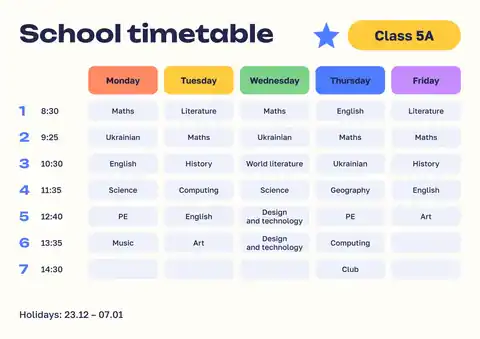 School timetable template: fill it in online and print on A4, freeA weekly class schedule a child can read from across the room — five coloured days, seven lessons, the bell times beside them.
- 02
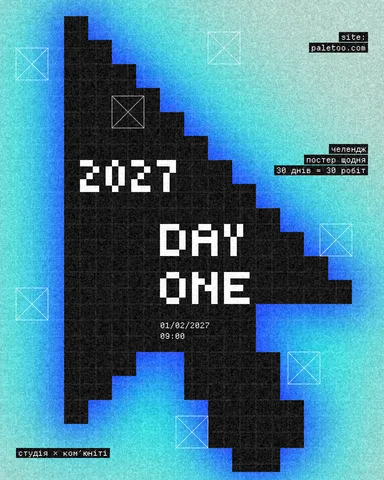 Your first poster in 10 minutes: a timed exercise for beginnersSet a timer. Ten minutes, six small decisions, one finished poster.
- 03
 Print-ready PDF: bleed, crop marks and CMYK, freeEverything a printer means by “print-ready”, and a checklist before you send the file.
- 04
 Poster sizes: A4 to A0, 18 × 24, 24 × 36 and pixels for printEvery common poster size in one table — millimetres, inches and the pixels to export — and a poster that switches size in one menu.