Free tools6 min readFreeUpdated 2026-11-26
Vision board 2027: ideas and a free template to print
One picture and a few words for each goal — on your lock screen, by your desk or in your feed.
By the Paletoo team · steps tested in Paletoo on
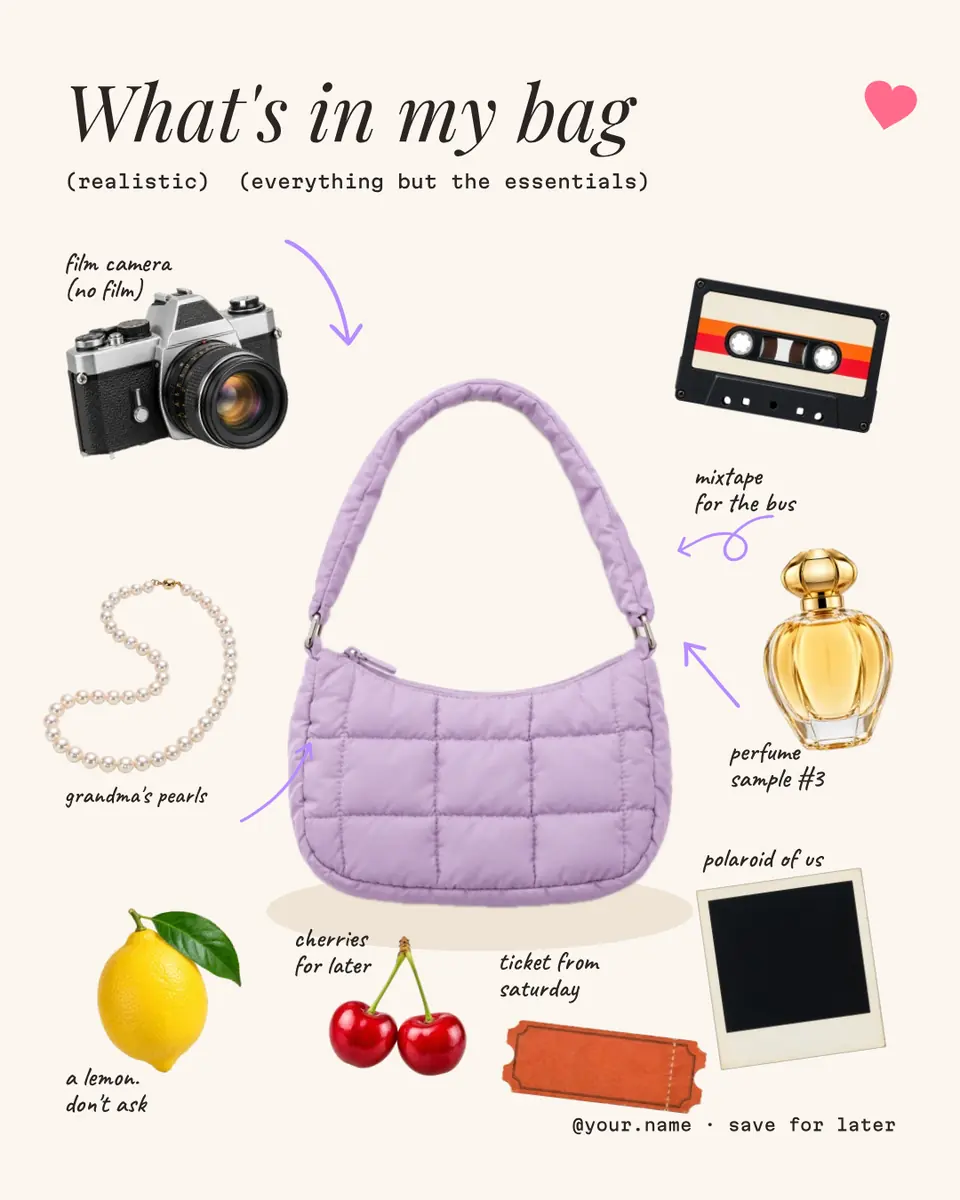
A vision board for 2027 is one page of pictures and short phrases, one for each thing you want the year to hold — usually six to nine goals across health, work, home, people, learning and rest. Put it where you will see it every day — a 1080 × 1920 phone wallpaper, an A4 print by the desk or a 4:5 post — and write each goal as something you can picture: «the sea in June», not «be happier».
This guide gives ideas by area of life, shows how to turn a wish into a picture and a first step, explains where to keep the board, and then rewrites «What’s in my bag» — eight cut-out objects with handwritten notes and arrows on cream — as «My 2027», each object a goal. Every step was run in Paletoo on 11 November 2026; the pictures are the editor itself.
What a vision board is, and what makes it work
A vision board is a collage of the year you want: a picture for each goal and a few words under it. A list of resolutions is words; a board is images, and images are what you notice on a lock screen fifty times a day. That is its whole trick — it keeps a goal in sight long after the January enthusiasm has gone.
Looking alone does not do the work. The psychologist Gabriele Oettingen found that daydreaming only about the happy outcome can sap the energy to reach it, and that goals go better when you also name the obstacle and a plan — her method is called WOOP: wish, outcome, obstacle, plan. So under each picture, write the wish and the first small step: «the sea in June — book the train by March».
Vision board ideas for 2027, by area of life
Six to nine goals fit one board without turning it into wallpaper. Pick one or two per area, make each specific enough to photograph, and give the board a word for the year in the title if you like one — «steady», «brave», «slower». Use your own photos where you can: your bike, your street, your desk — a board of stock pictures is somebody else’s year.
Phrase every goal in the present and in your own words, short enough to read at a glance: «I swim on Saturdays», «my book is in a shop window», «we eat together on Sundays». Mix big goals with small pleasures — a board of only promotions and savings feels like homework, while one slow-morning picture beside them reminds you what the rest is for. And leave one empty frame: something good always turns up that you could not have planned.
| Area | A goal you can picture | A picture for it |
|---|---|---|
| Health | Run a 10 km race in autumn | Running shoes, a finish line |
| Work | Launch my own website | A laptop with the page open |
| Money | Save for a month without income | A jar, a savings app |
| Home | Grow herbs on the windowsill | A pot of basil in the sun |
| People | Dinner with the family every Sunday | A full table |
| Learning | Read 24 books, finish a course | A pile of books, a certificate |
| Travel | See the sea in June | A train ticket, the shore |
| Rest | One slow morning a week | Coffee and a window |
Where to keep it: phone, wall or feed
The best place is the one you look at without trying. On a phone, set the board as the lock-screen wallpaper: 1080 × 1920 fits most screens, and keep the top quarter quiet, because the clock sits there. On a wall, print it at A4 and put it by the desk or the fridge. In a feed, post it as a 4:5 picture and ask friends for theirs — vision board evenings in early January, with paper, glue and wine, are a tradition in many groups of friends. Whichever you choose, look at it again each quarter and swap the goals that changed.
The 2027 vision board trend: collage, not clip-art
On Pinterest, «2027 vision board» is saved most in December, weeks before the year starts, and the boards people save look less like a grid of stock photos and more like a collage: cut-out objects with soft shadows, torn paper, tape, handwritten notes and arrows, a few words in a typewriter or a marker font. It is the scrapbook look of a teenager’s wall, made on a phone.
To make one in Paletoo for free, on a phone or a computer: open the board below or the collage maker, drop in your own photos, press Remove background so each one floats like a cut-out, and write the goal beside it by hand. One board, three sizes: a 1080 × 1920 lock screen, a 4:5 post to share, and an A4 print for the wall. A 2027 calendar next to it — the calendar maker — turns the goals into dates.
Made in Paletoo
Every picture on this page was made in Paletoo — these three with the same steps on other templates:
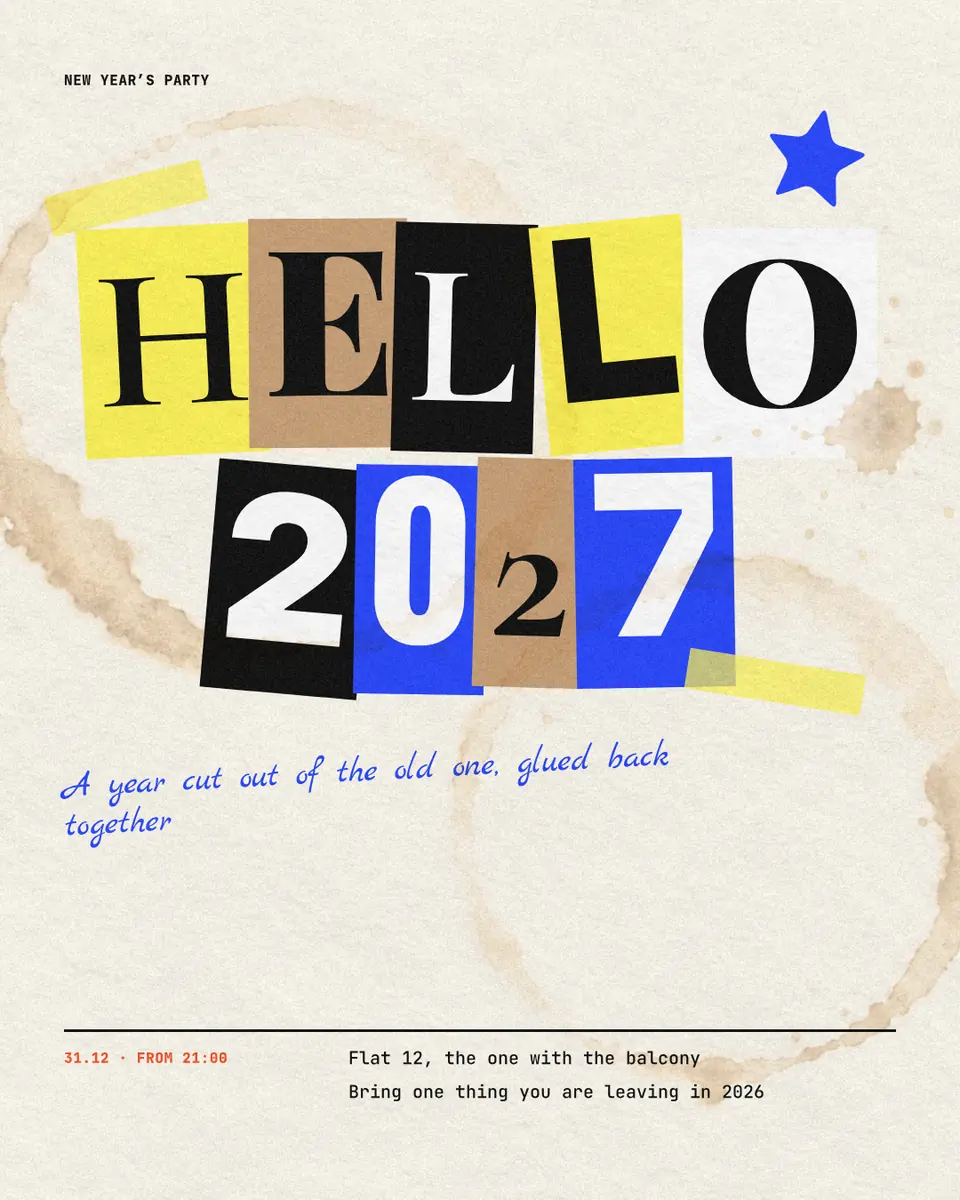
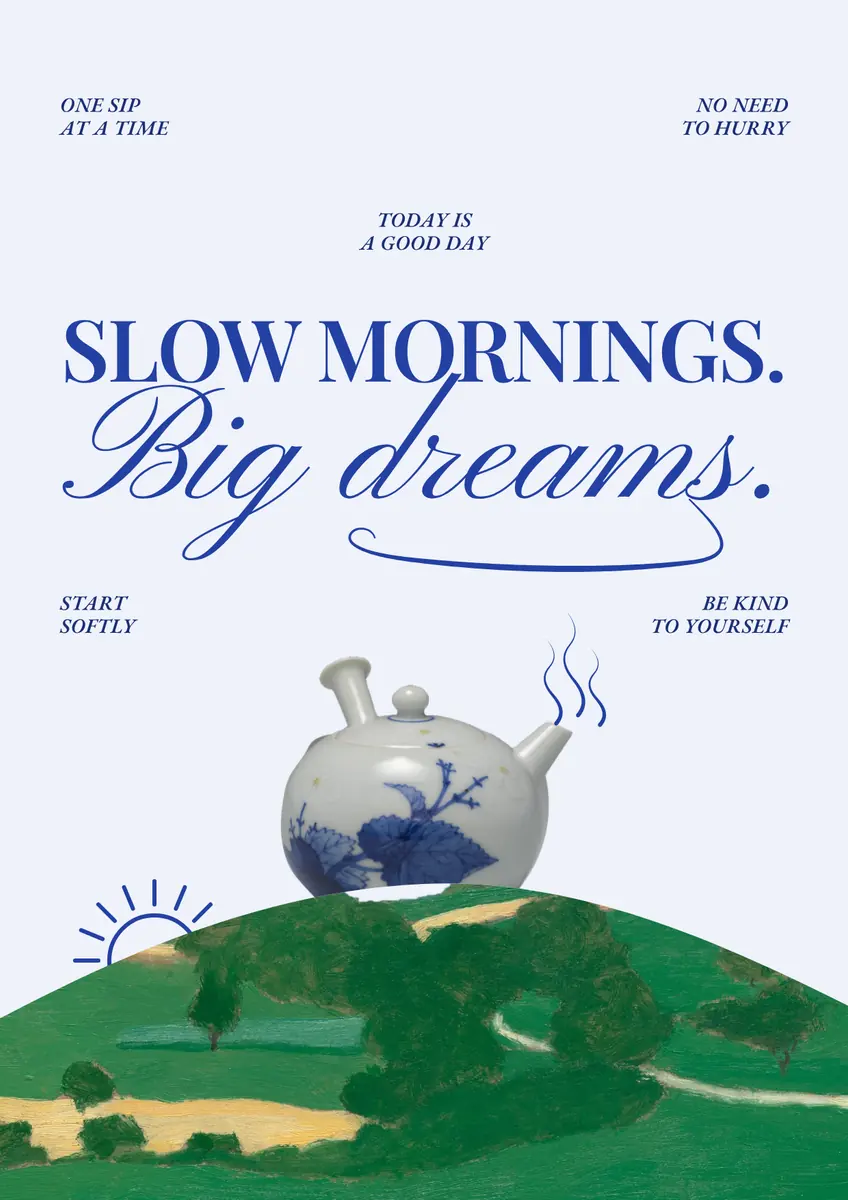
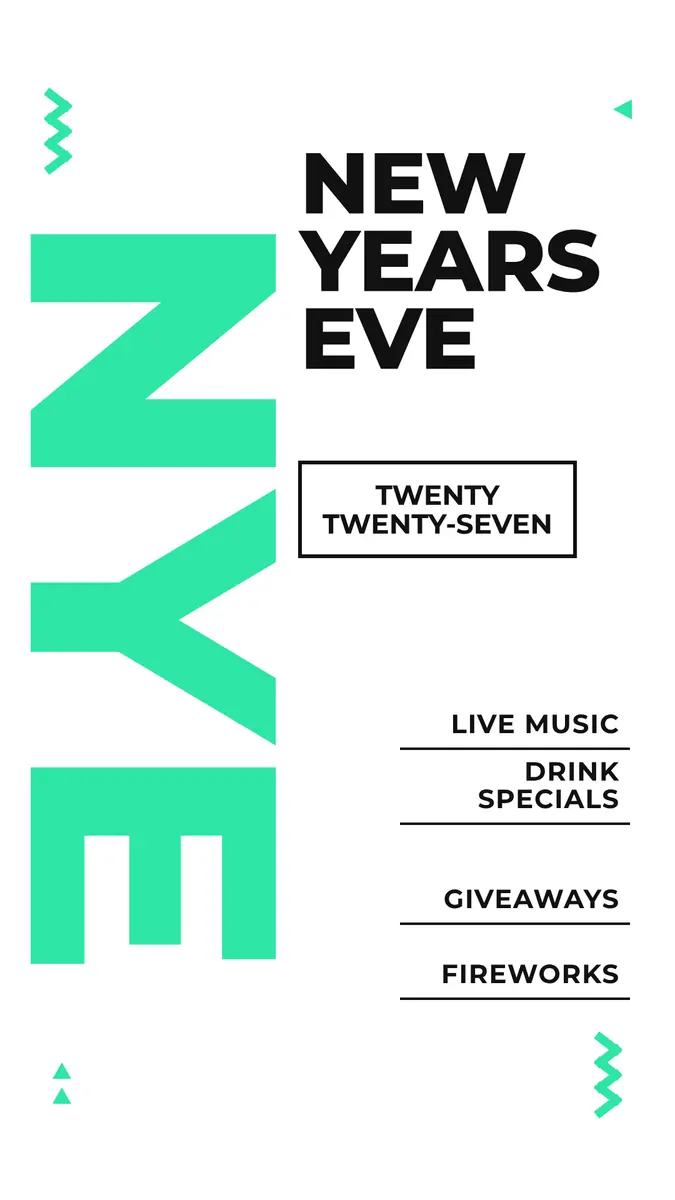
Make it free in Paletoo
Open the board: press “Open in Paletoo” on this page, or start from the collage maker. It opens as your own document: eight cut-out objects on cream, each with a handwritten note and an arrow.
Double-click the title and type «My 2027»; change the small line under it into the year’s word or rule. The handwriting font and its size are under Typography on the Design tab.
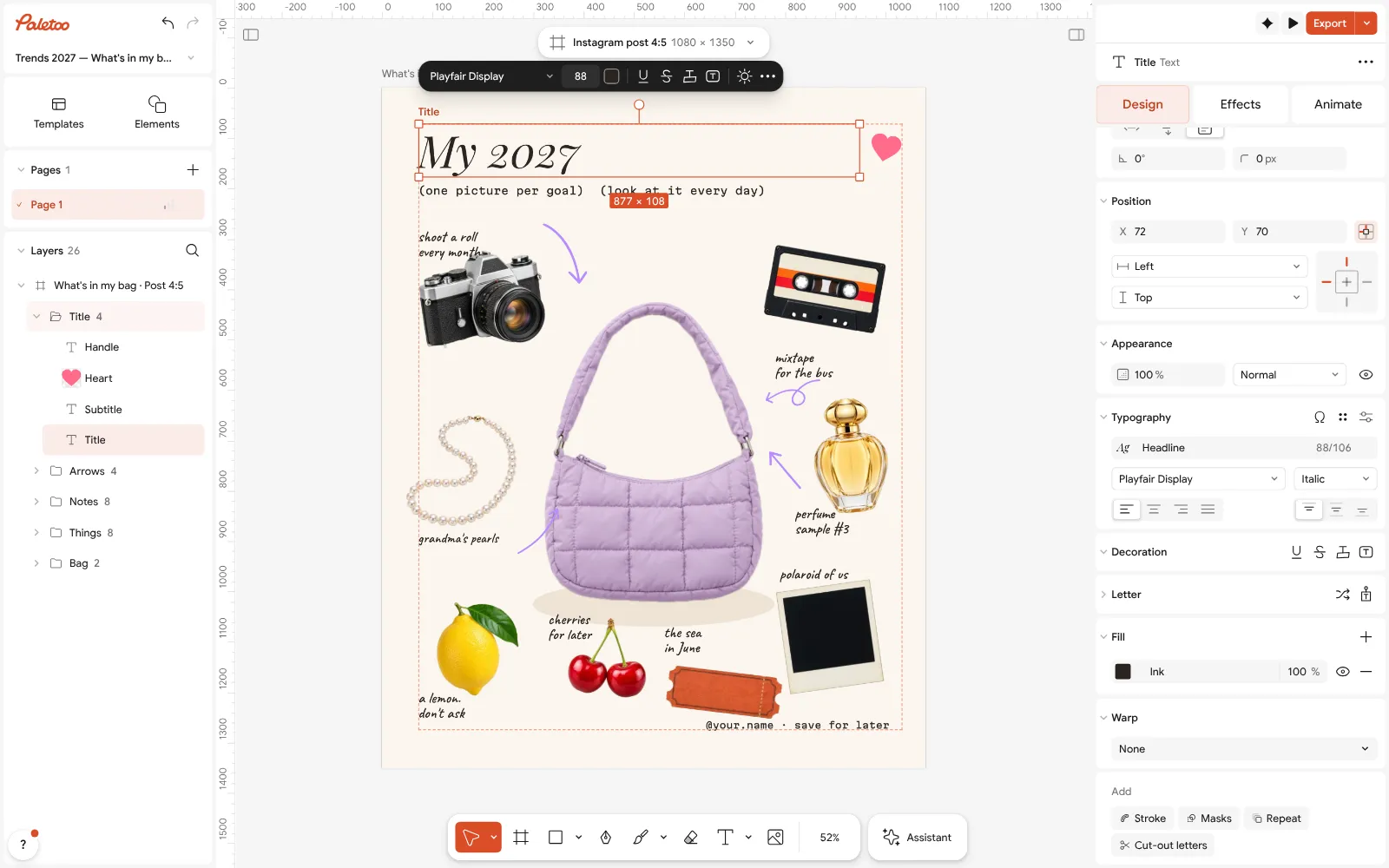
«What’s in my bag» open in Paletoo as «My 2027»: the title and two notes retyped as goals, the title selected under Typography Give each goal its picture: select an object, press Replace picture and choose your photo; for the same floating cut-out look, press Remove background.
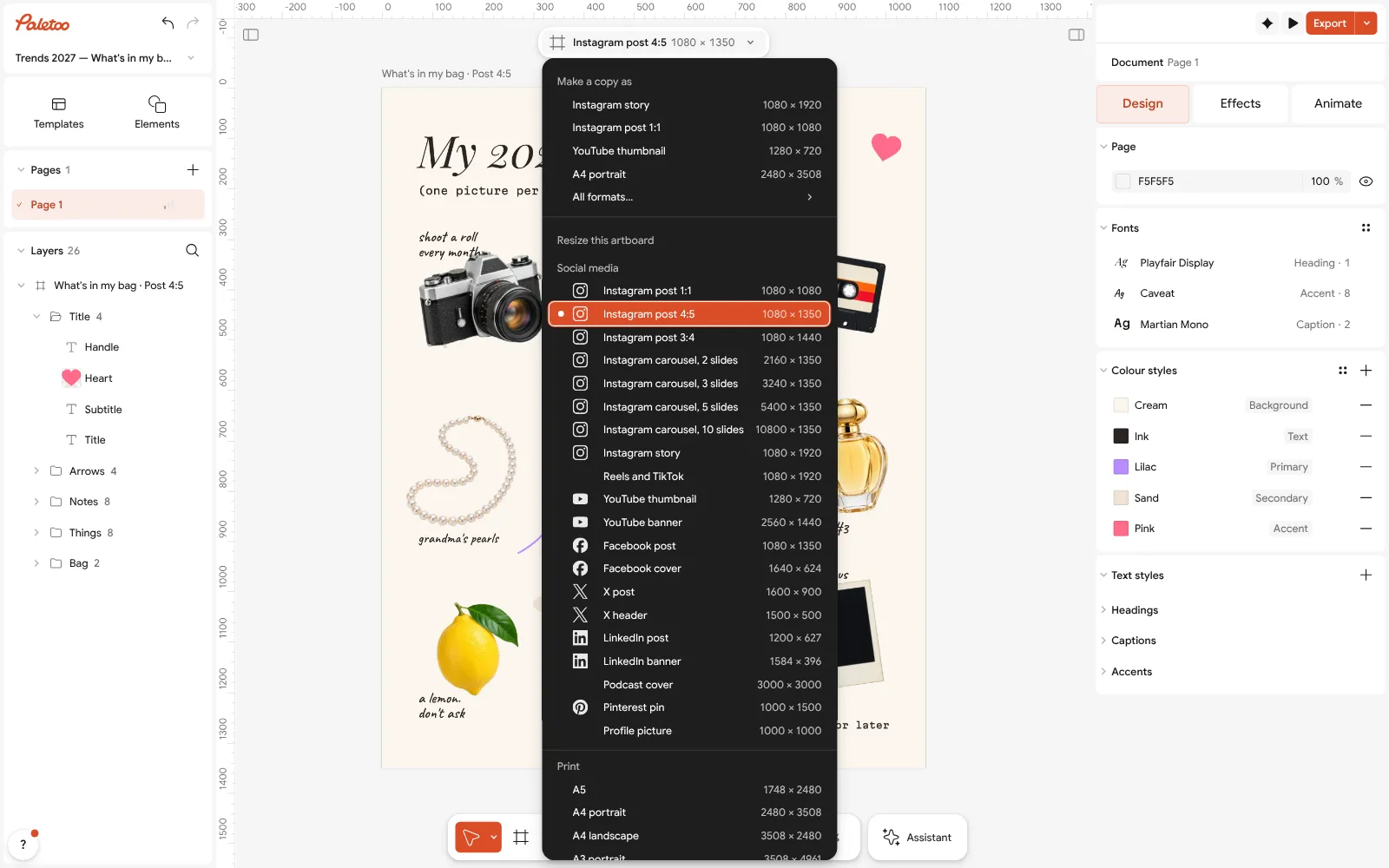
The size chip pressed: «Make a copy as» with Instagram story for a 1080 × 1920 lock screen and A4 portrait for the wall Double-click each note and write the goal in a few words, with its first step if it fits; drag the arrows so each points at its picture.
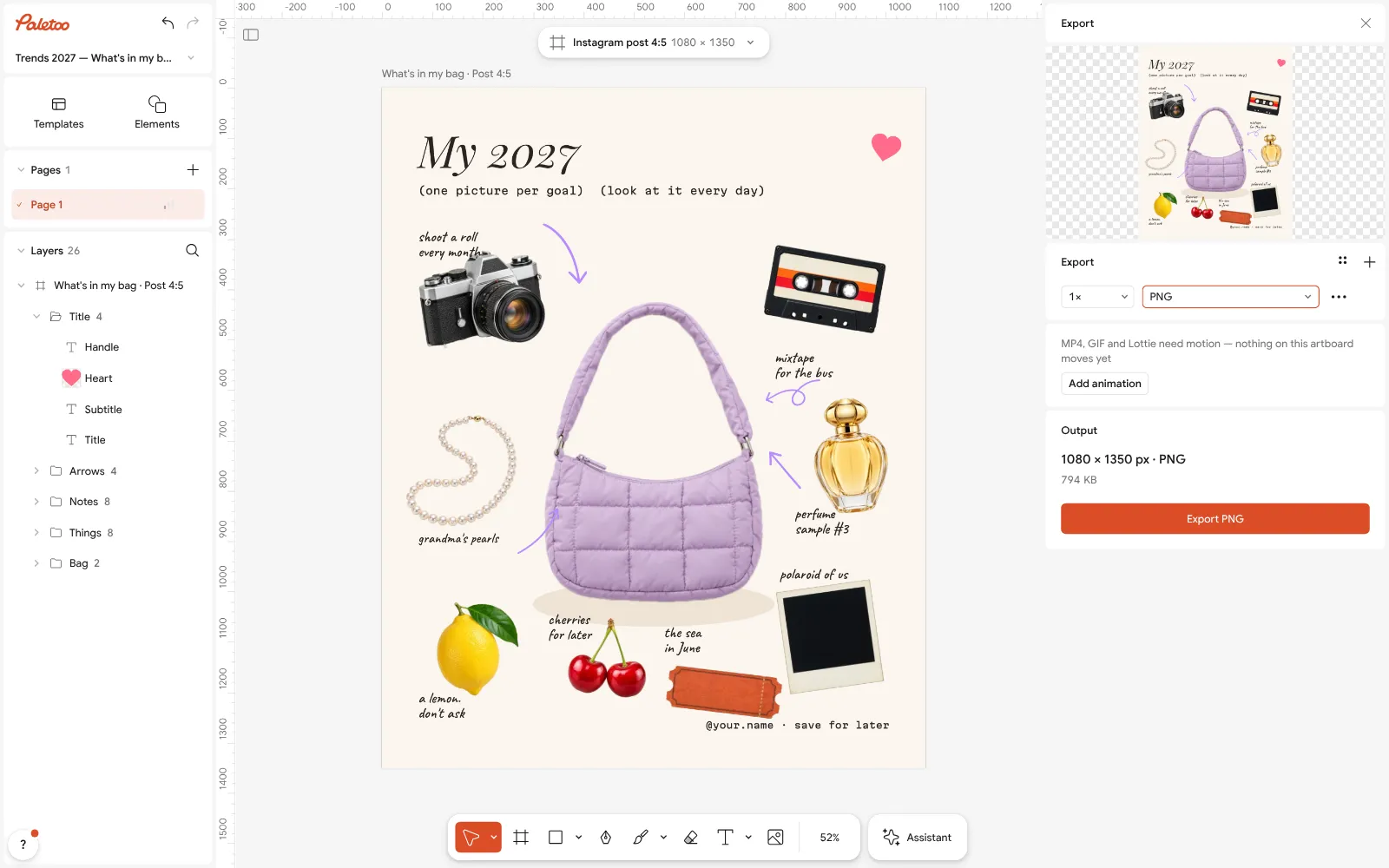
Export as PNG For the lock screen, press Esc, press the size chip and, under Make a copy as, choose Instagram story — a 1080 × 1920 copy appears beside the board. For the wall, choose A4 portrait instead.
Press Export (Ctrl Shift E): PNG for the phone — then set it as the wallpaper in your phone’s settings — or PDF for the A4 print. Nothing you export carries a watermark.
Make it your own
Make the cut-outs match: run Remove background on every photo so they all float on the cream, and give each the same soft Shadow from the Effects tab.
Change the cream to your colour in Colour styles; the notes and arrows keep their ink.
Review it every three months: Duplicate artboard, swap the pictures of goals that changed and keep the old board as a record. For a New Year story to post alongside, see New Year Instagram story ideas.
Sources
Questions
What do you put on a vision board?
A picture for each goal and a few words under it — ideally the wish and the first step — plus a title or a word for the year.
How many goals should a vision board have?
Six to nine. More than that turns the board into wallpaper you stop seeing.
Is a digital vision board as good as a printed one?
Yes, if you see it often. A lock-screen board is seen dozens of times a day; a printed one works by a desk or the fridge.
What size is a vision board phone wallpaper?
1080 × 1920 px fits most phones; keep the top quarter calm, where the clock sits.
When should I make my 2027 vision board?
Between Christmas and mid-January, while the year is still new — then look at it again every quarter.
Is the vision board template free?
Yes. You can edit it and export PNG, JPG or PDF in Paletoo for free, with no watermark and no account.
How do I make a 2027 vision board on my phone for free?
Open the vision board template or the collage maker in your phone’s browser, add your photos, press Remove background so they float like cut-outs, write a goal next to each and export a 1080 × 1920 PNG for the lock screen. It is free in Paletoo, with no app and no sign-up.
What is the vision board aesthetic for 2027?
A collage, not a grid: cut-out photos with soft shadows, torn paper and tape, handwritten notes and arrows, a few words in a typewriter or marker font — the scrapbook look that Pinterest saves most in December.
Make it online
- Photo collage makerDrop your photos into a ready grid — two, three, four or five frames — and every picture fills its frame without stretching.
- Instagram story makerPick a 9:16 template, change the words and the photo, add motion if you like, and export an image or a video in a couple of minutes.
- Make a 2027 calendar onlineA wall calendar with twelve months, a desk calendar, a planner or a habit tracker: add your photos and dates, then print it or post it — free, no sign-up, no watermark.
Free design templates for posts, stories and posters: Social media post templates · Story and Reels templates
Try it on your own design
Paletoo opens in your browser, with no sign-up. Every effect here is live: change the picture or the words and the effect follows.
Open in PaletooOpens this design as your own copy — every layer and effect editable, free.
Read next
- 01
 New Year Instagram story ideas: 10 stories for 2027, free templatesTen New Year stories people actually reply to — from a wishes checklist to a countdown — each one a 1080 × 1920 template you can fill in minutes.
- 03
 How to choose a colour palette: 5 steps and the 60-30-10 ruleFrom one colour you love to a palette that works on a poster, a post and a website — with the contrast checked and the colours saved so they stay put.