Free tools5 min readFreeUpdated 2026-11-12
Brand book: what it is, what goes in it, and a free template
The rules of your logo, colours, fonts and voice in one PDF — so a printer, a designer or a new colleague gets the brand right the first time.
By the Paletoo team · steps tested in Paletoo on
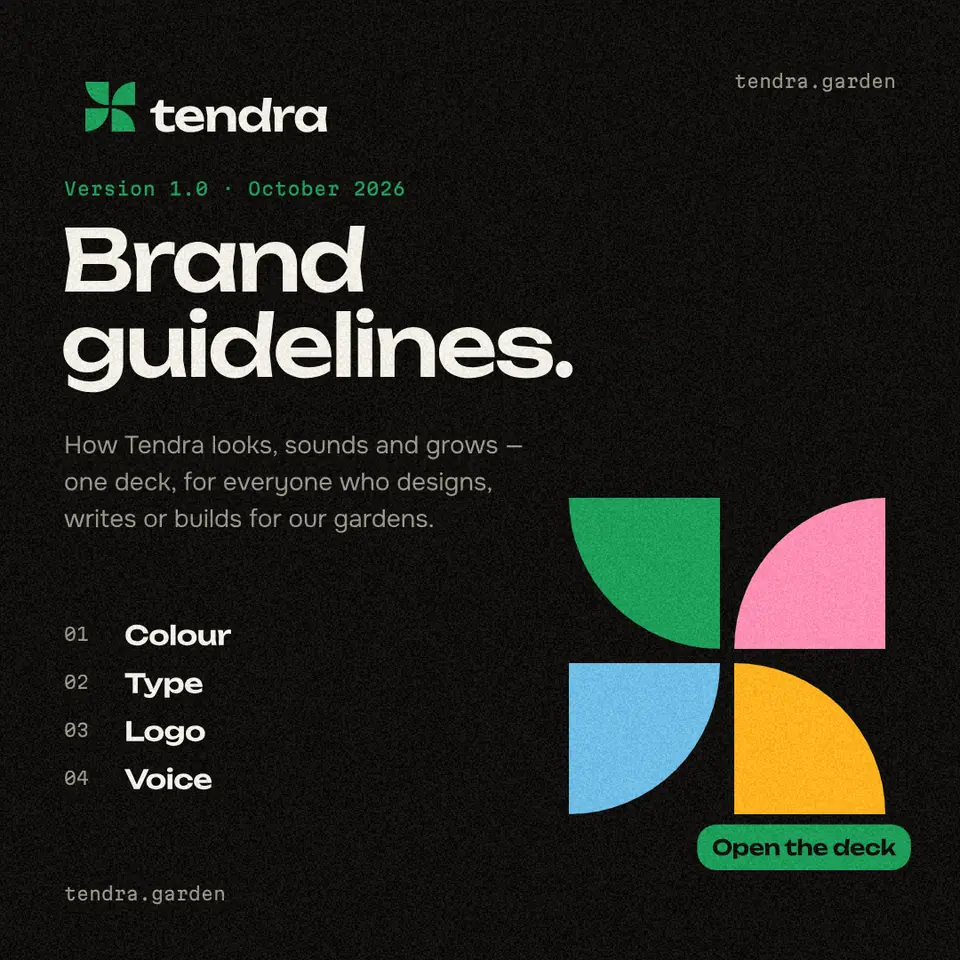
A brand book (also called brand guidelines) is the document that writes down how a brand looks and sounds: the logo and how not to spoil it, the colours with their HEX, RGB and CMYK codes, the fonts, the tone of the words, and examples on a website, a business card and a sign. A small business needs ten to fifteen pages; in Paletoo you can open a ready 34-page brand book, type your name, change the colours in one place and download it as a PDF, free.
This guide explains what goes into a brand book and why, with the 34 pages of «Tendra», the brand-guidelines template in our presentation set, as the worked example: which sections are essential, which can wait, and how to fill each in an evening. The steps were run in Paletoo on 12 November 2026; the pictures are the editor itself. The template’s inner pages are written in English, so on the Ukrainian page of this guide the cover is retyped in Ukrainian and the rest is yours to translate.
Brand book, brand guidelines, corporate identity: the difference
Corporate identity is the set of things themselves — the logo, the colours, the typefaces, the way photos look. A brand book is the document that describes them and sets the rules for using them, so that people who never met the designer still use them the same way. «Brand guidelines» and «brand book» are used for the same document; some agencies call the practical rules a guideline and keep «brand book» for a longer piece that adds the mission, the values and the story.
Large organisations publish theirs — people search for the brand books of armies, universities and scout movements to see how it is done — and the structure is always the same: who we are, the logo, colour, type, imagery, applications, contacts. The size of the book changes; the order hardly does.
What goes in a brand book: the sections, page by page
Every row below is a page or two of the Tendra template, so you can see what each section looks like filled in. For a first version, the logo, colour and type sections are the ones that save mistakes; the applications show people what «right» looks like, which is often more useful than the rules.
| Section | What it says | Pages |
|---|---|---|
| Cover and contents | The brand, the version and the date | 1–2 |
| Introduction, mission and vision | Who we are and what we promise, in a few lines | 3–4 |
| Primary logo, construction | The logo and how it is built | 6–7 |
| Clear space, minimum size | The empty room around it and how small it may go | 8–9 |
| Lockups, the mark, colour and photos | The versions and where each is used | 10–13 |
| Logo misuse | Stretched, recoloured, rotated: what never to do | 14 |
| Colour | Primary, secondary and greys with HEX, RGB, CMYK; proportions | 16–19 |
| Typography | Two or three typefaces and a type scale | 21–23 |
| Icons, graphic elements, photography | The look of everything that is not words | 24–26 |
| Applications | Website, app, social post, T-shirt, business cards, signage | 28–33 |
| Contacts | Who answers questions and where the files are | 34 |
A minimum brand book for a small business, in one evening
Start with five things. The logo files, in full colour, one colour and white (our logo-formats guide lists which). Three to five colours, each with a HEX code for screens, RGB, and CMYK for print — and check that text on your colours has a contrast of at least 4.5 : 1, the minimum WCAG 2.2 asks for body text. Two typefaces that set every letter you need, including Ukrainian ones if you write in Ukrainian: the template’s Onest and Unbounded do. Five rules for the voice («we write “you”, not “the customer”», «no exclamation marks in prices»). And three examples: a post, a business card, a sign.
Give the book a version number and a date on the cover, export it as one PDF and keep the editable file. When something changes — a new colour, a new address — change it in the document, raise the version and send the new PDF. A brand book nobody updates is worse than none: people trust the old one.
Made in Paletoo
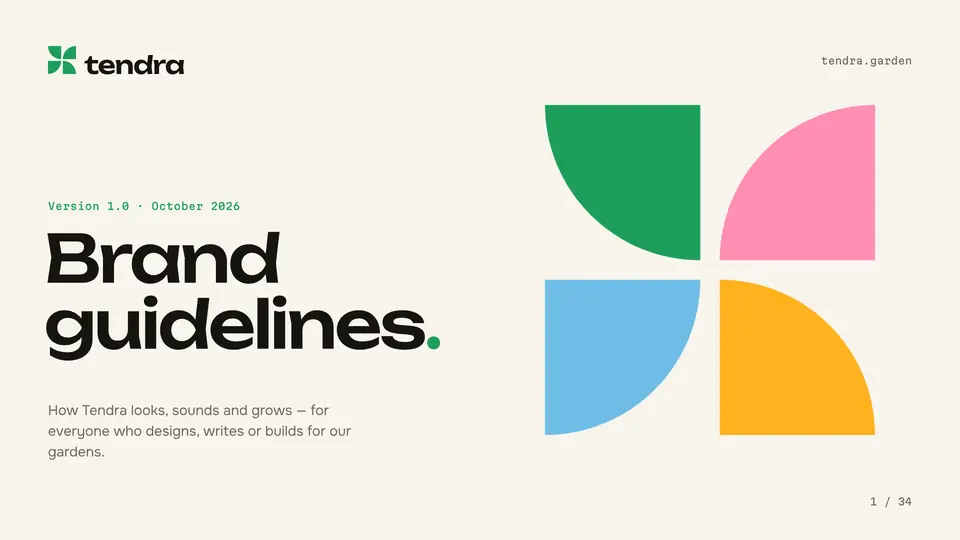
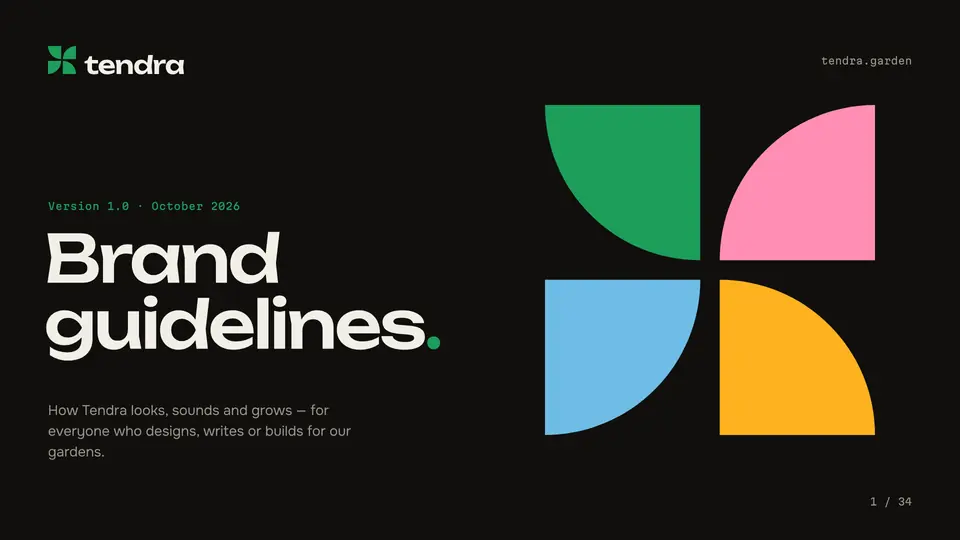
Every picture on this page was made in Paletoo — these three with the same steps on other templates:
Make it free in Paletoo
Press “Open in Paletoo” on this page: the 34-page Tendra brand book opens as your own document. The Artboards panel lists the pages, from «01 Cover» to «34 Contacts».
On the cover, double-click the wordmark and the title and type your brand. Its font and size are under Typography in the Design tab; the book’s headings use Text styles, so a new font set there reaches every page at once.
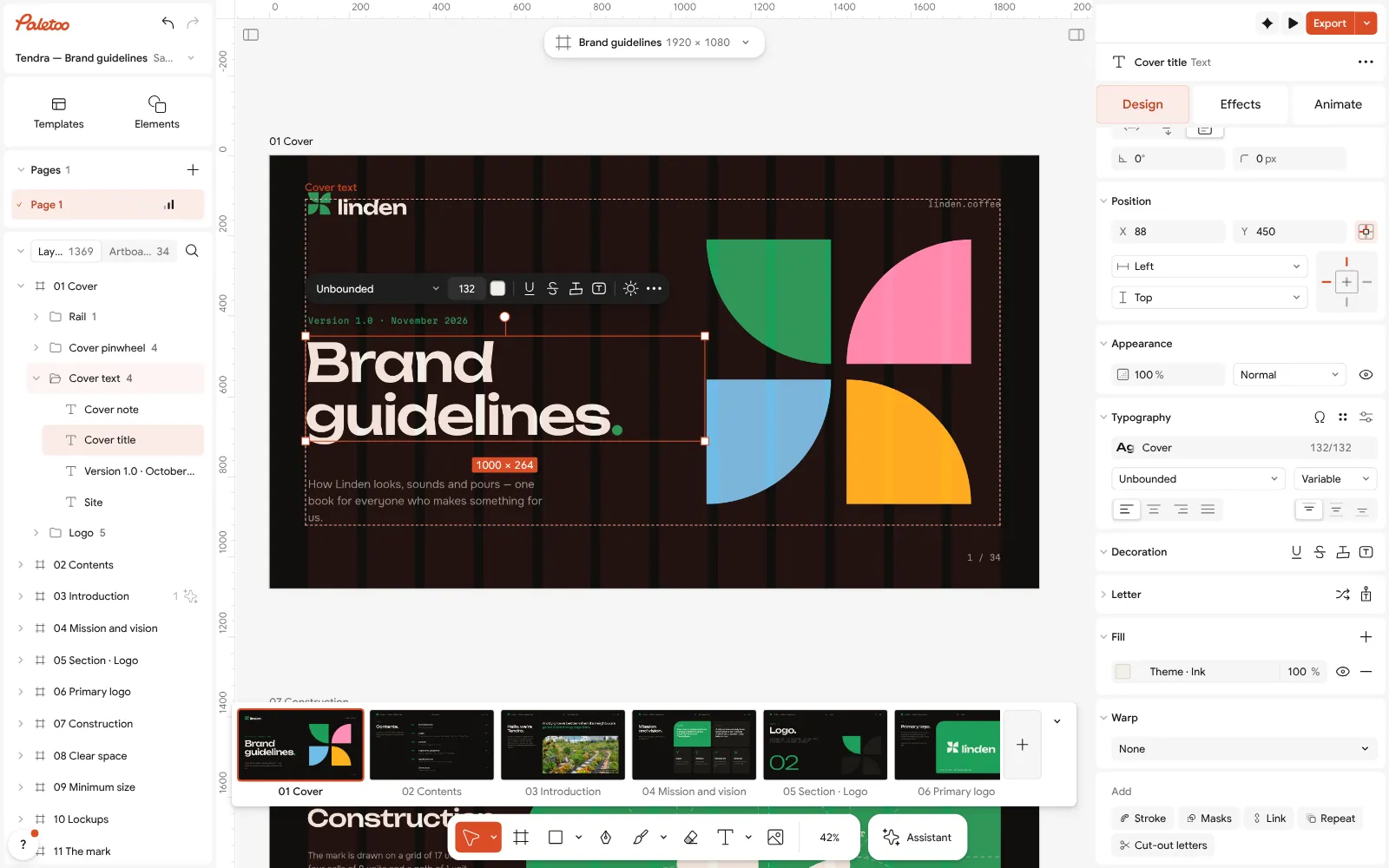
The Tendra brand book open in Paletoo, its cover retyped for «Linden coffee»: the title under Typography Click an empty part of the canvas: the Design tab shows the document’s Colour styles — Leaf, Bloom, Chalk, Soil and the rest. Replace them with your colours and every page that uses them follows; then retype the HEX, RGB and CMYK numbers on the colour pages, which are words, not live values.
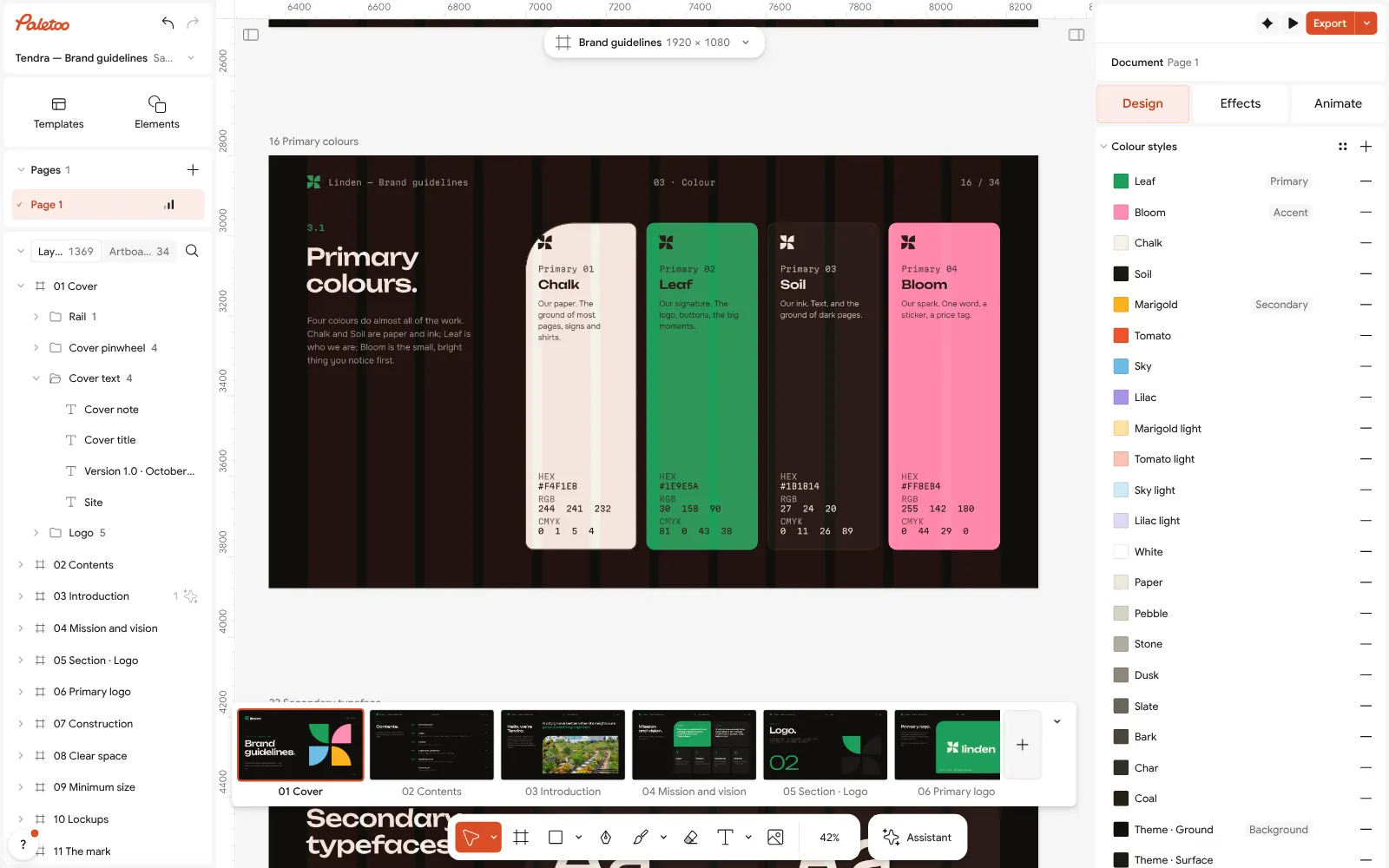
The colour page with nothing selected: the document’s Colour styles — change one and every page follows Put your logo on the logo pages: paste the SVG from the logo maker in place of the Tendra wordmark, and keep the clear-space and minimum-size pages true to it.
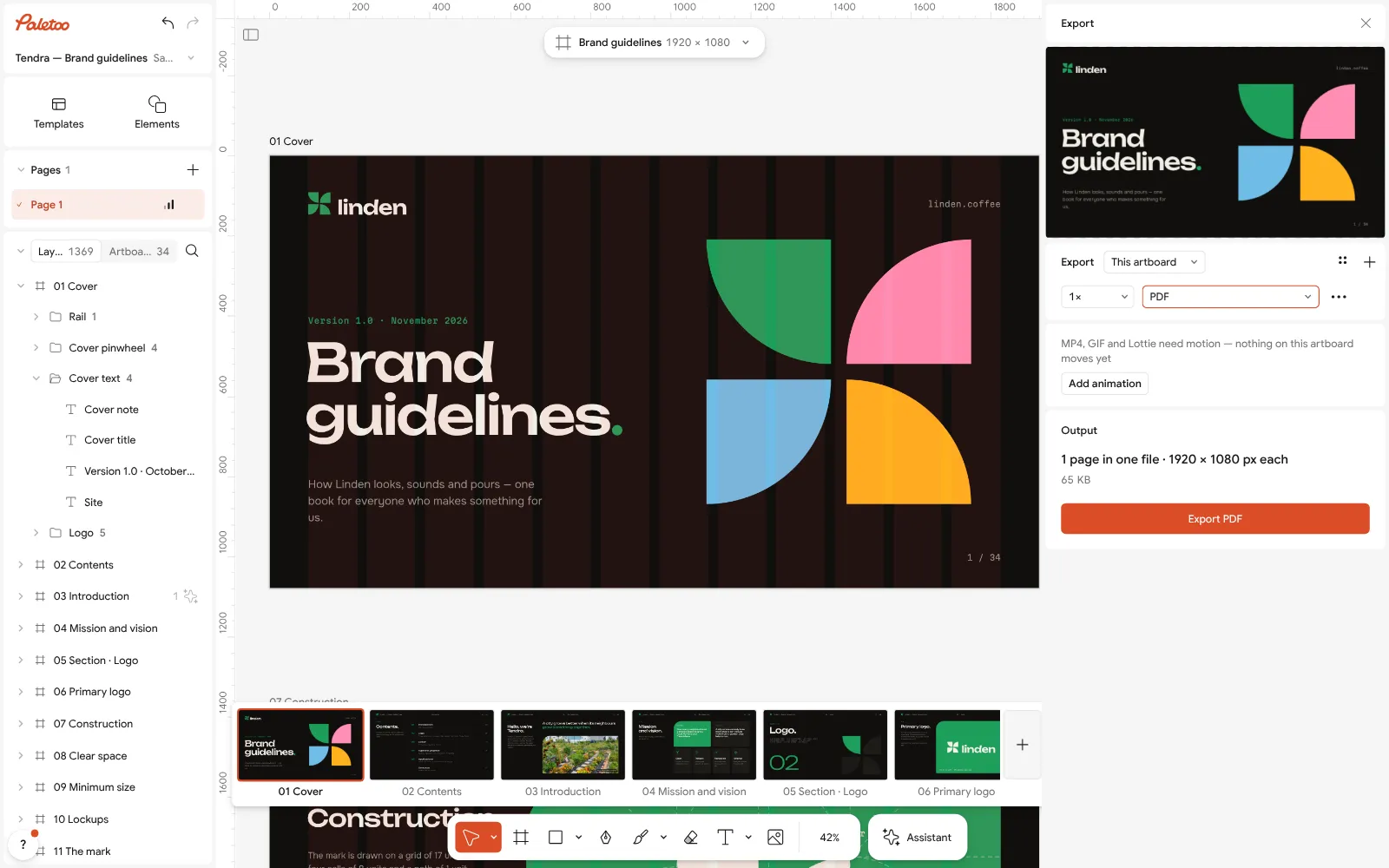
Export as PDF: the whole brand book, every page, in one file On the application pages, select each picture and use Replace picture for your own shop, website or T-shirt; delete the pages you do not need yet with their artboards.
Press Export and choose PDF: all the pages go into one file, ready to send to a printer, a designer or a new colleague. Keep the .mdtools file — it is the brand book you will update.
Make it your own
Keep the colours honest: before you write a CMYK value, look at the page with Proof colours (CMYK) — a bright screen colour that turns dull there needs its own print value.
Need a short version for social media? Duplicate artboard the colour and logo pages and resize the copies to a square: three slides of «how to use our logo» for a partner.
Ask your printer for their colour profile and export the print copy with CMYK print under Export settings.
Sources
Questions
What is a brand book?
A document with the rules of a brand: the logo and its use, colours with HEX, RGB and CMYK codes, fonts, the voice, and examples. It lets anyone who makes something for the brand get it right without asking.
What is the difference between a brand book and brand guidelines?
Usually none — both names are used for the same document. Some agencies use «brand book» for a longer version that adds the mission, values and story to the practical rules.
What should a brand book include?
Logo (versions, clear space, minimum size, misuse), colours with codes, typography, imagery, the voice, applications such as a website and business cards, and contacts.
How many pages should a brand book have?
For a small business 10–15 pages are enough. Large brands run to 50–100. The Tendra template has 34; delete the pages you do not need yet.
Is there a free brand book template?
Yes. Paletoo’s Tendra brand guidelines (34 pages, dark and light versions) open free in the browser, edit like any design and export as a PDF with no watermark.
Does a small business need a brand book?
A short one, yes: it keeps the logo, colours and fonts the same on the sign, the menu and Instagram, and saves explaining them again to every printer and designer.
Make it online
- Presentation makerOpen a designed deck, change the words, present it full screen or send it as a PDF or PowerPoint — the first slide is yours in a minute.
- Logo makerType your brand name, pick a logo, try fonts, colours and layouts, then download SVG, PNG and app icons — free, no watermark, no sign-up.
- Business card makerDesign a business card at the exact print size, add a QR code that really scans, and export a PDF the printer accepts.
Free design templates for posts, stories and posters: Presentation templates · Brand guidelines templates · Contact and call-to-action templates
Try it on your own design
Paletoo opens in your browser, with no sign-up. Every effect here is live: change the picture or the words and the effect follows.
Open in PaletooOpens this design as your own copy — every layer and effect editable, free.
Read next
- 01
 Logo file formats explained: which files you need, and who gets whichOne logo, seven files: what each is for, what to send a printer, a web developer or Instagram — and how to get all of them free.
- 02
 How to keep brand fonts and colours consistent across every designName the colours and the type once, link every layer to them, and change them in one place.
- 03
 Types of logos: 7 kinds with examples, and which one to chooseSeven kinds of logo, what each one is good at, the famous examples you already know — and a free one of each kind you can make your own.