Free tools5 min readFreeUpdated 2026-11-20
Christmas poster ideas: 8 designs to make and print free
Eight Christmas posters that do not look like clip art — for a window, a school corridor, a shop or a party — and one you can make in ten minutes.
By the Paletoo team · steps tested in Paletoo on
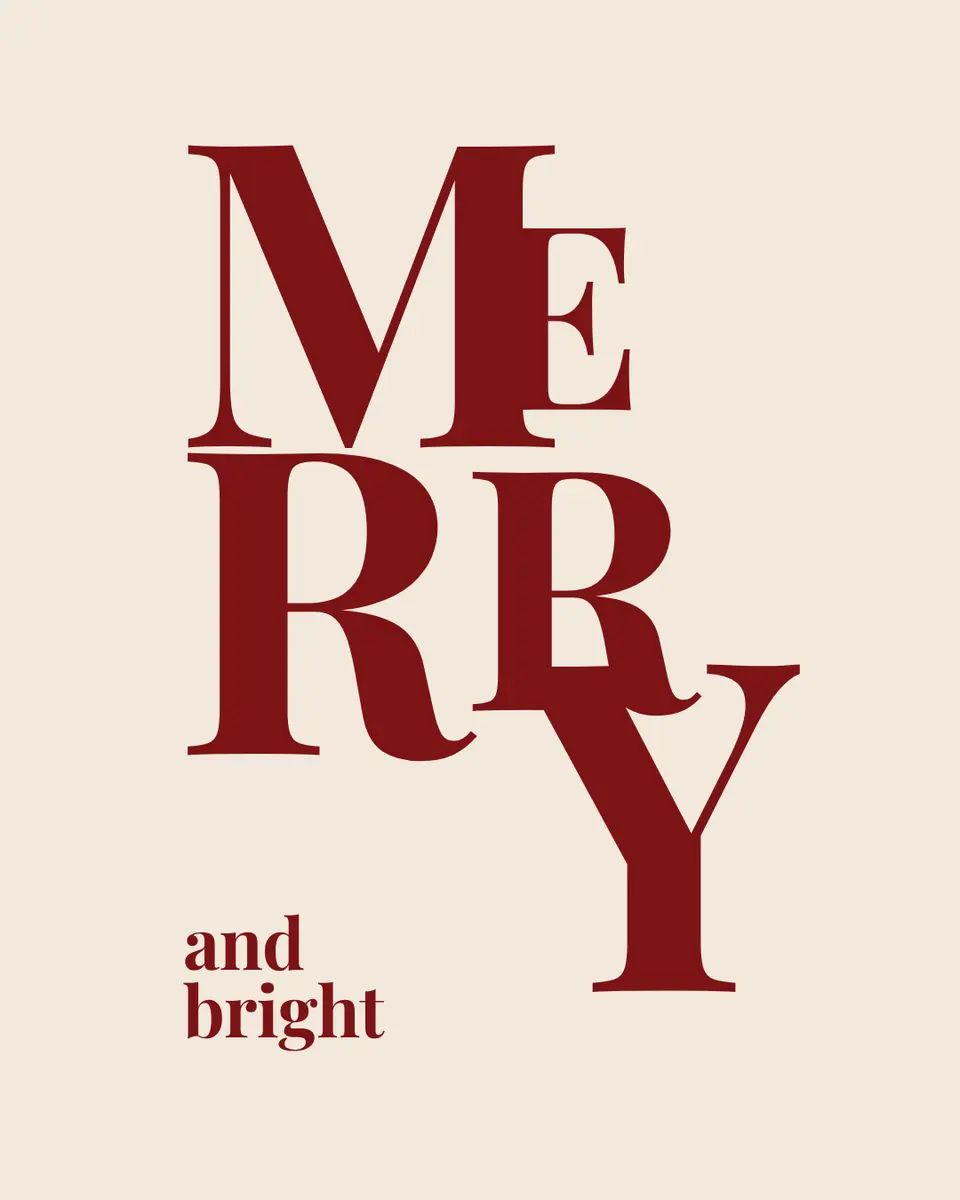
For a Christmas poster that looks designed rather than clip-art, pick one idea and make it big: a single festive word filling the page, a tree built from gift icons, baubles on threads, or a party or market poster with the date and place in large type. In Paletoo you open a Christmas template, type your words, and export an A3 PDF to print or a 1080 × 1350 post — free and without a watermark.
This guide uses «Merry», a stacked-word poster from our Holidays 2026 set — «MER / RY» in huge pink serif on red with a small star and a signature — then shows eight ideas for homes, schools, shops and events, the sizes to print, and how to keep it readable from across a room. Every step was run in Paletoo on 11 November 2026; the pictures are the editor itself.
Eight Christmas poster ideas
Every one of these is a template in Paletoo’s Holidays 2026 set, in English and Ukrainian, as a post, a square or a story:
| Idea | What it looks like | Good for |
|---|---|---|
| Stacked word | One word in huge type, broken over two lines | Windows, a living-room print, a card |
| Gift tree | A tree made of small gift and ornament icons | Shops: «gifts under the tree» |
| Baubles on threads | Baubles hanging from the top edge | Calm greetings, offices |
| Merry and bright | A tall orange story full of ornaments | Instagram stories |
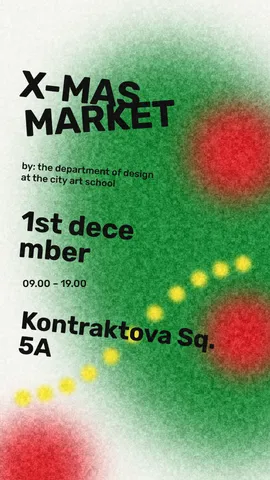
| Christmas market | A garland, the name, date and time chips | Fairs, school markets, cafés |
| Christmas sale | A sale headline in a festive frame | Shops, December offers |
| Two snowmen | A 5 × 7 in card with an illustration | Cards, children’s rooms |
| Little Christmas party | A square invitation with the time and place | Office and school parties |
Make it readable from across the room
A Christmas poster competes with lights, tinsel and other posters, so it has to say one thing loudly. Keep the headline to one to three words and make it fill at least a third of the page. Pick two colours plus white or cream — red and green together is the classic, but red with pink, deep green with gold or navy with silver look fresher. Put the date, the time and the place for an event in one block, big enough to read from two metres, and leave the rest of the page quiet.
For a school or a nursery, add a short line children can read themselves and leave space for their drawings: a poster that invites people to add to it gets looked at all month.
Ideas by place: home, school, shop
At home, a stacked word or a family name in big letters becomes a print you can frame and hang every December; make it A3 so it fits a ready-made frame. At school, a poster for the Christmas concert needs the date, the time and the hall in the biggest type, and a line for parents about what to bring. In a shop, the poster’s job is practical: the holiday opening hours, the last day to order gifts, a gift-card offer — say it in five words and put a QR code next to it. For a café or a market stall, a garland across the top and the name of the event are enough; the rest is the date.
Christmas poster sizes
For a window or a wall at home, A3 (297 × 420 mm) is plenty; for a corridor or a shop window, A2. Print on matt paper to avoid reflections from fairy lights. For social media make a 1080 × 1350 post and a 1080 × 1920 story from the same design. Christmas is on 25 December in most of the world, and Ukraine has celebrated it on 25 December since 2023; a poster for an event should go up two to three weeks before.
Made in Paletoo
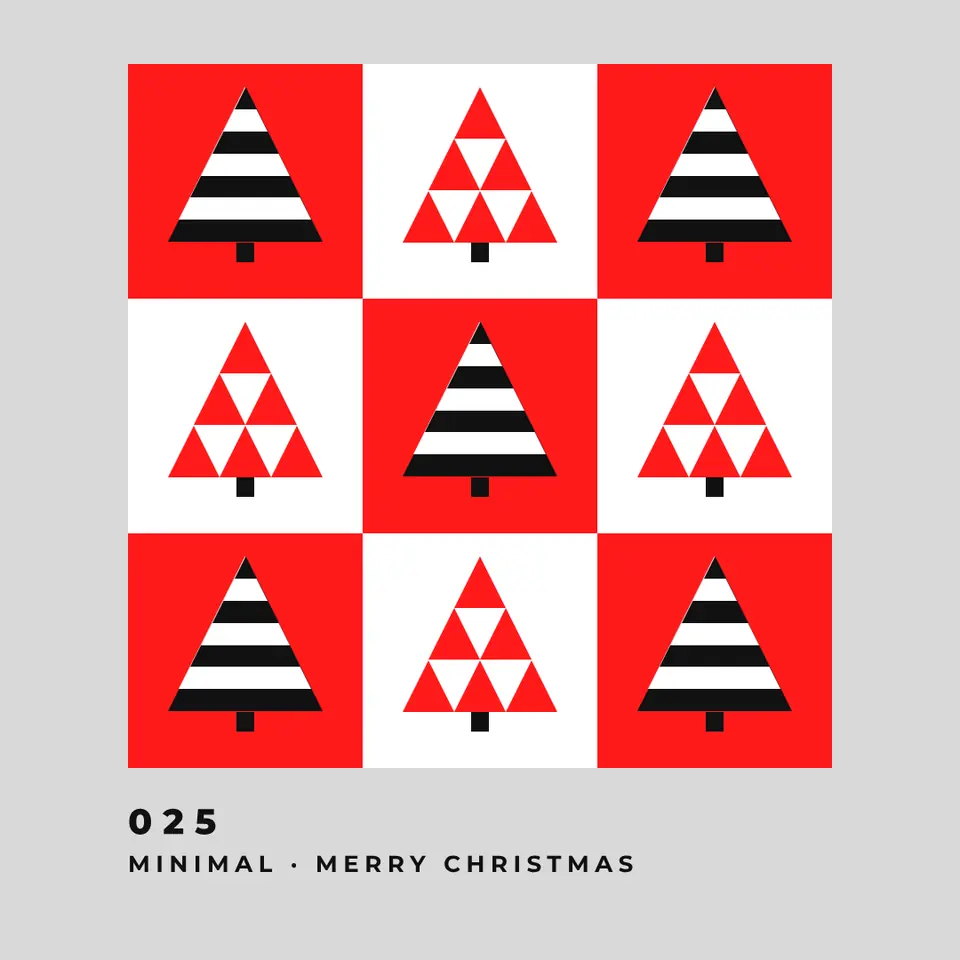
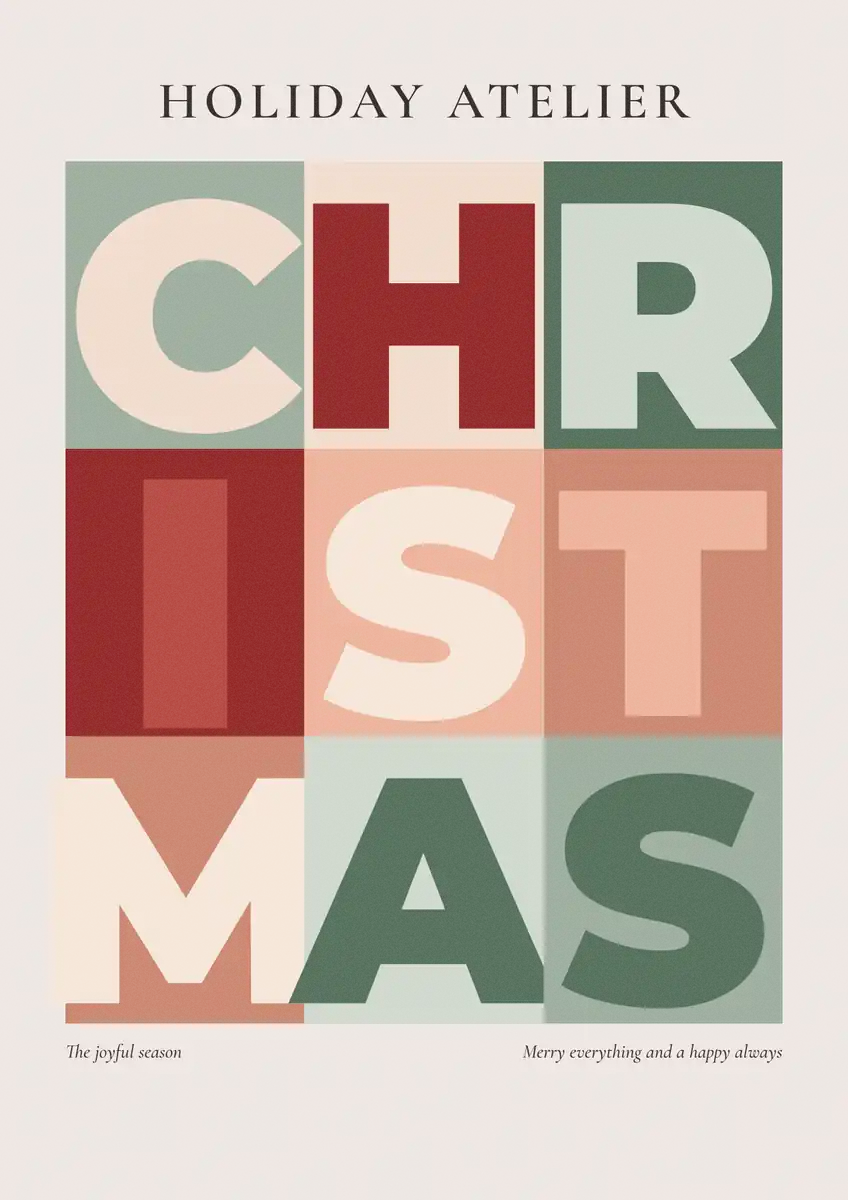
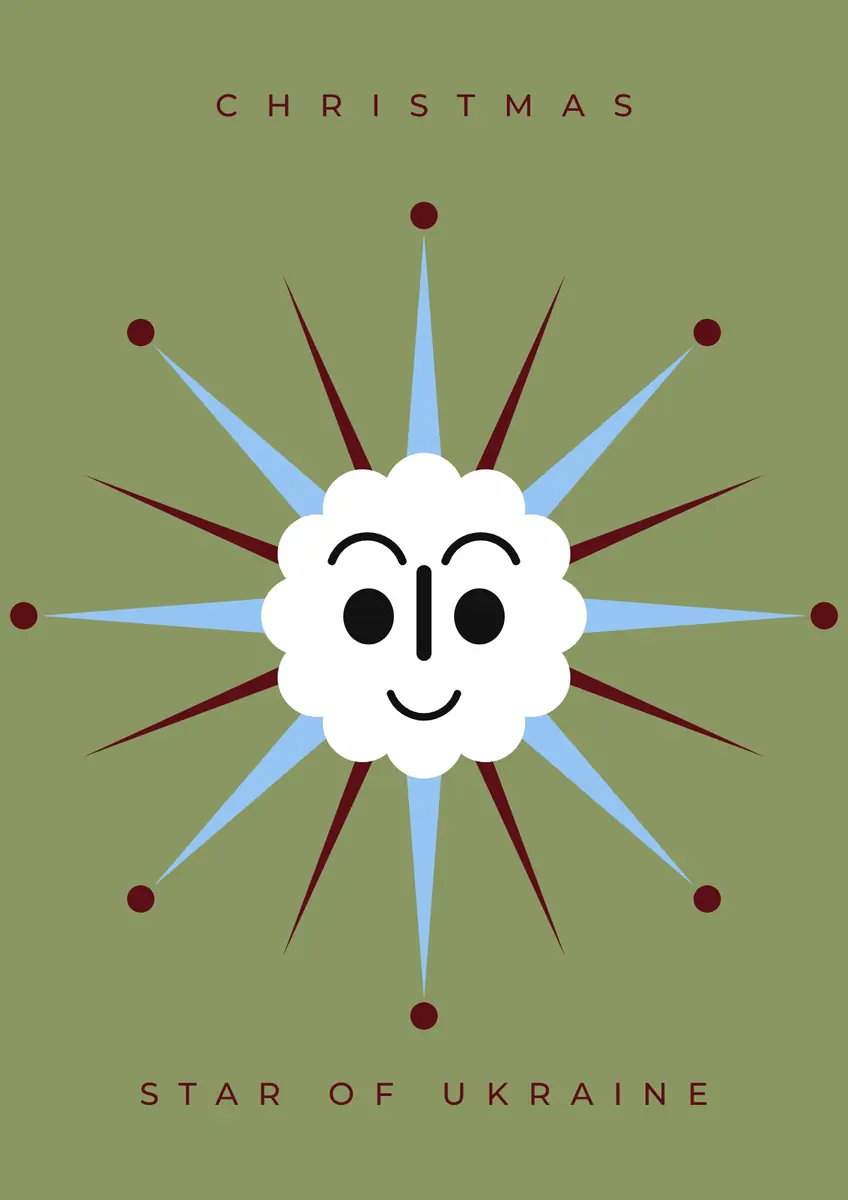
Every picture on this page was made in Paletoo — these three with the same steps on other templates:
Make it free in Paletoo
Open the poster: press “Open in Paletoo” on this page, or start from the poster maker. It opens as your own document; the Layers panel lists the star, the two halves of the word and the signature.
Double-click the signature and type yours — a family, a class, a shop. Change the word itself the same way; keep it short so it still fills the page. Fonts and sizes are under Typography in the Design tab.
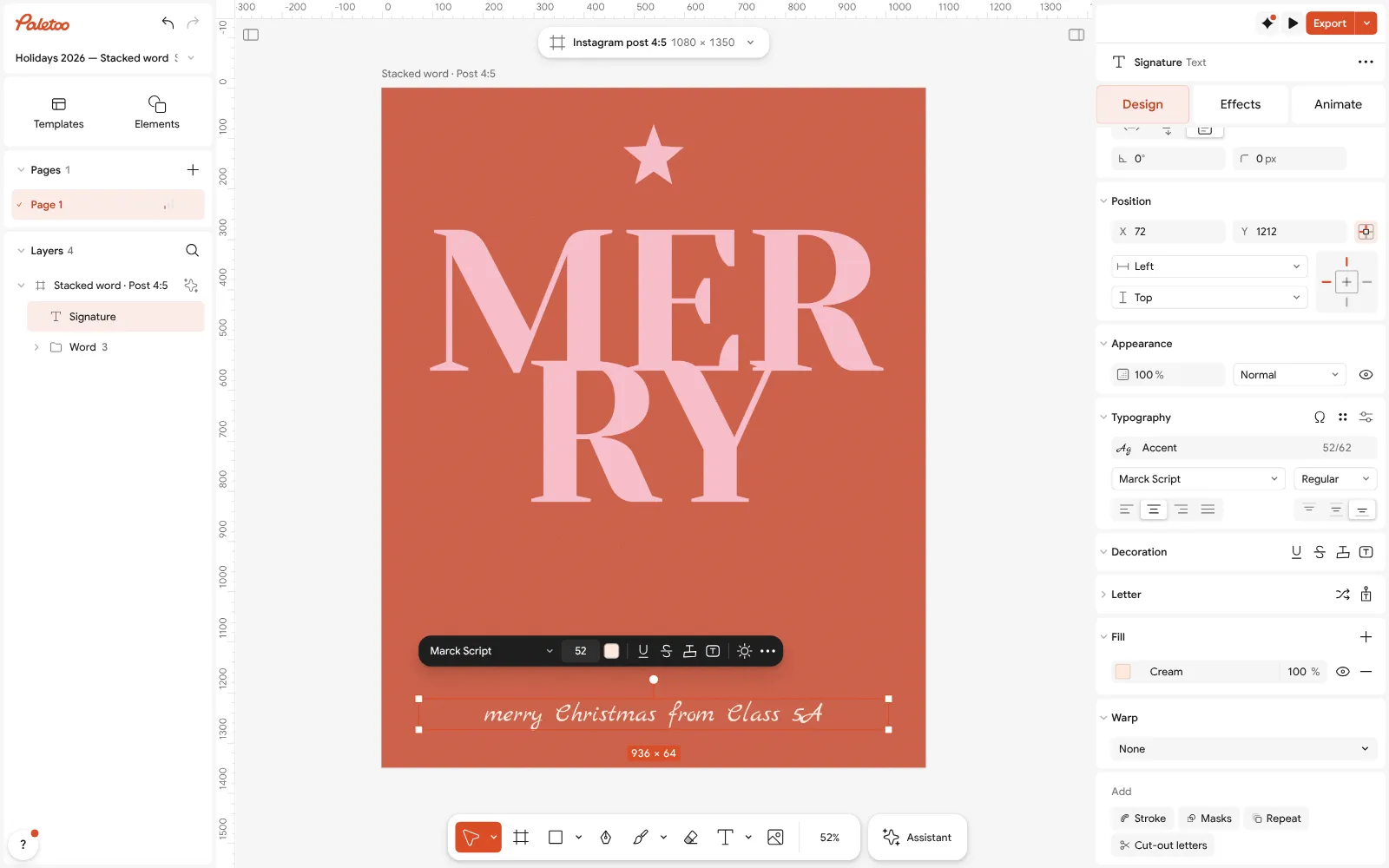
The «Merry» poster open in Paletoo: the signature rewritten and selected, its font under Typography Change the red and pink in Colour styles to make it yours: deep green and gold, navy and silver. Every part that uses a colour changes together.
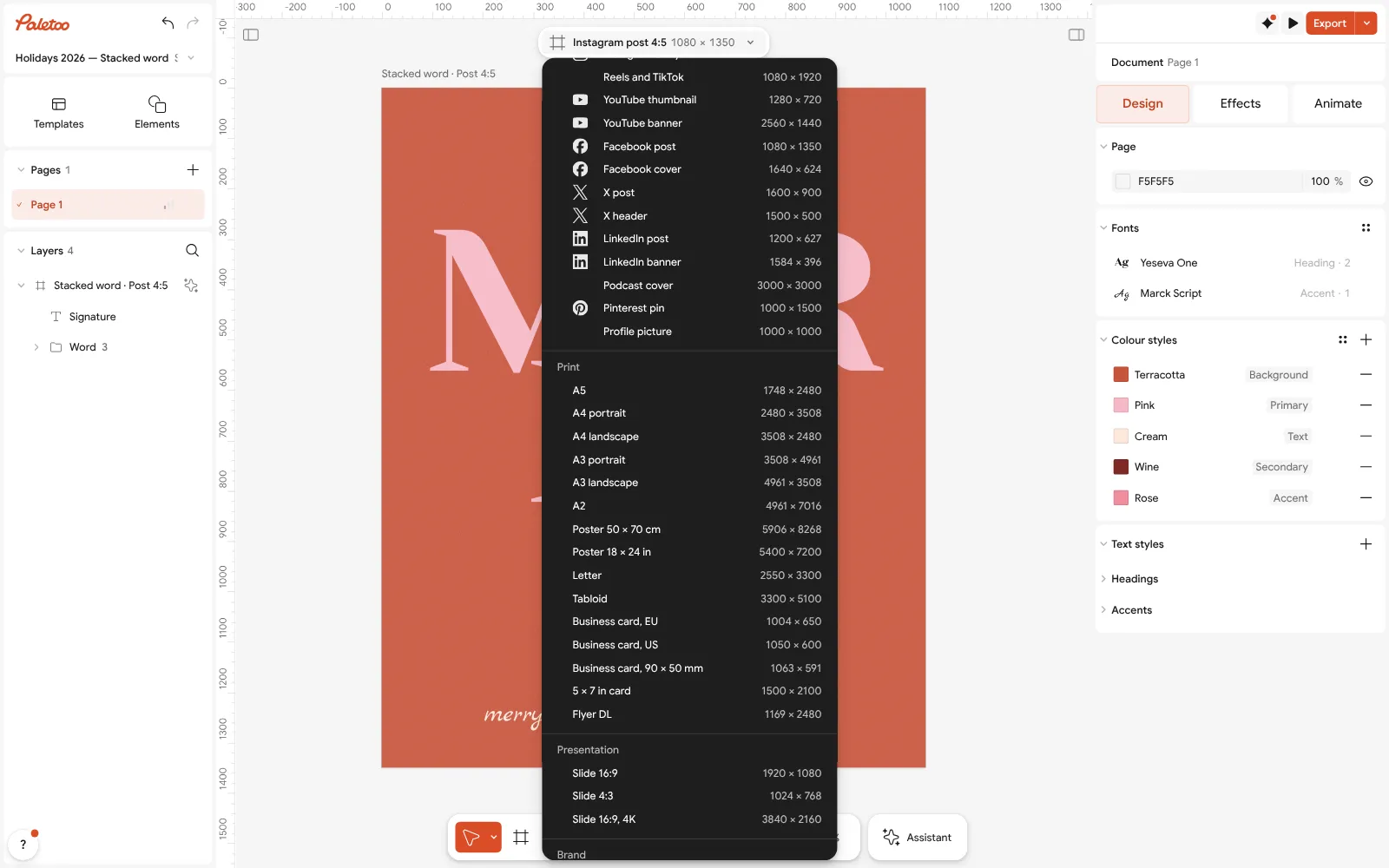
The size chip pressed: A3 portrait in the Print group, with Scale artwork on For print, select nothing, press the size chip, turn on Scale artwork and pick A3 portrait in the Print group — the poster grows to 297 × 420 mm at 300 dpi.
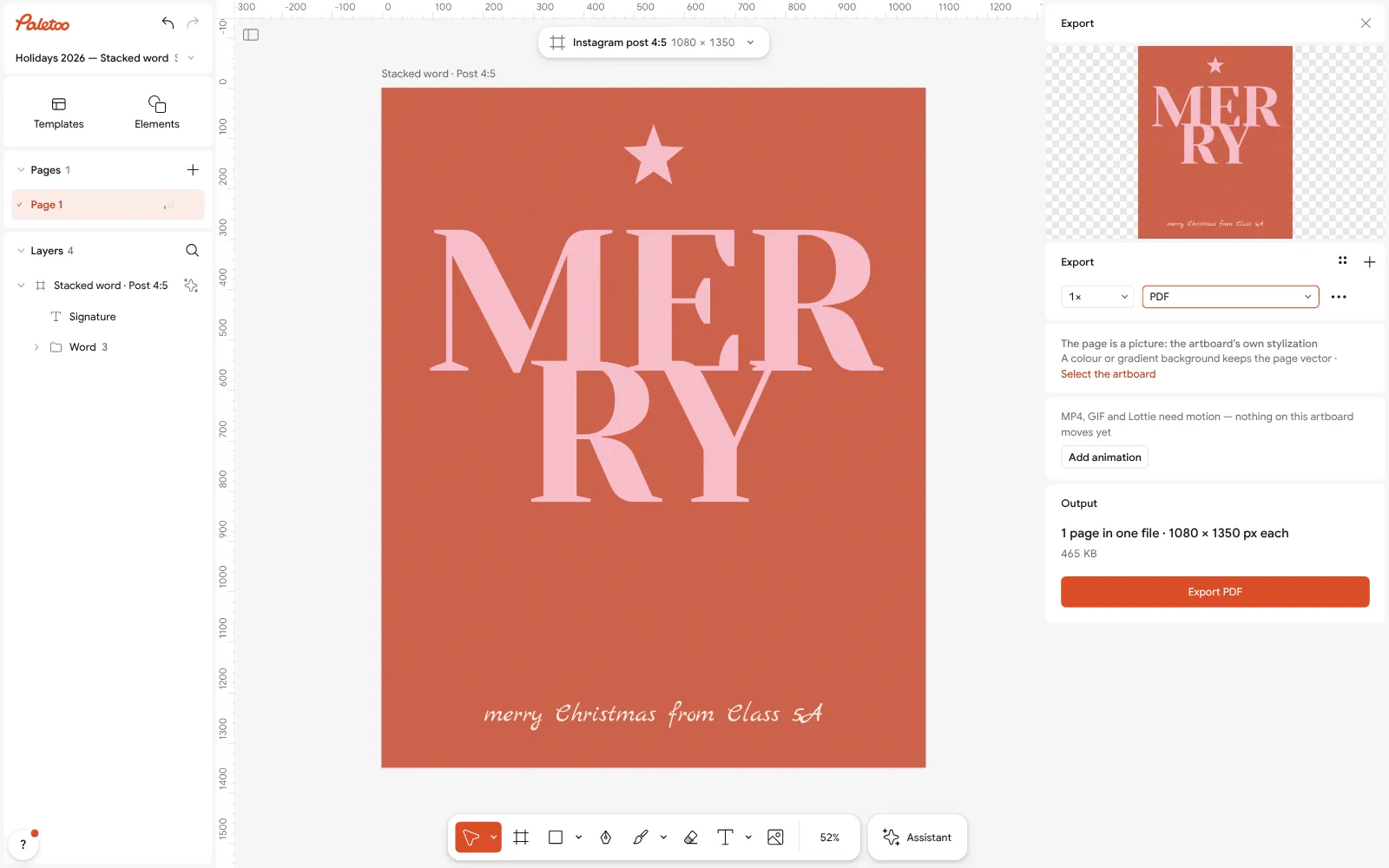
Export as PDF for printing Press Export (Ctrl Shift E), choose PDF and turn on Include bleed and Crop marks for a print shop, or just PDF for a home printer.
For Instagram, press the chip again and under Make a copy as choose a post or a story; export PNG. Nothing carries a watermark.
Make it your own
Add a little sparkle with Glow on the star from the Effects tab — subtle, so it reads as light, not blur.
For a party poster, add a QR code to the RSVP form or the map, at least 3 cm wide on A3.
Make one poster per class or department with Duplicate artboard and change only the signature — the same design, every name.
Sources
Questions
What can I put on a Christmas poster?
One big festive word or picture, and for an event the date, time and place. Keep it to one message; add a QR code for anything longer.
What size should a Christmas poster be?
A3 (297 × 420 mm) for a window or a wall at home, A2 for a corridor or a shop window; 1080 × 1350 for an Instagram post.
What colours are best for a Christmas poster?
Two colours plus white: red and green, red and pink, deep green and gold, or navy and silver.
How do I make a Christmas poster for school?
Open a template, write a short line children can read, leave space for drawings and print it at A3 or A2.
Can I make a Christmas poster for free?
Yes. Paletoo’s Christmas templates are free to edit and export as PDF, PNG or MP4 with no watermark and no account.
Make it online
- Poster makerMake a poster from a template that already has the layout right, then export a print-ready PDF or an image for screens.
- Christmas and New Year cardsPick a card, write your own wish, add a family photo and send it as a picture, a story or a short animation — free.
- Flyer makerTurn a ready flyer template into yours in minutes and send the printer a PDF with bleed and crop marks.
Free design templates for posts, stories and posters: Poster templates · Holiday card templates · Event and launch templates
Try it on your own design
Paletoo opens in your browser, with no sign-up. Every effect here is live: change the picture or the words and the effect follows.
Open in PaletooOpens this design as your own copy — every layer and effect editable, free.
Read next
- 01
 How to make a New Year poster for 2027, free onlineFrom a ready party poster to one with your date, your address and your 2027 on it, in about fifteen minutes and for nothing.
- 02
 Christmas Instagram post ideas for businesses, with free templatesTwelve posts that carry a small business from St Nicholas to New Year, and a template for each.
- 03
 How to make a Christmas card online for free, with your photoFrom a ready card to one with your family on it in about ten minutes, with nothing to pay and no account.