Free tools5 min readFreeUpdated 2026-11-14
Poster sizes: A4 to A0, 18 × 24, 24 × 36 and pixels for print
Every common poster size in one table — millimetres, inches and the pixels to export — and a poster that switches size in one menu.
By the Paletoo team · steps tested in Paletoo on
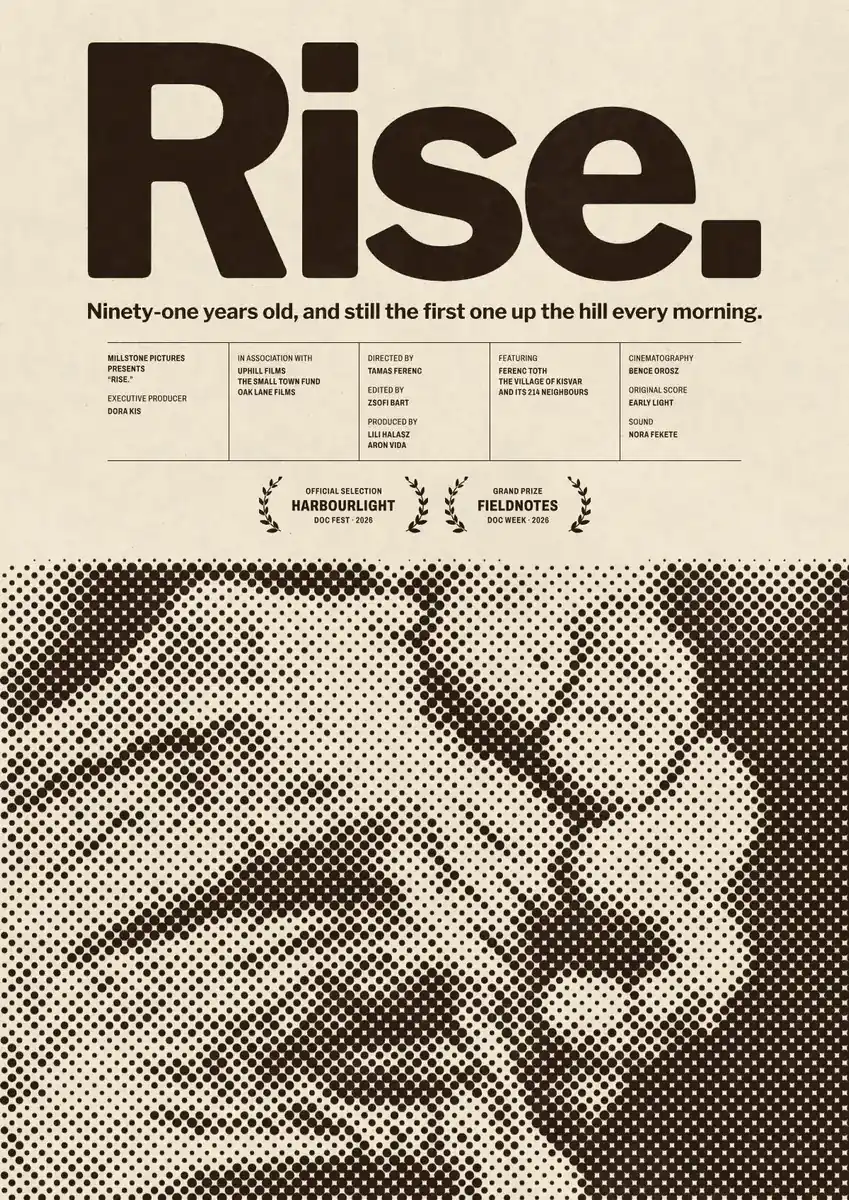
The standard poster sizes are A3 (297 × 420 mm), A2 (420 × 594 mm), A1 (594 × 841 mm) and A0 (841 × 1189 mm) in most of the world, and 11 × 17, 18 × 24 and 24 × 36 inches in the United States; for print at 300 dpi an A3 poster is 3508 × 4961 pixels and an 18 × 24 in poster 5400 × 7200. A sizes all share one shape, so a design scales from A4 to A0 without cropping; the US sizes have three different shapes, so moving between them needs a little rearranging.
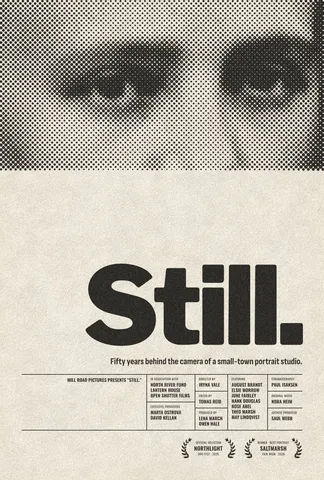
This guide puts every size in one table, explains which one to pick for a wall, a shop window or a conference, and resizes a real poster — «Rise.», a documentary one-sheet printed in coarse halftone — from its screen size to A3 in one menu. Every step was run in Paletoo on 11 November 2026; the pictures are the editor itself.
Standard poster sizes in mm, inches and pixels
Pixels are given at 300 dpi, the print shops’ default. Posters looked at from a few metres away print well at 150 dpi too — half these numbers — which matters for A1 and A0, where a 300 dpi file gets very large.
| Size | Millimetres | Inches | Pixels at 300 dpi |
|---|---|---|---|
| A4 | 210 × 297 | 8.3 × 11.7 | 2480 × 3508 |
| A3 | 297 × 420 | 11.7 × 16.5 | 3508 × 4961 |
| A2 | 420 × 594 | 16.5 × 23.4 | 4961 × 7016 |
| A1 | 594 × 841 | 23.4 × 33.1 | 7016 × 9933 |
| A0 | 841 × 1189 | 33.1 × 46.8 | 9933 × 14043 |
| 50 × 70 cm | 500 × 700 | 19.7 × 27.6 | 5906 × 8268 |
| Tabloid (11 × 17 in) | 279 × 432 | 11 × 17 | 3300 × 5100 |
| 18 × 24 in | 457 × 610 | 18 × 24 | 5400 × 7200 |
| 24 × 36 in | 610 × 914 | 24 × 36 | 7200 × 10800 |
| Movie one-sheet | 686 × 1016 | 27 × 40 | 8100 × 12000 |
Which poster size to choose
Think about distance. A3 is a poster read at arm’s length or across a small room: a notice board, a café, a door. A2 is the classic gig and exhibition poster, readable from about five metres. A1 and A0 are for corridors, conferences and shop windows. In frames, the European 50 × 70 cm and the American 18 × 24 in and 24 × 36 in are the sizes that ready-made frames come in — check the frame first if the poster is going on a wall.
Shapes matter more than sizes when you resize. Every A size has the same proportion, 1 : 1.414 (the square root of two), because each one is half of the one above: an A2 is two A3s side by side. That is why a design made at A3 can be printed at A0 untouched. The US sizes do not share a shape: 18 × 24 is 3 : 4, 24 × 36 is 2 : 3 and 11 × 17 is close to A-shape. Going from A2 to 24 × 36 leaves a strip at the top or bottom to fill.
Resizing a poster without cropping it
Make the design once at the shape you need most, and let the editor scale it. In Paletoo the size chip above the canvas changes the artboard to any of the print sizes; with «Scale artwork» on, the photo, the type and the spacing grow together, so an A3 becomes an A1 with nothing to redo. For a different shape, scale first, then move the top and bottom elements to fill the new height — the middle of the poster rarely needs touching. Add 3 mm of bleed on every side when you export the PDF, so the printer can trim cleanly.
Made in Paletoo
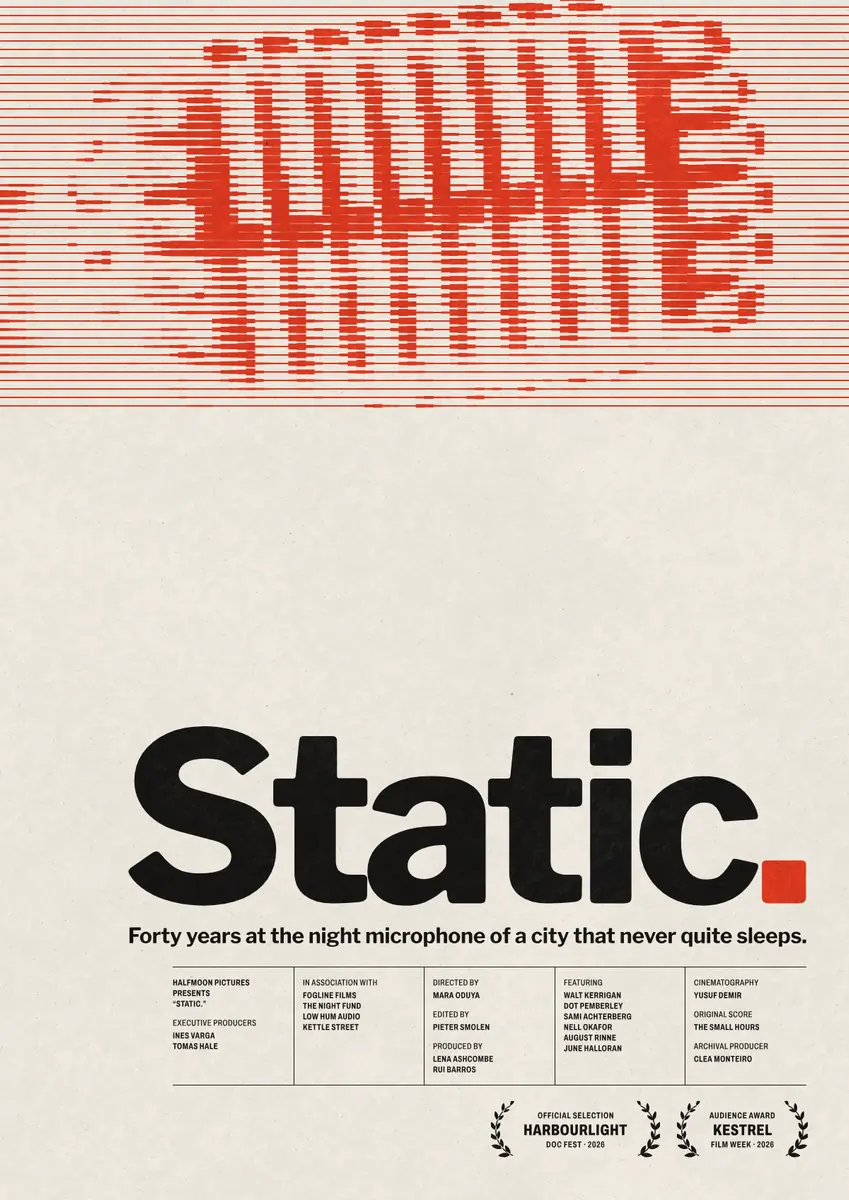
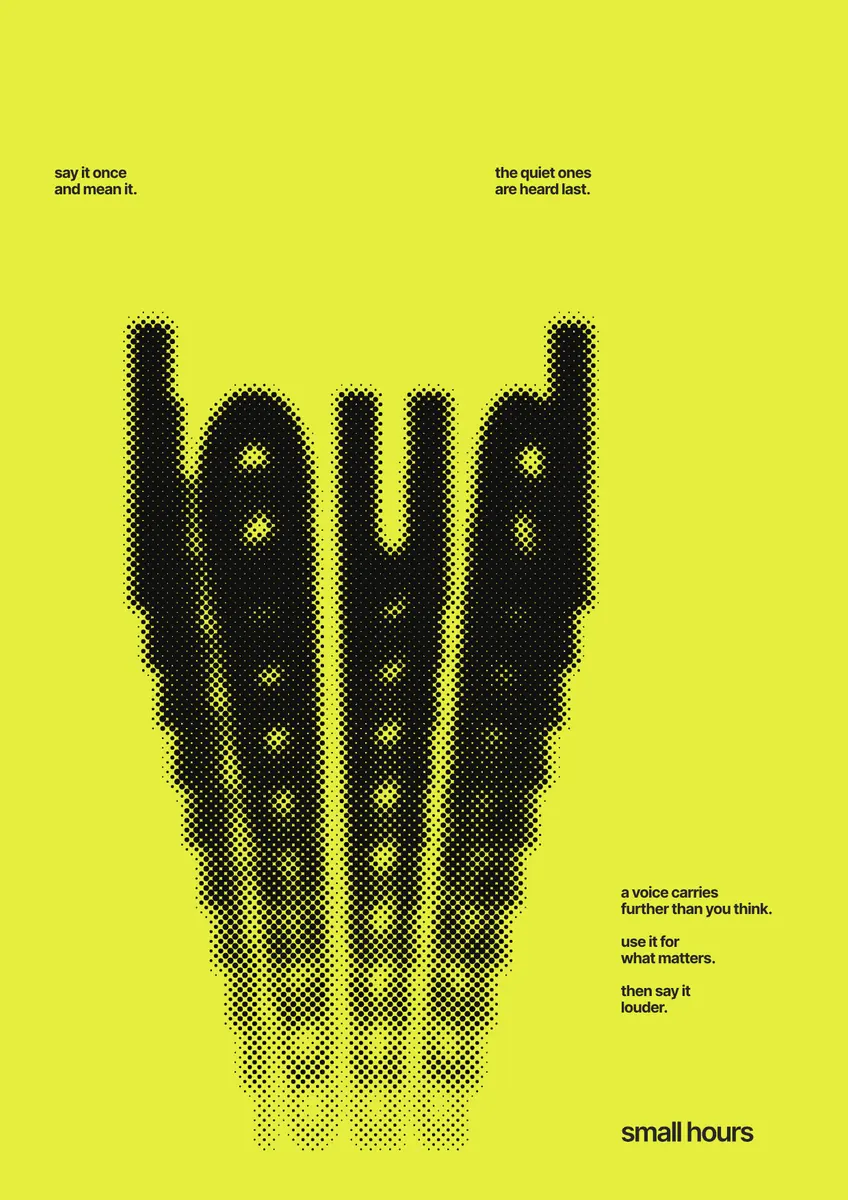
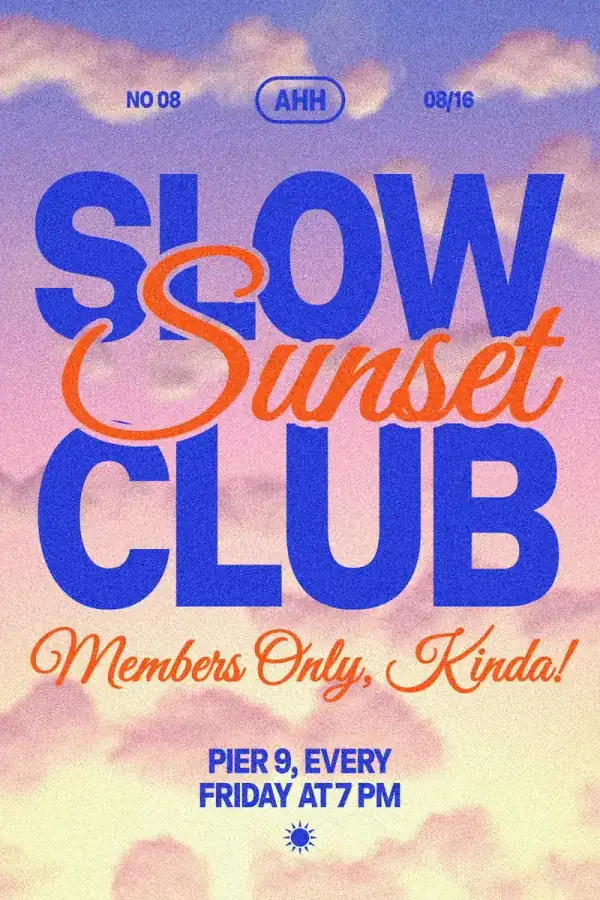
Every picture on this page was made in Paletoo — these three with the same steps on other templates:
Make it free in Paletoo
Open the poster: press “Open in Paletoo” on this page, or start from the poster maker. With nothing selected, the chip above the canvas shows its size: 1200 × 1697, an A shape made for screens.
Press the chip, turn on Scale artwork at the bottom, then pick a size under Resize this artboard in the Print group — A3 portrait is 3508 × 4961 px, A2 is 4961 × 7016. Everything grows with the page.
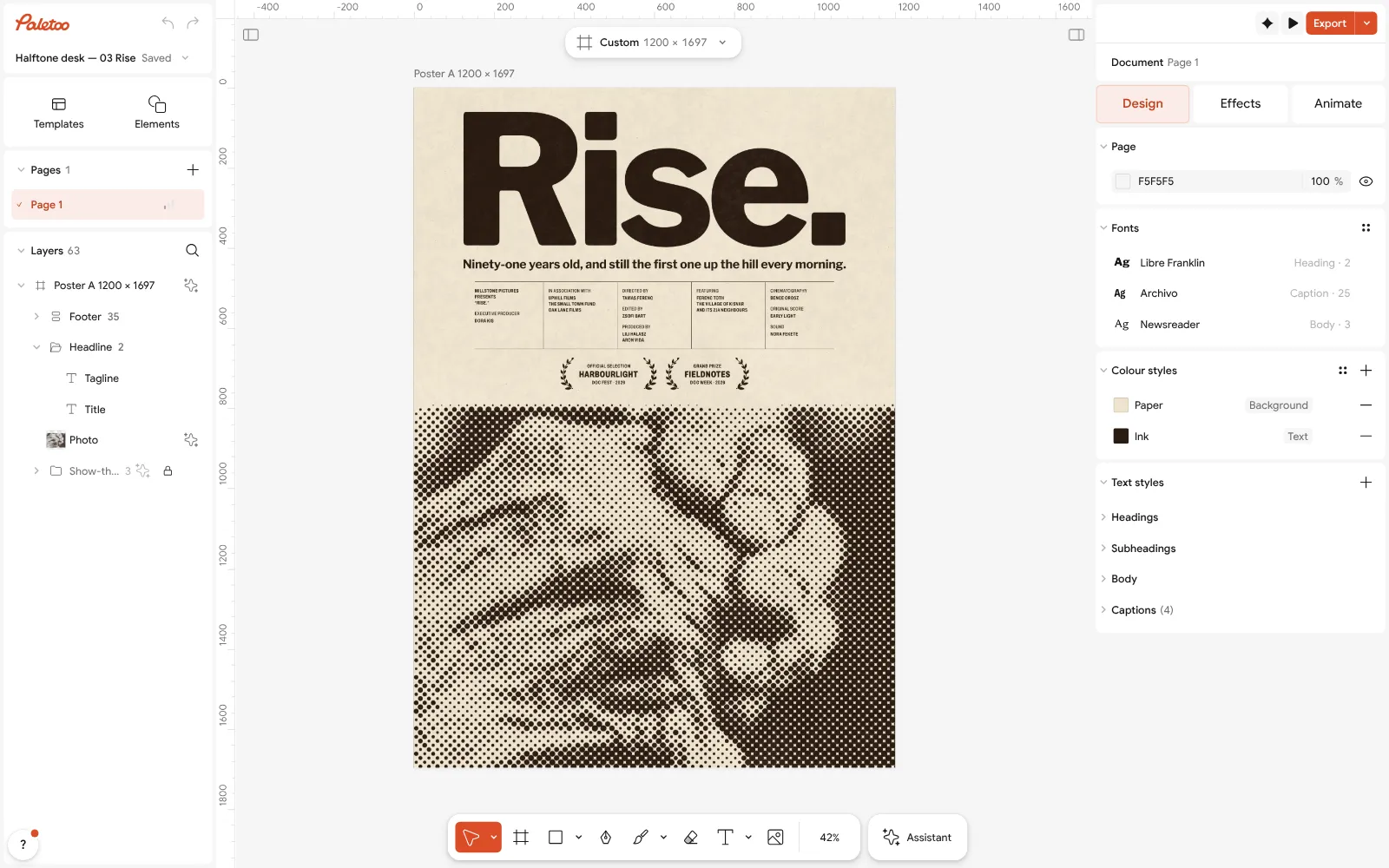
The «Rise.» poster open in Paletoo with nothing selected: its screen size, 1200 × 1697, on the chip For an American frame pick Poster 18 × 24 in or Tabloid; for a European frame Poster 50 × 70 cm. These shapes differ from A, so move the title or the credits a little to fill the new height.
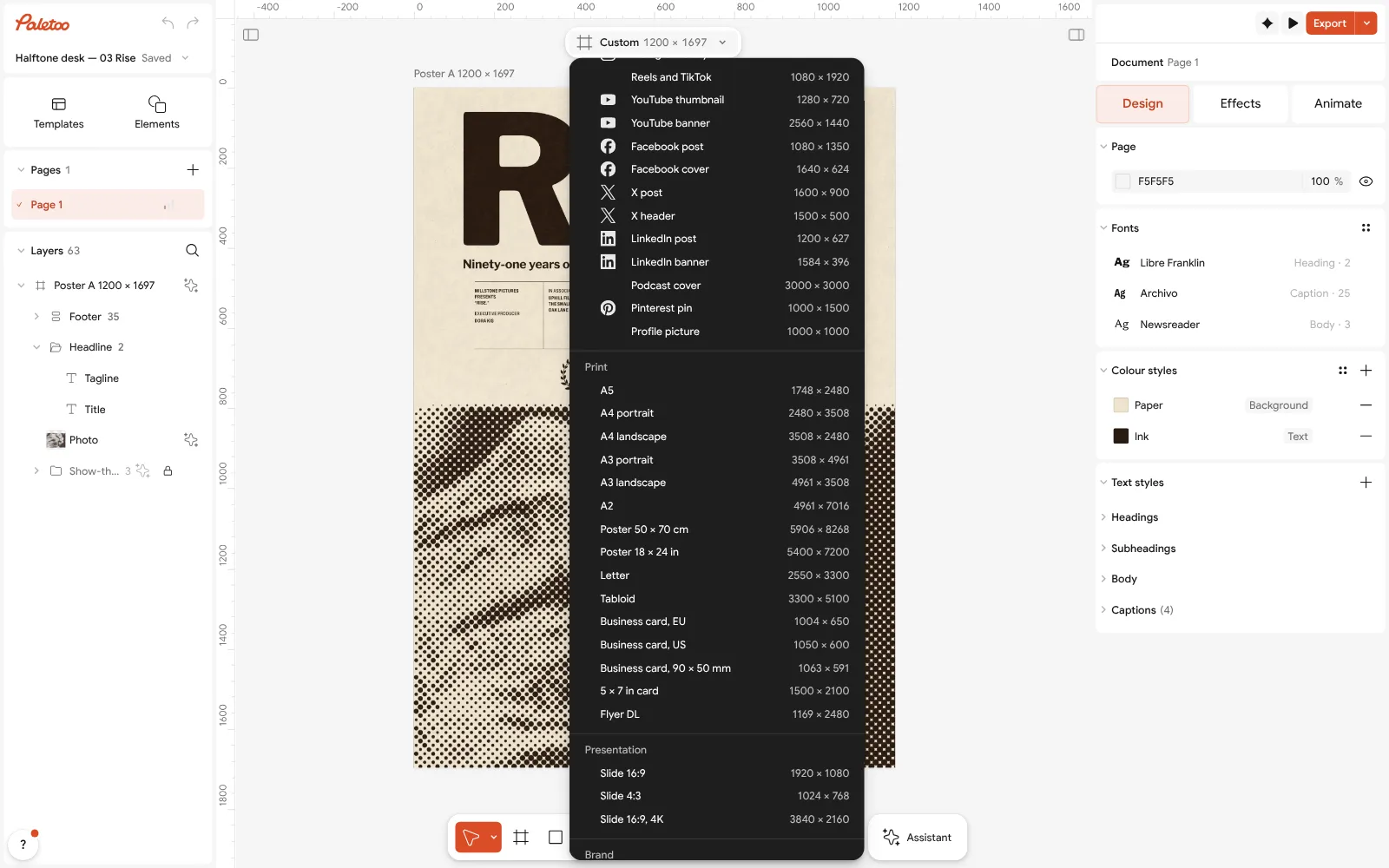
The size chip pressed: A3 portrait in the Print group, with Scale artwork turned on For any other size, start a page from Home with New document › Custom: in the Custom size window choose millimetres or inches under Units, type the size and it shows the pixels at 300 dpi before you press Create.
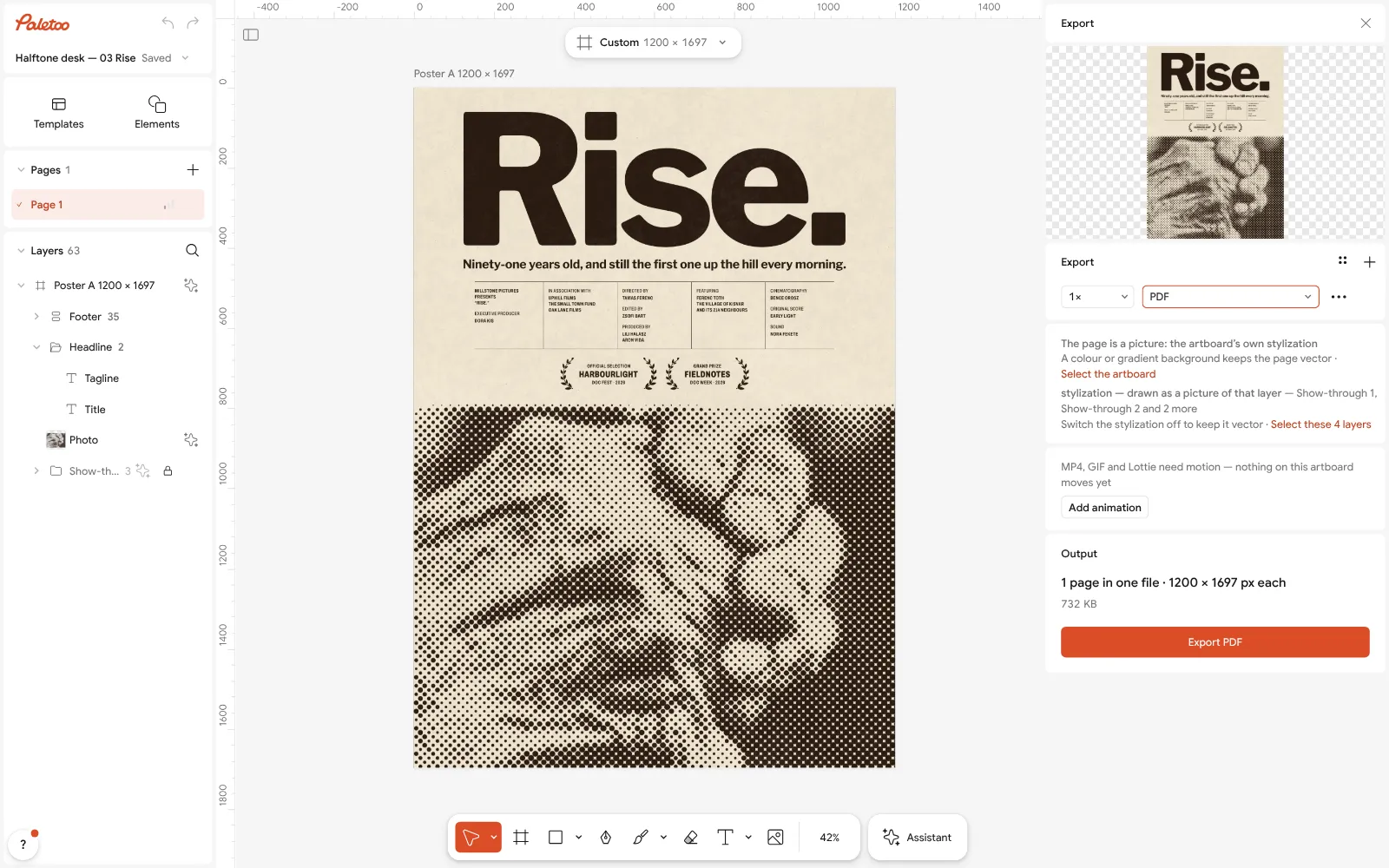
Export as PDF for the print shop Press Export (Ctrl Shift E), choose PDF and turn on Include bleed and Crop marks under Export settings. Send that PDF to the print shop; it is the same file for A3 and A0.
Need a copy for Instagram as well? Press the chip again and under Make a copy as choose a post. Nothing you export has a watermark.
Make it your own
Check small text before printing big: credits that look fine at A3 are twice as large at A1 — but at A4 they may be too small to read. Keep them above 7 pt at the smallest size in Typography.
Turn on a Layout grid with a margin while you rearrange for a new shape, so the edges line up again on the bigger page.
For a test print, export the same PDF and print it at A4 «fit to page»: the proportions are the same, so you see the poster before you pay for the large one.
Sources
Questions
What are the standard poster sizes?
A3 (297 × 420 mm), A2 (420 × 594 mm), A1 (594 × 841 mm) and A0 (841 × 1189 mm) in most countries; 11 × 17, 18 × 24 and 24 × 36 in in the US; 50 × 70 cm is a common European frame.
What size is an A3 poster in pixels?
3508 × 4961 pixels at 300 dpi. At 150 dpi, which is enough for a poster seen from a distance, it is 1754 × 2480.
What is the most common poster size?
For frames in the US, 18 × 24 and 24 × 36 in; in Europe, A2, A1 and 50 × 70 cm. For a notice board or a door, A3.
Can I make an A3 poster bigger without losing quality?
Yes, if it was made in an editor: text and shapes are drawn again at the new size. Photos need enough pixels — about 150 per inch at the final size.
What dpi should a poster be?
300 dpi for posters read up close (A3 and smaller); 150 dpi is fine for A1 and A0 seen from a few metres.
Make it online
- Poster makerMake a poster from a template that already has the layout right, then export a print-ready PDF or an image for screens.
- Flyer makerTurn a ready flyer template into yours in minutes and send the printer a PDF with bleed and crop marks.
- Invitation makerTap an invitation below and it opens ready to edit: write who, when and where, then send it as a picture or print it on A5. Free, with no watermark and no sign-up.
Free design templates for posts, stories and posters: Poster templates · Event and launch templates · Invitation templates
Try it on your own design
Paletoo opens in your browser, with no sign-up. Every effect here is live: change the picture or the words and the effect follows.
Open in PaletooOpens this design as your own copy — every layer and effect editable, free.
Read next
- 01
 Print-ready PDF: bleed, crop marks and CMYK, freeEverything a printer means by “print-ready”, and a checklist before you send the file.
- 02
 Free poster maker: make a poster online with no watermarkA real poster, from the size to a print-ready PDF, without paying or signing up.
- 03
 Poster design tips: 9 tricks that make a poster look designedNine habits that separate a designed poster from an assembled one.