Techniques5 min readFreeUpdated 2026-11-24
How to turn a drawing into a vector (SVG), free
From pencil or ink on paper to clean vector lines you can scale, recolour and cut: the photo, the clean-up, the trace and the SVG, free in your browser.
By the Paletoo team · steps tested in Paletoo on
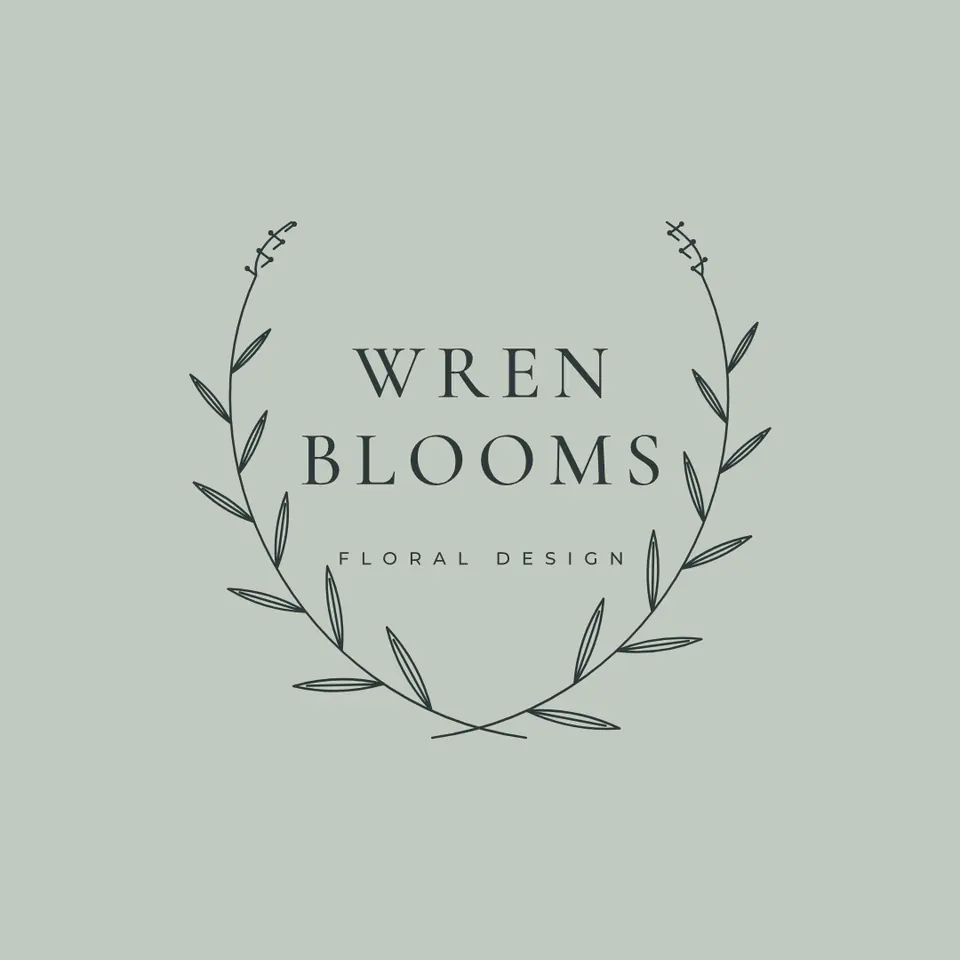
To turn a drawing into a vector, take a sharp, evenly lit photo or scan of it, crop it and make the paper white and the lines dark, then trace it with a line-art or one-colour setting that ignores the background. The tracer turns the lines into vector shapes you can scale to any size, recolour, edit point by point and export as SVG or PDF.
Ink and marker trace best; pencil works if you darken it first. Below: the tracer to try on your own drawing, how to photograph a page so the trace is clean, which settings suit sketches, lettering and coloured drawings, and the steps in Paletoo on «Wren Blooms», a florist’s logo with a hand-drawn wreath.
Try it on a drawing: photograph or scan it, drop it below, or press the «Sketch» sample — the tracer runs in this tab, and your drawing never leaves your device.

Drop an image, get a clean SVG
Your PNG or JPG becomes a vector right here, traced by the same engine as the editor. Free, no sign-up, and the picture never leaves your device.
Download SVGor drop it on the picture, or paste it
Edit in the editorYour picture opens there with Vectorize on it: recolour it, change the detail, edit the points.
Or try one of ours
Free · no sign-up · nothing uploaded
Zoom in: pixels against a vector
The same logo at three zooms. Left of each line the 120 px PNG, right of it the SVG Vectorize made (26 anchor points): it stays sharp at any size.
Photograph or scan the drawing so it traces clean
The trace can only be as clean as the picture. A flatbed scan at 300–600 dpi is ideal; a phone photo works if you shoot straight down in daylight by a window, without flash, with the page flat and filling the frame. Shadows of your phone or your hand become grey smudges the tracer has to guess about, and a page photographed at an angle gives you slanted lines.
Draw for the trace when you can: black ink, a marker or a dark felt-tip on plain white paper, lines at least a millimetre thick, and no lines of a ruled notebook behind them. Pencil traces too, but light, broken strokes come out as broken shapes; go over the lines you want to keep with a pen, or raise the contrast before you trace.
For a quick trace without opening the editor, the image to vector converter turns a PNG or JPG into an SVG in about 30 seconds, and the picture never leaves your browser.
Choose the trace for the kind of drawing
A drawing becomes a vector in one of two ways. As line art, each dark line becomes a filled shape following its edges, so the varying thickness of a brush or a pen is kept — the look of the hand stays. As a silhouette, every dark area becomes one solid shape, which suits bold lettering, stamps and cut files. A coloured drawing traces into a few flat colours, stacked so no gaps show between them.
Set the number of colours to what the drawing really has: one for ink, two or three for a marker drawing with a fill colour. More colours keep shading but make many small shapes; fewer give a cleaner, graphic result. Smoothing rounds off the wobble of the hand, and detail decides how small a speck may be before it is dropped.
| Drawing | Trace as | Colours | Good for |
|---|---|---|---|
| Ink or pen sketch | Line art | 1 | Logos, illustrations, tattoos |
| Hand lettering, calligraphy | Line art or silhouette | 1 | Wordmarks, signs, cut files |
| Pencil sketch | Line art, after darkening | 1 | A base to redraw or colour |
| Marker drawing with colours | Colour trace | 2–5 | Stickers, prints, T-shirts |
| Child’s crayon drawing | Colour trace | 3–6 | Stickers, cards, keepsakes |
After the trace: clean, recolour, export
Look at the result zoomed in. Remove the specks of dust the tracer kept, join or smooth a line where it wobbles, and delete the shape of the paper if it came through. A drawing traced for a logo usually needs a few points moved by hand; a drawing for a sticker or a print is often fine as it comes.
Because the drawing is now shapes, recolouring is one change: pick a new ink and every line follows. Export SVG for the web, a cutting machine or another editor, PDF for print, or PNG with a transparent background for social posts. Keep the original photo too, in case you want to trace again with other settings.
Made in Paletoo
Every picture on this page was made in Paletoo — these three with the same steps on other templates:
Step by step in Paletoo
Open the logo: press “Open in Paletoo” on this page, or open the photo of your own drawing with Open file…. «Wren Blooms» opens as your own 1080 × 1080 document: a hand-drawn wreath of leaves around «WREN BLOOMS» in spaced capitals and «FLORAL DESIGN» under it, dark teal on sage.
Select the name, the layer «Brand name». Under Typography in the Design tab: Cormorant Garamond, 90 px, in capitals — a light serif that sits well beside a pen line. For your own drawing, select the photo instead and press Vectorize; for ink choose Line art, leave Remove background and Keep original (hidden) on.
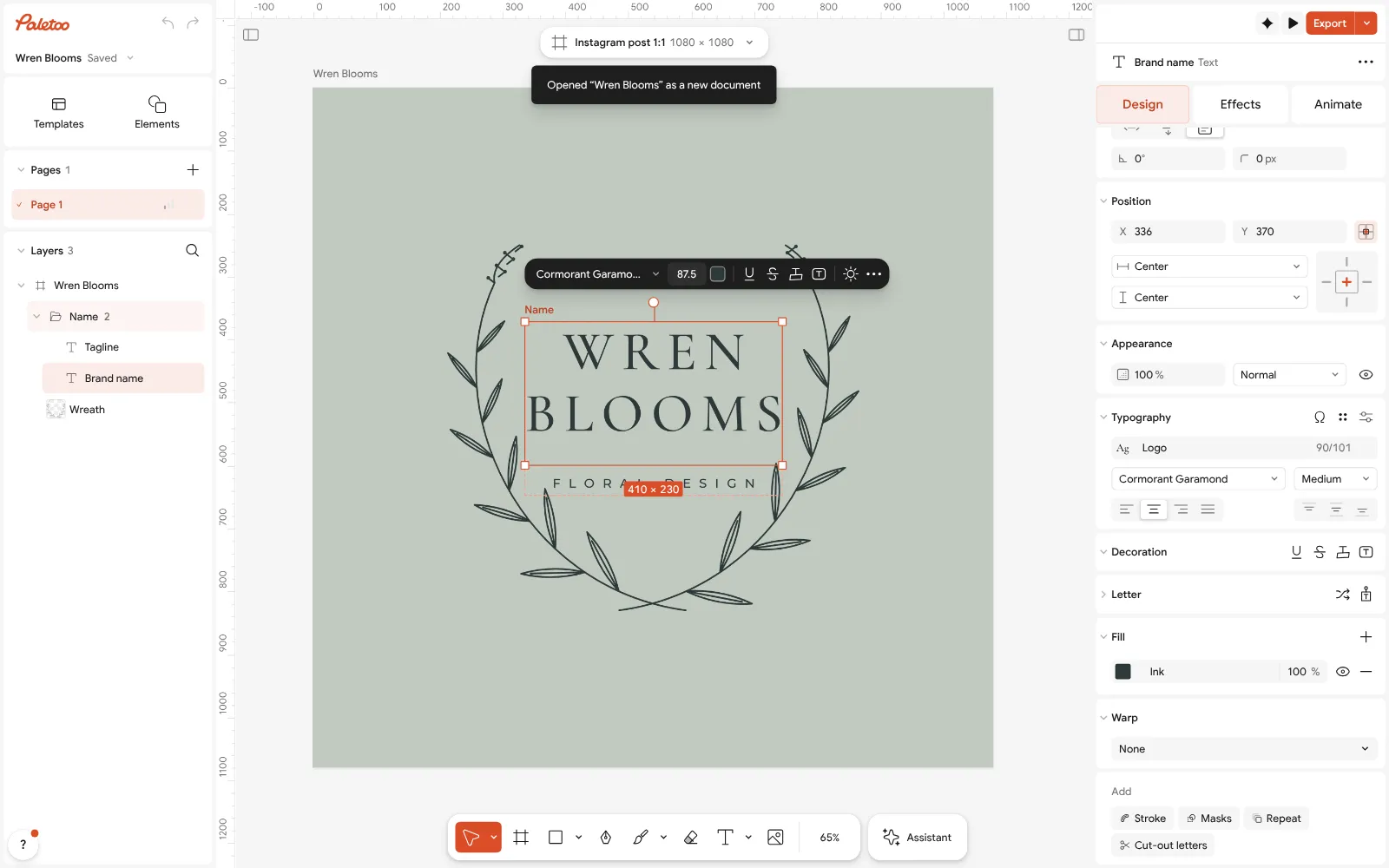
The «Wren Blooms» logo open in Paletoo with its name selected: Cormorant Garamond under Typography Turn on Show outlines to see the lines as paths. If a line wobbles, raise Smoothing; if fine hatching disappears, raise Detail. For a drawing with colour, set Colours to the number it really has, then press Vectorize.
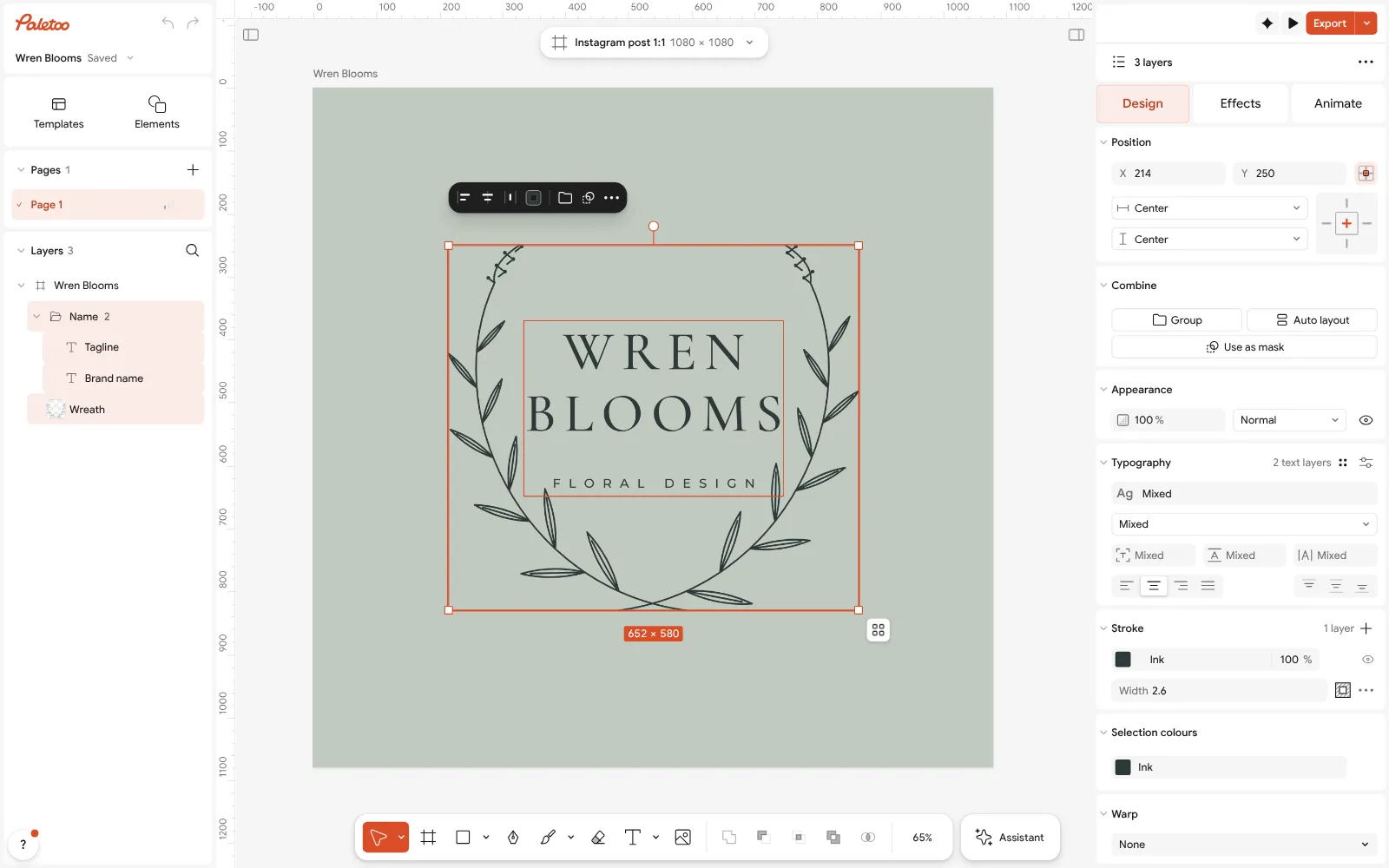
Everything selected: Selection colours lists the teal of the drawing and the sage ground Press Select all (Ctrl A). Selection colours lists the teal of the wreath and the text and the sage of the ground: change a swatch and every line in that colour follows.
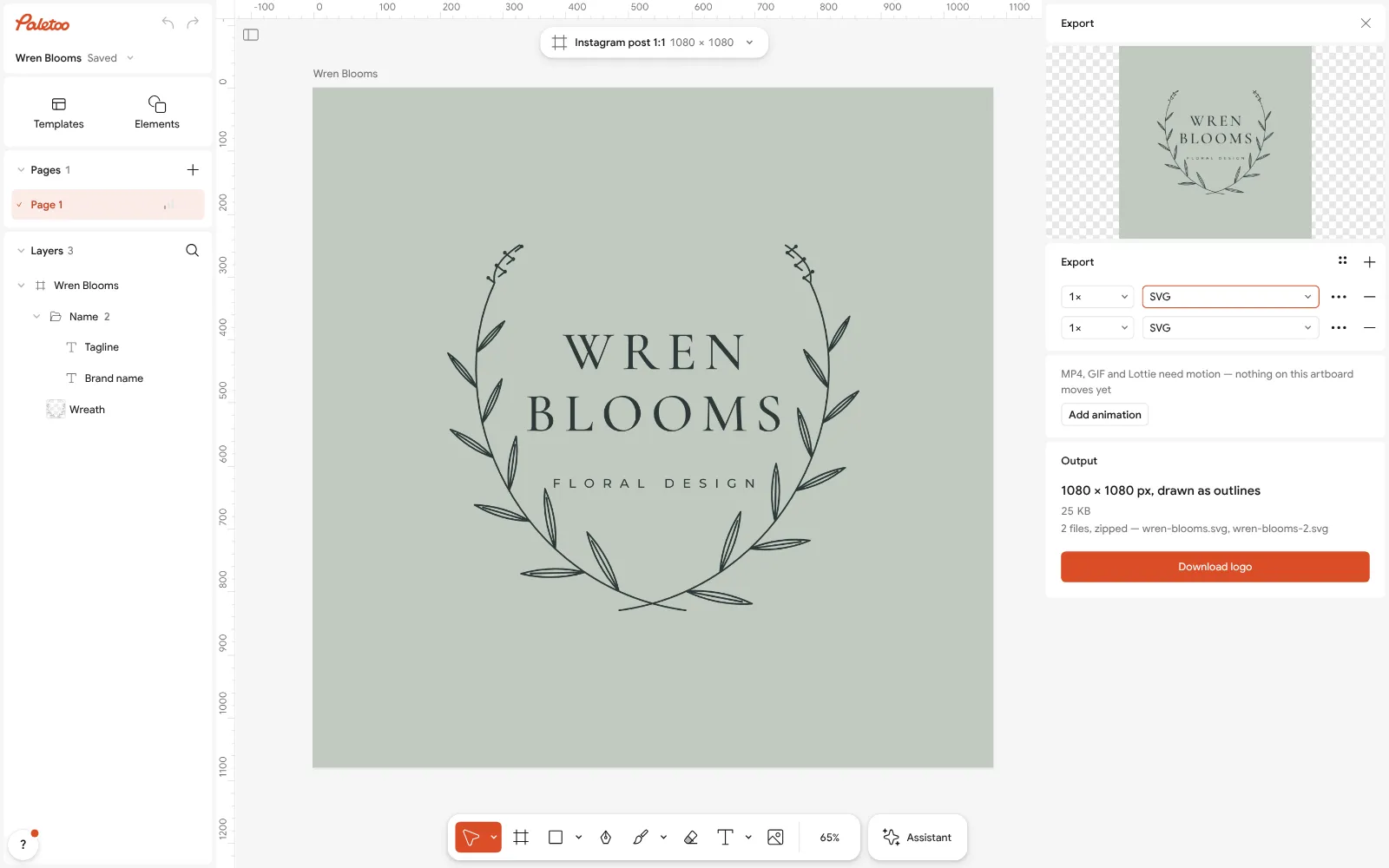
The Export window with SVG chosen for the vector drawing Double-click a traced shape to move its points, or select stray specks and delete them. Shapes of one colour that should be one piece can be merged with Union selection.
Press Export (Ctrl Shift E) and choose SVG, or PDF for print. Tick Outline text if the file goes to a cutter or another program without your fonts.
Make it your own
If the trace is too heavy, the photo was too dark: choose Line art again and lower Detail; if thin lines vanished, raise it.
A coloured drawing with shading looks better with fewer Colours: three or four flat inks read as a deliberate print, not a blurry copy.
For a sticker, add the white edge after tracing; for a cutting machine, see SVG for Cricut. More on the tracer itself: vectorize an image free.
Sources
Questions
How do I turn a drawing into a vector for free?
Photograph or scan it in even light, drop it into the tracer on this page or open it in Paletoo, and press Vectorize with Line art chosen and Remove background on. Then export SVG or PDF — free, no sign-up, no watermark.
Can I vectorize a pencil sketch?
Yes, but light pencil traces as broken lines. Go over the lines with a pen, or raise the contrast of the photo first, and trace as Line art with one colour.
What is the best way to scan a drawing for vectorizing?
A flatbed scan at 300–600 dpi, or a phone photo taken straight down in daylight without flash, with the page flat and filling the frame. Avoid shadows and ruled paper.
Will the vector keep the look of my hand-drawn lines?
With a line-art trace, yes: each line becomes a shape that follows its edges, so the changing thickness of the pen or brush is kept.
Can I turn a coloured drawing into a vector?
Yes. Set the number of colours to what the drawing has, and the tracer makes one flat shape per colour, stacked so no gaps show. Fewer colours give a cleaner result.
What can I do with a vectorized drawing?
Scale it to any size without blur, recolour it in one change, use it as a logo, cut it as vinyl or on a laser, print it on T-shirts and stickers, or edit it in any vector editor.
Make it online
- Image to vector converterTurn a PNG or JPG logo, icon or drawing into a clean SVG in about 30 seconds — free, no sign-up, and your picture never leaves your browser.
- Make stickers from photosPick a few photos and get a sticker pack: each one cut out with a white rim and a caption, for Telegram, WhatsApp or as PNG files — free, no sign-up.
- Logo makerType your brand name, pick a logo, try fonts, colours and layouts, then download SVG, PNG and app icons — free, no watermark, no sign-up.
Free design templates for posts, stories and posters: Brand guidelines templates
Try it on your own design
Paletoo opens in your browser, with no sign-up. Every effect here is live: change the picture or the words and the effect follows.
Open in PaletooOpens this design as your own copy — every layer and effect editable, free.
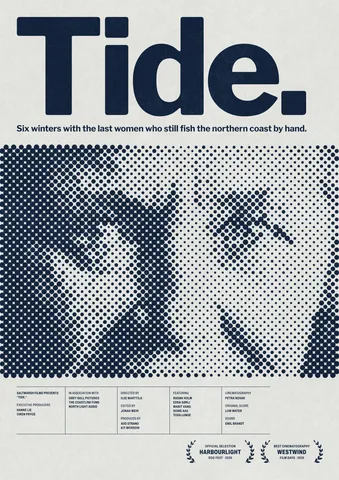 Vectorize an image for free: raster to vector online
 PNG to SVG: why most converters make 2,000 points and how to get 20