Free tools6 min readFreeUpdated 2026-11-17
SVG for Cricut: make a cut file free from a picture or a logo
What Cricut Design Space needs from an SVG, how to get one from a PNG or from scratch, and the mistakes that make a cut fail.
By the Paletoo team · steps tested in Paletoo on
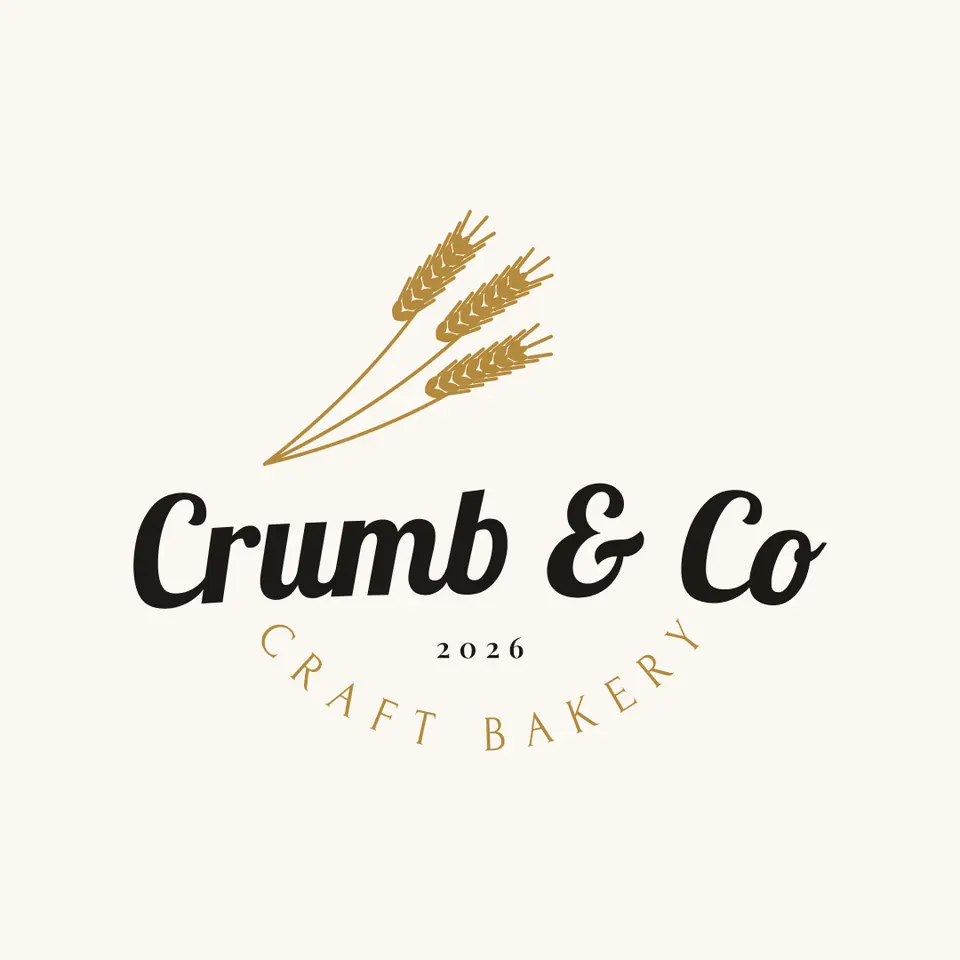
To make an SVG for Cricut for free, build or trace the design as flat, filled shapes in one colour per vinyl, turn text and lines into outlines, and export an SVG. In Paletoo that means Vectorize for a picture, Outline stroke for lines, and an SVG export with Outline text ticked. In Cricut Design Space, upload the file with Upload, then Upload Image: each colour arrives as its own layer, and each layer is cut on its own mat.
This guide covers what a cut-ready SVG looks like, PNG versus SVG in Design Space, fonts that cut well, and the steps on «Crumb & Co» — a bakery decal with a script name in Lobster, three gold wheat ears and «CRAFT BAKERY» on an arc, in two colours. The image to vector converter traces your own picture; to compare tracers, see the best free vectorizer.
What Design Space needs from an SVG
A Cricut cuts along paths: the blade follows each closed outline. So a good cut file is a set of filled, closed shapes, grouped by colour, with no hairlines and no pictures inside. Design Space keeps an SVG’s layers: every colour becomes a layer, and each layer is cut on a mat of its own.
| Check | Why | How in Paletoo |
|---|---|---|
| One colour per vinyl | Each colour is a separate cut on a separate mat | Selection colours: merge near-identical shades |
| Filled shapes, not strokes | The blade follows outlines, not a line’s width | Outline stroke on drawn lines |
| Text as outlines | Live SVG text needs fonts the cutter app may not have | SVG export with Outline text |
| No tiny parts | Very thin pieces tear and are hard to weed | Set small type bigger or bolder |
| No background box | A ground rectangle would be cut as a square | Export the selection, not the artboard |
| No embedded pictures | A photo inside an SVG cannot be cut | Vectorize pictures first |
PNG or SVG in Design Space
Design Space also takes JPG, PNG, GIF and BMP. It then asks how complex the picture is, lets you erase the background, and makes a cut path round what is left — fine for a sticker you print and then cut, poor for layered vinyl, because the picture becomes one shape. An SVG (or DXF) keeps every colour and every hole as you made it, scales without blur and needs no cleaning.
Single colour or layered. A one-colour decal, a stencil or a monogram is one layer — the simplest and most forgiving cut. Layered vinyl or iron-on cuts each colour separately and stacks them; let the lower colours reach slightly under the upper ones rather than meet edge to edge, so no gap shows if a layer lands a little off. For iron-on, turn on Mirror for each mat before cutting.
Fonts that cut well, welding and upload
Cut type needs weight: a bold sans such as Montserrat Bold or Russo One, a slab, or a script whose letters join, such as Lobster. Hairline serifs and thin joins tear in vinyl; as a rule of thumb, keep every stroke at least about 1 mm wide at the final size. A thin capital line under a logo is usually the first thing to fail — set it larger or heavier.
In a joined script the letters overlap, and each letter is its own outline, so the blade would cut through the word at every join. In Design Space, select the word and press Weld: the letters become one shape with one outline. Do the same for any shapes that touch and should come off the backing as one piece.
Upload, at a high level: in Design Space choose Upload, then Upload Image, pick the SVG, name it and save. Select it in your uploads, add it to the canvas, set the width you want in inches or centimetres, weld the script, then press Make and follow the mats.
Made in Paletoo
Every picture on this page was made in Paletoo — these three with the same steps on other templates:
Make it free in Paletoo
Open the logo: press “Open in Paletoo” on this page, or start from the logo maker. It opens as your own 1080 × 1080 document on cream: «Crumb & Co» in Lobster on a gentle arch, three gold wheat ears above it, a small «2026» and «CRAFT BAKERY» in spaced capitals on a curve.
Select the name, the layer «Brand name». Under Typography in the Design tab: Lobster, 168 px — a script whose letters join, so the word cuts as one piece once welded. To set your own words, double-click and type.
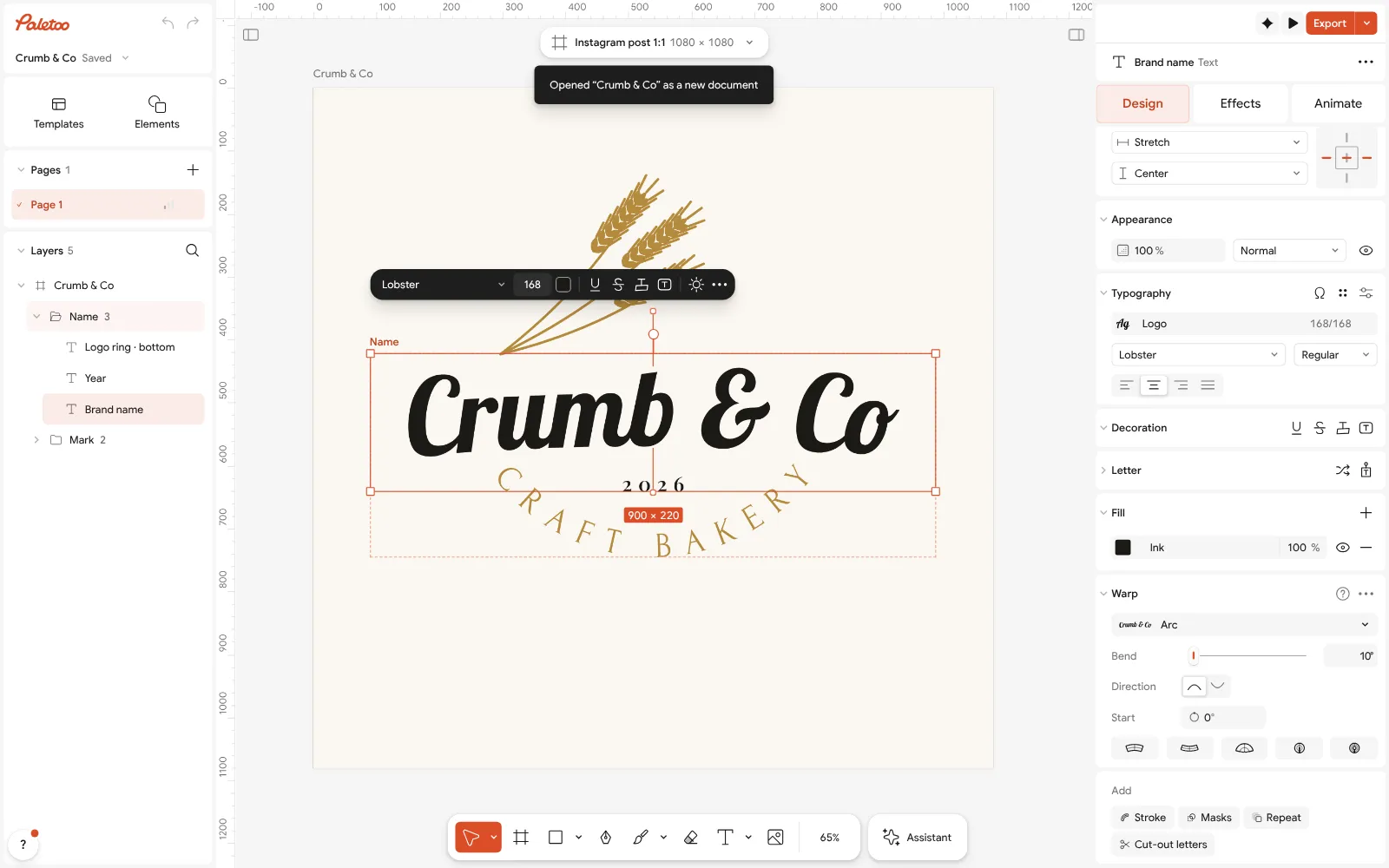
The bakery logo open in Paletoo: «Brand name» selected — Lobster, 168 px, under Typography in the Design tab Press Select all (Ctrl A). The Design tab shows Selection colours: the near-black of the type and the gold of the wheat and the ring. Two colours mean two layers and two vinyls; change a swatch and every shape in that colour follows.
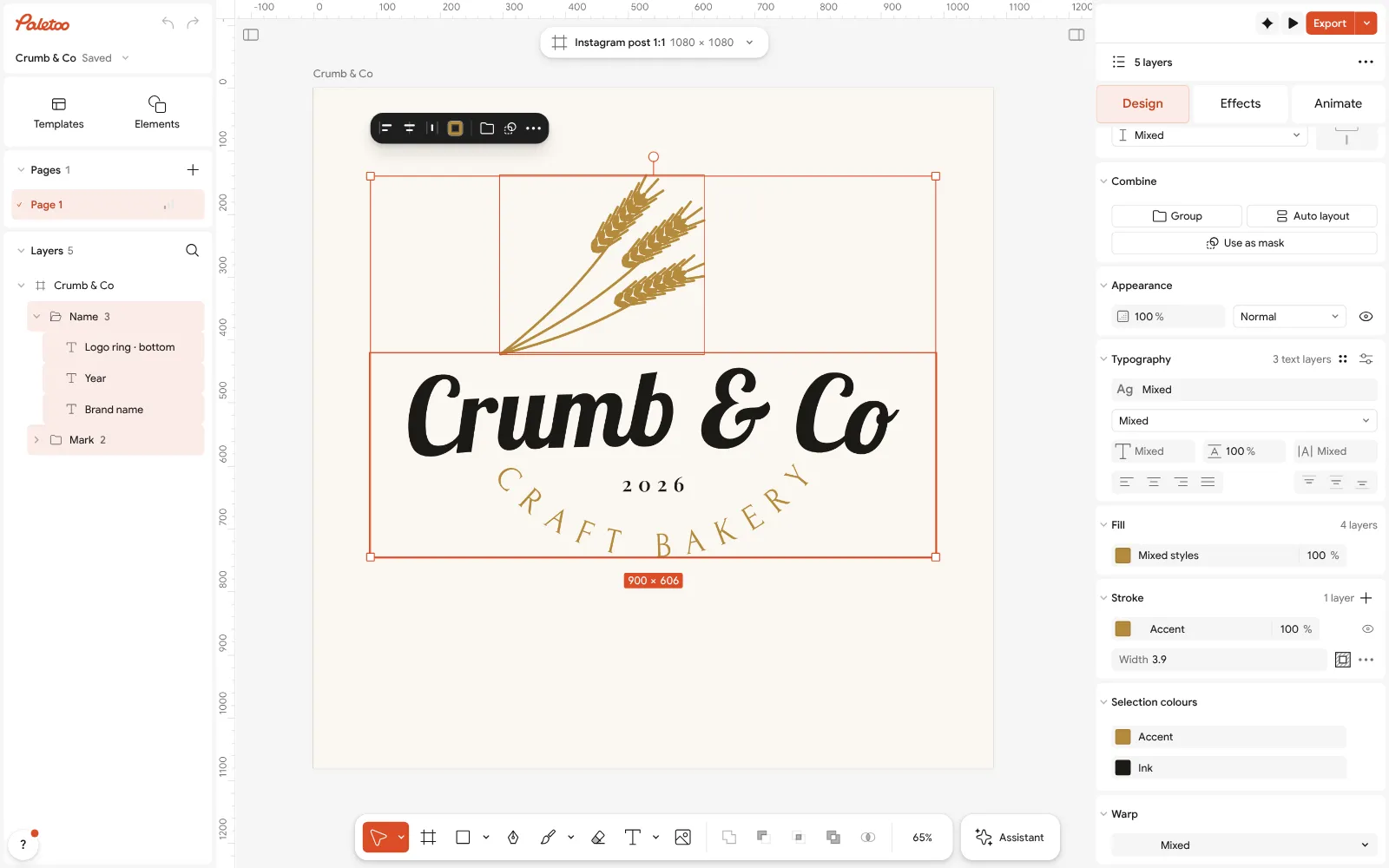
Everything selected: two Selection colours, near-black and gold, in the Design tab Select the wheat stalks: they are lines drawn with a 3.9 px stroke, which a blade cannot cut as a band. Run Outline stroke (Ctrl Alt O) to turn them into filled shapes.
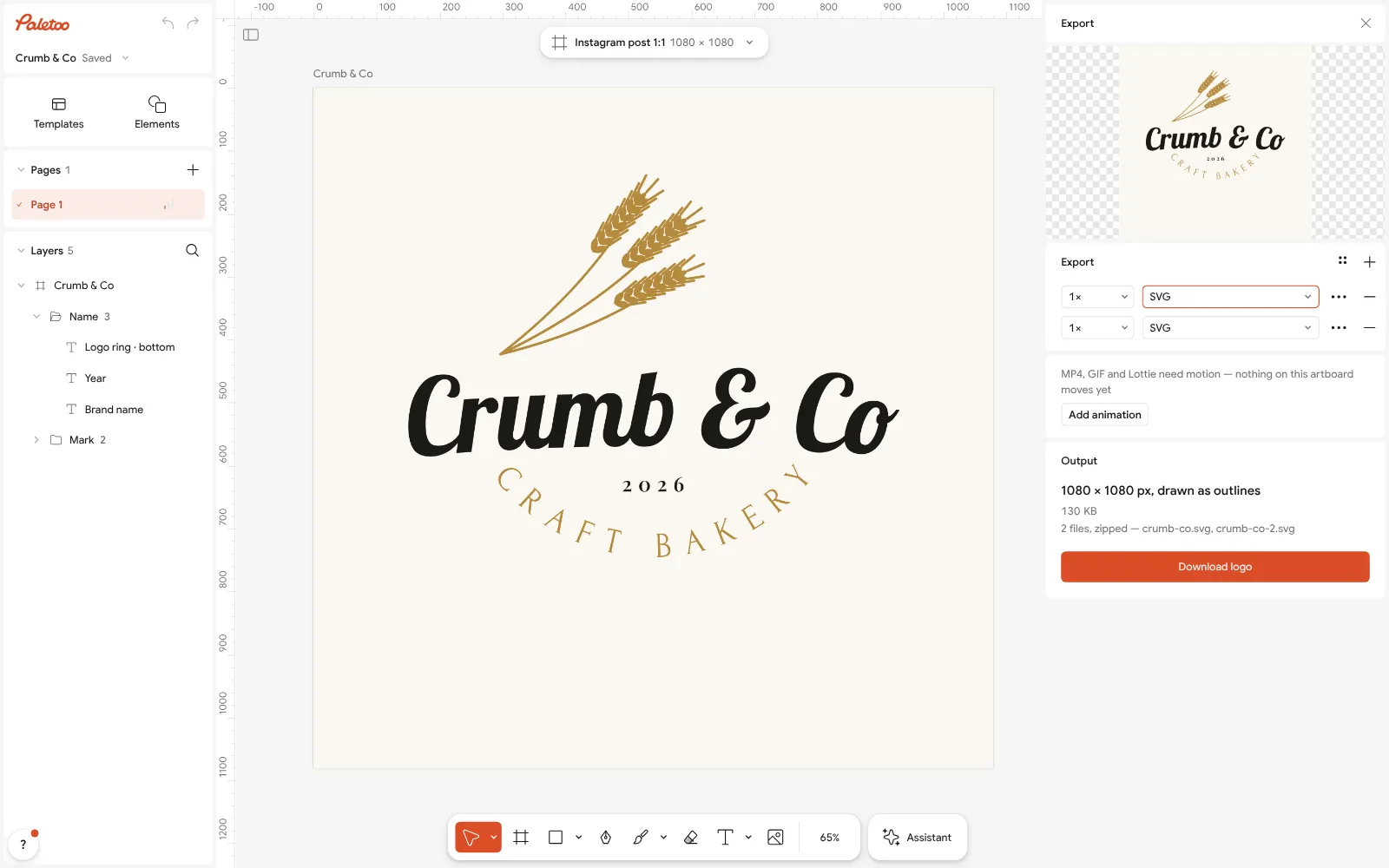
The Export window with SVG chosen and the selection as its content Select everything again and press Export (Ctrl Shift E). With layers selected, Content is Selection, so the cream ground stays out of the file. Choose SVG and tick Outline text: the words become vector shapes, and Design Space needs no fonts.
In Cricut Design Space, choose Upload, then Upload Image, pick the SVG and save it. Add it to the canvas, set its width, select the name and press Weld, then Make: the black and the gold go to separate mats.
Make it your own
Only have a PNG or a photo? Select it and press Vectorize. For one-colour vinyl choose Silhouette or set Colours to 1; for a drawing choose Line art; leave Remove background on, so the white paper is not traced as a colour.
Clean draws a drawing’s lines as strokes, which is perfect for editing and wrong for a blade: select them afterwards and run Outline stroke. Vectorize also stacks its colours, each lower one reaching under the next — exactly what layered vinyl wants.
If two shapes of one colour overlap and should cut as one, select them and use Union selection before export: the result has a single outline. For finer clean-up of points, see how to edit an SVG online.
Sources
Questions
How do I convert an image to SVG for Cricut for free?
Open the picture in Paletoo, select it and press Vectorize — Silhouette or one colour for single vinyl — then export SVG with Outline text ticked. It runs in the browser, needs no account and costs nothing.
Does an image have to be SVG for Cricut?
No. Design Space also takes JPG, PNG, GIF and BMP, but turns them into a cut path round the outside; for layered designs and clean edges, SVG is better.
Why is there a square around my design in Design Space?
The background was exported with the design. Export only the selected shapes, or hide or delete the background layer in Design Space before cutting.
Why does Cricut cut through the letters of my script font?
The letters overlap and each is cut as its own outline. Select the text in Design Space and press Weld to make the word one shape.
What fonts are best for Cricut?
Bold sans serifs, slabs and scripts with joined letters, such as Montserrat Bold, Russo One or Lobster. Avoid hairline serifs and thin joins, which tear in vinyl.
Can I sell things made from my own Cricut SVG?
Your own design, yes, and fonts under the SIL Open Font License, like those named here, allow it. Tracing someone else’s artwork or a brand’s logo does not make it yours.
Make it online
- Image to vector converterTurn a PNG or JPG logo, icon or drawing into a clean SVG in about 30 seconds — free, no sign-up, and your picture never leaves your browser.
- Logo makerType your brand name, pick a logo, try fonts, colours and layouts, then download SVG, PNG and app icons — free, no watermark, no sign-up.
Free design templates for posts, stories and posters: Brand guidelines templates
Try it on your own design
Paletoo opens in your browser, with no sign-up. Every effect here is live: change the picture or the words and the effect follows.
Open in PaletooOpens this design as your own copy — every layer and effect editable, free.
Read next
- 02
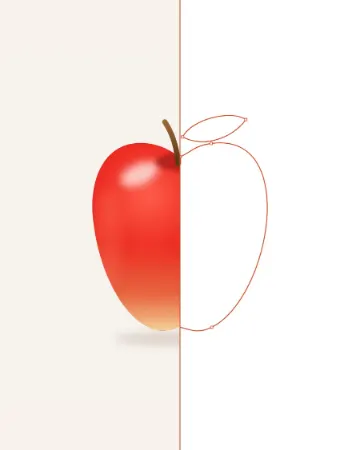 PNG to SVG: why most converters make 2,000 points and how to get 20The same apple, traced two ways: 2,840 anchor points, or 14 and a few soft shapes.
- 03
 Vectorize an image for free: raster to vector onlineTurn pixels into shapes you can scale, recolour and cut — and know when not to.
- 04
 How to edit an SVG online for free — on a computer or a phoneOpen the file, recolour it, retype it, move the parts — and save it back as an SVG, with nothing to install.